




Here's how it works

01. Edit your form online
Type text, add images, blackout confidential details, add comments, highlights and more.

02. Sign it in a few clicks
Draw your signature, type it, upload its image, or use your mobile device as a signature pad.

03. Share your form with others
Send it via email, link, or fax. You can also download it, export it or print it out.
How to use or fill out FBI CRIMINAL REPORT REQUEST - Safe Sky - safesky with our platform

- Click ‘Get Form’ to open it in the editor.
- Begin by filling out the 'Applicant Information' section. Enter your last name, first name, and any middle names if applicable. Ensure you provide your date of birth and the last four digits of your Social Security Number.
- Complete your home address details, including street address, city, postal code, and state. Indicate whether you are a U.S. citizen or legal permanent resident and provide your country of citizenship.
- Fill in your contact information: phone number and email address. If you are requesting results to be mailed to an attorney, include their details in the designated section.
- Select your shipping option for receiving the report and indicate the quantity of additional copies if needed. Make sure to specify your payment type and total payment enclosed.
- Finally, sign and date the form at the bottom, ensuring all required fields are completed before submission.
Start using our platform today for free to streamline your FBI Criminal Report Request process!
Fill out FBI CRIMINAL REPORT REQUEST - Safe Sky - safesky online
It's free
It's free
See more FBI CRIMINAL REPORT REQUEST - Safe Sky - safesky versions
We've got more versions of the FBI CRIMINAL REPORT REQUEST - Safe Sky - safesky form. Select the right FBI CRIMINAL REPORT REQUEST - Safe Sky - safesky version from the list and start editing it straight away!
Security and compliance
At DocHub, your data security is our priority. We follow HIPAA, SOC2, GDPR, and other standards, so you can work on your documents with confidence.
Learn more


Related forms

Magnolia claim
The document is a Claim Dispute Form for the Magnolia Health Plan of Mississippi, intended for providers to dispute deci ...
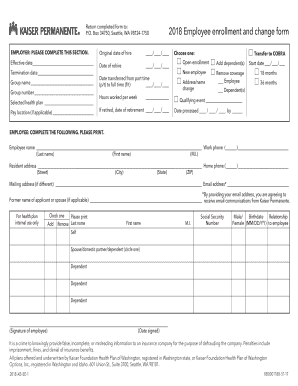
Selected health plan
The document is an employee enrollment and change form for Kaiser Permanente, detailing sections for employer and employ ...
Authorized Poultry Testing Agent Course Registration Form
The document outlines the details of an Authorized Poultry Testing Agent (APTA) training course organized by the Minneso ...

Loudoun adu
The document is a Home Buyer Pre-Screening Questionnaire designed for applicants seeking eligibility for a housing progr ...
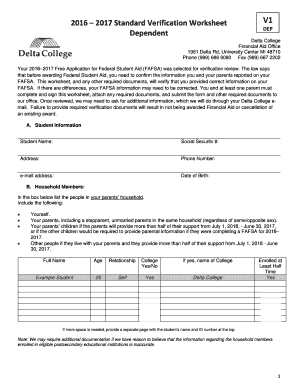
2016 2017 Standard Verification Worksheet - Delta College - delta
The document is the 2016-2017 Standard Verification Worksheet for dependent students at Delta College, which is required ...
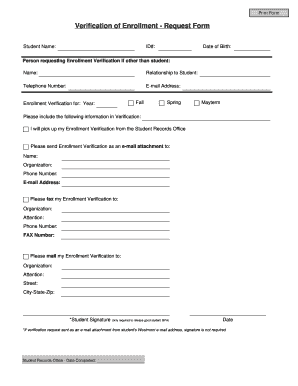
Verification of Enrollment - Request Form
The document is a Verification of Enrollment Request Form for students to request their enrollment verification from the ...
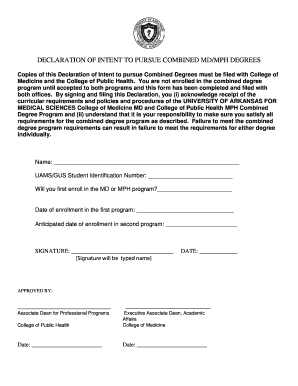
DECLARATION OF INTENT TO PURSUE COMBINED MD MPH DEGREES
The document is a Declaration of Intent for students wishing to pursue combined MD/MPH degrees at the University of Arka ...

Student availability sheet - CSU, Chico - csuchico
The document is a Student Availability Sheet designed for students to indicate their availability during the current sem ...