




Here's how it works

01. Edit your l l bean catalog request online
Type text, add images, blackout confidential details, add comments, highlights and more.

02. Sign it in a few clicks
Draw your signature, type it, upload its image, or use your mobile device as a signature pad.

03. Share your form with others
Send ll bean catalog request via email, link, or fax. You can also download it, export it or print it out.
How to use or fill out ll bean order form with our platform

- Click ‘Get Form’ to open the ll bean order form in the editor.
- Begin by filling out the 'Ship to' section. Enter the recipient's name and address, ensuring you include any apartment number and city details.
- Next, complete the 'Bill To' section with your billing information, including your name, address, and phone numbers for daytime and evening contact.
- In the 'Item Details' section, specify the item number, color choice, style, size, and quantity of each product you wish to order.
- Select your preferred method of payment. Fill in your card details or check information as required.
- If applicable, enter any promo codes or gift card numbers in their designated fields to apply discounts.
- Review all entered information for accuracy before submitting your completed order form.
Start using our platform today for free to streamline your ll bean order process!
Fill out ll bean order form online
It's free
It's free
See more ll bean order form versions
We've got more versions of the ll bean order form form. Select the right ll bean order form version from the list and start editing it straight away!
| Versions | Form popularity | Fillable & printable |
|---|---|---|
| 2012 | 4 Satisfied (27 Votes) |
Security and compliance
At DocHub, your data security is our priority. We follow HIPAA, SOC2, GDPR, and other standards, so you can work on your documents with confidence.
Learn more


Related forms

Dhs citizenship immigration instructions processing
The document provides detailed instructions for completing Form I-600A, the Application for Advance Processing of an Orp ...

I 941 application
The document is the USCIS Form I-941, Application for Entrepreneur Parole, which allows foreign entrepreneurs to apply f ...

Citizenship immigration services instructions application
The document provides detailed instructions for physicians applying for the Civil Surgeon Designation using Form I-910, ...

Uscis fee form
The document is a comprehensive fee schedule from the U.S. Citizenship and Immigration Services (USCIS) detailing variou ...
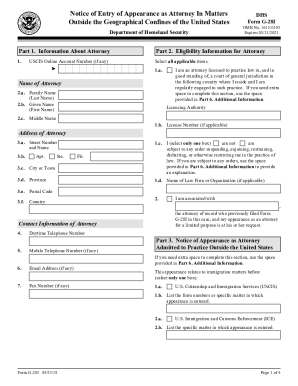
Uscis attorney form
The document is a Notice of Entry of Appearance as Attorney (Form G-28I) for attorneys practicing outside the United Sta ...
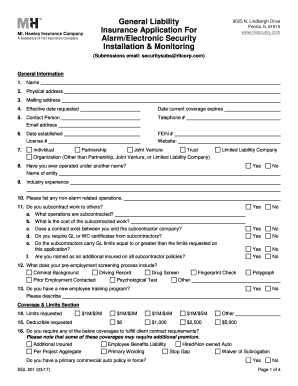
General Liability Insurance Application For Alarm - RLI Corp
The document is a General Liability Insurance Application for Alarm and Electronic Security Installation and Monitoring ...

Iso claim form
The document provides detailed instructions for submitting a claim form to Wellfleet if a medical service provider has n ...
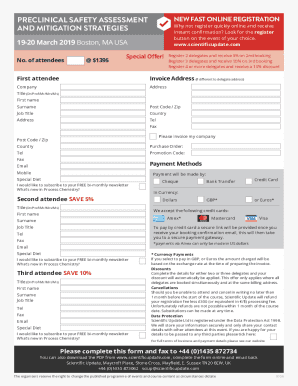
Get the free Precision in Drug Discovery & Preclinical
The document outlines a professional development training course titled 'Preclinical Safety Assessment and Mitigation St ...