




Here's how it works

01. Edit your bon secours doctors note online
Type text, add images, blackout confidential details, add comments, highlights and more.

02. Sign it in a few clicks
Draw your signature, type it, upload its image, or use your mobile device as a signature pad.

03. Share your form with others
Send bon secours doctors note for work via email, link, or fax. You can also download it, export it or print it out.
How to use or fill out Release of Information form - Bon Secours Richmond Health System with our platform

- Click ‘Get Form’ to open the Release of Information form in the editor.
- Begin by entering the patient's full legal name, date of birth or social security number, and day phone number in the designated fields.
- In the 'Authorize' section, specify the organization that will disclose the information. This is crucial for ensuring your records are sent to the correct entity.
- Select which specific information you wish to disclose by checking the appropriate boxes, such as 'Entire Record', 'Operative Report', or 'Laboratory Results'.
- Fill in the details of the person or facility receiving this information, including mailing address and phone number. If urgent care is needed, provide a fax number.
- Indicate the purpose of disclosure by selecting from options like 'Insurance', 'Legal', or 'Personal'.
- Review and understand the authorization statements regarding confidentiality and revocation rights before signing at the bottom of the form.
Start using our platform today to easily complete your Release of Information form for free!
Fill out Release of Information form - Bon Secours Richmond Health System online
It's free
It's free
See more Release of Information form - Bon Secours Richmond Health System versions
We've got more versions of the Release of Information form - Bon Secours Richmond Health System form. Select the right Release of Information form - Bon Secours Richmond Health System version from the list and start editing it straight away!
| Versions | Form popularity | Fillable & printable |
|---|---|---|
| 2014 | 4.5 Satisfied (38 Votes) |
Security and compliance
At DocHub, your data security is our priority. We follow HIPAA, SOC2, GDPR, and other standards, so you can work on your documents with confidence.
Learn more


Related forms
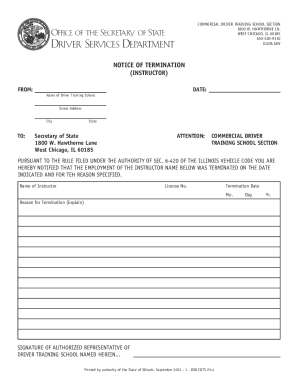
Illinois Enhanced Skills Driving School Insurance Certificate
The document is a Notice of Termination for an instructor at a Commercial Driver Training School in Illinois. It informs ...
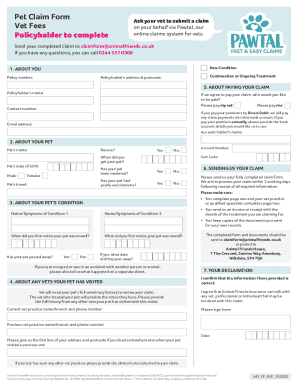
On your behalf via Pawtal, our
The document is a Pet Claim Form for submitting veterinary fees to Animal Friends Insurance. It outlines the necessary i ...
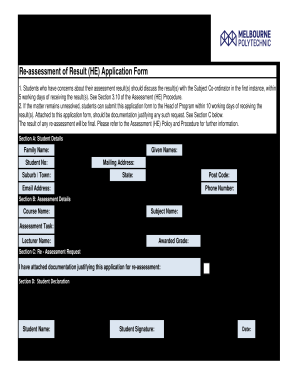
Re assessment of Result (HE) Application Form
The document outlines the procedure for students to request a re-assessment of their results in higher education. It spe ...

William angliss application form
The document is an application form (A1) for prospective students applying to the William Angliss Institute. It outlines ...

Life support registration form
The document outlines the application process for life support equipment provided by Synergy, including important change ...
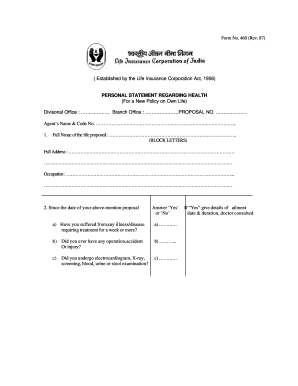
Lic personal statement regarding health form
The document is a health declaration form (Form No. 460) required by the Life Insurance Corporation of India for individ ...

Ok consent release
The document outlines the procedures and requirements for using a 'Consent to Release' form in relation to Medicare bene ...
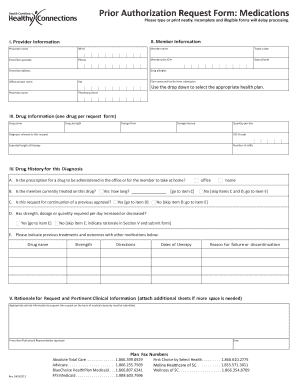
Sc prior authorization
The document is a Prior Authorization Request Form for medications, requiring detailed information about the member and ...