
Get any PDF form from the DocHub library of ready-made templates - Page 1428
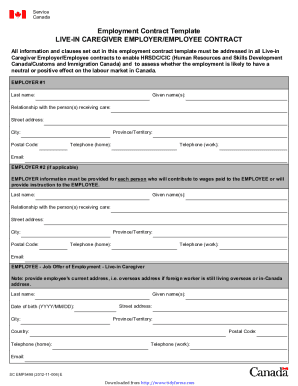
Contract live in
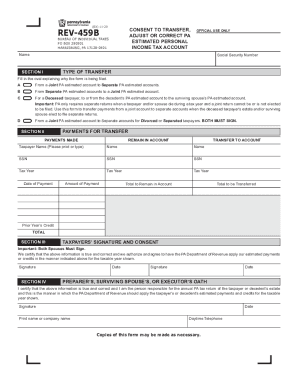
Pa estimated tax form
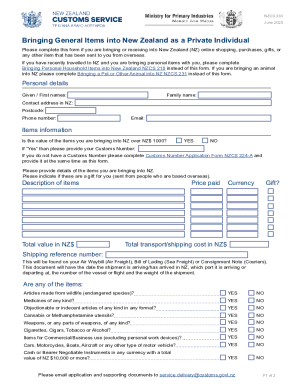
Nzcs 263
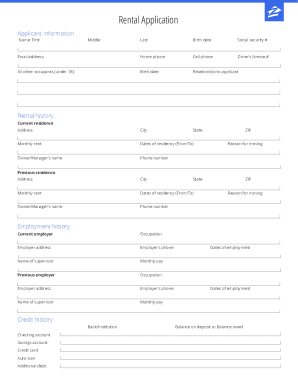
Zillow application form
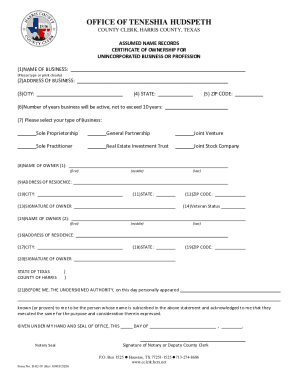
Harris county dba form pdf
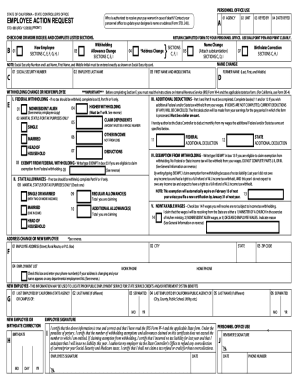
Std 686
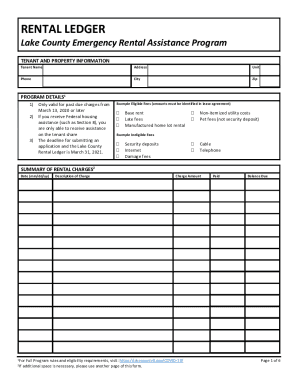
Rental ledger
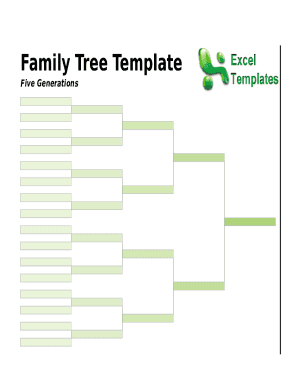
Family tree sheet

Ny medicaid form
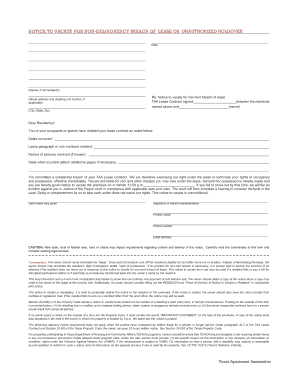
Non delinquency breach of lease
New zealand
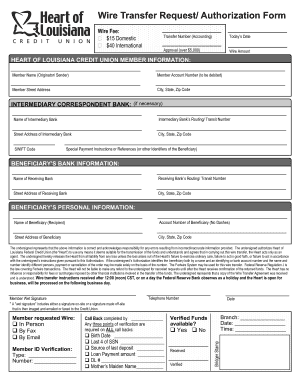
Sending Money - Security Service Federal Credit Union

PDF Assumed Name Certificate for Unincorporated ... - Collin County
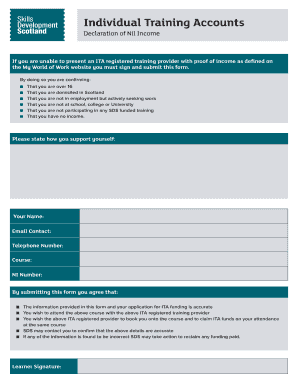
Nil income form
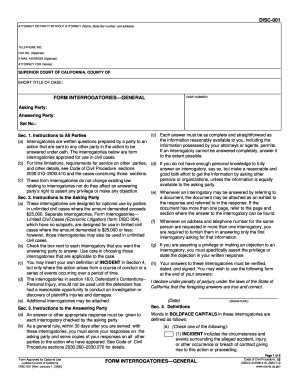
DISC-001 Form Interrogatories - General. Judicial Council forms
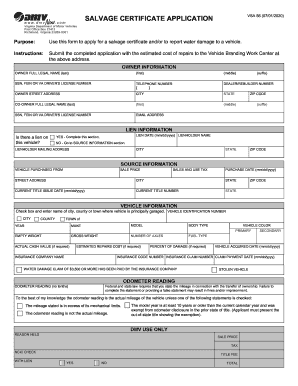
Vsa 56
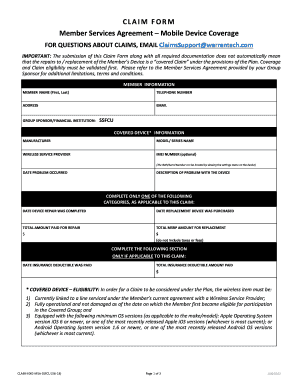
Security service claim
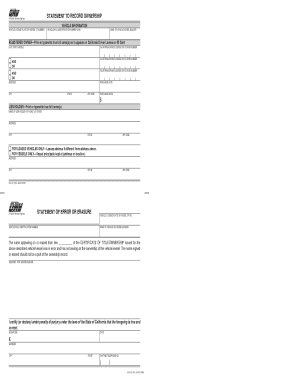
Dmv statement form
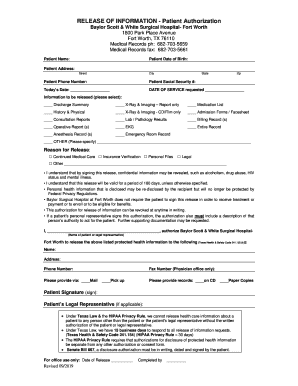
Baylor scott and white medical records

Passenger health declaration form pakistan
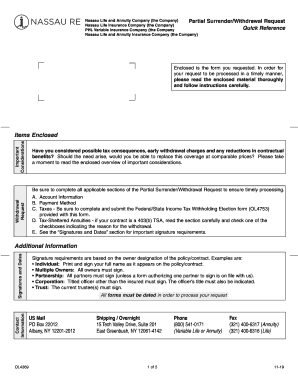
PHL Variable Insurance Company (the Company
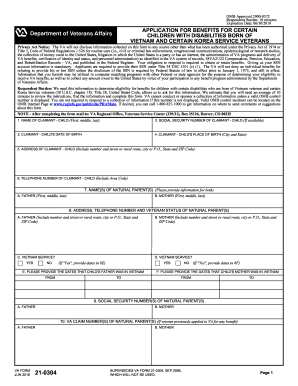
Va 21

PATIENT HEALTH QUESTIONNAIRE - Radiation Oncology - UCLA
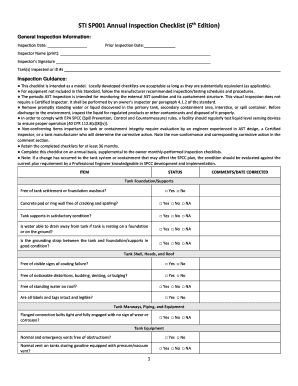
STI SP001 Annual Inspection Checklist (6th Edition)
Consent release influenza vaccine
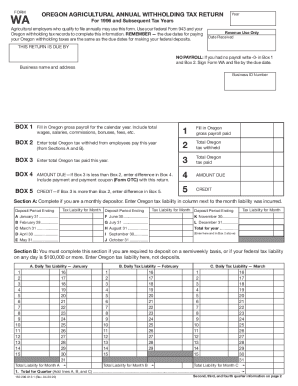
Oregon dor wa
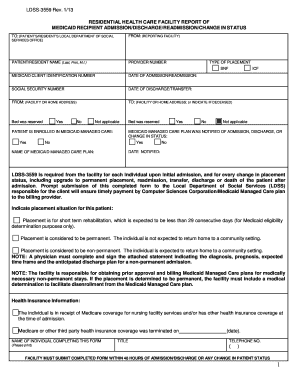
3559 form
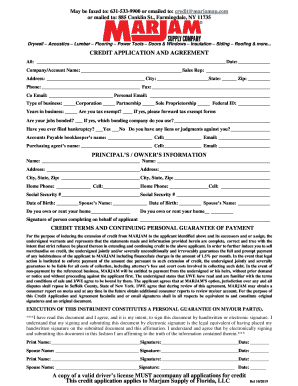
Marjam application
Civ 100
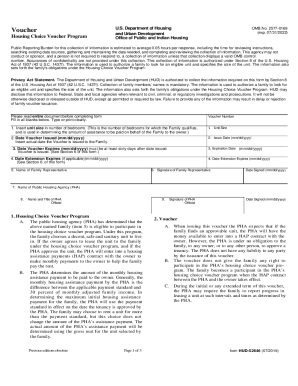
Online section 8 application form
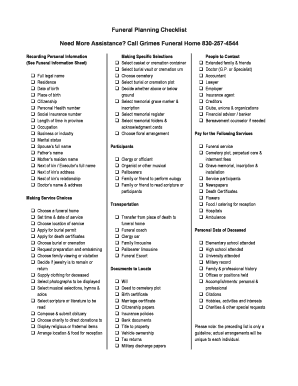
Printable funeral planning checklist pdf
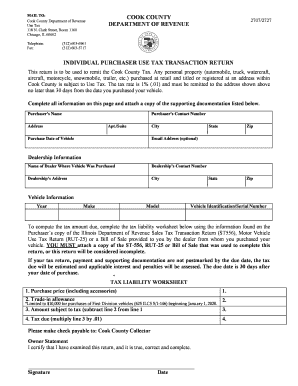
Use tax cook county form
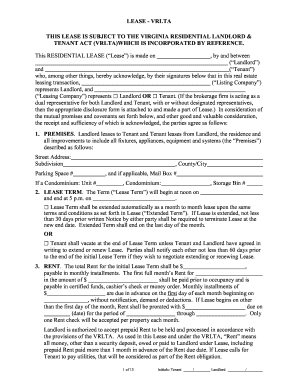
Virginia residential landlord tenant act
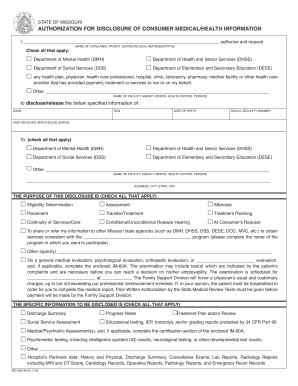
Authorization for Disclosure of Consumer Medical/Health ...
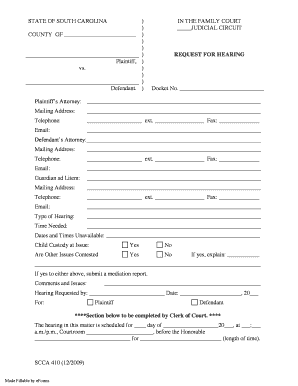
STATE OF SOUTH CAROLINA ) IN THE FAMILY COURT COUNTY OF ...
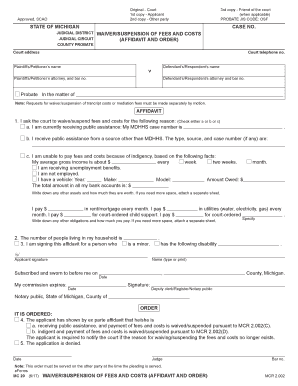
Waiver of fees michigan
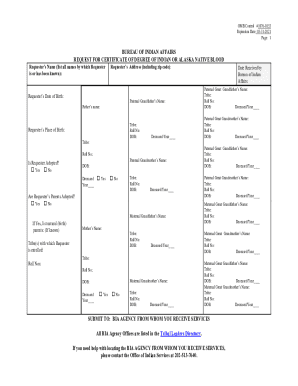
Certificate of indian blood
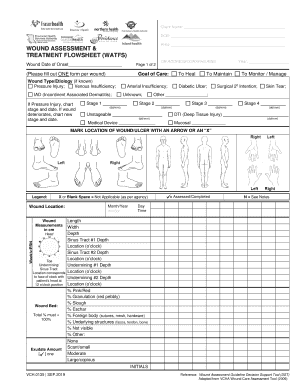
Choosing a Wound Dressing Based on Common Wound ...

The Elon Musk Method: Business Principles from the World's ...

CPS TB and Background Check Forms
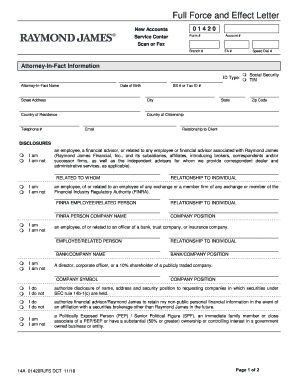
Full force and effect letter
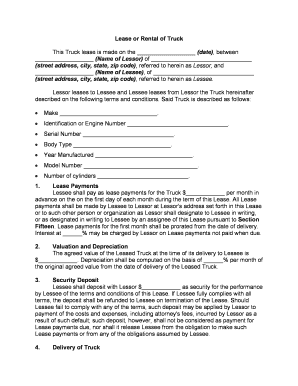
Food truck lease agreement template

Board commitment form
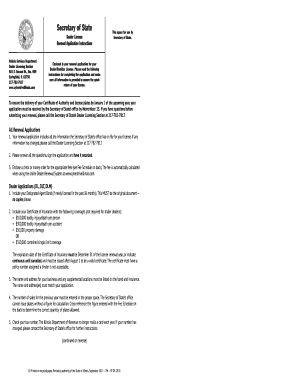
Illinois ds license renewal get

Self advocacy rubric

Statement of facts shipping

Refund form template word
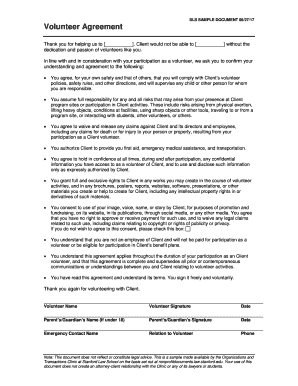
Volunteer agreement form
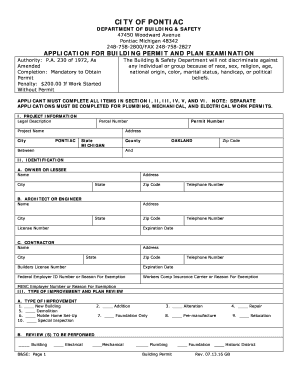
Building Permit Application - City of Pontiac
As1670 1 download
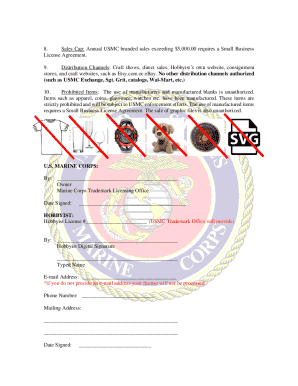
Usmc hobbyist license
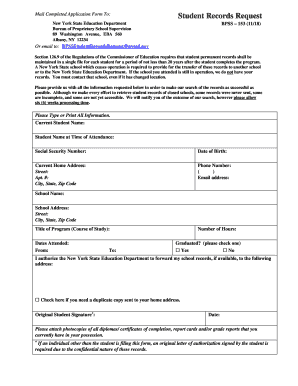
Bpss 153 form
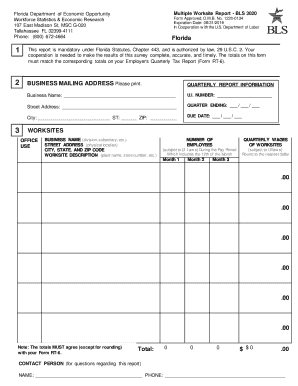
Florida bls 3020
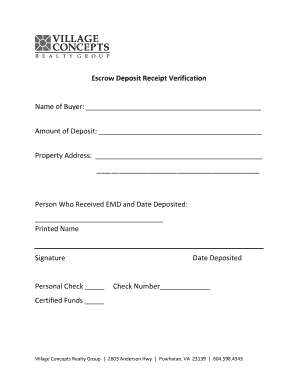
Escrow Deposit Receipt Verification - vcrgagent.com

League dreams sports release download

Modelo certificado de sueldos en excel 2022
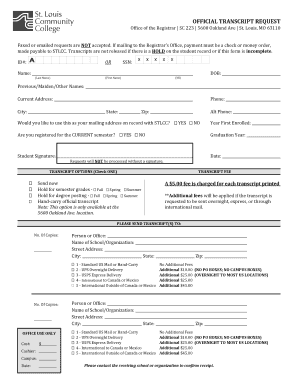
Stlcc request

Stipulated judgment oregon
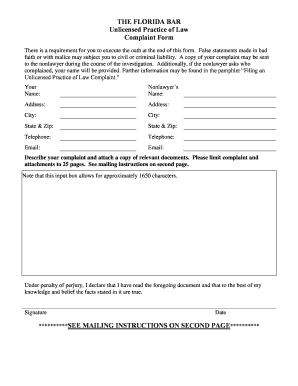
Florida bar law complaint form
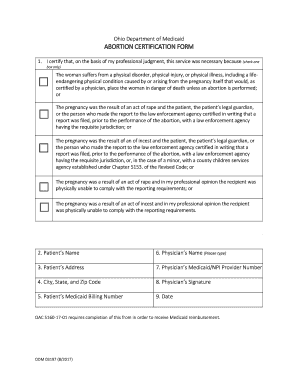
Ohio medicaid abortion
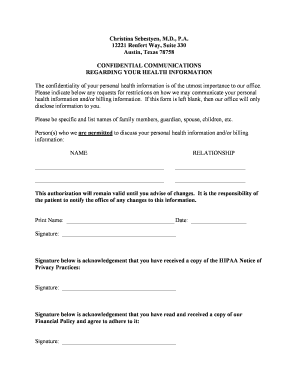
Obgyn doctors note
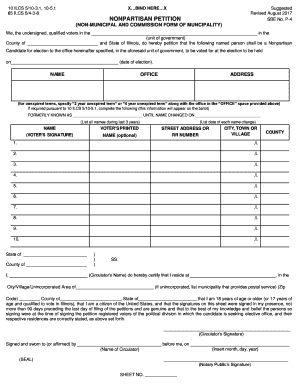
Illinois petition non municipality
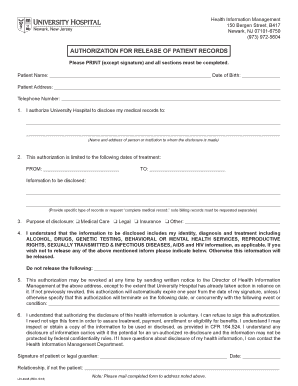
Authorization for release of patient records - University Hospital ...
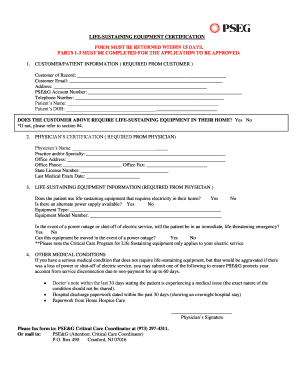
Pseg sustaining life equipment
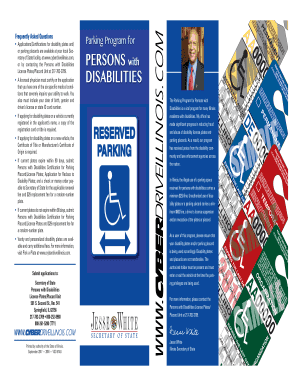
Il parking application
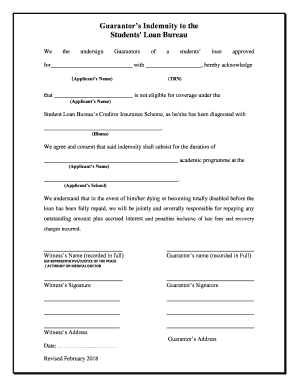
Guarantor indemnity form
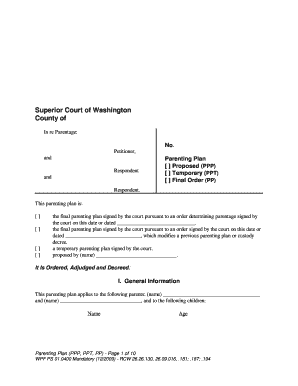
Wa parenting plan form
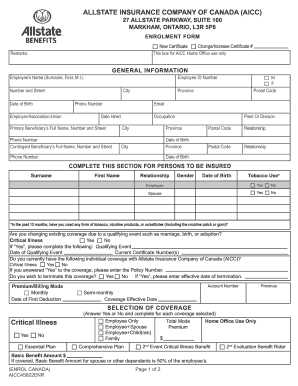
Enrolment form - Allstate Benefits Canada
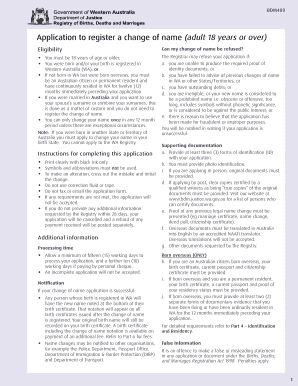
Bdm400
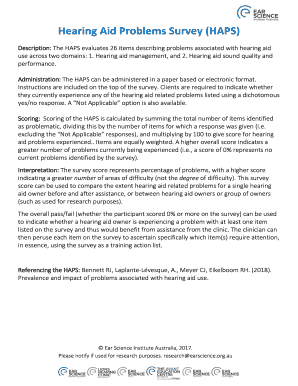
Hearing Aid Problems Survey (HAPS) - Ear Science Institute Australia
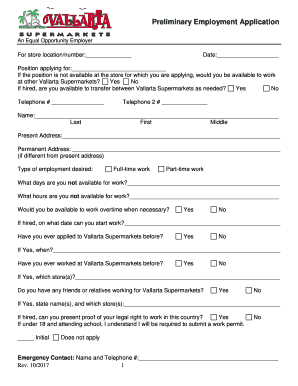
Employment application - Vallarta Supermarkets
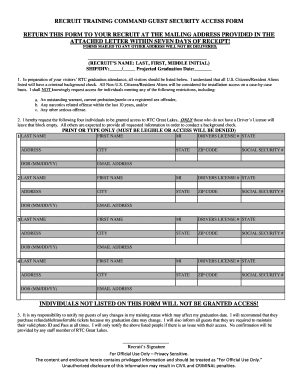
Recruit training command guest security access form
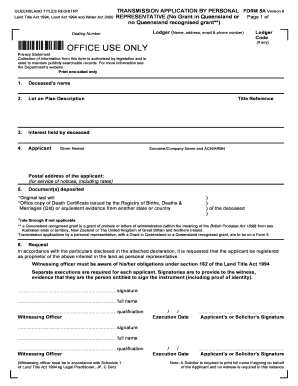
Form 5a transmission application

Hurtigruten health declaration form

Money Counting Form
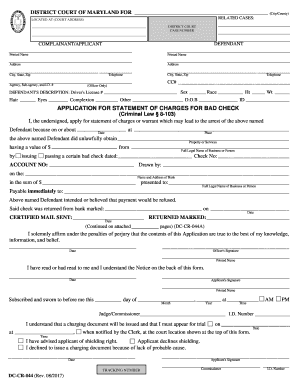
Maryland court forms
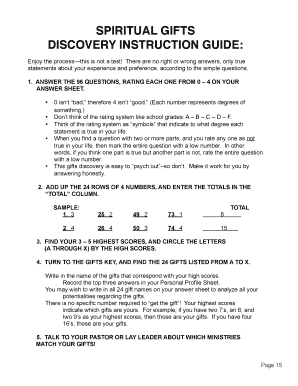
Spiritual gifts test pdf
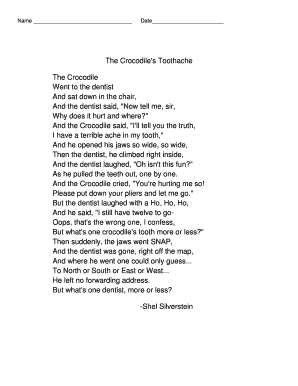
The crocodile's toothache poem pdf
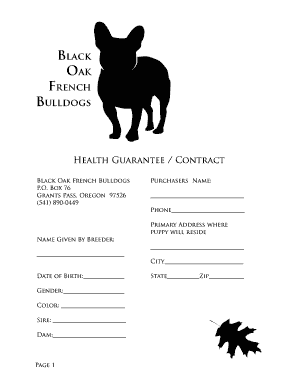
French bulldog puppy contract

Wallerawang public school
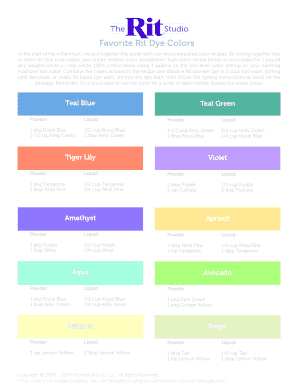
Rit dye color chart pdf
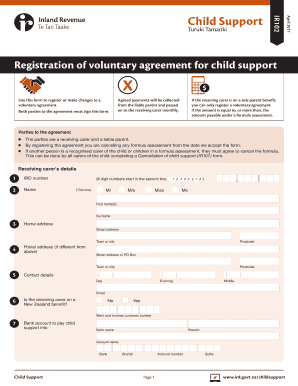
Ir102
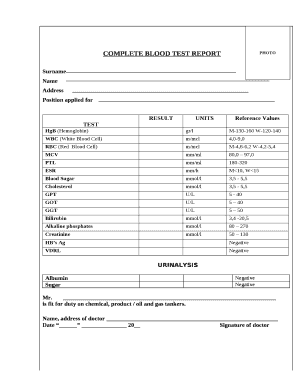
Blood test report pdf

The devil wears prada discussion questions
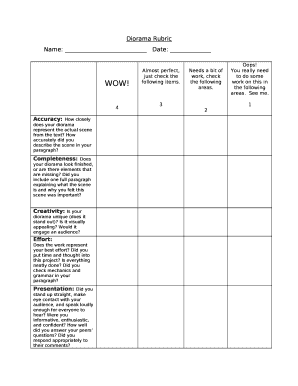
Diorama rubric

SOCIAL SECURITY ASSEVERATION OF COERCION
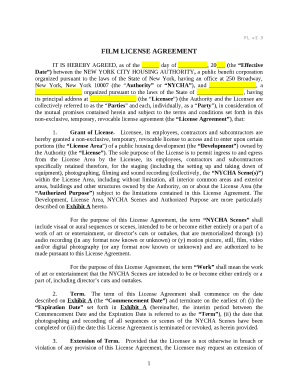
Film license agreement template
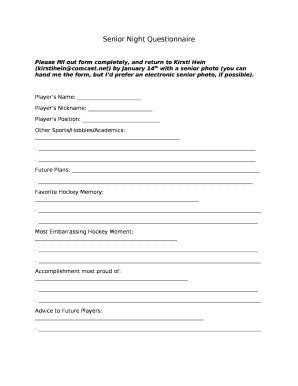
Senior night questionnaire pdf
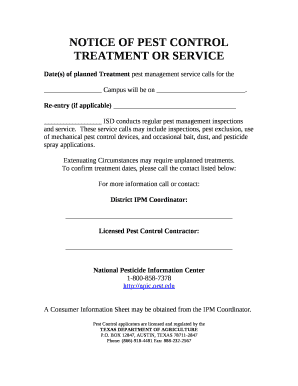
NOTICE OF PEST CONTROL TREATMENT OR SERVICE
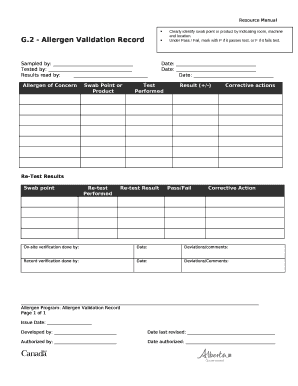
Allergen validation template
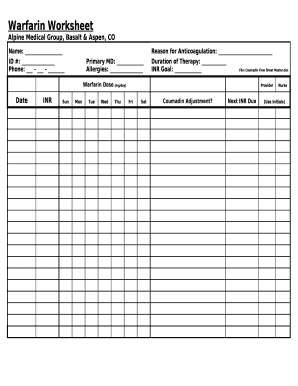
Worksheet

Mastering hebrew calligraphy pdf
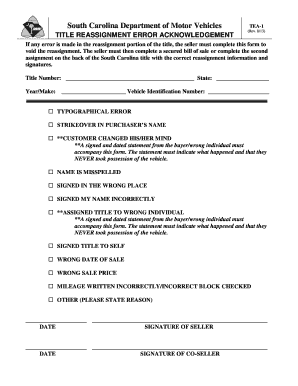
South carolina dmv tea

Dliq avid

Donation request Bed Bath and Beyond
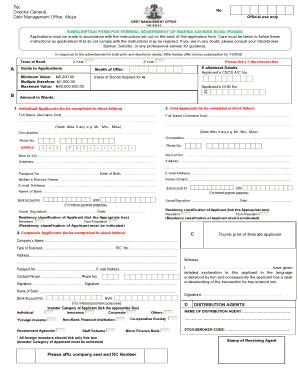
Fgn savings bond form
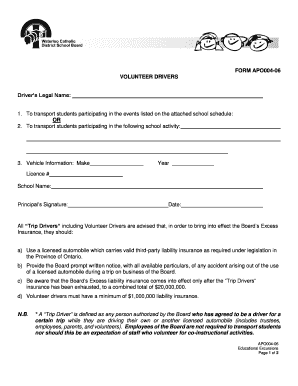
Sport consent form
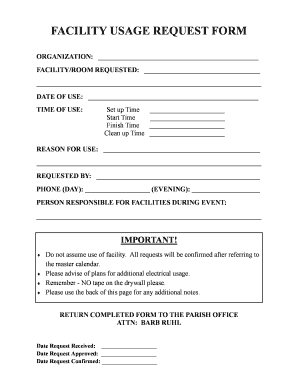
Facility usage form
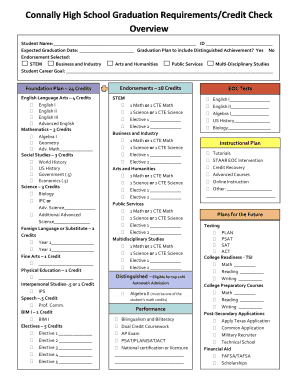
High school credit check sheet
Msha inspection checklist
Benefit from the DocHub online library of fillable PDF forms
Searching the PDF forms doesn't have to be a tedious and time-consuming process. With the DocHub online library, it has become easier to find the fillable PDF forms and modify them in your browser. The service allows you to adjust the document to your needs using powerful editing tools.
You can use online document editing features to modify almost any type of document with ease. You just need to find the template of your choice, open it in the editor, and use the toolbar to make the necessary corrections.
Follow this guide to get your document done with DocHub:
- Find the PDF template you need.
- Click the Get Form button to open the file in the editor.
- Use the toolbar to fill out and edit the document.
- Easily add and highlight text, insert images, checkmarks, and symbols.
- Drop new fillable fields, and rearrange or delete pages from your file.
- Save changes and download your record.
DocHub empowers everyone to streamline document editing, signing, and distribution, and form completion. Create an account and benefit from our well-organized PDF Forms library and comprehensive editor.