
Get any PDF form from the DocHub library of ready-made templates - Page 1412

Developmentally Appropriate Environment: Infant/Toddler Classroom Checklist

Dmv mv sc

Usf map san francisco

Suffolk county home improvement license renewal
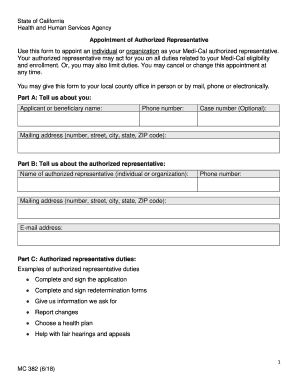
Health human services agency
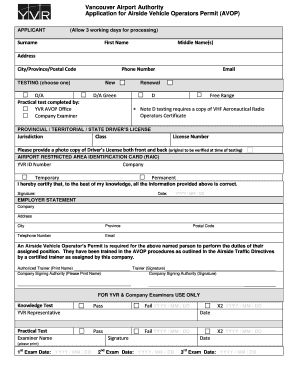
Yvr raic application
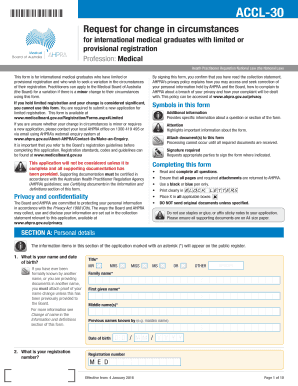
Accl 30

2016 HOA Property Management Agreement.docx

Chps 76

ADandamp;D Skills andamp; Powers Character Sheet. ADandamp;D Skills andamp; Powers Character Sheet

Nsv001

Form C: application and recommendation report for
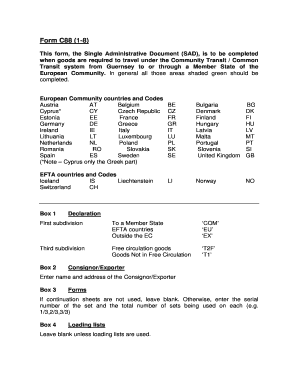
C88 form

Taxidermy work order forms
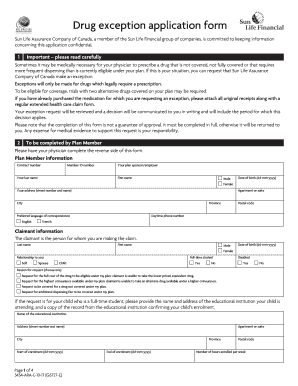
Exception sun life form

Lg220 application for exempt permit
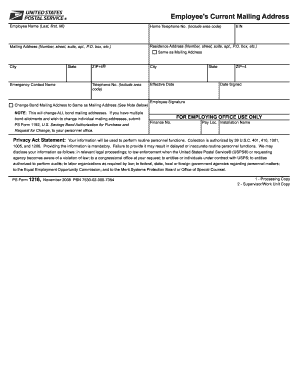
Ps form 1261

Good faith estimate template

WILL PACKAGE QUESTIONNAIRE Last Will and Testament

Gift exchange letter school to parents

Form C88 A - GOV.GG
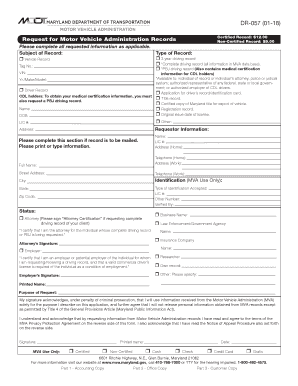
Maryland dr 057
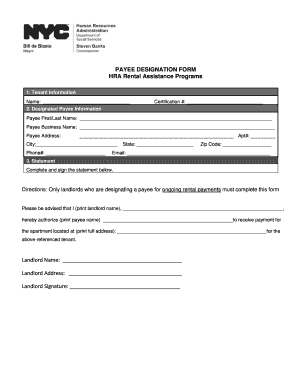
Access hra landlord form
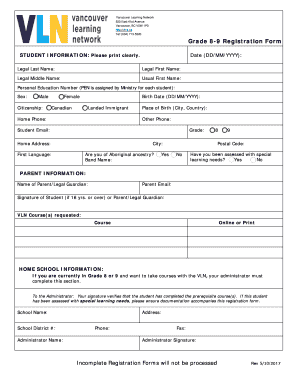
Vln registration form
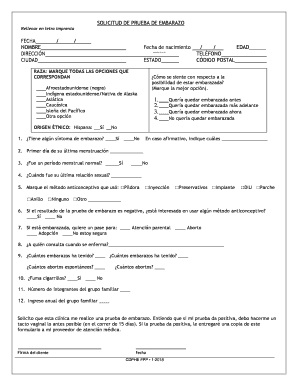
Descargar pdf de prueba de embarazo para editar
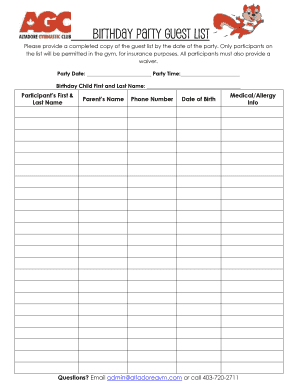
Birthday Party Guest List - altadoregym.com

Character defects list
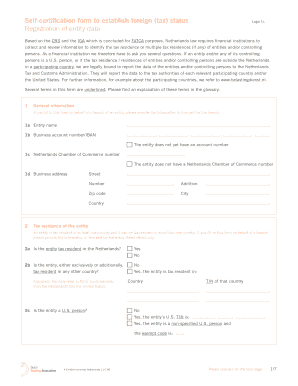
Self certification establish foreign
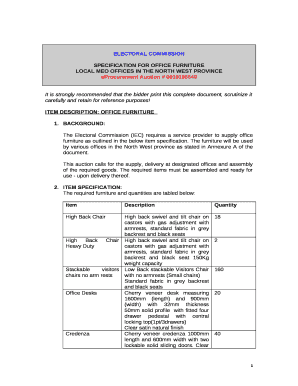
Furniture specification sheet template
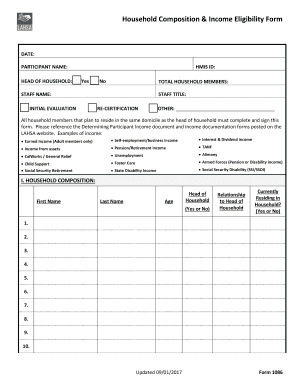
Household composition

NSW Higher School Certificate

Examples of standing order medications
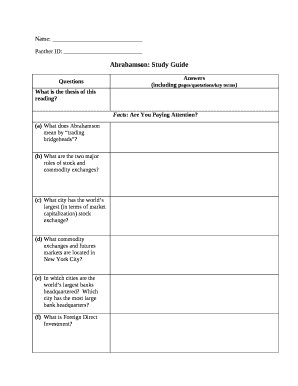
Study guide template

Sample letter of invitation to governor
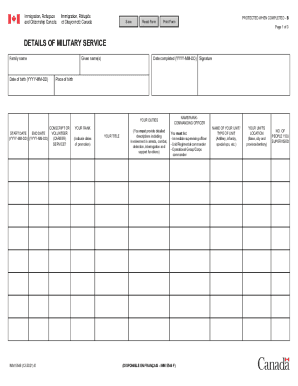
Imm 5546
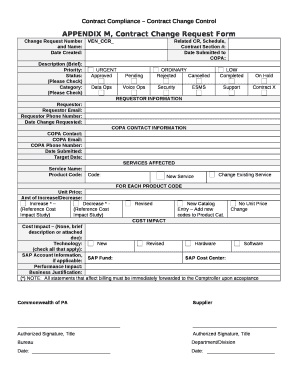
APPENDIX M, Contract Change Request Form
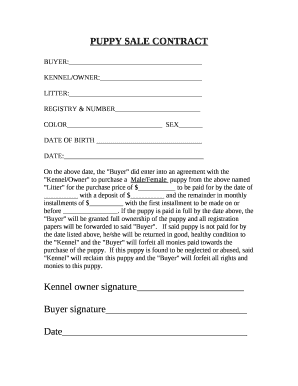
PUPPY SALE CONTRACT
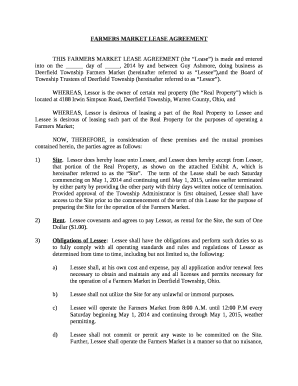
FARMERS MARKET LEASE AGREEMENT
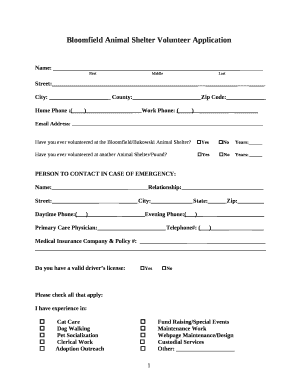
Animal shelter volunteer application template

Example of motion to set hearing texas

Asset Bubbles: A Look at Past and Future Manias
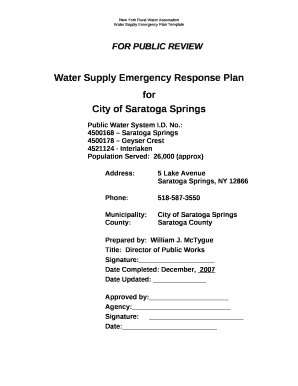
Water Supply Emergency Response Plan
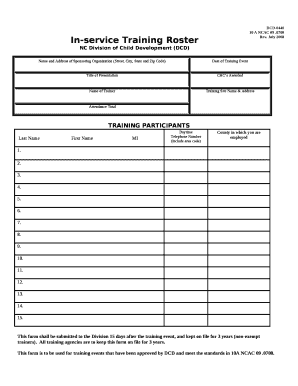
Training roster template
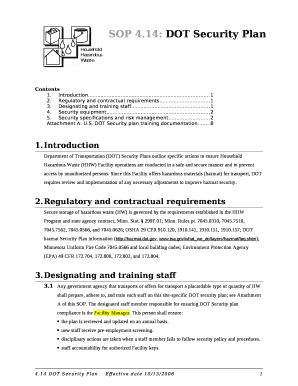
Dot security plan example
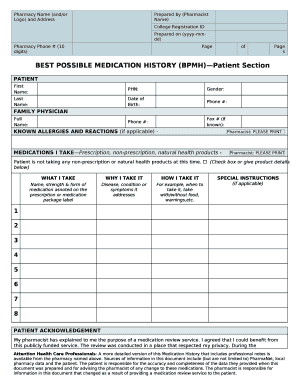
Best possible medication history form
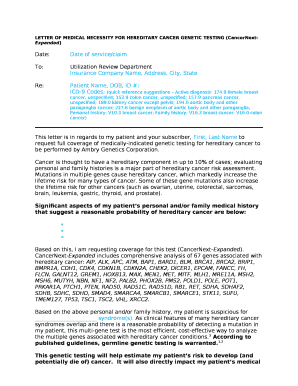
LETTER OF MEDICAL NECESSITY FOR HEREDITARY CANCER GENETIC TESTING (CancerNext-Expanded)

20 Essential Tools for Real Estate Investors
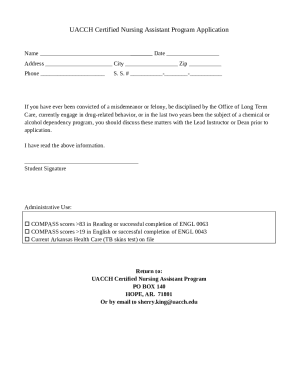
Cna certificate template

Statement of personal health and circumstances

Binary covalent compounds worksheet

Chippenham Landscape Setting Assessment

HOME CARE AIDE REGISTRATION RENEWAL

Va child care subsidy

APPLICATION FOR SANITARY PERMIT
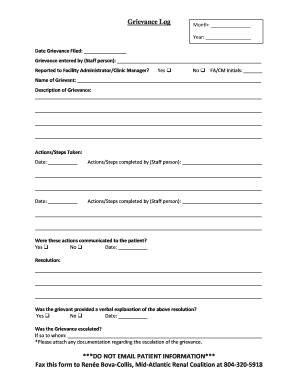
Grievance Log
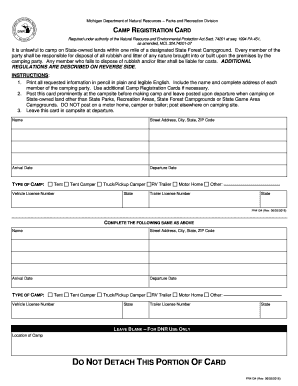
Michigan state land camping permit

Dd form 1972

Wohnungsgeberbescheinigung - Zentraler Th ringer Formularservice

SEPTIC TANK ADDENDUM TO RESIDENTIAL LEASE AGREEMENT
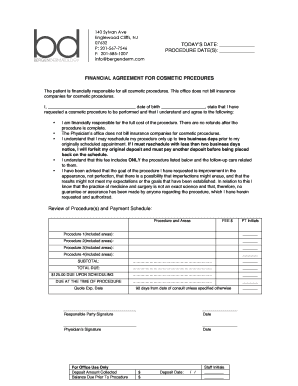
Financial Agreement for Cosmetic Procedures.docx

Behavioral health discharge form

MEDICAL PRE-TREATMENT ESTIMATE FORM

Sample fmla letter to employee

Tony robbins business mastery workbook pdf

1583 notice distribution form
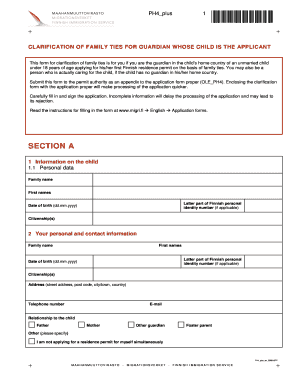
Ph4 plus
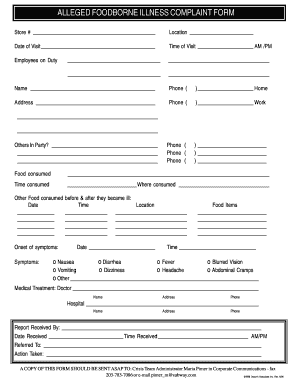
Foodborne illness complaint form

Water meter sizing worksheet
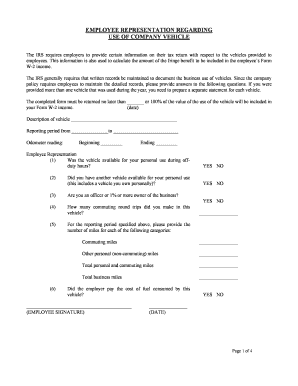
Company vehicle use agreement template
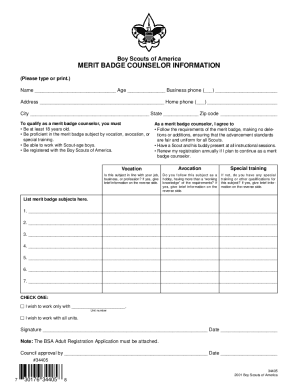
Bsa letterhead
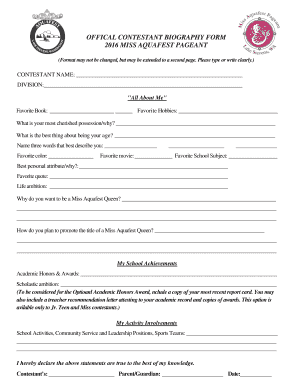
Bio for pageant contestant

Principles of physics 10th edition international student version solution pdf

Missing proportions
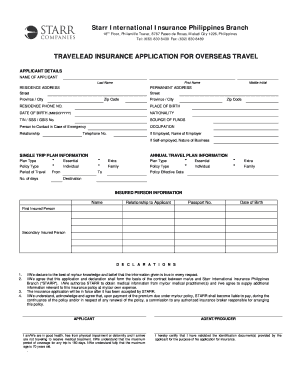
Starr international insurance philippines

Idp template
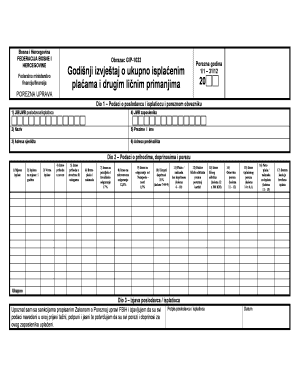
Gip obrazac
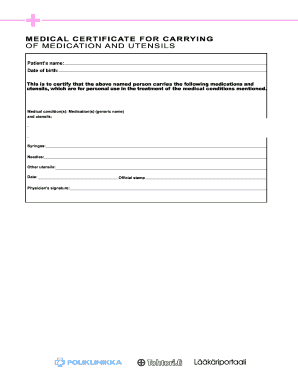
Medical certificate for carrying medication

Event Sponsorship Agreement - The Gregory School - gregoryschool
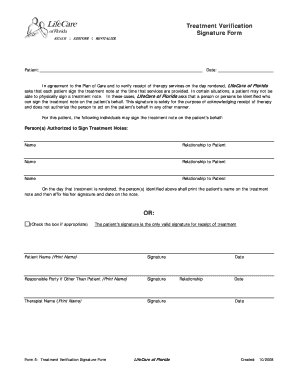
Proof of treatment letter
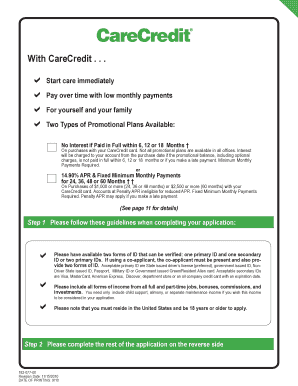
Care credit application
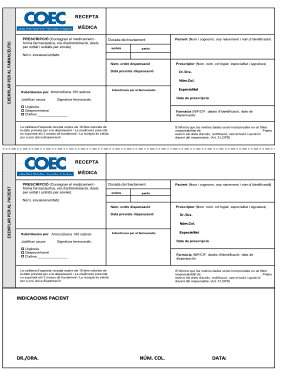
Coec
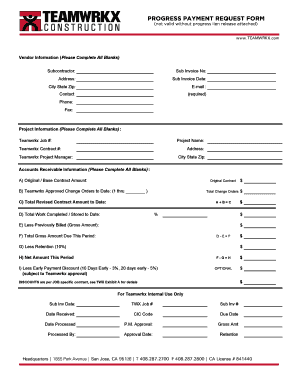
Construction payment request form
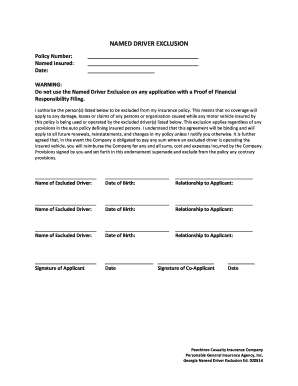
Driver exclusion form template
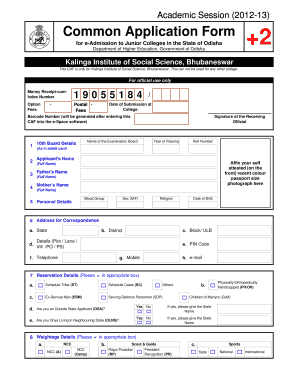
Kiss school bhubaneswar admission 2021 22
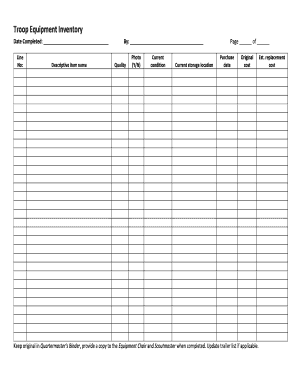
Bsa uniform inspection sheet

Business vocabulary in use intermediate pdf

Class observation scoring sheet

Swimming goal sheet template
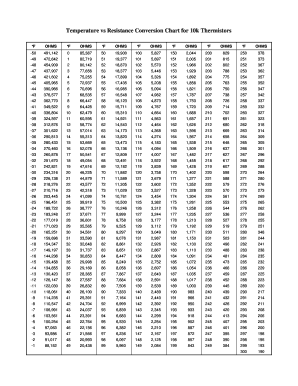
10k sensor chart

Medex protect claim form

Gratis slutseddel campingvogn

Shawnee county cddo behavior data summary

Notice commencement county
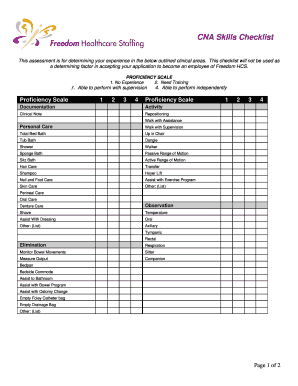
Cna checklist
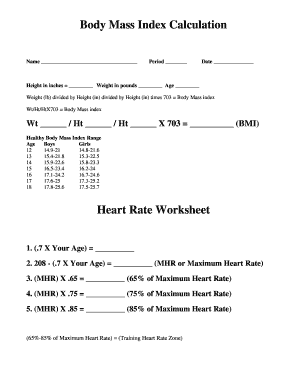
Heart rate worksheet

Speech and language questionnaire for teachers
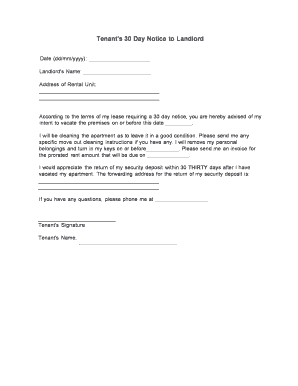
Tenant 30 day notice landlord
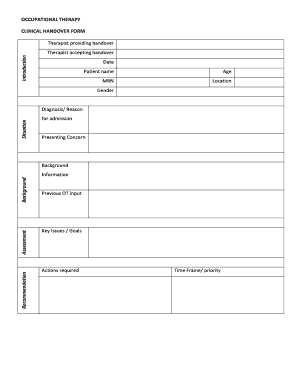
Clinical Handover Form Example 1 - NCHN - nchn org

Vicforms reiv
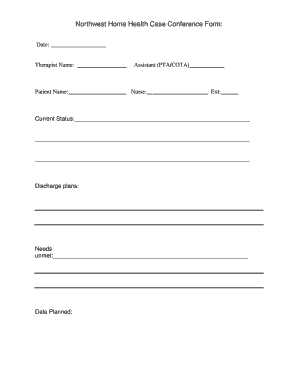
Home health case conference templates
Benefit from the DocHub online library of fillable PDF forms
Searching the PDF forms doesn't have to be a tedious and time-consuming process. With the DocHub online library, it has become easier to find the fillable PDF forms and modify them in your browser. The service allows you to adjust the document to your needs using powerful editing tools.
You can use online document editing features to modify almost any type of document with ease. You just need to find the template of your choice, open it in the editor, and use the toolbar to make the necessary corrections.
Follow this guide to get your document done with DocHub:
- Find the PDF template you need.
- Click the Get Form button to open the file in the editor.
- Use the toolbar to fill out and edit the document.
- Easily add and highlight text, insert images, checkmarks, and symbols.
- Drop new fillable fields, and rearrange or delete pages from your file.
- Save changes and download your record.
DocHub empowers everyone to streamline document editing, signing, and distribution, and form completion. Create an account and benefit from our well-organized PDF Forms library and comprehensive editor.