




Here's how it works

01. Edit your form online
Type text, add images, blackout confidential details, add comments, highlights and more.

02. Sign it in a few clicks
Draw your signature, type it, upload its image, or use your mobile device as a signature pad.

03. Share your form with others
Send it via email, link, or fax. You can also download it, export it or print it out.
How to use or fill out 2015 943 fillable form pdf with our platform

- Click ‘Get Form’ to open the 2015 943 fillable form PDF in the editor.
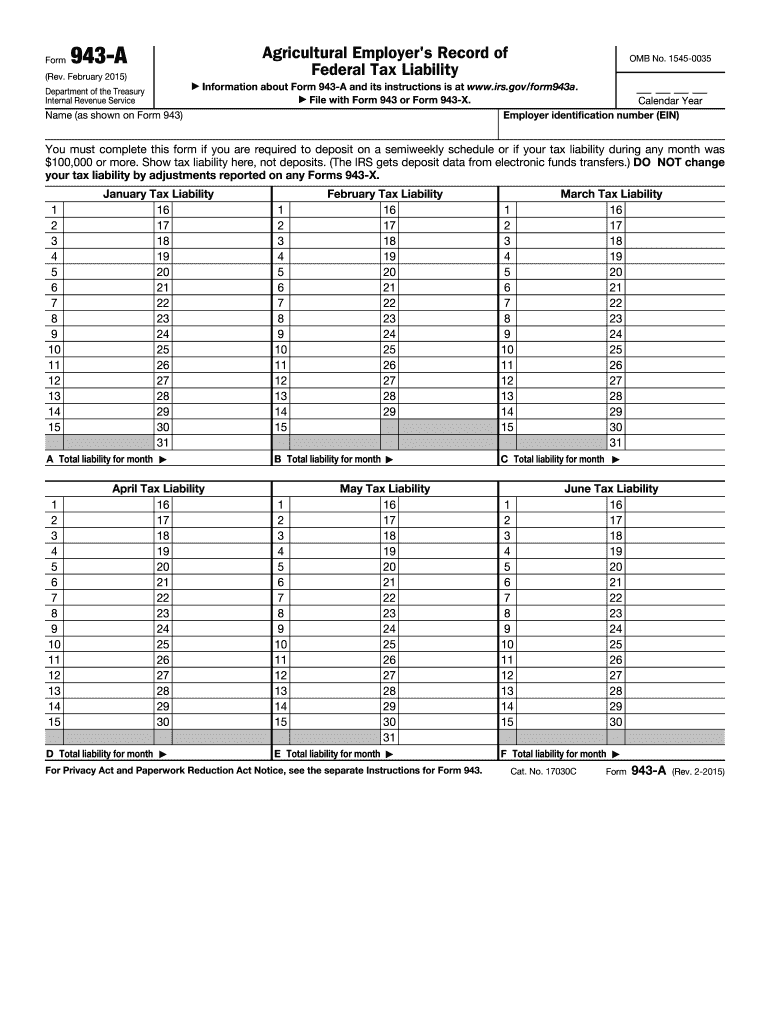
- Begin by entering your employer identification number (EIN) and name at the top of the form. Ensure these match exactly with IRS records.
- Select the calendar year for which you are reporting tax liabilities. This is crucial for accurate record-keeping.
- For each month, enter your total tax liability in the corresponding boxes (A through L). Remember, this should reflect liabilities based on when wages were paid, not when deposits were made.
- After filling out all monthly liabilities, calculate and enter the total tax liability for the year on line M. This should equal your total taxes after adjustments from Form 943.
- Review all entries for accuracy before saving or exporting your completed form. Use our platform’s features to sign and share your document securely.
Start using our platform today to easily complete your 2015 943 fillable form PDF online for free!
Fill out 2015 943 fillable form pdf online
It's free
It's free
See more 2015 943 fillable form pdf versions
We've got more versions of the 2015 943 fillable form pdf form. Select the right 2015 943 fillable form pdf version from the list and start editing it straight away!
Got questions?
We have answers to the most popular questions from our customers. If you can't find an answer to your question, please contact us.
Contact us
Can I file 2015 taxes in 2023?
Unfortunately, there is a limit on how far back you can file a tax return to claim tax refunds and tax credits. This IRS only allows you to claim refunds and tax credits within three years of the tax returns original due date.
How to fill out a 943 tax form?
0:41 2:10 Address this varies depending on whether youre including a payment remember deadlines matter submitMoreAddress this varies depending on whether youre including a payment remember deadlines matter submit form 943 by January 31st of the following. Year late filings can lead to penalties.
How to properly fill out a tax withholding form?
Note: The W-4 form 2024 steps are the same as the W-4 form 2025 steps. Step 1: Enter your personal information. Step 2: Account for all jobs you and your spouse have. Step 3: Claim your children and other dependents. Step 4: Make other adjustments. Step 5: Sign and date your form.
How often do you have to file form 943?
Key Points About Form 943: Filing Frequency: This form is filed annually, with the due date typically being January 31st of the year following the tax year being reported.
Does the IRS have fillable PDF forms?
IRS fill-in PDF forms use some of the features provided with docHub software, such as the ability to save the data you input (document rights).
Security and compliance
At DocHub, your data security is our priority. We follow HIPAA, SOC2, GDPR, and other standards, so you can work on your documents with confidence.
Learn more


Related forms

How to Edit Watermarks and Backgrounds in a PDFNitro
The document promotes a new initiative offering reduced and affordable admission prices to a museum, particularly for fa ...
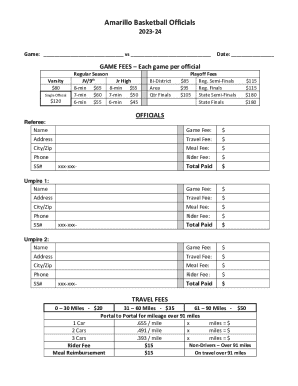
Amarillo Basketball Officials
The document outlines the payment structure for basketball officials for the 2023-24 season, detailing game fees for var ...
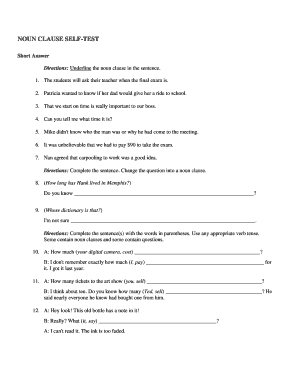
Noun clause self test answers
The document is a self-test on noun clauses, providing various exercises for students to identify, transform, and use no ...

GM Divorce Client Intake Form -
The document is a Client Information Worksheet from Genesis Mediation, LLC, designed to collect essential personal and f ...
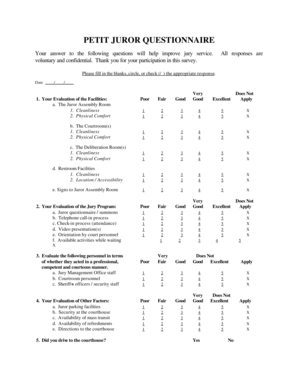
Njcourts gov myjuryservice
The document is a Petit Juror Questionnaire designed to gather feedback from jurors about their experience during jury s ...
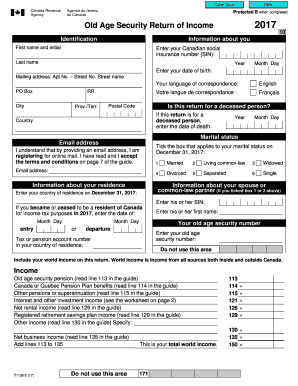
Old age security return of income form
The document is a form for the Old Age Security Return of Income for the year 2017, which requires personal identificati ...
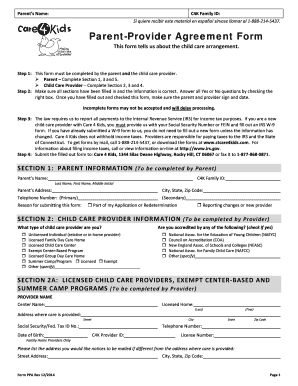
PPA English 12-02-14 doc
The document is a Parent-Provider Agreement Form for the Care 4 Kids program, outlining the necessary steps for parents ...
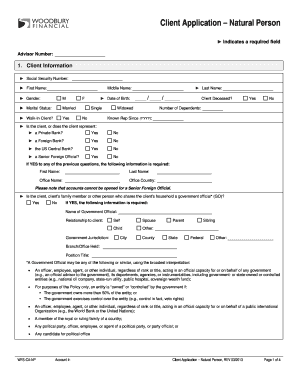
Client Application Natural Person
The document is a client application form for natural persons, requiring detailed personal, citizenship, employment, con ...
People also ask
Who needs to file form 943?
Employers who paid wages to agricultural employees (farmworkers) that are subject to federal income tax withholding or Social Security and Medicare taxes must file a Form 943, Employers Annual Federal Tax Return for Agricultural Employees.
Can you e-file form 943?
If you file Form 943 electronically, you can e-file and use EFW to pay the balance due in a single step using tax preparation software or through a tax professional. However, dont use EFW to make federal tax deposits. For more information on paying your taxes using EFW, go to IRS.gov/EFW.
Do I file both 941 and 943?
Form 943 is required for agricultural businesses with farmworkers. Youll file this form with the IRS annually. Some businesses may be required to file both a 943 and a 941 or a 944. This form is available to both Automate taxes and forms On or Off options.