
Get any PDF form from the DocHub library of ready-made templates - Page 1367

F4638

Bor286

Canada abroad renewal passport
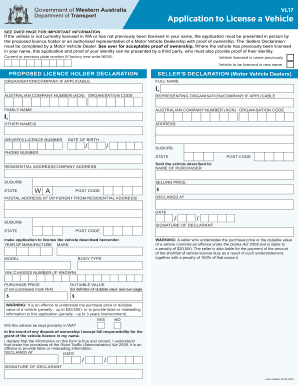
Vl17 form
Fillable Online INTELLIGENT POLYMERS LTD. FORM SC 13E3/A ...

Customer Information File (CIF) Individual Registration Form ...

Account request driving

Nv classic

2017 NE DMV Application for Copy of Driving Record

Nh vessel

Mv 6
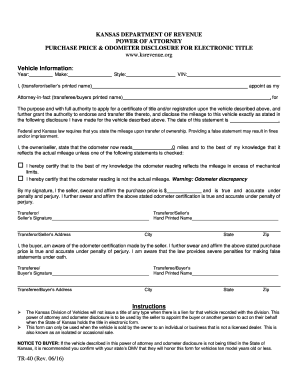
Power of Attorney Purchase Price and Odometer Disclosure for Electronic Title - TR-40. Power of Attorney Purchase Price and Odometer Disclosure for Electronic Title - TR-40

Therapy invoice sample
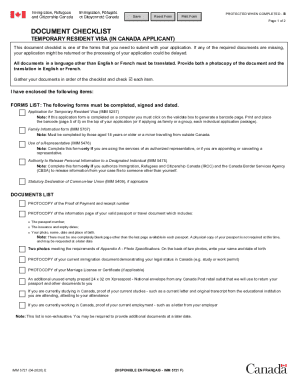
Imm 5721

Virology requisition
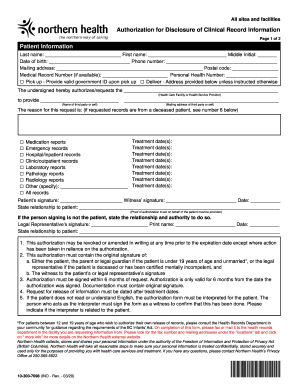
PATIENT AUTHORIZATION FOR RELEASE OF PROTECTED HEALTH This ...
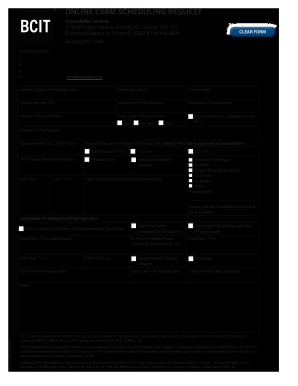
Form DRC-10 - Exam Scheduling Request. Exam scheduling request
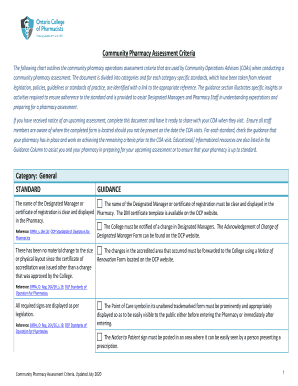
Ocp assessment criteria

Pennsylvania mv military form
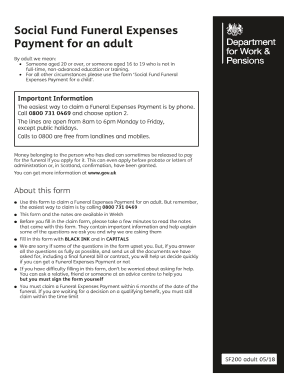
Social Fund Funeral Expenses Payment for an adult

Ivari form
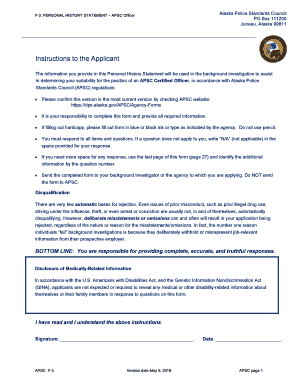
Apsc instructions
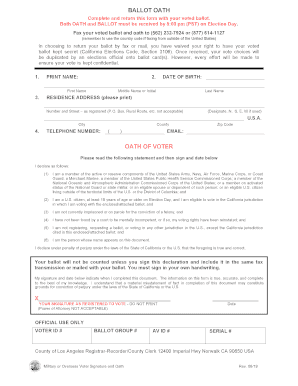
California oath form
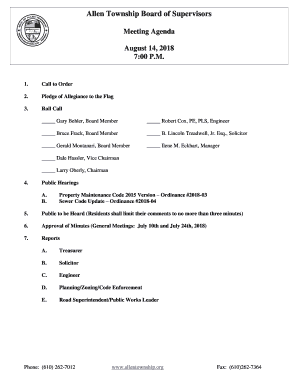
Allen Township Board of Supervisors
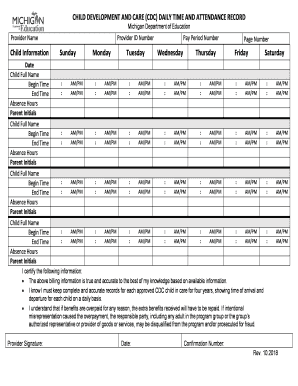
Mi cdc
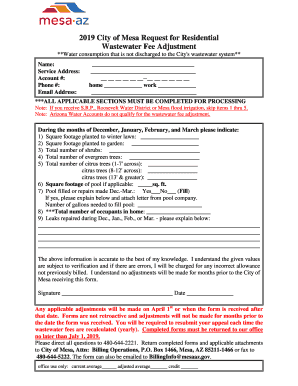
2019 City of Mesa Request for Residential
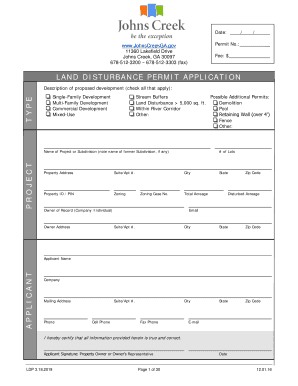
Single-Family Development
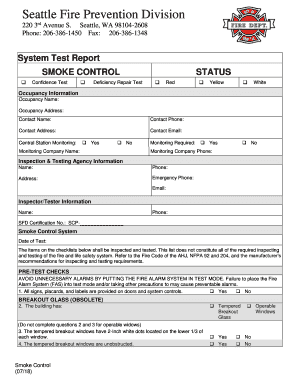
Seattle, WA 98104-2608
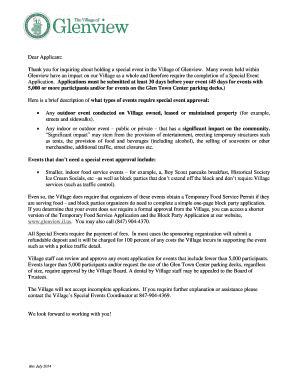
Many events held within
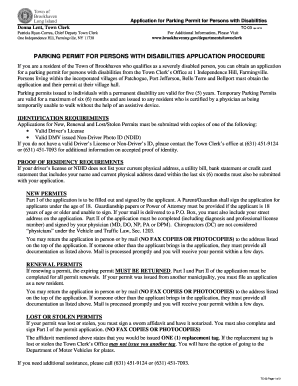
Parking Permit for Disabled Persons Application.doc
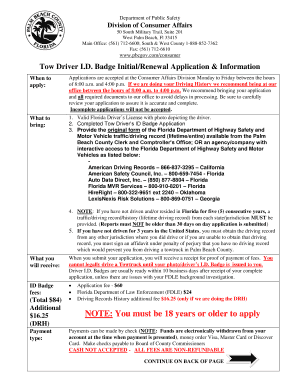
Driver id badge

Special request for check form instructions - GURU - Penn State
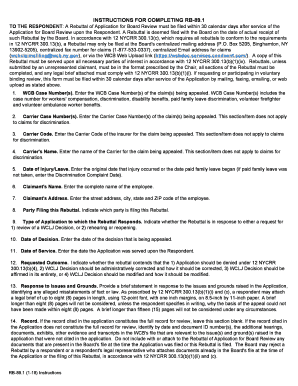
INSTRUCTIONS FOR COMPLETING RB-89
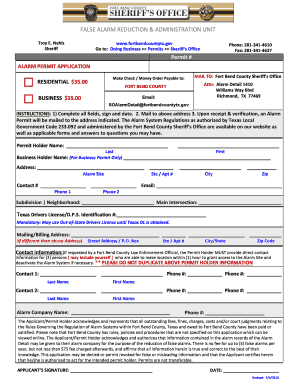
Fort bend alarm permit

Florida order temporary
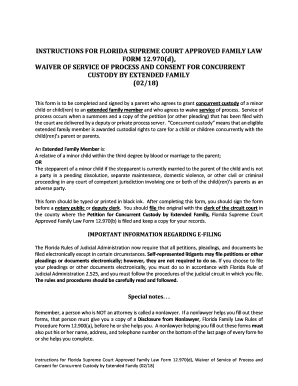
Florida waiver service process form
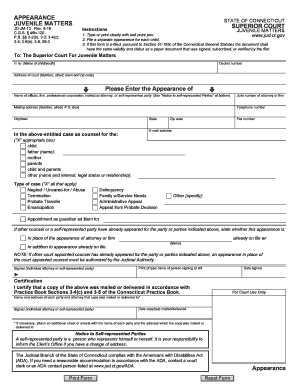
Ct appearance juvenile
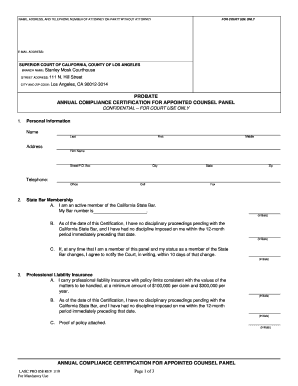
Untitled - California Department of Justice - CA.gov
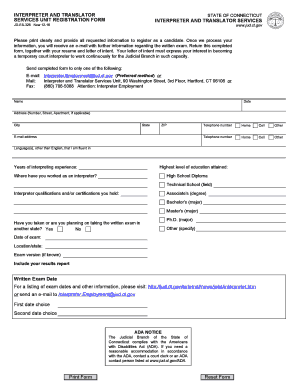
Unit jud ct get
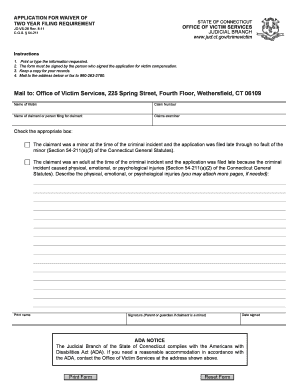
For waiver ct
Chesapeake circuit court divorce forms
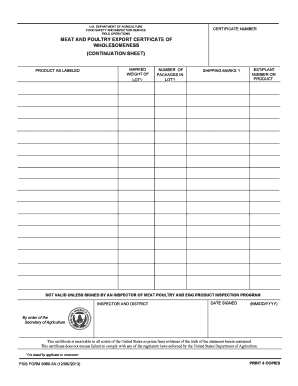
Meat and poultry export certificate of wholesomeness
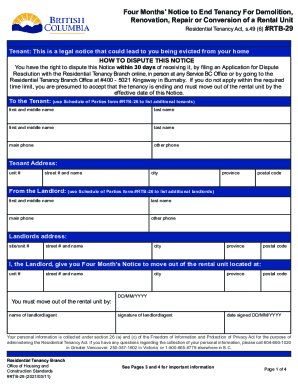
End of tenancy notice template bc

For adviser use only. Not approved for use with ... - Aviva

Anz estate funds release and indemnity form

Inz 1018 form

Nz pac
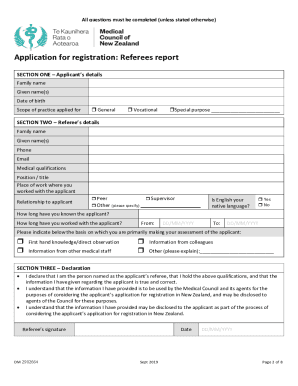
Form rp6
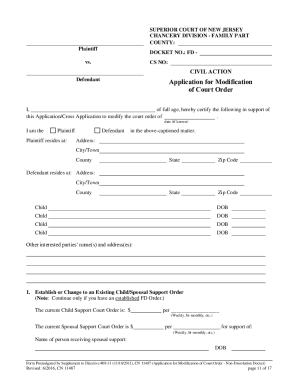
Child support forms nj

Ct h109

P40 medical form online
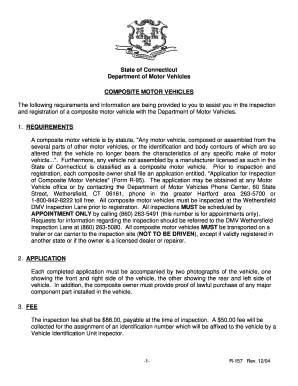
Ct composite motor vehicle
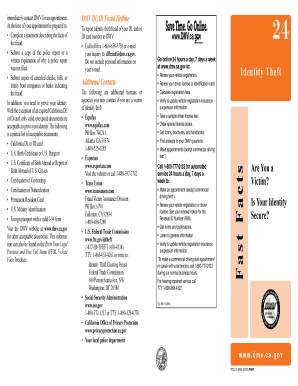
Ca facts identity template

Disposition vehicles
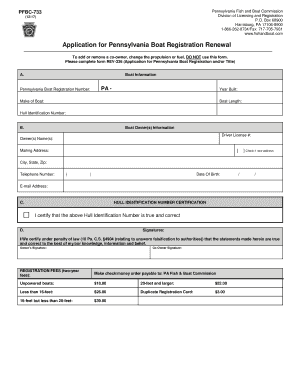
Pfbc pa
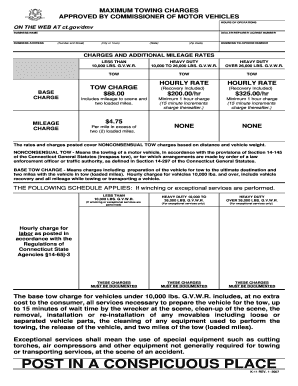
Tow exceptional two print

Sf294
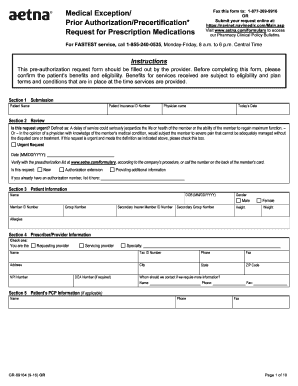
Medical exception request form
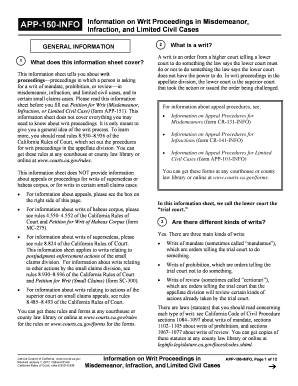
App 150 info form
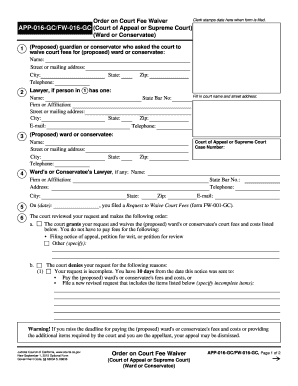
Fw 016 gc
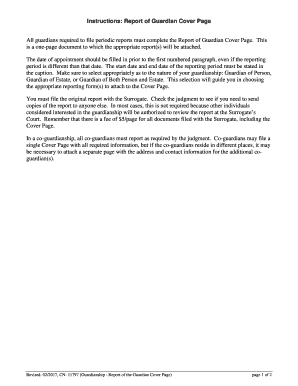
Nj guardianship guardian
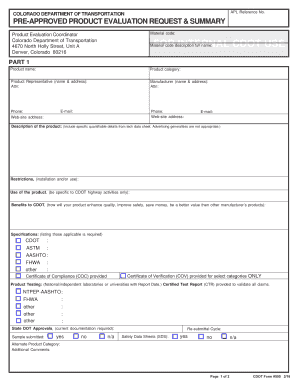
Cdot 595 pre approved form
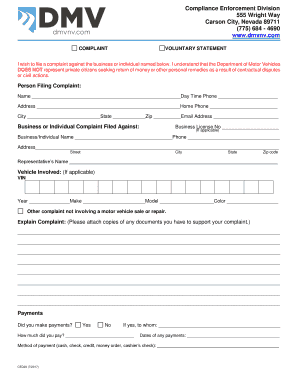
Nevada motor vehicles enforcement form

Cdl 15

Txdmv criminal deferred online

Forms Nebraska Department of Motor Vehicles - Nebraska DMV
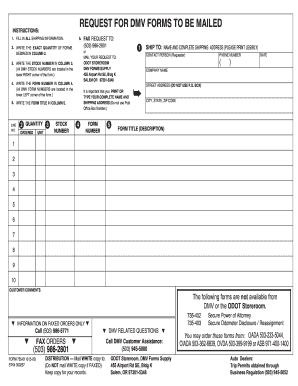
Or dmv form mailed print
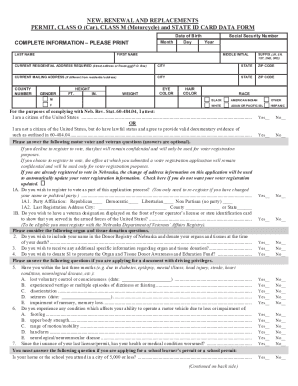
20200213034587Eng. Class O Data form updated SOS includes opt out 4-2020

Va 5 application minors form

PennDOT - Parent or Guardian Certification FormPennDOT - Non-Commercial Learner's Permit ApplicationAPPLICATION FOR PENNSYLVANIA NON-COMMERCIAL DRIVER'S ...PennDOT - Parent or Guardian Certification Form

704 plan form
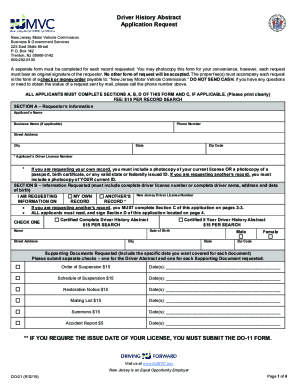
Form do 21
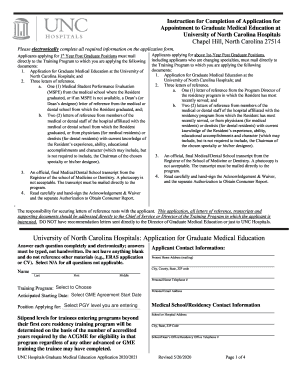
Instruction for Completion of Application for
PDF Dermatology Referral Form - AcariaHealth

Outgoing ACAT/Non-ACAT Security Rescind Authorization. Outgoing ACAT/Non-ACAT Security Rescind Authorization
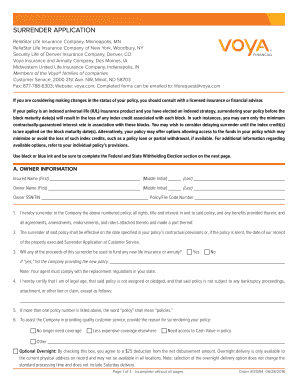
Midwestern United Life Insurance Company, Indianapolis, IN

PL-400 - Wacom

Release record form
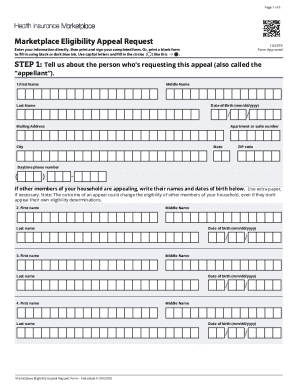
Fbi nics appeals
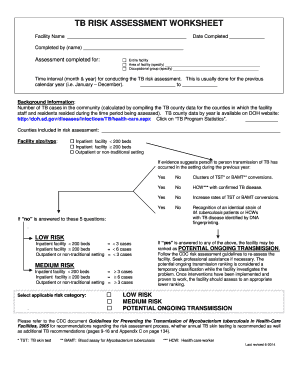
Completed by (name) - doh sd

Instructions to person(s) applying for Cash, Medical, and ...State of Illinois 7 (PERMANENT) Department of Human ...State of Illinois Department of Human Services Department ...Illinois.gov - IL Application for Benefits Eligibility ...
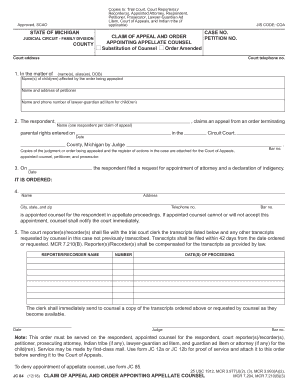
Lawyers - State of Michigan
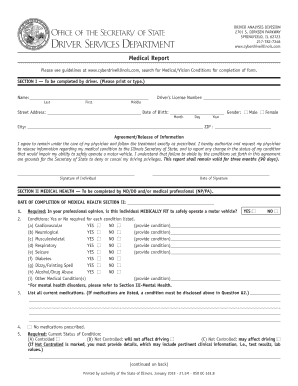
Illnois Medical Report for Driver's License
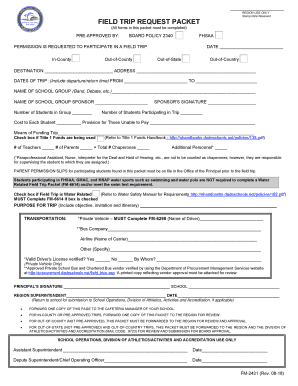
Miami dade field trip form

Harbor-Newport Beach Faclility-4601 Jamboree Rd
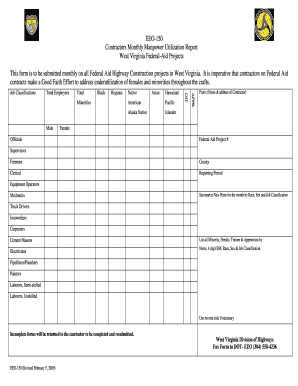
Daily manpower report format in excel

Dormant vehicle affidavit
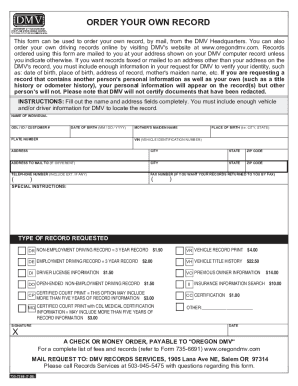
Form 735-7266 - State of Oregon

INTERNATIONAL FUEL TAX AGREEMENT (IFTA) - Virginia ...

Mv11
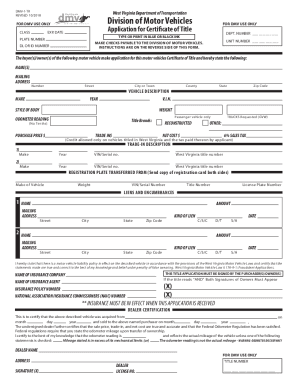
REV 10/10 Division of Motor Vehicles - WV Department of ...
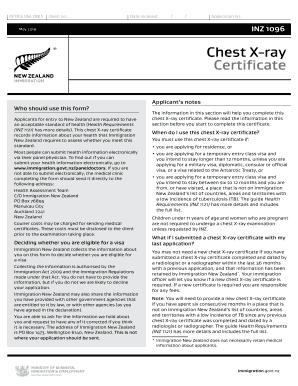
Inz 1096
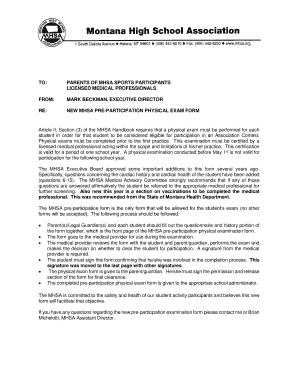
This examination must be certified by a
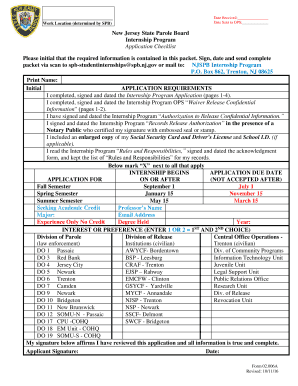
New jersey internship state parole board
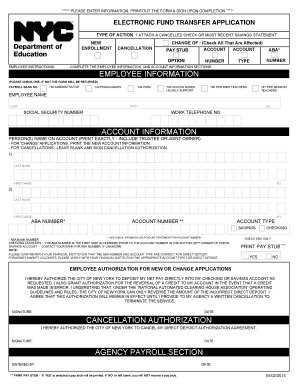
Electronic fund transfer application
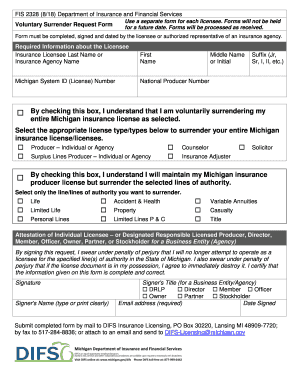
Fis 2328

Notice of commencement st johns county
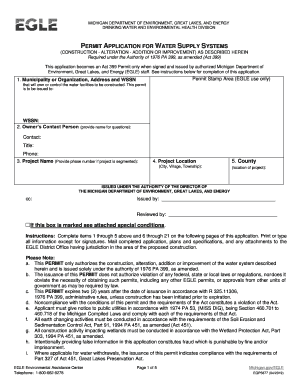
Michigan permit application environmental quality
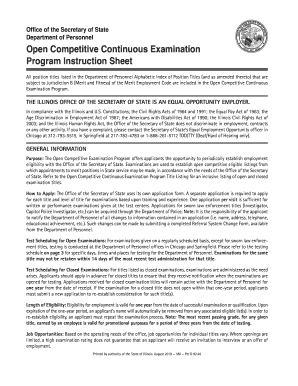
Illinois d continuous
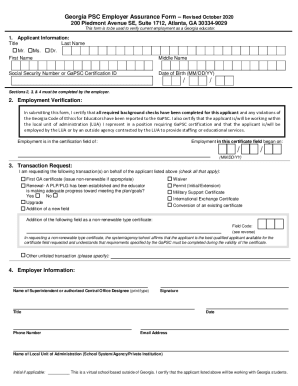
Georgia psc assurance online
Benefit from the DocHub online library of fillable PDF forms
Searching the PDF forms doesn't have to be a tedious and time-consuming process. With the DocHub online library, it has become easier to find the fillable PDF forms and modify them in your browser. The service allows you to adjust the document to your needs using powerful editing tools.
You can use online document editing features to modify almost any type of document with ease. You just need to find the template of your choice, open it in the editor, and use the toolbar to make the necessary corrections.
Follow this guide to get your document done with DocHub:
- Find the PDF template you need.
- Click the Get Form button to open the file in the editor.
- Use the toolbar to fill out and edit the document.
- Easily add and highlight text, insert images, checkmarks, and symbols.
- Drop new fillable fields, and rearrange or delete pages from your file.
- Save changes and download your record.
DocHub empowers everyone to streamline document editing, signing, and distribution, and form completion. Create an account and benefit from our well-organized PDF Forms library and comprehensive editor.