
Get any PDF form from the DocHub library of ready-made templates - Page 1365
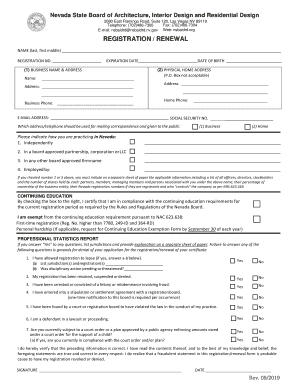
Nv nsbaidrd registration renewal
License Application Requirements Information - City of Chicago

- courts state co
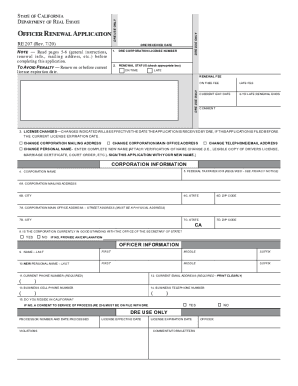
Ca re207

- courts state co
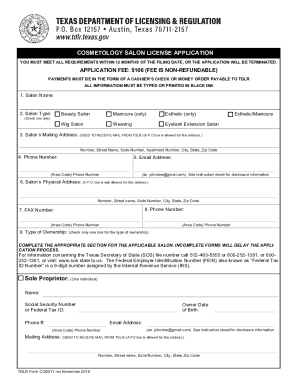
Texas form cosmetology license

Jdf799
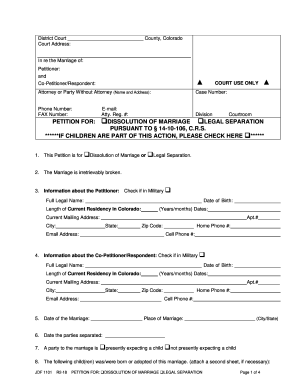
Jdf 1101

Please enter my appearance as - courts state nh
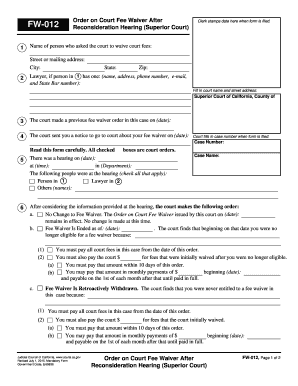
Fw012

Fw 003 gc form

Connecticut withdrawal form

Motion use

Twelve permanency reunification online
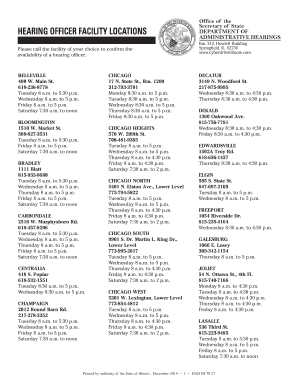
Illinois hearing officer
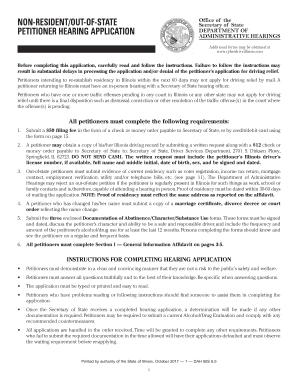
State petitioner illinois
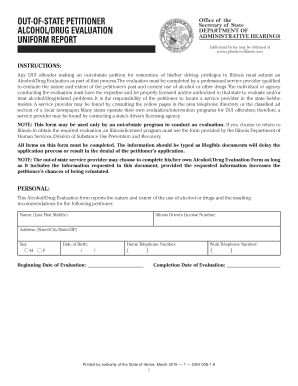
Cyberdriveillinois alcohol drug online

State connecticut foregoing
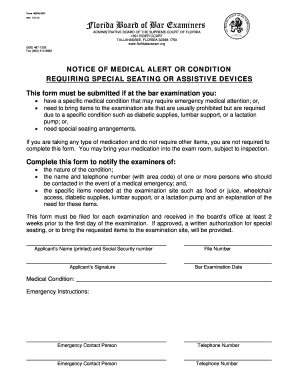
Fl medalert notice medical search
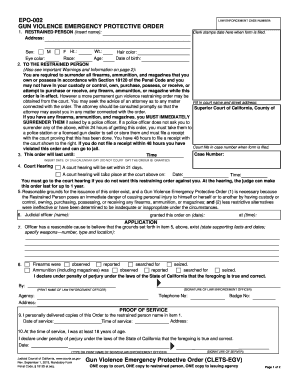
California emergency protective order form

Il ih program

Jd cv 67

Michigan f11
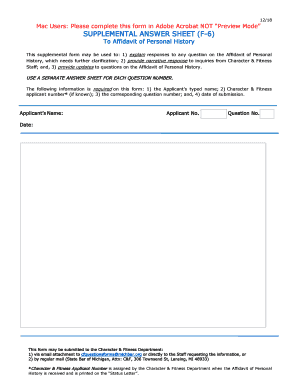
F 6 supplemental answer sheet
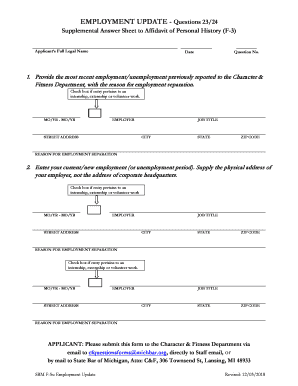
Michigan f5u 23 24 search

Maryland homeownership

Broker manual

Tenant landlord s

2020 WA 6300EN

Maine efficiency form
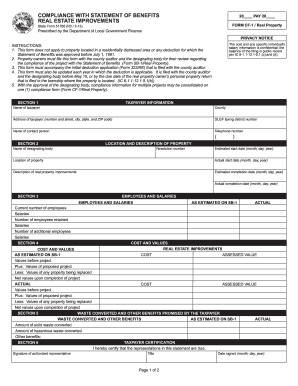
In form 51766
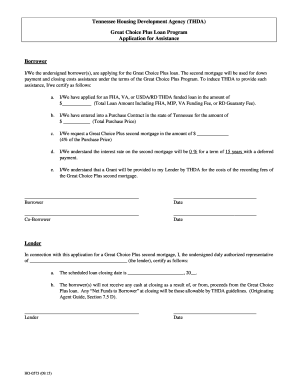
Thda org forms
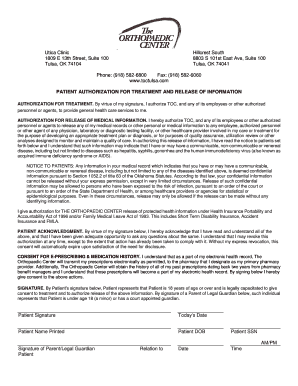
Authorization release form

Tenant household information form
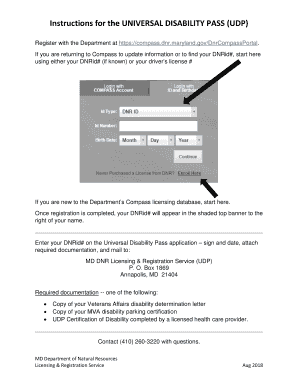
APPLICATION for UNIVERSAL DISABILITY PASS
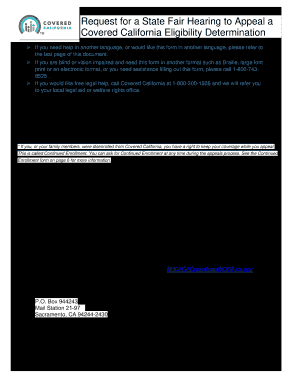
California fair hearing

Blank arizona death certificate form

8995 East Main Street

Retention Incentive Service Agreement - usaid

Healthfirst outpatient authorization form

Sublocade form

Prior Authorizaton Form Addendum - -. Prior Authorizaton Form Addendum - -

Individual Practitioner Record Application - Blue Shield of ...

Gov/benefits-by-employer to learn more about choices available to you, view an eLearning and see instructions

Administrative Manual for Participating Providers - HMAA.com

Fingerprint Instructions and Authorization Sheet for Criminal ...
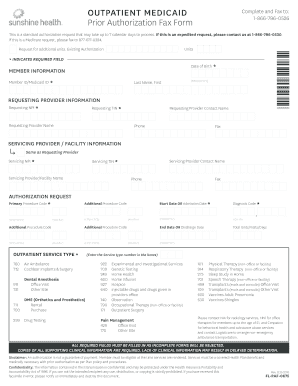
Fl prior authorization
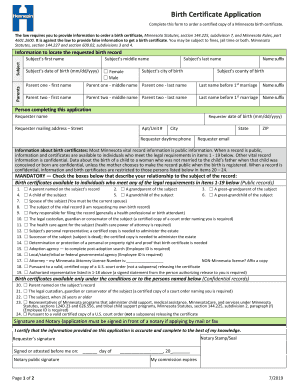
Mn birth certificate application
Girl scouts health history form
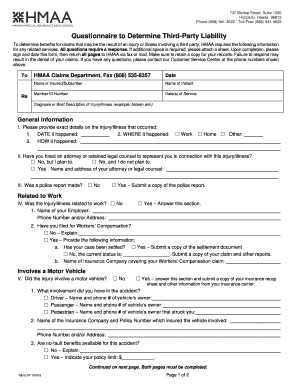
Questionnaire to Determine Third-Party Liability - HMAA.com
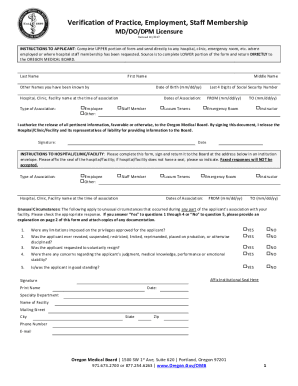
Verification of employment form 5 Documentine.com

Verification of Licensure and Certification of State Board ...
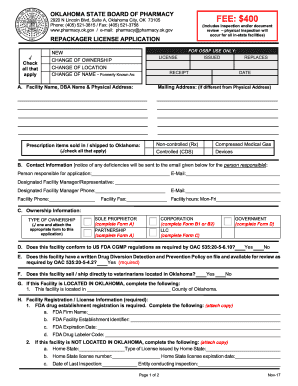
RepackagerApp.doc

California pharmacy intern
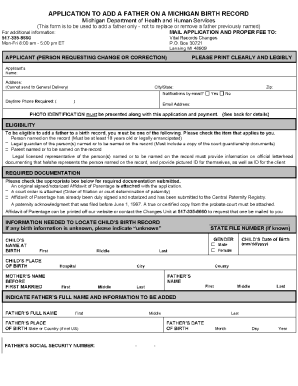
Application to Add a Father on Michigan Birth Record
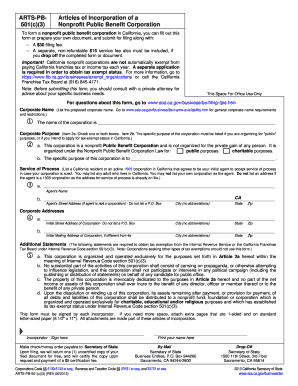
Arts pb 501 c 3

Withdrawal form illinois online
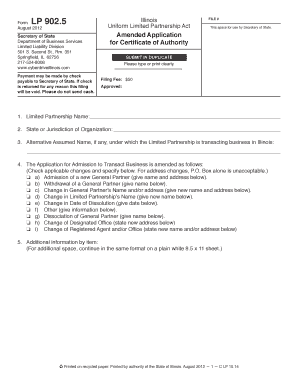
Il partnership application authority
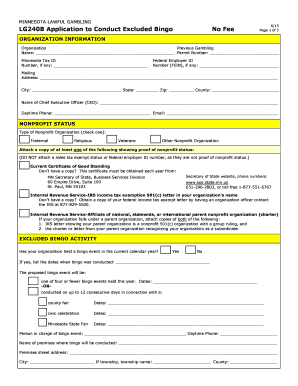
Mn application excluded online
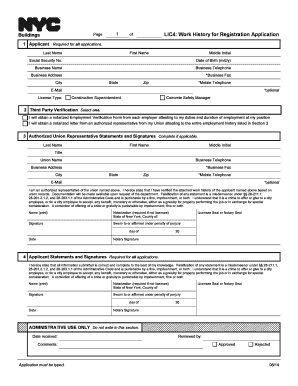
Lic4 application

License dealer please

Form LLC-1.35

Penndot list online

Form 25d
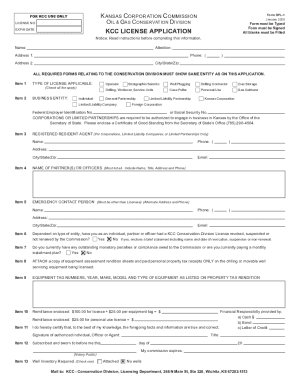
Kcc license
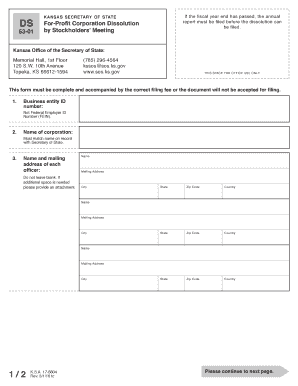
Ks dissolution
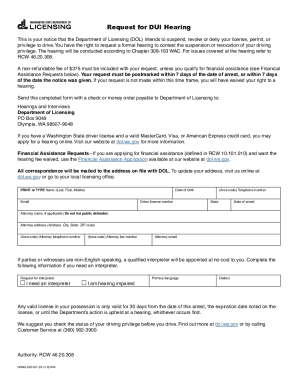
Wa dol indigent
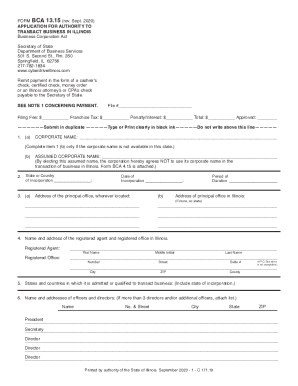
Business illinois form

Certificate of authority virginia
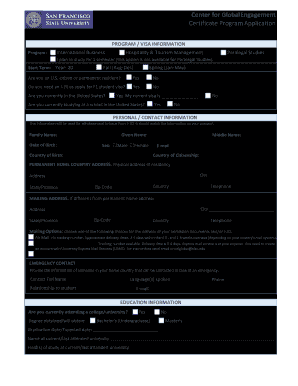
Center for Global Engagement Certificate Program Application

Office of International Student & Scholar Services. form ISSS

*PARENT-DEPENDENTS-VERIF*
Adobe Acrobat Reader DC Install for all versions - Adobe
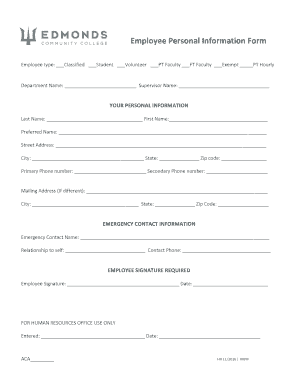
New hire packet - Edmonds Community College
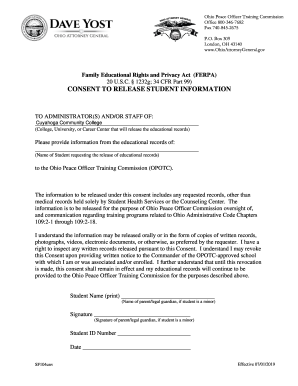
Fillable Online ohioattorneygeneral APPLICATION FOR ...
Record Of Progress Graduate Certificate

Transcript Requests - Eastern
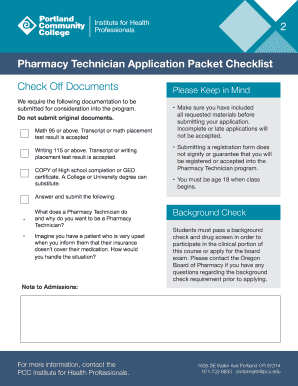
Pharmacy Technician - All Allied Health SchoolsFind Health ...
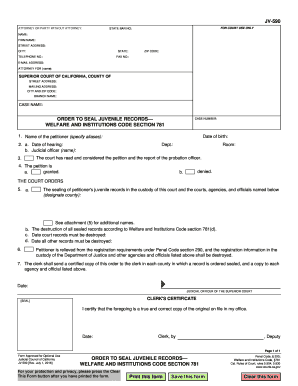
Ca jv590 form
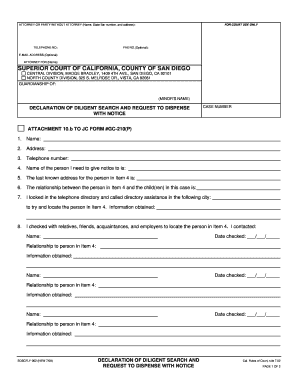
Declaration of Diligent Search and Request to Dispense with Notice - sdcourt ca
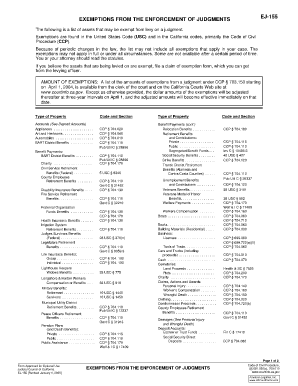
Ej 155
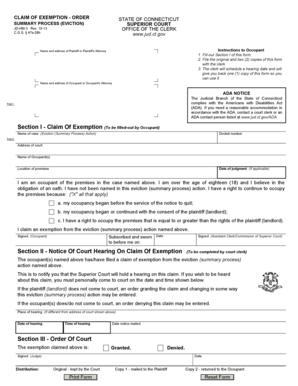
Iii ii

Support court b

Fl final form

Ca nc superior orange county

Pg 205

DIVORCE DECREE Without Minor and/or Dependent Child(ren) - courts state hi
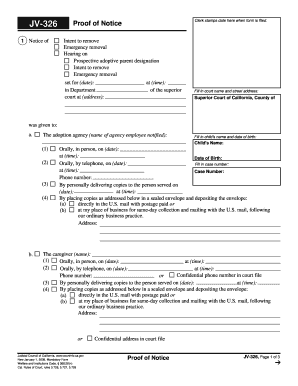
Jv 326
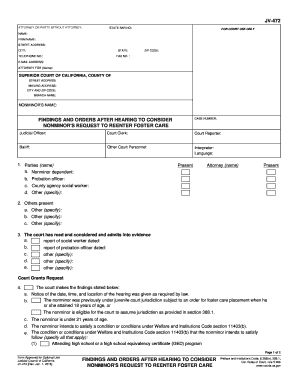
Orders foster care form

Colorado petition paternity
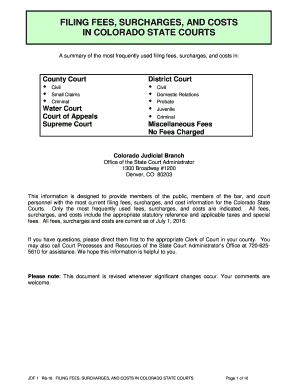
Co fees costs
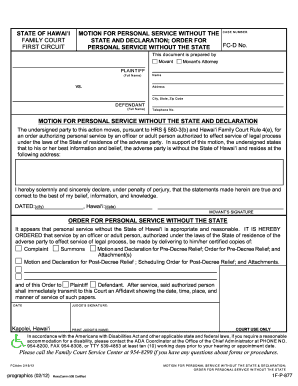
Personal service without
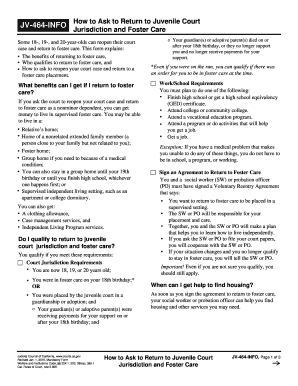
Jv 464 info how
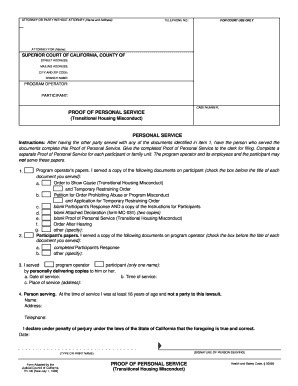
Proof service housing
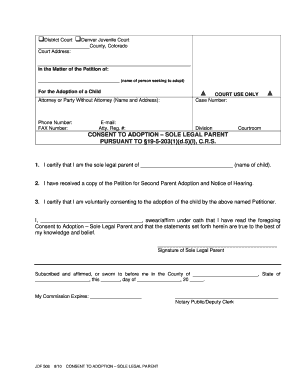
- courts state co

Jdf 483 form

MOTION FOR ENTRY OF JUDGMENT (OWNER OCCUPIED MOBILE HOME)
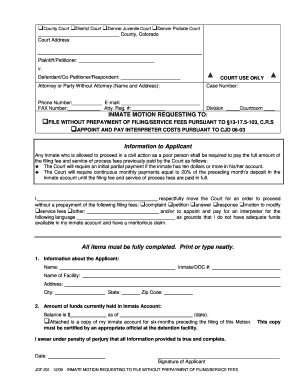
Colorado inmate motion search
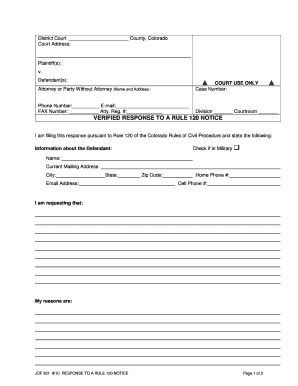
District CourtCounty, ColoradoCourt Address:Plaintiff(s):v.Defendant(s):Attorney

Restraining order notifications pdf
Benefit from the DocHub online library of fillable PDF forms
Searching the PDF forms doesn't have to be a tedious and time-consuming process. With the DocHub online library, it has become easier to find the fillable PDF forms and modify them in your browser. The service allows you to adjust the document to your needs using powerful editing tools.
You can use online document editing features to modify almost any type of document with ease. You just need to find the template of your choice, open it in the editor, and use the toolbar to make the necessary corrections.
Follow this guide to get your document done with DocHub:
- Find the PDF template you need.
- Click the Get Form button to open the file in the editor.
- Use the toolbar to fill out and edit the document.
- Easily add and highlight text, insert images, checkmarks, and symbols.
- Drop new fillable fields, and rearrange or delete pages from your file.
- Save changes and download your record.
DocHub empowers everyone to streamline document editing, signing, and distribution, and form completion. Create an account and benefit from our well-organized PDF Forms library and comprehensive editor.