
Get any PDF form from the DocHub library of ready-made templates - Page 1368

Inz 1206

Zurich surrender request form

Pilotage exemption certificate
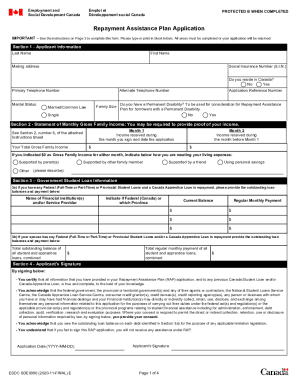
Employment and Social Development Canada recent service ...

Bc income tax form
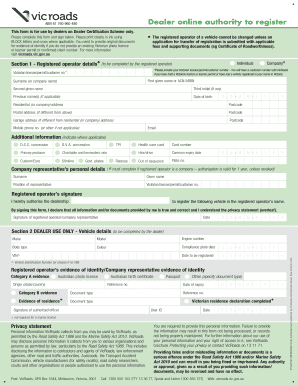
Dealer online authority to register
Permit to Cremate
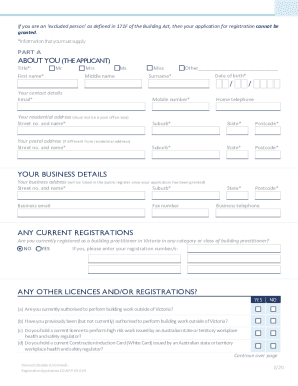
Domestic Builder - Unlimited - Registration Application Form
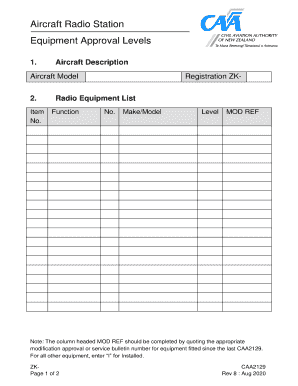
ICAO Flight Plan Equipment Codes for Aircraft with IFR GPS ...
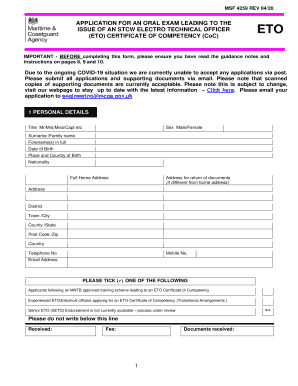
Uk eto coc
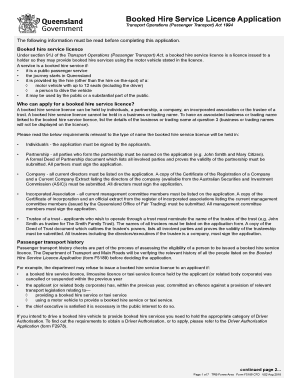
Australia booked hire service licence
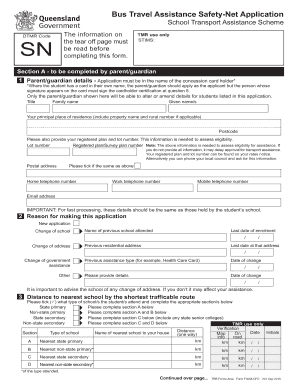
Bus Travel Assistance Safety-Net Application. Bus Travel Assistance Safety-Net Application
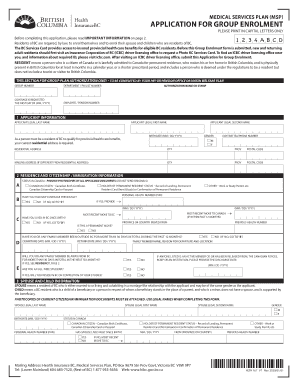
Group msp british columbia
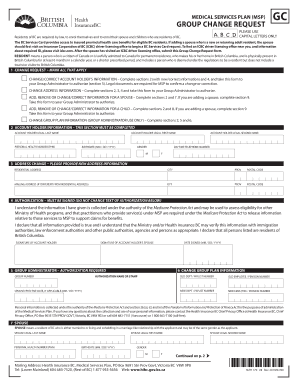
British columbia msp group
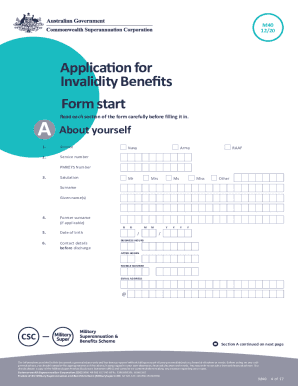
M40 form
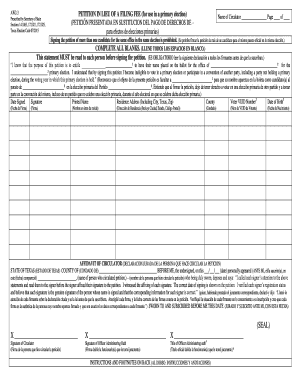
Petition lieu fee
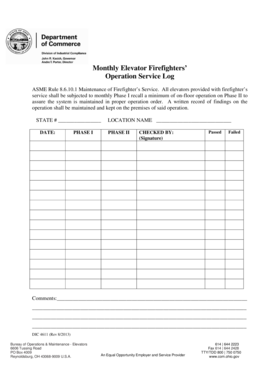
Ohio dic log

Dcd attendance sheet

Workers compensation board ny
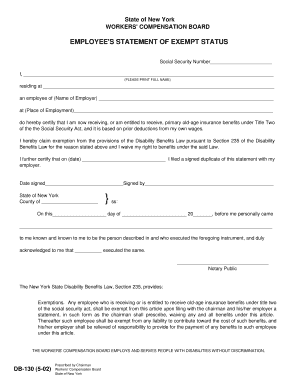
Nys wcb exemption
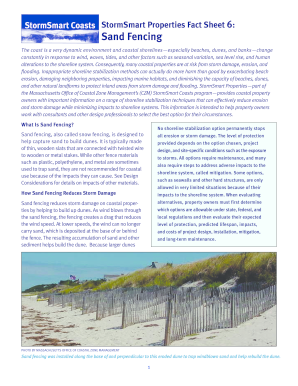
Stormsmart coasts fencing
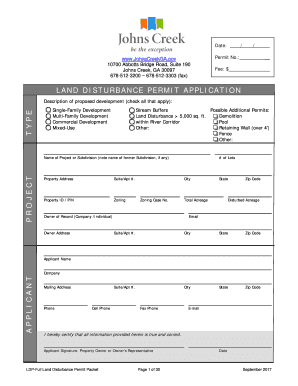
Land disturbance permit form
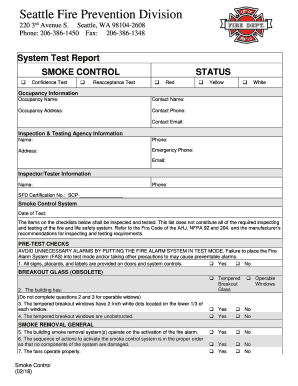
System test report seattle
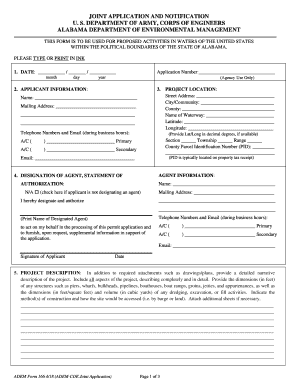
Adem form 166
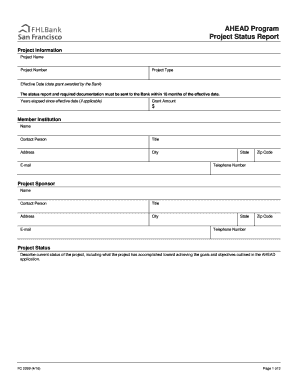
Ahead program project
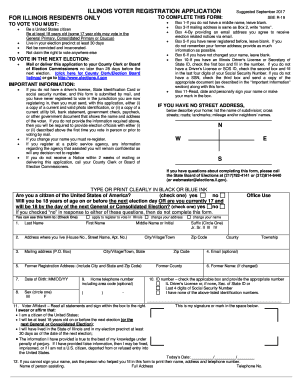
Illinois form application

Il offense code

Illinois dom information form
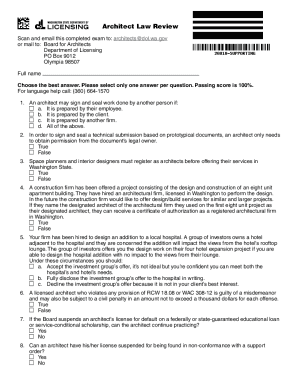
Form AR-636-020 Download Fillable PDF or Fill Online ...
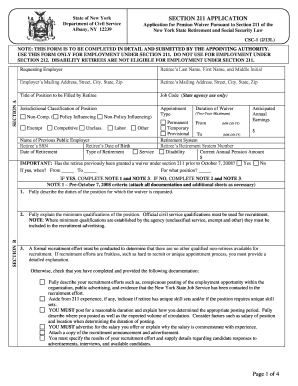
Dbm csc form 1
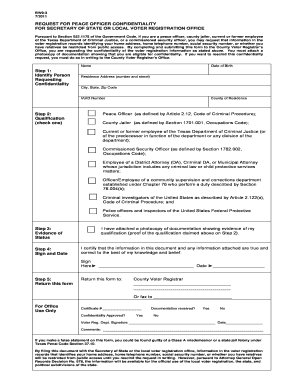
Tx bw9 3

Ce sponsorship approval - occupational therapy (form 1sb) - August ... - op nysed
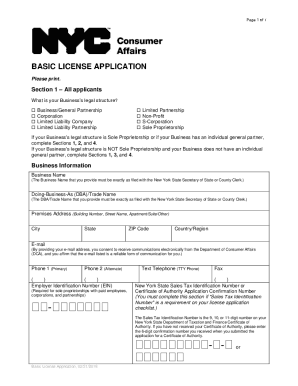
INSTRUCTIONS UNIFORM APPLICATION FOR LICENSURE/REGISTRATION
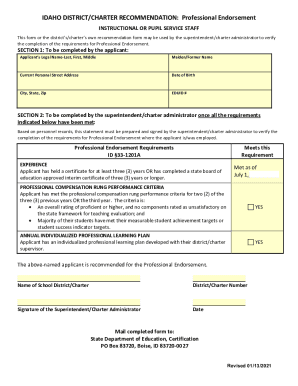
Techincal Document - Idaho State Department of Education
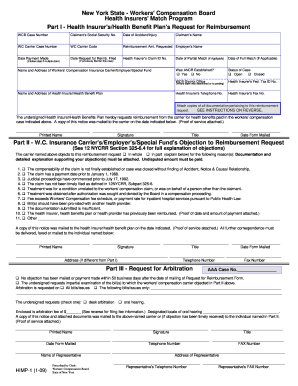
HIMP-1(1/09) - Workers' Compensation Board - New York State - wcb ny

REQUIRED SUBMISSION ITEMS FOR GRADING ... - San Diego County
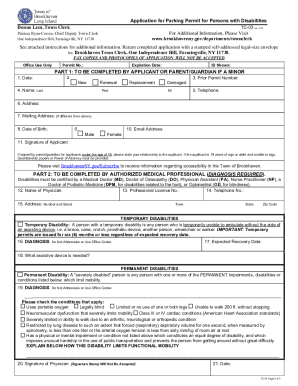
Application parking disabilities form
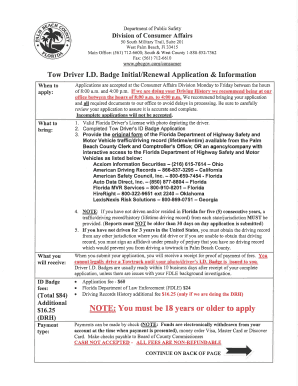
Florida driver id badge

407 inquiry form

Sp 4 134a

Illinois corporaciones

Illinois identification
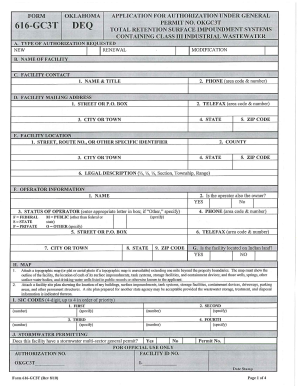
2010 OK DEQ 616-GC3T

Illinois il issp

Il sos police
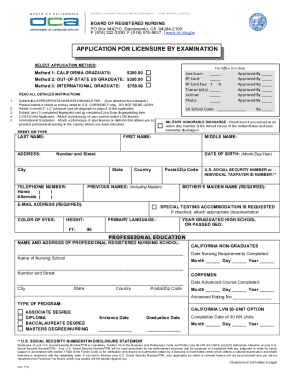
Ca endorsement
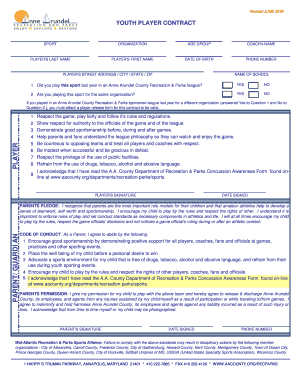
Youth Player Contract 1-12.xls

Form Application for a Concealed Carry Firearm Permit - Mississippi ...
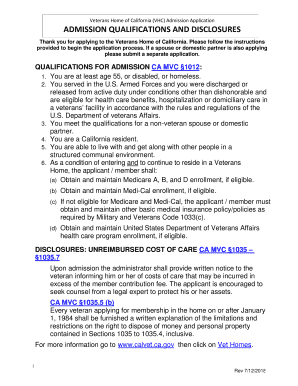
Thank you for applying to the Veterans Home of California

Oregon's Three Tier System - Oregon.gov
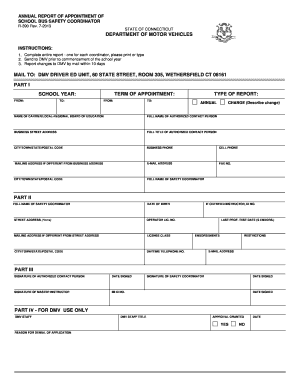
Connecticut r 390
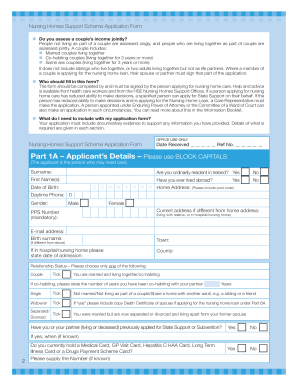
Nhss1 form
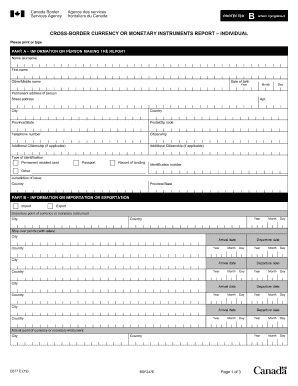
E677 form
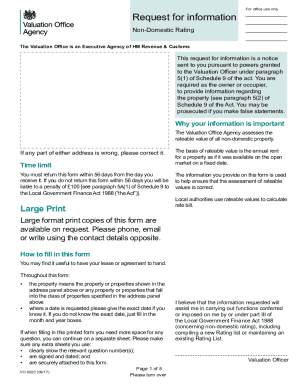
Vo 6020
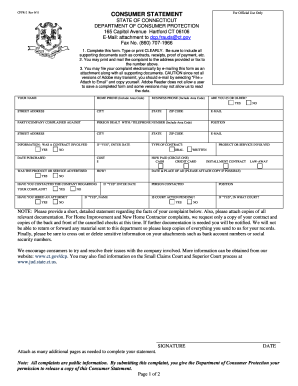
Dph compaint connecticut

Pwgsc 2265
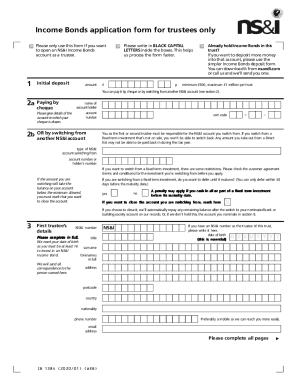
Fillable Online Income Bonds application form for trustees ...
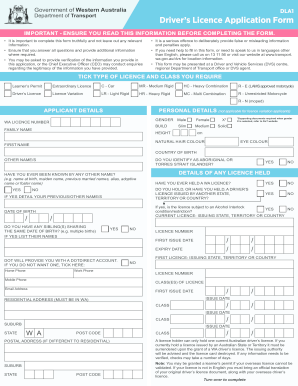
Mdl drivers licence
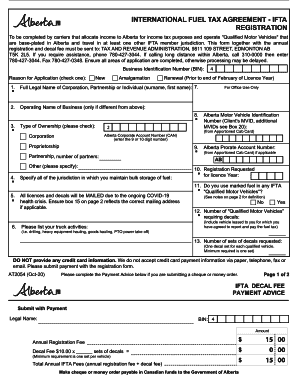
Ifta alberta
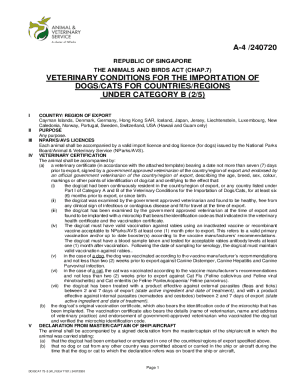
A-4 /240720 VETERINARY CONDITIONS FOR THE ...
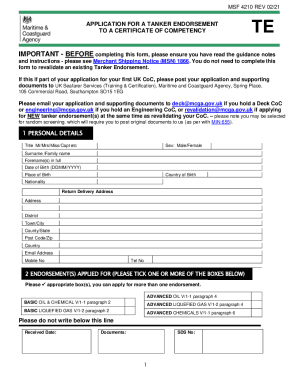
Msf 4210
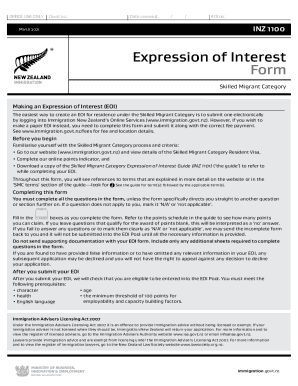
Nz 1100
A Guide for Organizing Domestic Corporations - Spanish
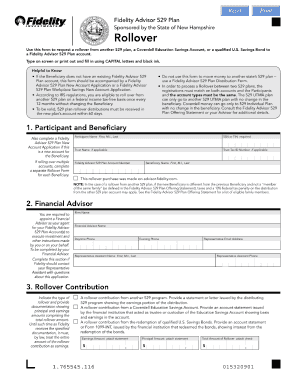
Fidelity plan rollover

Request for Authorization Form (use for Department of Music ...
Illinois State Archives - Archives MonthPoster

Illinois Secretary of State Guide to the SOS Literacy Effort

Get And Sign The Attached Personal History Statement (PHS ...
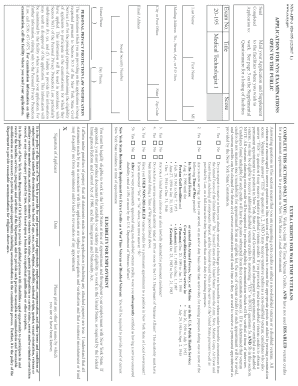
Mail your Application and Supplement
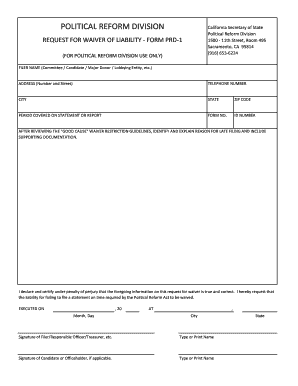
Fillable Online Form PRD-1 - California Fax Email Print - DocHub
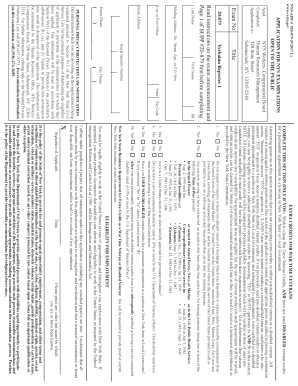
Verbatim Reporter 1
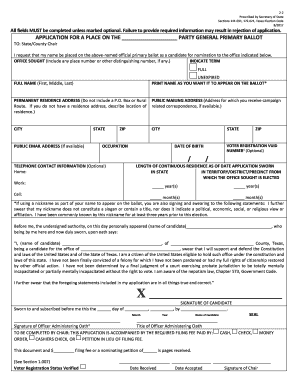
Application For A Place on theParty General Primary Ballot (2-2)

RC 226-1 Business Information Form. The Business Information form provides the legal name of the business, 'doing business as ' name, tax information, the billing address, and signature of the legally responsible person.
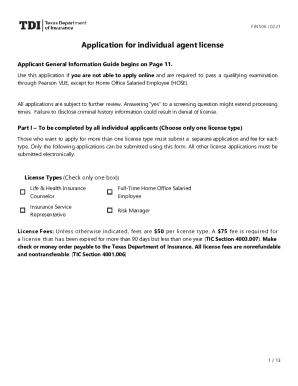
Texas tdi fin agent
Ppqa 01
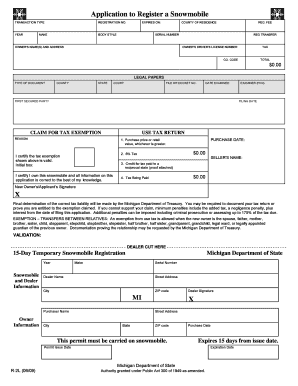
State of michigan printable forms
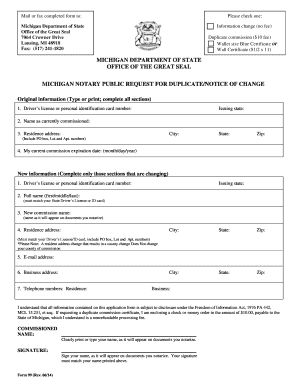
Michigan notary wall certificate
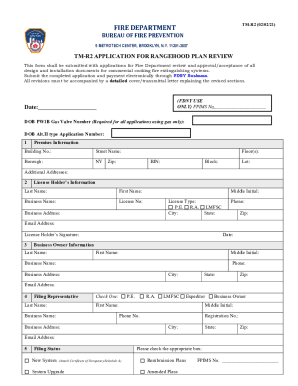
PDF FIRE DEPARTMENT - NYC.gov
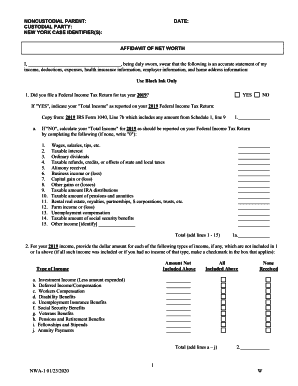
Affidavit of net worth
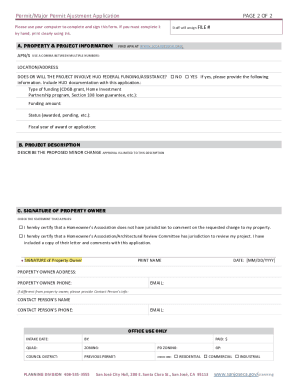
City of san jose building department

Marijuana Business Individual History Form

Oregon Department of Education Public Service Building ...
Registration and Application Forms - Oregon.gov
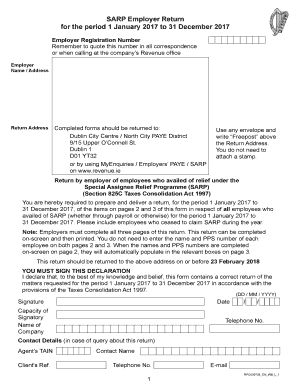
Sarp employer return
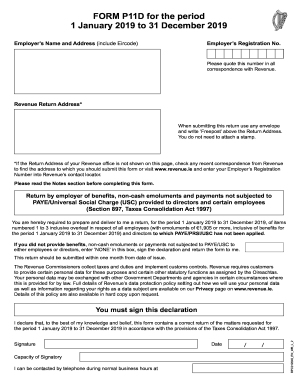
P11d form ie

Application agency license

Aircraft register forms and fees for aircraft registration ...
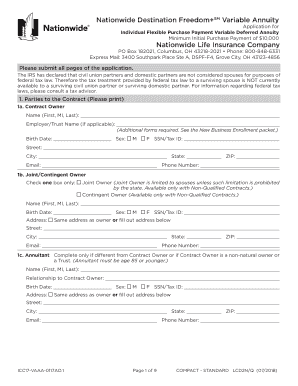
Nationwide Destination Freedom+SM Variable Annuity

Ford authorization any

Florida class g
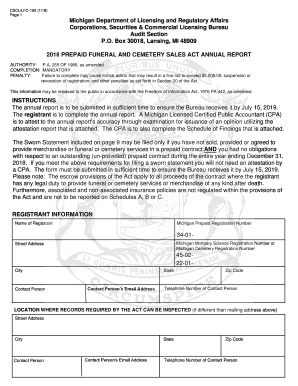
Cscl lfc 100

Act 235 psychological exam

1 PETITION FOR PERMISSION TO TEST OR RETEST Please ...
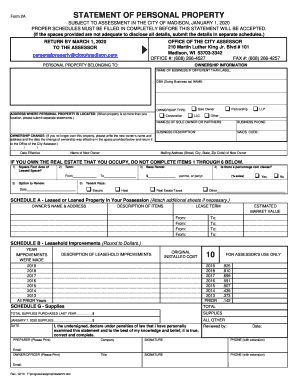
Form 2A Statement of Personal Property - City of Madison ...
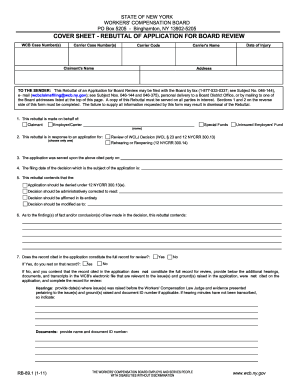
Rb 89 1 form
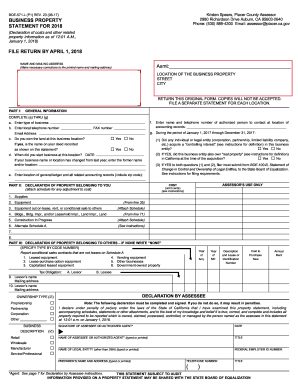
Form boe 571 l
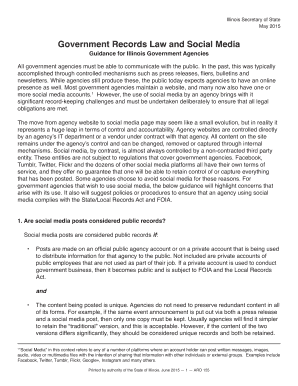
Illinois government social
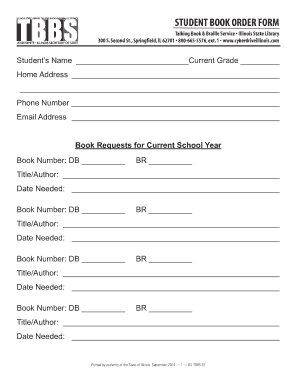
Illinois book form

Michigan uia power
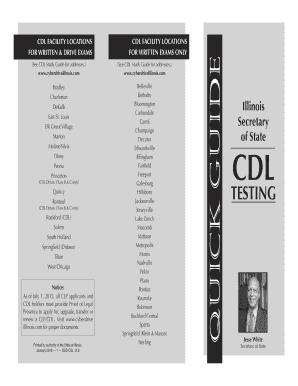
Illinois Quick Guide to CDL Testing
Benefit from the DocHub online library of fillable PDF forms
Searching the PDF forms doesn't have to be a tedious and time-consuming process. With the DocHub online library, it has become easier to find the fillable PDF forms and modify them in your browser. The service allows you to adjust the document to your needs using powerful editing tools.
You can use online document editing features to modify almost any type of document with ease. You just need to find the template of your choice, open it in the editor, and use the toolbar to make the necessary corrections.
Follow this guide to get your document done with DocHub:
- Find the PDF template you need.
- Click the Get Form button to open the file in the editor.
- Use the toolbar to fill out and edit the document.
- Easily add and highlight text, insert images, checkmarks, and symbols.
- Drop new fillable fields, and rearrange or delete pages from your file.
- Save changes and download your record.
DocHub empowers everyone to streamline document editing, signing, and distribution, and form completion. Create an account and benefit from our well-organized PDF Forms library and comprehensive editor.