Type text, add images, blackout confidential details, add comments, highlights and more.
02. Sign it in a few clicks
Draw your signature, type it, upload its image, or use your mobile device as a signature pad.
03. Share your form with others
Send it via email, link, or fax. You can also download it, export it or print it out.
How to use or fill out virology requisition with our platform
Ease of Setup
DocHub User Ratings on G2
Ease of Use
DocHub User Ratings on G2
Click ‘Get Form’ to open the virology requisition in the editor.
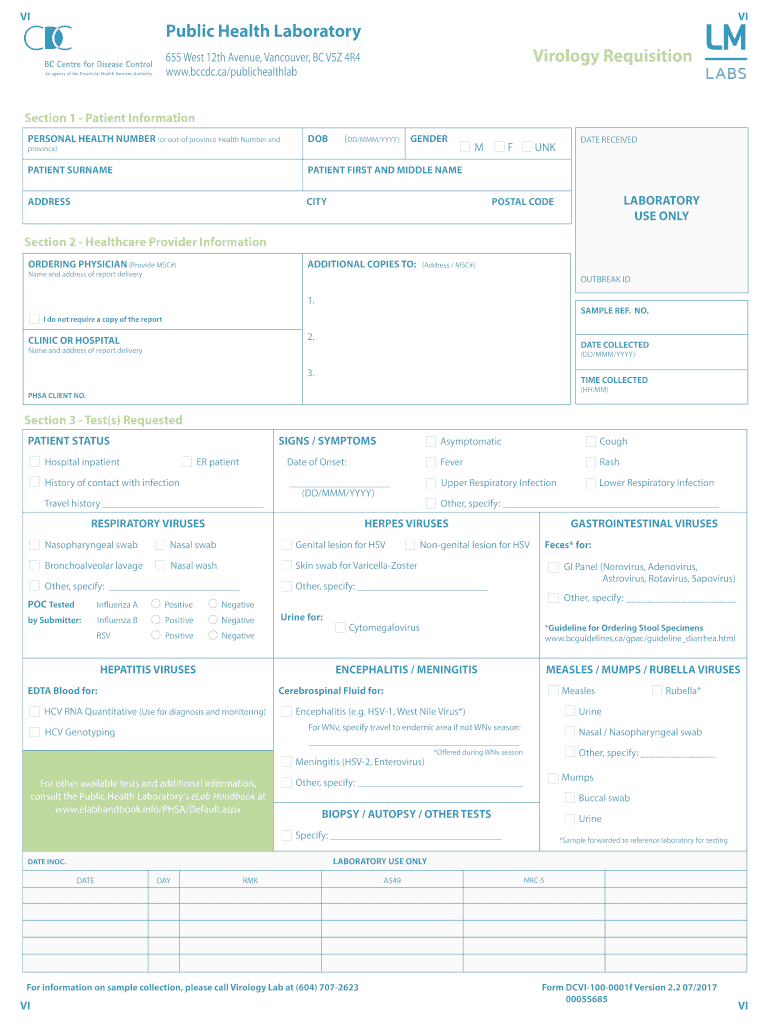
Begin with Section 1, Patient Information. Fill in the Personal Health Number, Date of Birth, Patient Surname, First and Middle Name, Address, City, Province, Postal Code, and Gender. Ensure all details are accurate for proper identification.
Move to Section 2 for Healthcare Provider Information. Enter the Ordering Physician's name and MSC#, along with any additional copies needed for report delivery. Include the Outbreak ID and Sample Reference Number if applicable.
In Section 3, Test(s) Requested, indicate the Patient Status and any Signs/Symptoms. Select the appropriate tests based on symptoms or history of contact with infections. Be specific about sample types required.
Review all sections for completeness before submitting your form. Utilize our platform’s features to save or share your completed requisition easily.
Start using our platform today to streamline your virology requisition process for free!
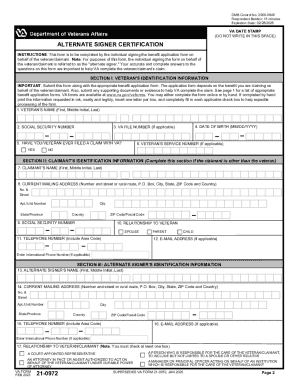
We've got more versions of the virology requisition form. Select the right virology requisition version from the list and start editing it straight away!
Clinical Pathology Test Order Forms | Laboratory Test Guide
Submission of requests for laboratory testing should be accompanied by the appropriate requisition form. Laboratory procedures are performed ONLY upon aRead more
Infectious Agent(s) Suspected or Test(s) Requested: (Check one or more boxes, as needed). ❑ Comprehensive Viral Culture. ❑ Mumps. ❑ HSV/VZV. ❑ Influenza.Read more
Cookie consent notice
This site uses cookies to enhance site navigation and personalize your experience.
By using this site you agree to our use of cookies as described in our Privacy Notice.
You can modify your selections by visiting our Cookie and Advertising Notice.