
Get any PDF form from the DocHub library of ready-made templates - Page 1369

Form DSMV30 Download Fillable PDF or Fill Online Record Change ...
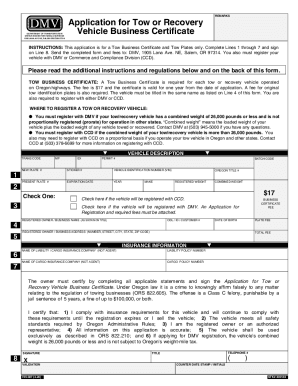
Application for Tow or Recovery Vehicle Business Certificate

OBL337 Occupational License (Salesperson) Packet - DMV and
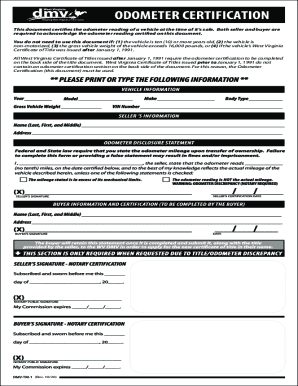
DMV-TM-1OdometerDisclosureStatement
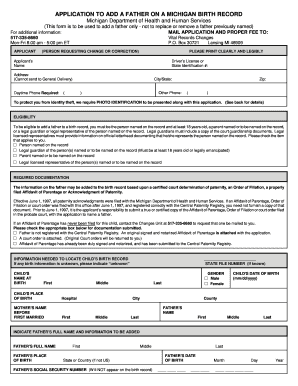
Fillable dch 0848
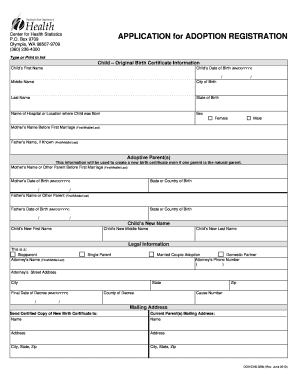
Adoption papers template

OPWDD DDRO Manual for Children's Waiver

Application for a Birth Certificate after Adoption. Request birth certificate immediately after adoption finalized
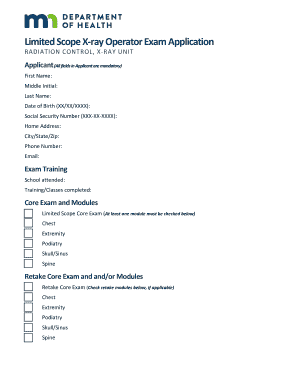
X-ray Unit Examination Process

Death certificate application form - GOV.UKInstructions for Completing the Cause-of-Death Section of ...ReferenceDeath Certificate Application and Instructions

Report of Legal Blindness-Request for information

Mandatory forbearance student loan
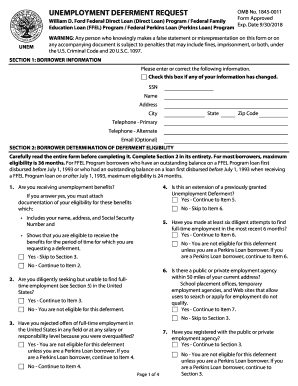
Ed unem

TVFC Program - Vaccine Transfer Authorization Form

Ok cib form
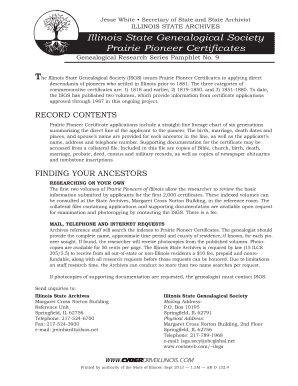
The illinois pioneer
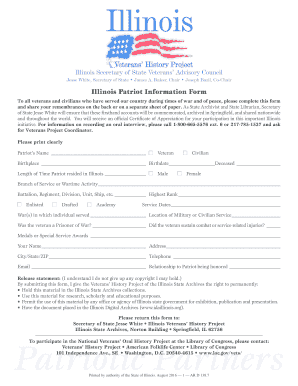
Il information form pdf
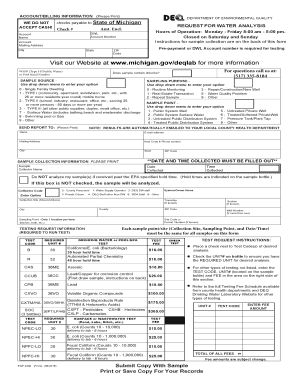
Form code sampling form
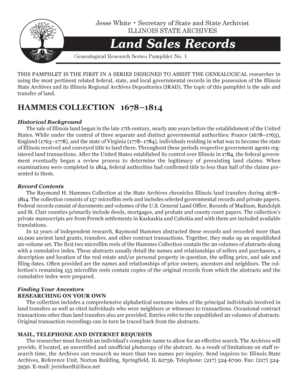
Land cyberdrive illinois

How to file rpie

Emancipation muster
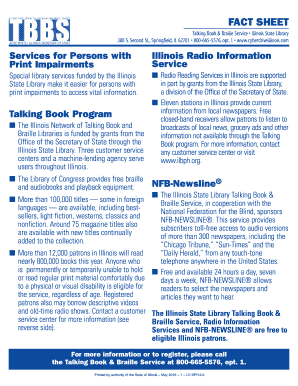
Il tbbs

79 02 pg e
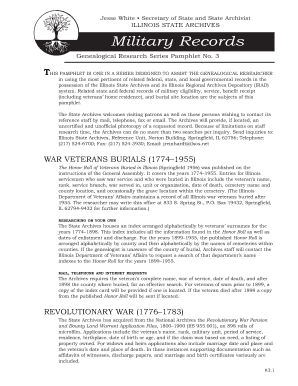
Il military records
Illinois lobbyists registration
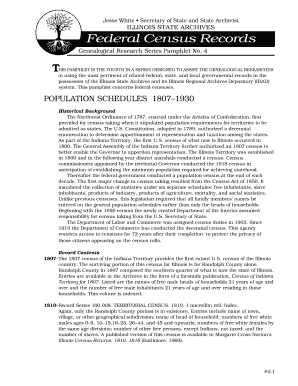
Census entries record

Illinois mapping your
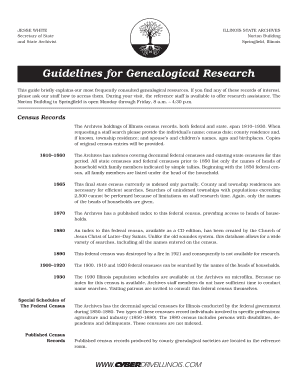
Guidelines for Genealogical Research - Illinois Secretary of State
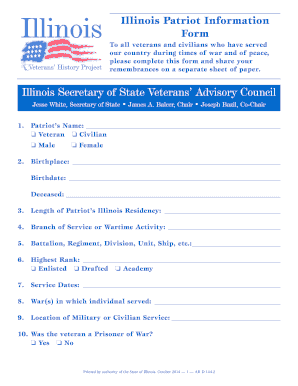
Illinois patriot information form

Illinois your history

Illinois service awards

Secretary effort illinois

Prd 1 form

Inclusion compensation form
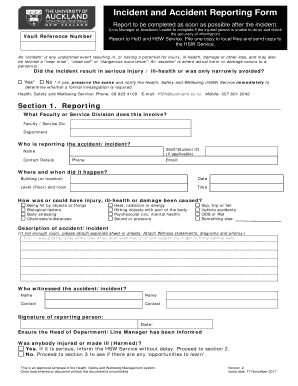
Nz accident form template
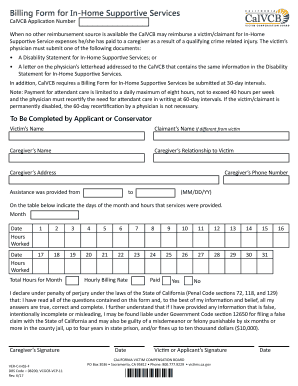
California calvcb home supportive services
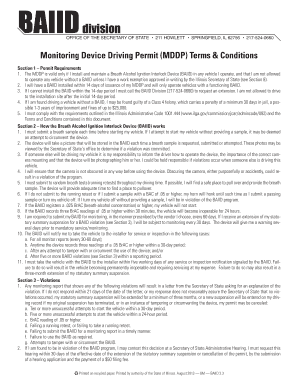
Illinois baiid
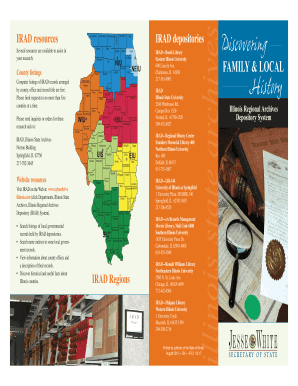
Il discovering sample
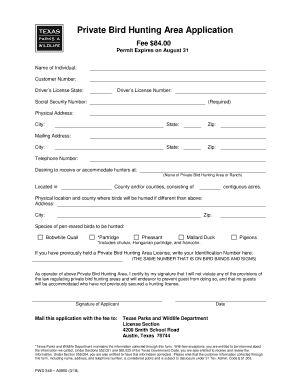
Pwd form private hunting

Illinois certifying official
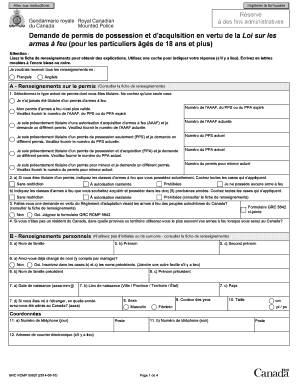
Formulaire grc 5592
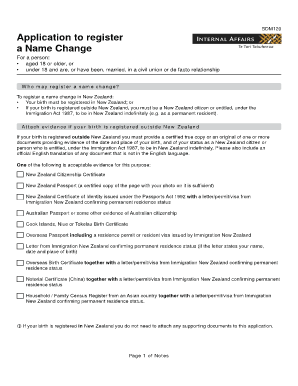
Bdm120

MSP Application for Enrolment - Ministry of Health - health gov bc

Dl2 form
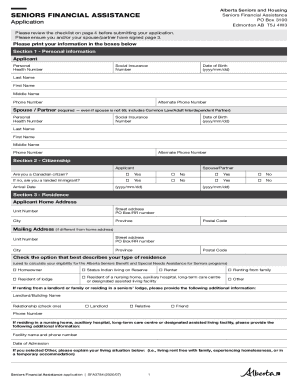
Seniors Financial Assistance application. Application for the seniors financial assistance programs

Fair pharmacare income review
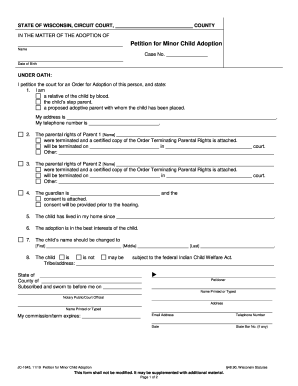
I petition the court for an Order for Adoption of this person, and state:
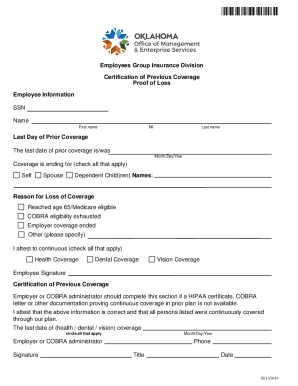
Certification of Previous Health Care Coverage. Certification of Previous Health Care Coverage
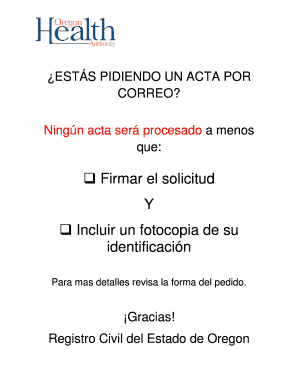
Oregon divorcio form

Lottery authorization txlottery online
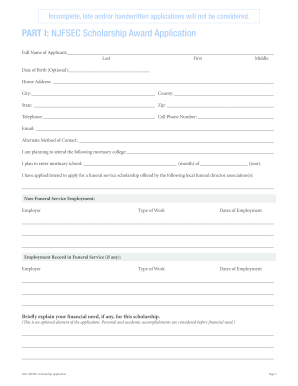
Nj njfsec

Vhc admission application form

Std 268

Va beach phq
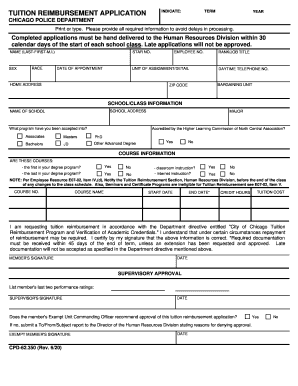
Chicago tuition reimbursement
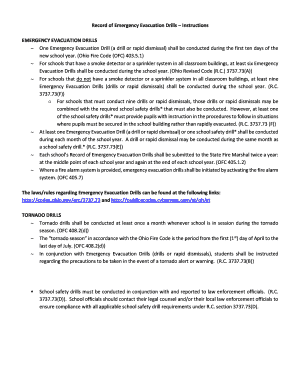
Record of emergency evacuation drills

DEPARTMENT OF CITYWIDE ADMINISTRATIVE ... - New York City

Application and Registration Forms for Air Permits - Texas ...
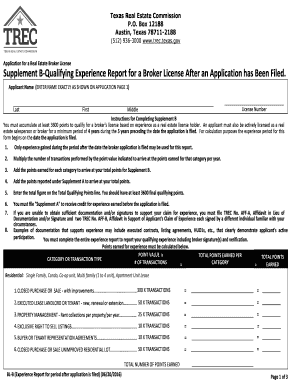
Texas license
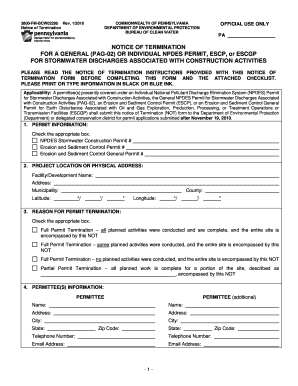
3800 fm bcw0229b
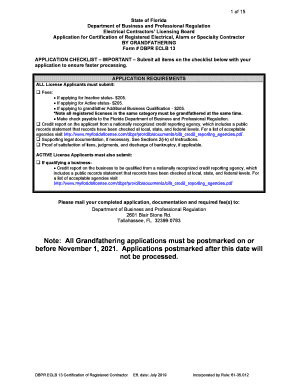
Eclb13
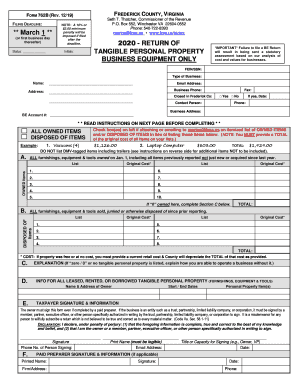
Virginia form tangible
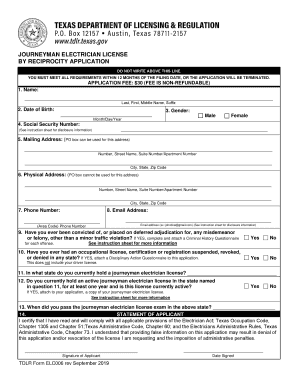
Journeyman Application for a Certificate of Competency
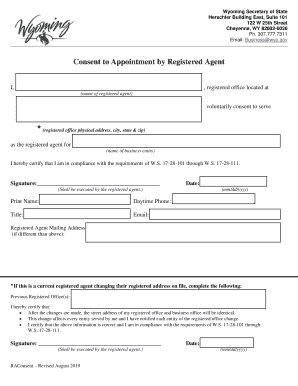
Consent form - Wyoming Secretary of State
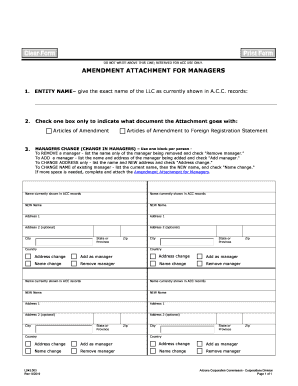
Submit Fillable managing backorders Form in PDF Online ...

Application for Certificate of Registration to Transact Business in ...
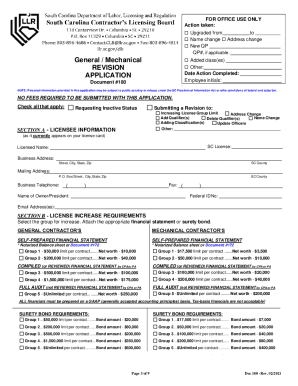
South Carolina Department of Labor, Licensing, & Regulation

S The Department of States role is ministerial. The ...
New zealand form

Hsmv 82050
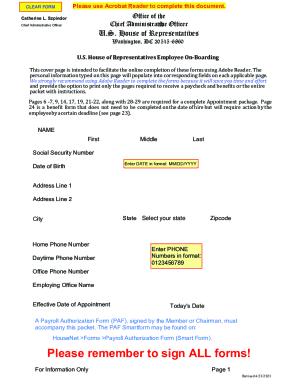
How do I clear forms in adobe acrobat dc (PDF Forms)5 Ways to Delete Items in PDF Documents With Adobe Acrobathow do I clear forms in adobe acrobat dc (PDF Forms)
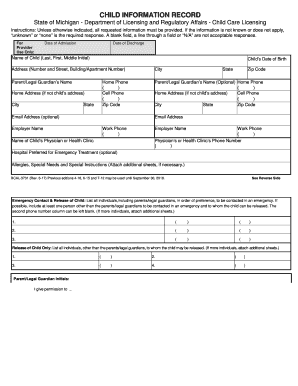
Bcal 3731

IMPORTANT: PLEASE READ THE ATTACHED INSTRUCTIONS PRIOR TO SUBMITTING A CLAIM TO MEDICARE

Missouri quarterly report form
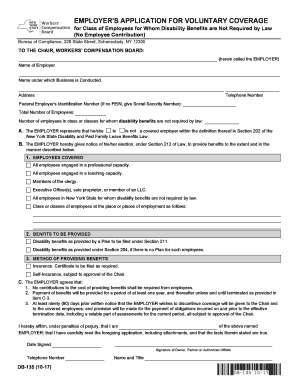
Db 135 form
Pamphlet 400
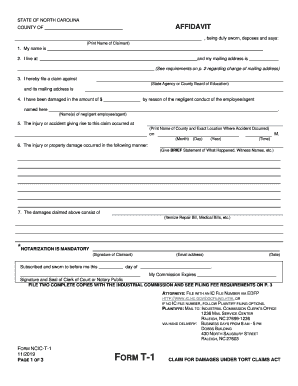
Claim occurred tort online

Eyewash so ansi form
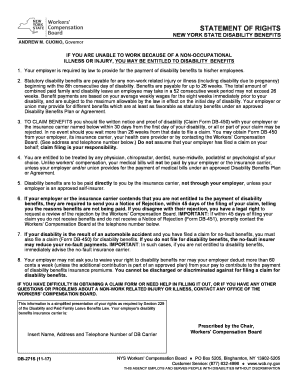
Db- 271s version 11- 17.pdf

Supplemental 424 form
Withdrawals tsp

Nationwide Destination Freedom+SM Variable Annuity

Application leave file
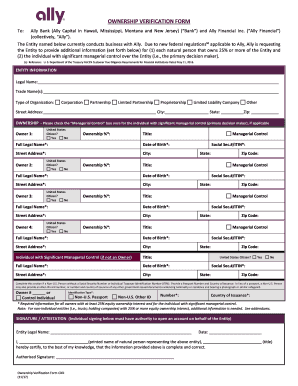
Ownership verification form
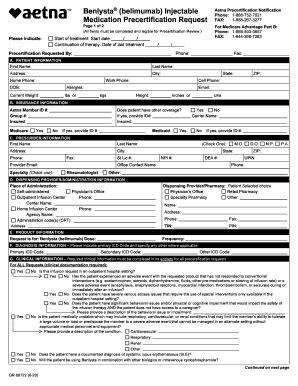
(belimumab) Injectable Medication Precertification Request. (belimumab) Injectable Medication Precertification Request

Address: - uclahealth

Letterhead funds
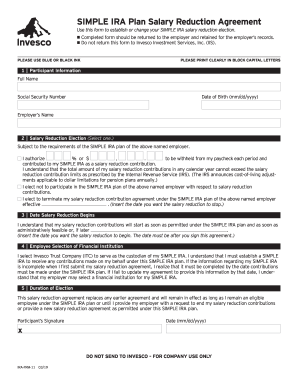
Edward jones simple ira contribution transmittal form pdf

2019 Virginia Medicaid-FAMISPulmonary Arterial Hypertension (PAH) AgentsPrior Authorization (PA)Kaiser Permanente Health Plan of Mid-Atlantic States, Inc.
866 752 7021
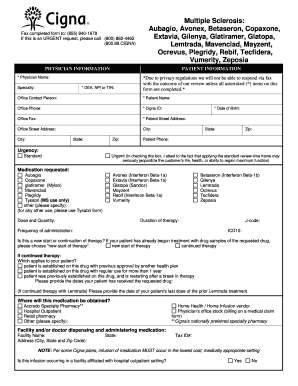
(MS use only)
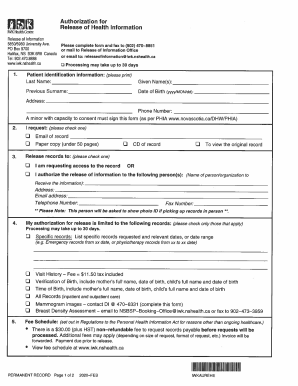
Iwk release of information

Cdib

Conduct geophysical search

ULAM Germ-Free Mouse Facility User Request Form
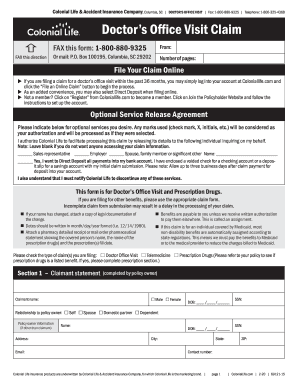
Doctors claim form
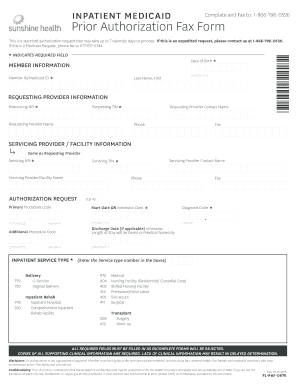
Florida prior authorization form
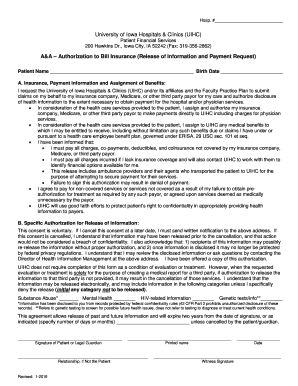
Bill insurance form
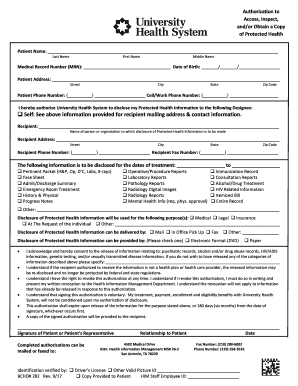
Access, Inspect,
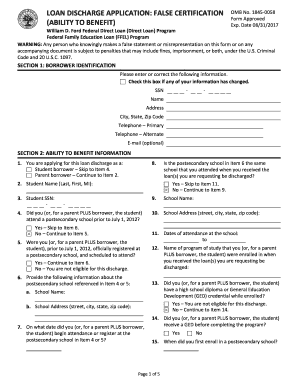
Ed discharge application ability
Benefit from the DocHub online library of fillable PDF forms
Searching the PDF forms doesn't have to be a tedious and time-consuming process. With the DocHub online library, it has become easier to find the fillable PDF forms and modify them in your browser. The service allows you to adjust the document to your needs using powerful editing tools.
You can use online document editing features to modify almost any type of document with ease. You just need to find the template of your choice, open it in the editor, and use the toolbar to make the necessary corrections.
Follow this guide to get your document done with DocHub:
- Find the PDF template you need.
- Click the Get Form button to open the file in the editor.
- Use the toolbar to fill out and edit the document.
- Easily add and highlight text, insert images, checkmarks, and symbols.
- Drop new fillable fields, and rearrange or delete pages from your file.
- Save changes and download your record.
DocHub empowers everyone to streamline document editing, signing, and distribution, and form completion. Create an account and benefit from our well-organized PDF Forms library and comprehensive editor.