
Get any PDF form from the DocHub library of ready-made templates - Page 1213
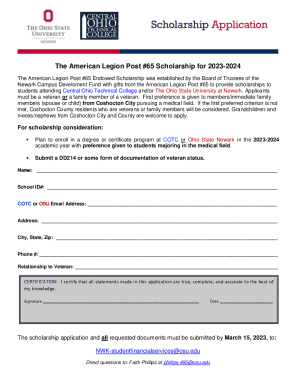
American Legion Post #398New York, NY - Harlem One Stop
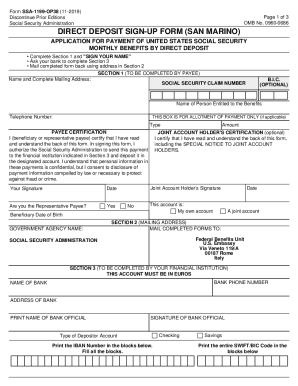
Direct deposit sign-up form (san marino) - Social Security
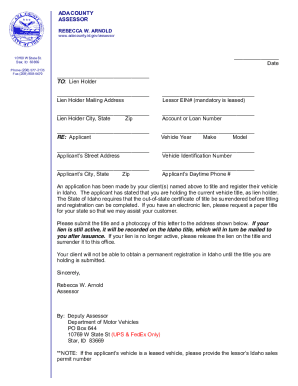
Division of Land Records GIS - Ada County Assessor's Office
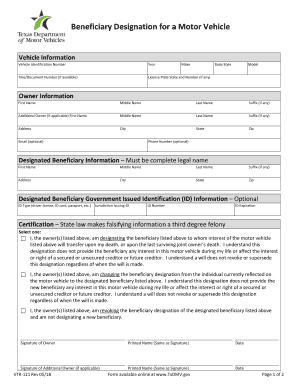
Beneficiary designation for a motor vehicle
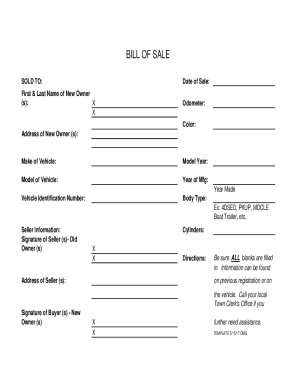
How To Write a Bill of Sale: 8 Steps to Follow (2022)BMV: Titles: Proof of Vehicle Ownership: Bill o
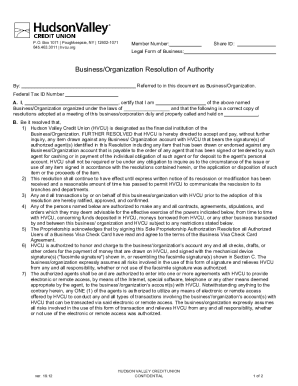
Checkbca reporthudson-united-bankComplaints for Hudson United Bank in Millville, NJ - 152096451
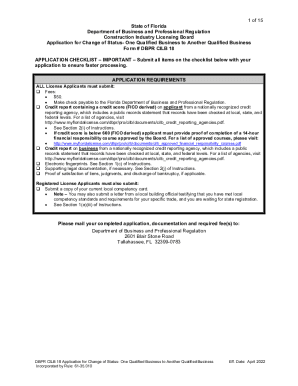
PDF 1 of 15 State of Florida Department of Business and Professional
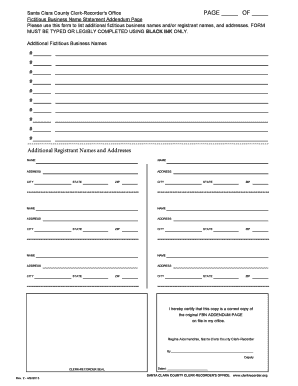
BLACK INK - sccgovorg

HIPAA Medical Record Release Auth Form docx

UC Health Physicians Office South

R38 Expat Claiming for a repayment of an amount overpaid
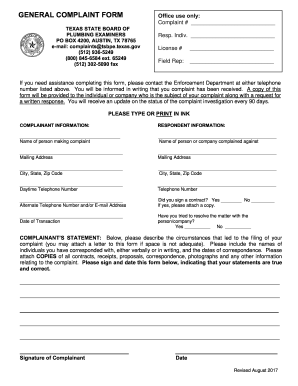
General Complaint Form August2017

File a Complaint - Texas State Board of Plumbing Examiners

Breach of the Peace Report Form
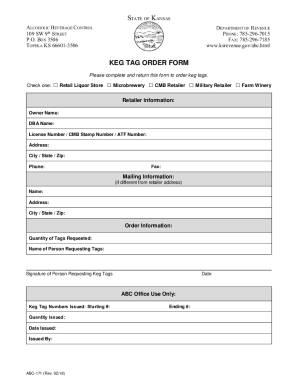
Fill - Free fillable Alcoholic Beverage Control 109 SW 9th
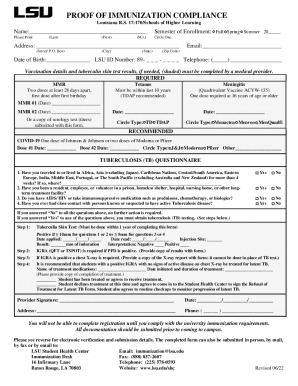
Immunization Compliance Form - Louisiana State University
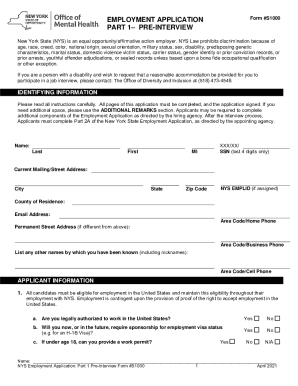
Employment application part 1pre-interview

Gra tax clearance certificate
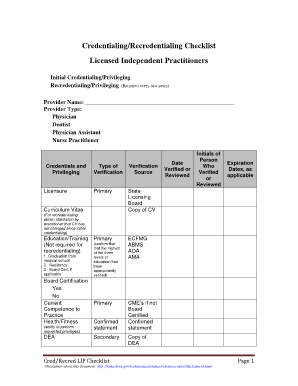
Hrsa credentialing and privileging checklist
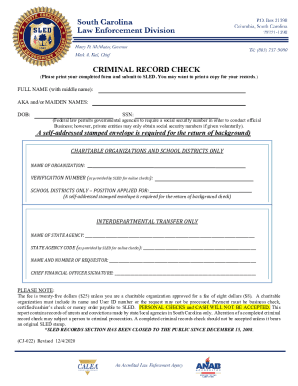
Fillable Online (Please print your completed form and submit to
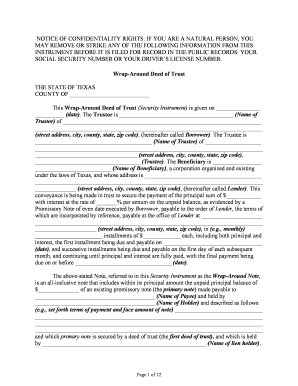
Texas wrap around
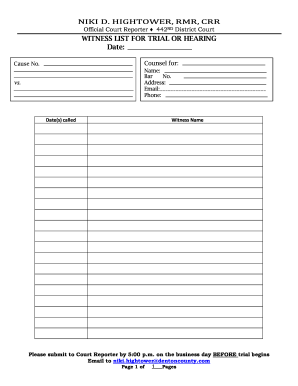
NIKI D HIGHTOWER, RMR, CRR WITNESS LIST FOR TRIAL OR
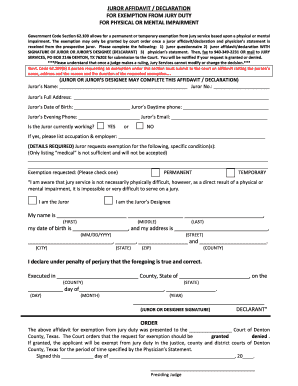
Medical affidavit with physicians statement

APPEAL AN EVICTION ACTION JUDGMENT
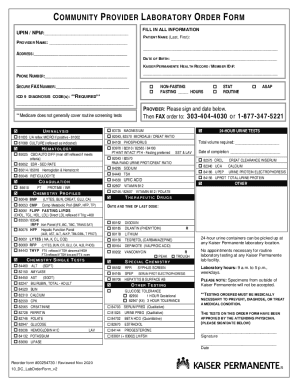
The Who, What, When, Why & How of NPI - CMS
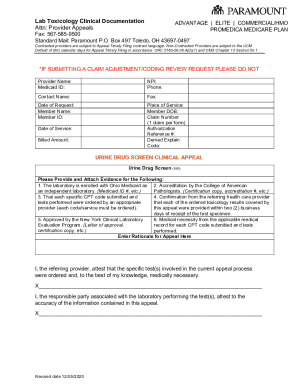
Lab Toxicology Clinical Documentation
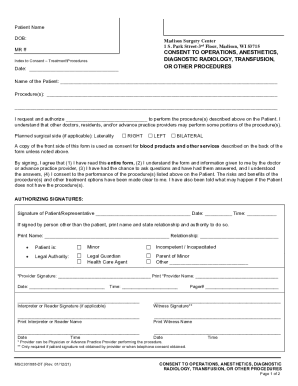
Madison Surgery Center apparently drops late-term abortion
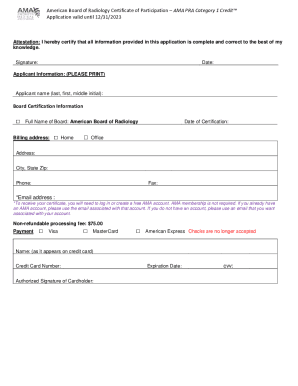
American Medical Association Pra Certificate
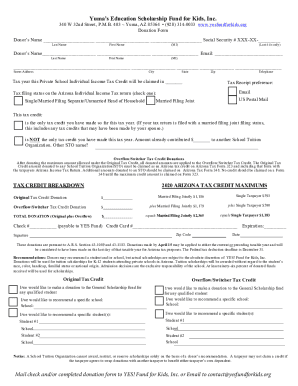
Yumas Education Scholarship Fund for Kids, Inc
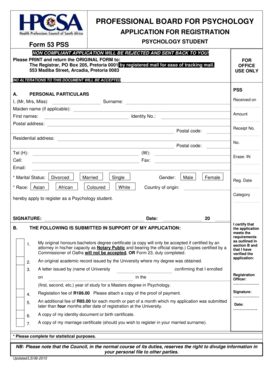
Hpcsa form 53
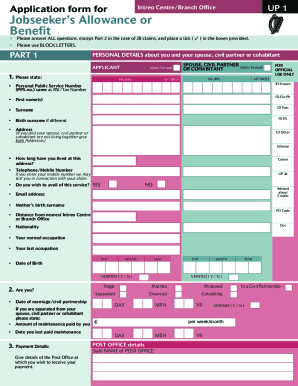
Application form for jobseeker s allowance or benefit

Table of OSBI Fees and AssessmentsOklahoma State Bureau

Contact UsOhio Department of Commerce
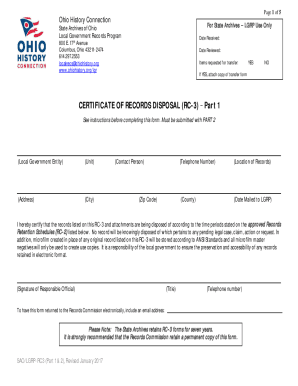
State archives Archives - Ohio History Connection

PLAY-SCHOOL REGISTRATION Form 2014 doc
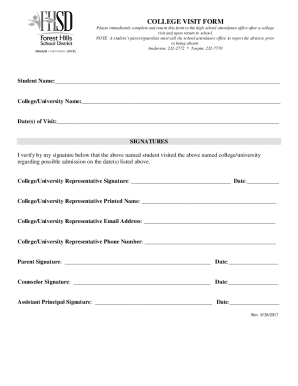
Office of the RegistrarNevada State CollegeOffice of the RegistrarNevada State CollegeOffice of the
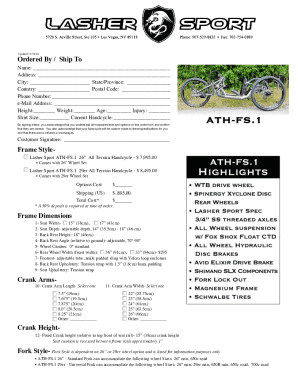
ATH-FS 1 Order Form - Lasher Sport

Lasher ATH-FS 1 Combined Order Form 2-1-14 docx
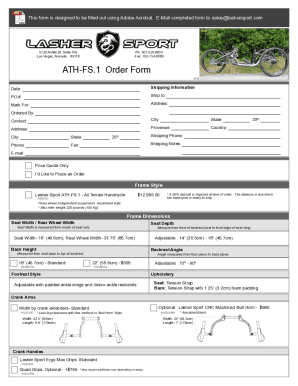
ATH-FS 1 Order Form 2022
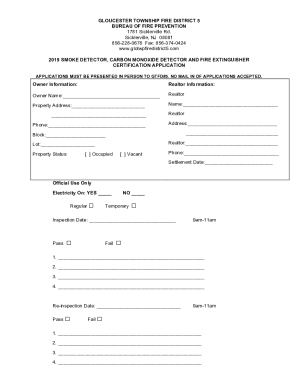
GLOUCESTER TOWNSHIP FIRE DISTRICT 5

Updated Header for Policy 5600-F4 5 24 (1)
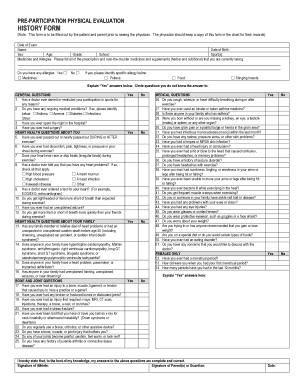
(Note: This form is to be filled out by the patient and parent prior to seeing the physician
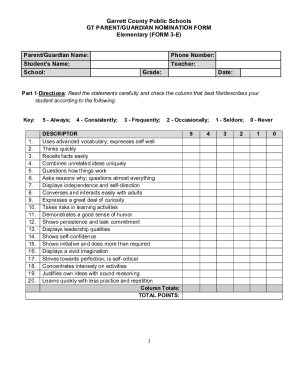
Gifted & Talented Nomination Form - Alva Public Schools
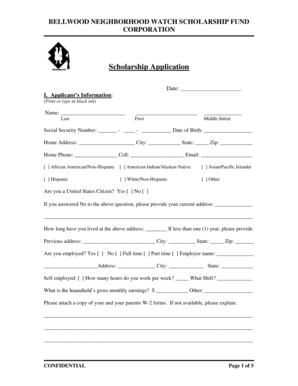
BELLWOOD NEIGHBORHOOD WATCH SCHOLARSHIP FUND CORPORATION Scholarship Application Date: I
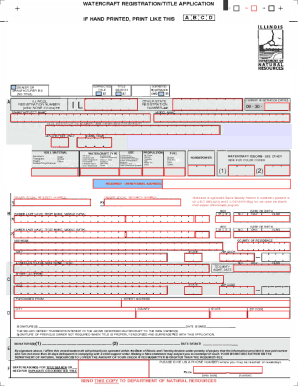
Illinois title application form pdf illinois title
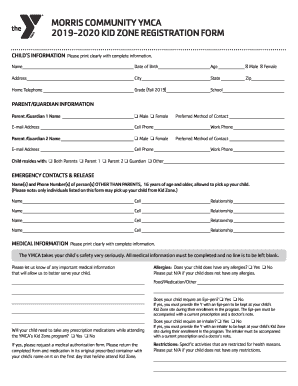
Morris YMCA Kid ZoneGreater Joliet Area YMCA

Membership & Village of Carol Stream Dog License
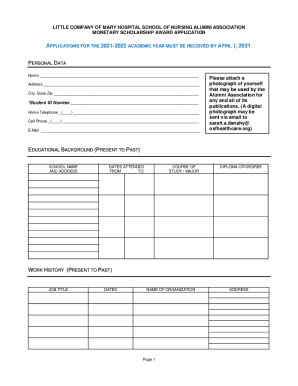
Osfhealthcarefoundation wp-contentLITTLE COMPANY OF MARY HOSPITAL NURSING ALUMNI MONETARY
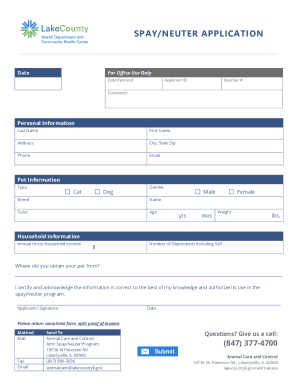
Dear Pet Owner: We are pleased to provide you with information
THE GEOGRAPHIC EXCEPTION FORM DOES NOT APPLY TO HOMELESS STUDENTS UNLESS
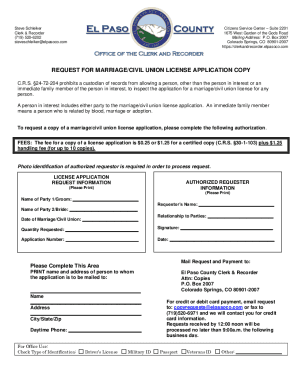
El Paso County Assessor Steve Schleiker running for clerk
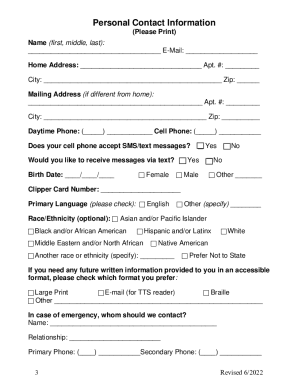
Application for ADA Paratransit Service - Access Alameda
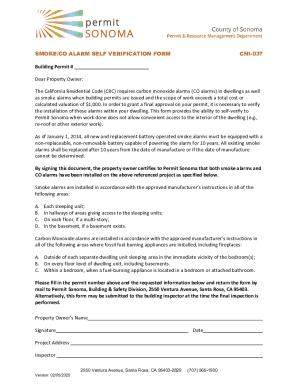
CNI-037 Smoke CO Alarm Self Verification Form - Fresno County, California
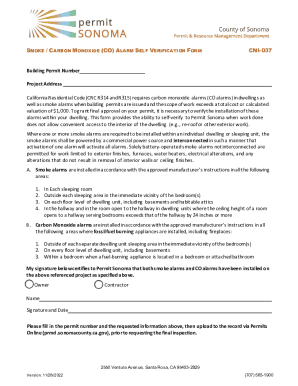
Owner Certification of Smoke Carbon Monoxide Detector
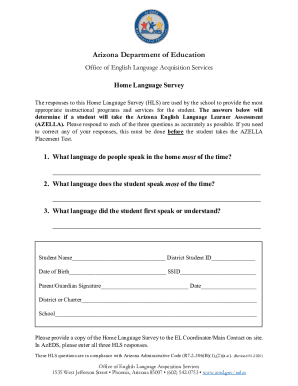
The responses to this Home Language Survey (HLS) are used by the school to provide the most
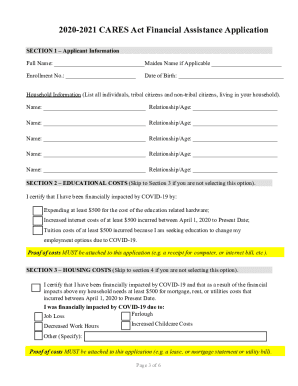
DocHub 525151225--tlingit-and-haidaTlingit And Haida Cares Act - Fill Online, Printable

Crown Land Tenure Application - Authorization Guidance
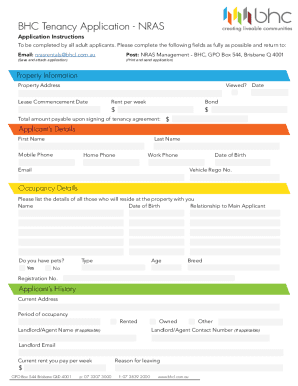
BHC Tenancy Application - NRAS

ASTP Application Form ASTP Application Form
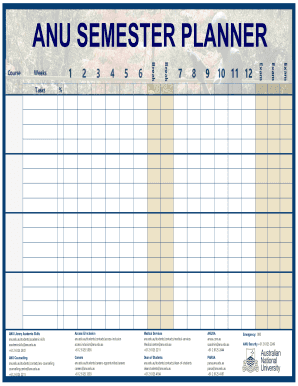
ANU Library Academic Skills ANU Counselling

F04 New Supplier request form - University of Melbourne

Become a Member, Have a Voice, Make a Difference
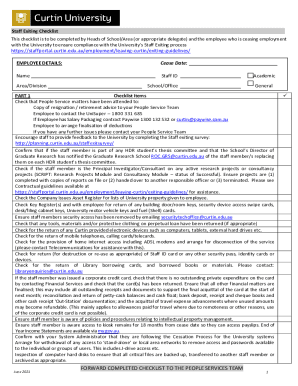
Staff Exiting Checklist Curtin University, Perth, Australia

Consumer Vaccination Pre-Screening Consent Form
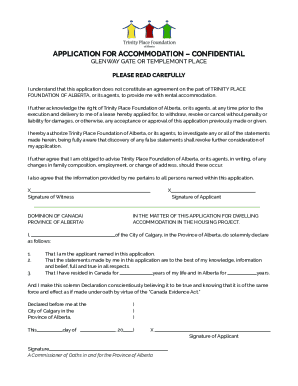
Avensseniors 02Application-for-AccommodationAPPLICATION FOR ACCOMMODATION (CONFIDENTIAL) Last revise

Pension income splitting - Canada ca
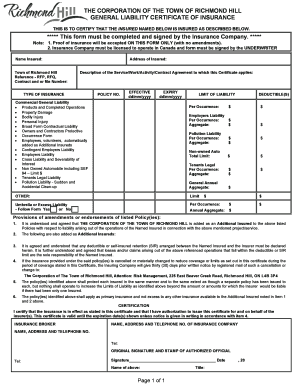
THE CORPORATION OF THE TOWN OF RICHMOND HILL GENERAL LIABILITY CERTIFICATE OF INSURANCE
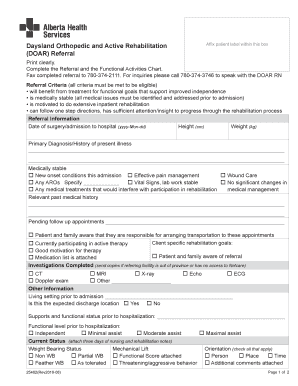
Printable Forms - Refer your patientSummit Orthopedics
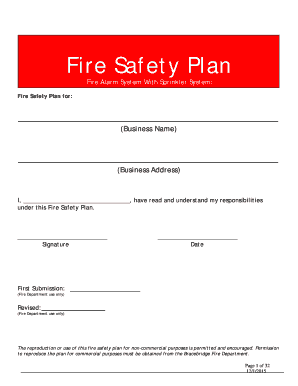
Fire Alarm System With Sprinkler System:
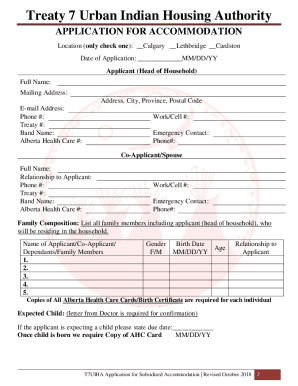
Mapquest canadaalbertaTreaty 7 Urban Housing Authority 234 12C St N Lethbridge, AB
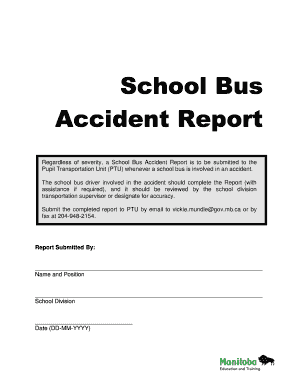
Pupil Transportation Manitoba Education

Salary slip format pakistan
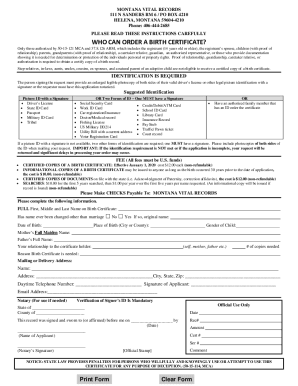
Birth & Death Certificates - Montana Department of Public Health
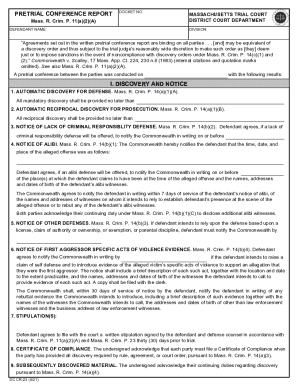
Open PDF file, 56 96 KB, for Pretrial Conference Report - District Court
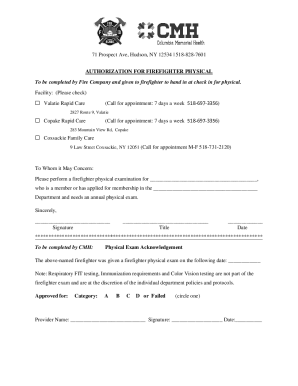
71 Prospect Ave

Head injury checklist
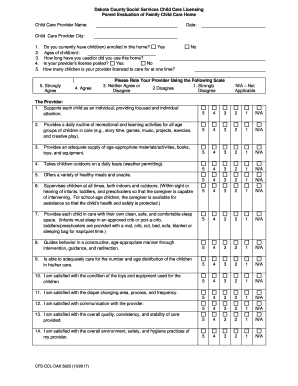
Parent Evaluation of Child Care Services (DAK 5622)
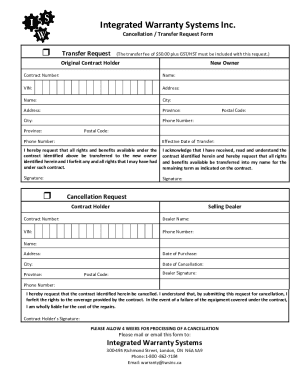
IWS-Transfer-Cancellation-Form
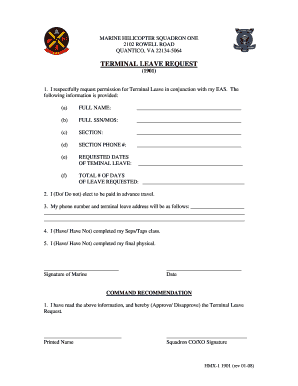
Us marine leave form
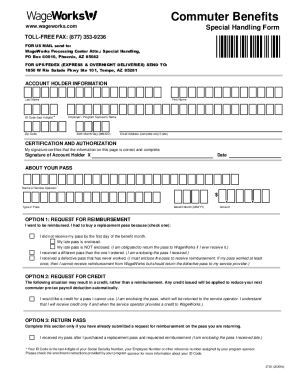
How do I use my WageWorks Commuter Card?WageWorks
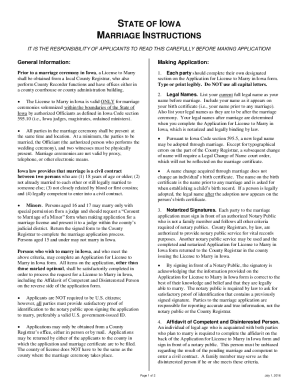
The marriage application fee is $35 00 We accept cash or
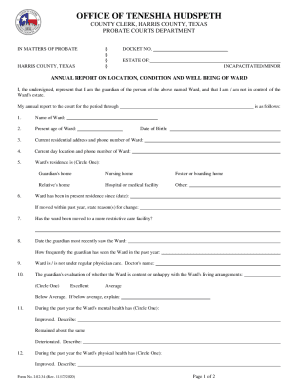
Annual report on location, condition and well being of ward
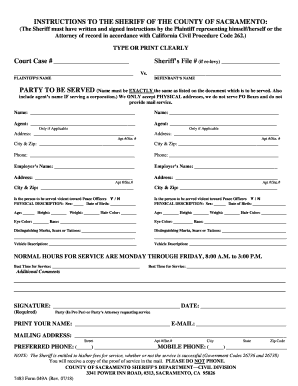
INSTRUCTIONS TO THE SHERIFF OF THE COUNTY OF SACRAMENTO:

State of Tennessee, County of Davidson - Circuit Court Clerk
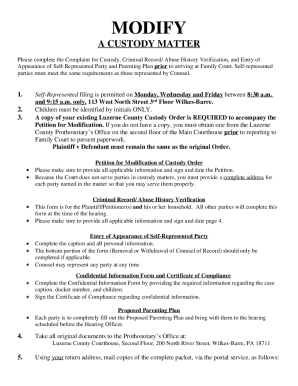
Pa child custody forms
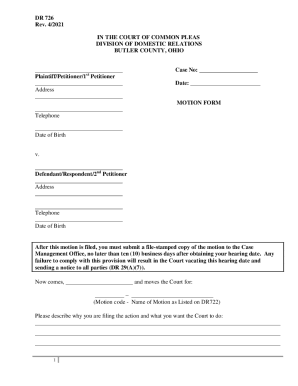
Motion Form DR 726Pdf Fpdf Doc DocxOhio

New York Traffic Infraction Reduction Application
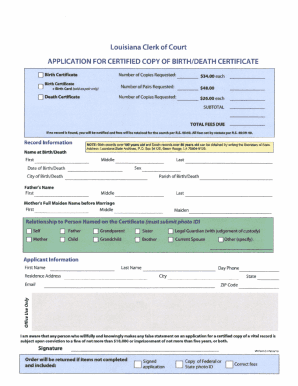
APPLICATION TO AMEND CERTIFICATE OF BIRTH STATE OF LOUISIANA
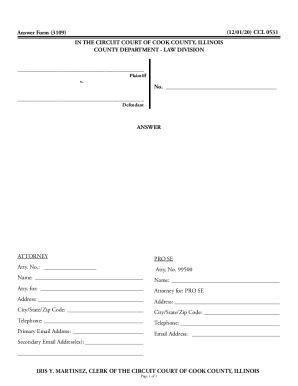
Illinois Circuit Court Answer Form
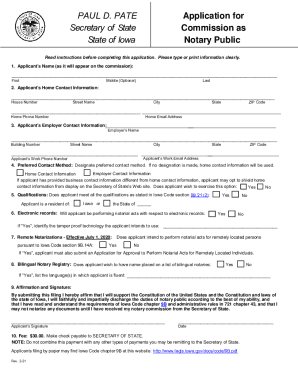
PAUL D PATE Application for - Iowa Secretary of State
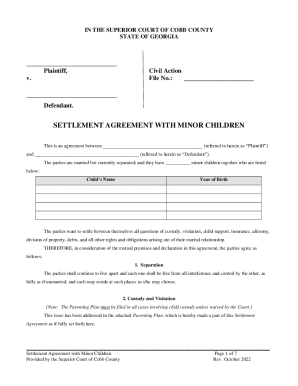
This is an agreement between (referred to herein as Plaintiff)
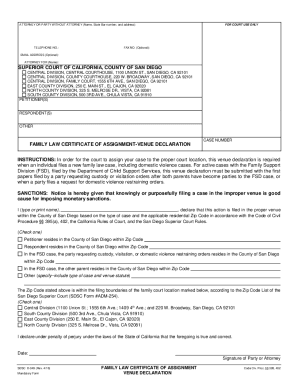
INSTRUCTIONS: In order for the court to assign your case to the proper court location, this venue de
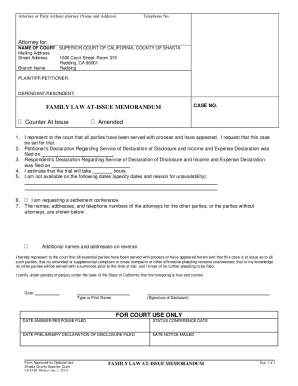
Attorney for: SUPERIOR COURT OF CALIFORNIA, COUNTY

Education related deferment request - Sallie Mae
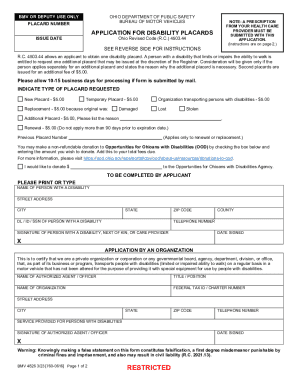
OHIO BUREAU OF MOTOR VEHICLES
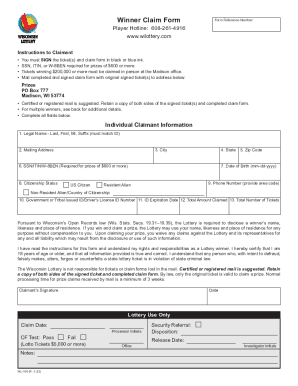
Wisconsin Lottery Winner Claim Form Wisconsin Lottery Winner Claim Form
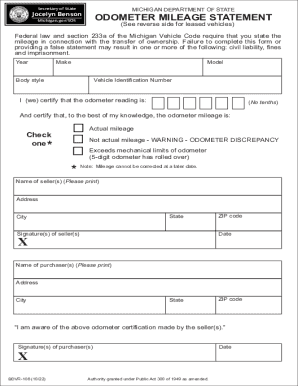
ODOMETER MILEAGE STATEMENT
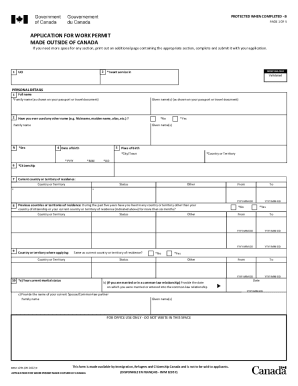
APPLICATION FOR WORK PERMIT MADE OUTSIDE OF
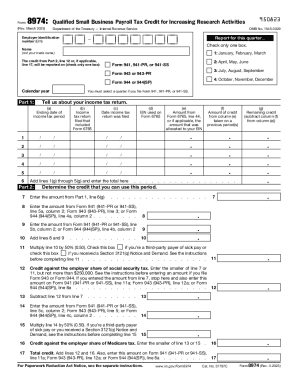
About Form 8974, Qualified Small Business Payroll Tax - IRS
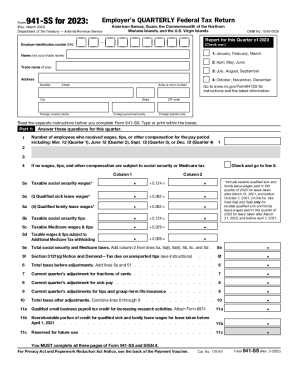
IRS Form 941-SS , Employer's Quarterly Federal Tax Return
Benefit from the DocHub online library of fillable PDF forms
Searching the PDF forms doesn't have to be a tedious and time-consuming process. With the DocHub online library, it has become easier to find the fillable PDF forms and modify them in your browser. The service allows you to adjust the document to your needs using powerful editing tools.
You can use online document editing features to modify almost any type of document with ease. You just need to find the template of your choice, open it in the editor, and use the toolbar to make the necessary corrections.
Follow this guide to get your document done with DocHub:
- Find the PDF template you need.
- Click the Get Form button to open the file in the editor.
- Use the toolbar to fill out and edit the document.
- Easily add and highlight text, insert images, checkmarks, and symbols.
- Drop new fillable fields, and rearrange or delete pages from your file.
- Save changes and download your record.
DocHub empowers everyone to streamline document editing, signing, and distribution, and form completion. Create an account and benefit from our well-organized PDF Forms library and comprehensive editor.