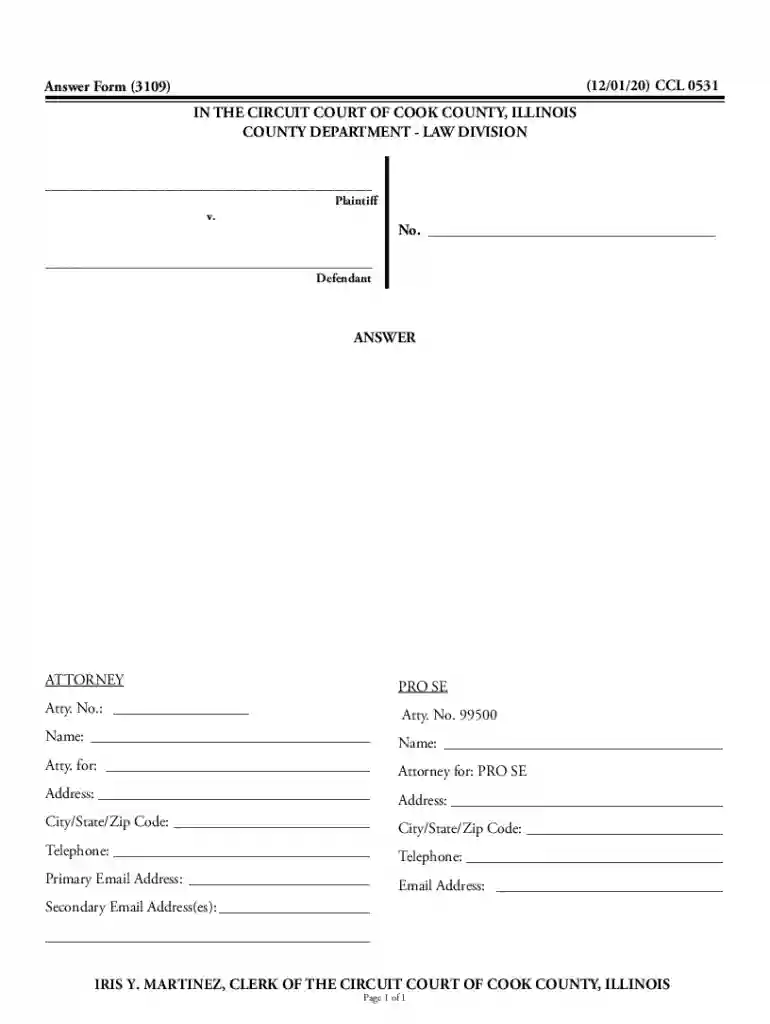
What Does "Form Online" Mean?
The term "form online" generally refers to interactive digital documents that you can access, complete, and submit over the internet. These forms are designed to streamline processes by allowing users to input information directly into designated fields, reducing the need for physical paperwork. Using forms online, you can handle various tasks such as submitting tax information, applying for permits, or signing up for services. This digital transition is intended to enhance efficiency, data accuracy, and access to important forms from anywhere with an internet connection.
How to Use Forms Online
Using forms online is straightforward and involves a few key steps:
-
Access the Form:
- Navigate to the website where the form is hosted, such as a government site or a document management platform like DocHub.
- Find the appropriate form either through a search bar or by browsing relevant categories.
-
Complete the Form:
- Fill in required fields such as name, address, and other relevant details.
- Pay attention to mandatory fields, often marked by an asterisk (*), to ensure successful submission.
-
Review Your Entries:
- Verify the information for accuracy to avoid errors that could delay processing.
- Use in-built tools to make corrections if needed.
-
Submit the Form:
- Follow instructions to submit the form electronically.
- You might receive a confirmation email or a reference number upon submission.
-
Save a Copy:
- Download or print a copy of the completed form for personal records.
Steps to Complete a Form Online
Completing an online form involves several steps to ensure accuracy and timely processing:
-
Initial Setup:
- Ensure a stable internet connection and a compatible web browser, as some forms might not support outdated software.
-
Gather Required Information:
- Have all necessary documents and details ready before starting, such as identification numbers or financial data.
-
Fill Out the Form:
- Enter information into designated fields, utilizing functionality such as auto-fill where appropriate to speed up the process.
-
Include Attachments:
- Some forms allow for additional documents to be uploaded. Ensure files are in accepted formats and do not exceed size limits.
-
Double-check for Completeness:
- Review all sections for completeness; most systems will flag incomplete parts before allowing submission.
-
Submit and Receive Confirmation:
- Carefully follow submission instructions and keep an eye out for on-screen confirmation or email notifications.
Why Should You Use Forms Online?
Using forms online provides numerous benefits:
- Efficiency: Filling out and submitting forms digitally can significantly reduce processing time compared to traditional methods.
- Convenience: Access and complete forms from anywhere without needing physical paperwork.
- Cost-effective: Eliminates printing and postage costs.
- Environmentally Friendly: Reduces paper waste and the need for physical storage.
- Real-time Updates: Some platforms offer real-time data validation and updates, ensuring your information is current.
Who Typically Uses Forms Online?
A variety of users can benefit from online forms, including:
- Individuals: For tasks like filing taxes, applying for jobs, or joining mailing lists.
- Businesses: To gather customer feedback, process orders, or manage employee onboarding.
- Government Agencies: For processing permits, filings, and other citizen services.
- Educational Institutions: For student enrollment, notifications, and data collection.
Key Elements of Using Forms Online
Online forms include several essential elements that facilitate their use:
- Interactive Fields: Fields such as checkboxes, radio buttons, and dropdowns guide users through inputting information.
- Validation Checks: Automated validation checks help ensure data is entered correctly before submission.
- Security Features: Encryption and secure connections protect sensitive information during form submission.
- User Instructions: Clear instructions on how to complete the form can be provided within or alongside the form.
Examples of Using Forms Online
Online forms have a wide range of applications:
- Government Applications: Such as applying for Social Security benefits or submitting a DS-11 for a passport.
- Tax Filings: Filling out IRS forms like the W-9 or 1040 for income tax filing.
- Customer Feedback Surveys: Gathering data on consumer satisfaction and preferences.
- Event Registrations: Collecting attendee information for conferences, webinars, and workshops.
Legal Considerations for Online Forms
Using online forms requires understanding relevant legal considerations:
- Compliance: Ensure forms meet relevant legal standards, such as the ESIGN Act for electronic signatures.
- Data Protection: Abide by data protection laws like GDPR or CCPA, especially if handling personal information.
- Accessibility: Ensure forms are accessible to people with disabilities, complying with standards such as WCAG.
State-Specific Rules for Online Forms
State regulations may impact the use of online forms:
- Variation in Requirements: Different states may have unique requirements or additional documents needed for form completion.
- Special Processing: State-specific forms may necessitate additional steps, such as notarization for power of attorney documents.
- Deadlines and Timelines: Be aware of state-imposed deadlines that could differ from federal timelines.
Selecting and efficiently completing online forms requires attention to these critical elements and considerations, ensuring that your forms are handled effectively and compliant with all necessary regulations.