




Here's how it works



How to use or fill out EZ-Fax Order Form toll free 1-800-263-4329 - Nashville Dental with DocHub

- Click ‘Get Form’ to open it in the editor.
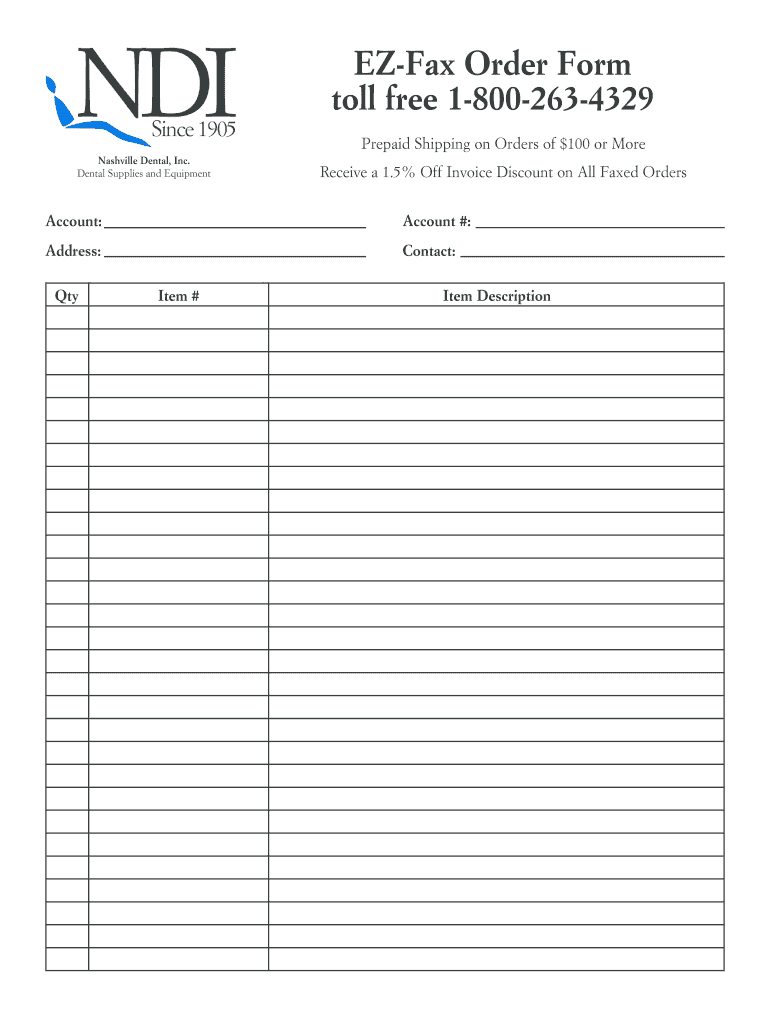
- Begin by entering your Account Number in the designated field. This helps Nashville Dental identify your account for processing.
- Fill in your Address and Contact information accurately to ensure timely delivery of your order.
- In the Qty column, specify the quantity of each item you wish to order. Make sure this matches your needs.
- Next, enter the Item Number for each product you are ordering. This ensures that you receive the correct items.
- Finally, provide a brief description of each item in the Item Description field to clarify your order.
Start using our platform today to streamline your order process for free!
It's free
Got questions?
Can I sign my EZ-Fax Order Form toll free 1-800-263-4329 - Nashville Dental on a mobile?
Yes, you’ll find numerous apps for this on the web. Nonetheless, if you need to eSign your EZ-Fax Order Form toll free 1-800-263-4329 - Nashville Dental without installing extra software, DocHub is the best choice you can make. This robust editor works on mobile devices just as on desktops. Open our editor in any internet browser, register or sign in to your account, and start managing your documents.
How do you get EZ-Fax Order Form toll free 1-800-263-4329 - Nashville Dental?
You can find the latest and most relevant version of the EZ-Fax Order Form toll free 1-800-263-4329 - Nashville Dental in our DocHub forms library. Browse it by categories or use the search field to locate the exact template that suits your case. You can open this form for editing once you find it.
Security and compliance
At DocHub, your data security is our priority. We follow HIPAA, SOC2, GDPR, and other standards, so you can work on your documents with confidence.
Learn more


