
Google slides Canada Forms
Browse up-to-date compliant Google slides Canada Forms and reduce paper use with DocHub. Easily navigate our web document catalog and handle your document processes online.

Create a new Google slides Canada Form
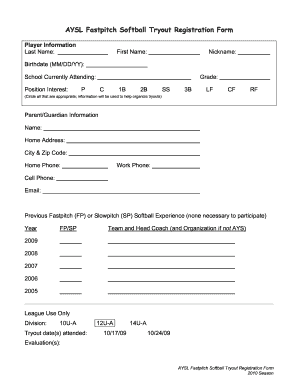
Softball tryout form
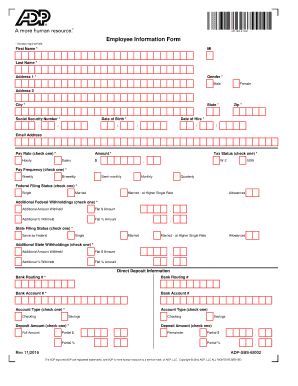
Adp employee information form
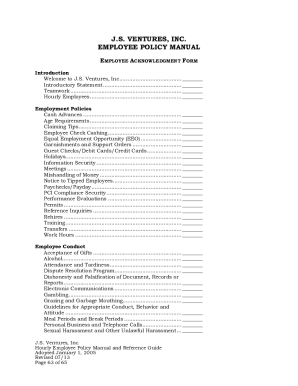
Applebee's employee handbook
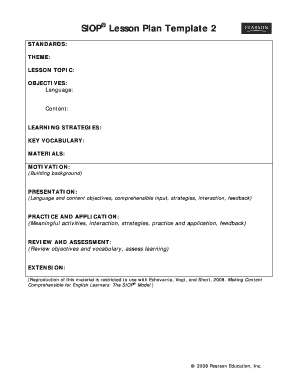
Siop lesson plan template
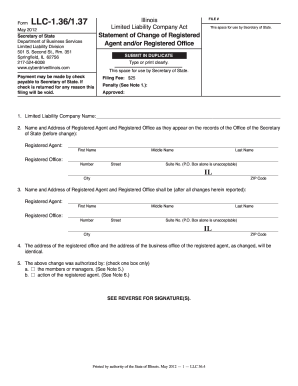
Llc 1 36 1 37
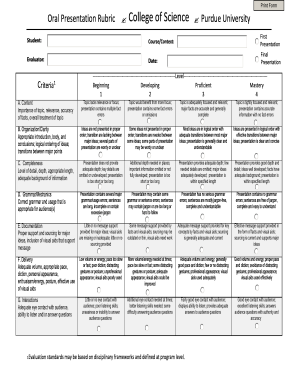
College presentation rubric
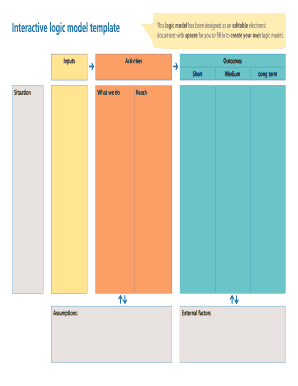
Interactive logic model template Inputs This logic model has been designed as an editable electronic document with spaces for you to fill in to create your own logic model - evaluationsupportscotland org
Printable luggage tag inserts
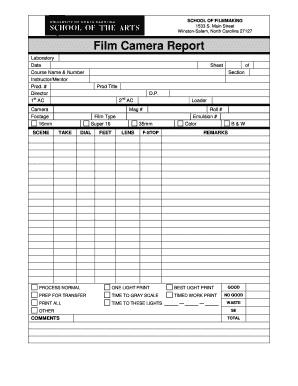
Camera report template
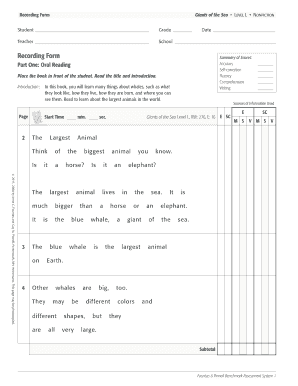
Giants of the sea running record
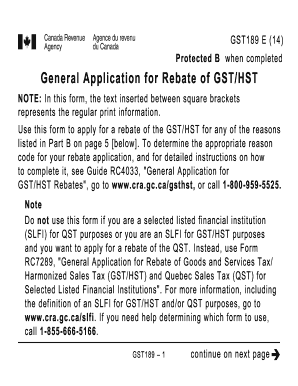
Gst 189e
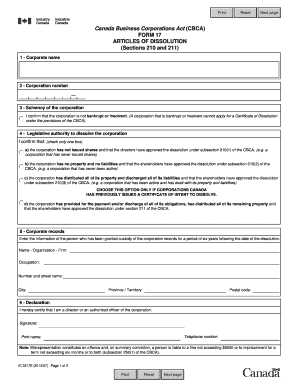
Form 17 articles of dissolution

Job application lippert
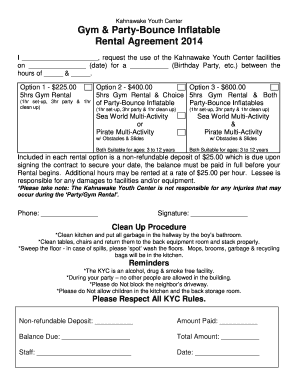
Gym amp Party-Bounce Inflatable Rental Agreement 2014
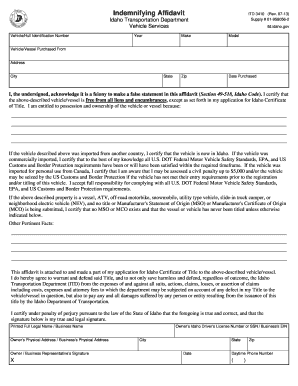
Indemnifying affidavit 2009 form

Non-resident tax remitter registration form ... - CCH Site...
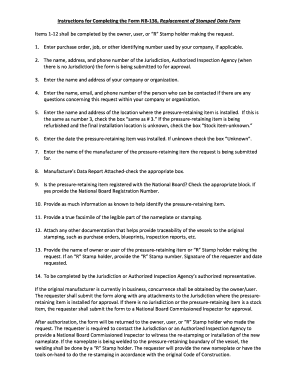
Form nb

Form recipe template
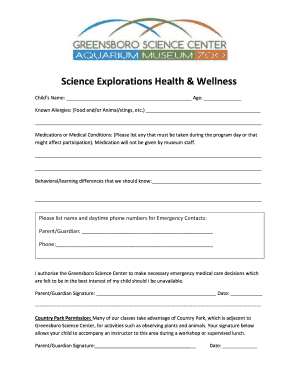
Health & Wellness Form - Greensboro Science Center

Form # B123 TAX YEAR CITY OF CHESAPEAKE, VIRGINIA Return of ... - cityofchesapeake
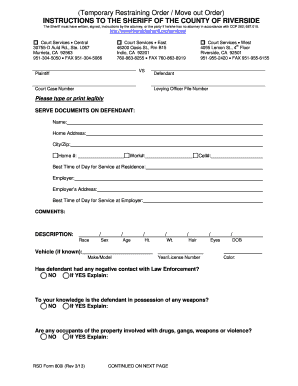
Temporary Restraining Order - Riverside County Sheriff's Department - riversidesheriff
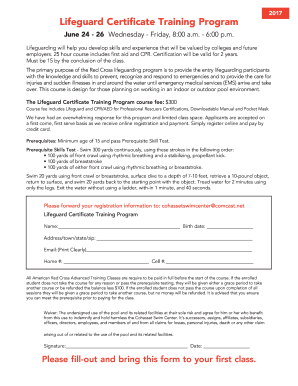
Printable lifeguard certificate

Confirmation of assignment
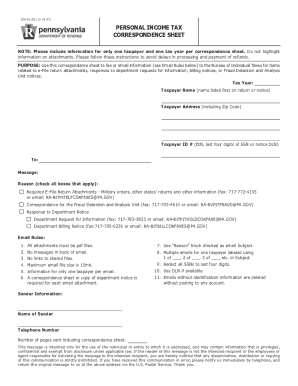
Dex 93
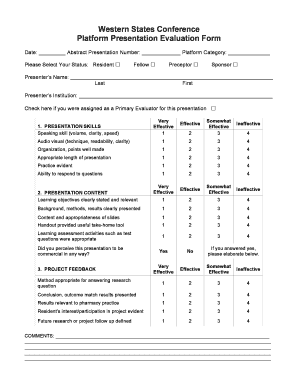
Presentation evaluation form
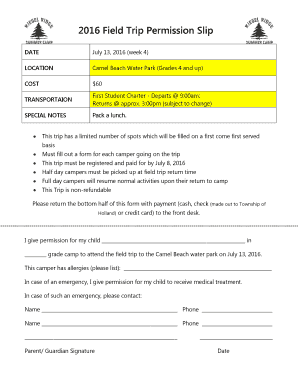
Water park permission slip

Food establishment permit nova scotia
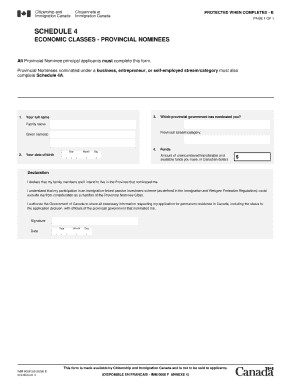
Imm 0008 sch4
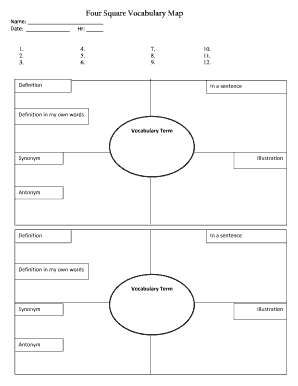
Vocabulary four square pdf
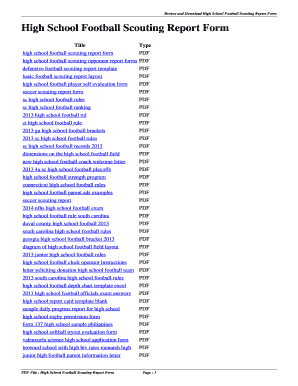
High school football scouting report template
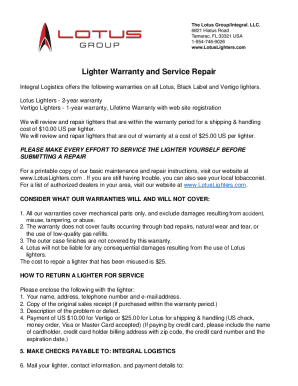
Vertigo lighter warranty
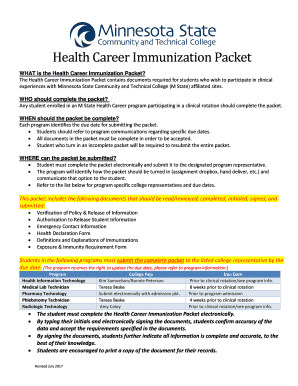
Health Career Immunization Packet
Increase your work productivity with Google slides Canada Forms
Papers administration occupies to half of your office hours. With DocHub, you can reclaim your time and effort and increase your team's efficiency. Access Google slides Canada Forms online library and explore all templates related to your daily workflows.
The best way to use Google slides Canada Forms:
- Open Google slides Canada Forms and apply Preview to get the appropriate form.
- Click on Get Form to start working on it.
- Wait for your form to upload in the online editor and start modifying it.
- Add new fillable fields, icons, and pictures, adjust pages order, and many more.
- Complete your template or prepare it for other contributors.
- Download or share the form by link, email attachment, or invite.
Accelerate your daily file administration with our Google slides Canada Forms. Get your free DocHub account today to discover all templates.
Video Guide on Google slides Canada Forms management

Commonly Asked Questions about Google slides Canada Forms
What formats can Google Slides import?
Supported file formats and limits .GSLIDESGoogle Slides Shortcut .PDF Portable Document Format File .PNG Portable Network Graphic .POT Microsoft PowerPoint Template (Legacy) .POTM Microsoft PowerPoint Macro-Enabled Presentation Template10 more rows
Can Google Slides import PNG?
Google Slides supports various image formats, but for optimal quality, use JPEG, PNG, or SVG files.
Can Google Slides import PDF?
While you cannot directly convert a PDF to Google Slides, you can turn it into either an image file or a PowerPoint to change it into a Google Slides presentation from there. You can easily embed image files into Google Slides. When changing a PDF to an image file, you should not lose formatting.
Is there a certificate template in Google Slides?
The free library of Google Slides certificate templates is just a click away. Choose from dozens of pre-designed certificate layouts, and customize them to make them your own.
Does Google Slides accept JPEG?
Images must be less than 50 MB in size, cannot exceed 25 megapixels, and must be in one of PNG, JPEG, or GIF formats.
Can you add Google Forms to Google Slides?
0:59 3:32 Example. And same thing im going to just do control v gives me the same pop-up. Box and im goingMoreExample. And same thing im going to just do control v gives me the same pop-up. Box and im going to link it to the form. So theres live responses coming in and click paste.
Can you import MP4 into Google Slides?
In the world of presentations, incorporating audio can elevate your content, making it more engaging and impactful. Google Slides allows you to seamlessly integrate MP4 audio files, adding a dynamic layer to your slideshows.
Where do I get templates for Google Slides?
On your computer, go to Google Docs, Sheets, Slides, or Forms. At the top right , click Template Gallery. Click the template you want to use.
Related Templates

School Report to Local Health Department - Part A and B - dhs wisconsin
The document outlines the requirements for Wisconsin schools to report student vaccination compliance to local health de ...

The RN and ANP License Reinstatement form - commerce alaska
The document outlines the application process for reinstating a nursing license in Alaska, detailing required forms, fee ...
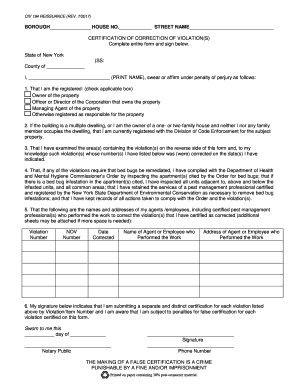
Certification of correction of violations
The document is a Certification of Correction of Violation(s) form used in New York State, requiring property owners or ...

GR-1065 GRAND RAPIDS 2015 PARTNERSHIP INCOME TAX RETURN - grcity
The document is the 2015 Grand Rapids Partnership Income Tax Return (Form GR-1065), which outlines the necessary informa ...
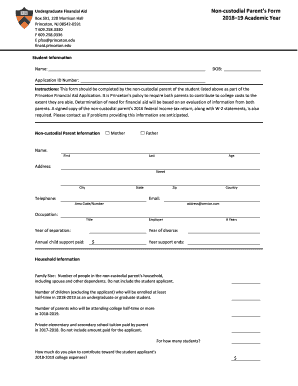
Non-custodial Parent's Form 2018-19 Academic Year - Office of
The document is a Non-custodial Parent's Form for the 2018-19 academic year, required by Princeton University as part of ...

An agency hiring a person for whom a license is - tcole - Texas
The document is a Licensee Medical Condition Declaration (L-2) form from the Texas Commission on Law Enforcement, which ...

FIELD TRIP REQUEST PACKET - Dadeschools - Miami-Dade
The document is an Agreement Form for Contracted Services between The School Board of Miami-Dade County, Florida, and a ...

2015 ca72b deferment 2 search
The document is an application form for the deferment of payment of Class 2 and/or Class 4 National Insurance contributi ...