Spread Balance Sheet Templates

Pick Spread Balance Sheet Templates to ensure your financial workflows' transparency and precision. Easily complete and safely send your documents with your team and other collaborators.

Create a new Spread Balance Sheet Template
Build form
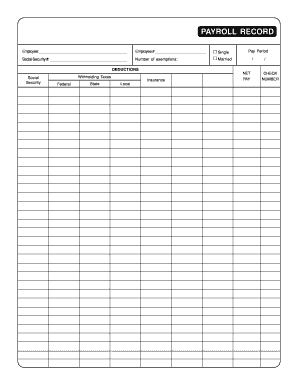
Payroll sheet
Payroll sheet
Get form
Hockey practice plan template
Get form
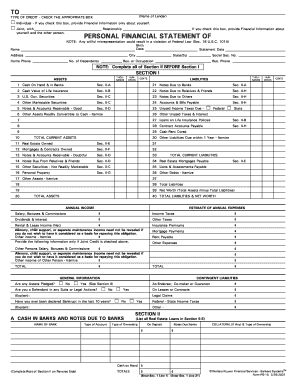
Personal financial statement ps 15 form
Get form
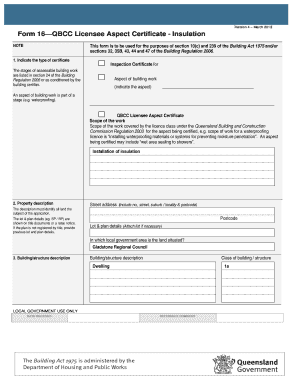
Form 16qbcc
Form 16qbcc
Get form
Sss loan payment form
Get form
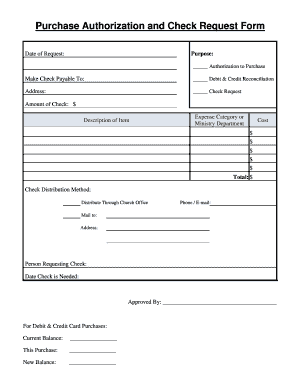
Church accounting forms
Get form
Telephone triage form template
Get form
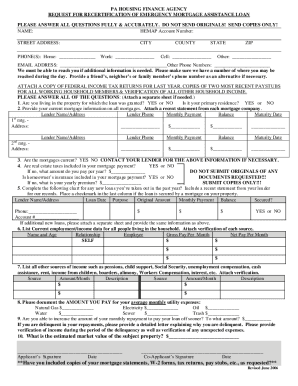
Hemap
Hemap
Get form
Asset declaration form
Get form
Multi purpose dbs
Multi purpose dbs
Get form
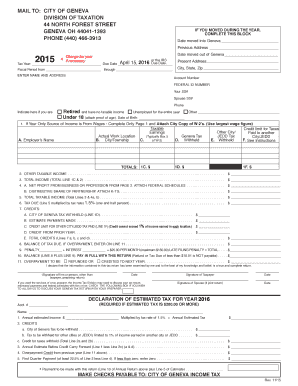
Oh city tax geneva
Oh city tax geneva
Get form
Form 2081
Form 2081
Get form
Move in condition checklist
Get form
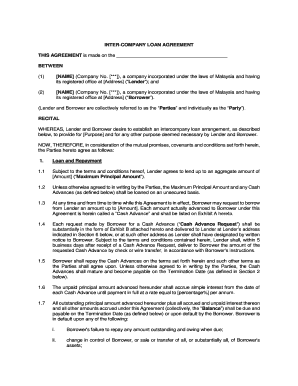
Intercompany loan agreement template word
Get form
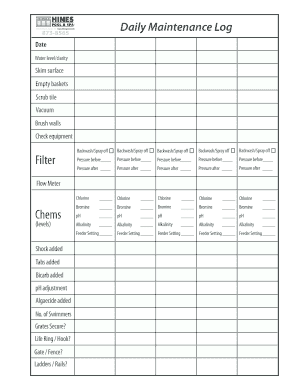
Hot tub maintenance record sheet
Get form
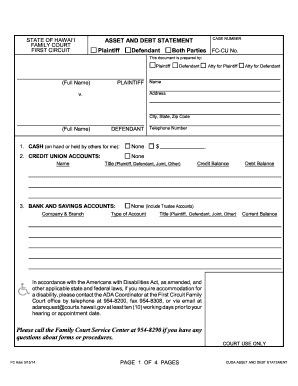
Hawaii asset debt statement
Get form
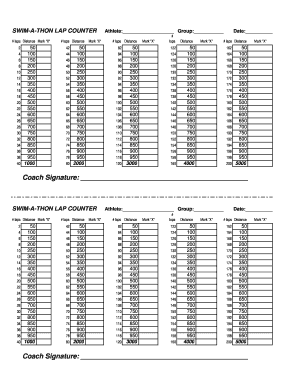
Swim a thon lap counter sheet
Get form
Ucla w 9
Ucla w 9
Get form
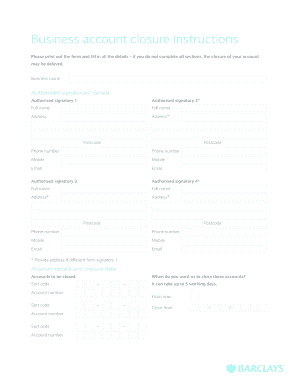
Business account closure instructions - barclays.co.uk
Get form
Form 1120 2018
Form 1120 2018
Get form
SHERIDAN WYOMING ELKS - LODGE #520
Get form
Hesta withdrawal form
Get form
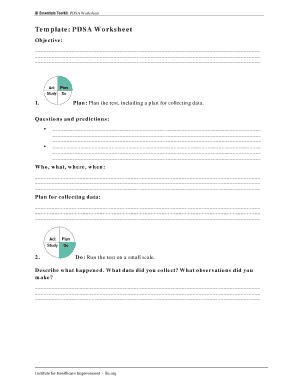
Ihi qi essentials toolkit
Get form
Goalkeeper evaluation form
Get form
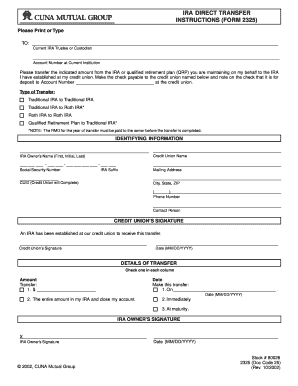
Irs form 2325 2002
Irs form 2325 2002
Get form
Texas Stream Team Monitoring Form - Texas State University - gato-docs its txstate
Get form
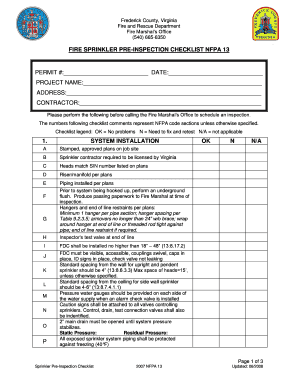
Fire inspection checklist nfpa
Get form
CYM basketball score sheet
Get form
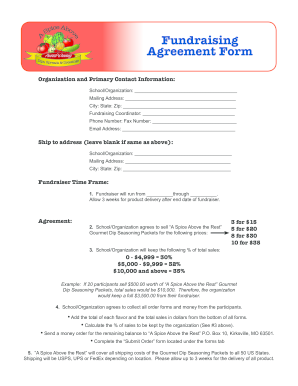
Fundraising Agreement Form - spiceabovetherestcom
Get form
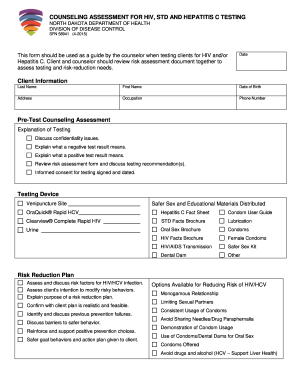
COUNSELING ASSESSMENT FOR HIV, STD AND HEPATITIS C TESTING
Get form
Honda easy pay
Honda easy pay
Get form
Irs instructions 8915c qualified retirement form
Get form
Request an installment payment agreement (IPA) - Tax.NY.gov
Get form
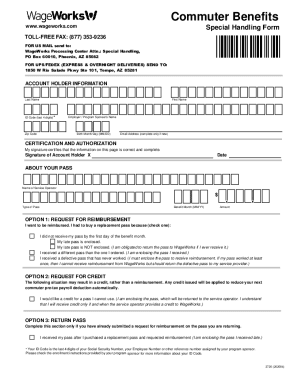
How do I use my WageWorks Commuter Card?WageWorks
Get form
Woodforest bank statement pdf
Get form
RC96 Lifelong Learning Plan (LLP) Request to - Canada ca
Get form

Improve your form administration with Spread Balance Sheet Templates

Your workflows always benefit when you can easily discover all of the forms and files you require on hand. DocHub gives a vast array of documents to ease your day-to-day pains. Get hold of Spread Balance Sheet Templates category and easily discover your form.

Start working with Spread Balance Sheet Templates in several clicks:

  1. Browse Spread Balance Sheet Templates and locate the form you need.
  2. Click Get Form to open it in the editor.
  3. Begin editing your form: add more fillable fields, highlight paragraphs, or blackout sensitive info.
  4. The application saves your adjustments automatically, and after you are ready, you are able to download or share your file with other contributors.
Enjoy smooth file management with DocHub. Check out our Spread Balance Sheet Templates online library and find your form right now!


Video Guide on Spread Balance Sheet Templates management

video background

Commonly Asked Questions about Spread Balance Sheet Templates

The Balance Sheet Template for Excel is a pre-designed spreadsheet that allows users to enter their companys financial information, including assets, liabilities, and equity. This template is useful for businesses of all sizes, as it can be customized to fit each companys specific needs.
To do this, select the cell where you want the total to appear and then type =SUM( followed by the cell range that includes all of your liabilities. For example, if your liabilities are listed in cells B2 to B10, you would type =SUM(B2-B10). Excel will then calculate the total and display it in the selected cell.
How to create a balance sheet in Excel Format your worksheet. You can create a balance sheet in Excel by first creating a title section and labels for your worksheet. Enter dollar amounts. Leave a column of space between your asset labels and the location in which you want to enter the dollar amounts. Add totals.
How to make a balance sheet Invest in accounting software. Create a heading. Use the basic accounting equation to separate each section. Include all of your assets. Create a section for liabilities. Create a section for owners equity. Add total liabilities to total owners equity.
Format the Balance Sheet: Arrange assets on the left and liabilities and equity on the right, ensuring the equation (assets = liabilities + equity) balances. Review and Finalize: Double-check all data for accuracy, completeness, and ensure compliance with accounting standards.
Open a new Excel spreadsheet and label the columns and rows. In the first column, label the rows with Assets, Liabilities, and Equity. This creates the main sections of the balance sheet. Arrange the assets above liabilities and equity to maintain a standard format.
To create a table, go to Insert Table. With the cells still selected, go to the Data tab, and then click Stocks. Select one or more cells with the data type, and the Add Column button will appear. Click that button, and then click a field name to extract more information.
Stock Level: =[@[INITIAL STOCK]]+[@INCOMINGS]=[@OUTGOINGS] Excel can combine the formulas you have already into a new formula so you can see what your current stock level is based on the incomings and outgoings.
To create a balance sheet in Excel, start by opening a new workbook and creating a new worksheet. Label the columns as Assets, Liabilities, and Equity. Next, list all the assets on the left side of the spreadsheet, including cash, inventory, and accounts receivable.
You can create a personal balance sheet by completing the following steps, including getting all relevant documents, listing your assets and liabilities, and calculating your net worth.