
Performance Balance Sheet Templates
Navigate Performance Balance Sheet Templates and generate a personalized financial statement. Adjust, complete, eSign, and share your balance sheets without holdups.

Create a new Performance Balance Sheet Template

Personal financial statement template
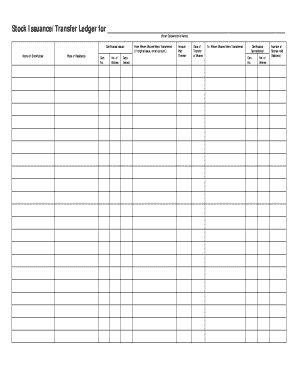
Stock ledger template
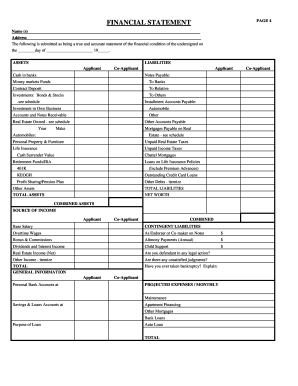
Rebny financial statement
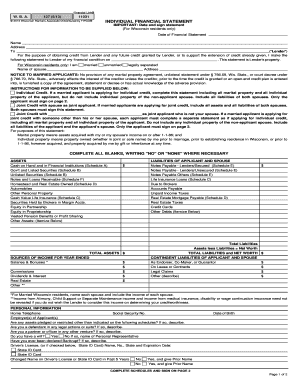
Individual financial statement
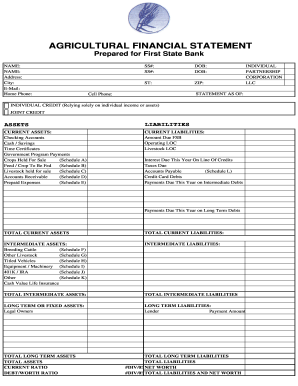
Agriculture financial statement excel

Hvac air balance report template excel
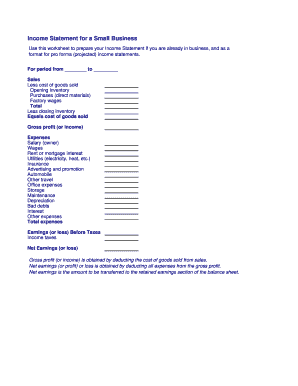
Business income statement

Financial statement farmers and ranchers
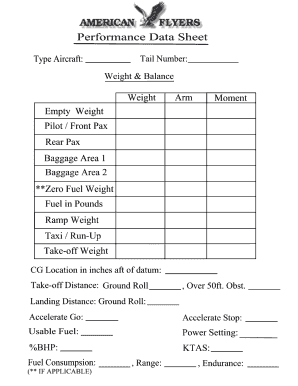
Weight and balance sheet
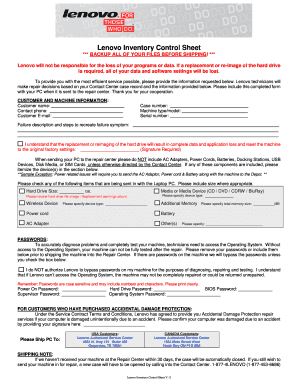
Lenovo inventory control sheet
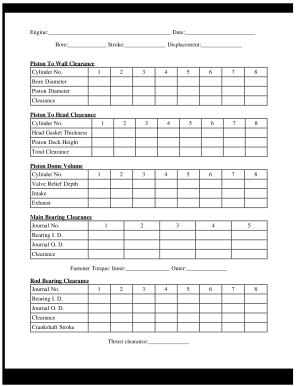
Engine build sheet
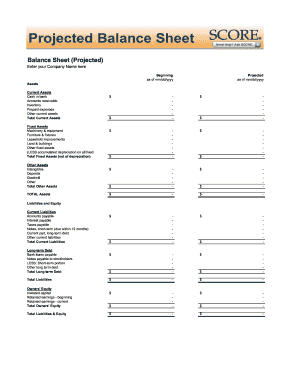
Balance sheet fill in the blank
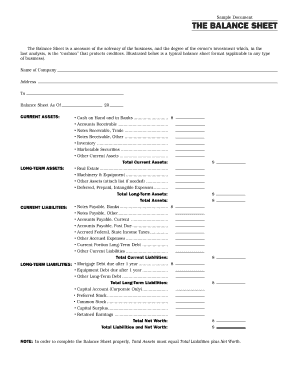
Interim ytd balance sheet pdf
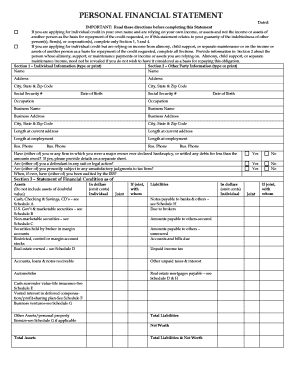
Personal financial statement form

F financial statement
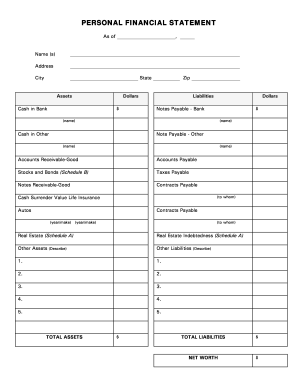
Restaurant financial statements pdf
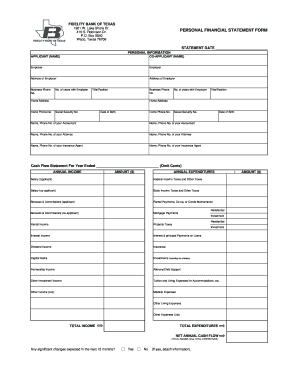
Personal financial statement form

30 day review template

Printable financial forms
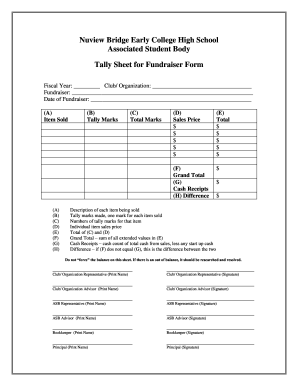
Tally sheet template

Get wells fargo net worth calculation forms
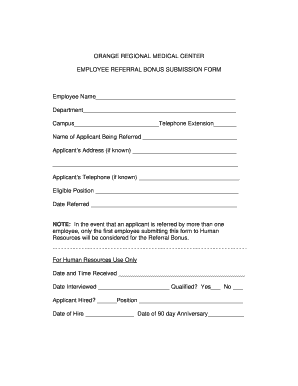
Employee bonus sheet
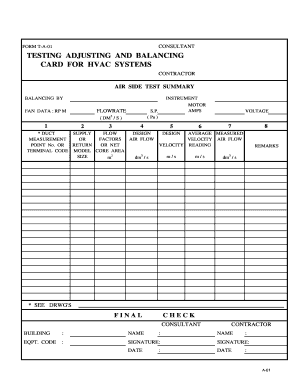
FORM T-A-01 TESTING ADJUSTING AND BALANCING CARD FOR HVAC
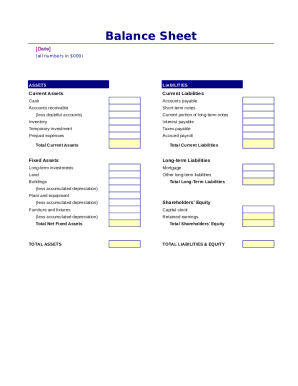
Simple balance sheet
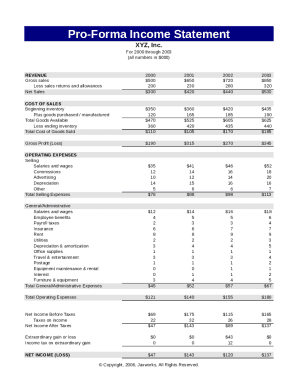
Pro forma income statement
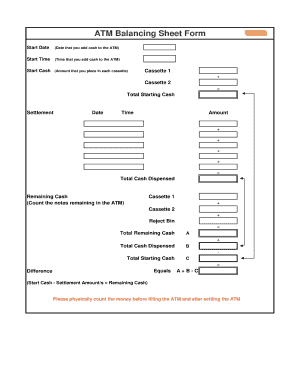
ATM Balancing Sheet Form - cashcard.com.au
Songtrust split sheet
E-1 Track Club TRACK AND FIELD 2010 REGISTRATION FORM
Farm credit form 4000
Project operating statement
Analyzing the Financial Health of Your Practice

Financial report template
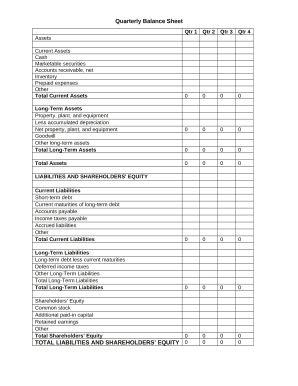
Quarterly Balance Sheet
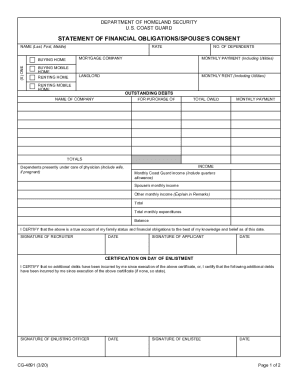
Statement of financial form
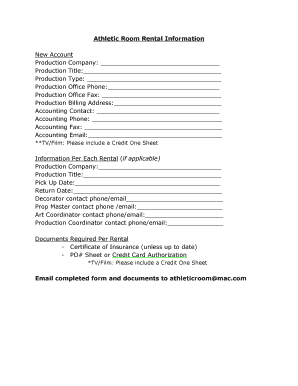
Credit one sheet
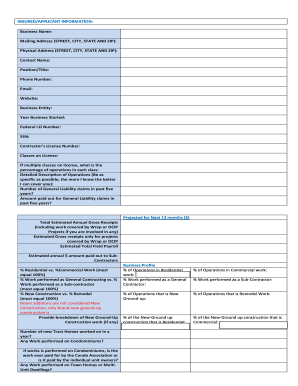
GL LEAD SHEET
-
1
- 2
Handle Performance Balance Sheet Templates effortlessly online
Document managing can overpower you when you can’t locate all the documents you need. Fortunately, with DocHub's considerable form library, you can get everything you need and promptly manage it without changing among apps. Get our Performance Balance Sheet Templates and start working with them.
Using our Performance Balance Sheet Templates using these basic steps:
- Check Performance Balance Sheet Templates and select the form you need.
- Preview the template and click on Get Form.
- Wait for it to upload in our online editor.
- Alter your form: include new information and pictures, and fillable fields or blackout certain parts if required.
- Complete your form, preserve changes, and prepare it for sending.
- When ready, download your form or share it with other contributors.
Try out DocHub and browse our Performance Balance Sheet Templates category without trouble. Get your free account right now!
Video Guide on Performance Balance Sheet Templates management

Commonly Asked Questions about Performance Balance Sheet Templates
Does QuickBooks have a balance sheet template?
The QuickBooks Online balance sheet template makes it easy The difference between assets and liabilities is displayed at the bottom as the equity or net worth of the business. Simply choose Reports Balance Sheet in QuickBooks Online and the pre-installed template is populated with your data in seconds.
How do I customize my balance sheet in QuickBooks desktop?
Go to the Reports menu, then select Company Financial Profit Loss Standard. Select Customize Report. Go to the Display tab: Set the From and To date fields to the years you want to display on the report.
Does QuickBooks have a balance sheet by class?
Learn what transactions create unclassified, unbalanced, or other incorrect amounts on Balance Sheet by Class report in QuickBooks Desktop. Balance Sheet by Class lets you see your balance sheet by fund, location, or other classes that you set up.
Is there a balance sheet template in Excel?
The Balance Sheet Template for Excel is a pre-designed spreadsheet that allows users to enter their companys financial information, including assets, liabilities, and equity. This template is useful for businesses of all sizes, as it can be customized to fit each companys specific needs.
Does balance sheet show performance?
The balance sheet does not show profit/loss directly. So you see revenue, expenses, gains, losses on the income statement as they occur. But the balance sheet just shows assets and liabilities at that point in time. In summary, the income statement reflects performance and activities happening over time.
What is balance sheet KPI?
The balance sheet may look like just a bunch of numbers, but there are important relationships among them, referred to as key performance indicators (KPIs), derived from specific elements of the balance sheet, that are industry-standard, and essential to monitoring the overall financial condition of the firm.
Does QuickBooks create a balance sheet?
QuickBooks does the math for you and can rapidly turn out accurate balance sheets so you dont have to spend all that time crunching numbers.
How do I create a monthly balance sheet in QuickBooks?
Start with a Balance Sheet Standard report. On the Display tab, change the From and To dates to include the months you want to report on. Choose Month for the Display columns by field. Click OK to run the report.
Related Templates

CR-445 Sentencing Affidavit Criminal Forms
The document is a Sentencing Affidavit from the District/Superior Court for the State of Alaska, requiring a defendant t ...
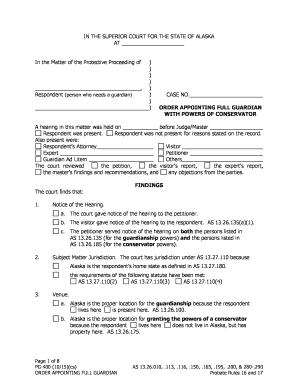
Alaska pg 400
The document is an official court order from the Superior Court of Alaska appointing a full guardian with conservator po ...
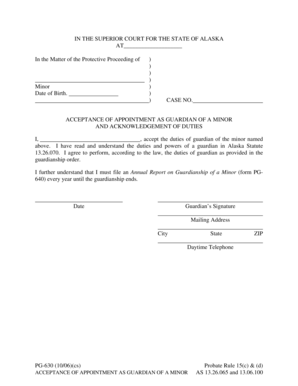
Pg 630
The document is a legal form for the acceptance of appointment as a guardian for a minor in Alaska. It outlines the resp ...

Congestive Heart Failure Education Program Enrollment Form
The document is an enrollment form for the Congestive Heart Failure Education Program, requiring personal information su ...
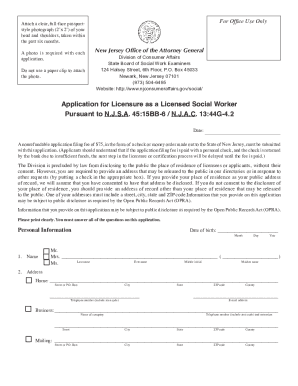
Application licensure social
The document outlines the application process for licensure as a Licensed Social Worker in New Jersey, detailing require ...

New Jersey Division of Consumer Affairs - Newark, NJ
The document outlines the Proposed Plan of Supervised Clinical Experience for Licensed Social Workers (LSW) in New Jerse ...

Nj small employer certification form
The document outlines the certification process for small employers in New Jersey seeking group health benefits. It defi ...
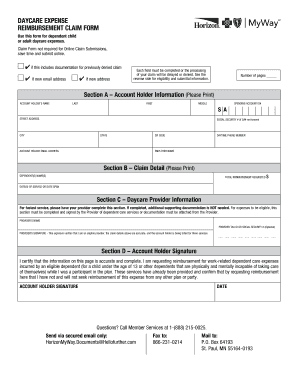
12 Things You Didn't Know About the Dependent Care FSA
The document is a Daycare Expense Reimbursement Claim Form designed for submitting claims related to dependent child or ...