
Multi line Order Forms
Ensure your company's performance with Multi line Order Forms templates. Pick order forms, adjust and send them with your customers in a few clicks.

Create a new Multi line Order Form
Money order template pdf

Atf form 3310 4
Systemwide professional services requirements contract work order
Jpay send money order

Mary kay form print
Fillabe multi jurisdictional resale certificate form
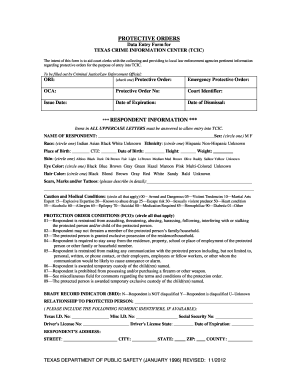
Texas protective orders form
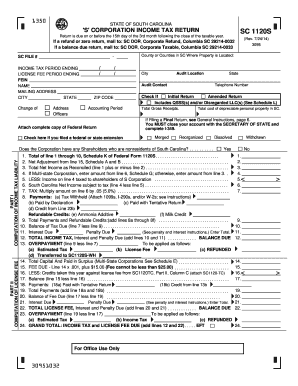
Sc corporation 1120s 2014 form
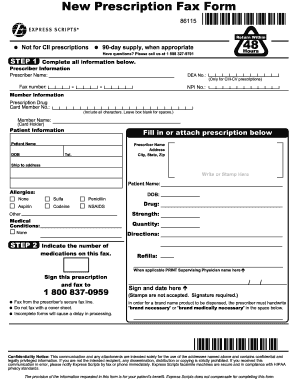
Order forms for express scripts
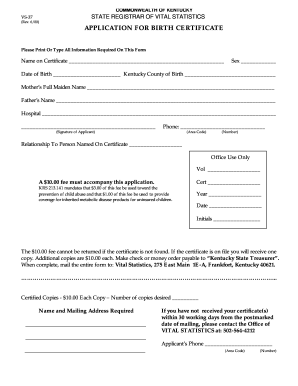
Kentucky birth certificate

Pure romance order form

Cmp m1 garand order form
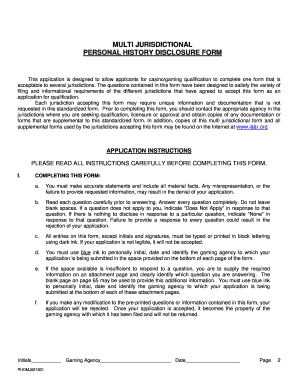
Multi jurisdictional personal history disclosure form
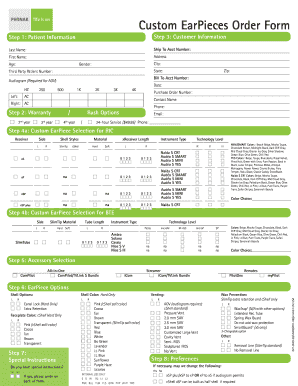
Custom EarPieces Order Form - Phonak
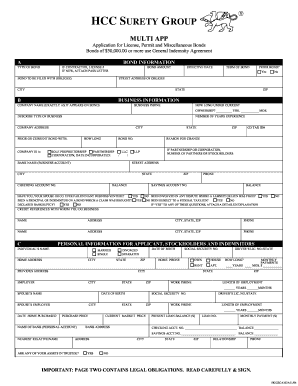
HCC Multi Application - Hollywood Bonding
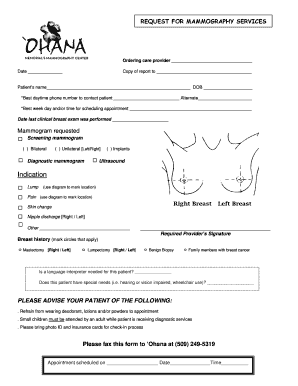
Mammogram order form

University compounding pharmacy vacuum therapy

Mary kay consultant order form 2022
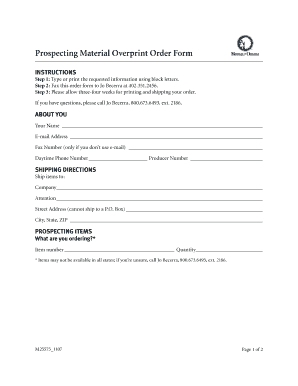
Prospecting Material Overprint Order Form - Mutual of Omaha
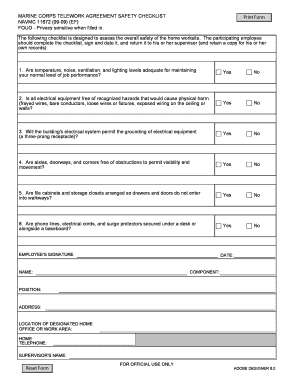
NAVMC 11672 - MC Telework Agreement Safety Checklist Recreated - Designated as FOUO DON SSN approved and SECNAV 52131 with justification corrected SORN information minor change to block 5 to allow multiple lines
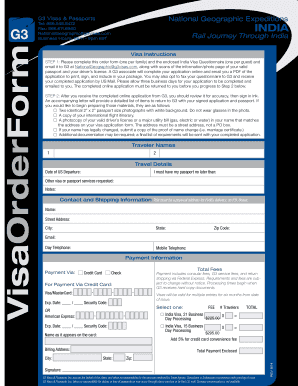
Visa Order Form - G3 Visas & Passports
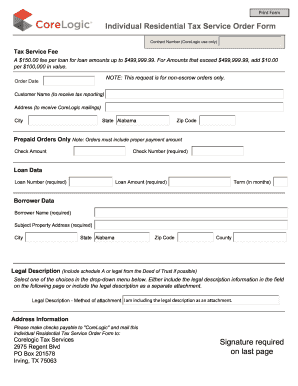
Individual Residential Tax Service Order Form ... - CoreLogic
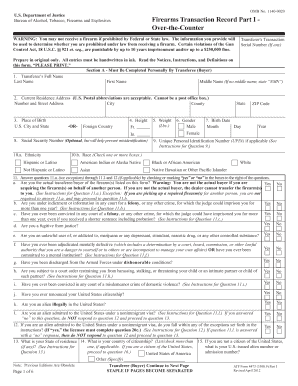
Atf form 4473
Sunshine over the counter
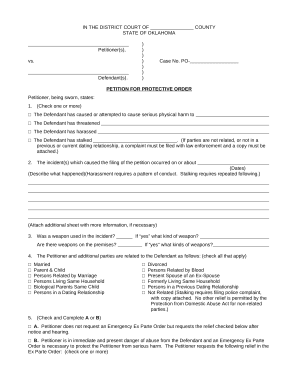
Oklahoma protective order

Virginia Petition for Protective Order Stalking
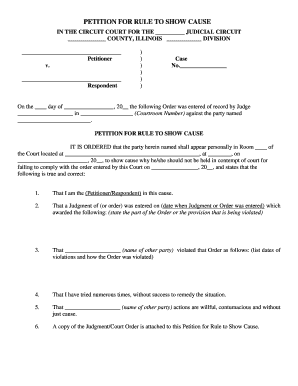
Petition for rule to show cause - Illinois Legal Aid Online
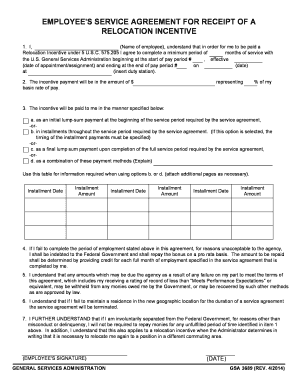
Gsa order - GSA.gov
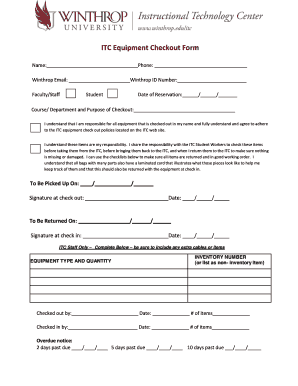
Pager checkout fprm

PDF SC-26 Request-Order - Alaska Court System
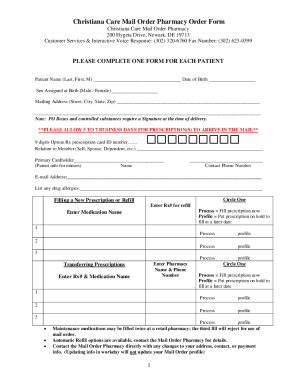
Christiana Care Mail Order Pharmacy Order Form
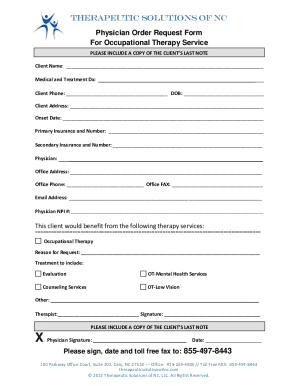
Physician Order Request Form For Occupational Therapy

Grocery outlet application pdf

Order Forms - Spotsylvania Regional Medical Center

Multi-Purpose Affidavit - Pinellas County Tax Collector
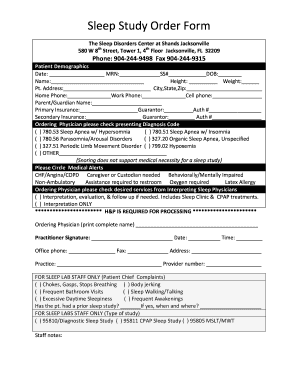
Sleep Study Order Form - UF Health Jacksonville
-
1
- 2
Get and manage Multi line Order Forms online
Accelerate your form administration with the Multi line Order Forms library with ready-made document templates that meet your requirements. Access the form, alter it, fill it, and share it with your contributors without breaking a sweat. Start working more efficiently together with your documents.
The best way to manage our Multi line Order Forms:
- Open our Multi line Order Forms and search for the form you want.
- Preview your document to ensure it’s what you want, and click on Get Form to start working on it.
- Edit, include new text, or highlight important information with DocHub features.
- Complete your form and save the modifications.
- Download or share your document with other people.
Discover all the possibilities for your online document administration with our Multi line Order Forms. Get your totally free DocHub profile right now!
Video Guide on Multi line Order Forms management

Commonly Asked Questions about Multi line Order Forms
Can you use Google Forms as an order form?
Step 1. Create an online order form using Google Form. Or get started with a template from Neartails Google Forms Order Form gallery. Step 4: Share it with your users and start receiving your orders on your Google Form.
What is the best way to create an order form?
Steps to Create an Order Form Decide what to sell. Choose a form builder tool. Customize the template with proper fields. Add photos of the products. Customize the order form with branding. Set up a payment method. Set up a success message. Share the order form.
What are the forms of order?
An order form is a document that records one or more business transactions between a buyer and a seller. It may also be called a business order form, sales order form, online order form, procurement order form, inventory order form, or service order form.
How do I create a sales order form?
Lets discuss some best practices for creating order forms to make it an effective sales channel. Understand Your Target Audience. Create Clear and Compelling Product Descriptions. Add High-Quality Product Images. Streamline the Order Form Design. Add multiple payment options. Build trust and ensure data security.
Is there an app for order forms?
Whether you are a small business or a large-scale company, you can use forms. apps free purchase order form templates and collect online orders with much information such as contact information, address, and whatever data you need to collect per order.
Is there an app for filling out forms?
Better performance, improved stability. The free docHub Fill Sign app lets you fill, sign, and send any form fast. You can even snap a picture of a paper form and fill it in on your phone or tablet.
Related Templates

Employee Information Form - Macalester College
The document is an Employee Information Form used to collect personal and emergency contact details of employees at Maca ...
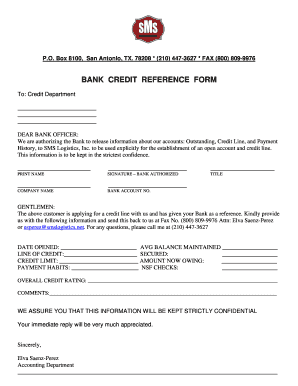
Bank credit reference form
The document is a Bank Credit Reference Form authorizing a bank to release account information for SMS Logistics, Inc. T ...

Form 700 Amendment - Schedule C Form 700 Amendment - Schedule C - fppc ca
The document is a California Form 700 Schedule C, which outlines the requirements for reporting income, loans, and busin ...

Ohio state continuation model notice
The document is a State of Ohio Continuation Coverage Election Notice, informing qualified beneficiaries about their rig ...