
Google amazon Order Forms
Ensure your company's performance with Google amazon Order Forms templates. Choose order forms, modify and distribute them with your customers in a few clicks.

Create a new Google amazon Order Form
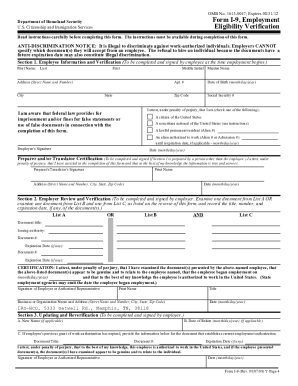
Amazon i9 i9advantage com
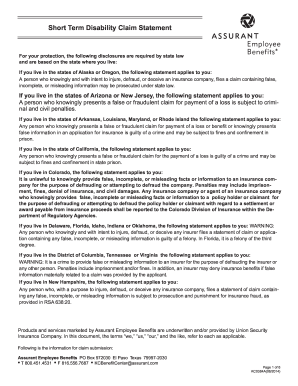
Amazon physician statement form pdf
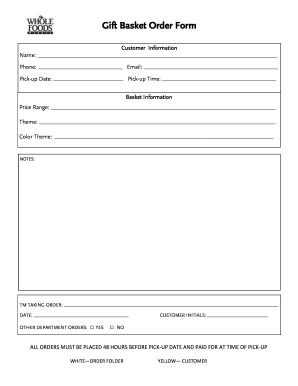
Gift basket supplies

P shot consent form
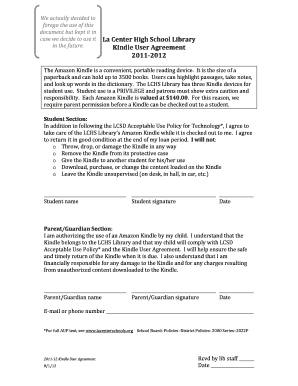
How to fill out downloaded forms online from amazon fire
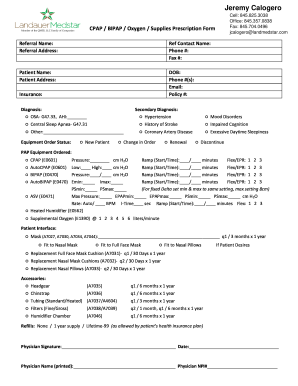
Cpap order
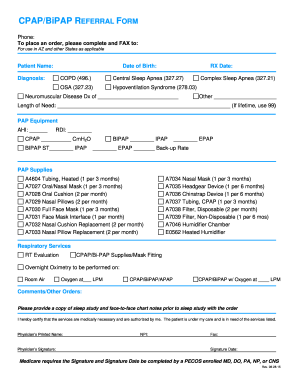
Cpap order
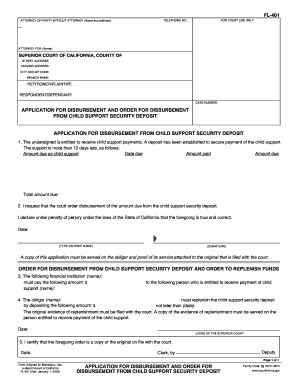
Application disbursement order form
Amazon
Amazon

INCIDENT MANAGEMENT CONTINGENCY FORM M M D D Y ... - Amazon S3
Amazon
Amazon

Optumrx mail order

Amazon registration form
20 application form download
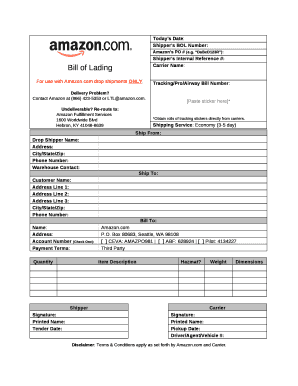
Amazon bill pdf
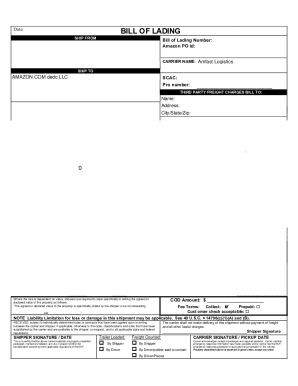
Amazon bill of lading
Docs.aws.amazon.com general latestAmazon API Gateway endpoints and quotas - AWS General Reference
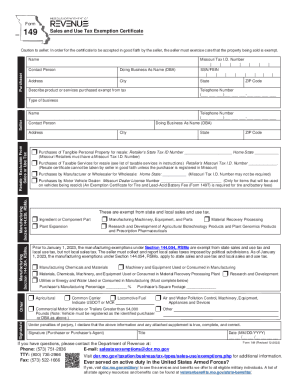
How To Get A Resale Certificate & Tax Exemption for Amazon ...
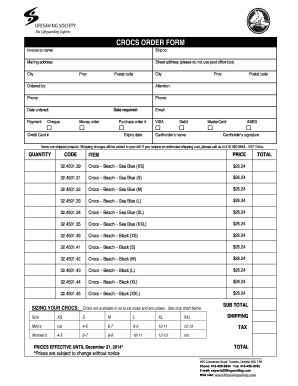
Crocs invoice
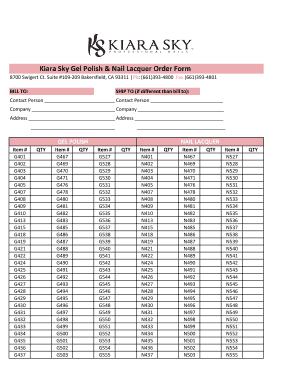
Kiara Sky Gel Polish & Nail Lacquer Order Form
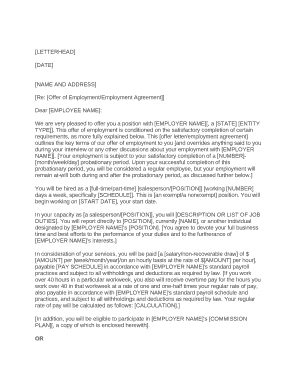
Amazon offer letter pdf
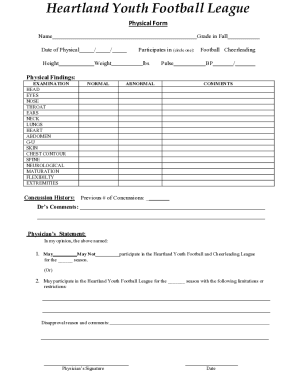
Physical form - Amazon AWS

Bgc full form
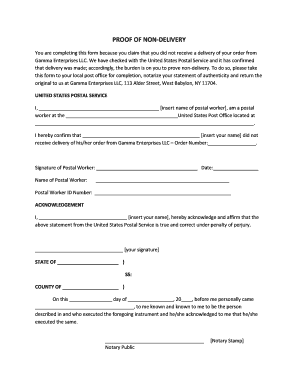
Proof of non delivery
Handle Google amazon Order Forms effortlessly online
Document managing can overpower you when you can’t find all the documents you need. Luckily, with DocHub's substantial form categories, you can get everything you need and quickly deal with it without changing among software. Get our Google amazon Order Forms and start utilizing them.
Using our Google amazon Order Forms using these easy steps:
- Check Google amazon Order Forms and choose the form you need.
- Preview the template and then click Get Form.
- Wait for it to upload in our online editor.
- Modify your template: add new information and images, and fillable fields or blackout certain parts if necessary.
- Complete your template, save alterations, and prepare it for sending.
- When you are ready, download your form or share it with other contributors.
Try out DocHub and browse our Google amazon Order Forms category easily. Get a free profile today!
Video Guide on Google amazon Order Forms management

Commonly Asked Questions about Google amazon Order Forms
How to make a Google form for food orders?
How to make a purchase order form in Google Forms Step 1: Create a form. Step 2: Add the relevant purchase order details. Step 3: Download Payable Forms from Google Marketplace. Step 4: Adjust your sharing details. Step 5: Embed and share your form. No dedicated payment field. Fees on every purchase.
How to make a purchase order form in Google Forms?
Step-by-step Guide to Creating a Purchase Order in Google Forms Access Google Forms. First things first, youll need a Google account. Create a New Form. Designing the Purchase Order Form. Customizing Your Purchase Order Form. Set Up Notifications. Sharing Your Purchase Order Form. Collecting and Managing Purchase Orders.
How do I create a fillable form in Google Forms?
If youre using a template, you can skip to Update questions. Open a form in Google Forms. Click Add . To the right of the question title, choose the type of question you want. Type the possible responses to your question. To prevent people from not answering, turn on Required.
How to make a fillable order form?
Steps to Create an Order Form Decide what to sell. Choose a form builder tool. Customize the template with proper fields. Add photos of the products. Customize the order form with branding. Set up a payment method. Set up a success message. Share the order form.
How do I create a food order form in Google Forms?
Step 1: Create an online order form using Google Form Create a new Google Form. Start by adding the products/items that are available for sale, with their names as questions in Google Forms. (Optional) Add images of your products. Add a dropdown to let your customers choose how many packets or kilos they want.
How do I order an order from Amazon?
Go to Your Orders and select the order you want to cancel. Check box of the item that you want to cancel from the order. To cancel the entire order, select all of the items. Select the reason for cancellation and click Cancel checked items when finished.
How do I get a list of all my Amazon orders?
Amazon provides users with tools to manage their order history. Order history is found under Accounts Lists Your Orders. Once there, you can buy items again or check the status of recent orders.
Does Google have an order form template?
Step 1: Create a form Navigate to Google Forms and choose from a blank form or one of the provided templates. There is an order form template available, but it doesnt include any payment questions.
Related Templates

Minimum Cabinet Requirements - Virginia Housing Development
The document outlines the minimum cabinet requirements set by the Virginia Housing Development Authority (VHDA) for kitc ...
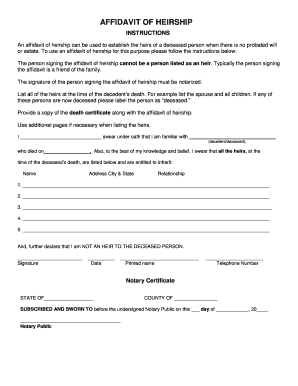
Arkansas affidavit of heirship
The document is an Affidavit of Heirship, which is used to establish the heirs of a deceased person when there is no pro ...
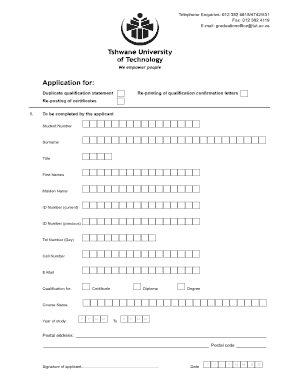
Tut application form
The document outlines the application process for obtaining duplicate qualification statements, re-posting of certificat ...

VET-100 SURVEY FORM
The VET-100 Survey Form is designed for federal contractors, specifically Choctaw Contracting Services, to collect volun ...

DE-305 AFFIDAVIT RE: REAL PROPERTY OF SMALL VALUE
The document is a legal form (DE-305) used in California for an affidavit regarding the real property of a decedent whos ...