
Simple purchase Order Forms
Ensure your document security and compliance with Simple purchase Order Forms template catalog. Locate up-to-date documents and organize them online in several clicks.

Create a new Simple purchase Order Form
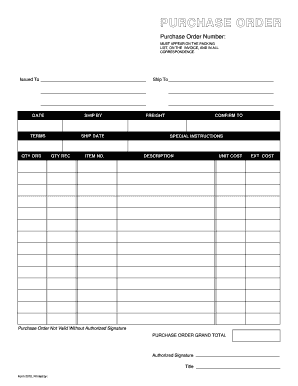
Purchase order template
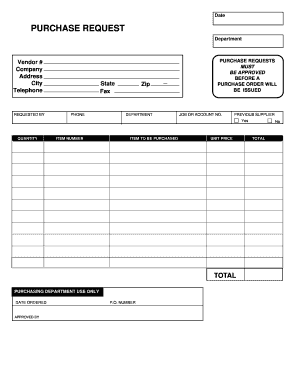
Purchase request form
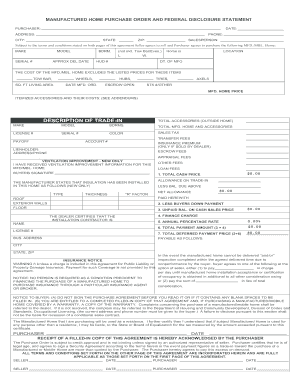
Manufactured home purchase order

Embroidery purchase order form
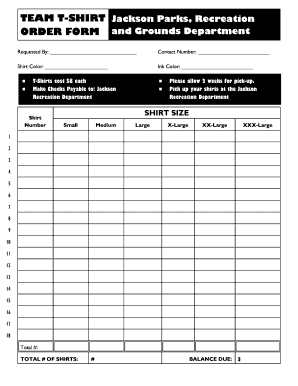
Editable t shirt order form
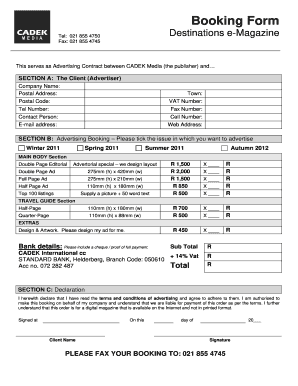
Order booking format
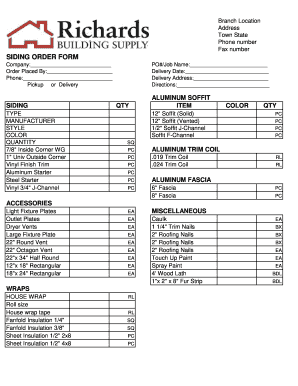
Siding order form
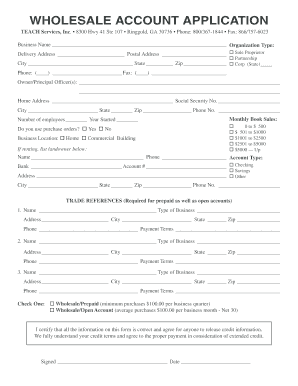
WHOLESALE ACCOUNT APPLICATION
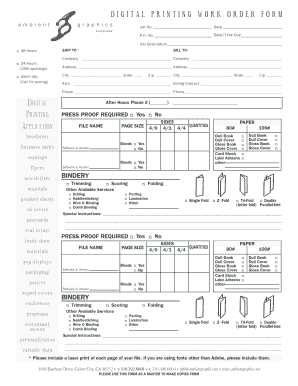
DIGITAL PRINTING WORK ORDER FORM
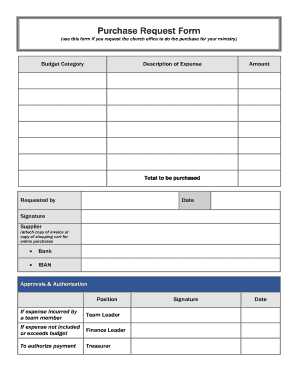
Purchase Request Form (use this form if you request the church office to do the purchase for your ministry) Budget Category Description of Expense Amount - ibcberlin
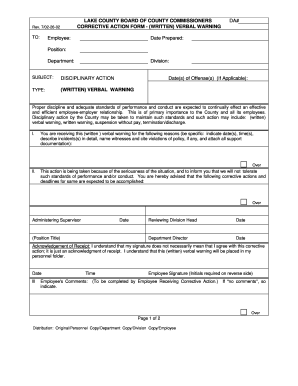
Verbal order form template
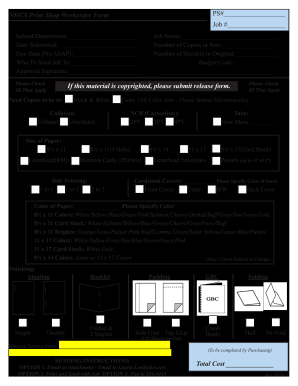
Print order form
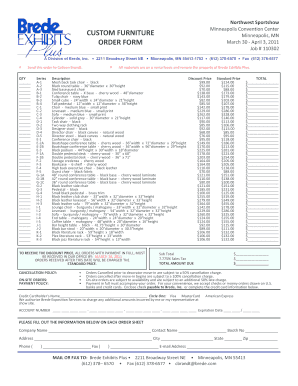
Furniture order form
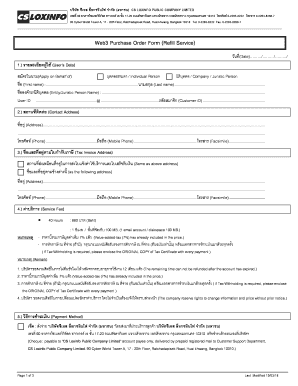
Web3 Purchase Order Form Refill Service - csloxinfocom
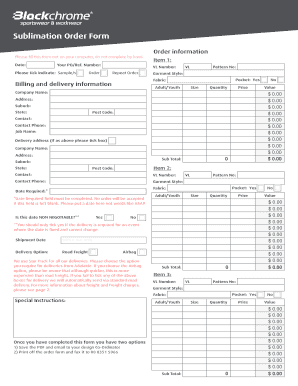
Sublimation order forms

Customer order form
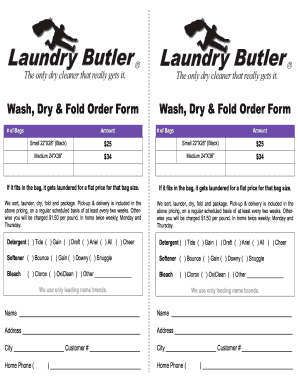
Laundry order form

Video order form
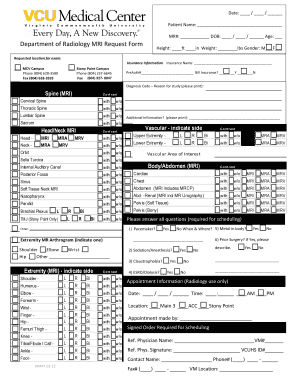
Mri requisition form
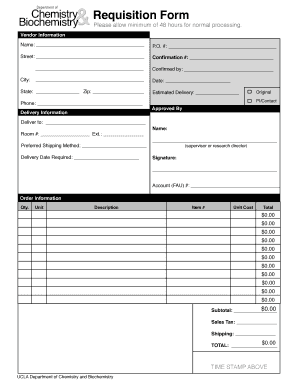
Requisition slip form with answer

Blank purchase order
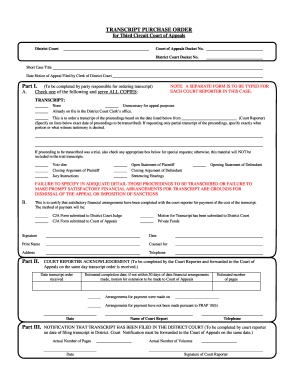
Purchase order court
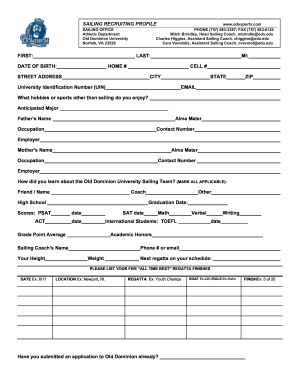
Job order form

Aformat of financial requistion
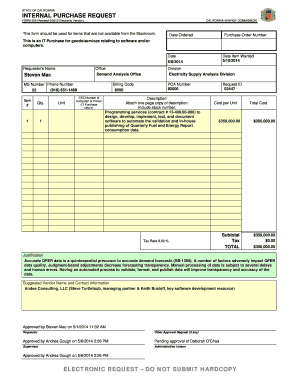
INTERNAL PURCHASE REQUEST
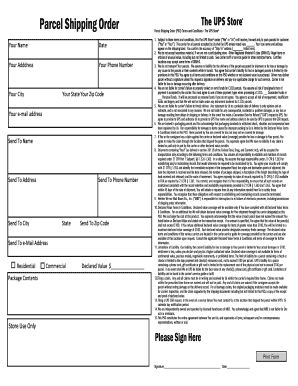
Shipping order form
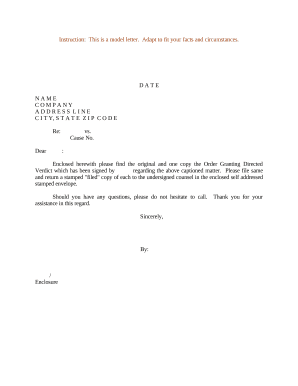
Sample letter order application
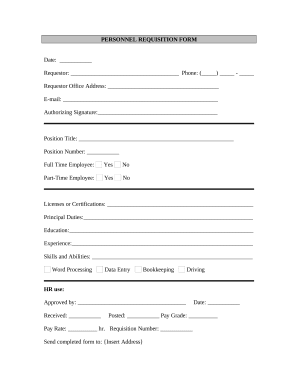
Requisition form
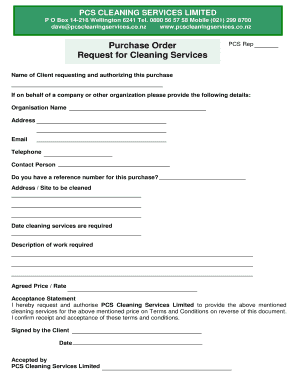
Purchase Order and Request for Cleaning Services
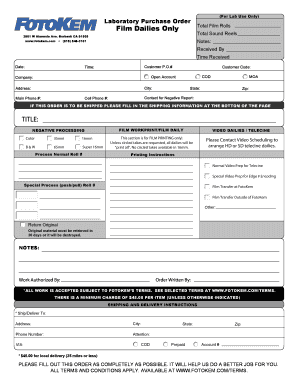
Laboratory Purchase Order

Travel order sample
Transform your form managing with Simple purchase Order Forms
Your workflows always benefit when you can easily locate all the forms and files you need at your fingertips. DocHub supplies a a huge library of forms to alleviate your everyday pains. Get a hold of Simple purchase Order Forms category and easily discover your document.
Start working with Simple purchase Order Forms in several clicks:
- Open Simple purchase Order Forms and get the document you require.
- Click Get Form to open it in the editor.
- Start adjusting your document: add fillable fields, highlight paragraphs, or blackout sensitive details.
- The app saves your changes automatically, and once you are all set, you are able to download or share your file with other contributors.
Enjoy smooth record management with DocHub. Discover our Simple purchase Order Forms online library and discover your form right now!
Video Guide on Simple purchase Order Forms management

Commonly Asked Questions about Simple purchase Order Forms
Format How to format a purchase order?
A standardized purchase order needs to have all the following details: Purchase order issue date. Company logo. Point of contact information. Name and billing address of the buyer and seller plus telephone/fax/emails. Purchase order number. Item numbers. Shipping method, terms, and date of delivery. What Is a Purchase Order? Types and Template Resources - Brightpearl brightpearl.com order-management purc brightpearl.com order-management purc
How do you write a short form purchase order?
A purchase order, often abbreviated to PO, is a commercial document issued by a buyer to a seller, indicating types, quantities, and agreed prices for products or services required. It is used to control the purchasing of products and services from external suppliers.
Does Excel have a PO template?
If you are comfortable working with Excel and want a simple yet effective purchase order spreadsheet, the Excel Purchase Order Template is great. This purchase order spreadsheet lets you keep a detailed record of your purchases, supplier information, itemized product details, pricing, and delivery instructions.
How to create PO format in Excel?
Purchase Order Format in Excel From the list, select new and Purchase Orders. Various template options are available; choose the one that aligns with your business needs. To begin, click on the selected template, then input the purchase order details such as your company name, slogan, logo, and more.
How do I Create a PO table in Excel?
Click any cell in the range of cells or table. Click INSERT Recommended PivotTables. In the Recommended PivotTables dialog box, click any PivotTable layout to get a preview, and then pick the one that shows the data the way you want, and click OK.
How do you make a simple purchase order?
Heres a quick checklist to creating your purchase order: Choose a template. Add issue data. Write the PO number. Add business information including the billing address for the buyer and the seller. Mention product details including item descriptions, model numbers, quantity, and so on. Mention the delivery date.
How to generate a purchase order template?
How to make a purchase order template Create a prominent spot for the purchase order issue date. Add your company logo. Create customized sections for contact information. Add the purchase order number. Fill in the request for products or services. Add in sections for the order totals. Outline the payment terms.
How to make an order sheet in Excel?
To start the Order Form, follow these steps to add the headings: Type the heading Order Form in cell B2. Format the heading font and font size. Make column A quite narrow, e.g. Width 1.00 (13 pixels) In cell E2, enter this formula, to show the current date: =TODAY() Format the date cell -- this example has day-Month.
Related Templates

BOF 1021, Application for Ammunition Vendor License Non
The document is an application form for obtaining an Ammunition Vendor License from the California Department of Justice ...
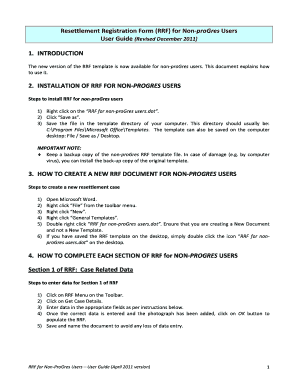
Unhcr resettlement registration form
The document is a user guide for the Resettlement Registration Form (RRF) designed for non-proGres users. It provides de ...

Personalbogen f r die hessische landesverwaltung
The document is a personal information form for employees of the Hessian state administration in Germany. It requires va ...

Hessian Civil Service Personal Form
The document is a personal information form for employees of the Hessian state administration in Germany. It requires va ...

Paid assessment letter template
The document is a Paid Assessment Letter Request Form for the Heartland Circle Residential Community, detailing the proc ...

DD Form 2767, "JROTC INSTRUCTOR ANNUAL CERTIFICATION OF PAY AND DATA FORM"
The document is a JROTC Instructor Annual Certification of Pay and Data Form, which is used to determine the work dates ...

AT HOP card Surrender Form - atgovtnz
The document is an AT HOP card surrender form that allows registered users to cancel their AT HOP card and request a ref ...