
Get any PDF form from the DocHub library of ready-made templates - Page 833
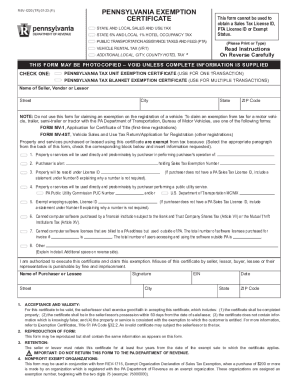
How do I get a sales tax exemption for a non-profit
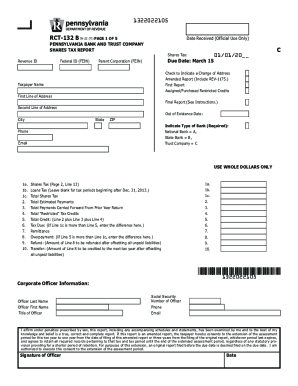
3 Operators, Functions, Expressions, Conditions
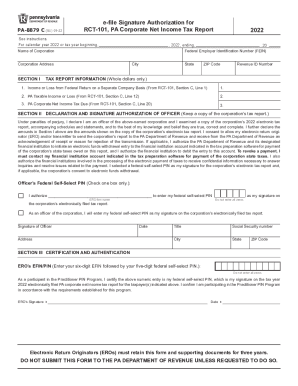
2022 e-file Signature Authorization for RCT-101, PA Corporate Net Income Tax Report (PA-8879 C) Form
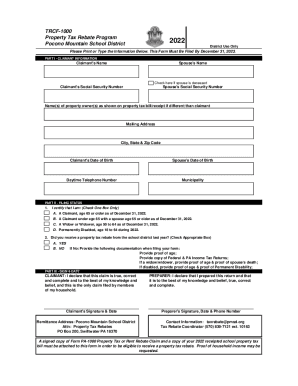
TRCF 1000 Tax Form R1 Pocono Mountain School District
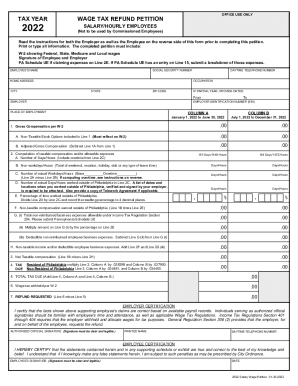
Wage Tax refund form (commissioned employees) - Phila

2023 Personal Income Tax Forms - PA Department of Revenue

North Carolina Web Motor Fuels Claim for Refund

2022 PA Corporate Net Income Tax Declaration for a State e-file Report (PA-8453 C) PA Department of

2022 City of Philadelphia NET PROFITS TAX
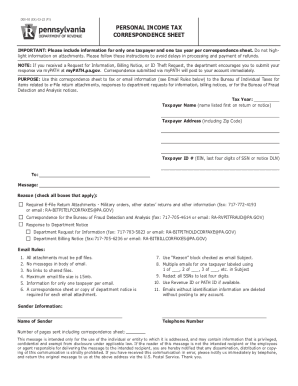
Federal worksheet - fill out and auto calculate complete form
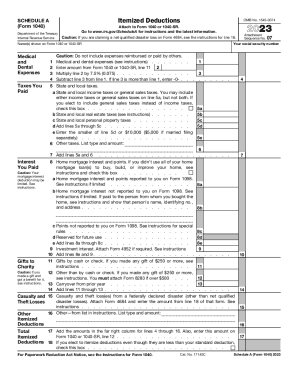
2023 Schedule A (Form 1040) Itemized Deductions

Board of Appeals EPetition Center - Business Tax e-Services
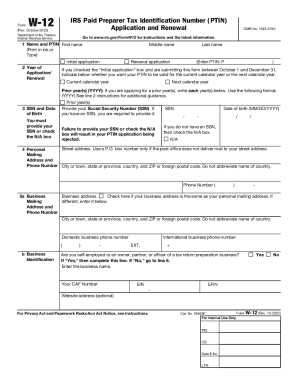
About Form W-12, IRS Paid Preparer Tax Identification
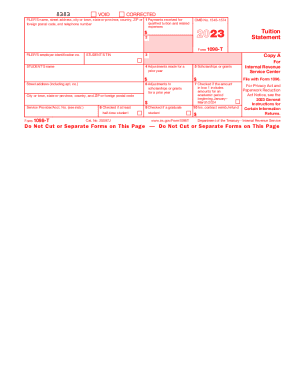
2023 Form 1098-T Tuition Statement
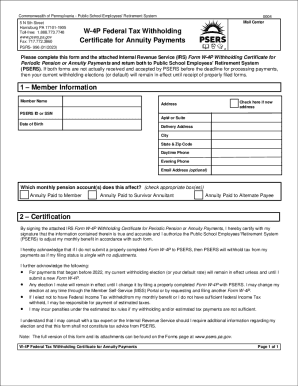
Just the Facts - Public School Employees' Retirement System
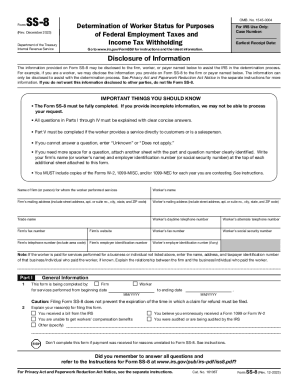
Form SS-8 (Rev December 2023) Determination of Worker Status for Purposes of Federal Employment Taxe
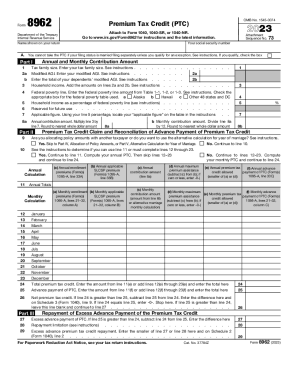
2023 Form 8962 Premium Tax Credit (PTC)

Indiana Property Tax Benefits: State Form 51781 (R14
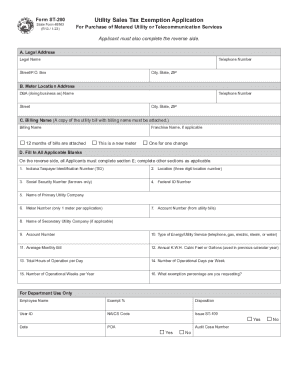
Indiana sales tax: Fill out & sign online
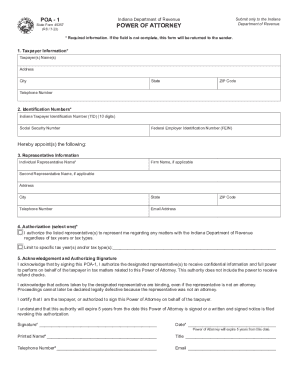
Free Indiana Tax Power of Attorney Form (Form 49357)PDF

ST-108 Indiana Department of Revenue Certificate of
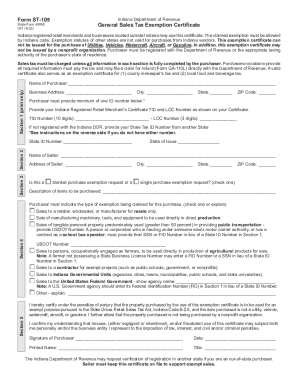
By Indiana code

CLEARLY PRINT OR TYPE ALL INFORMATION

DTT AFFIDAVIT County of San Mateo TRANSFER TAX
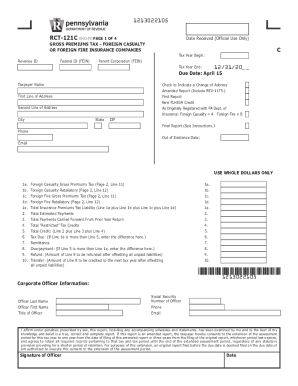
Can I fill in forms on my computer?
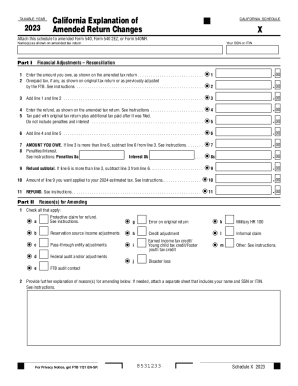
California Form 540-X (California Explanation of Amended
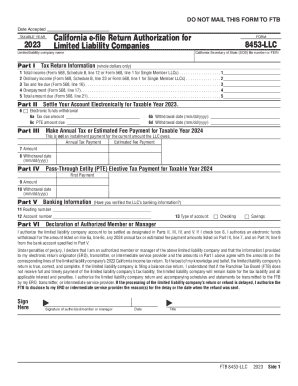
2022 Form 8453-P California e-file Return Authorization for

S Corp Tax Treatment in California - Guide for Freelancers

24416 Form 1 Net operating loss (NOL) computation and
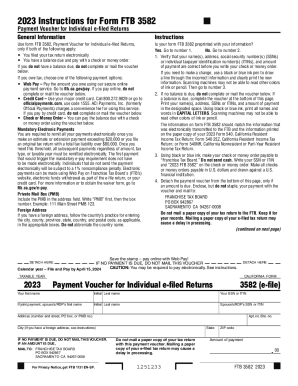
Form 3582: Fill out & sign online
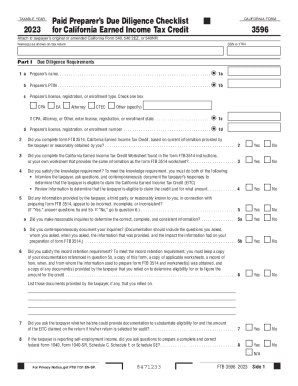
2023 Form 3596 Paid Preparer's Due Diligence Checklist for California Earned Income Tax Credit

U S Treasury Offset Program - Utah State Tax Commission

IN ST-103 - Instructions 2007-2023 - Fill out Tax Template
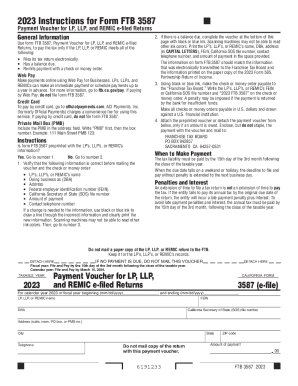
Ftb Form 3587Fill Out and Use This PDF
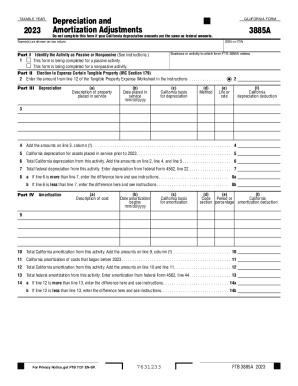
State Conformity to Federal Bonus Depreciation

California Schedule CA (540NR) - unable to fill out Part II
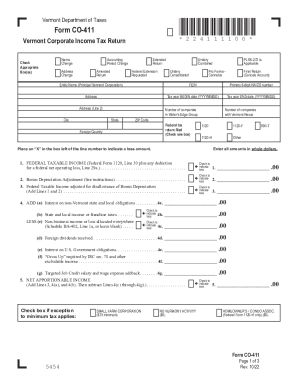
Vermont tax form co-411 - Dana and Rahman Tukan

2023 Form 3533 Change of Address for Individuals 2023, Form 3533, Change of Address for Individuals
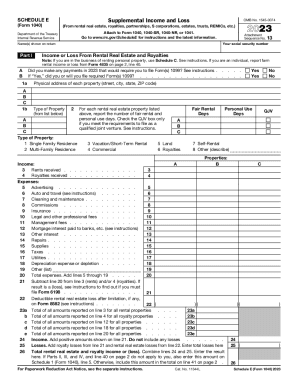
Schedule E (Form 1 Supplemental Income and Loss

Form 3538 - Fill Out and Sign Printable PDF Template

Oregon Department of Revenue : W-2 File Specfications

Form 3586: Fill out & sign online

Illinois State Taxes and Income Tax
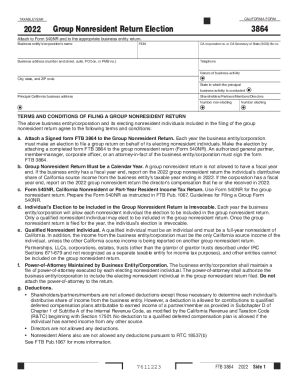
2022 California Form 3864 Group Nonresident Return Election 2022 California Form 3864 Group Nonresid
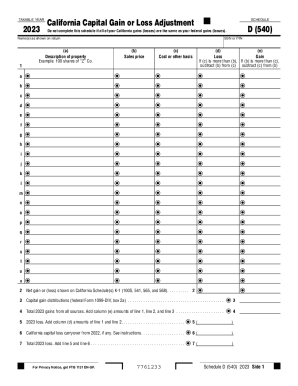
California state taxes: Do I deduct $3000 capital loss from
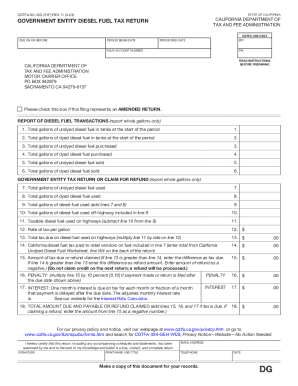
CDTFA-501-DG Government Entity Diesel Fuel Tax Return

State of Emergency Tax Relief - CDTFA - CA
Documentation and recordkeeping for tax practitioners

Types of Statements, Form 700 Years 2021 and 2022
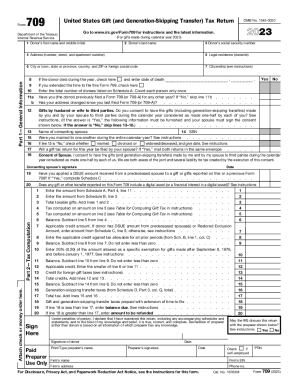
2023 Form 709 United States Gift (and Generation-Skipping Transfer) Tax Return

Business LicenseNew ApplicationsTreasurer-Tax

Form 3843 - Fill and Sign Printable Template Online
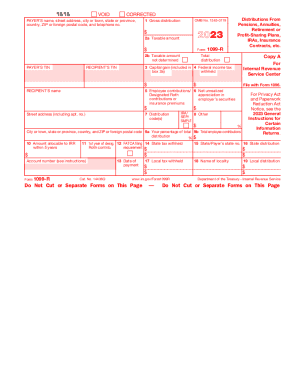
2023 Form 1099-R Distributions From Pensions, Annuities, Retirement or Profit-Sharing Plans, IRAs, I

California Schedule 1067A 2022

Tax Forms - Illinois Department of Revenue
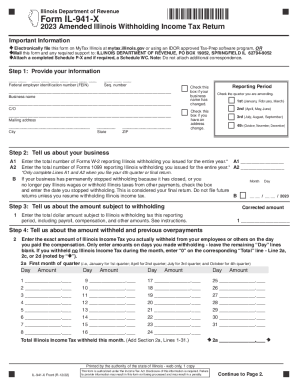
2022 Form IL-941-X - Amended Illinois Withholding Income Tax
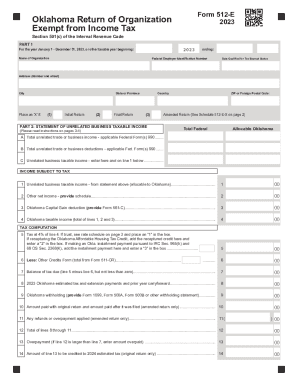
2023 Form 512-E Oklahoma Return of Organization Exempt from Income Tax

2022 California Schedule 1067B Group Nonresident Return Payment Transfer Request 2022 California Sch

Income Tax - Payroll Office - Illinois State University
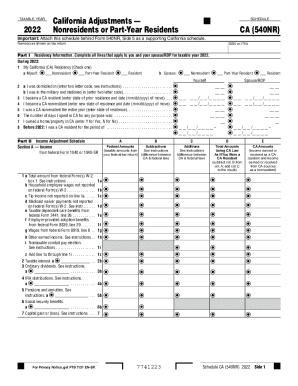
2022 Schedule CA (540NR) - California Adjustments - Nonresident or Part-Year Resident Income Tax Ret
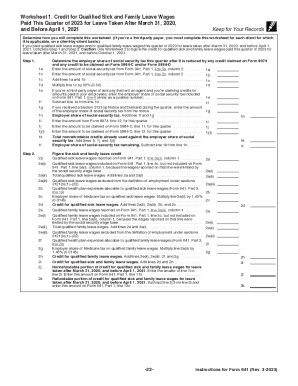
IRS Releases Draft Form 941 Series Instructions
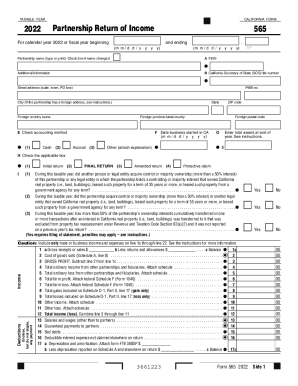
2022 California Form 565 Partnership Return of Income 2022, California Form 565, Partnership Return
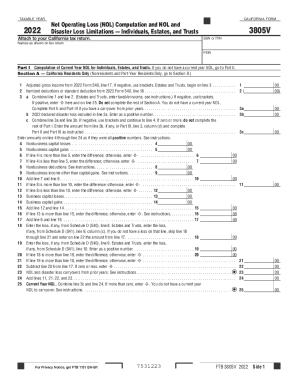
2022 Form 3805V Net Operating Loss (NOL) Computation and NOL and Disaster Loss Limitations Individua
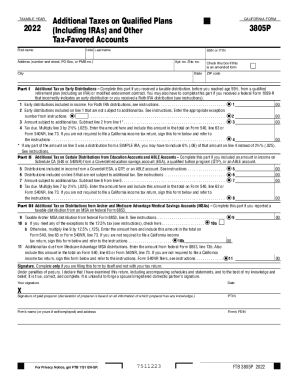
Cigarette Tax Stamp (CTS) Email Request - CDTFA - CA

State Packages Electronic Filing Online Filing Individual
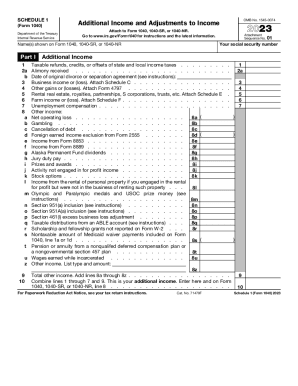
2023 Schedule 1 (Form 1040) Additional Income and Adjustments to Income

2022 Form 109 - California Exempt Organization Business Income Tax Return 2022 Form 109 - California

Hardware store, Cafeteria, etc
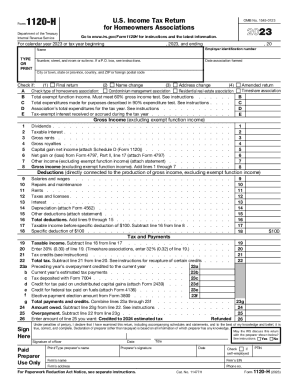
Fillable Form 1120-H: for Homeowners Associations US
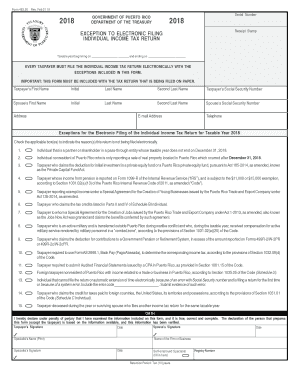
INDIVIDUAL UNIQUE FORM Feb 20 19 pmd

Puerto Rico Incentives Code Department of Economic

Annual IRS Unemployment Tax Forms Confirm FUTA

IRS Form 1095-B Questions and Answers
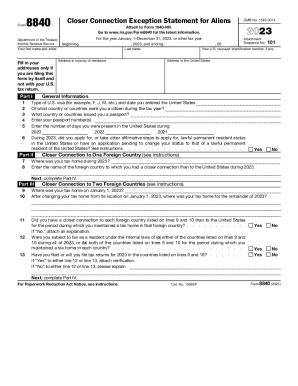
Form 8840: IRS Closer Connection Exception Statement
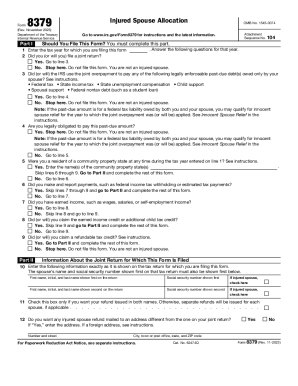
Tax Relief for SpousesInternal Revenue Service
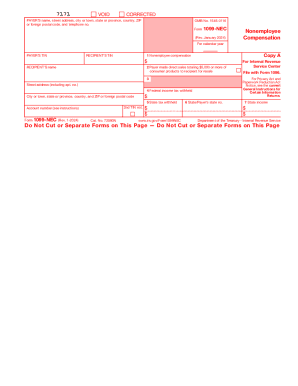
Form 1099-NEC (Rev January 2024) Nonemployee Compensation

It 59

Closing Cost Estimate - BUYER - San Jac Real Estate
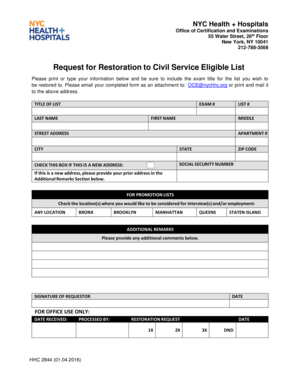
HHC 2844 - Restoration Form - 1-4-16

Sample letter requesting criminal records

25 Brodie Dr, Richmond Hill, ON L4B 3K8

Sc wh 1601
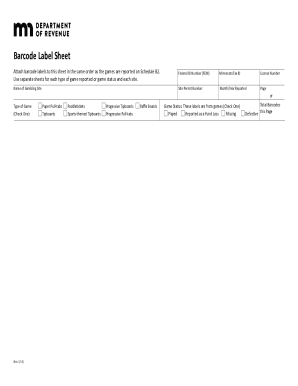
Mn barcode

Tax refund information

Illinois IL-1040-ES Estimated Income Tax Form

Form MT-203 Distributor of Tobacco Products Tax Return Revised 3 21

Nyc exemption real estate taxation
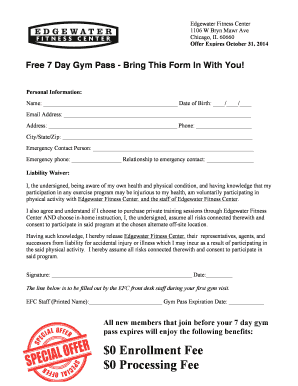
EFC 7-day class pass form doc
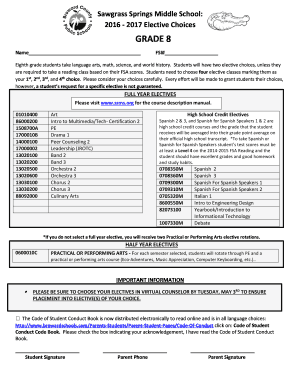
Sawgrass Springs Middle School:

Chronic Illness Verification Form - Child Welfare & Attendance (CA Dept of Education) The Chronic Il

Dmv 65 mcp rev 9 2007 form

Cfisd kindergarten sight words
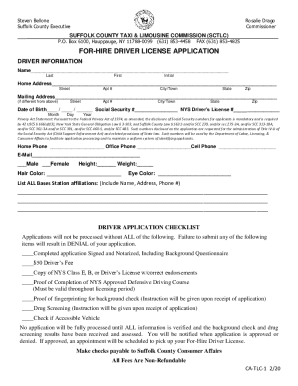
Suffolk County Executive Steve Bellone names first female

Suffolk county tlc license application

Bcps field trip forms

Copier Duplicator MFD Begin Meter SERVICE AGREEMENT

Findings and Determinations for Child Support and Post-Secondary
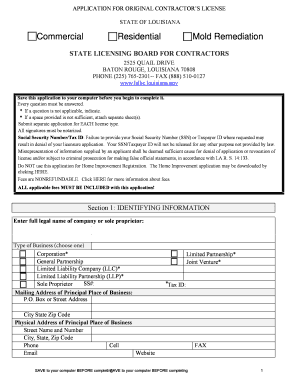
APPLICATION FOR ORIGINAL CONTRACTOR S LICENSE

MDA SUMMER CAMP PRE-CAMP PHYSICAL
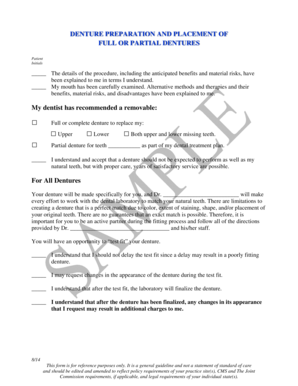
Denture consent form
Benefit from the DocHub online library of fillable PDF forms
Searching the PDF forms doesn't have to be a tedious and time-consuming process. With the DocHub online library, it has become easier to find the fillable PDF forms and modify them in your browser. The service allows you to adjust the document to your needs using powerful editing tools.
You can use online document editing features to modify almost any type of document with ease. You just need to find the template of your choice, open it in the editor, and use the toolbar to make the necessary corrections.
Follow this guide to get your document done with DocHub:
- Find the PDF template you need.
- Click the Get Form button to open the file in the editor.
- Use the toolbar to fill out and edit the document.
- Easily add and highlight text, insert images, checkmarks, and symbols.
- Drop new fillable fields, and rearrange or delete pages from your file.
- Save changes and download your record.
DocHub empowers everyone to streamline document editing, signing, and distribution, and form completion. Create an account and benefit from our well-organized PDF Forms library and comprehensive editor.