
Get any PDF form from the DocHub library of ready-made templates - Page 2028
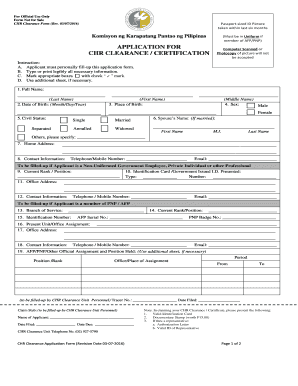
Chr clearance
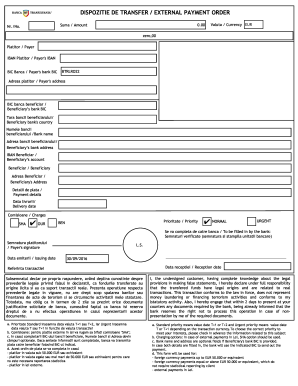
Dispozitie de transfer banca transilvania
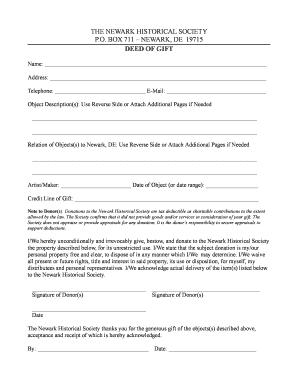
Application form museum collections
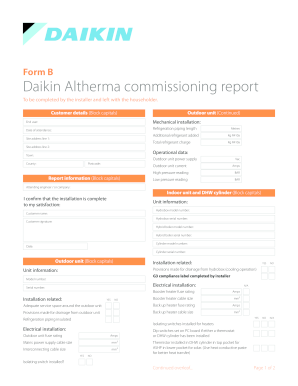
Daikin commissioning sheets
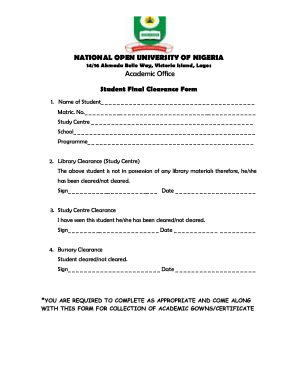
Noun certificate sample
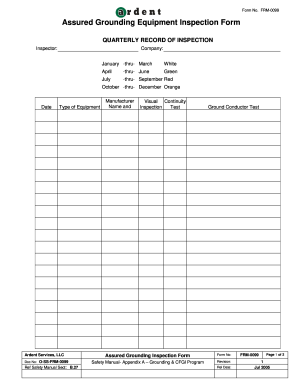
Assured Grounding Equipment Inspection Form - Ardent Shared - ardentshared

Sadtu safrican contact details
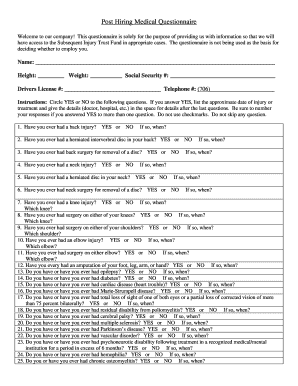
Post offer medical questionnaire form
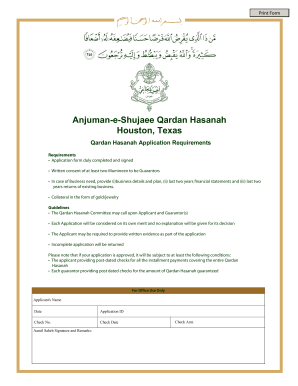
Anjuman e shujaee
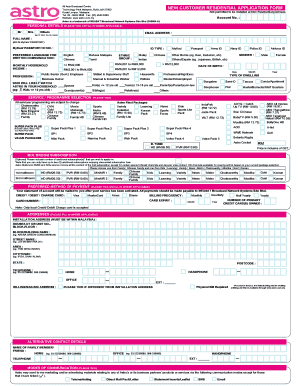
Astro installer form
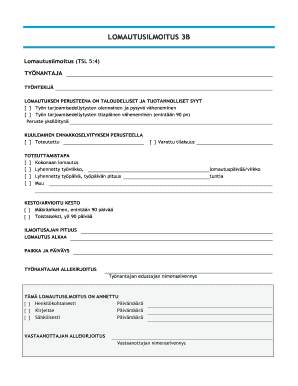
Lomautusilmoitus
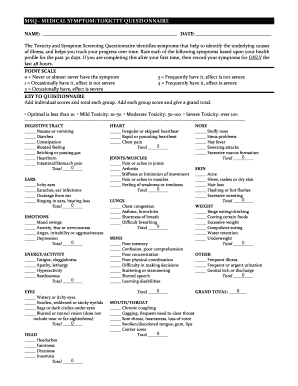
Msq questionnaire pdf
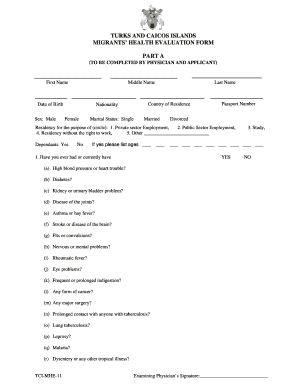
Tci mhe 11 form
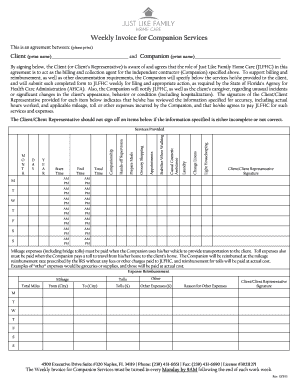
Weekly Invoice for Companion Services - Just Like Family Home Care
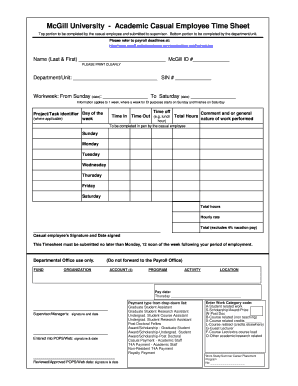
Academic employee sheet

Coast Mountain Bus Company Ltd EMPLOYEE039S INCIDENT REPORT
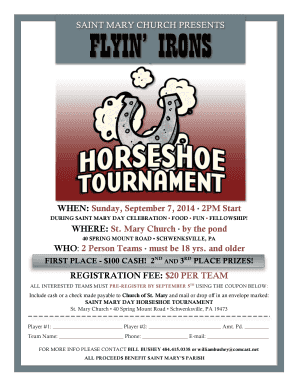
Horseshoe tournament flyer
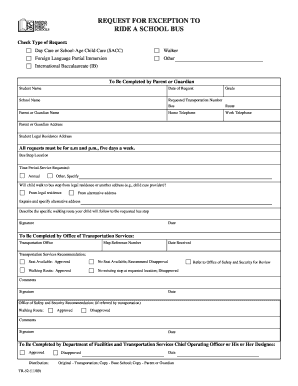
Exception to ride fcps
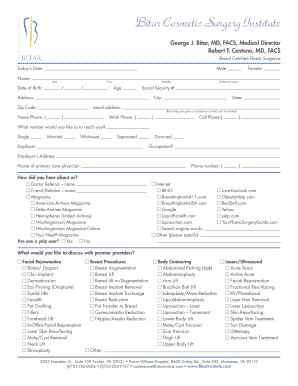
Patient Intake Form - Bitar Cosmetic Surgery Institute
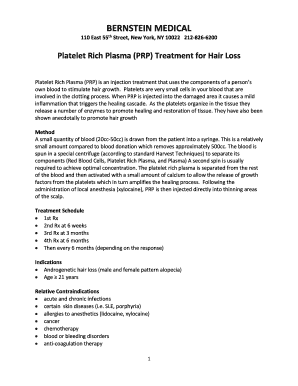
Consent for FUE - Bernstein Medical
Property needs assessment
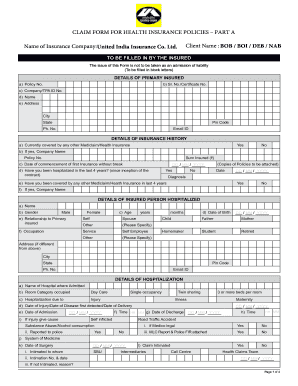
India claim form
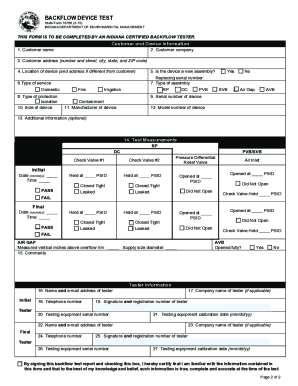
55788 Backflow Test Form unprotected-2 - Marion Utilities
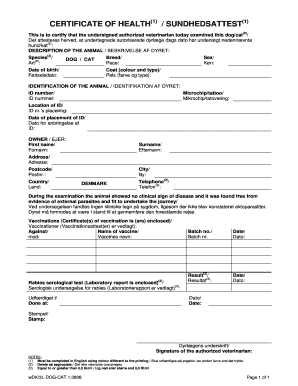
CERTIFICATE OF HEALTH SUNDHEDSATTEST

Indiana form 49969 care

Fill in blank prepoitions for kids
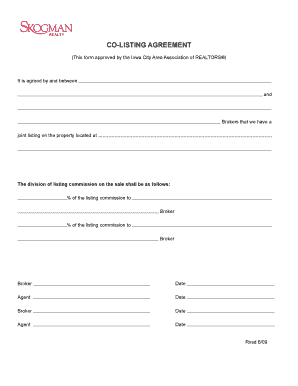
Co listing agreement form

Rcmp vision form
Jump a thon pledge sheet
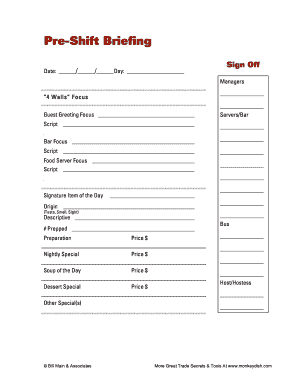
Pre-Shift Form
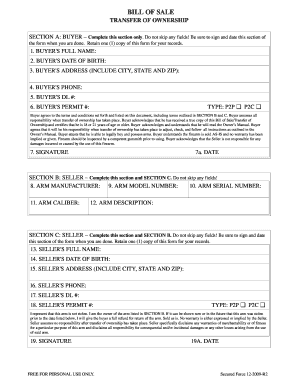
Blue line defense firearm bill of sale
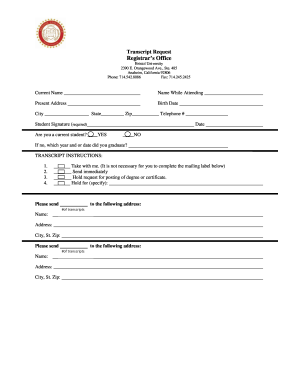
Bristol Transcript Request Form - Bristol University - bristoluniversity

PWGSC 942 Call-up Against a Standing Offer - Commande subsquente une offre commandes
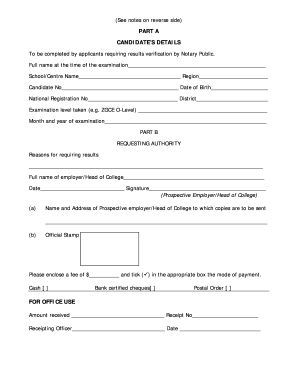
Zimsec portal registration
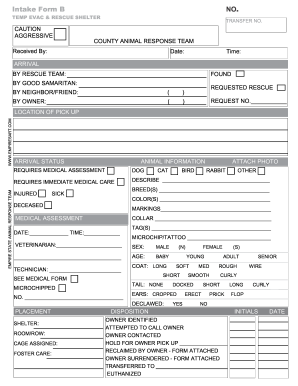
INTAKE FORM ERS - kacca
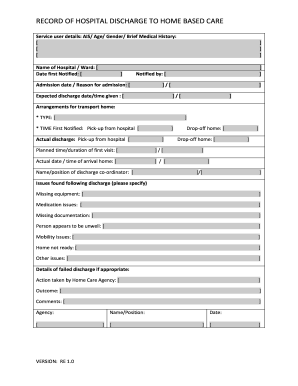
How do i apply to discharge a care order
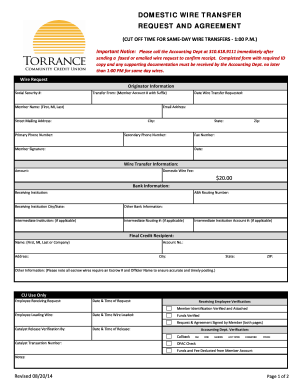
Domestic Wire Form - Torrance Community Credit Union
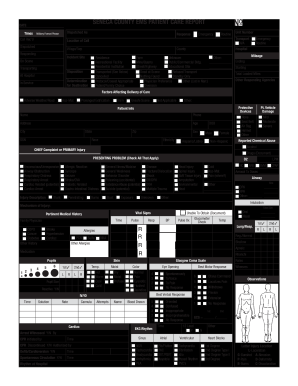
SeneCA COunty eMS PAtIent CARe RePORt DAte - senecadps
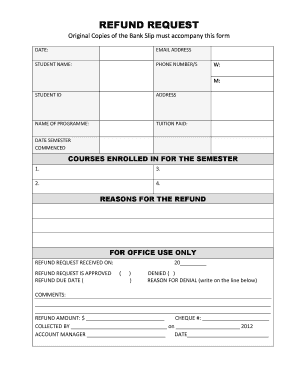
Refund request form
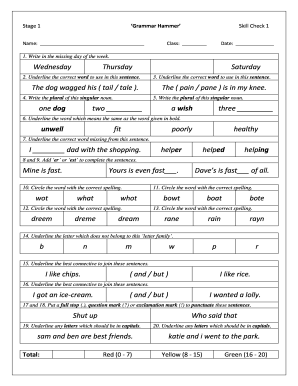
Grammar stage 1 skill pdf
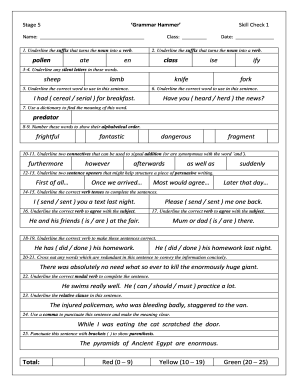
Online 5

Tabor management
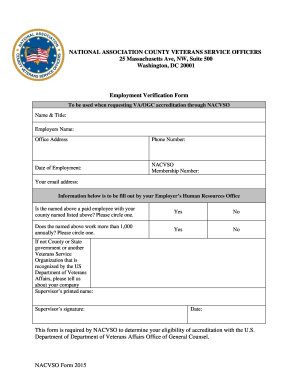
Nacvso employment verification
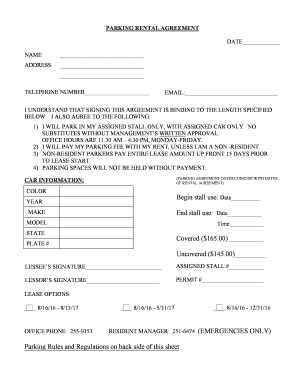
Parking rental bagreementb - Saxony Apartments - saxonyapartments
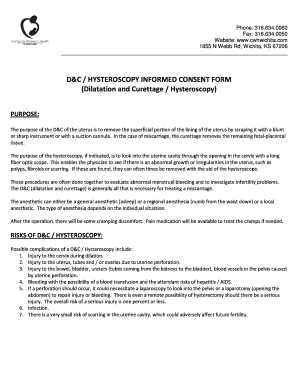
DampC - HYSTEROSCOPY INFORMED CONSENT FORM
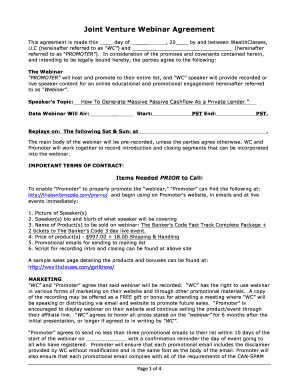
Joint Venture Webinar Agreement - The Bankers Code

Printable pet sitting forms
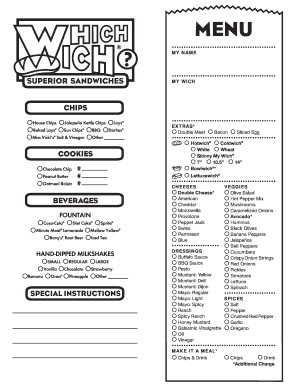
Blank menu

Scba inspection checklist
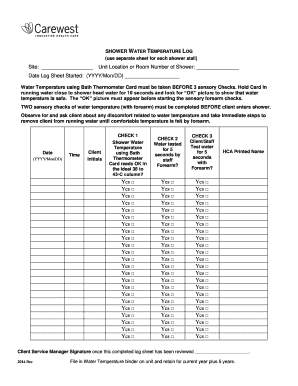
Water temperature log template

Nihss pdf

Model cerere cazier judiciar 2022

Evernew Women039s Retreat - Registration Form Christ be Our - lexingtoncatholic
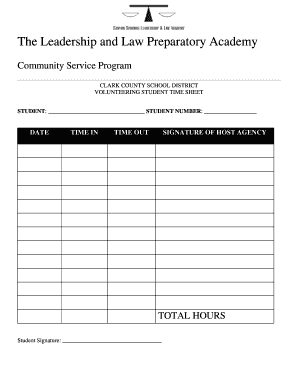
Court ordered community service timesheet

Child health assessment form

Government benefit supplement policy
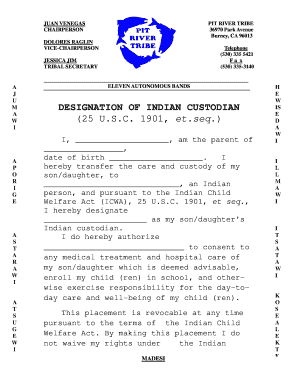
Pit river tribal office
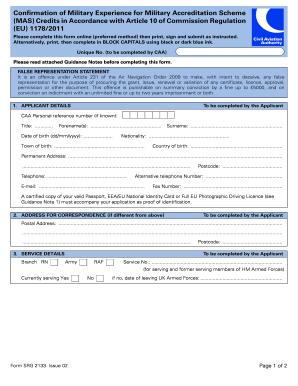
Srg 2133 military 10 form get

Business license henry county ga

Stable pretest

Roseberry's Funeral Home Funeral Cost Work Sheet

Womac form printable

Intent to claim
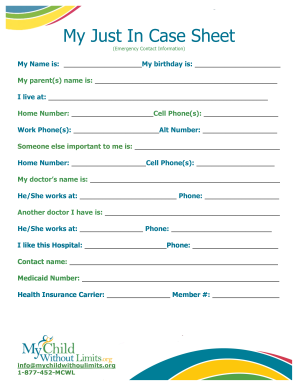
In case sheet
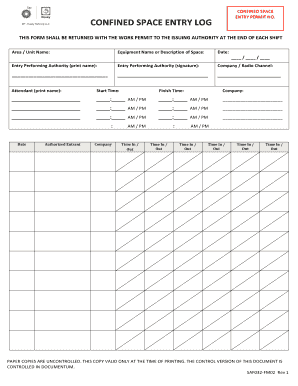
Confined space log
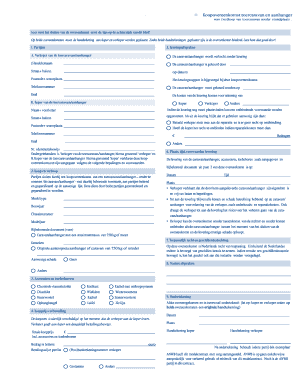
Verkoopovereenkomst aanhangwagen

Loan agreement sample uganda
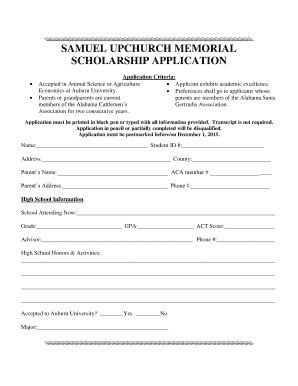
SAMUEL UPCHURCH MEMORIAL SCHOLARSHIP APPLICATION - bamabeef

Jkkp 8 form
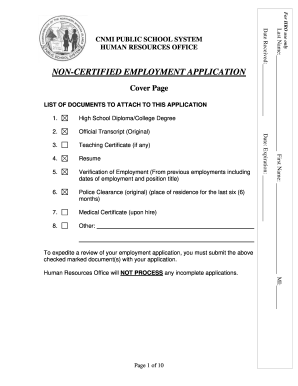
Cnmi pss registration

Return slip sample

2015 Special Corporate Rates Agreement Dear Mr. Tivenan, We ... - imac
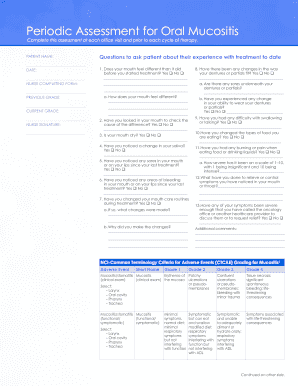
Periodic Assessment for Oral Mucositis
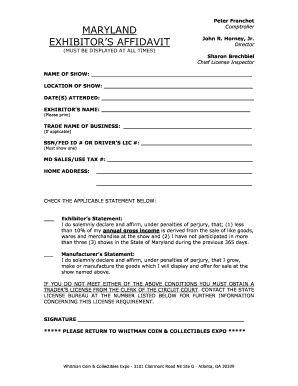
Exhibitors affidavit

Telegraphic transfer receipt
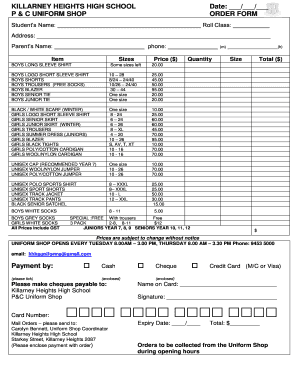
Killarney heights high school uniform
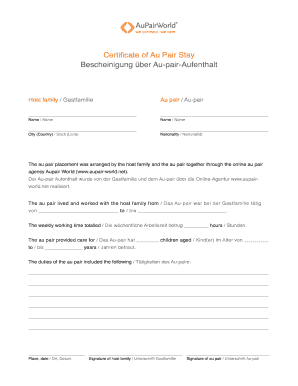
Au pair certificate
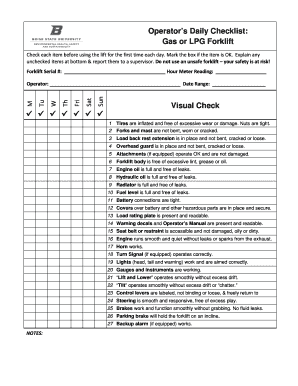
Lpg inspection checklist
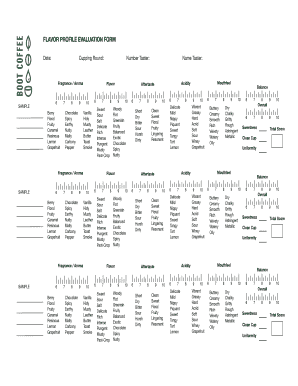
Boot coffee cupping form
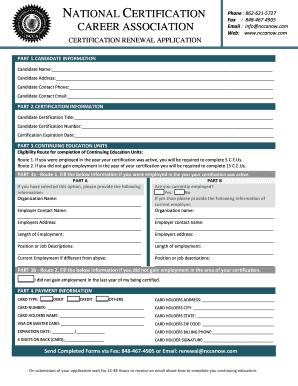
National certification career association - NCCA Certifications

Fillable rental application

Basketball player information sheet

Gp 7091 b

Balancing equation worksheet
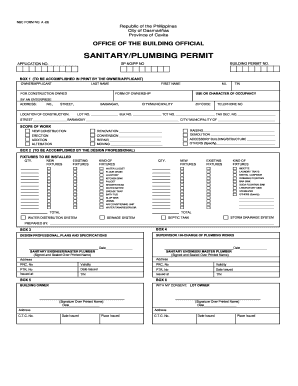
Sanitary plumbing permit form
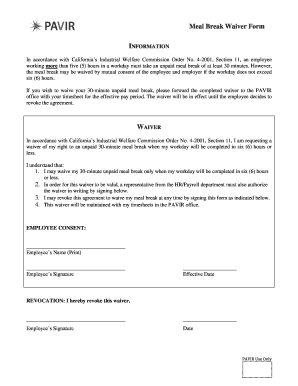
California meal break waiver form 2019 pdf

Habc housing

Med pass form

Efmp consumer agreement form
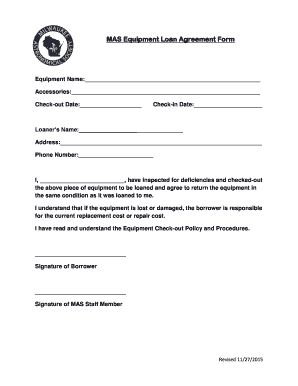
Printable equipment borrowing form template
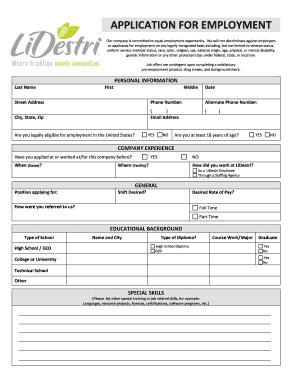
Application for bemploymentb online

Nhra online
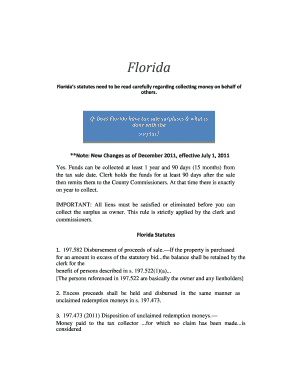
Hooked on overages

Geometry project fencing your property

United kingdom criminal record

Fripp island arb

Dog sitting contract
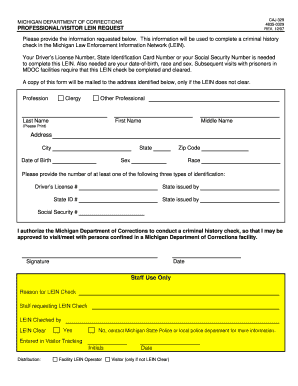
Caj 329
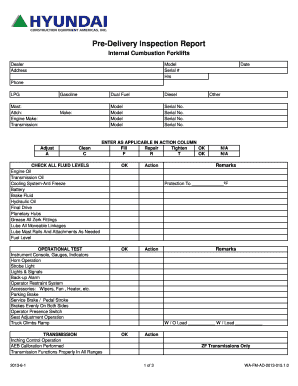
Pre-Delivery bInspectionb Report

Kumon cancellation letter sample
Benefit from the DocHub online library of fillable PDF forms
Searching the PDF forms doesn't have to be a tedious and time-consuming process. With the DocHub online library, it has become easier to find the fillable PDF forms and modify them in your browser. The service allows you to adjust the document to your needs using powerful editing tools.
You can use online document editing features to modify almost any type of document with ease. You just need to find the template of your choice, open it in the editor, and use the toolbar to make the necessary corrections.
Follow this guide to get your document done with DocHub:
- Find the PDF template you need.
- Click the Get Form button to open the file in the editor.
- Use the toolbar to fill out and edit the document.
- Easily add and highlight text, insert images, checkmarks, and symbols.
- Drop new fillable fields, and rearrange or delete pages from your file.
- Save changes and download your record.
DocHub empowers everyone to streamline document editing, signing, and distribution, and form completion. Create an account and benefit from our well-organized PDF Forms library and comprehensive editor.