




01. Edit your zimsec portal online
Type text, add images, blackout confidential details, add comments, highlights and more.

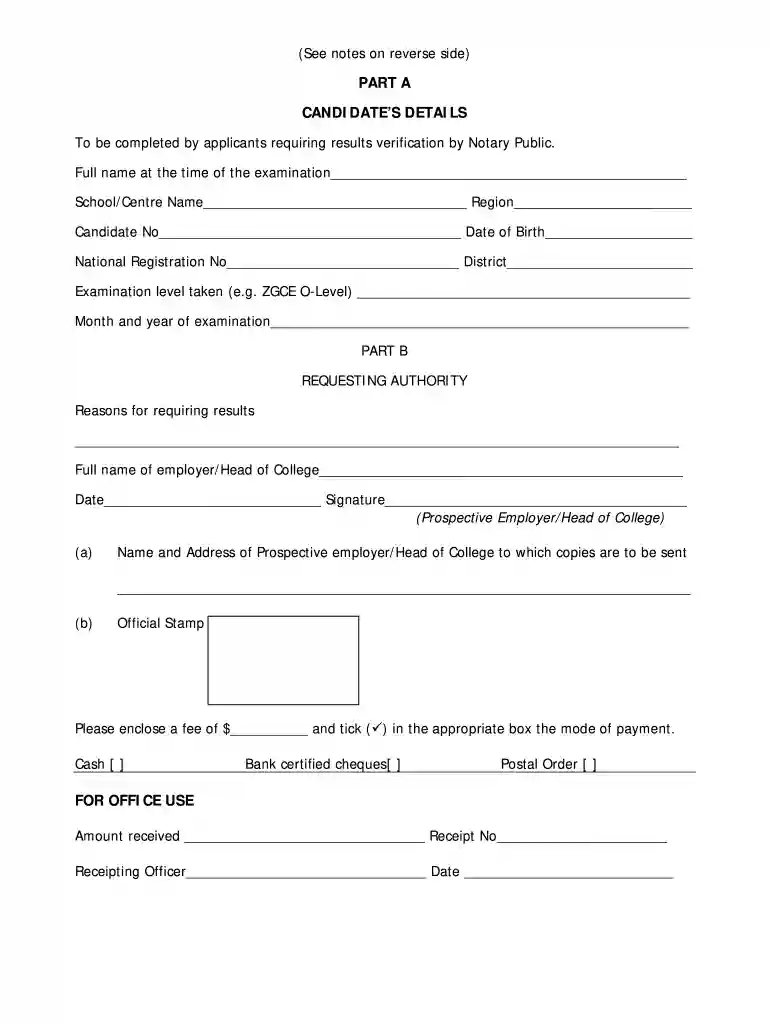
Type text, add images, blackout confidential details, add comments, highlights and more.

Draw your signature, type it, upload its image, or use your mobile device as a signature pad.

Send zimsec results portal via email, link, or fax. You can also download it, export it or print it out.
ZIMSEC portal registration is essential for accessing various academic services provided by the Zimbabwe School Examinations Council (ZIMSEC). This process allows users, including students and educational institutions, to manage examination-related tasks, such as checking results and submitting confirmation requests for academic certificates.
To initiate the registration on the ZIMSEC portal, follow these steps:
Visit the Official ZIMSEC Portal
Access the official ZIMSEC website, where the registration portal is hosted.
Locate the Registration Section
Look for the “Register as a New User” option prominently displayed on the homepage.
Fill Out the Registration Form
Provide required details such as:
Submit the Form
After filling in all fields, click the “Submit” button. A confirmation email is often sent to your registered email address.
Verify Your Email Address
Access your email inbox, locate the confirmation email from ZIMSEC, and follow the included link to verify your email and activate your account.
The ZIMSEC portal offers several functionalities that enhance the user experience for students and educational institutions:
View Examination Results
Registered users can check their O Level and Grade 7 results directly on the portal.
Access Confirmation Requests
Users can submit requests for confirmation of examination results for job applications or further studies.
Keep Track of Notifications
Users receive important updates regarding examination schedules, results releases, and any changes to policies.
Registering with the ZIMSEC portal is crucial for several reasons:
Centralized Access to Academic Services
By having an account, users can access all ZIMSEC services in one centralized location, simplifying management.
Time-Saving
The online system enables quick access to necessary information, reducing the need for in-person visits or lengthy phone inquiries.
Enhanced Security
The registration process includes essential security measures, keeping personal information and results confidential.
Once registered, users must keep the following responsibilities in mind:
Maintain Account Security
Users should regularly update their passwords and safeguard their account details to prevent unauthorized access.
Check Emails Regularly
Important notifications and updates regarding examinations and results are communicated via email, so regular checking is advisable.
Keep Personal Information Updated
It is essential to update any changes in personal details through the portal to ensure accurate communication and service provision.
Users may encounter challenges during the registration process. Here are solutions to common problems:
Email Not Received
If the confirmation email does not arrive, check the spam folder. If not found, try resending the confirmation request from the portal.
Forgotten Password
Use the “Forgot Password” feature on the login page to reset your password if you cannot remember it.
Errors in Information Submission
Ensure that all fields are filled accurately. Check for typographical errors or invalid formats before re-submitting.
By effectively navigating the ZIMSEC portal registration process, users can ensure that they have the essential access needed for their academic pursuits.
At DocHub, your data security is our priority. We follow HIPAA, SOC2, GDPR, and other standards, so you can work on your documents with confidence.
Findings indicate that asset ownership is associated with DocHubly lower SV, in terms of school attendance and birth registration. Yet, assets do notRead more
Submission of the $60 application fee (non-refundable) is required for all international applicants. The fee covers the processing costs to help you gainRead more


