
Get any PDF form from the DocHub library of ready-made templates - Page 2026

Medical Questionnaire for Hopi Ear Candling - healthytreatments.co.uk - healthytreatments co
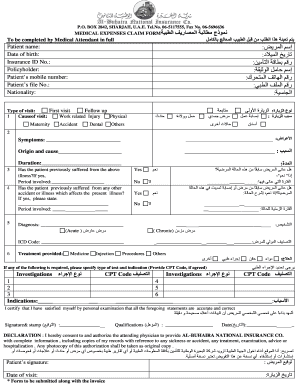
Al buhaira reimbursement form

Dignity health financial assistance form
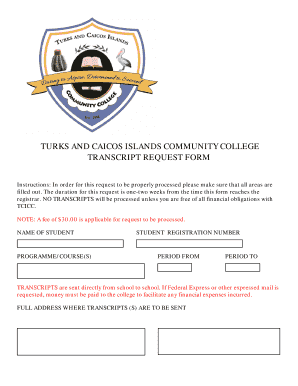
Turks community college transcript
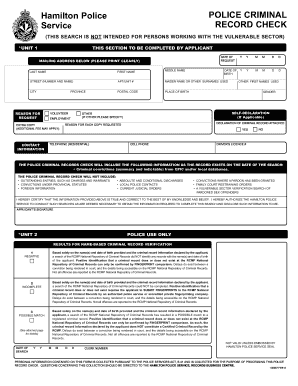
Police check hamilton

Volleyball serve a thon pledge sheet
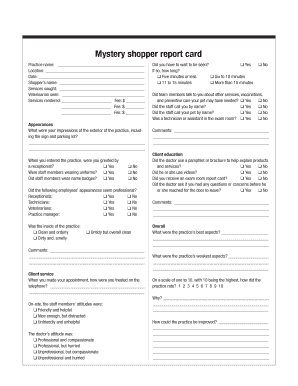
Mystery shopper report card - dvm360com
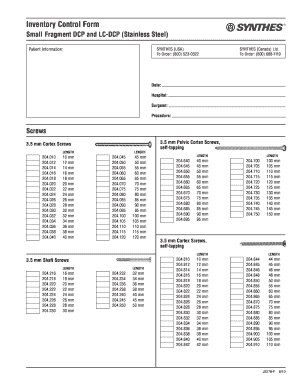
Synthes small frag inventory
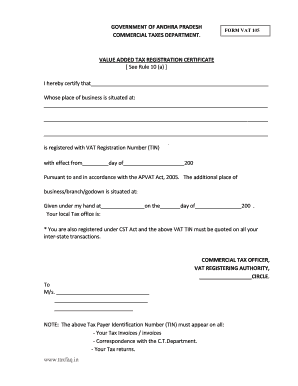
Vat certificate download
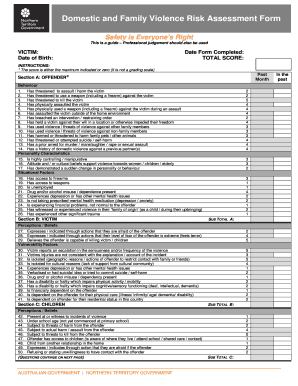
Domestic violence printable materials
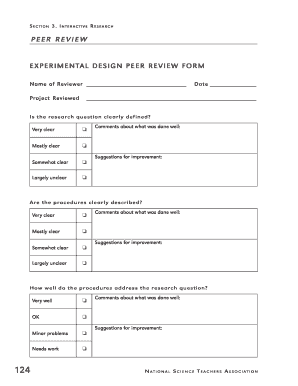
Physician peer review sample letter

Permission letter vehicle
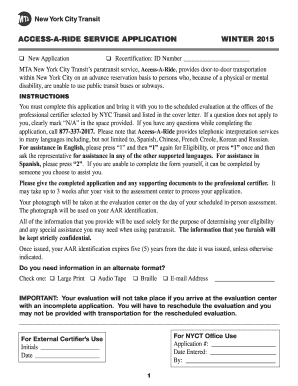
ACCESS-A-RIDE SERVICE APPLICATION WINTER 2 01 5 - webserver mta

CREDIT CARD AUTHORIZATION FORM RED STAG CASINO - redstagcasino

Form f download

Kansas release form medicine

Chore contract template

Hoa dues letter template
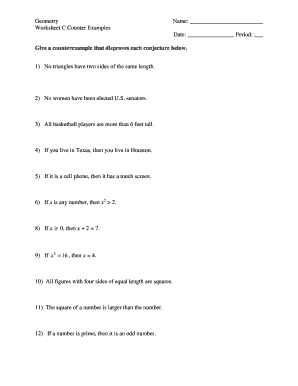
Conjectures and counterexamples worksheets
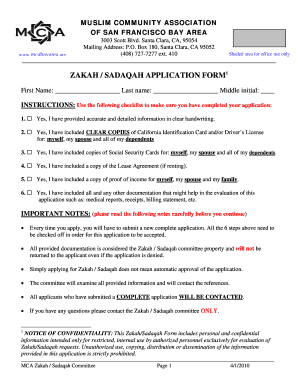
Mca zakat application
Helfo e 106 polski pdf
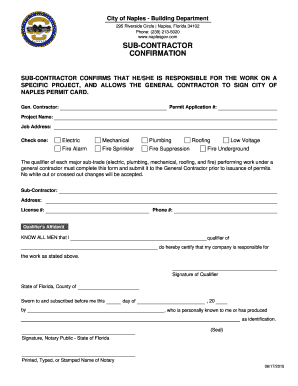
Sub contractor confirmation

Ayala coop member login
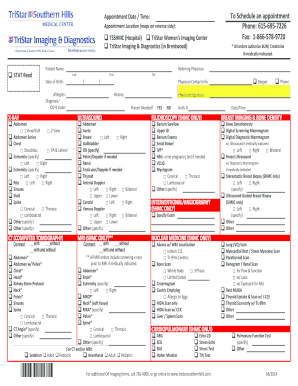
Download Imaging Patient Form - Southern Hills Medical Center

Celebrate recovery open share small group discussion worksheet
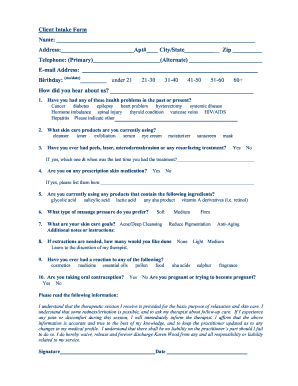
Skin care intake pdf
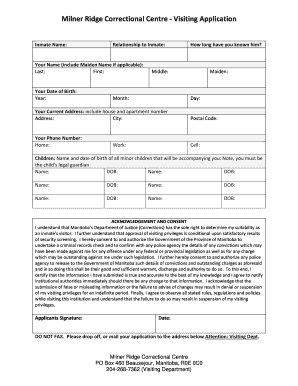
Milner ridge correctional centre visiting

Sis d
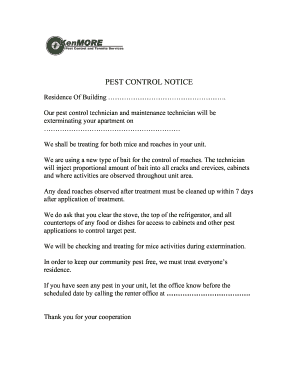
PEST CONTROL NOTICE

Board of Prosthetics, Orthotics and Pedorthics - Kentucky.gov - pop ky

Mail application amp fees to CNA EXAM REGISTRATION FORM

9 number form
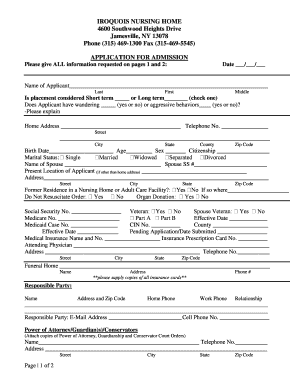
Download admission form - iroquoisnursingorg

Law firm client intake form

LIFECASTING MODEL RELEASE - International Life Cast Museum

Shakespeare scavenger hunt pdf
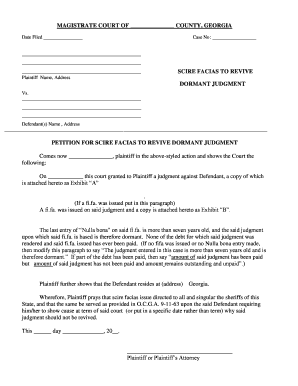
Scire facias

Vet intake form

Assessment a dividing nation

Interactive rock cycle
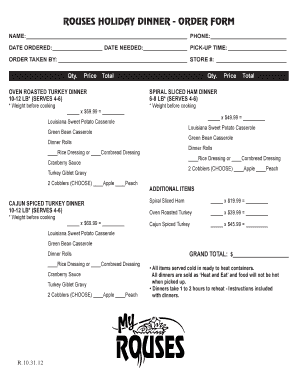
Rouses catering menu pdf

Letter intent commercial lease
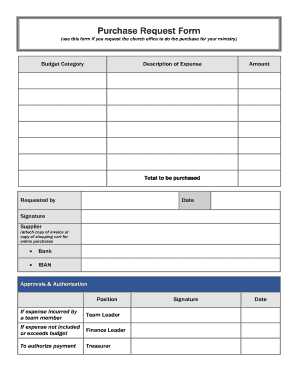
Purchase Request Form (use this form if you request the church office to do the purchase for your ministry) Budget Category Description of Expense Amount - ibcberlin
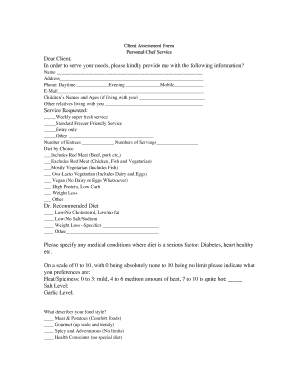
Client assessment form
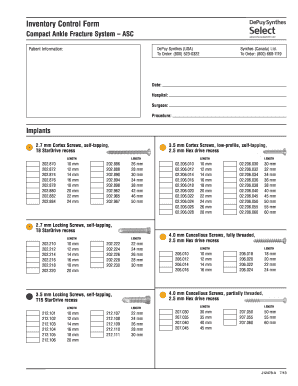
Synthes ankle trauma inventory
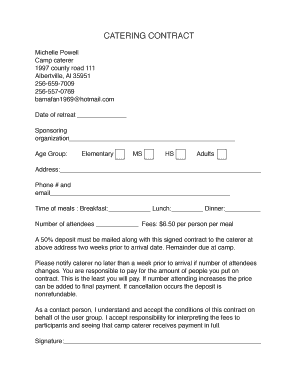
Downloads_files/Catering Contract.pdf - Camp Toknowhim
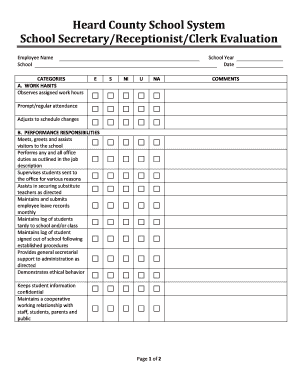
School Secretary/Receptionist/Clerk Evaluation
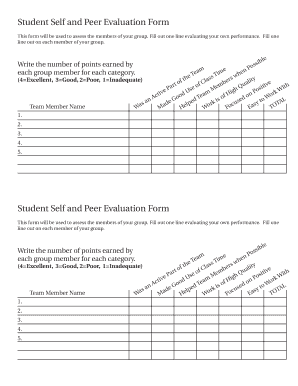
Student Self and Peer Evaluation Form - blearndurkinbbcomb
Nevada application child care

Car club registration form
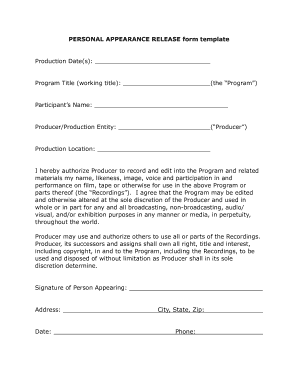
Release form template
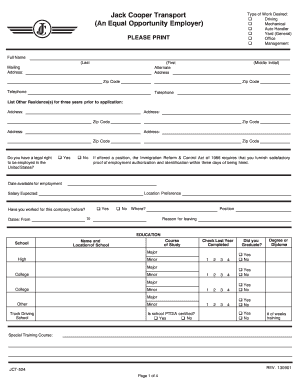
Employment Application - Jack Cooper
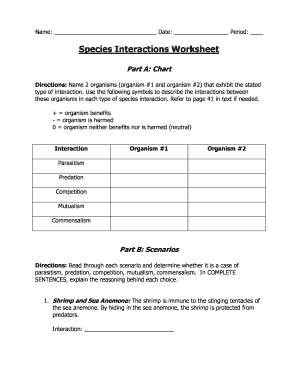
Species interactions worksheet answers
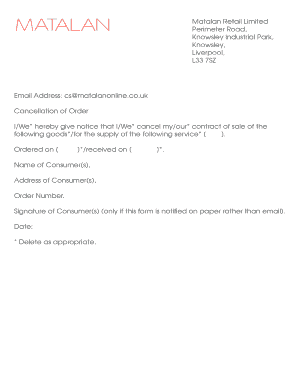
How to cancel matalan order
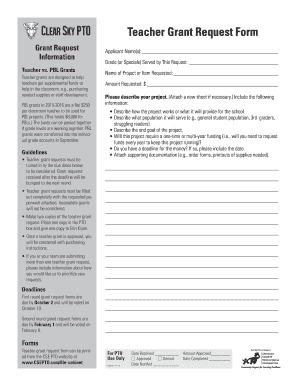
Teacher Grant Request Form - Clear Sky PTO

Customer form
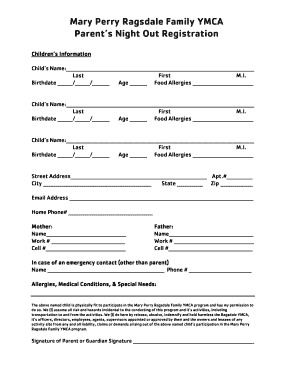
Ragsdale ymca
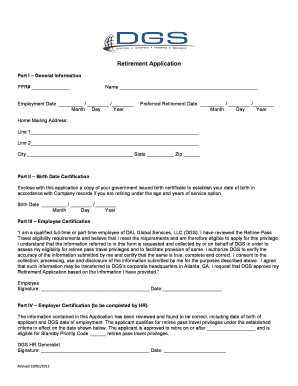
Retirement Application - DGS Pass

North carolina assumed

Printable current events worksheets
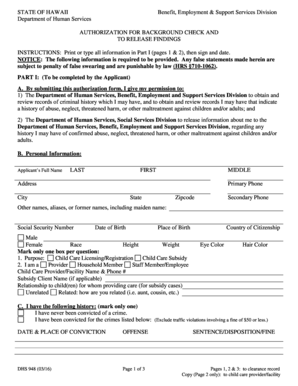
Dhs 948

Global blue request

Altrincham bayaan academy
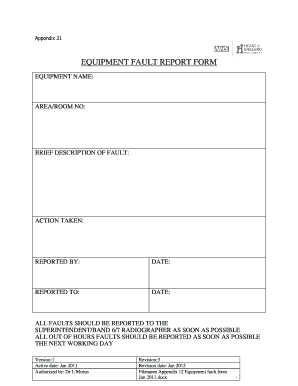
Fault log template
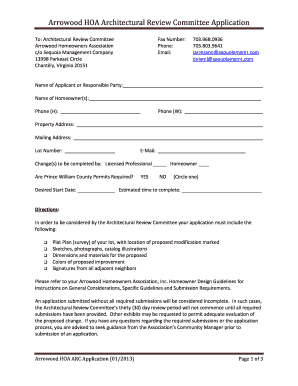
Sample hoa architectural request form
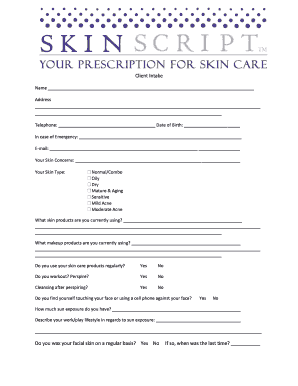
Skin script forms
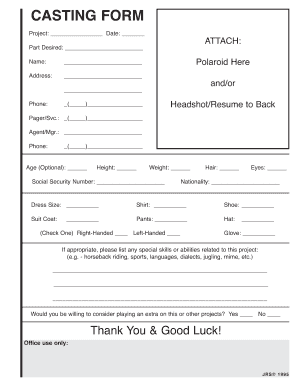
Form casting
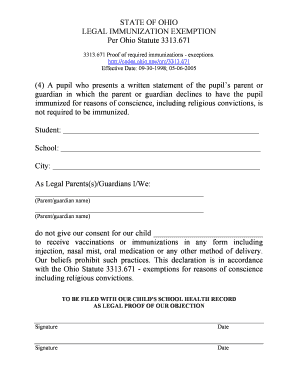
January 10, 2009 - ParentsAgainstMandatoryVaccines
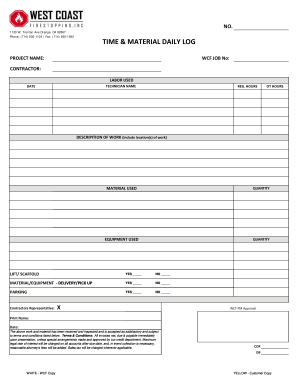
Time material daily log form
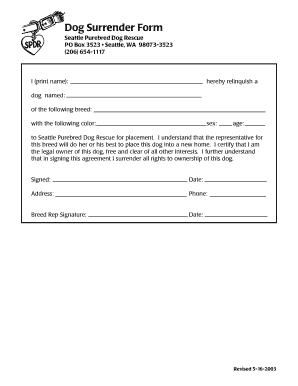
Dog surrender form
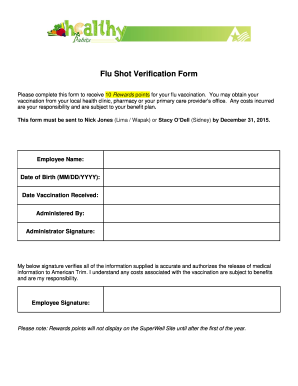
Flu shot form
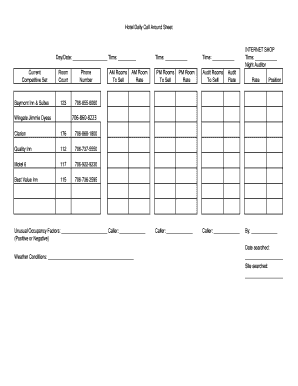
Hotel Daily Call Around Sheet INTERNET SHOP Day/Date: Time ...
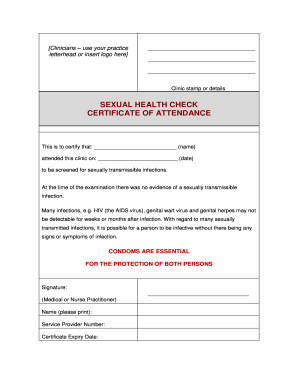
Sexual health check certificate
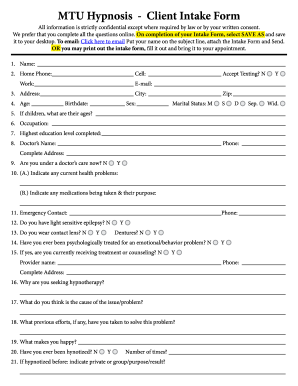
Hypnosis client intake form

Tb screening tool

Vat form 001

Company party alcohol waiver template

Morarji desai residential school online application
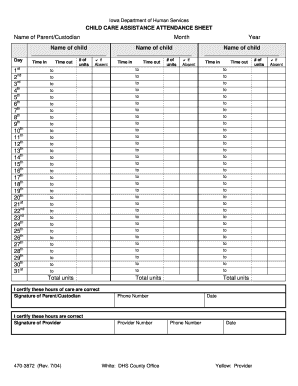
CCA attendance forms b470b-3872 - Iowa Child Care Resource bb
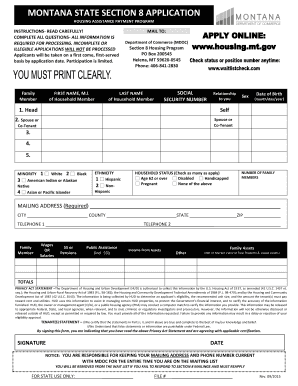
Montana section 8
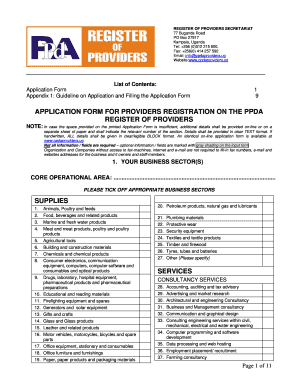
How to apply for ppda certificate in uganda
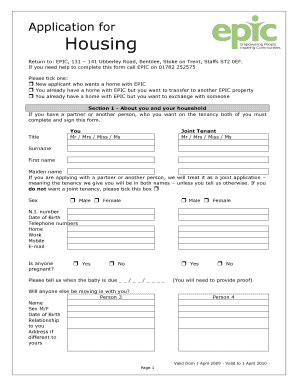
Epic housing
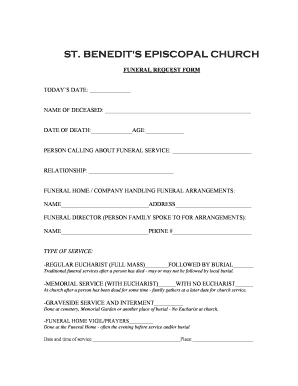
FUNERAL REQUEST FORM - FOR INITIAL CALL - saintbenedicts
Graybar credit application
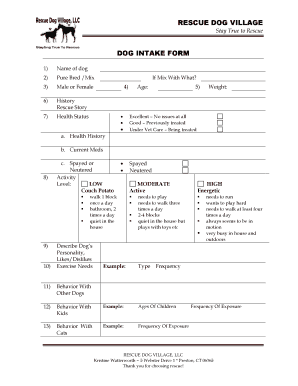
Animal shelter intake form
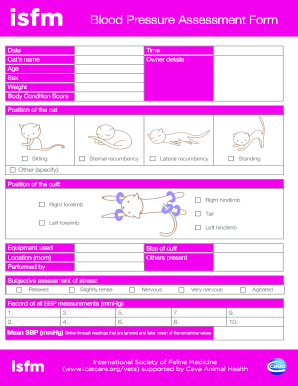
Isfm blood pressure form
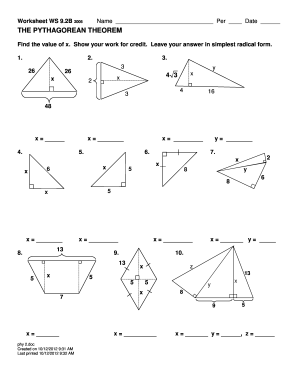
Pythagorean theorem calculator in radical form
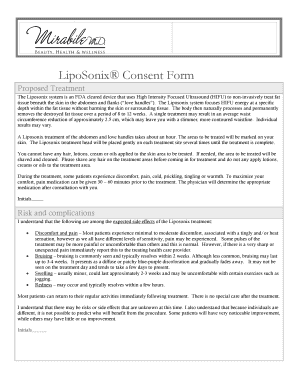
Hifu consent form
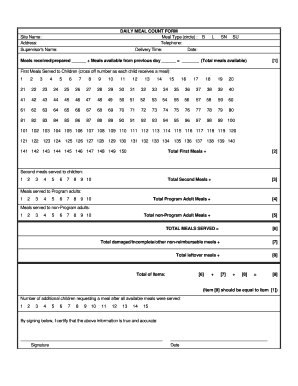
Meal count
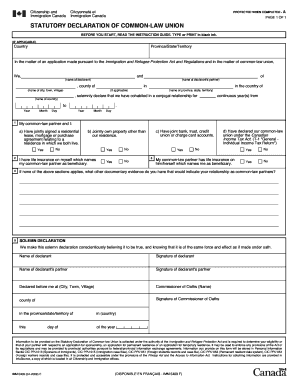
Sample letter of statutory declaration of common law union

Certificate of confirmation ncip
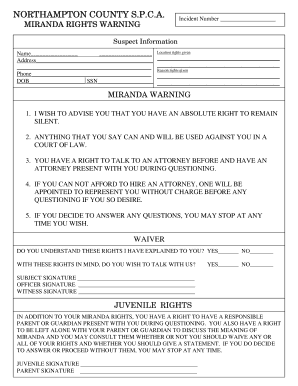
Miranda rights form

Bethlehem moravian college application form
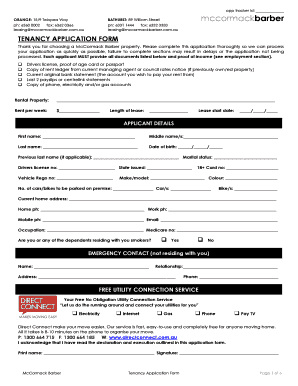
Mccormack barber rental application

Business License Application Business Licensing - leedstownutah
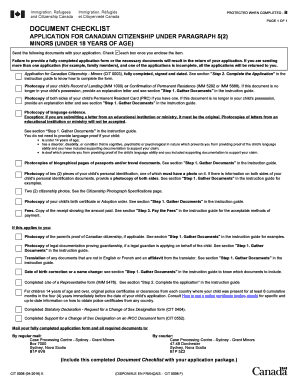
Cit 0008
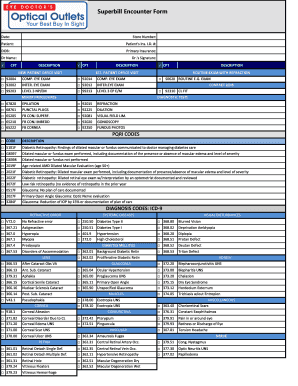
Optometry superbill
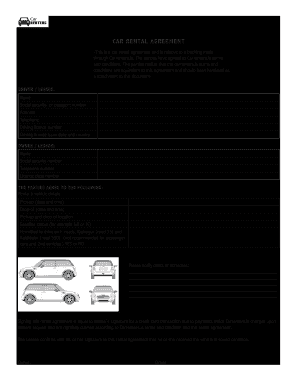
Car bRental Agreementb - CarRentersis - carrenters
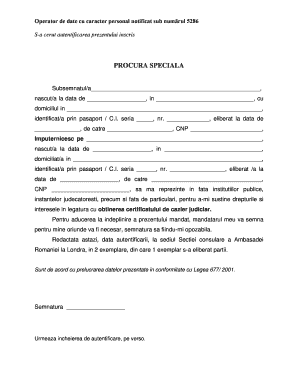
Imputernicire pentru certificat de nastere
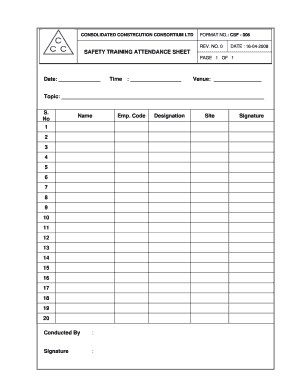
Safety training format
Benefit from the DocHub online library of fillable PDF forms
Searching the PDF forms doesn't have to be a tedious and time-consuming process. With the DocHub online library, it has become easier to find the fillable PDF forms and modify them in your browser. The service allows you to adjust the document to your needs using powerful editing tools.
You can use online document editing features to modify almost any type of document with ease. You just need to find the template of your choice, open it in the editor, and use the toolbar to make the necessary corrections.
Follow this guide to get your document done with DocHub:
- Find the PDF template you need.
- Click the Get Form button to open the file in the editor.
- Use the toolbar to fill out and edit the document.
- Easily add and highlight text, insert images, checkmarks, and symbols.
- Drop new fillable fields, and rearrange or delete pages from your file.
- Save changes and download your record.
DocHub empowers everyone to streamline document editing, signing, and distribution, and form completion. Create an account and benefit from our well-organized PDF Forms library and comprehensive editor.