
Get any PDF form from the DocHub library of ready-made templates - Page 2030
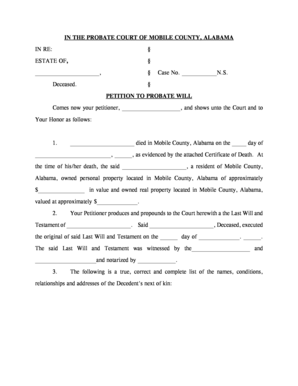
Mobile county probate court forms

Police report nj
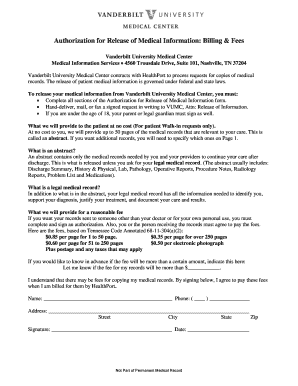
Vanderbilt release medical

Daily read and think - Ewing Public Schools

Direct deposit enrollment - BenefitMall - Home

Rudolf steiner request form pdf
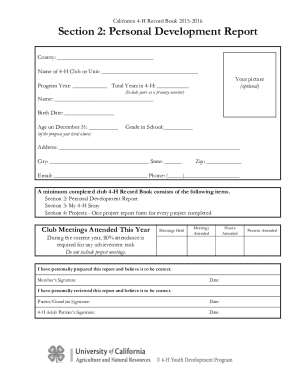
California 4-H Record Book Forms
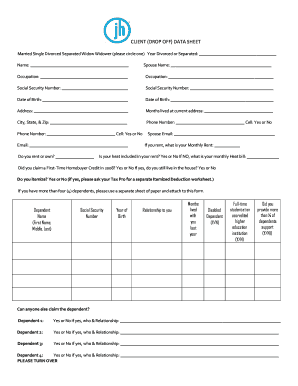
Jackson hewitt client data sheet
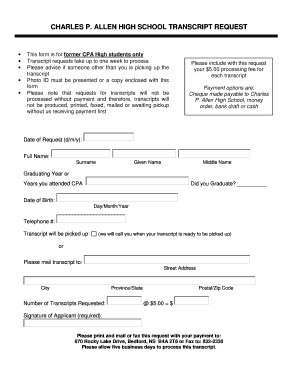
Charles p allen

Uf protected

Primerica life insurance claim form
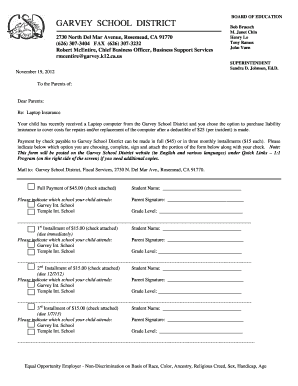
GARVEY SCHOOL DISTRICT - garveyk12caus - garvey k12 ca
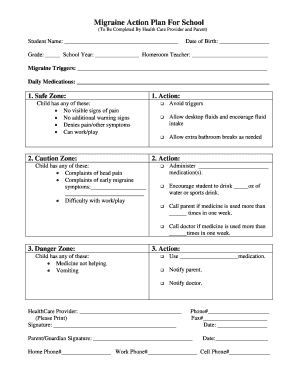
Migraine action plan for school

Af form 1492 warning tag
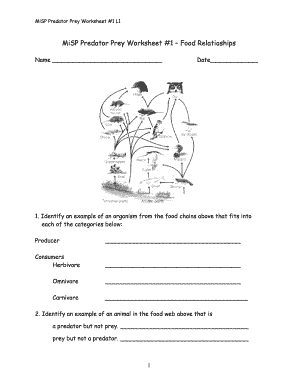
Fill in the blank worksheet

Tlc transfer form
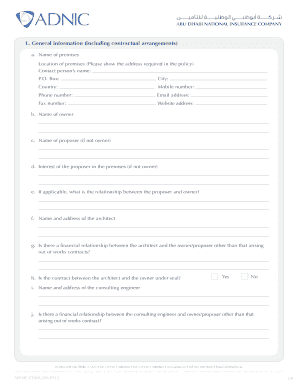
Inherent defects insurance

Adp forms
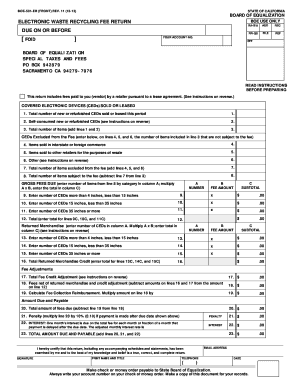
Electronic Waste Recycling Fee Return BOE-501-ER - boe ca
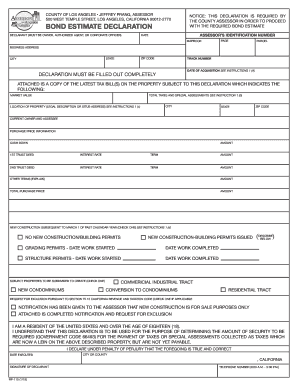
Bond estimate sample
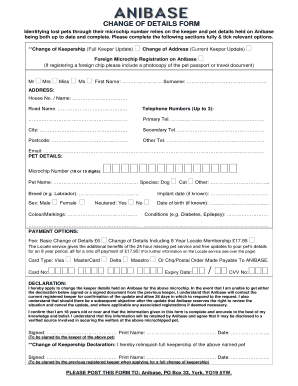
Anibase change of address form
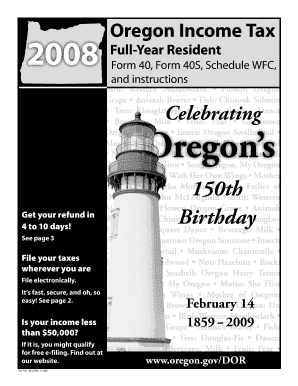
2008 Oregon Income Tax Full-Year Resident Form 40 and Instructions 150-101-043 - oregon
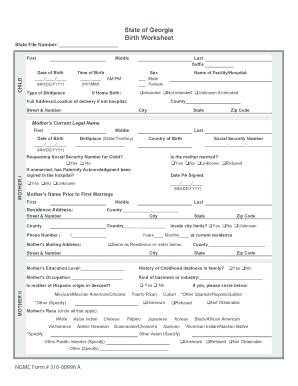
Georgia birth certificate template
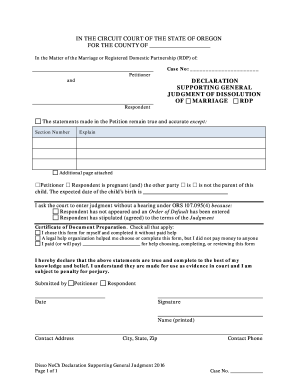
Declaration in Support of Judgment - Oregon State Courts - publications ojd state or
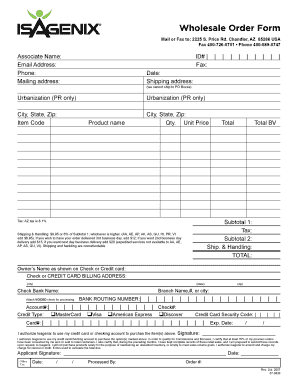
Isagenix order form
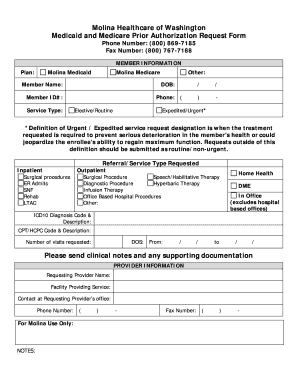
Molina prior authorization form
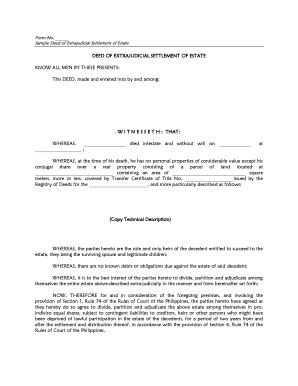
Extrajudicial settlement of estate with special power of attorney
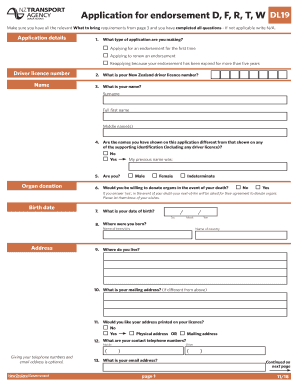
Dl9 drivers medical form
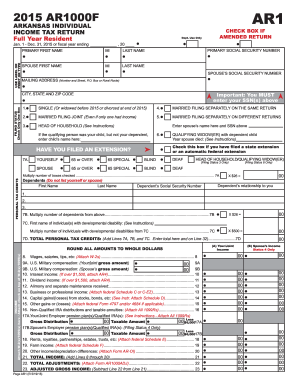
AR1 2015 AR1000F ARKANSAS INDIVIDUAL INCOME TAX RETURN Full Year Resident CHECK BOX IF AMENDED RETURN Dept - dfa arkansas
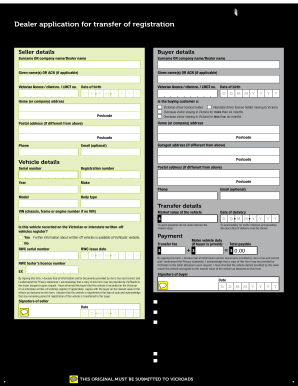
Application for transfer of registration
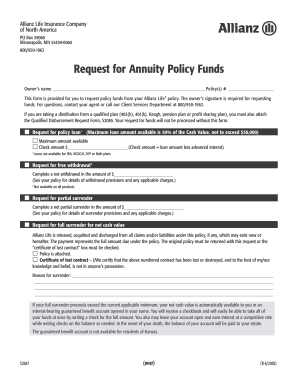
Allianz s2067

Borang pa 1 13
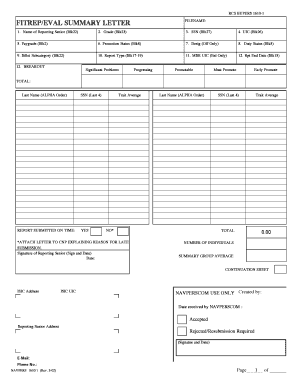
Navy eval summary letter

5208b form

Afpebso application form

Wisconsin discharge
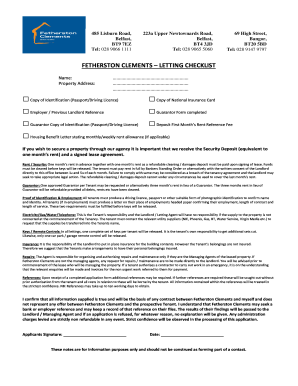
Tenant Application Form Newdocxdoc
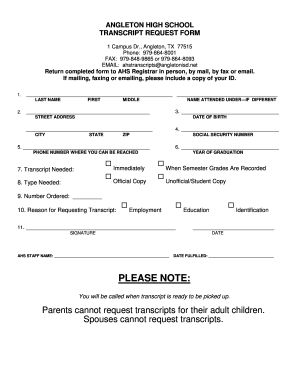
Angleton transcript

CLEVELAND CLINIC HOME CARE PAGE 1 OF 3 SPEECH THERAPY DISCHARGE SUMMARY Circle Team: N1 N2 N3 N4 T1 T2 T3 T4 Other Disciplines still Active SOC: SN OT S
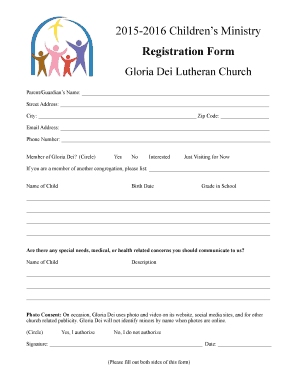
Template of evangelism report
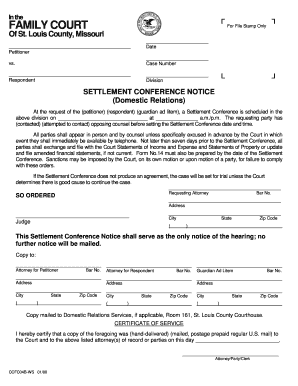
Ccfc04b ws
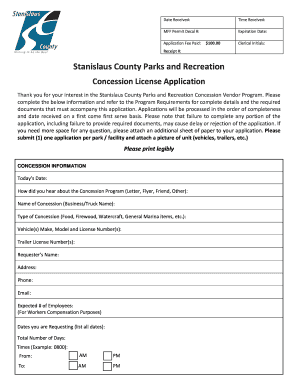
Concession license
Usa hockey evaluation form
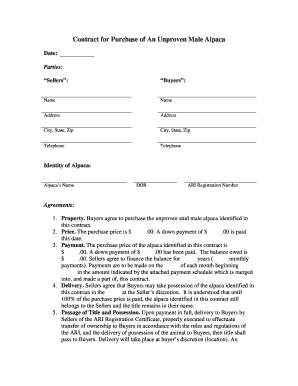
Contract for Purchase of An Unproven Male Alpacadoc
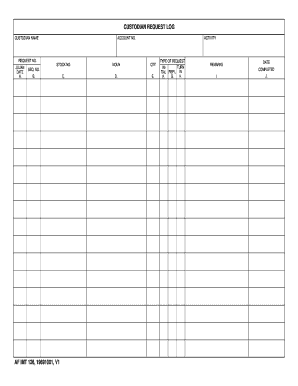
Af form 126

In support of Application by Legal Personal Representative
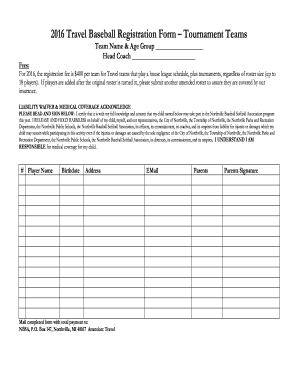
2016 Travel Baseball Registration Form Tournament Teams - nbsaonline
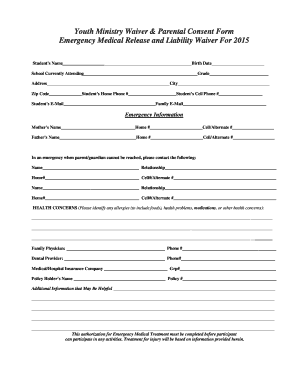
Youth Ministry Waiver Parental Consent Form Emergency - fbcpineville
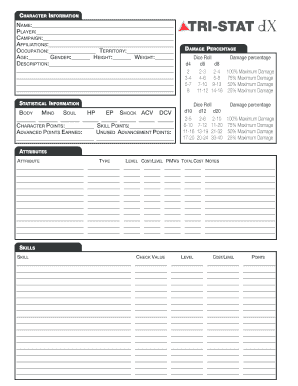
Tri stat dx character sheet
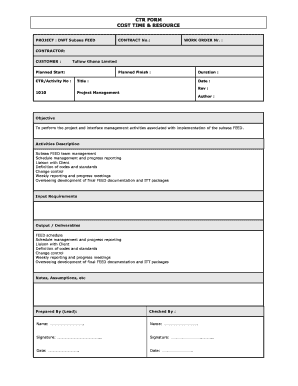
Ctr cost time resource example

Authorization disclose billing
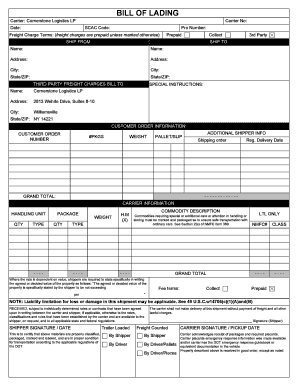
BILL OF LADING - Cornerstone Logistics
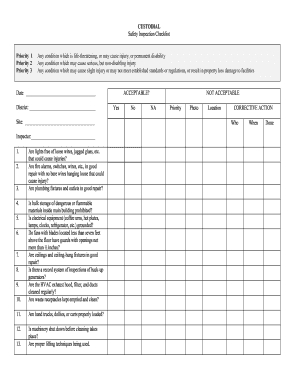
Printable school custodian checklist
Sponsoring your dependent child application forms
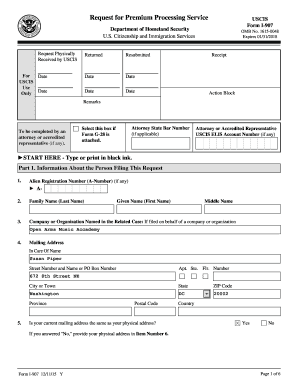
Form i 907 sample
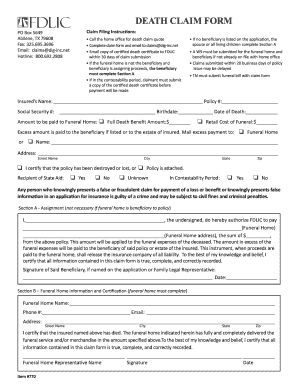
Funeral directors life insurance company claim form
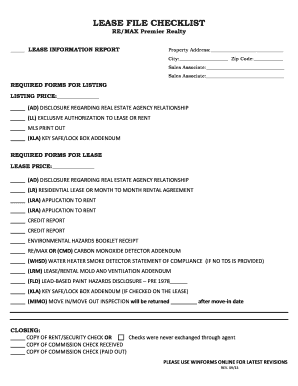
Lease file checklist
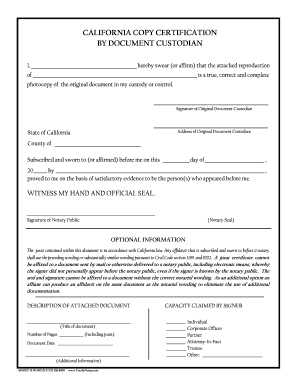
CALIFORNIA COPY CERTIFICATION BY DOCUMENT CUSTODIAN
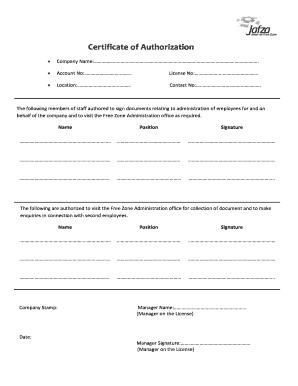
Of authorization form
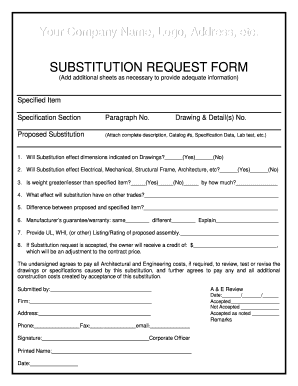
Substitution request form
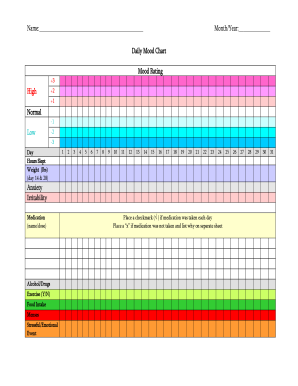
Daily mood journal pdf
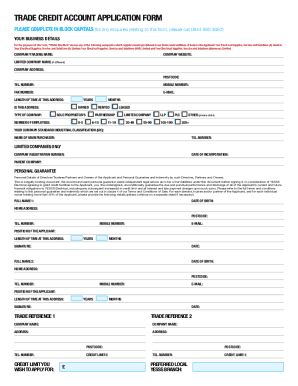
United kingdom electrical application
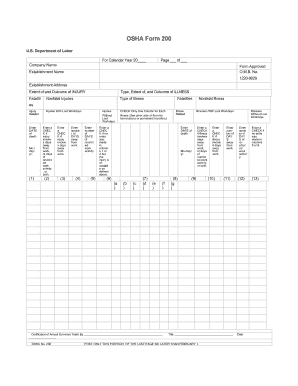
Osha form 200

Nevada informal
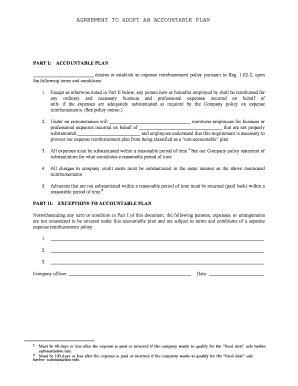
Accountable plan template 2021
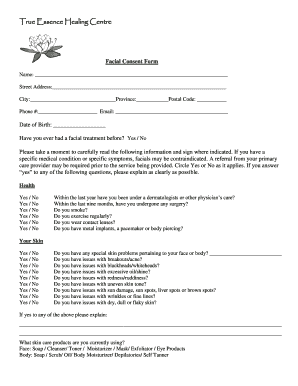
Esthetician facial consent forms
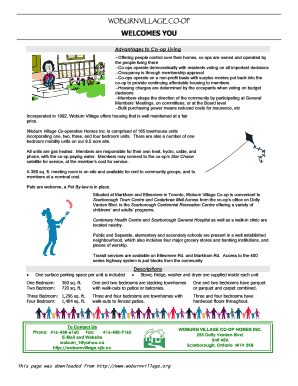
Woburn Village Application Form - Co-operative Housing Federation - chft
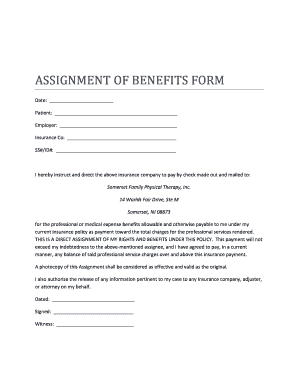
Assignment of benefits form nj

Statement of No Loss - flcondoinsurancecom
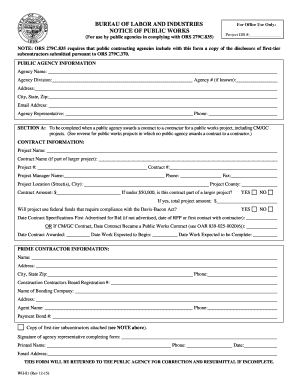
Wh 81
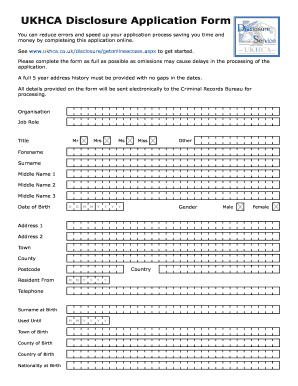
Getonlineaccess aspx
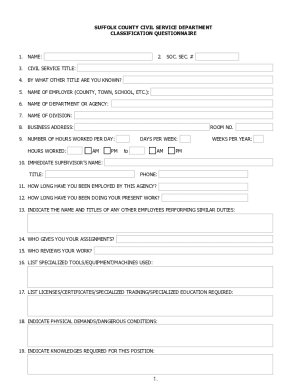
Questionnaire suffolk county civil

Cibc wire transfer form
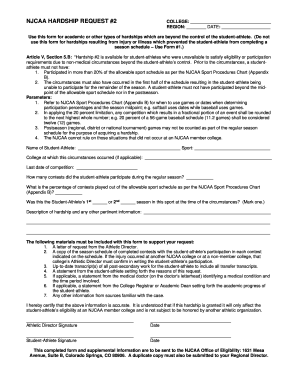
Hardship hocking sample
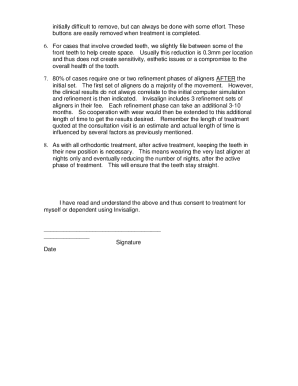
Invisalign financial agreement form
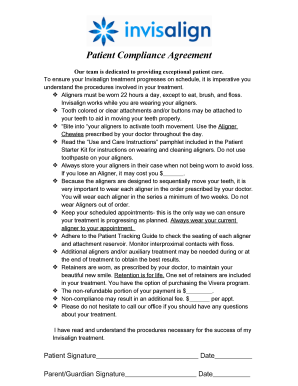
Invisalign financial agreement form
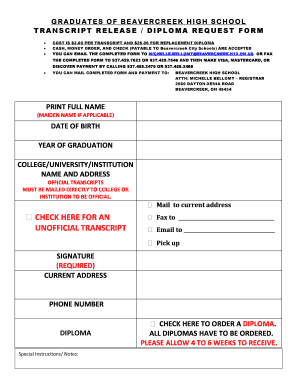
Beavercreek high school transcripts

Pnc wire transfer form
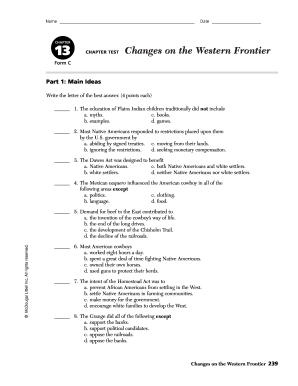
Chapter 13 test form a
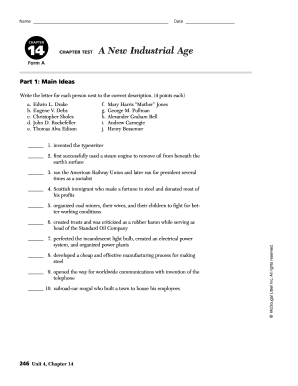
Chapter 14 a new industrial age answer key pdf
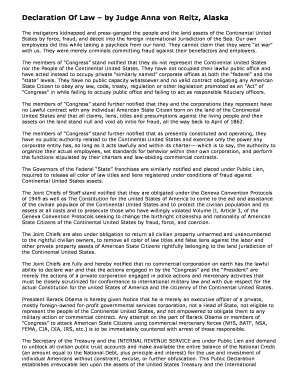
Anna von reitz
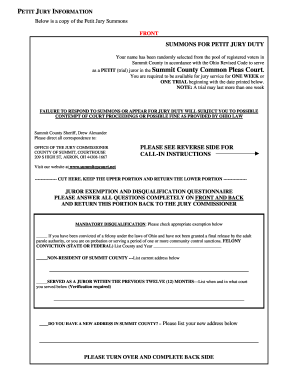
County court common pleas
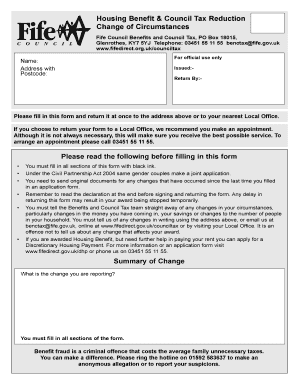
Benctax fife gov uk
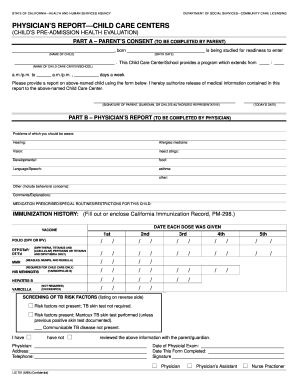
LIC 701 Physicians Report - Child Care Centers
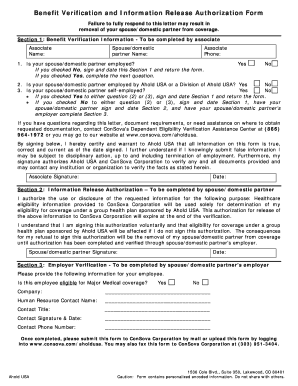
Consova benefit verification form
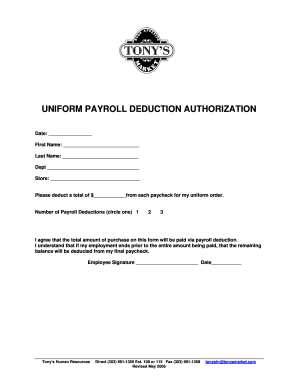
Payroll Deduction Uniforms09 - Colorado Caterers
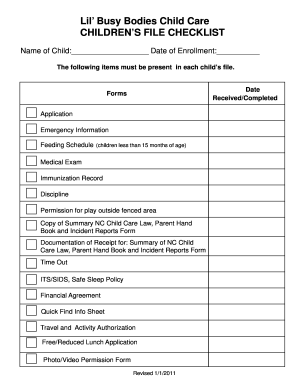
North carolina care childrens checklist

VETERANS INDEPENDENCE PROGRAM CLIENT REIMBURSEMENT
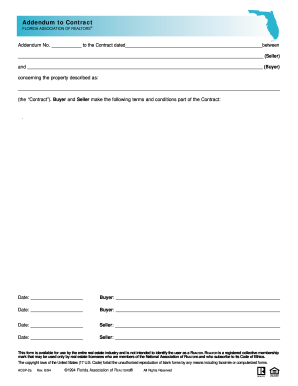
Addendum to Contract - Realty 3000
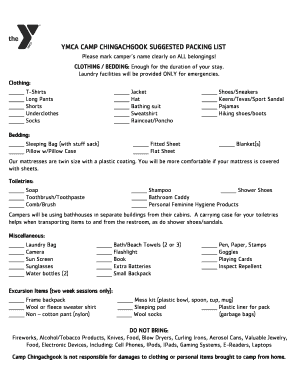
Camp chingachgook packing list
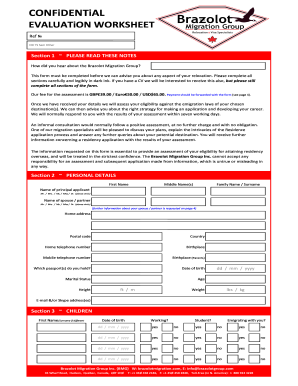
EVALUATiON WORKSHEET - Brazolot Migration Group
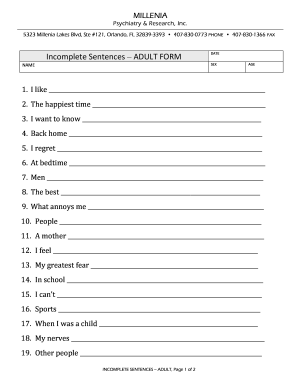
Sentences adult form
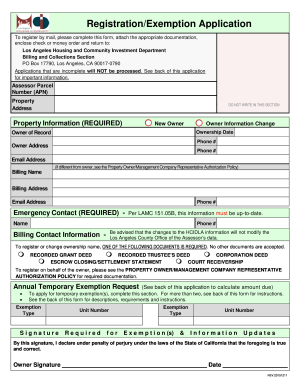
Hcidlabill org

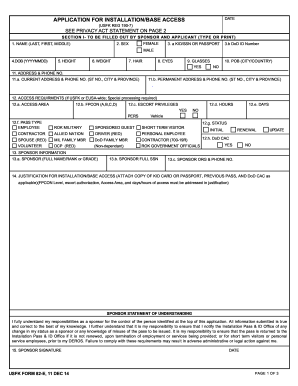
Opnav 5580 2
Gannochy trust housing
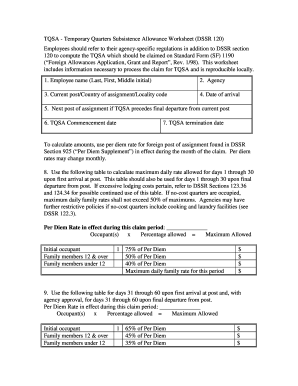
Dssr 120 fillable pdf
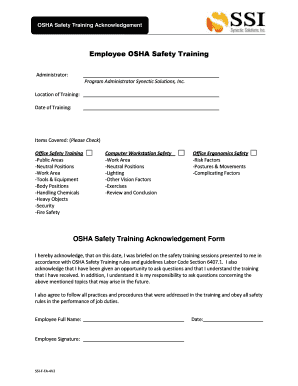
Occupational safety health administration

Student accident report form
Pre use checklist
82 e
Benefit from the DocHub online library of fillable PDF forms
Searching the PDF forms doesn't have to be a tedious and time-consuming process. With the DocHub online library, it has become easier to find the fillable PDF forms and modify them in your browser. The service allows you to adjust the document to your needs using powerful editing tools.
You can use online document editing features to modify almost any type of document with ease. You just need to find the template of your choice, open it in the editor, and use the toolbar to make the necessary corrections.
Follow this guide to get your document done with DocHub:
- Find the PDF template you need.
- Click the Get Form button to open the file in the editor.
- Use the toolbar to fill out and edit the document.
- Easily add and highlight text, insert images, checkmarks, and symbols.
- Drop new fillable fields, and rearrange or delete pages from your file.
- Save changes and download your record.
DocHub empowers everyone to streamline document editing, signing, and distribution, and form completion. Create an account and benefit from our well-organized PDF Forms library and comprehensive editor.