




01. Edit your fcps exception to ride online
Type text, add images, blackout confidential details, add comments, highlights and more.

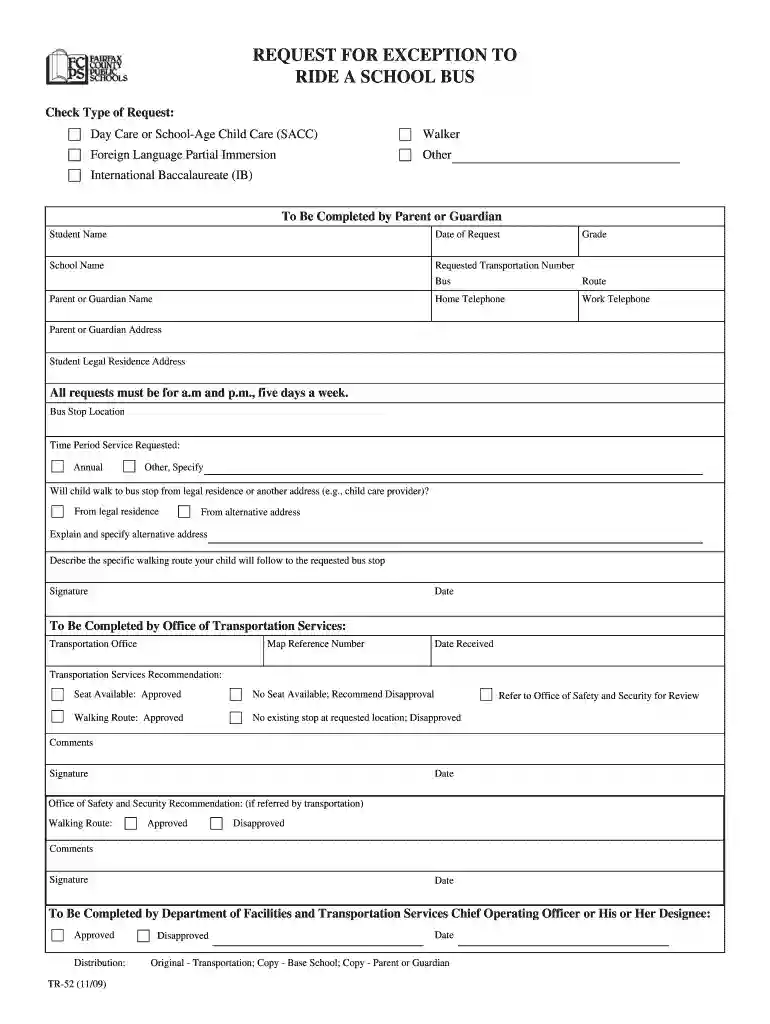
Type text, add images, blackout confidential details, add comments, highlights and more.

Draw your signature, type it, upload its image, or use your mobile device as a signature pad.

Send fcps bus route finder via email, link, or fax. You can also download it, export it or print it out.

Start using our platform today for free to streamline your document editing and submission process!
We've got more versions of the fcps exception to ride form. Select the right fcps exception to ride version from the list and start editing it straight away!
Microsoft Word doesn’t have signing tools to generate legitimate eSignatures and enforceable documents. Fortunately, DocHub is an online eSignature-compliant editor that supports different document formats, including .doc files. Log in to your account and add the Word version of your exception to ride fcps from your device and cloud, or URL - our editor will automatically convert it into an editable PDF. Make all essential modifications in your form and click Sign to generate your own legally-binding eSignature. There are four signing options from which to choose.
If you edit your exception to ride fcps with DocHub, you simply will not need to look for other software or services to eSign it. An electronic signature is a component of DocHub’s substantial editing toolset, which allows you to implement changes in your form without jumping between platforms. Simply complete your form, double-check the correctness of your information and place your electronic signature at the end to make it submission-ready in minutes.
At DocHub, your data security is our priority. We follow HIPAA, SOC2, GDPR, and other standards, so you can work on your documents with confidence.
Two conditions must exist: (1) there must be available seating on the bus; and, (2) there must be an acceptable walking route to the existing bus stop.Read more
An exception-to-ride form. (TR-52) must be completed by the parent or guardian and approved annually by. Transportation Services. 129.Read more


