
Get any PDF form from the DocHub library of ready-made templates - Page 2027

Radiology technician competency checklist

Ilds manifest
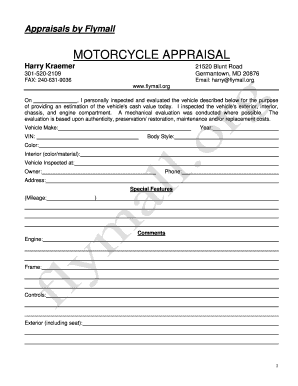
Motorcycle appraisal form
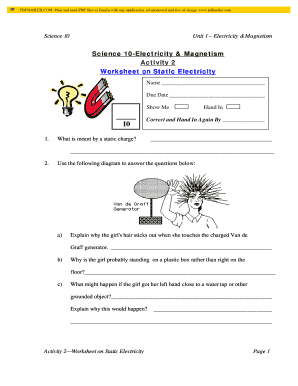
Static electricity worksheet
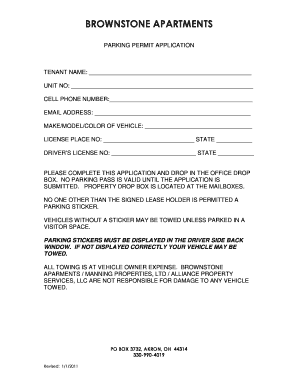
Application for parking sticker

Form for SO-CR47 Prop 47 bPetitionb PDF
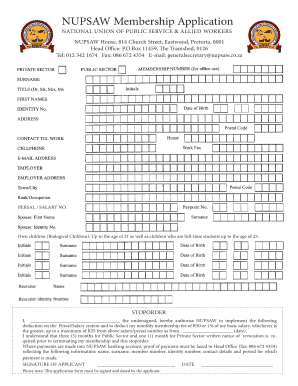
How can i cancel membership from nupsaw

Esl crosswords printable
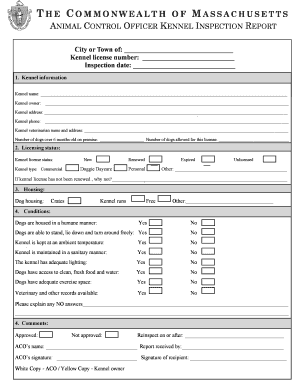
Animal control report
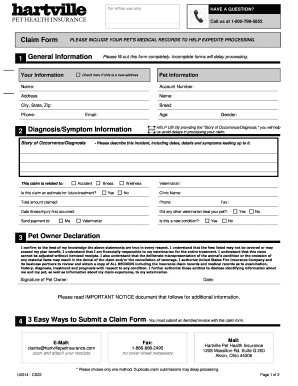
Hartville pet insurance claim form

Hondros college nursing transcript request
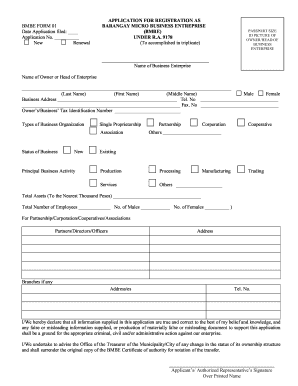
Bmbe application form

C s79
Self certification printable form
Grade 3 fsa warm ups
Fsa warm ups grade 5 answer key
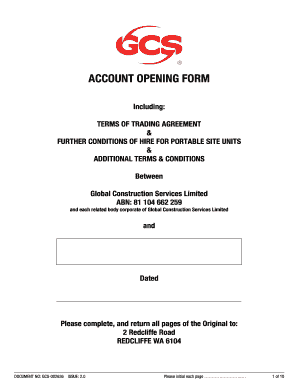
ACCOUNT OPENING FORM - Global Construction Services Limited
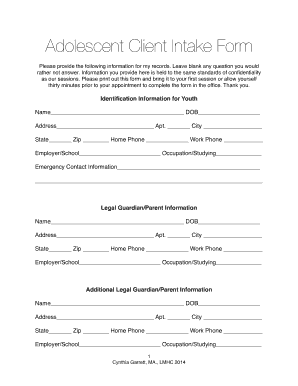
Adolescent Intake Form - Counselor Children Teens

Generic school records release form
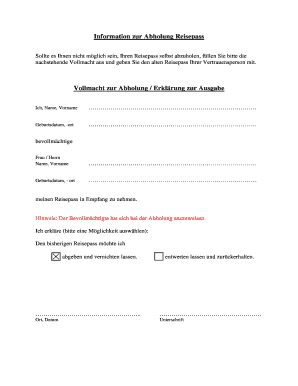
Vollmacht paketannahme pdf

Maryland certificate of salvage
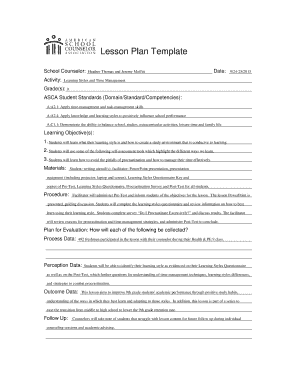
Asca standards for lesson plans
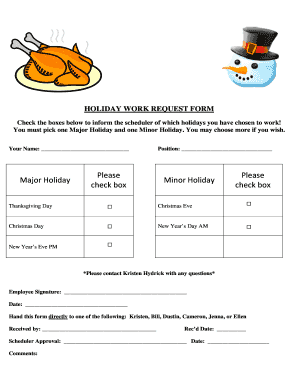
Holiday Work Request Form

Dccco membership application form
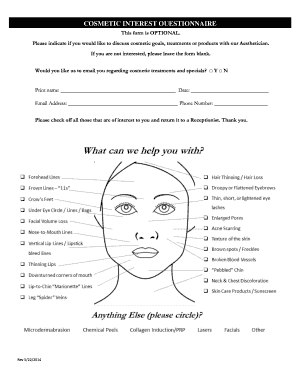
COSMETIC INTEREST QUESTIONNAIRE - b361dermbbcomb
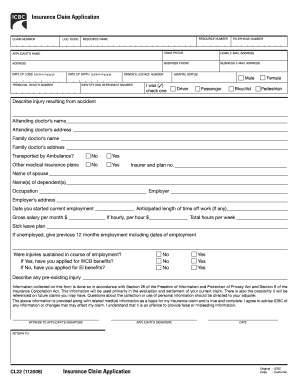
Cl22 form

Kickball roster template

LF606 Criminal History - TxDMV.GOV - txdmv
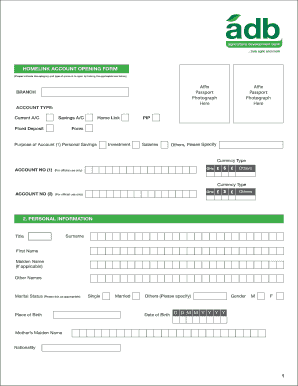
Adb account opening form
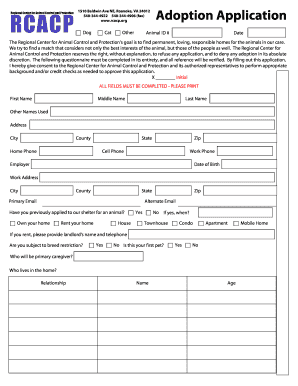
Rcacp

Consignment Agreement Artworks List - La Jolla Art Association - lajollaart

Circadia peels

Brandsource credit application
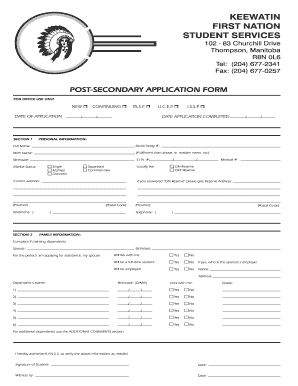
Ktc form

Dbt chain analysis worksheet fillable

Cerere reziliere contract eon
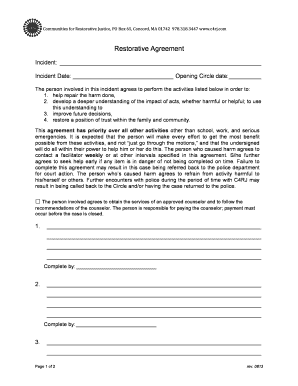
Restorative justice agreement template
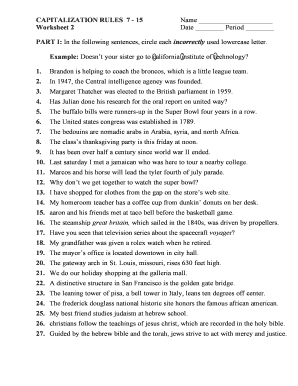
Capitalization rules 7 15 worksheet 2 answers
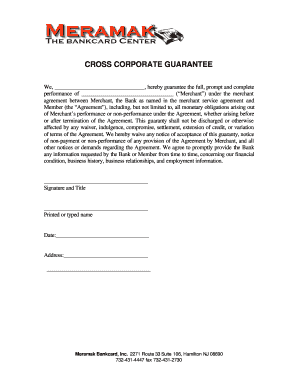
Cross company guarantee template
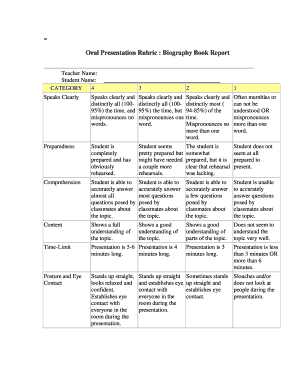
Oral book report rubric
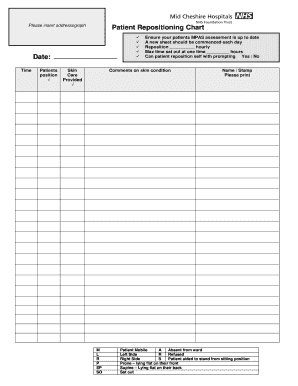
Patient Repositioning ChartPlease insert addressograph
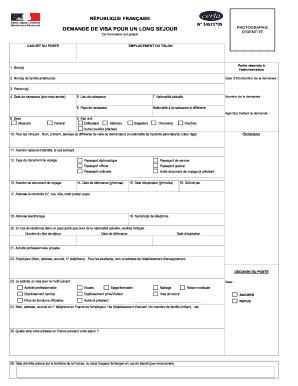
Cerfa 14571 05
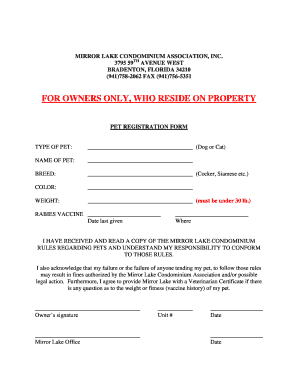
Pet registration form template
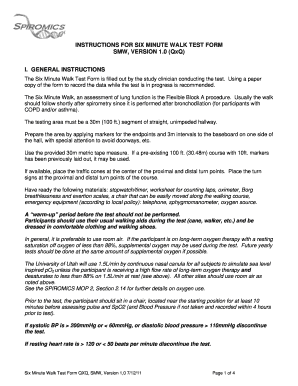
6 minute walk test

STAFF REFERENCE FORM - KE Camps
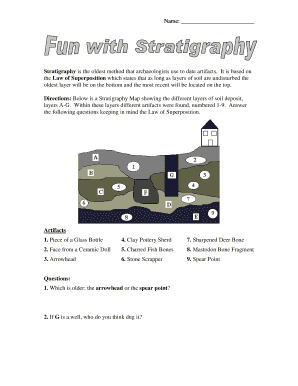
With stratigraphy
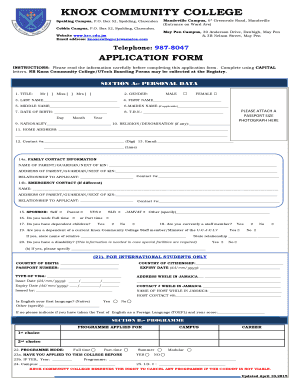
Knox community college nursing application form 2021

Mypost concession card replacement
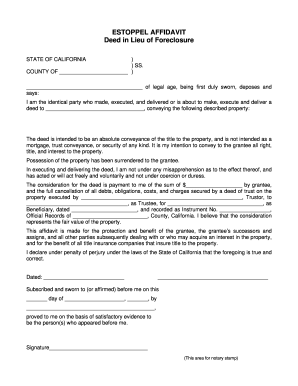
Estoppel form tenants
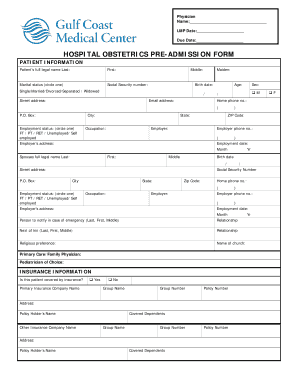
Admission sheet
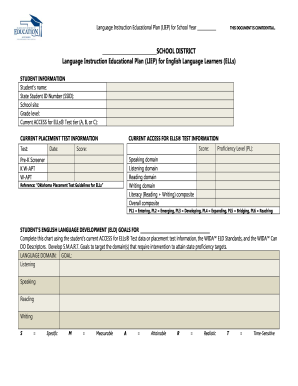
Liep oklahoma
Port of Pittsburgh Logbook - National Mississippi River Museum ...
Pmgdisha affidavit
Odasl

Silent Auction Bid Sheet - Mary Kay InTouch
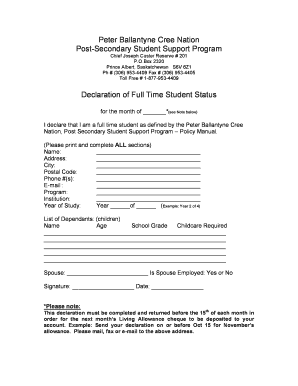
Pbcn post secondary
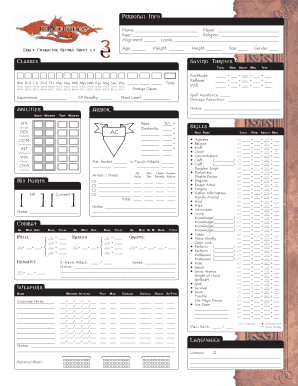
Dragonlance character sheets
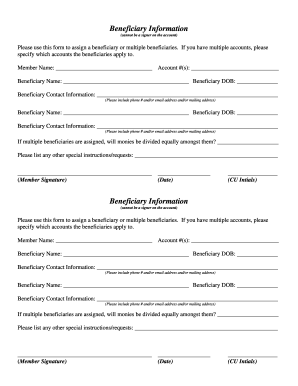
Information about beneficiary in their native written language
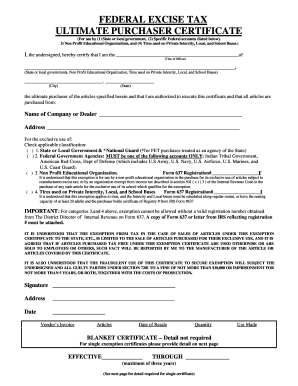
Federal excise tax exemption certificate for tires
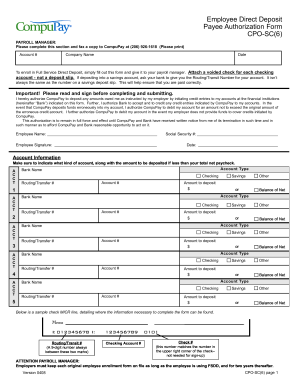
Deposit payee authorization form
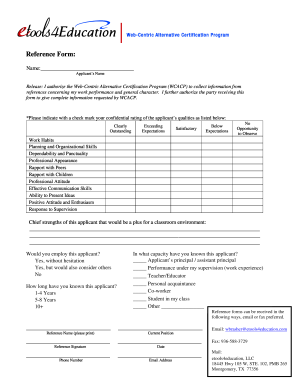
Reference Form - etools4Education
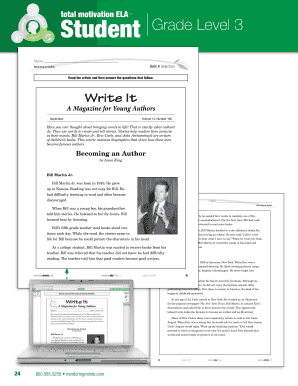
Motivation reading level 3 answer key
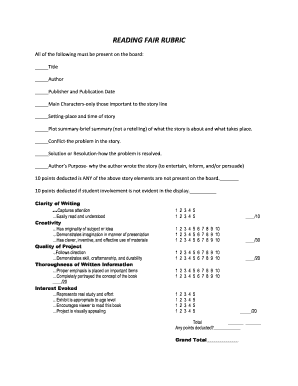
Grade six assessment rubric
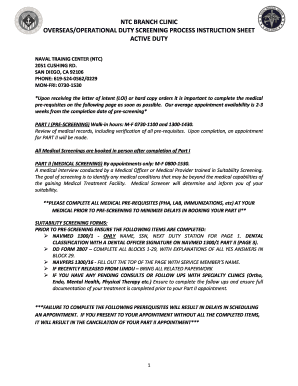
Ntc medical point loma
Adult Interest-A-Lyzer.pdf - Confratute - University of Connecticut - confratute uconn
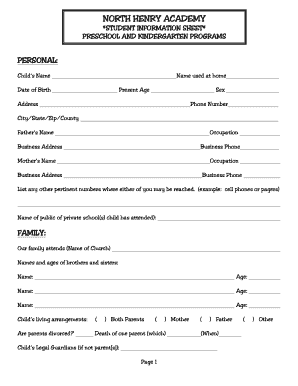
Student information sheet pdf
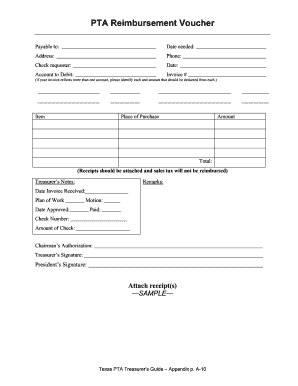
Spicewood elementary pta
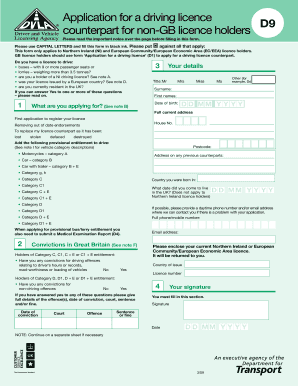
D9 form

Psychology referral form template
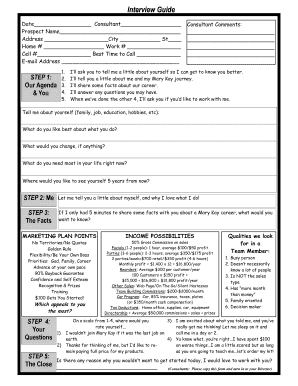
Mary kay interview guide
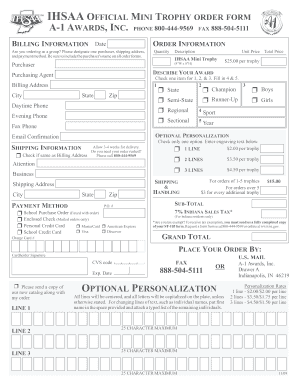
A1 ihsaa trophy order form
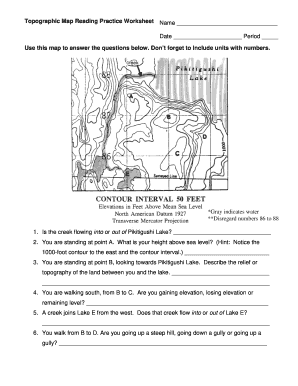
Topographic map reading worksheet answers

Stall booking form template

Wvuc a 154 form

Authorization letter for passport for child
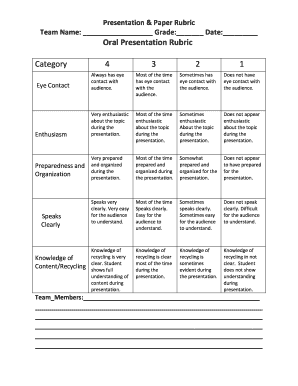
Presentation Paper Rubric Team Name Grade Date Oral
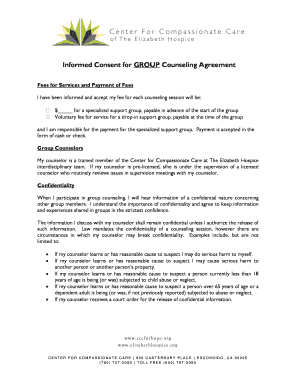
Informed Consent for GROUP Counseling Agreement - elizabethhospice
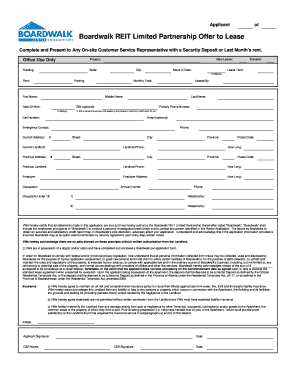
Boardwalk application form
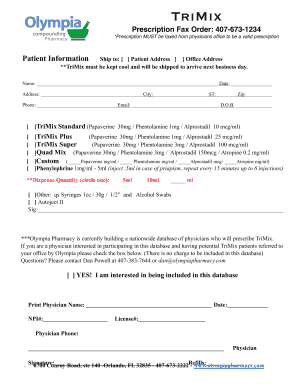
Trimix injection buy online
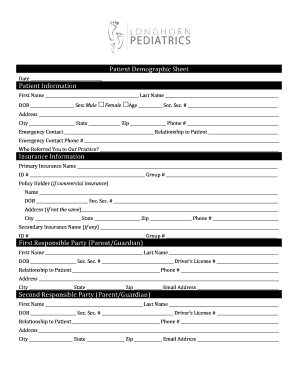
Pediatrics demographic sheet
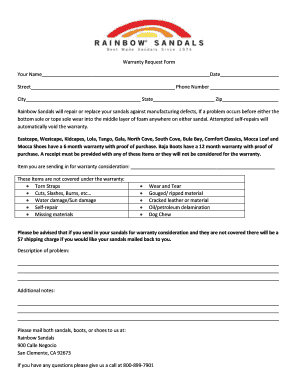
Rainbow sandals warranty
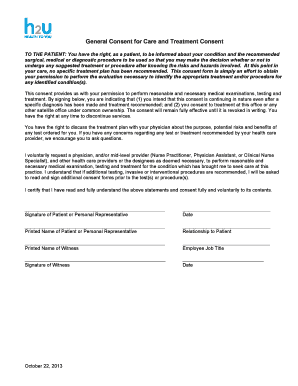
General Consent for Care and Treatment Consent - Health to You
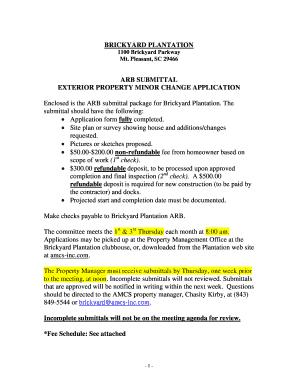
ARB SUBMITTAL EXTERIOR PROPERTY MINOR CHANGE APPLICATION
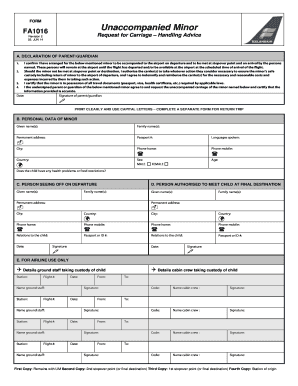
Icelandair minor form
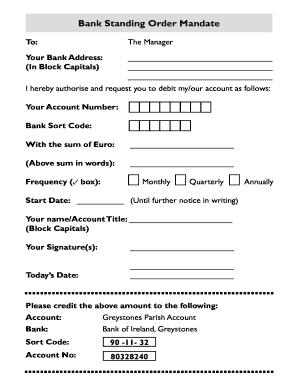
Standing order
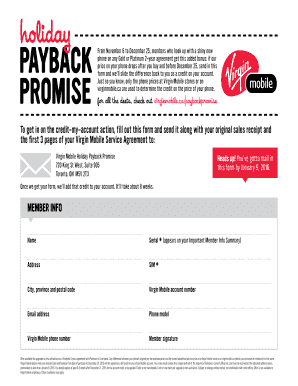
Vpc ca paybackpromise
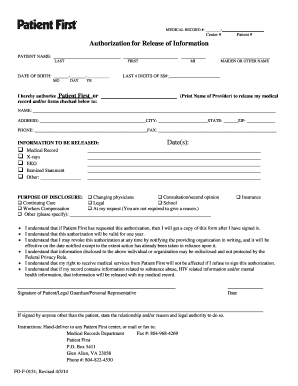
Patient First or Print Name of Provider to release my

Scholarship Application Form - Illinois Jaycee Charitable Foundation - phs-il
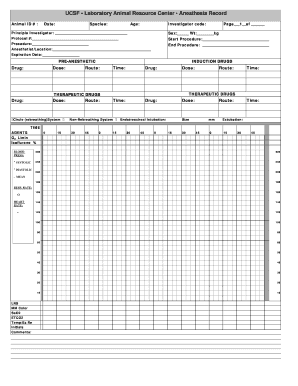
Animal resource anesthesia record sample
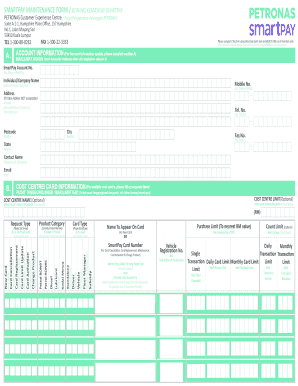
Smartpay maintenance form
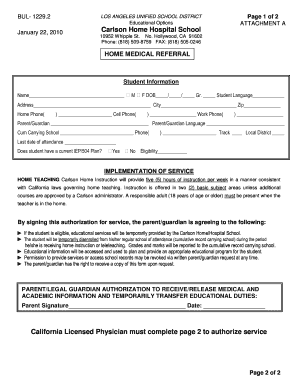
Carlson home hospital

Pure romance order form

Chapter 7 geometric figures answer key

Modern marvels renewable energy worksheet answers
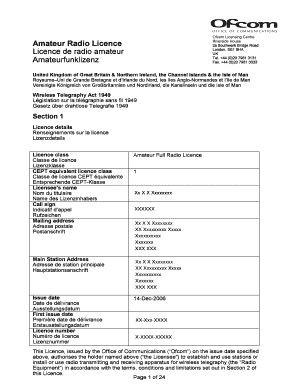
UK Amateur Radio Licence - Issued December 2006 Amateur Radio Licensing - g4dmp co

INCOME AND EXPENSE STATEMENT - PEO Oregon
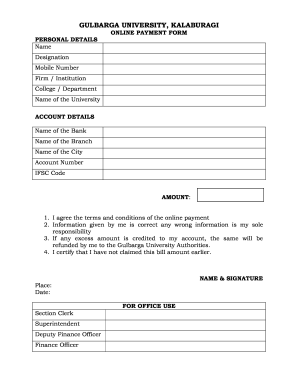
Gulbarga university exam fees online payment 2022
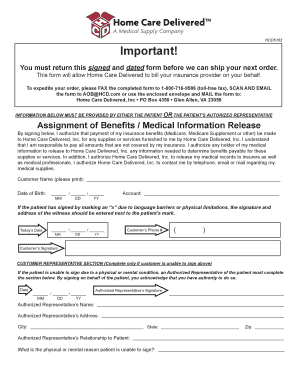
Assignment of Benefits (AOB) Form - Home Care Delivered
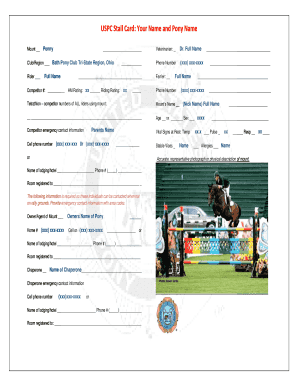
Pony club stall card

Notice and wonder chart
Benefit from the DocHub online library of fillable PDF forms
Searching the PDF forms doesn't have to be a tedious and time-consuming process. With the DocHub online library, it has become easier to find the fillable PDF forms and modify them in your browser. The service allows you to adjust the document to your needs using powerful editing tools.
You can use online document editing features to modify almost any type of document with ease. You just need to find the template of your choice, open it in the editor, and use the toolbar to make the necessary corrections.
Follow this guide to get your document done with DocHub:
- Find the PDF template you need.
- Click the Get Form button to open the file in the editor.
- Use the toolbar to fill out and edit the document.
- Easily add and highlight text, insert images, checkmarks, and symbols.
- Drop new fillable fields, and rearrange or delete pages from your file.
- Save changes and download your record.
DocHub empowers everyone to streamline document editing, signing, and distribution, and form completion. Create an account and benefit from our well-organized PDF Forms library and comprehensive editor.