




01. Edit your usys medical release form online
Type text, add images, blackout confidential details, add comments, highlights and more.

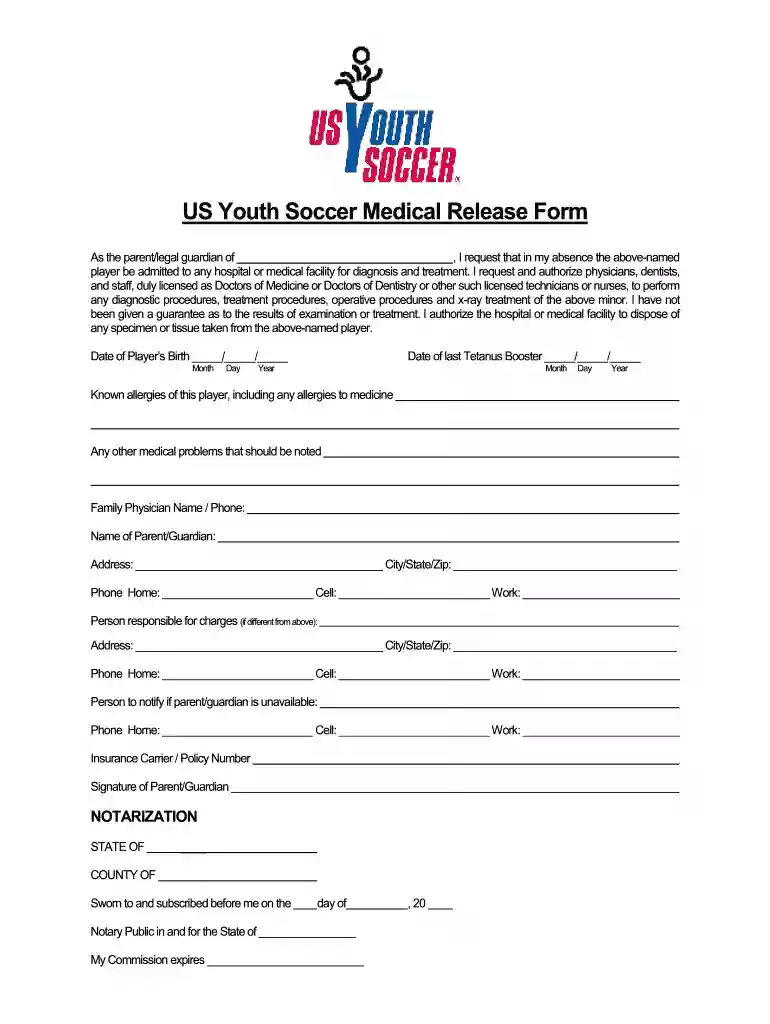
Type text, add images, blackout confidential details, add comments, highlights and more.

Draw your signature, type it, upload its image, or use your mobile device as a signature pad.

Send us youth soccer medical release form via email, link, or fax. You can also download it, export it or print it out.

Start filling out your soccer waiver form online for free today!
With DocHub, it’s quite simple. The platform offers users an add-on called DocHub for Gmail, which you can locate in the Google Workspace Marketplace free of charge. Install it and grant it access to your Google account. Open your email with your soccer waiver form attached and click on the add-on button in the right-side panel. Sign in to your DocHub account, and upload the form to our editor, where you can complete it and sign.
If you store your papers in Google Drive, there is no need to download your youth soccer waiver form on the computer and upload it back to our editor. A significantly simpler way is to set up a browser extension created by DocHub to streamline this flow. The extension allows editing PDFs right in your internet browser. Alternatively, you can integrate your DocHub and Gmail accounts for more efficient modifying.
At DocHub, your data security is our priority. We follow HIPAA, SOC2, GDPR, and other standards, so you can work on your documents with confidence.
The LSA way is founded on age, gender, and ability appropriate grouping of participants, small enough in number to allow the coach to emphasize and success-.Read more
ACTIVITY: ADULT SOCCER. BIRTHDATE://. RELEASE OF LIABILITY. I AM A PARTICIPANT IN THE ABOVE-NAMED FOUNTAIN VALLEY ADULT PROGRAM. I REALIZERead more


