




01. Edit your refusal form online
Type text, add images, blackout confidential details, add comments, highlights and more.

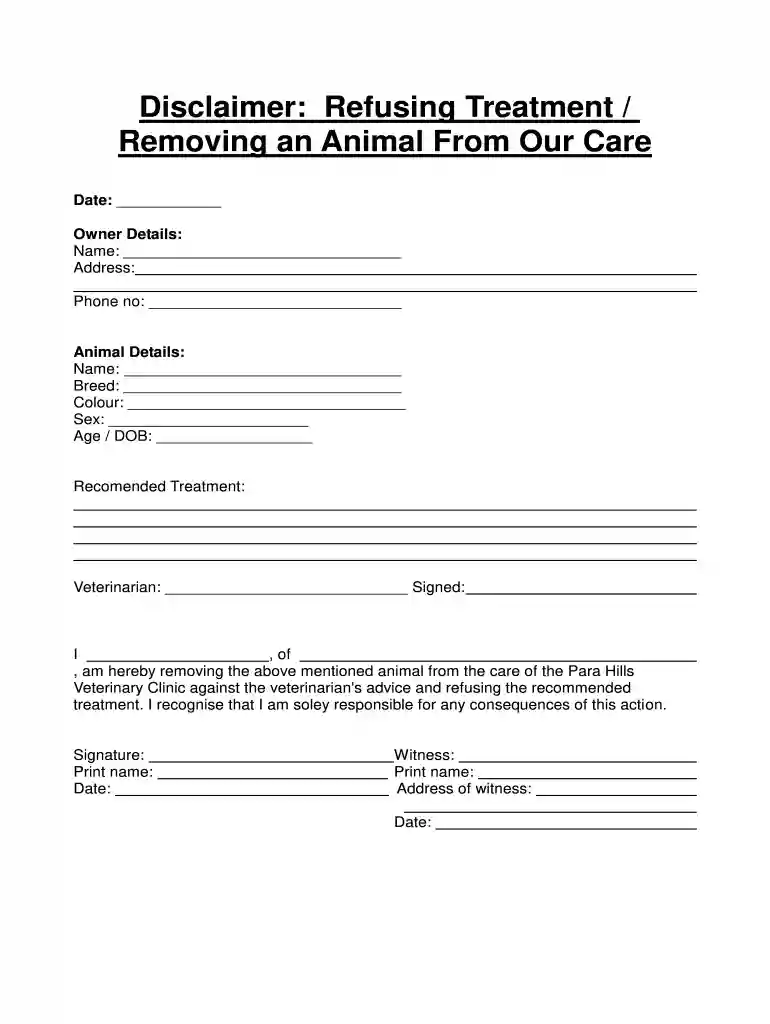
Type text, add images, blackout confidential details, add comments, highlights and more.

Draw your signature, type it, upload its image, or use your mobile device as a signature pad.

Send medication refusal form via email, link, or fax. You can also download it, export it or print it out.

Start using our platform today to easily fill out your refusing treatment removing form sample for free!
At DocHub, your data security is our priority. We follow HIPAA, SOC2, GDPR, and other standards, so you can work on your documents with confidence.
If you are filing this form solely to elect allocation. See the instructions for Line 5 property, whether tangible or intangible,.Read more
This is selected when a subject is removed from treatment because of treatment side effects (either physician directed or subject choice) or because ofRead more
I have been informed that a refusal of care and/or transportation for an evaluation may cause me (patient) to suffer pain, disability, loss of function,Read more


