
Get any PDF form from the DocHub library of ready-made templates - Page 1559
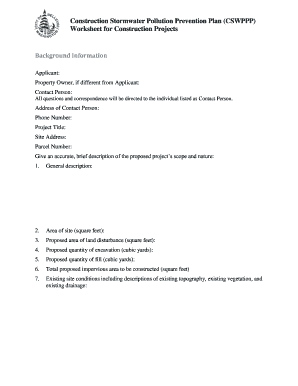
Cswppp
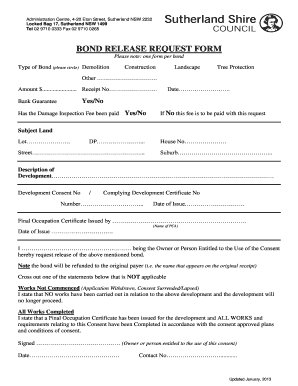
Sutherland shire bond
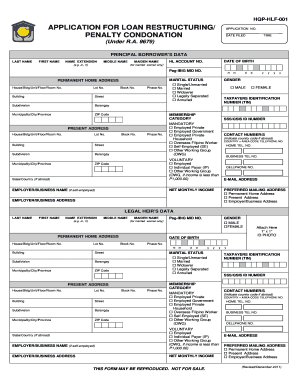
Hqp hlf 001
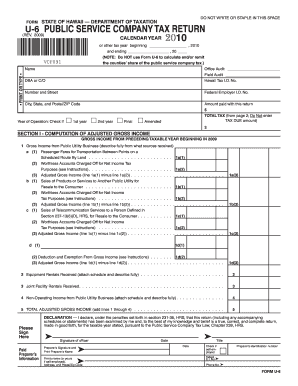
Form U-6 Rev 2009 Public Service Company Tax Return - Hawaii.gov
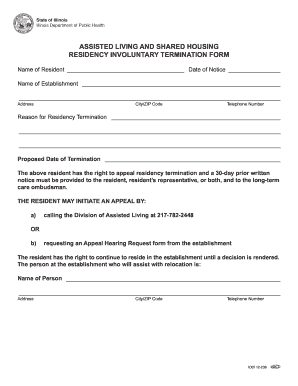
Illinois department involuntary form
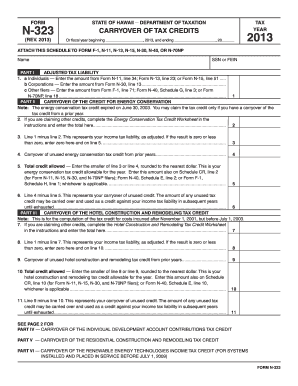
Form N-323, 2013, Carryover of Tax Credits - Hawaii.gov
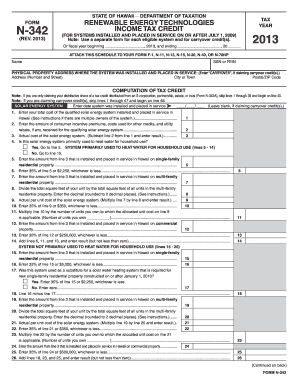
Form n 342 2013

DIRECT DEPOSIT FORM - Curacao - icuracao

Needs medical assessment form
Choice based lettings merton
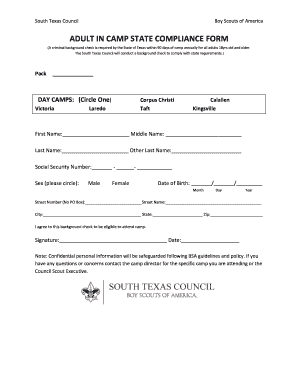
Adult compliance form
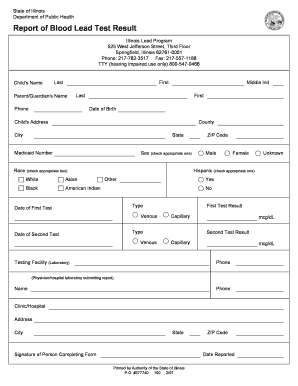
Blood test report
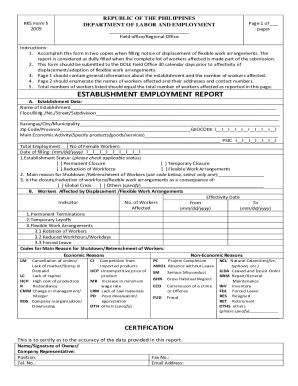
Dole termination of employment form

Dole bwc forms
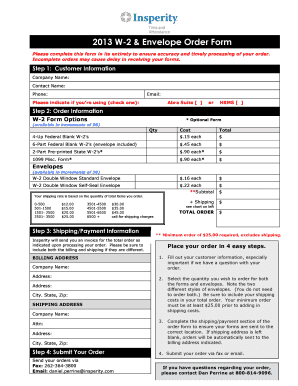
Insperity w2
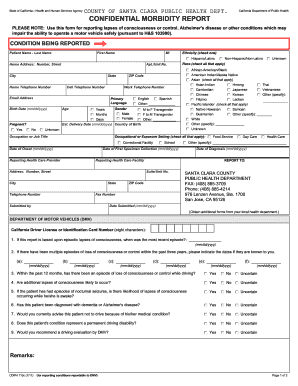
CONFIDENTIAL MORBIDITY REPORT - County of Santa Clara - sccgov
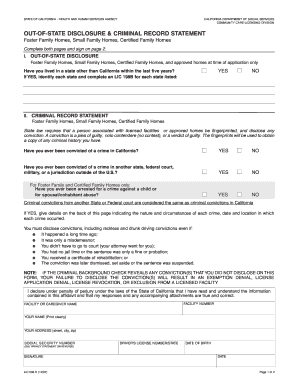
Lic508d 2007 form
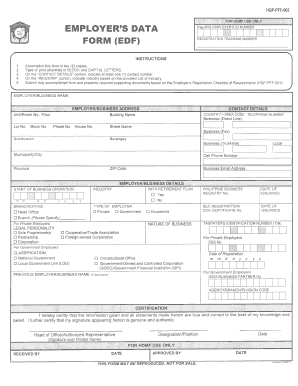
Hdmf employers data form
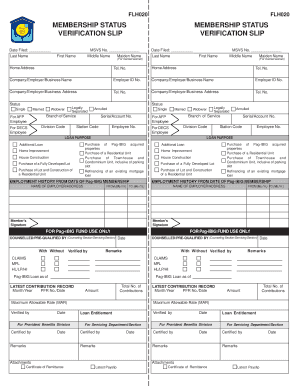
Pag ibig verification slip
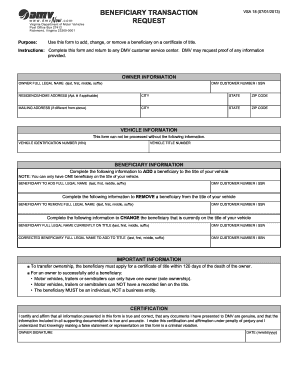
BENEFICIARY TRANSACTION - dmv state va

2006 jlg 1932es software form
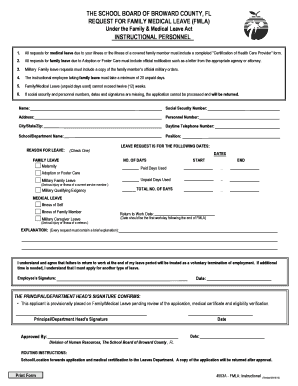
Fmla broward county schools
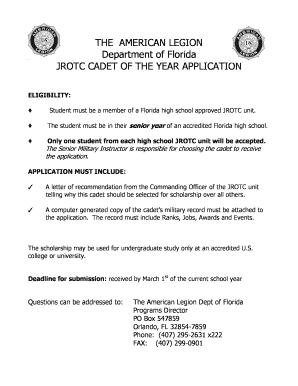
American legion jrotc award certificate
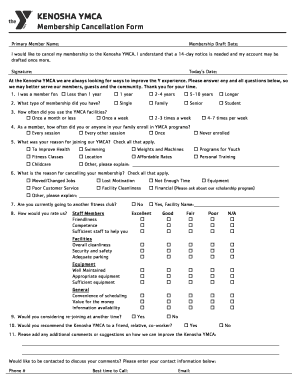
Ymca cancellation form
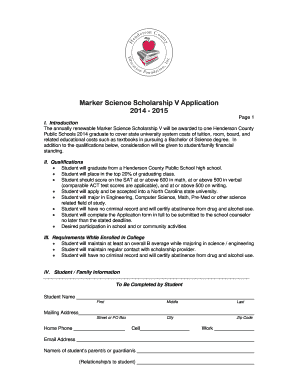
Marker scholarship
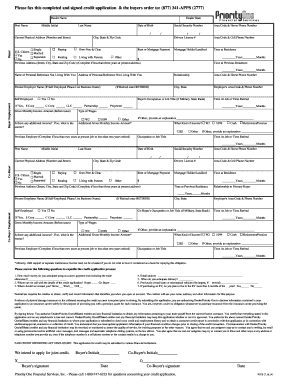
One financial service credit application
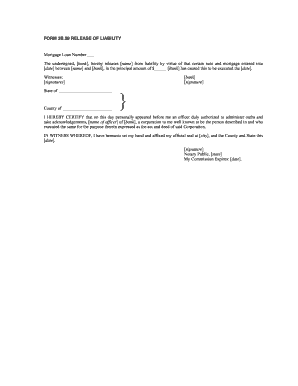
Release of liability mortgage
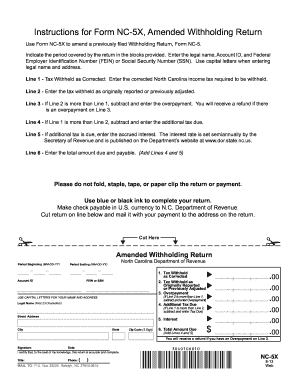
Nc5x
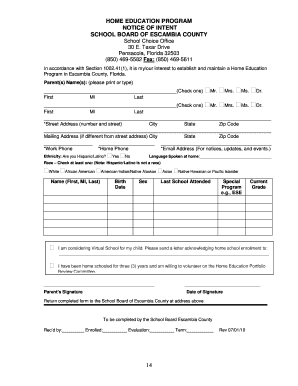
Establish Home School Form - Escambia County School District
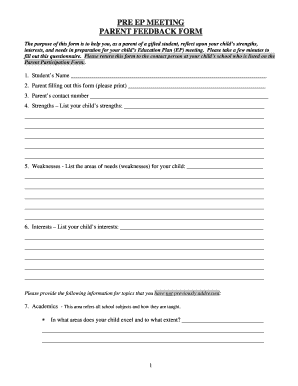
(Pre-EP Meeting) Parent Feedback Form - broward k12 fl

Cairn registrar

School day field permission

Lcps change of address

Food permission slip template
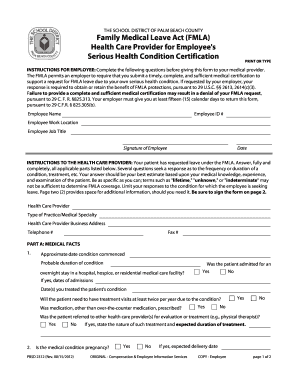
Pbsd 2312 form

Camper Information: STEM Summer Bridge Program - Anne Arundel ... - aacps
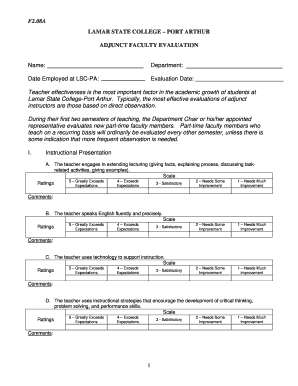
Adjunt Classroom Evaluation Form.doc - lamarpa

Request for an Administrative Withdrawal - Oakton Community ...
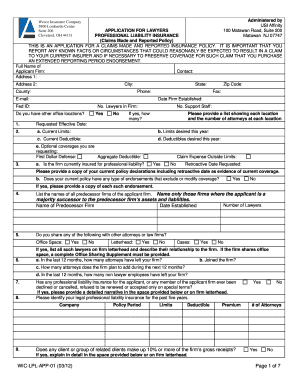
New Jersey State Bar Association Insurance

Procare software

Affidavit for addresses form
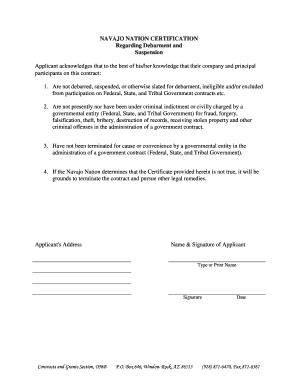
Navajo nation certification regarding

Nnooc
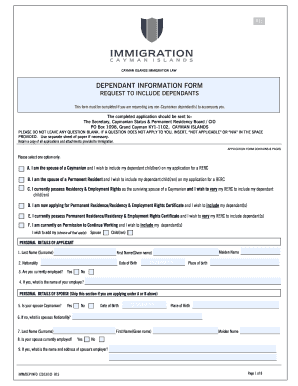
Worc cayman forms
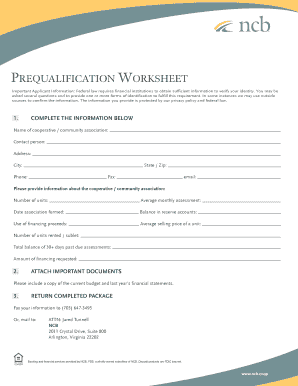
Loan Prequalification Form - National Cooperative Bank

Faa form 3770 2
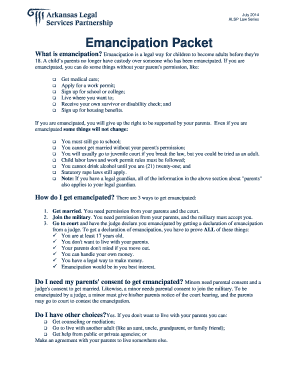
Legal services of arkansas emancipated packet form
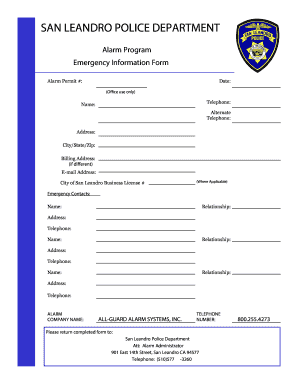
Leandro license form
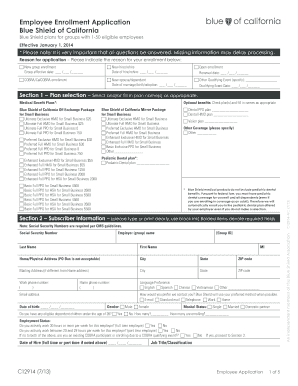
Employee enrollment application

Materials control form word
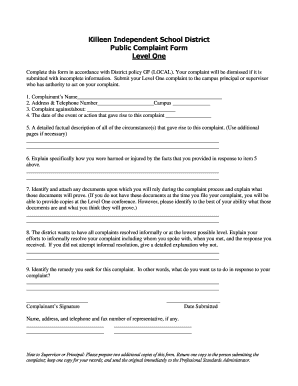
District public complaint
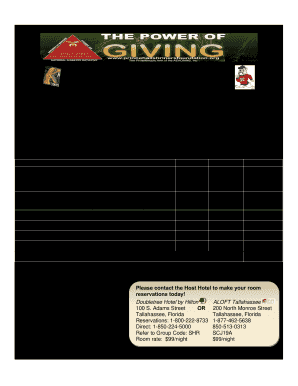
4th ANNUAL PRINCE HALL SHRINERS FOUNDATION - aeaonms
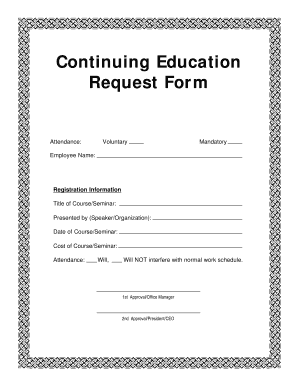
Continuing Education Request Form - Dentaltown

Wa subcontract agreement pdf
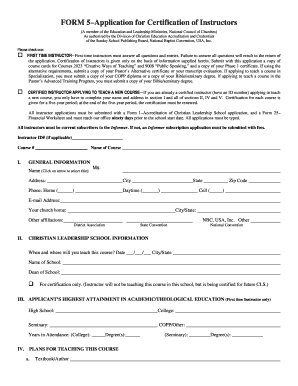
Instructor s form
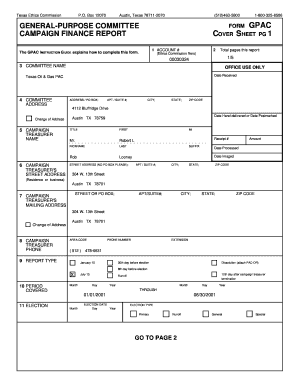
Texas Oil & Gas PAC

Sample pledge of commitment to work

Mississippi licensing legalshield

Associate Realignment Request - LegalShield

Post fall huddle form

Letter of Intent - Sell Business Assets
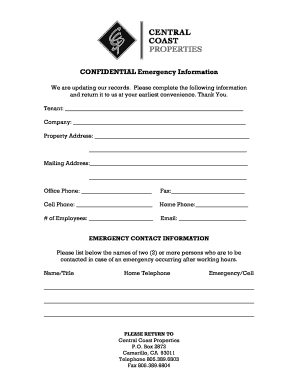
Tenant contact information form
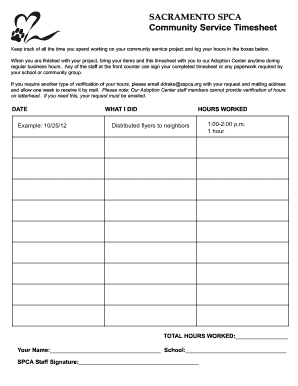
SACRAMENTO SPCA Community Service Timesheet

Behavior consultation form - Sacramento SPCA
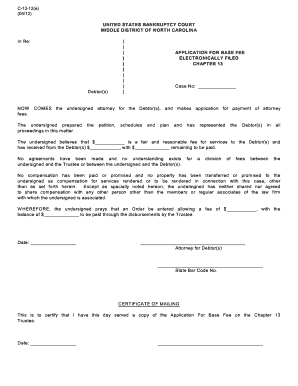
North carolina c 13 12
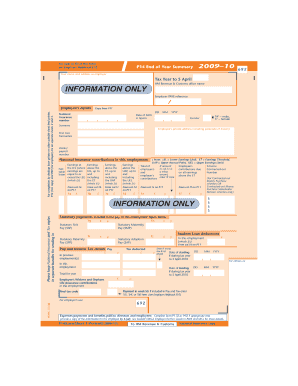
P14/P60 (End of Year Returns) 2009-10 - Sage
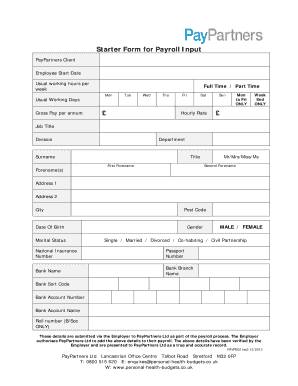
New Starter Form for Payroll Input - Personal Health Budgets
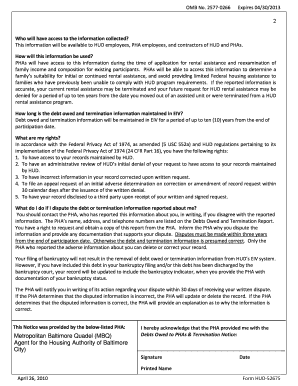
Interim Change Reporting Procedures-Post Lease Up
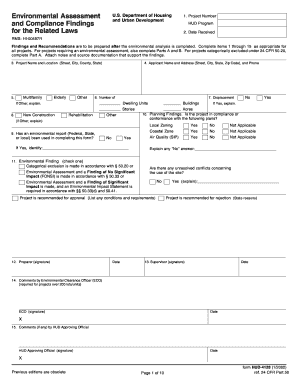
Form 4128
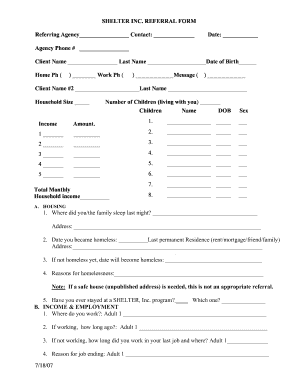
Shelter Inc. intake form - HomeBase
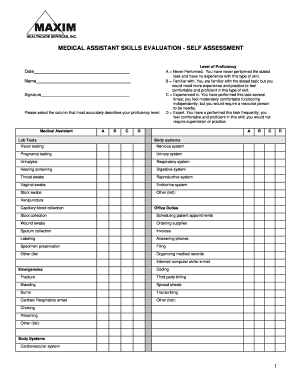
Bond rider purchase agreement
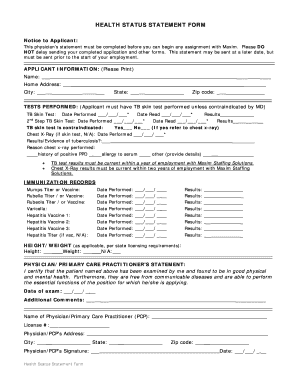
Health status in application form
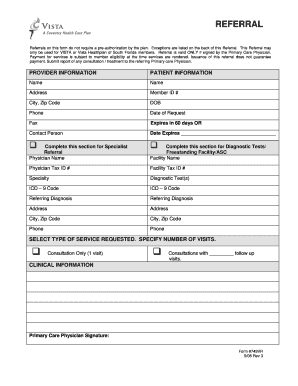
Coventry referral

Homeport sea cadet
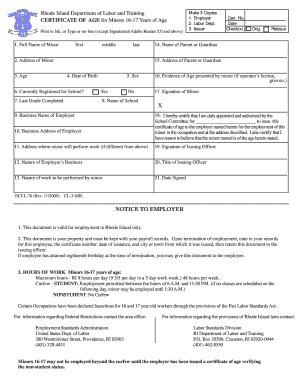
Certificate of age form ri
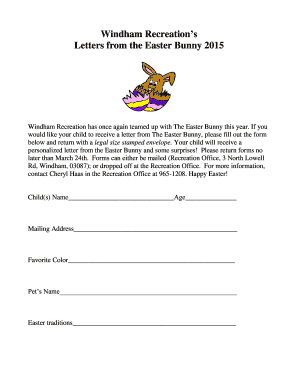
Write a letter to the easter bunny online
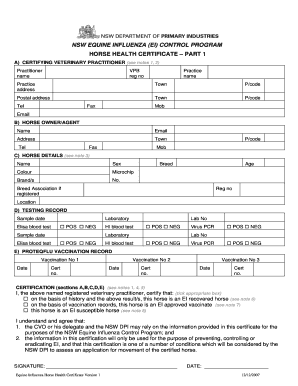
Horse health certificate pdf
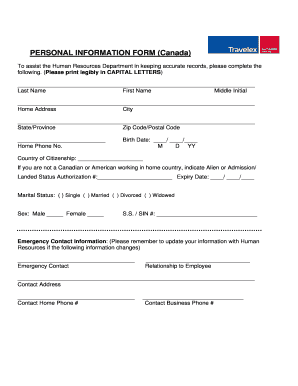
PERSONAL INFORMATION FORM (Canada) - Travelex Corporate

Sun membership form
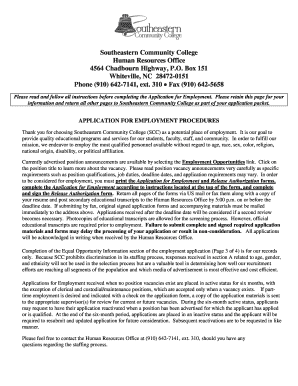
Application For Employment - Southeastern Community College - sccnc
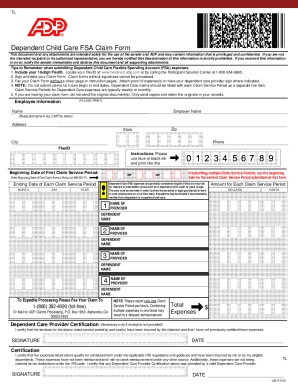
Adp dependent care fsa claim form
Sky Ranch Health History Form
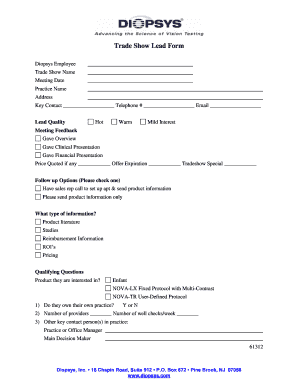
Trade show lead form template
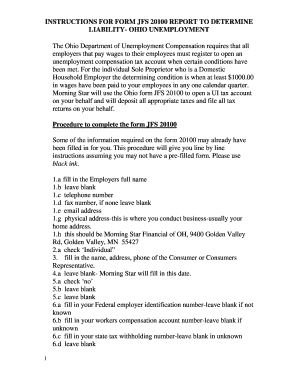
Jfs 20100 form pdf
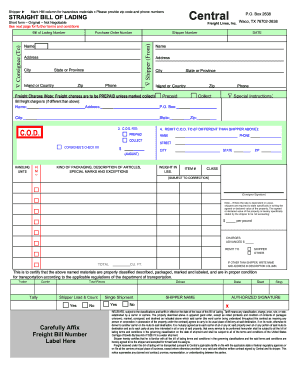
Central freight bol form
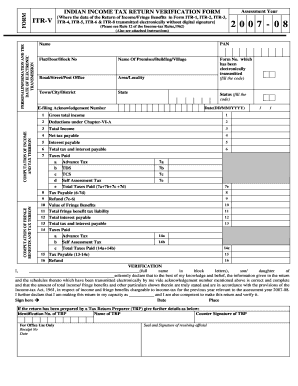
Income tax statement
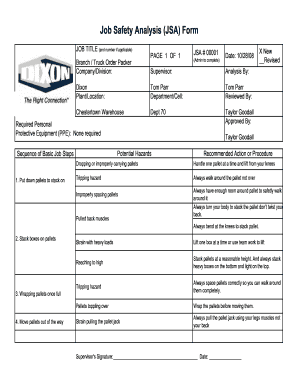
Jsa form download

Apd cares consent document
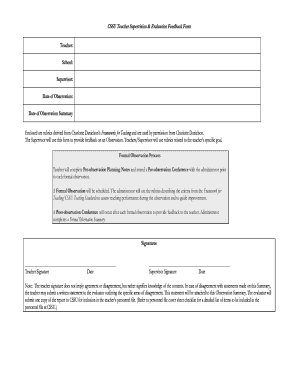
Cssu teacher evaluation form

Letter to uscis template
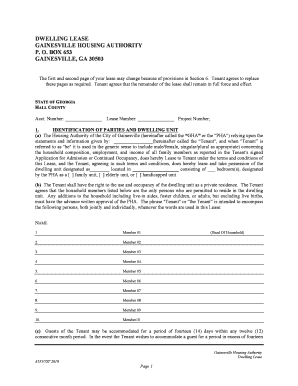
Gainesville ga housing authority
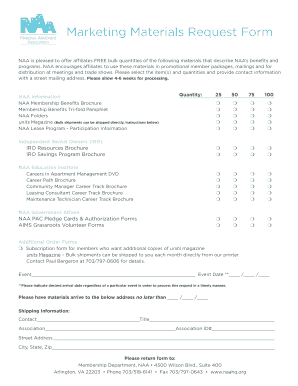
Marketing Materials Request Form - naahq
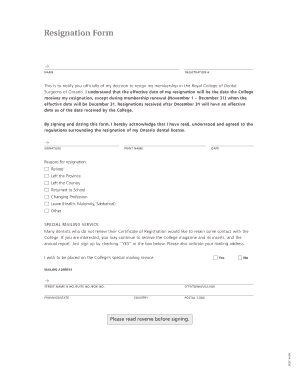
Rcdso

Autism elopement alert form

England student questionnaire

Medication Policy and Permission Form - Harford County Public ... - hcps

Speaker form template
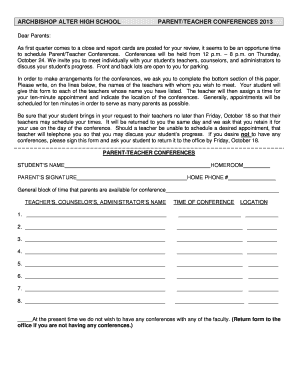
Conference form
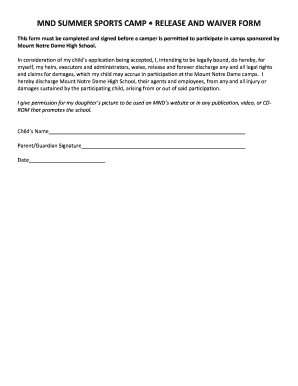
Waiver for company outing

Indiana work permit form
Benefit from the DocHub online library of fillable PDF forms
Searching the PDF forms doesn't have to be a tedious and time-consuming process. With the DocHub online library, it has become easier to find the fillable PDF forms and modify them in your browser. The service allows you to adjust the document to your needs using powerful editing tools.
You can use online document editing features to modify almost any type of document with ease. You just need to find the template of your choice, open it in the editor, and use the toolbar to make the necessary corrections.
Follow this guide to get your document done with DocHub:
- Find the PDF template you need.
- Click the Get Form button to open the file in the editor.
- Use the toolbar to fill out and edit the document.
- Easily add and highlight text, insert images, checkmarks, and symbols.
- Drop new fillable fields, and rearrange or delete pages from your file.
- Save changes and download your record.
DocHub empowers everyone to streamline document editing, signing, and distribution, and form completion. Create an account and benefit from our well-organized PDF Forms library and comprehensive editor.