
Get any PDF form from the DocHub library of ready-made templates - Page 1561
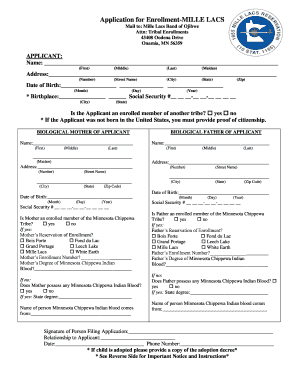
Mille lacs band of ojibwe enrollment
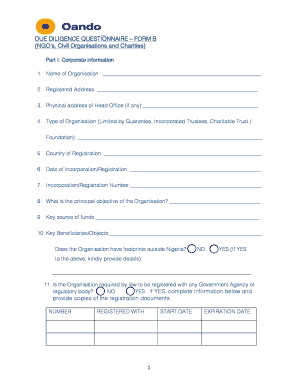
DUE DILIGENCE QUESTIONNAIRE FORM B (NGO s, Civil ...

Business Partner Policy on Non Solicitation - Oando PLC
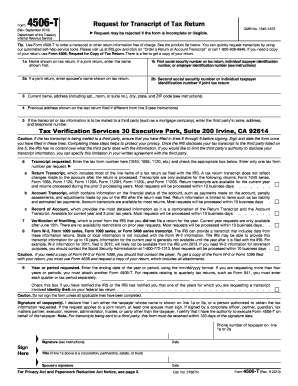
Veri tax individual transcript form
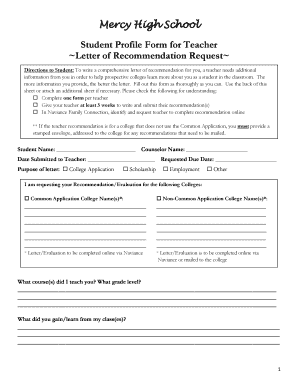
Letter of recommendation fill in the blank

Marist medquest application print
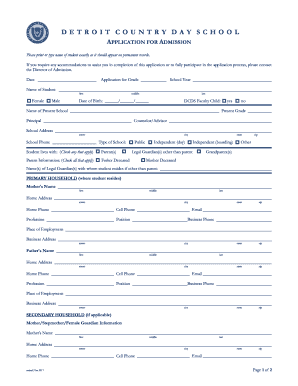
APPLICATION FOR ADMISSION - Detroit Country Day School - dcds

Self-Certification Affidavit - North Dakota Department of Transportation - dot nd

Parental/Guardian Consent Form - Indiana Blood Center

Cbo form

Abc compounding form
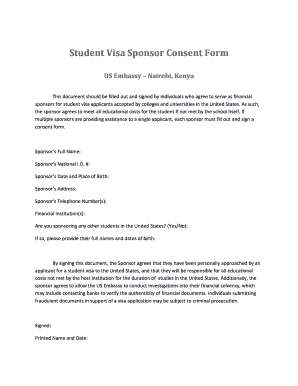
Student sponsor consent
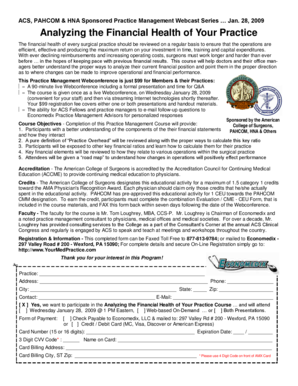
Analyzing the Financial Health of Your Practice

Nm legislature employment

Eye exam form
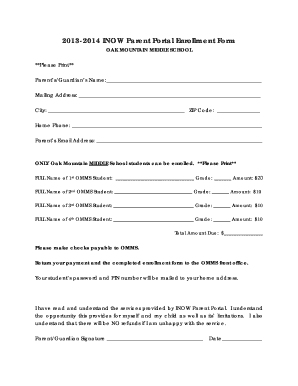
Shelby inow
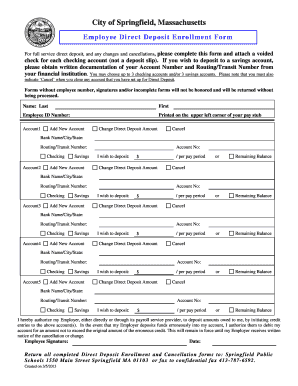
Direct Deposit Form (PDF) - Springfield Public Schools
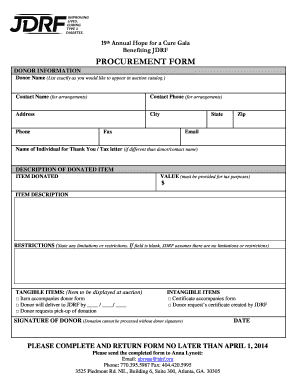
Procurement form
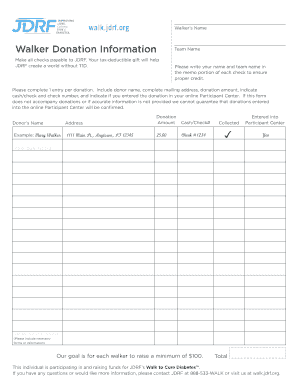
Jdrf donation form

Student Medication Request and Release Agreement - Douglas bb - dcsdk12

Cosmetology license nevada
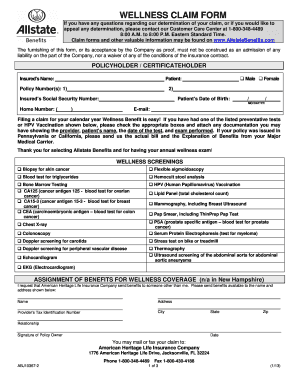
Allstate wellness claim form

Hillsborough tenant work permit
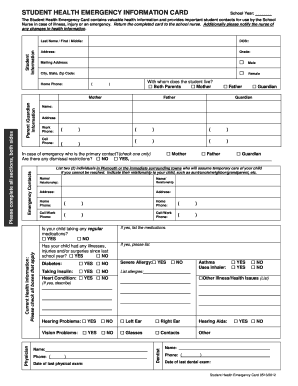
Student health emergency card
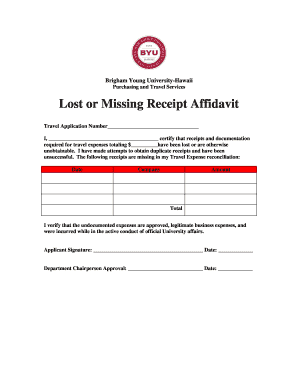
Printable lost receipt form
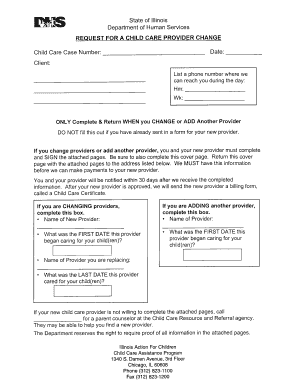
Action for children address 2008 form
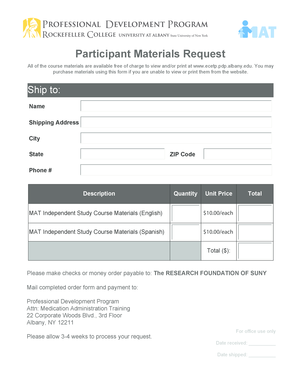
Ecetp
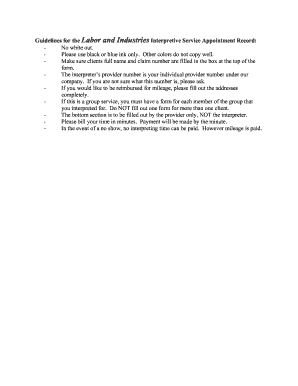
L&I Form guidelines.doc
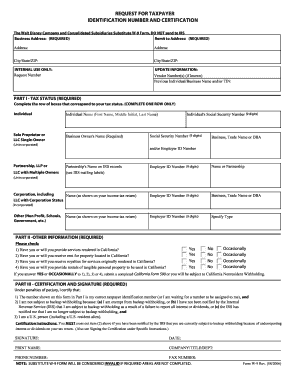
W9 form

Job Description Job Offer Letter - 69 25 48
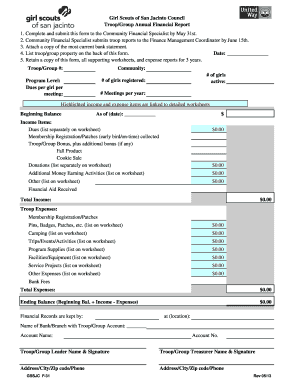
F-31 Troop Group Financial Report.pdf - Resources - Girl Scouts of ... - resources gssjc
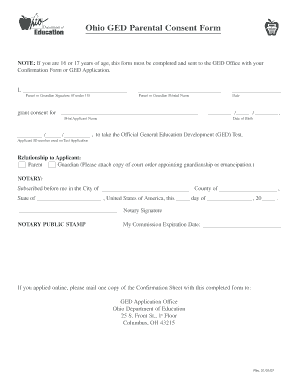
Ohio parental consent form
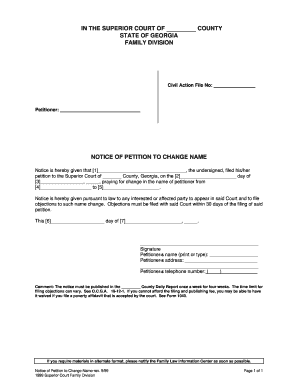
Notice of petition to change
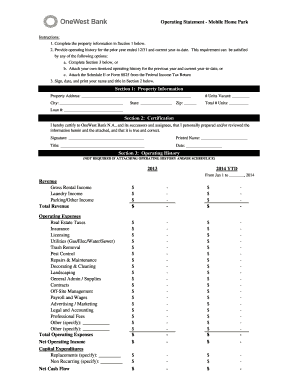
Project operating statement
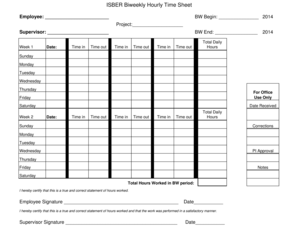
ISBER Biweekly Hourly Time Sheet - isber ucsb

Nebraska central registry expungement

Travel agency registration form
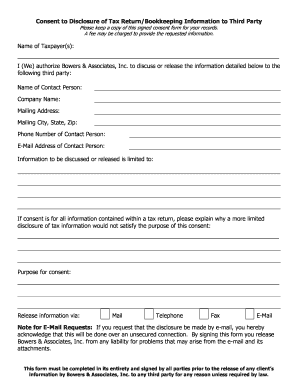
Consent bookkeeping

Separation Form - Buncombe County Schools - buncombe k12 nc

REQUEST FOR LEAVE FORM L-1 - Buncombe County Schools - buncombe k12 nc
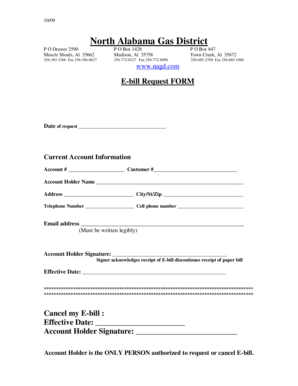
North alabama gas

Skills gmp fmguesspeak template
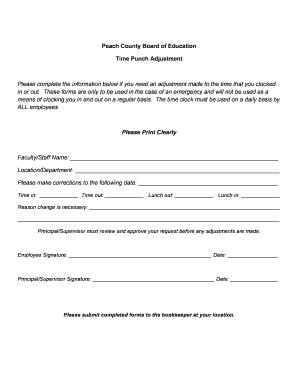
Missed punch form
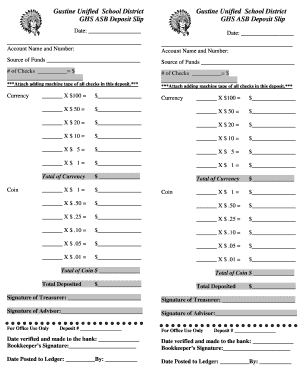
Asb bank deposit slip
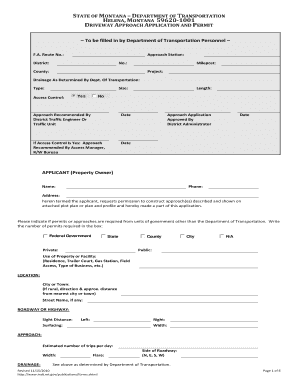
State of montana montana department of transportation driveway approach application permit

Parsippany application smoke certification
Xviepo 2012 form
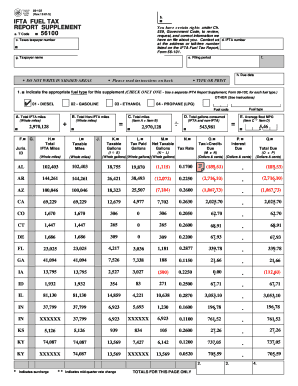
Ifta fuel tax preparation
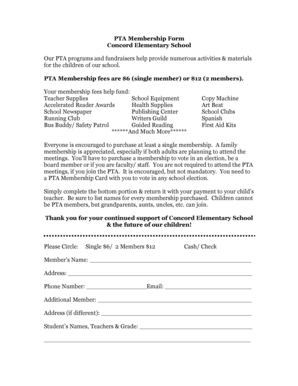
PTA Membership Form Concord Elementary School Our PTA ...

Emergency notification forms
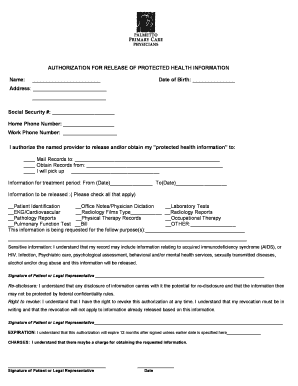
Primary care work release form
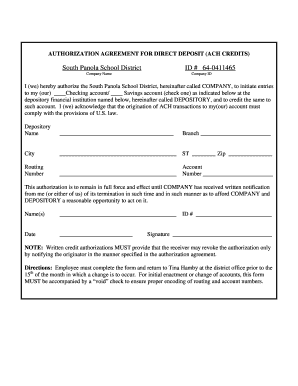
Authorization agreement for direct deposit
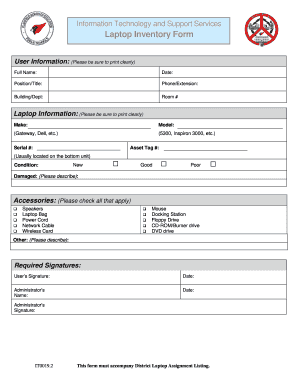
Laptop Inventory Form - plainfieldnjk12
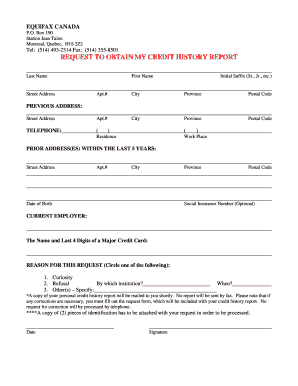
Equifax canada form
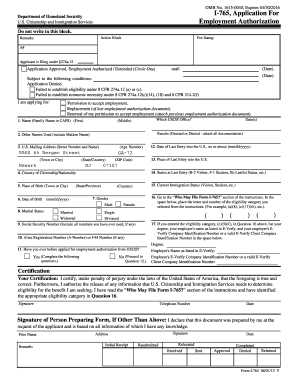
I 765

Qmb program missouri
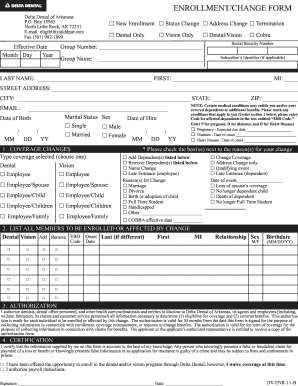
Delta dental enrollment change form
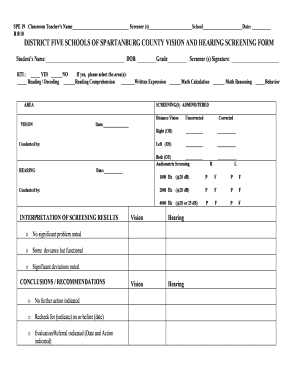
School vision screening form
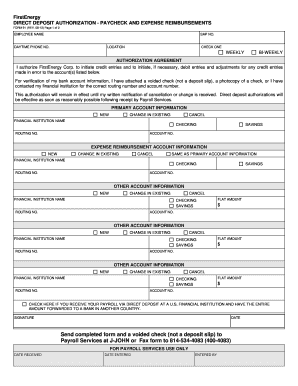
Firstenergy paycheck
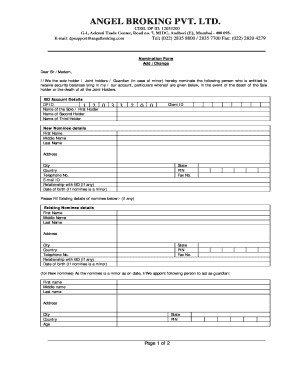
How to add nominee in angel broking app
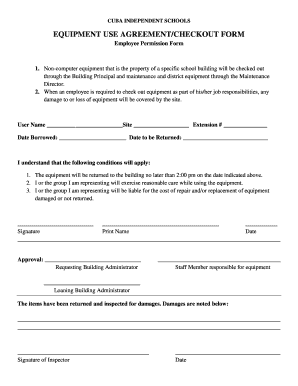
Employee equipment checkout form

NON-NLACRC Timesheet - Behavior Respite
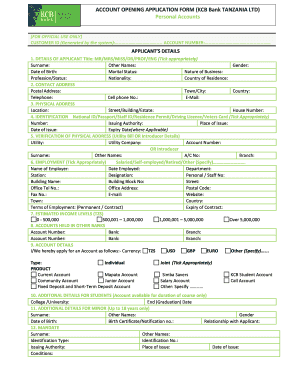
Kcb joint account

Heath Center - Physical Exam Form - Army and Navy Academy - armyandnavyacademy

Opra request englewood
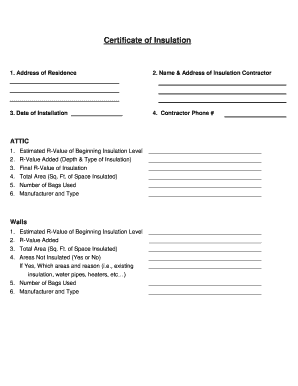
Certificate of Insulation - Flathead Electric Cooperative
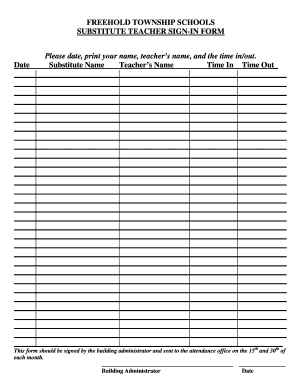
New jersey substitute teacher
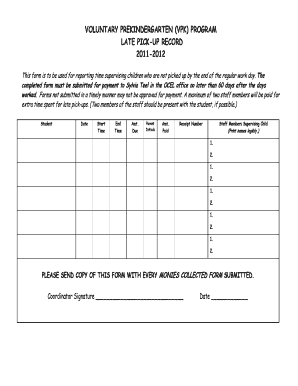
Late pick up form template

Ussvi application

Time Off Request Form - The Corley Agency

Dr2174
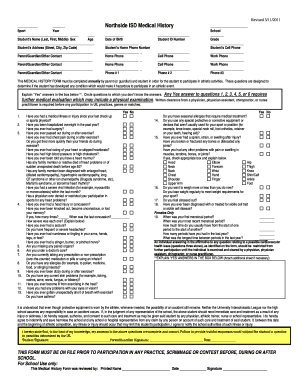
Nisd physical form
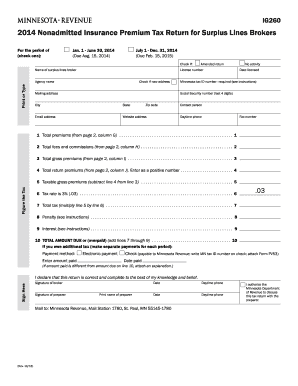
Minnesota form ig260 2014

AFFIDAVIT FOR COLLECTION OF PERSONAL PROPERTY FOR SMALL ESTATES
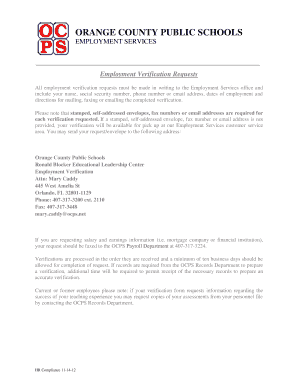
Ocps employment verification
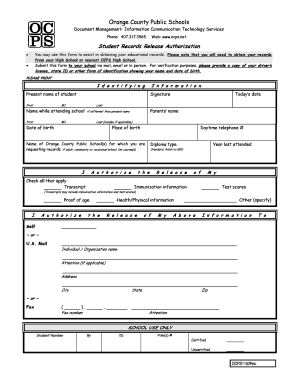
Student Records Release Authorization - Orange County Public ... - ocps
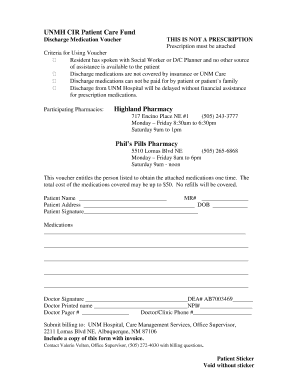
UNM Hospital Patient Care Fund - cirseiu

Direct pay flyer.pub - Hudson Light and Power Department
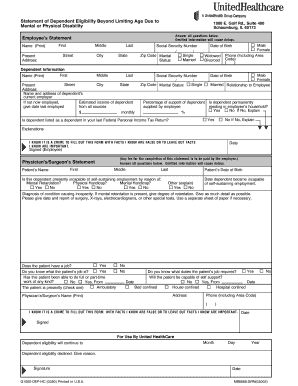
Uhc disabled dependent form

Bullying and/or Harassment Reporting Form - Volusia County Schools
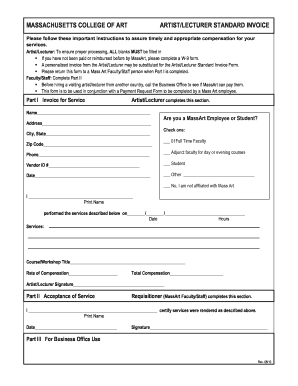
Visiting Artist Invoice - Inside MassArt - Massachusetts College of Art - inside massart

Elp agreement

Af form 2030 1997

State of illinois petition for nomination fillable form no p 7
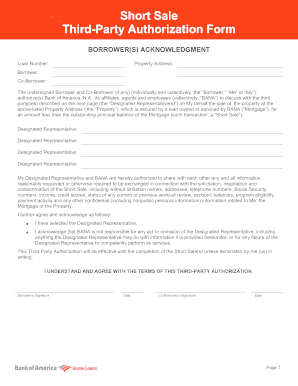
Short Sale Third-Party Authorization Form - Short Sale Agent ...
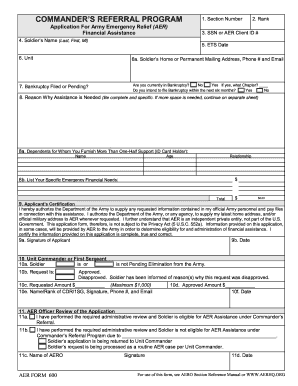
Aer form 600
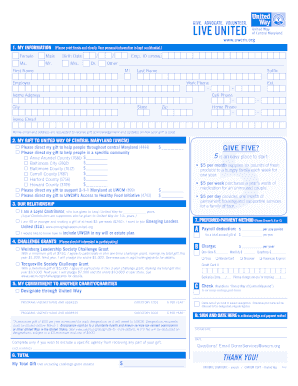
Employee Pledge form - United Way of Central Maryland - uwcm
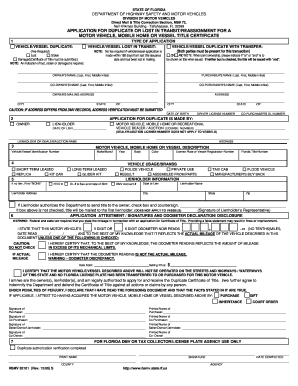
Form hsmv 82101
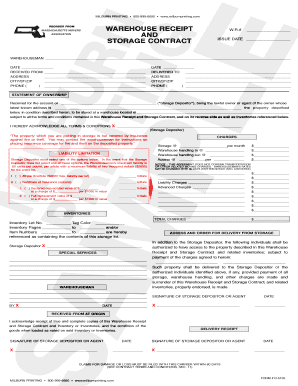
Milburn printing
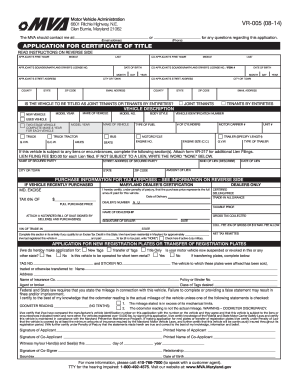
Duplicate or paperless title sample 2014 form
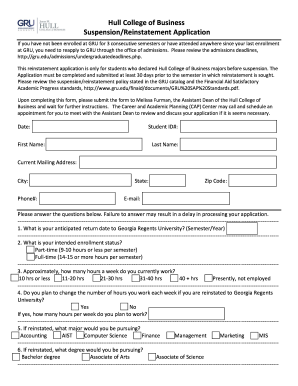
Gru semester reinstatement form
Form cgm8611 form
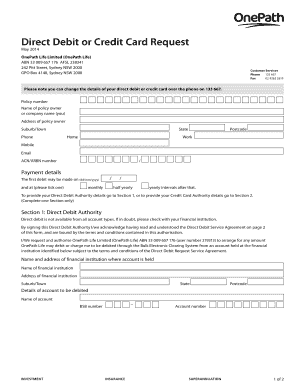
Onepath direct debit form
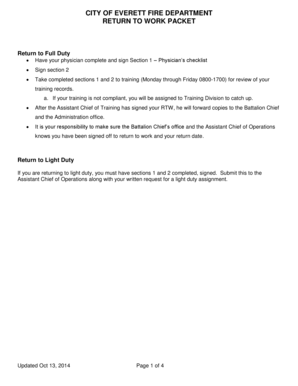
Return to Work Packet.pdf - Everett Firefighters, IAFF Local 46 - iaff46
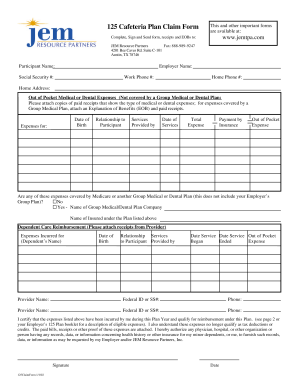
Jem 125 cafeteria plan
Health care directive health care directive - medfusion
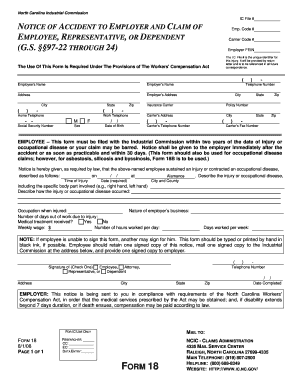
FORM 18 - North Carolina Industrial Commission - NC.gov - nclm
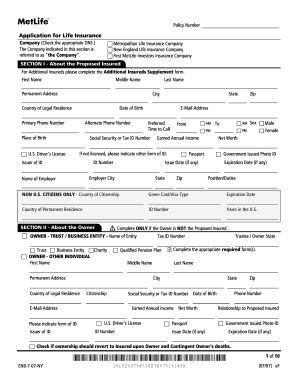
Life Application - Access Brokerage Services
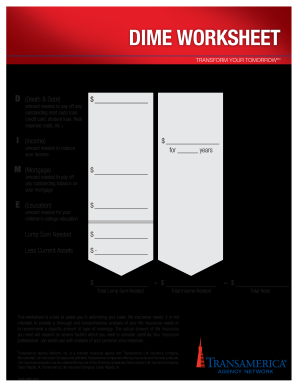
Transamerica dime worksheet
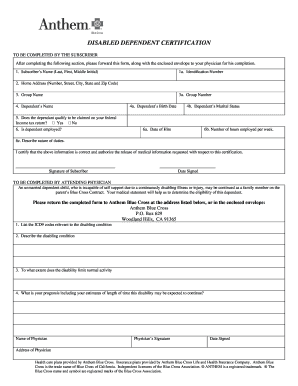
Hii benefits dependent verification
Benefit from the DocHub online library of fillable PDF forms
Searching the PDF forms doesn't have to be a tedious and time-consuming process. With the DocHub online library, it has become easier to find the fillable PDF forms and modify them in your browser. The service allows you to adjust the document to your needs using powerful editing tools.
You can use online document editing features to modify almost any type of document with ease. You just need to find the template of your choice, open it in the editor, and use the toolbar to make the necessary corrections.
Follow this guide to get your document done with DocHub:
- Find the PDF template you need.
- Click the Get Form button to open the file in the editor.
- Use the toolbar to fill out and edit the document.
- Easily add and highlight text, insert images, checkmarks, and symbols.
- Drop new fillable fields, and rearrange or delete pages from your file.
- Save changes and download your record.
DocHub empowers everyone to streamline document editing, signing, and distribution, and form completion. Create an account and benefit from our well-organized PDF Forms library and comprehensive editor.