
Get any PDF form from the DocHub library of ready-made templates - Page 1427
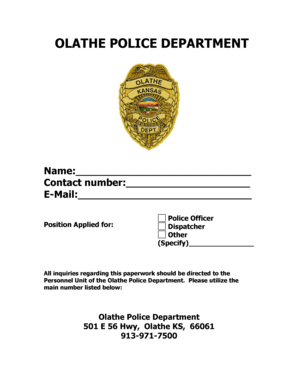
Olathe police department
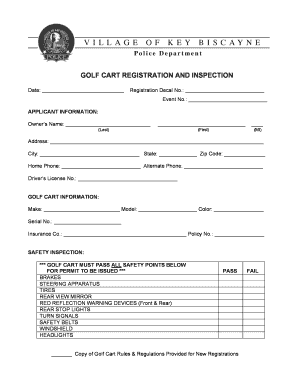
Golf cart rental key biscayne
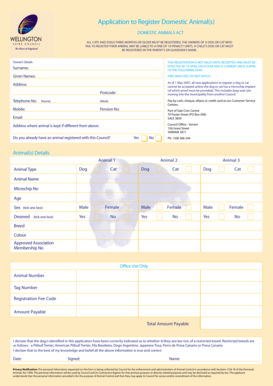
Wellington shire dog registration
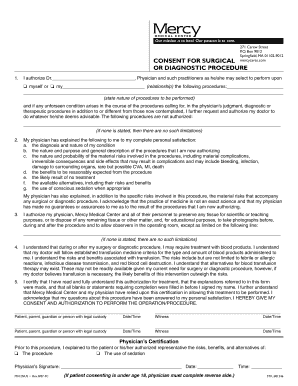
Mercy hospital doctors note

Nashvillde tn parole bo form
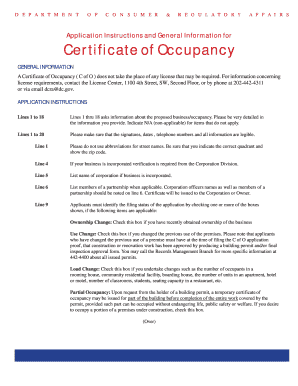
Certificate of Occupancy - Washington, District of Columbia - dc
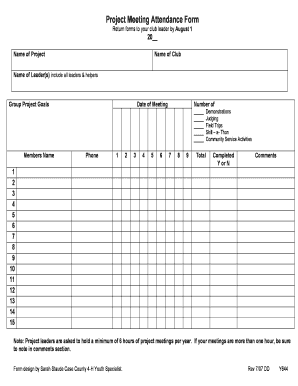
Y644, Project Meeting Attendance Form (PDF fillable) - Missouri 4-H - 4h missouri
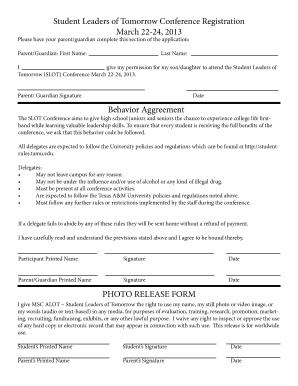
Delegate Release Form - (SLOT) Conference - Texas AandM University - slot tamu
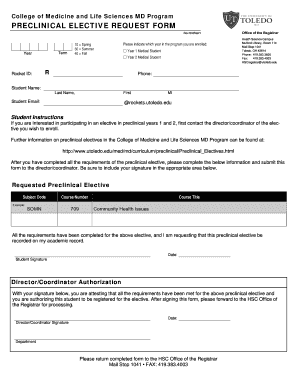
Doctor note for work
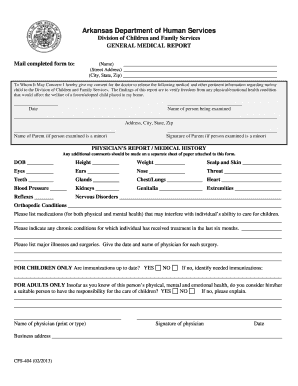
Arkansas Department of Human Services - humanservices arkansas
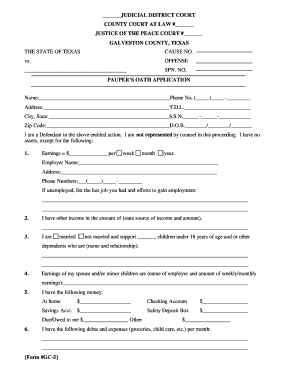
Pauper's oath form texas
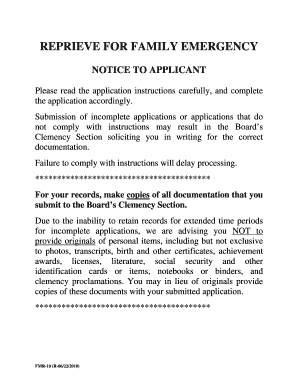
Family emergency documentation
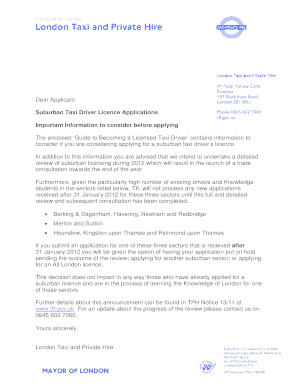
Tfl private hire application form

Certified copy certificate westpac
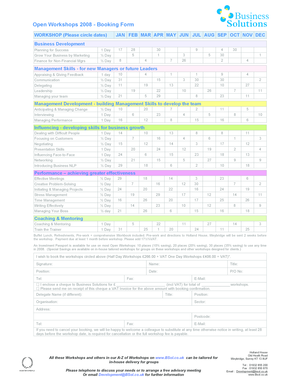
Open Workshops 2008 - Booking Form - Business Solutions
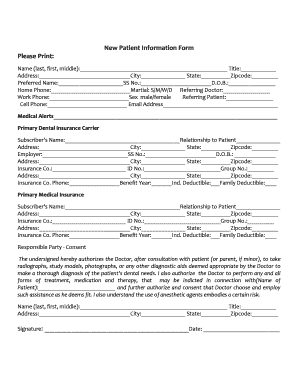
New patient dental fillable form
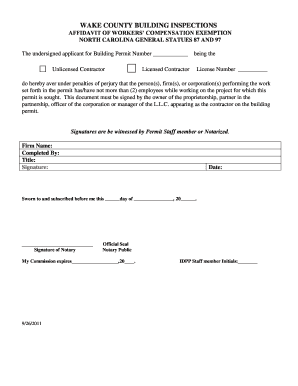
Wake county building inspections workers comp affidavit form
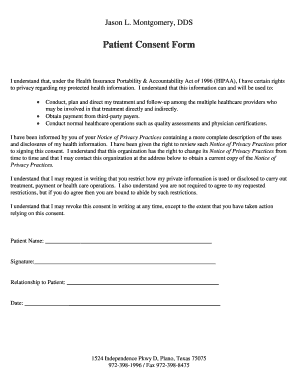
Printable dental hipaa form pdf
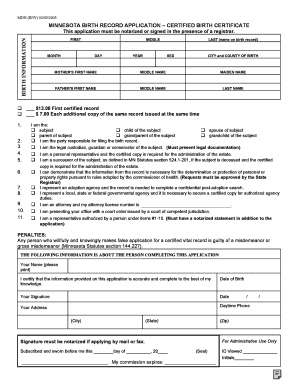
Fill in print minnesota bith certificate apllication
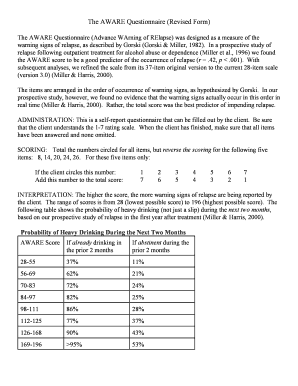
Aware questionnaire
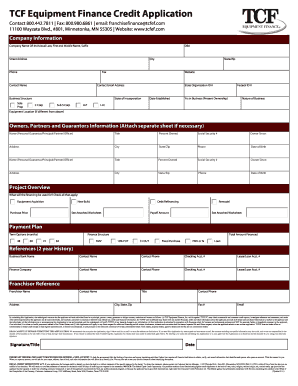
Tcf equipment finance credit application form
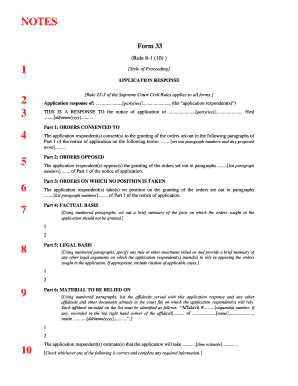
Form 33 bc supreme court

Bahamas visa

Student performance evaluation examples
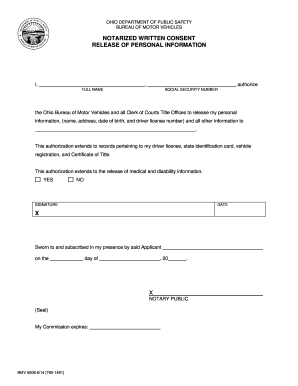
Bmv form 5008
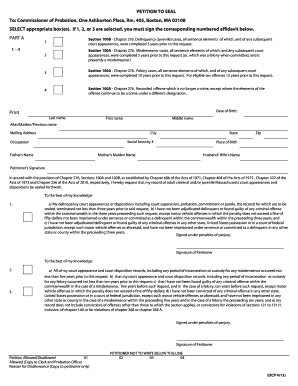
Petition to seal 100a
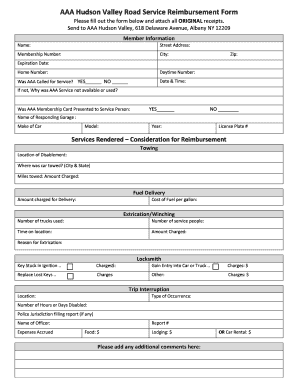
Printable aaa reimbursement form

Kansas petition divorce

Financial info income worksheet

MPC 760: Order for Informal Appointment of Successor ... - Mass.Gov - mass
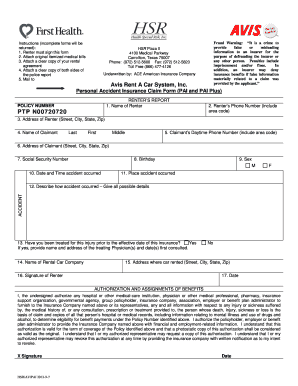
Avis rental agreement

Va form 22 1999 va enrollment certification
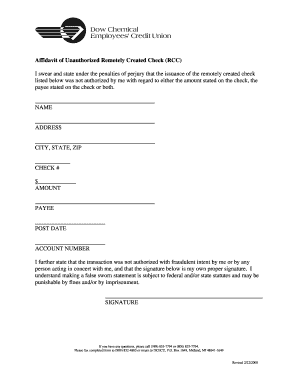
Easy remotely created checks

Capi application pdf
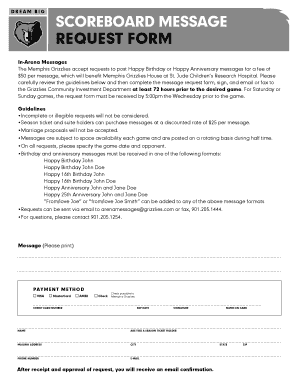
Scoreboard message memphis grizzlies form
Afrs 1396
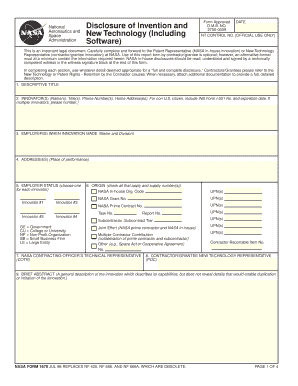
Nasa form 1679
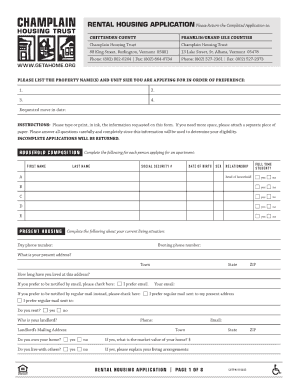
Champlain housing trust application
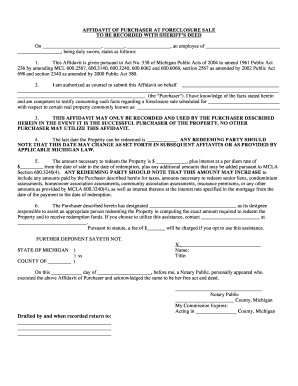
AFFIDAVIT OF PURCHASER AT FORECLOSURE SALE

Circumcision consent form template
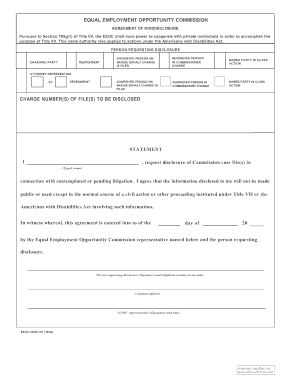
Form 167
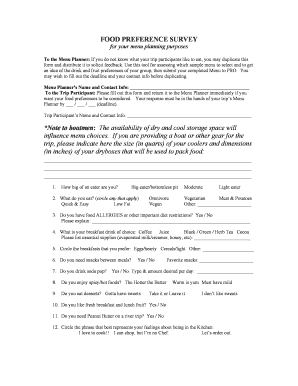
Food preference questionnaire
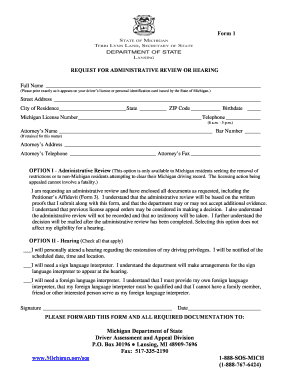
Dlad

Printable blank bid proposal forms
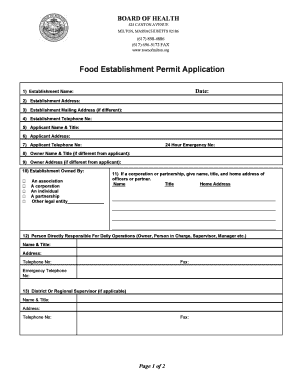
Massachusetts food establishment permit application department of health form
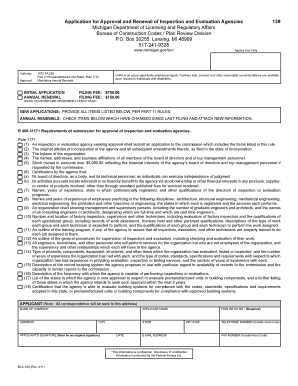
Michigan gov bcc renewals

Common paymaster agreement form
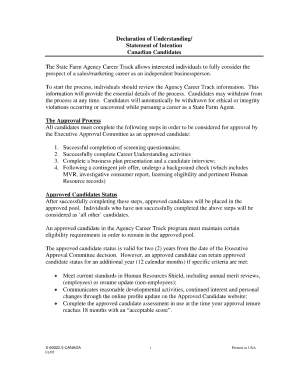
State farm declaration page
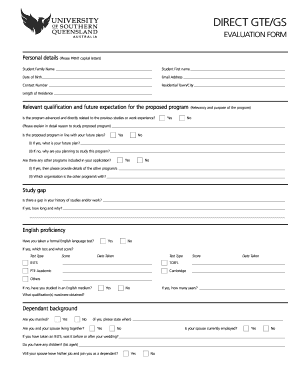
Gte gs

Clark County Residential Affidavit CCF-792
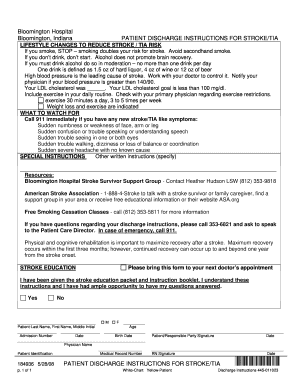
Patient Discharge Instructions for Stroke TIA
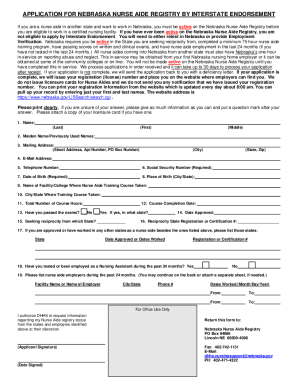
Nurse Aide - Nebraska Department of Health andamp; Human Services

Canada wes academic
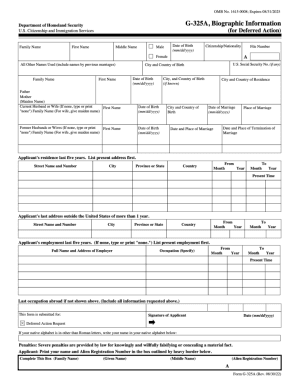
G uscis gov
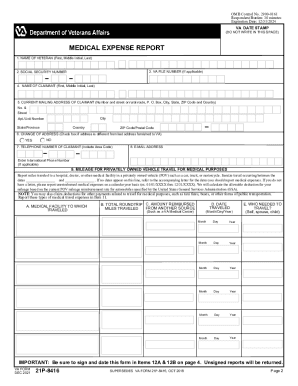
Va form 21p 8416
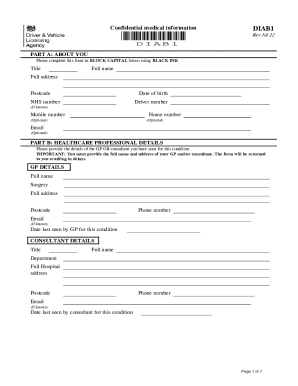
Diab1 printable form
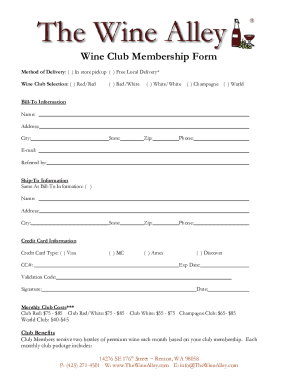
Thewinealley documentsWine ClubWine Club Membership Form - The Wine Alley

Bppe ca webappsannualreport2018Annual Report Bakersfield Barber College, Inc - Bureau for
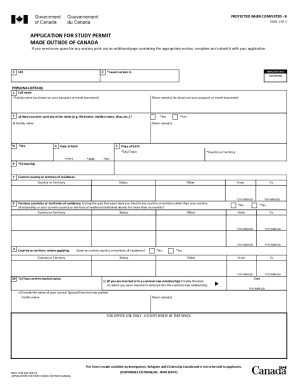
Imm 1294 b permit
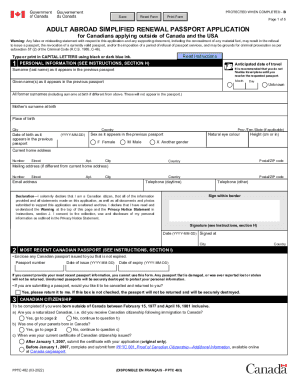
Canada abroad renewal passport

Al mvt motor vehicle
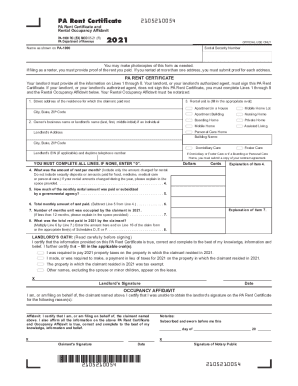
2021 rent certificate form
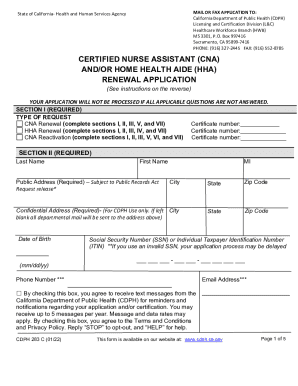
Cdph 283 c form
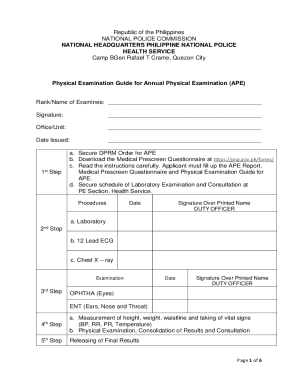
Ape form
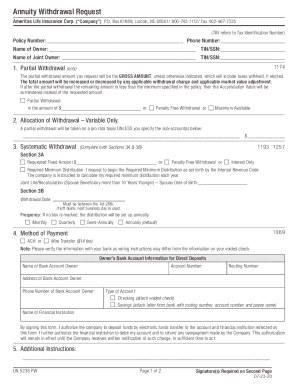
Life annuity withdrawal request
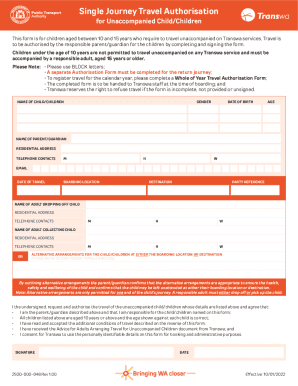
Travel authorisation transwa
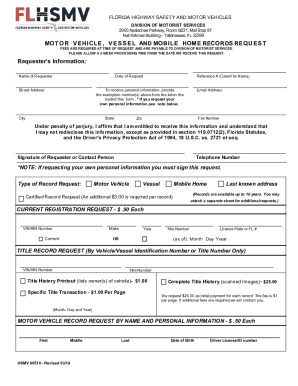
Florida motor vehicle request
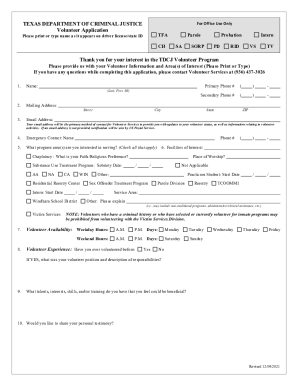
Tdcj volunteer application online
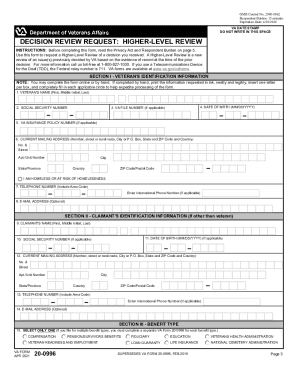
PDF VA Form 20-0996 - The Senior Veterans Service Alliance

Pony club stall card template
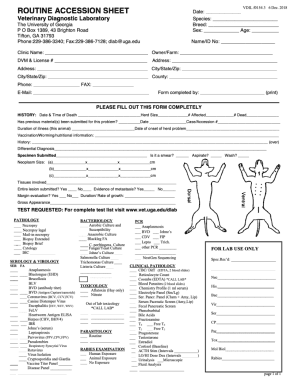
Vet card pdf
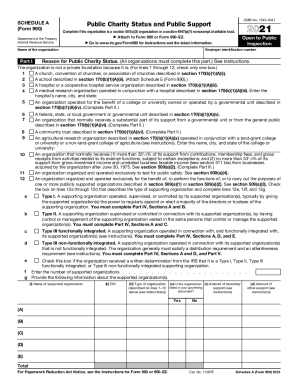
Form 990 schedule a
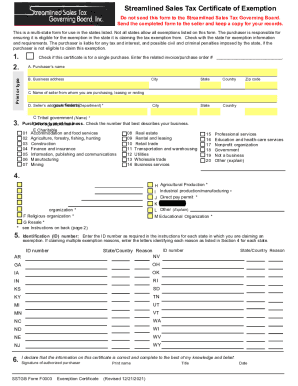
State tax exemption forms
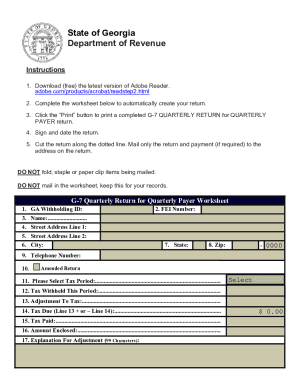
Georgia form g 7 quarterly return
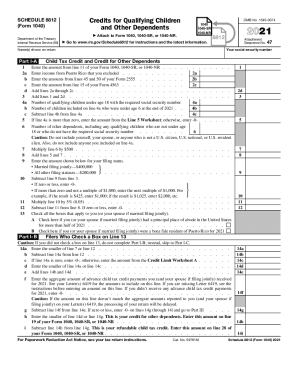
Child tax credit
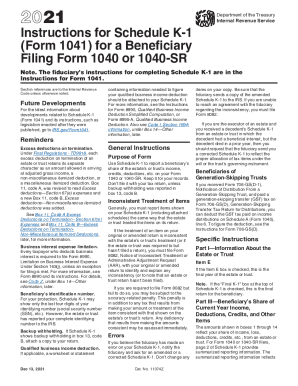
K 1 instructions

Medicaid application forms
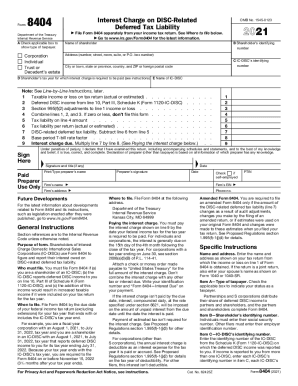
Tax calculator
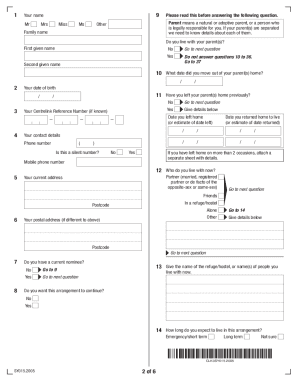
Sy015

Ca form demurring

Nj expungement
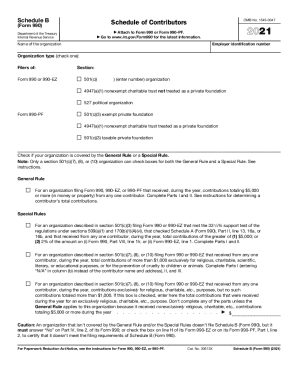
Form 990 ez
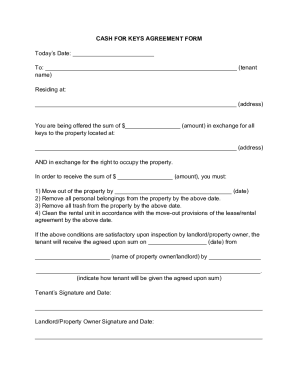
Cash for keys template
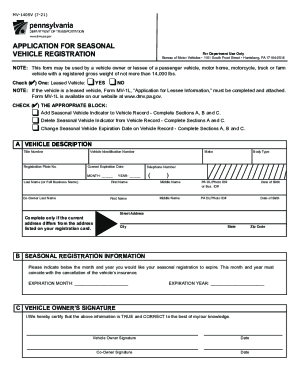
Pa application vehicle registration

V55 4 form

Texas outboard motor
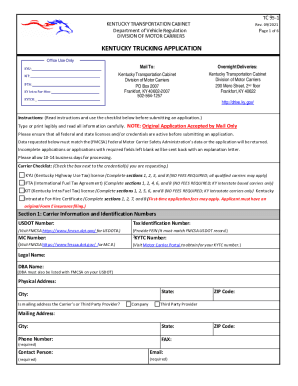
Kentucky trucking application
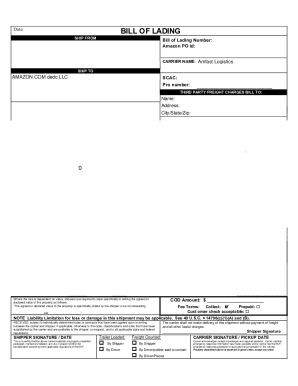
Amazon bill of lading

HQP-SLF-066 Calamity Loan Application Form (CLAF) - Forms ...HQP-SLF-066 Calamity Loan Application Form (CLAF) - Forms ...HQP-SLF-066 Calamity Loan Application Form (CLAF) - Forms ...SSS Calamity Loan For COVID-19 Online Application Now Open ...
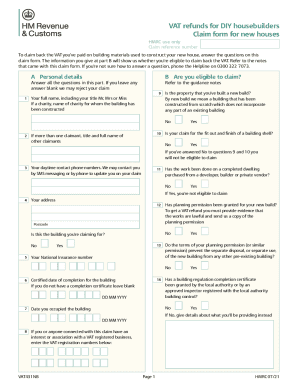
Vat431nb
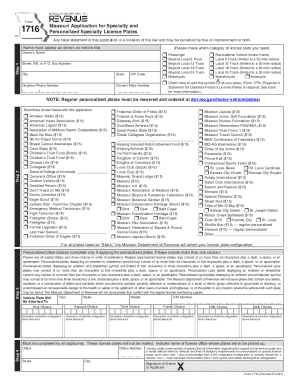
Mo dor plates
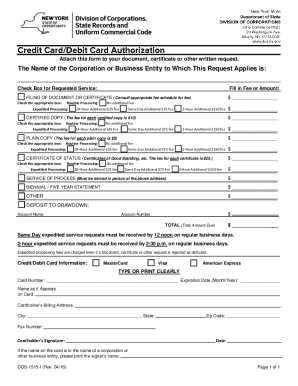
Dos 1515
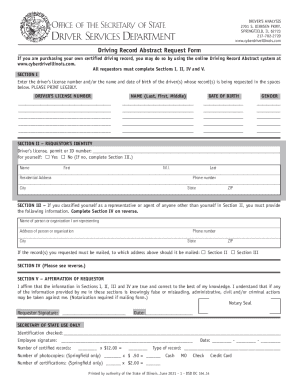
Illinois driving abstract

Siu form
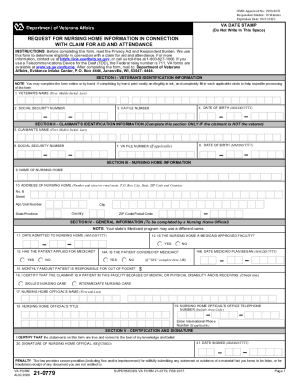
Va form 21 0779
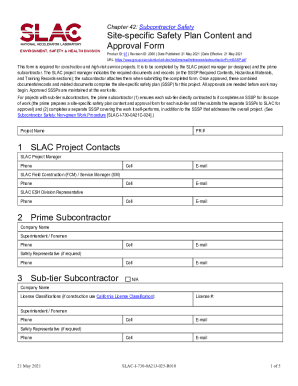
Safety site specific plan form
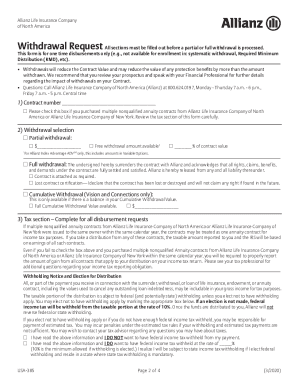
Allianz withdrawal request form
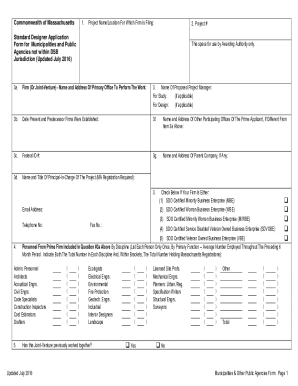
Ma dsb application form
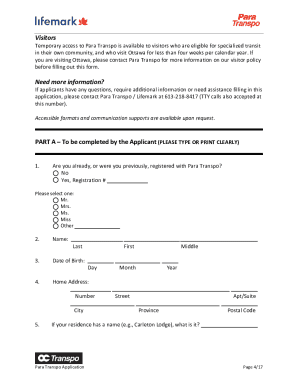
Para transpo
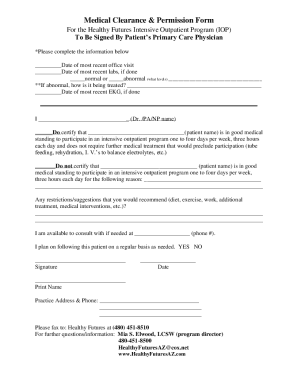
Medical Clearance andamp;amp; Permission Form
Benefit from the DocHub online library of fillable PDF forms
Searching the PDF forms doesn't have to be a tedious and time-consuming process. With the DocHub online library, it has become easier to find the fillable PDF forms and modify them in your browser. The service allows you to adjust the document to your needs using powerful editing tools.
You can use online document editing features to modify almost any type of document with ease. You just need to find the template of your choice, open it in the editor, and use the toolbar to make the necessary corrections.
Follow this guide to get your document done with DocHub:
- Find the PDF template you need.
- Click the Get Form button to open the file in the editor.
- Use the toolbar to fill out and edit the document.
- Easily add and highlight text, insert images, checkmarks, and symbols.
- Drop new fillable fields, and rearrange or delete pages from your file.
- Save changes and download your record.
DocHub empowers everyone to streamline document editing, signing, and distribution, and form completion. Create an account and benefit from our well-organized PDF Forms library and comprehensive editor.