
Get any PDF form from the DocHub library of ready-made templates - Page 1426

Experian letter of agreement
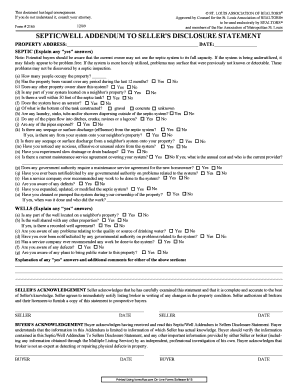
Ext2165e pdf

Office Use Only: Registration #
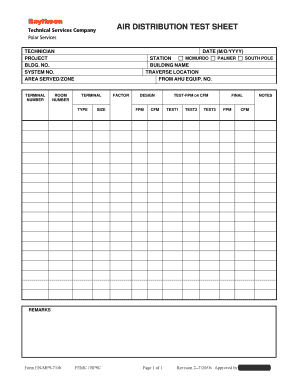
Air test
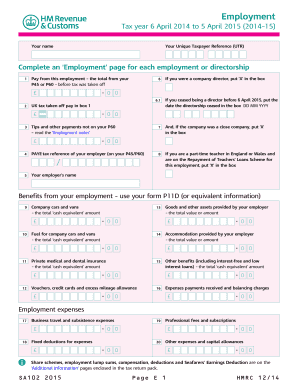
Sa102

Form 28 dependant pass pdf
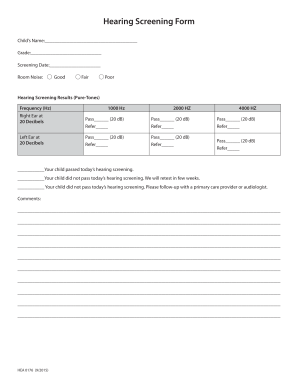
Hearing screening form
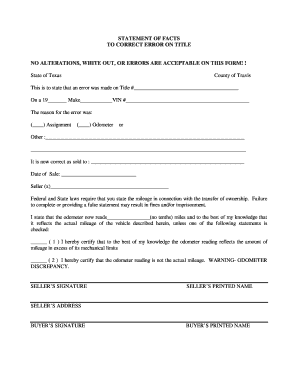
Statement of fact to correct error on title
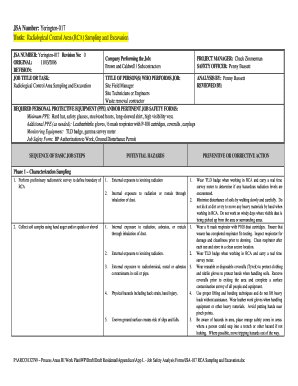
Jsa for excavation and backfilling
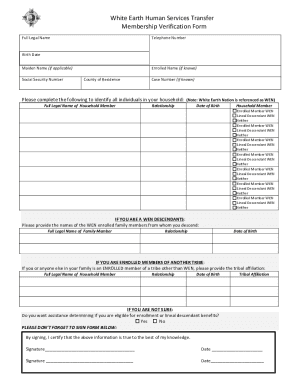
White earth descendants
Common functional limitations checklist
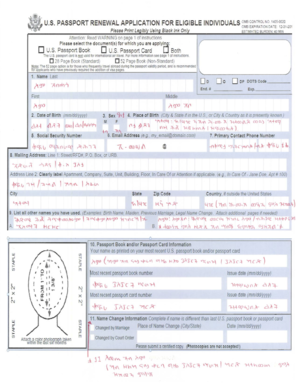
Us passport application blank form
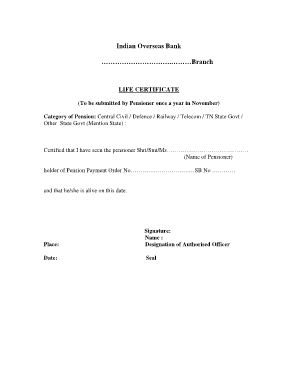
Iocl life certificate pdf
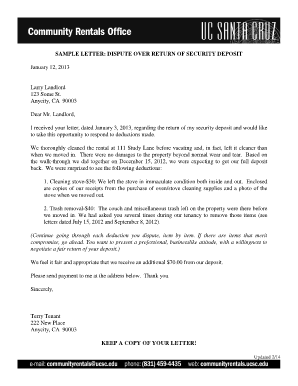
Sample letter disputing unfair landlord charges
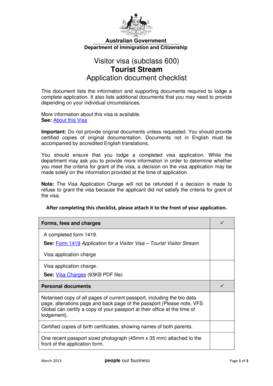
Australian visa application form 600 pdf
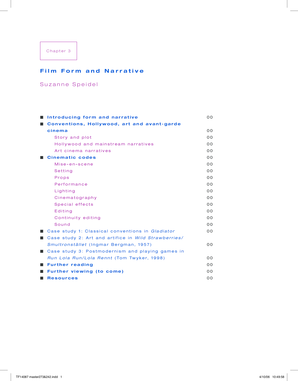
Film Form and Narrative Suzanne Speidel - Routledge
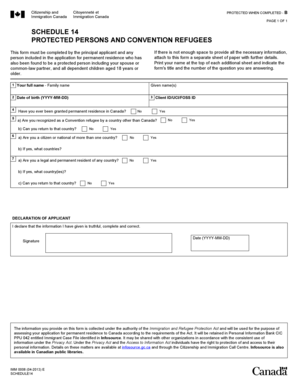
Imm 0008 schedule 14
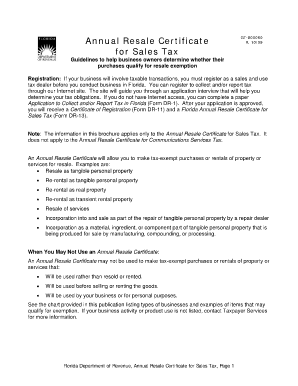
Form dr 13
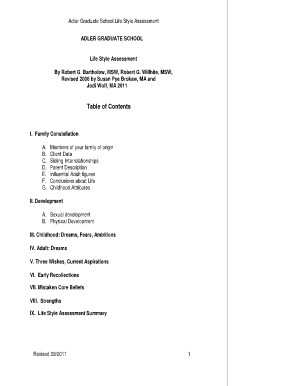
Family constellation worksheet
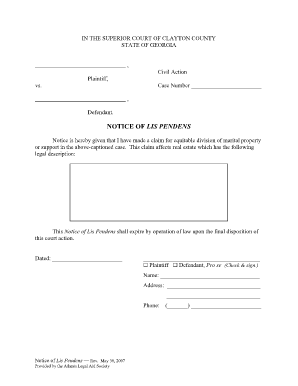
Notice of lis pendens
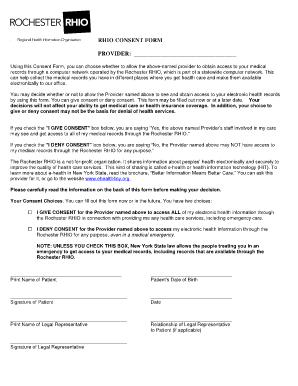
Printable rhio forms
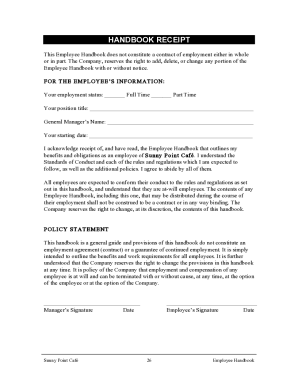
Starbucks employee handbook 2022 pdf
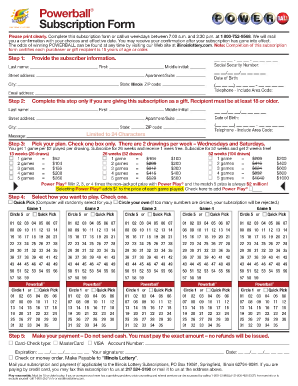
Powerball form
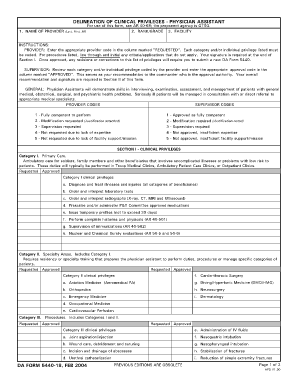
Privilege form for doctors
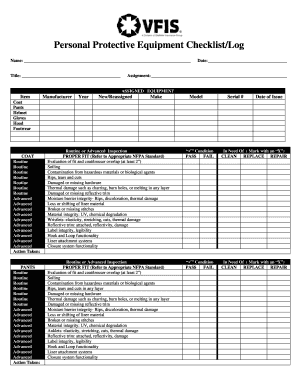
Safety checklist of constructiom form
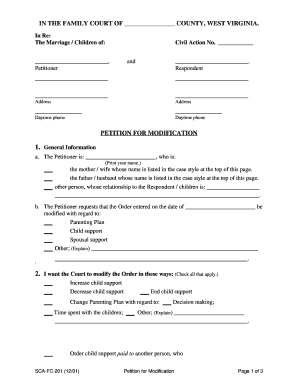
Wv family court forms
Ps form 1260 fillable
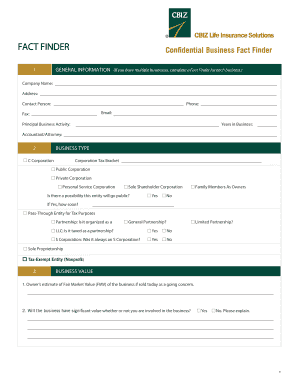
Business Fact Finder - CBIZ Life Insurance Solutions Inc
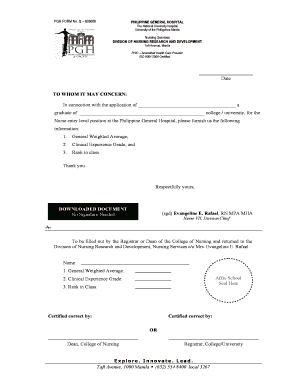
Pgh online
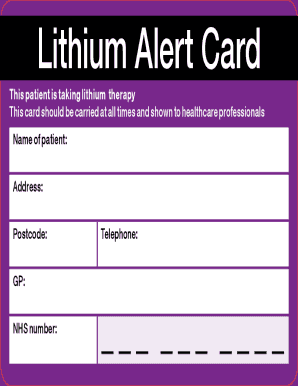
Lithium alert card
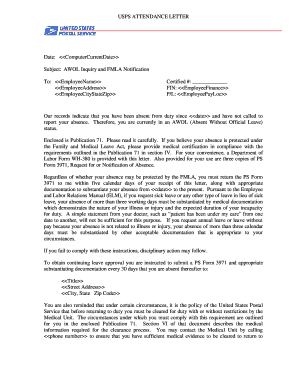
Usps letter of removal for attendance

VETTING CONSENT FORM Queensland Corrective Services
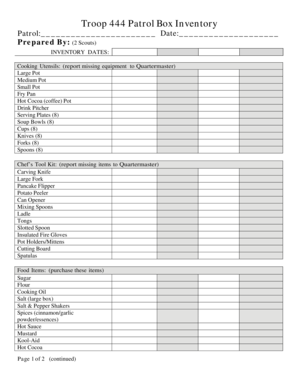
Boy scout patrol box inventory list
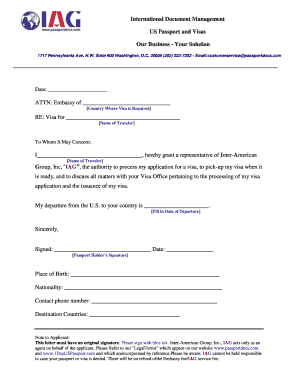
IAG Authorization Letter - China Visa Services
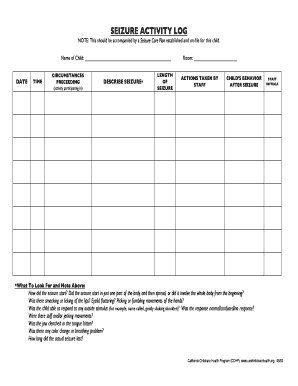
Seizure activity log sheet
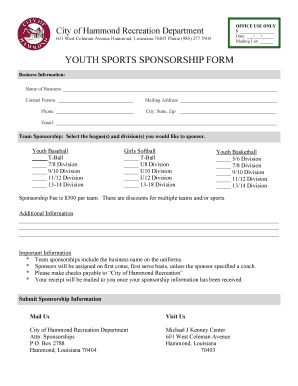
Sports sponsorship form
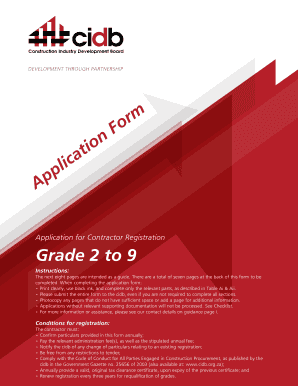
Cidb certificate download
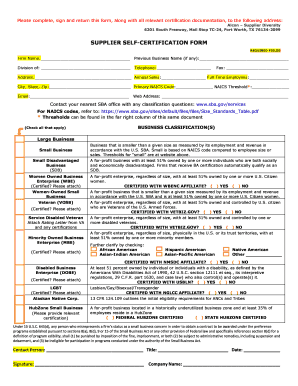
Attached Supplier Self-Certification Form - Alcon
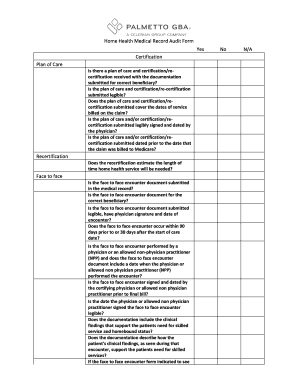
Medical record audit form
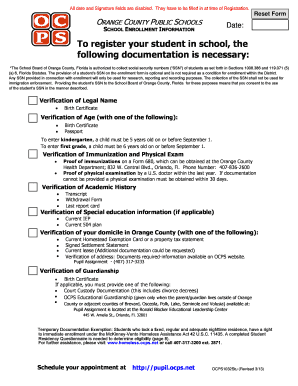
Registration packet

Ump vacancies
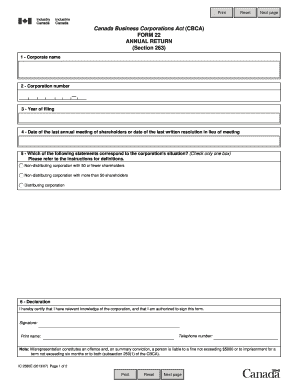
Form 22 annual return canada
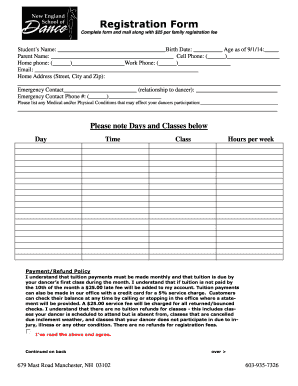
Psira certificate pdf
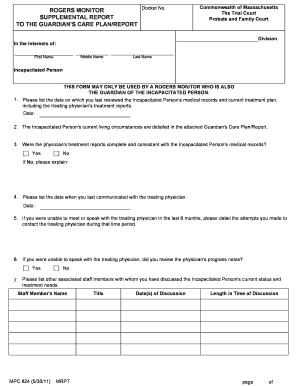
Rogers monitor

THE UNDERSIGNED GRANTOR(s) DECLARE(s) DOCUMENTARY TRANSFER TAX is $ CITY TAX $

Mcle personal log
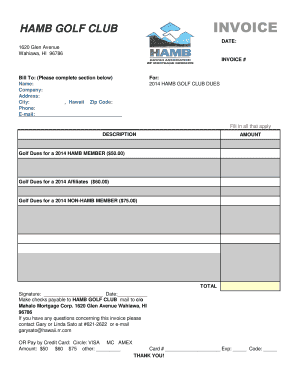
HAMB GOLF CLUB INVOICE - hamb

Besittningsskydd

Bctgm pension forms
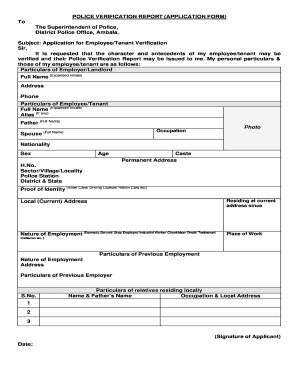
Police verification certificate download pdf
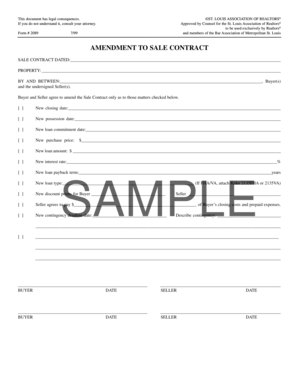
2089 Amendment to Sale Contract V7-99 Sampleqxp Image

Bone Marrow Biopsy Procedure Consent Form
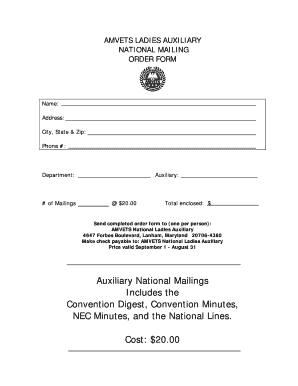
Amvets ladies auxiliary manual

Writers guild industry health fund claim forms
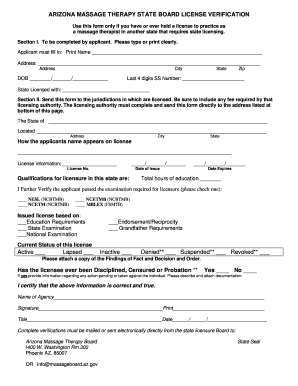
Az state massage board

Grant solutions user account request form

A1011 Internetformular Deutsche Rentenversicherung Bund. Antragsformulare im Internet
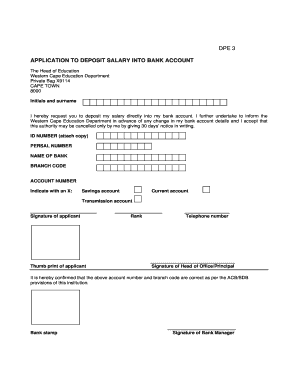
Z56 bank form
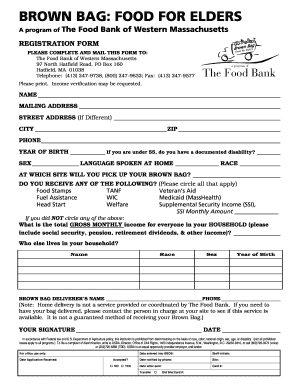
Sample food pantry application
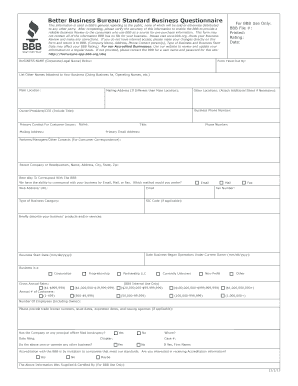
Bbb customer complaint form
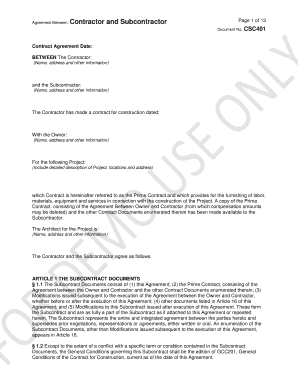
Standard Form of Agreement Between Owner and Contractor CAP101
Non employment letter sample
Nj waiver of first appearance
Sol review packet us history 1865 present answer key
Enrollment Information and Billing Statement - Landmark College - landmark
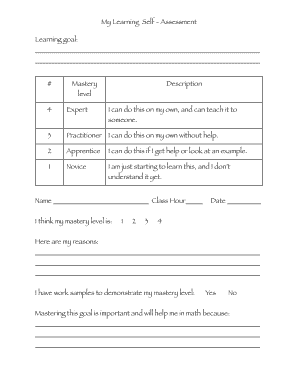
Student self assessment template pdf
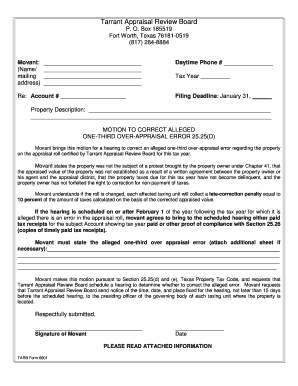
Form 2525d

PDF Waiver - Sky Zone Indoor Trampoline Park

Authorization for Release of Medical and/or Ophthalmic Records Please complete the following information: Patient 's Name Date of Birth Address City, State, Zip I request and authorize to release all Medical and/or Ophthalmic records of the

Jackson township police reports online

Swissquote bank
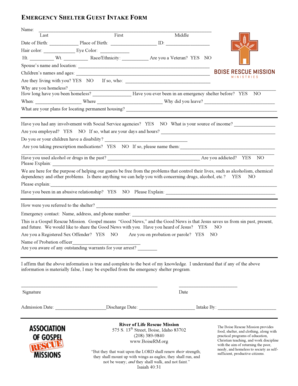
Emergency shelter intake form
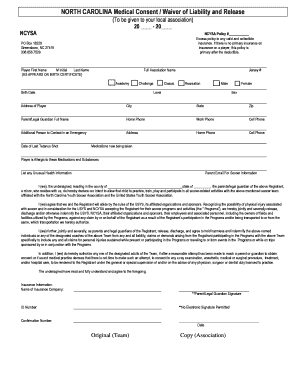
Ncysa medical waiver
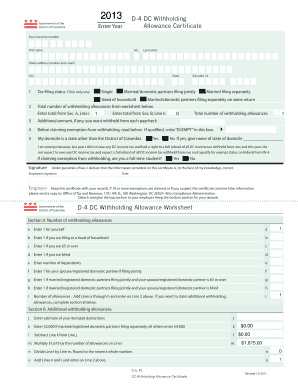
D-4 DC Withholding Allowance Worksheet D-4 DC Withholding ...
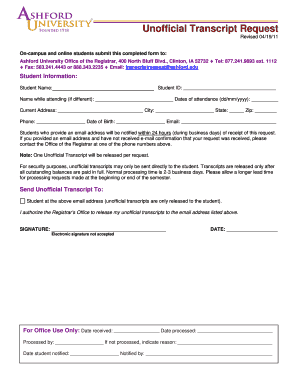
Unofficial Transcript Request - Ashford University - ashford
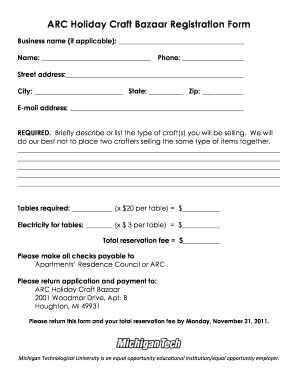
ARC Holiday Craft Bazaar Registration Form - Michigan Tech Blogs

Navy reenlistment request form
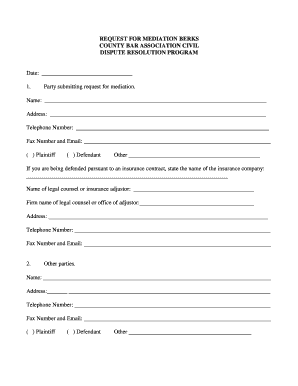
Sample form for request for dialog in mediation
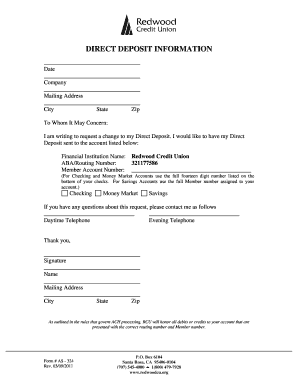
Redwood credit union direct deposit form
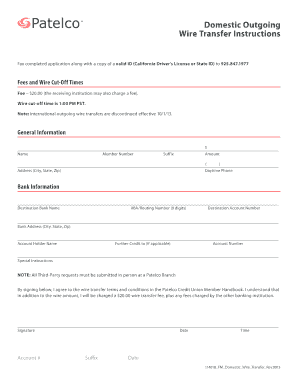
Patelco wire transfer form
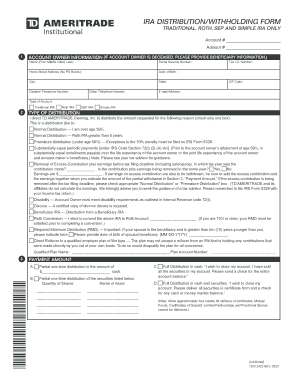
Tdai 2423
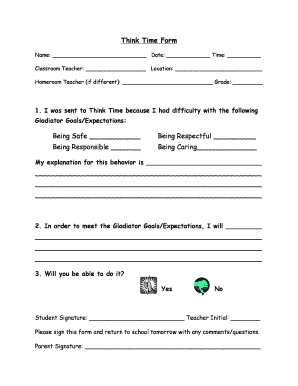
Written Think Time Form
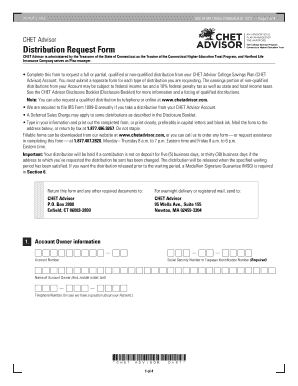
Chet withdrawal form
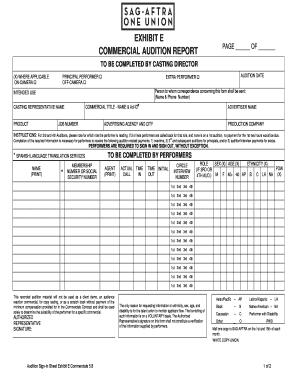
Sag exhibit e

Blank 3rd party authorization form
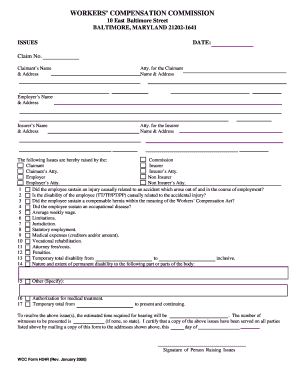
Wc form h24r
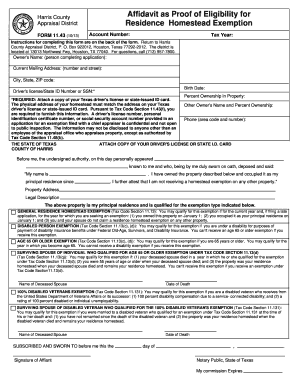
Affidavit as Proof of Eligibility for Residence Homestead Exemption - hcad
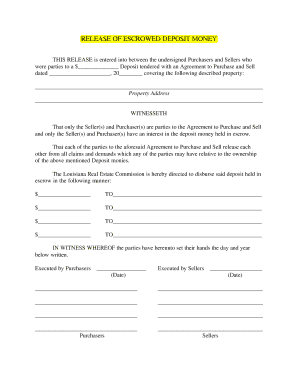
Escrow Release Form
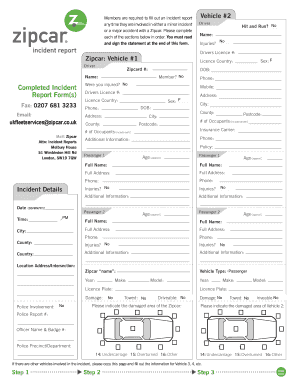
Zipcar incident report
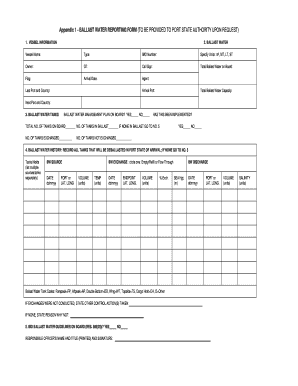
Imo ballast water reporting form excel
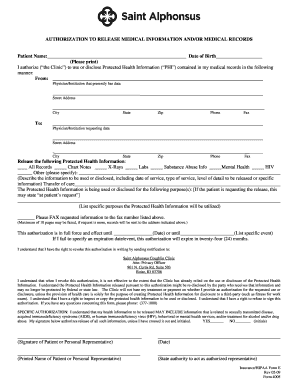
St als medical records
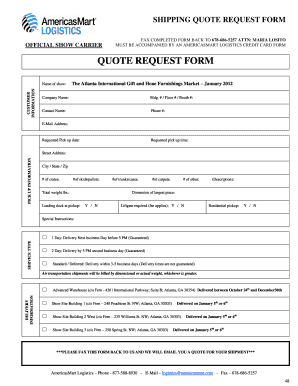
Freight quote request template
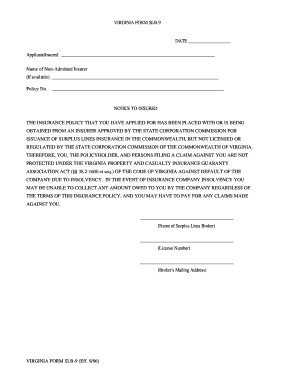
VIRGINIA FORM SLB-9 DATE Applicant/Insured
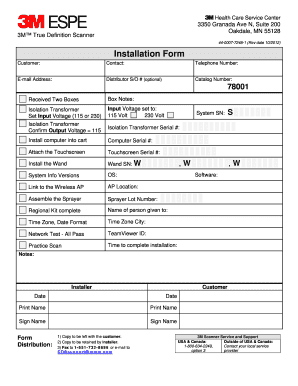
Installation form
Moh forms
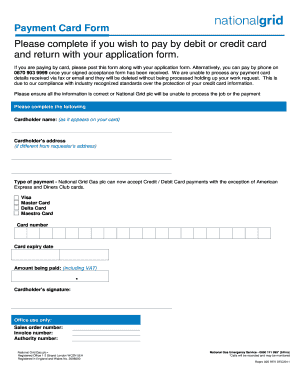
Credit or debit card payment form - National Grid
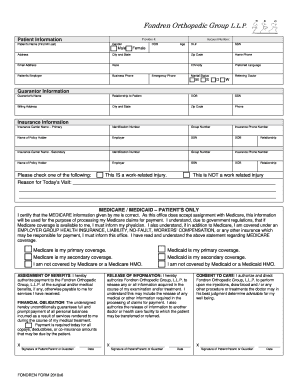
Print new patient forms - Fondren Orthopedic Group
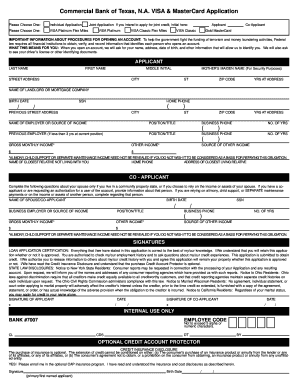
Credit card application

Articles of dissolution ontario form 10

Movie permission slip template
Benefit from the DocHub online library of fillable PDF forms
Searching the PDF forms doesn't have to be a tedious and time-consuming process. With the DocHub online library, it has become easier to find the fillable PDF forms and modify them in your browser. The service allows you to adjust the document to your needs using powerful editing tools.
You can use online document editing features to modify almost any type of document with ease. You just need to find the template of your choice, open it in the editor, and use the toolbar to make the necessary corrections.
Follow this guide to get your document done with DocHub:
- Find the PDF template you need.
- Click the Get Form button to open the file in the editor.
- Use the toolbar to fill out and edit the document.
- Easily add and highlight text, insert images, checkmarks, and symbols.
- Drop new fillable fields, and rearrange or delete pages from your file.
- Save changes and download your record.
DocHub empowers everyone to streamline document editing, signing, and distribution, and form completion. Create an account and benefit from our well-organized PDF Forms library and comprehensive editor.