
Get any PDF form from the DocHub library of ready-made templates - Page 1323

Deferment request
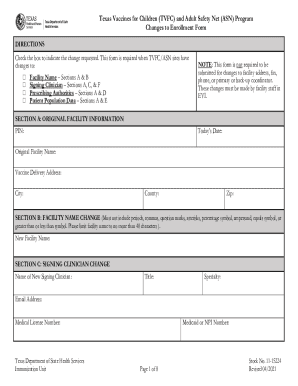
Changes to Enrollment Form
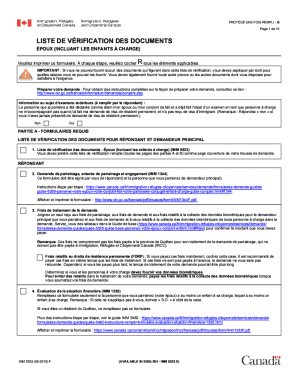
Imm5533f

Oh food assistance form
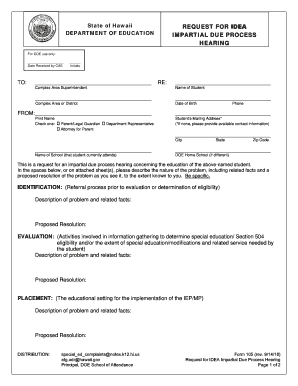
Hawaii due process
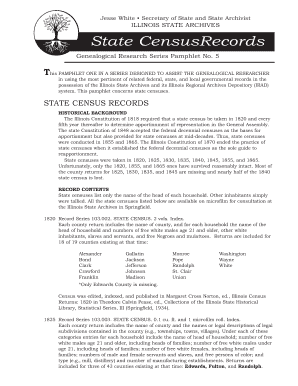
Illinois state census records

Ok cib form

Illinois pioneer certificates fill
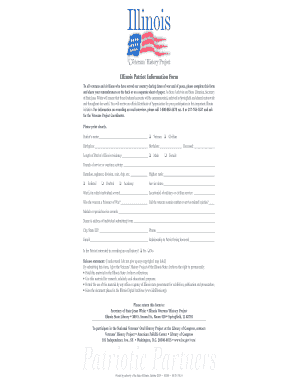
Illinois form any printable
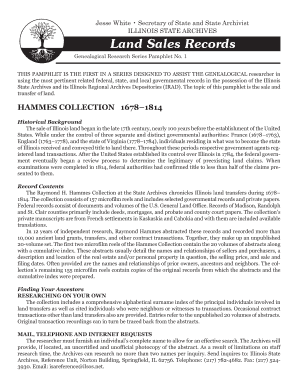
Illinois land sales records
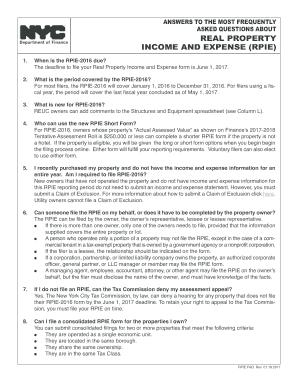
Rpie about

Emancipation muster

Illinois state newsline search
79 02 pge form
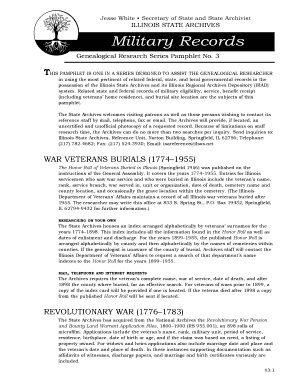
Illinois military records

Illinois lobbyists registration

Census entries record blank

Illinois death schedules

Pa identification card
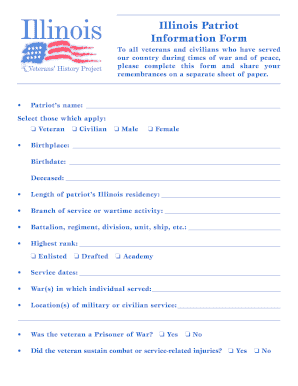
Springfield illinois patriot
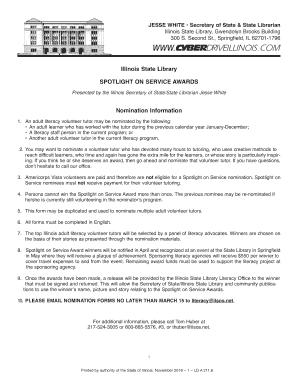
State illinois nomination
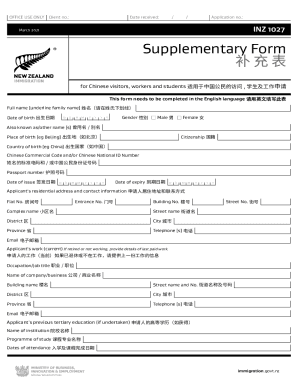
Nz supplementary application form

Nh disabled permit application form
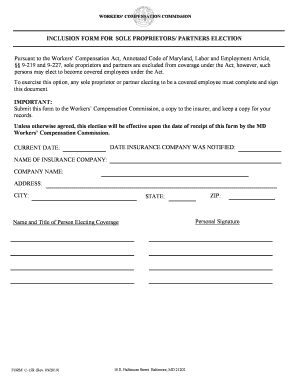
Inclusion form
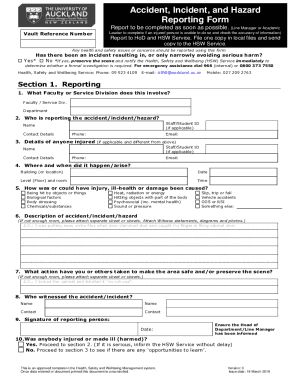
Nz incident form
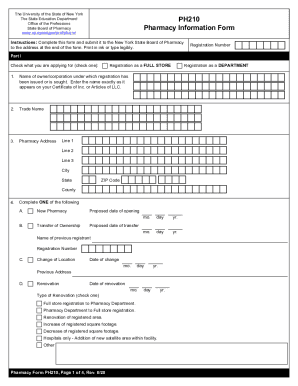
Form ph 210
Calvcb supportive services
Illinois baiid

Illinois discovering sample
Tx private hunting area
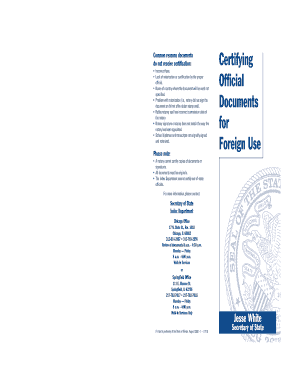
Illinois secretary state official documents
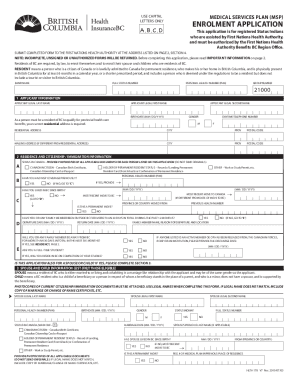
Form HLTH178 "Medical Services Plan (Msp) Enrolment ...
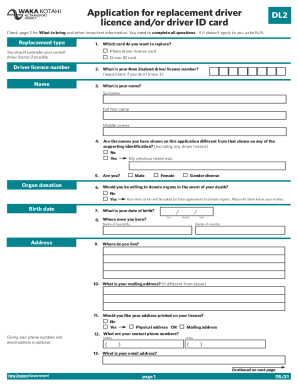
Dl2 form
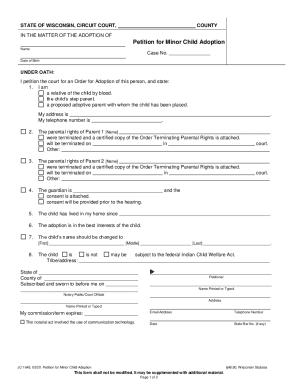
A relative of the child by blood
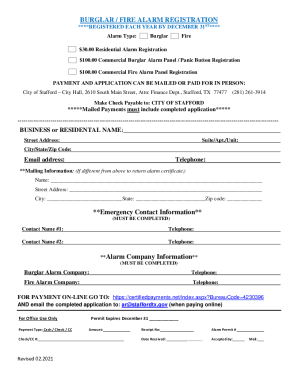
Alarm permit stafford police

Usar form 162

Certification of Previous Healthcare Coverage. Certification of Previous Healthcare Coverage
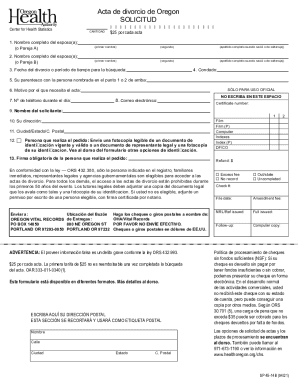
Oregon divorcio
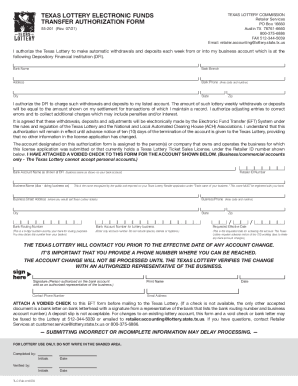
Texas transfer authorization

Nj njfsec
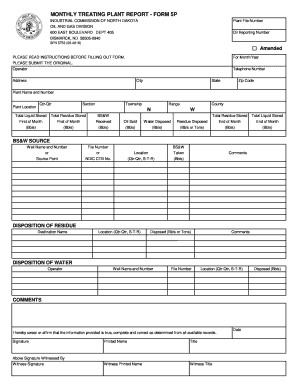
Nd sfn plant
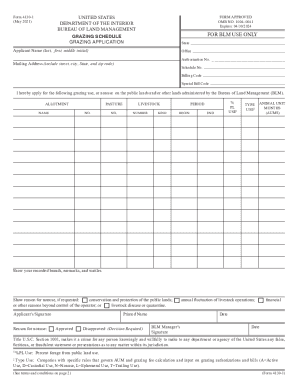
Form 4130

North dakota sundry form 4
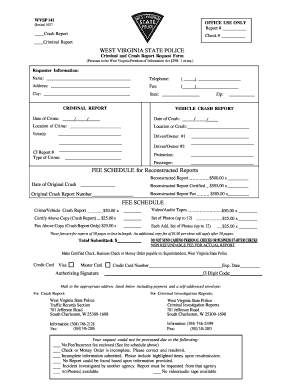
West virginia crash report
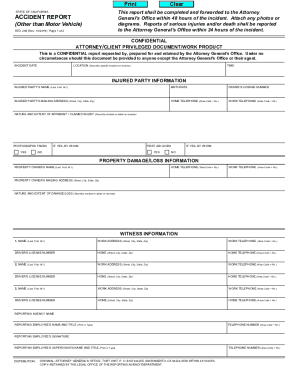
Std 268

Louisiana ancillary

Chicago tuition reimbursement

Record of emergency evacuation drills
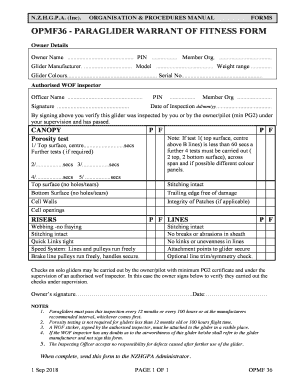
Nzhgpa fitness
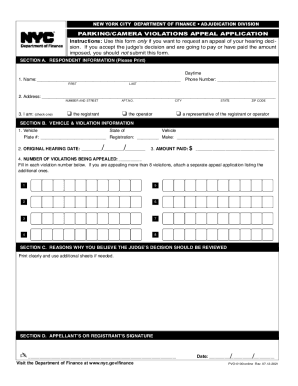
Nyc parking ticket appeal

Air standard registration
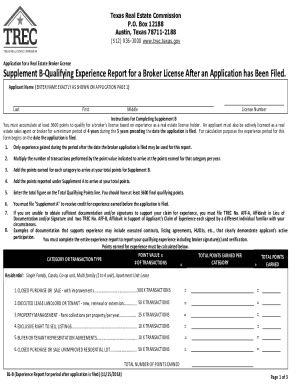
Texas real estate license
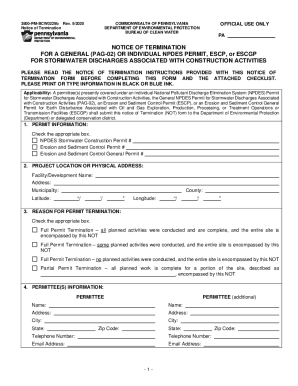
3800-PM-BCW0229b Rev
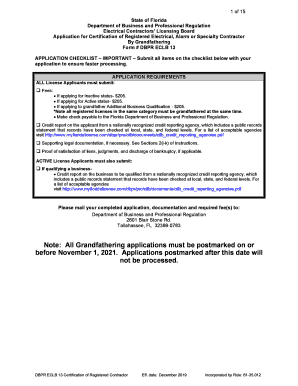
1 of 19 State of Florida Department of Business and ... - DBPR
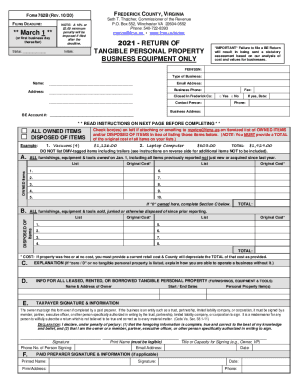
Va form tangible

JOURNEYMAN ELECTRICIAN LICENSE BY RECIPROCITY APPLICATIOELC005 - JOURNEYMAN ELECTRICIAN LICENSE APPLICATIONElectrician License (Master, Limited, Master Special ...ELC005 - JOURNEYMAN ELECTRICIAN LICENSE APPLICATION

Fillable Online Herschler Building East, Suite 101 122 W 25th ...

DO NOT WRITE ABOVE THIS LINE; RESERVED FOR ACC USE ... - azcc.gov

Application for Certificate of Registration to Transact Business in Virginia Instructions
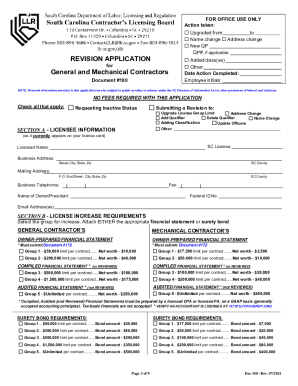
Sc llr forms

Under the circumstances specified in W
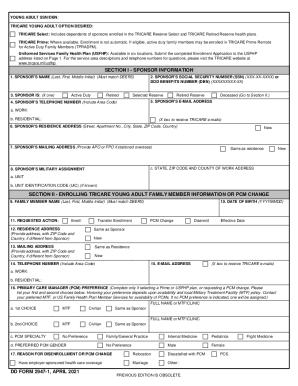
Form 2947
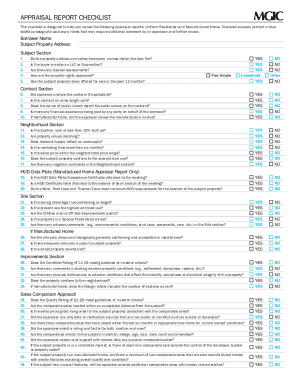
Appraisal checklist form
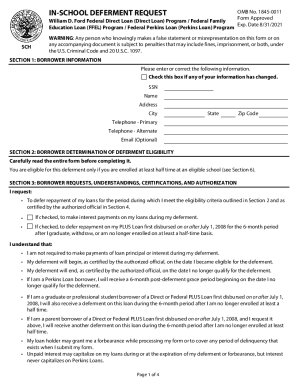
In school deferment
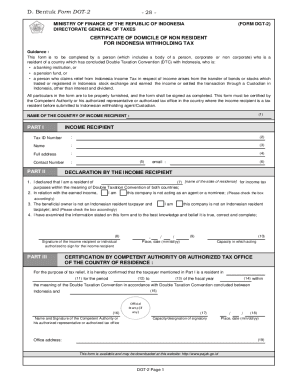
Indonesia certificate
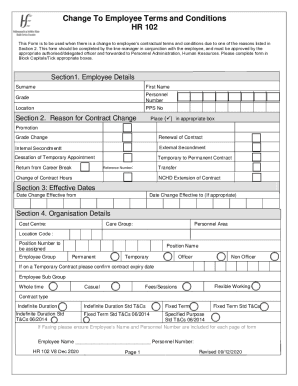
Hr 102
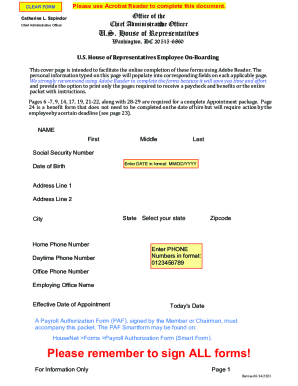
This cover page is intended to facilitate the online completion of these forms using Adobe Reader
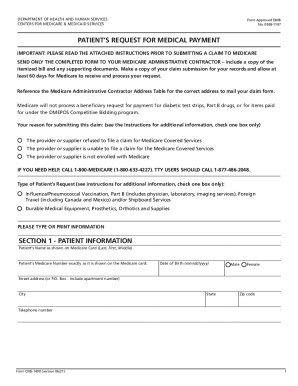
1490-Patient's Request for Medical Payment
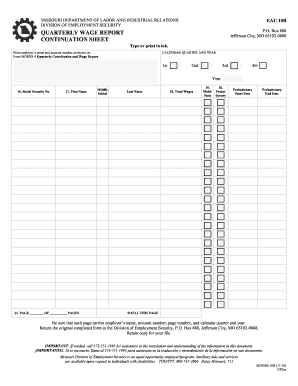
Missouri quarterly report form
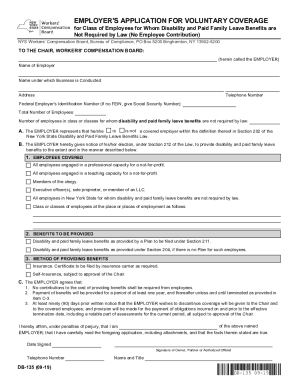
Db 135 form
Alaska public contracts form

North carolina

Texas eyewash

Aetna reimbursement forms form
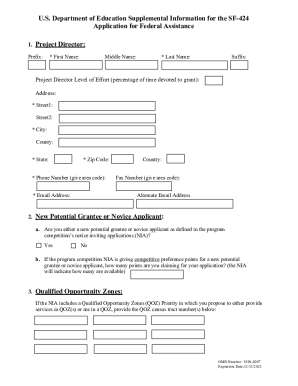
Supplemental sf 424 pdf

Withdrawals tsp
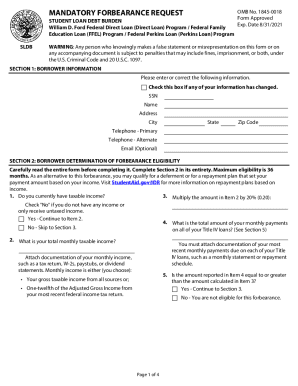
Forbearance request form

Application leave file
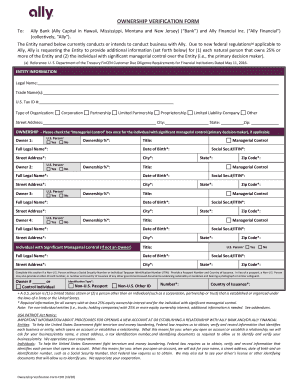
Ownership verification form
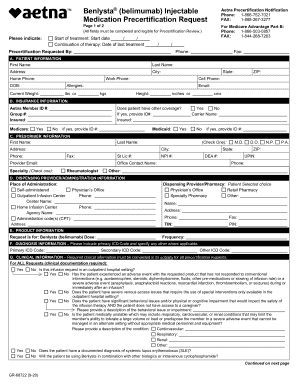
2020 aetna gr 68722 injectable
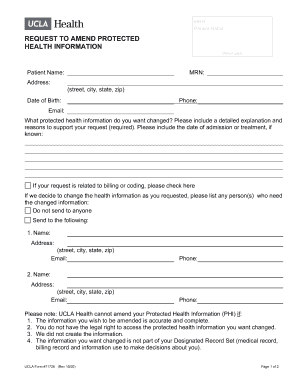
Please include a detailed explanation and
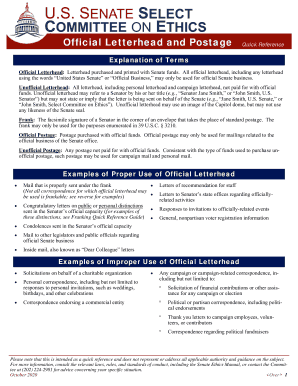
Letterhead funds
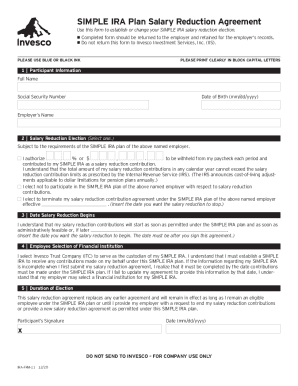
Edward jones simple ira contribution transmittal form
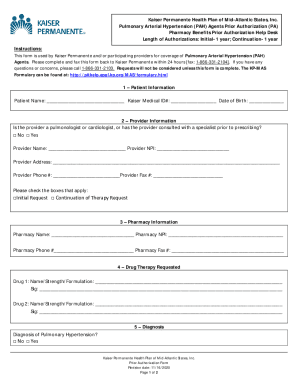
Prior Authorization (PA) Form for Pulmonary Arterial Hypertension (PAH) Agents. Prior Authorization (PA) Form for Pulmonary Arterial Hypertension (PAH) Agents
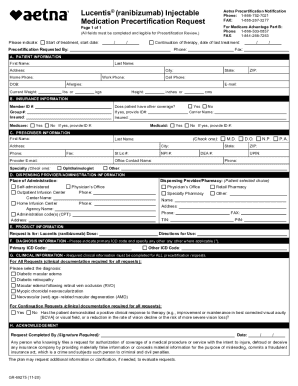
8667527021
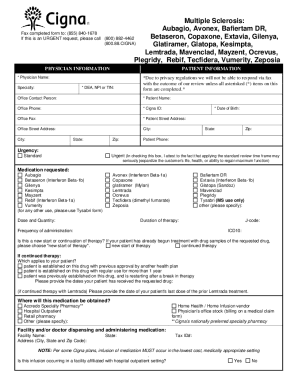
2020 multiple

Release of iwk
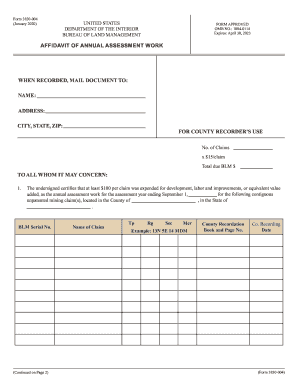
Affidavit work
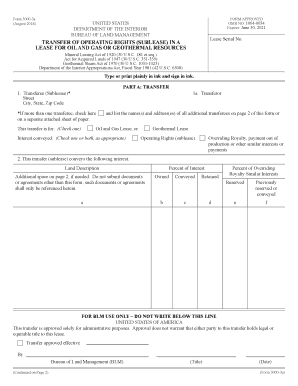
3000 3a form
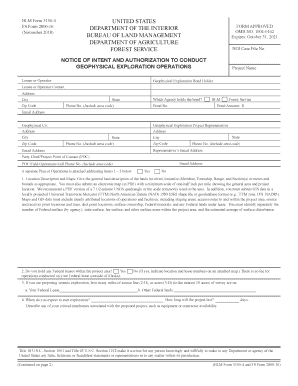
3150 bureau form

Di 3457

ULAM Germ-Free Mouse Facility User Request Form

Doctors claim form
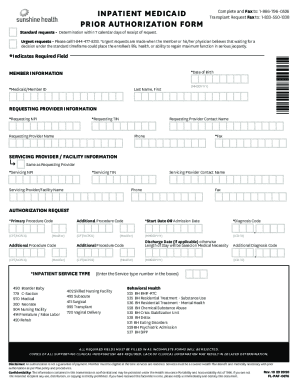
Florida prior authorization form

Bill insurance form

University health system form
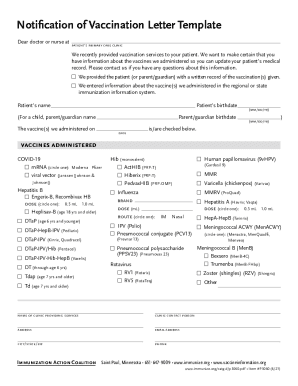
Immunization letter
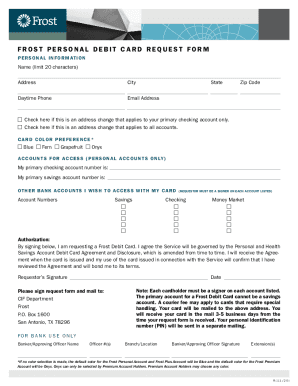
Atm request form
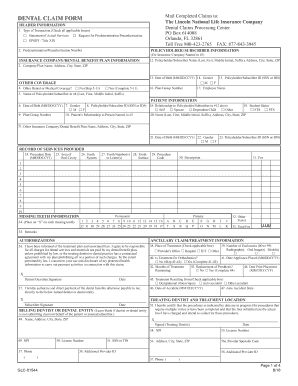
Form claim lincoln
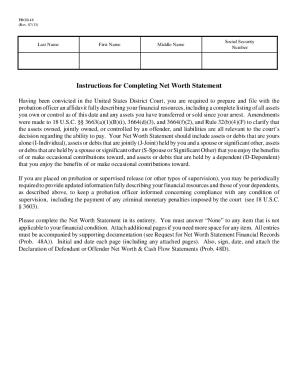
Monthly statement probation
Benefit from the DocHub online library of fillable PDF forms
Searching the PDF forms doesn't have to be a tedious and time-consuming process. With the DocHub online library, it has become easier to find the fillable PDF forms and modify them in your browser. The service allows you to adjust the document to your needs using powerful editing tools.
You can use online document editing features to modify almost any type of document with ease. You just need to find the template of your choice, open it in the editor, and use the toolbar to make the necessary corrections.
Follow this guide to get your document done with DocHub:
- Find the PDF template you need.
- Click the Get Form button to open the file in the editor.
- Use the toolbar to fill out and edit the document.
- Easily add and highlight text, insert images, checkmarks, and symbols.
- Drop new fillable fields, and rearrange or delete pages from your file.
- Save changes and download your record.
DocHub empowers everyone to streamline document editing, signing, and distribution, and form completion. Create an account and benefit from our well-organized PDF Forms library and comprehensive editor.