
Get any PDF form from the DocHub library of ready-made templates - Page 1322
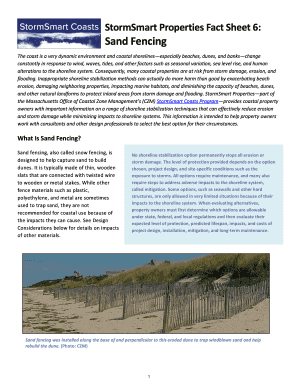
Properties fact sand

Adem form 166
Ahead program project
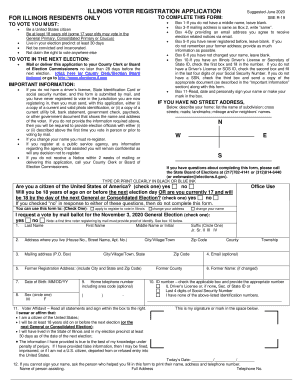
Illinois form application
Illinois offense

Illinois dom information act form

Architect Law Review - WA State Licensing (DOL) Official ...

Svangerskapspenger skjema

Copyright gov forms

Puoliso kansalainen pdf
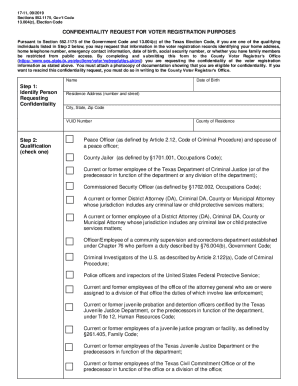
ELECTION CODE TITLE 2. VOTER QUALIFICATIONS AND ...
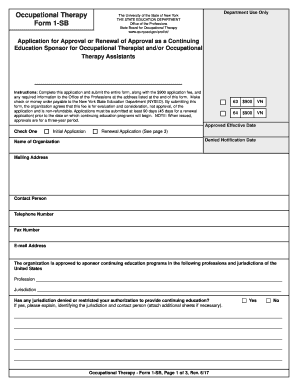
OT/OTA Form 1 - NYS Office of the Professions - New York State ...
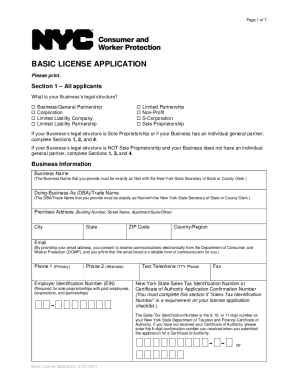
Basic license application

Professional Endorsement Recommendation Form - Idaho ...
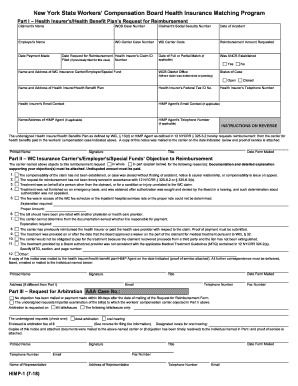
Employee Claim - Workers' Compensation Board - NY.gov

VA Form 40-1330M 2017-2021 - Fill and Sign Printable ...
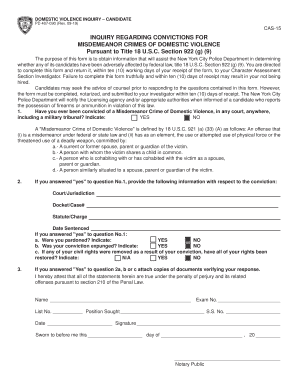
Pd 15 inquiry form pdf

Illinois corporaciones form
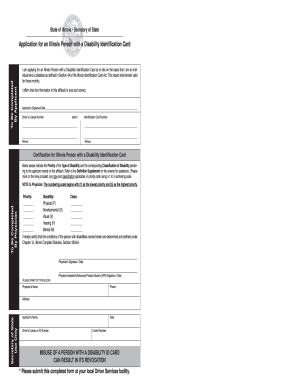
Illinois identification
Form 616-GC3T
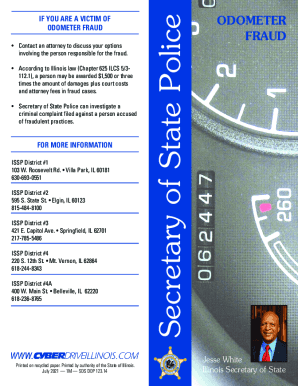
Illinois issp state
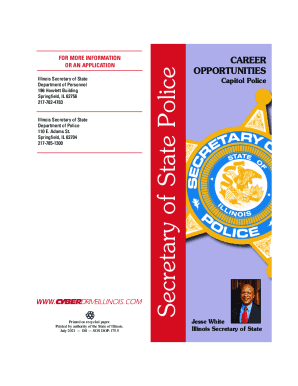
Il sos police
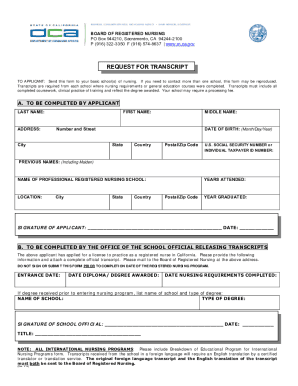
California rn endorsement
District form tceq

Pwd 504
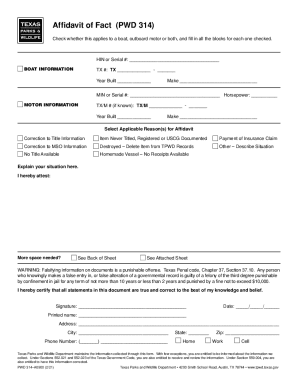
Pwd 314

Sport Coaches - Anne Arundel County, Maryland

Veterans home of california application

Olcc special events
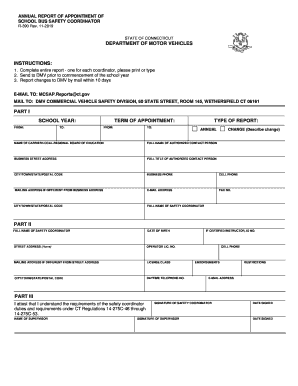
R 390 bus
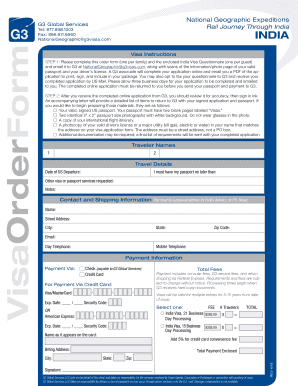
Salve, ,

Au john memorial fellowship
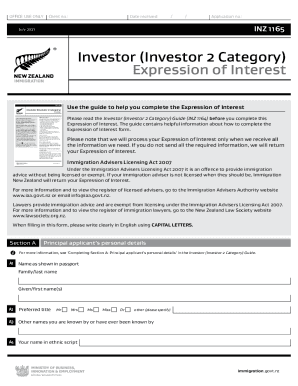
Category expression interest form
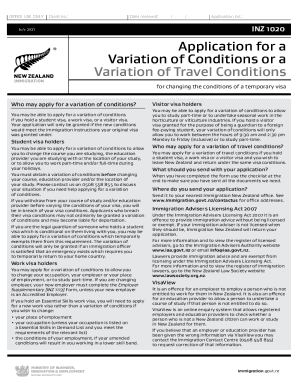
Inz 1020

Agos general international
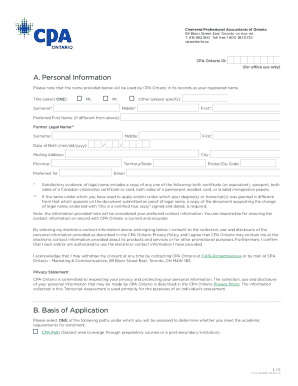
Cpa ontario assessment
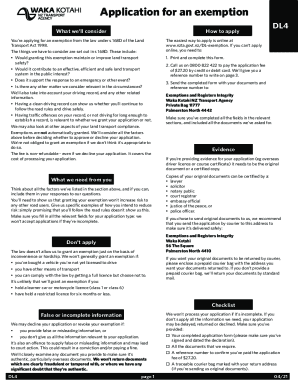
New zealand exemption form
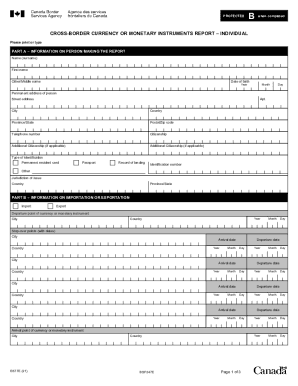
E677 form
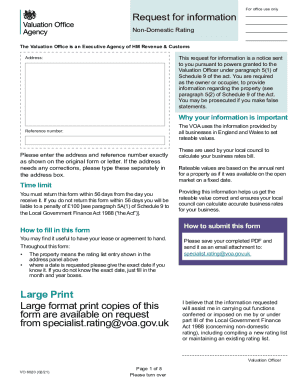
Vo 6020
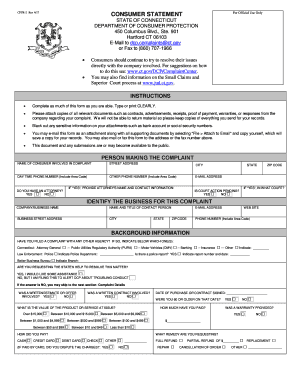
CPFR-2 Rev 4/17
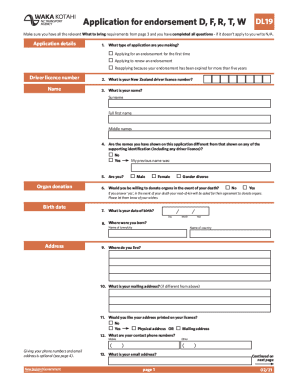
Dl9 form

Inz 1176

Queensland d2 2

Pwgsc
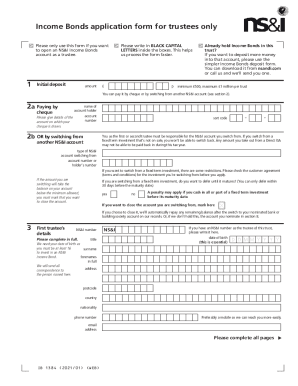
Income Bonds trustee application form - NS&I
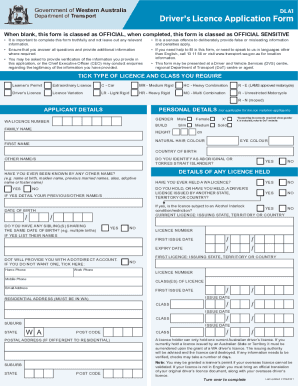
Wa transportation mdl
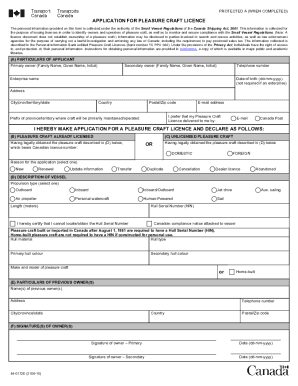
84 0172e

A-4 /210521
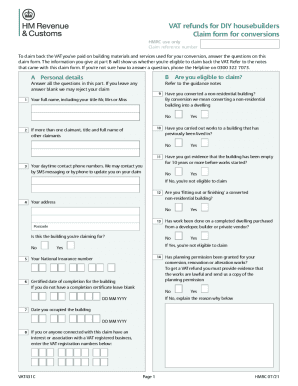
Form vat431c

Msf 4210
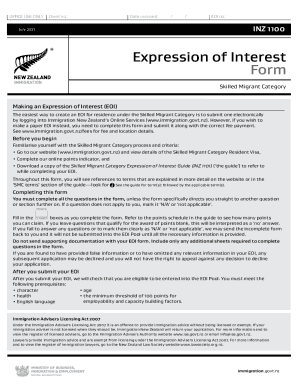
Expression of interest template nz
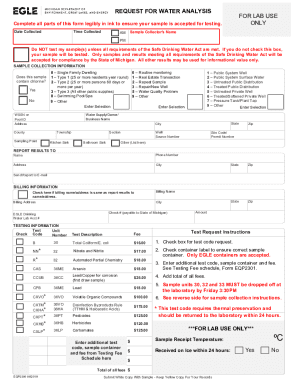
Eqp2300
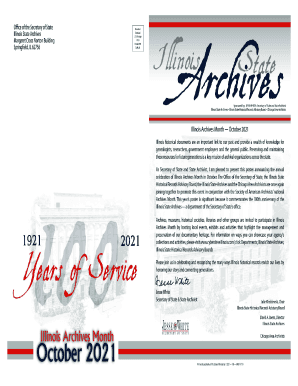
Illinois your history

Texas rc 4a
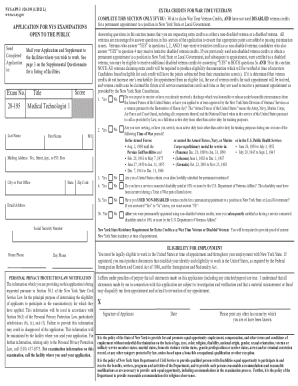
Nys 195 application public
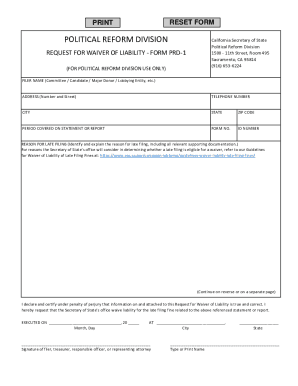
California request waiver liability form
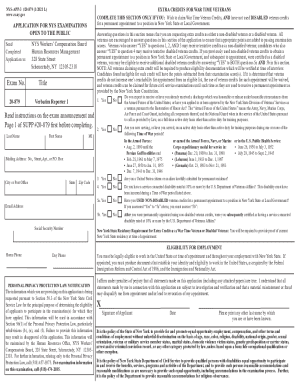
APPLICATION FOR NEW YORK STATE EXAMINATIONS OPEN TO THE PUBLIC

Rc 226 1 form

Fin506 app license
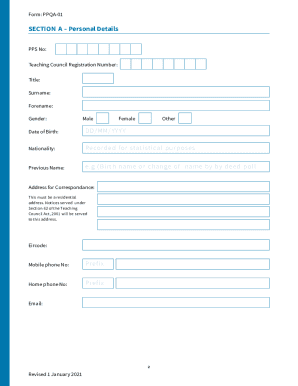
Form ppqa
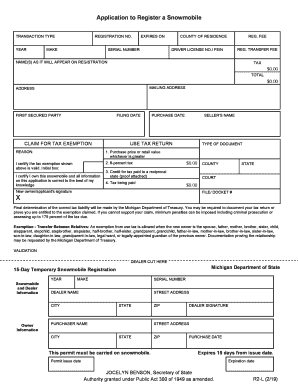
Vehicle Title and Registration Application - IndividualTR-11L. Title and Registration Application
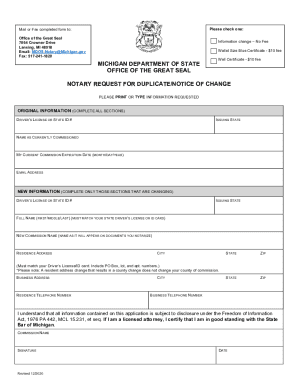
State of michigan notary form" Keyword Found Websites ...
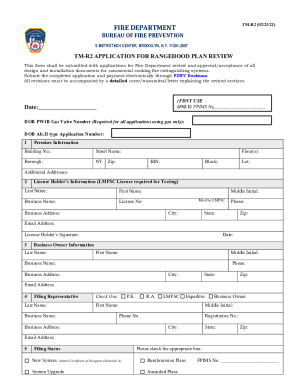
Get the free PDF FIRE DEPARTMENT - NYC.gov - DocHub

Affidavit of Net Worth (Child Support) - Forms Archive

Use this form to provide personal history information for each individual who qualifies as an applicant for a
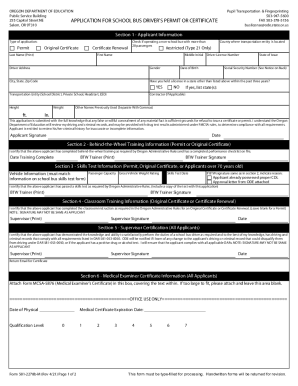
Oregon Department of Education : School Bus Forms : Pupil ...

ASN4 Asbestos Waste Shipment Reporting Form - Oregon

Vat 58 form
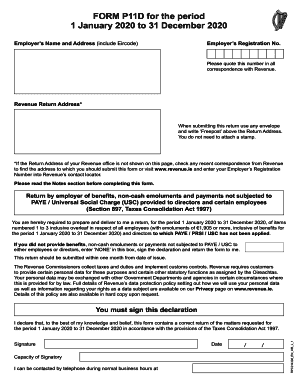
P11 form 2022

Fillable Online Individual Flexible Purchase Payment Variable ...
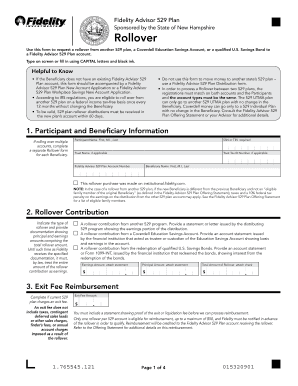
Fidelity 529 plan form
Illinois c corporaciones

Florida class g license
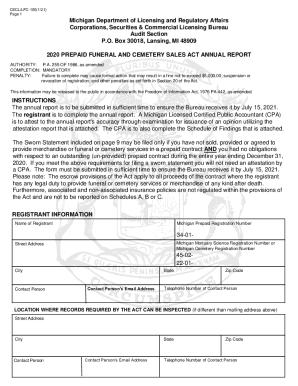
Michigan 100 annual form

PDF ApplyTexas Application US Freshman Admission - College For All ...

Fill In Form 2a Madison Wisconsin - Fill and Sign ...
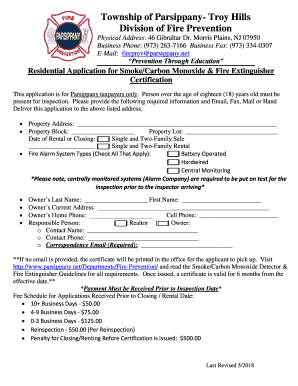
Parsippany troy hills smoke

T 02 form

Pre registration cemetery interment application form
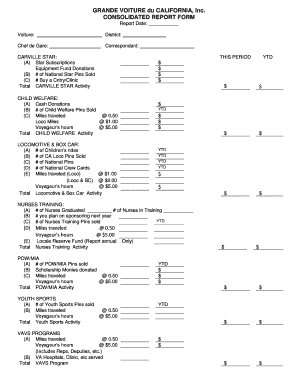
The cafortyandeight
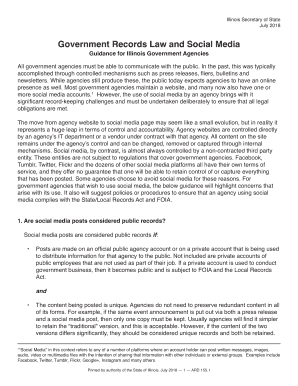
Social record illinois form
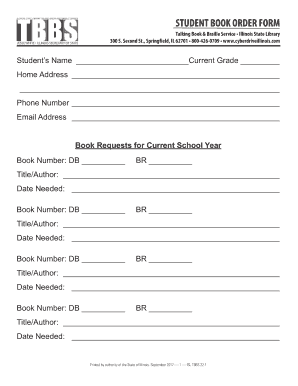
Illinois book order form

Michigan uia power
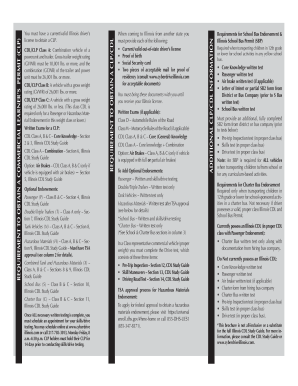
Cdl 13

Sce com carerecert

Variance/Appeal Request Application
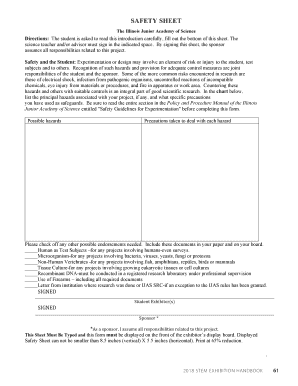
Safety sheet science fair
79 1151a 02 form

Telephone: (603) 227-4000 Relay NH (7-1-1)

Oregon Driver & Motor Vehicle Services

OBL337 Occupational License (Salesperson) Packet
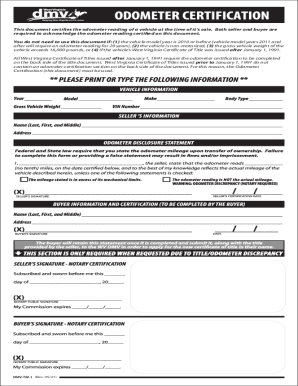
DMV-TM-1OdometerDisclosureStatement
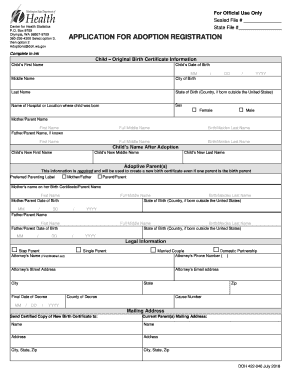
Sealed File #
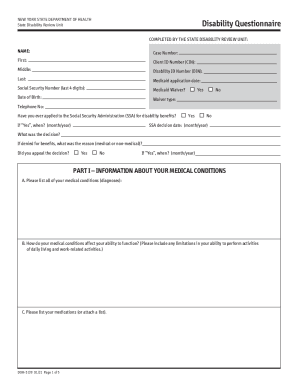
Doh 5139

OPWDD DDRO Manual

Fill in buy the adopted person's - Minnesota Department of Health

LIMITED SCOPE X-RAY OPERATORS

Death Certificates - Minnesota Dept. of HealthDeath Certificates - Minnesota Dept. of HealthPhysicians' Handbook on Medical Certification of Death (4/2003)Physicians' Handbook on Medical Certification of Death (4/2003)
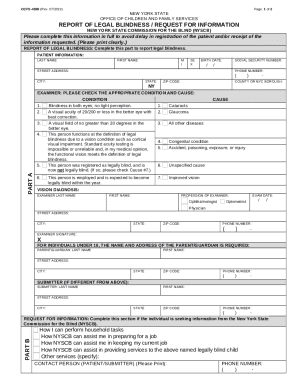
Nys legally blind form
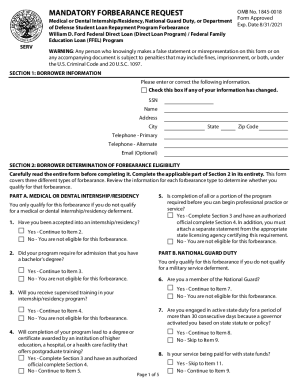
Mandatory forbearance student loan
Benefit from the DocHub online library of fillable PDF forms
Searching the PDF forms doesn't have to be a tedious and time-consuming process. With the DocHub online library, it has become easier to find the fillable PDF forms and modify them in your browser. The service allows you to adjust the document to your needs using powerful editing tools.
You can use online document editing features to modify almost any type of document with ease. You just need to find the template of your choice, open it in the editor, and use the toolbar to make the necessary corrections.
Follow this guide to get your document done with DocHub:
- Find the PDF template you need.
- Click the Get Form button to open the file in the editor.
- Use the toolbar to fill out and edit the document.
- Easily add and highlight text, insert images, checkmarks, and symbols.
- Drop new fillable fields, and rearrange or delete pages from your file.
- Save changes and download your record.
DocHub empowers everyone to streamline document editing, signing, and distribution, and form completion. Create an account and benefit from our well-organized PDF Forms library and comprehensive editor.