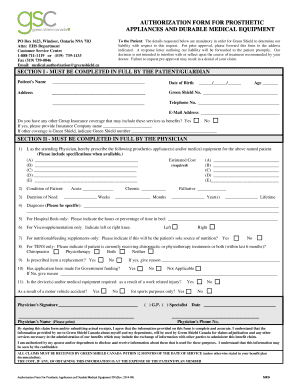
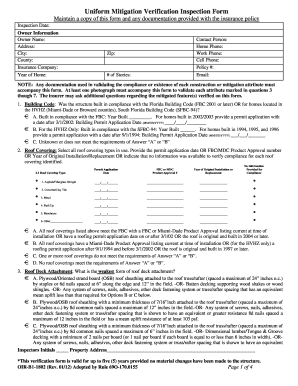
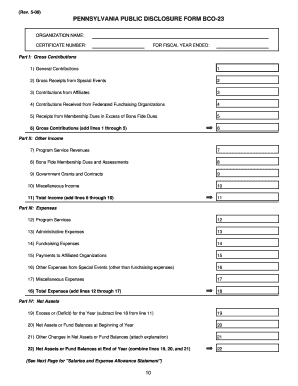
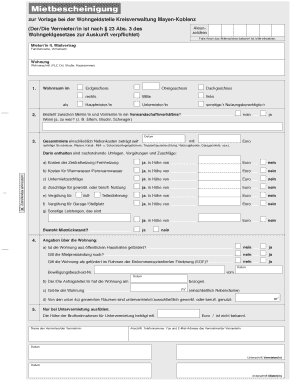
Please include a detailed explanation and 2026

Get Form
Please include a detailed explanation and Preview on Page 1

Here's how it works

01. Edit your form online
Type text, add images, blackout confidential details, add comments, highlights and more.
02. Sign it in a few clicks
Draw your signature, type it, upload its image, or use your mobile device as a signature pad.
03. Share your form with others
Send it via email, link, or fax. You can also download it, export it or print it out.

How to Use or Fill Out the Request to Amend Protected Health Information Form

Form edit decoration
9.5
Ease of Setup
DocHub User Ratings on G2
9.0
Ease of Use
DocHub User Ratings on G2
  1. Click ‘Get Form’ to open it in the editor.
  2. Begin by entering your MRN (Medical Record Number) and Patient Name at the top of the form. This information is crucial for identifying your records.
  3. Fill in your Address, Date of Birth, Phone, and Email. Ensure all details are accurate to avoid any delays in processing your request.
  4. In the section asking for changes to your protected health information, provide a detailed explanation of what you want changed and why. Include any relevant dates of admission or treatment.
  5. If applicable, check the box related to billing or coding requests. This helps clarify the nature of your amendment request.
  6. List any individuals who need to receive the amended information if your request is approved. Provide their names, addresses, emails, and phone numbers as required.
  7. Sign and date the form at the bottom. If someone else is signing on your behalf, indicate their relationship to you.
  8. Once completed, return the form via mail, fax, or email as specified in the instructions provided on the document.

Start using our platform today for free to streamline your document editing and submission process!

See more Please include a detailed explanation and versions

We've got more versions of the Please include a detailed explanation and form. Select the right Please include a detailed explanation and version from the list and start editing it straight away!
Versions Form popularity Fillable & printable
2020 4.8 Satisfied (82 Votes)
2014 4.3 Satisfied (116 Votes)
be ready to get more

Complete this form in 5 minutes or less

Get form

Got questions?

We have answers to the most popular questions from our customers. If you can't find an answer to your question, please contact us.
Contact us

You need to use only trustworthy software solutions with strong data protection compliance to approve your paperwork electronically. DocHub is just the type of software you need! It stores data on Amazon Web Servers and complies with all essential security requirements and eSignature regulations, so it’s a reliable way to electronically sign your Please include a detailed explanation and or other documents using this tool.

In addition to an extensive toolset for editing PDFs on mobile phones, DocHub enables you to sign your Please include a detailed explanation and along the way. Open our editor in your web browser, make changes using DocHub’s toolset, and finish your editing by eSigning the completed form.

Methods of phrasing how to ask for more detailed instructions professionally Open-Ended Questions: Could you provide more details on Requesting Examples: Could you share some examples to illustrate Clarifying Assumptions: To ensure that Im on the right track, could you confirm
Use a polite and respectful tone to maintain professionalism and courtesy. Reiterate your request and provide any additional information that may be necessary to clarify your needs. Give the recipient a clear call to action and a specific deadline for response to encourage timely action.
In formal letters or emails, direct questions are rarely used; you should use indirect questions. I would be grateful if you could tell me I would appreciate it if you could tell me I would like to know I was wondering if you could tell me Would you mind telling me? Could you tell me?

Security and compliance

At DocHub, your data security is our priority. We follow HIPAA, SOC2, GDPR, and other standards, so you can work on your documents with confidence.

Learn more
ccpa2
pci-dss
gdpr-compliance
hipaa
soc-compliance
be ready to get more

Complete this form in 5 minutes or less

Get form

People also ask

(ekspləneɪʃən ) countable noun B1. If you give an explanation of something, you give details about it or describe it so that it can be understood.
use straightforward, polite language; focus the conversation on your information request; work with the organisation to identify the information you need and where they can find it; and.
7 professional ways to ask someone to explain something in Could you please clarify this for me? Would you mind elaborating on that point? Id appreciate it if you could shed some light on this matter. Can you walk me through this concept? Might I ask for further explanation on this topic?

Related links