
Get any PDF form from the DocHub library of ready-made templates - Page 1321

Hhs 22
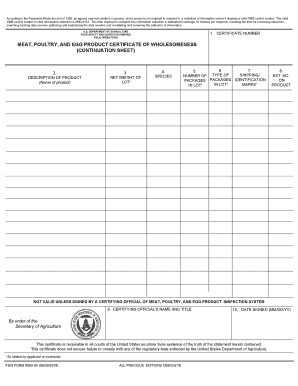
Continuation sheet - USDA Food Safety and Inspection Service

You are being asked to complete this form as part of your membership in a Group Protection policy
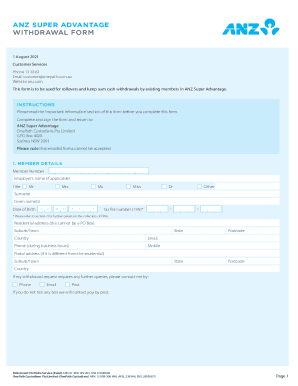
Anz withdrawal form
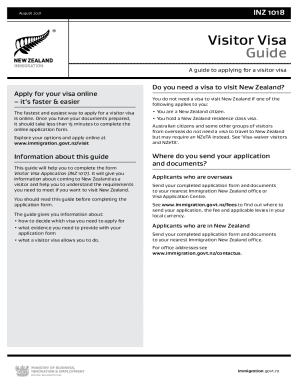
Inz 1018

Form f3712
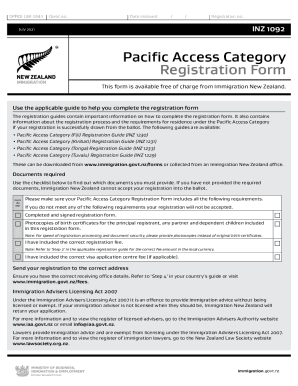
Nz pac

Form rp6
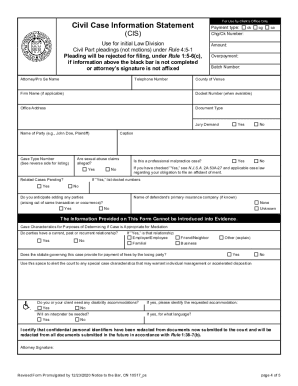
New jersey complaint

Ct dmv abandoned vehicle form

Il disabled veteran license plates

Ct p 40

Ct composite vehicle

Ca facts identity template

Oregon boat title
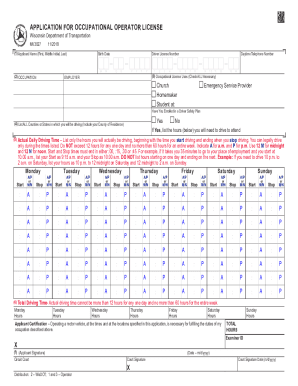
Mv3027

Ir002
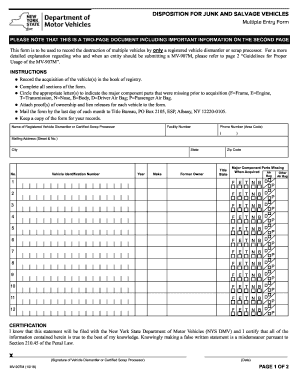
Vehicle processor registered printable
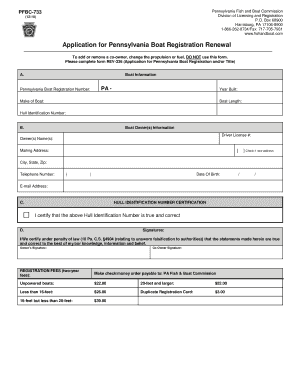
Pa application boat registration renewal
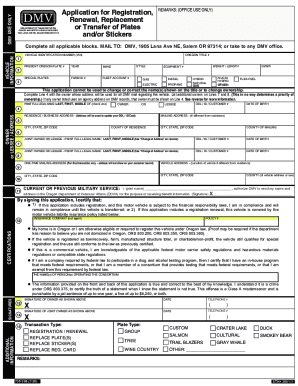
Oregon dmv registration renewal

Form mv 552a
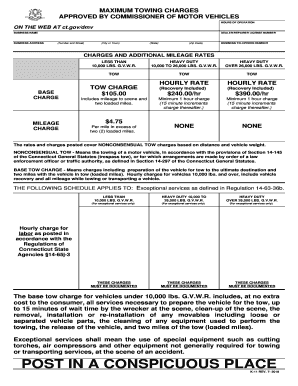
Ct k 11
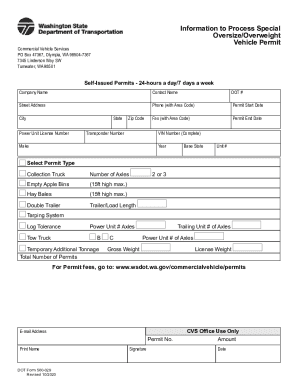
Dot form 560
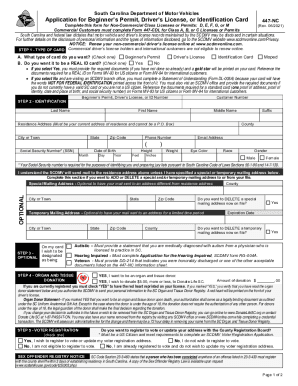
Scdmv form 447 nc
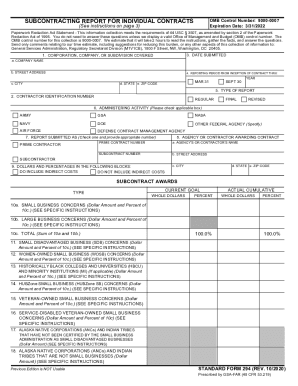
Sf294
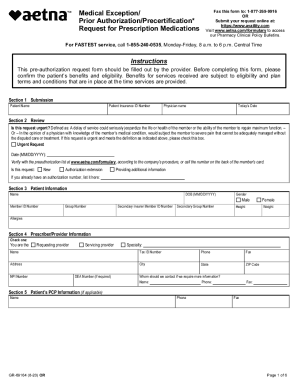
Medical exception request form
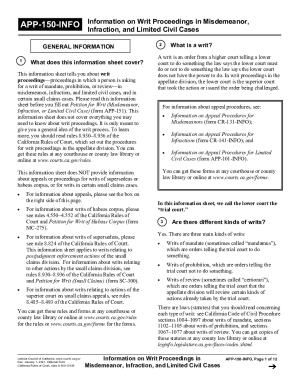
Information writ
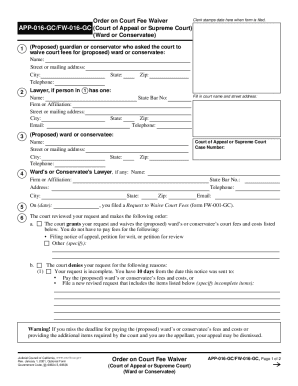
Order on Court Fee Waiver APP-016-GC/FW-016-GC(Court of ...
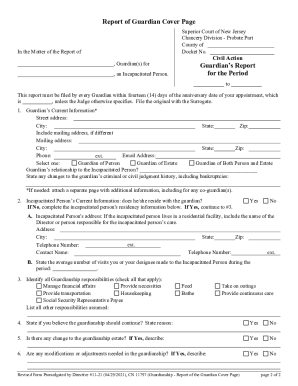
Nj guardianship guardian
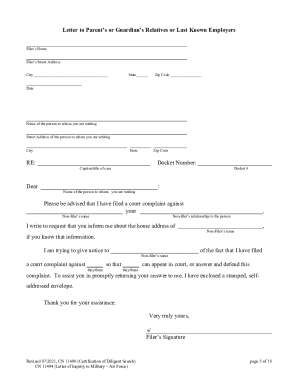
Inquiry diligent certification
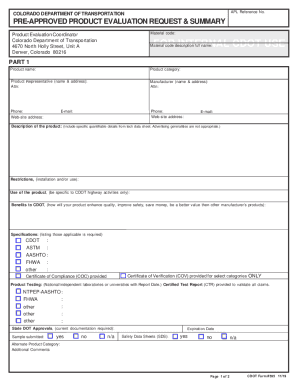
Cdot 595 pre approved form
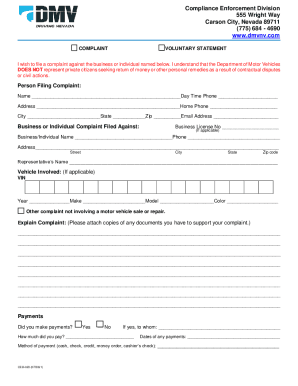
Nevada enforcement form
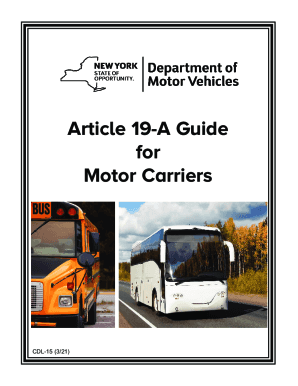
Dmv 19a forms

Txdmv please example form
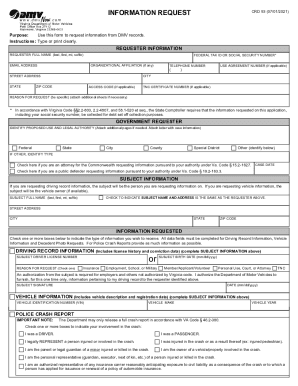
Virginia crd93 dmv
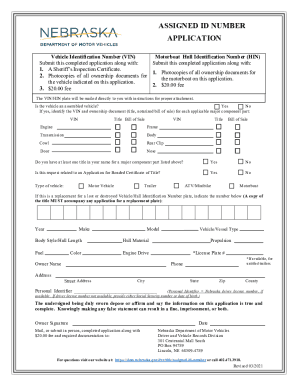
Motorboat Hull Identification Number (HIN)

Or 735 request dmv form
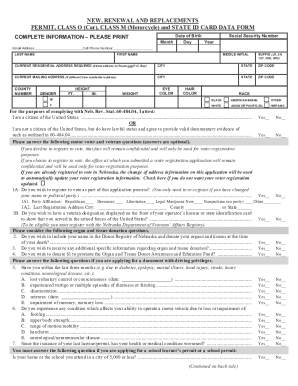
NEW, RENEWAL AND REPLACEMENTS PERMIT, CLASS O (Car), CLASS ...

Dl5 form

Dl100cd
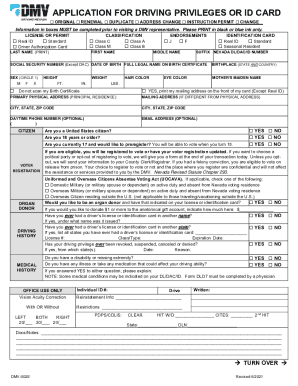
Nevada dmv form

Pa 704 form
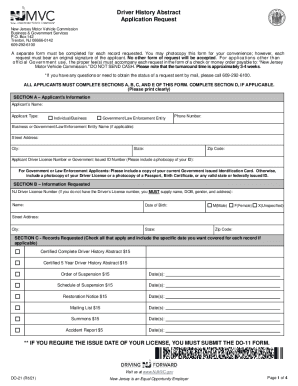
Nj motor vehicle driver abstract
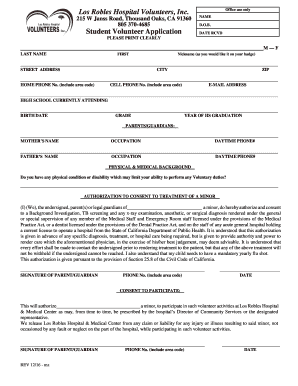
Los robles hospital volunteer
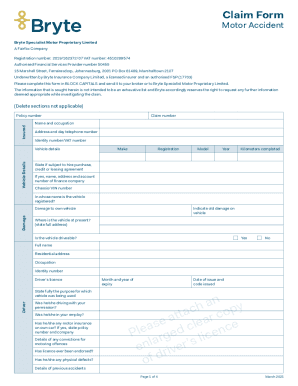
Bryte insurance claim form
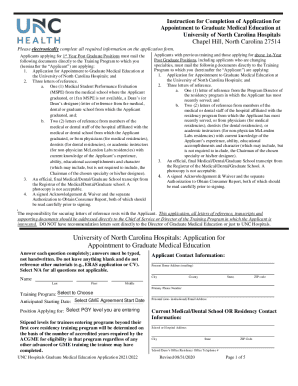
Certificate Program in General Practice Residency - Adams ...
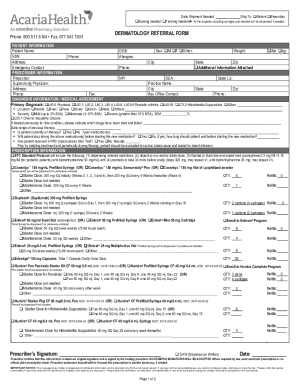
Acaria Health - IVIG Home Infusion Referral Form
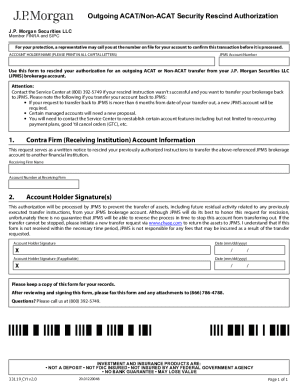
Outgoing ACAT/Non-ACAT Security Rescind ... - Chase.com
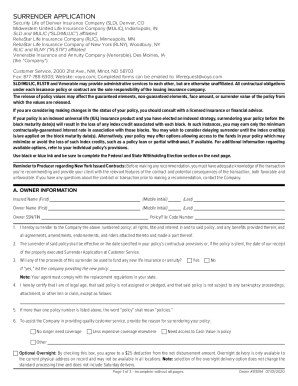
Voya surrender form
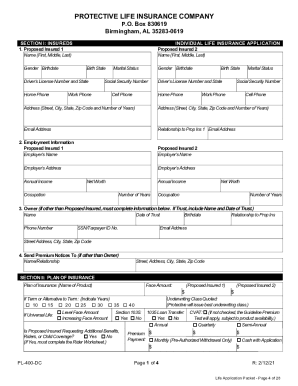
Protective Life and Annuity Insurance Company INDIVIDUAL ...
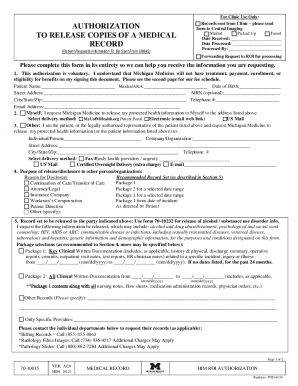
Release record edit
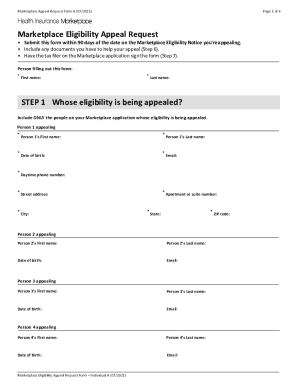
Appeal form for unemployment

Standard form 28
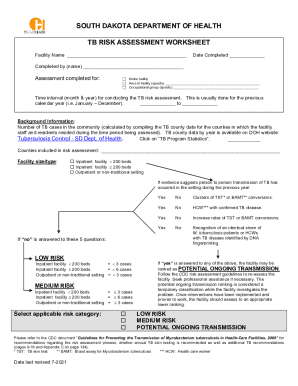
Appendix B. Tuberculosis (TB) risk assessment worksheet

Delaware birth certificate application pdf

State of Illinois Department of Human Services 1 (PERMANENT)
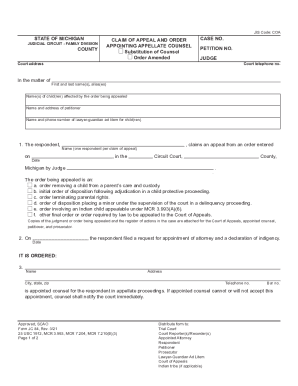
STATE OF MICHIGAN JUDICIAL DISTRICT AFFIDAVIT AND CLAIM Small ...
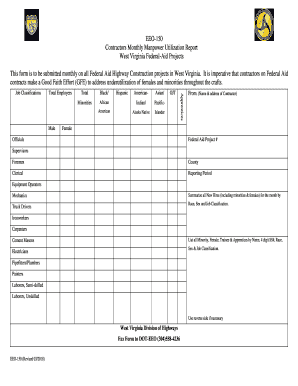
Manpower report template
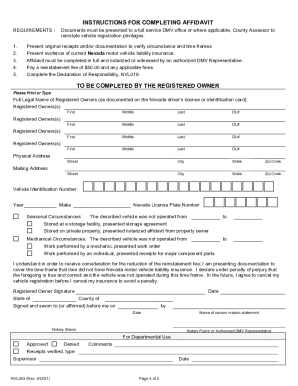
Dormant Vehicle Affidavit (NVL 003) - DMV
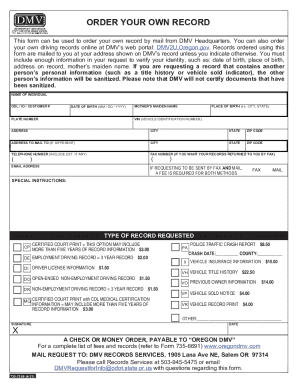
HOW TO REQUEST A DMV RECORD - OregonDriving RecordsDMV.comOregon Driving RecordsDMV.ORGCalifornia Driving Records & DMV License RecordsDMV.ORG
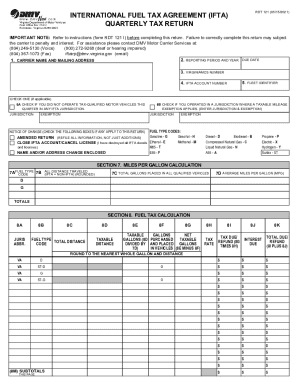
Ifta virginia

Mv11 form

West Virginia Division of Motor VehiclesDepartment of Motor VehiclesVirginia.govApplication for Certicate of TitleVirginia Department of Motor Vehicles
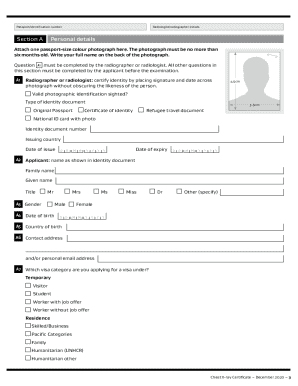
Inz 1096

MT MHSA Pre-Participation Physical Exam Form

Wi natural resources 9400
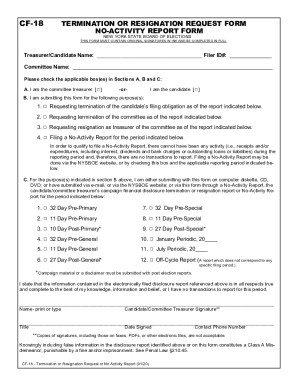
Cf 18 no activity
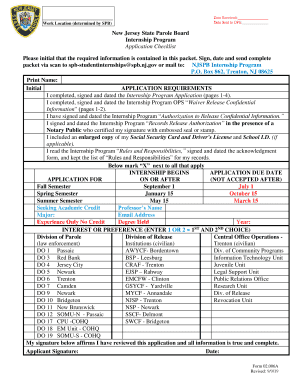
New jersey internship state parole board
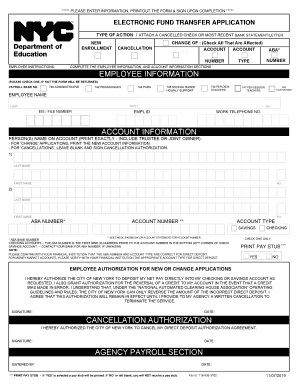
Doe direct deposit
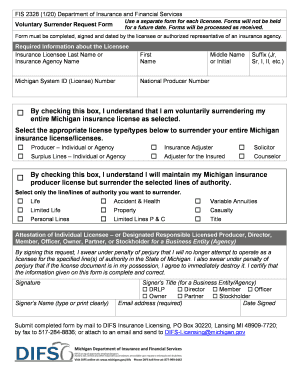
Fis2328
St johns county notice of commencement
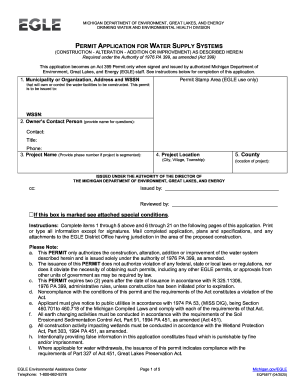
Michigan permit application water
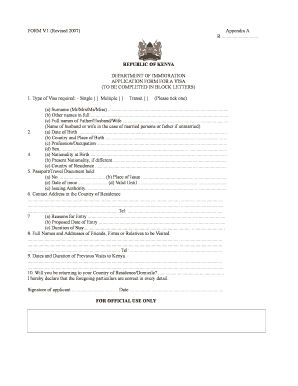
Kenya form application visa pdf
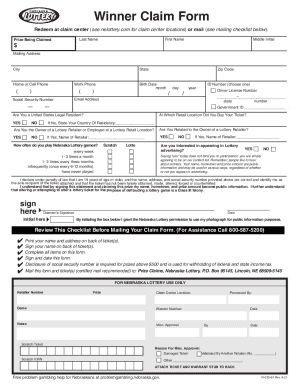
Nebraska lottery claim form
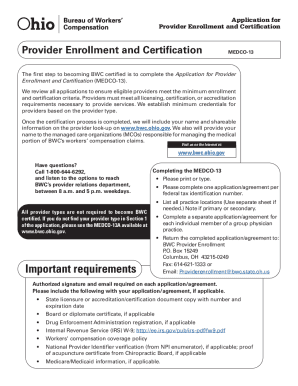
Medco 13
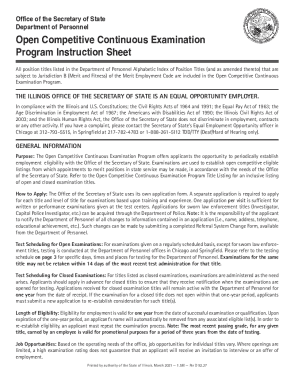
Illinois continuous form

Employer assurance form
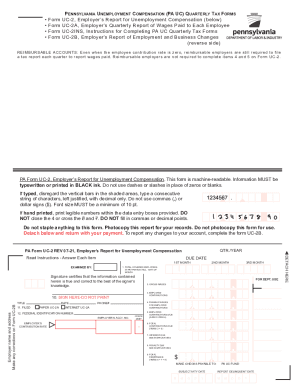
Pa uc form unemployment
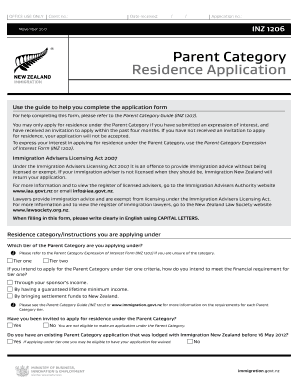
Inz1206
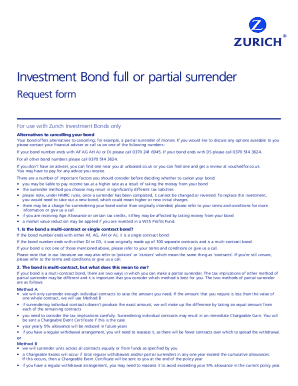
Get the free Full or Partial Surrender Request Form ...

Pilotage Exemption Ceritifcate application form. MSF055 - Pilotage Exemption Ceritifcate application form
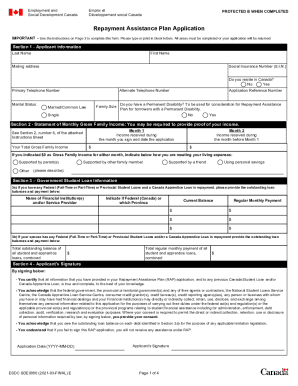
Employment and Social Development Canada - Canada.caEmployment and Social Development Canada - Departmental ...Ministry of Social Development and Poverty Reduction ...Employment and Social Development Canada - Canada.ca
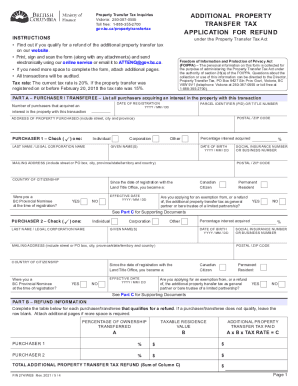
Bc probate forms
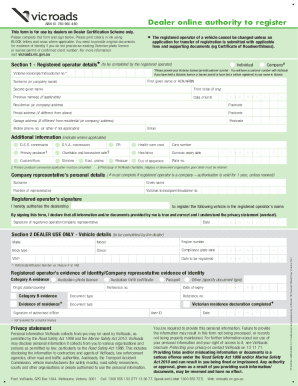
Dealer online authority to register
The Office of Vital Statistics - Cabinet for Health and Family Services

Hart beat 24 edit

Caa 2129

Dnr 542 turtle

Uk eto form

Australia booked hire service licence

Bus Travel Assistance Safety Net Application Form

Application msp british columbia

British columbia msp group
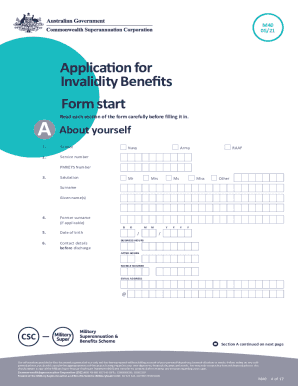
M40 form
Business entity disclosure
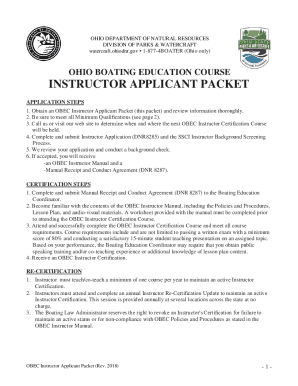
Obec instructor
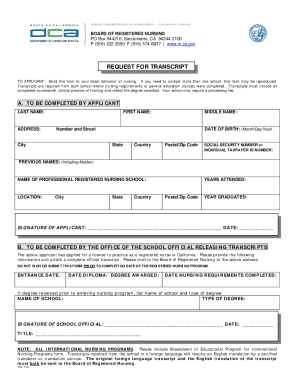
California transcript form
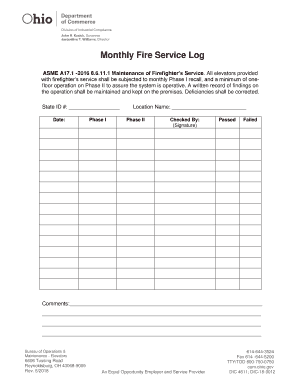
Monthly elevator log

To Self-Insurers Providing Benefits
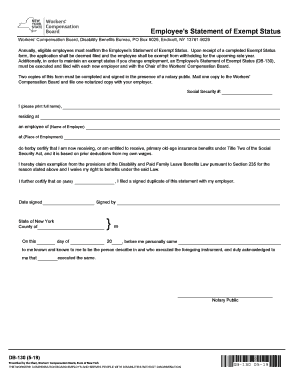
Ny statement exempt
Benefit from the DocHub online library of fillable PDF forms
Searching the PDF forms doesn't have to be a tedious and time-consuming process. With the DocHub online library, it has become easier to find the fillable PDF forms and modify them in your browser. The service allows you to adjust the document to your needs using powerful editing tools.
You can use online document editing features to modify almost any type of document with ease. You just need to find the template of your choice, open it in the editor, and use the toolbar to make the necessary corrections.
Follow this guide to get your document done with DocHub:
- Find the PDF template you need.
- Click the Get Form button to open the file in the editor.
- Use the toolbar to fill out and edit the document.
- Easily add and highlight text, insert images, checkmarks, and symbols.
- Drop new fillable fields, and rearrange or delete pages from your file.
- Save changes and download your record.
DocHub empowers everyone to streamline document editing, signing, and distribution, and form completion. Create an account and benefit from our well-organized PDF Forms library and comprehensive editor.