
Able work Order Forms
Boost productivity with our customizable Able work Order Forms templates. Edit and customize forms to fit your specific business requirements in just a few clicks.

Create a new Able work Order Form
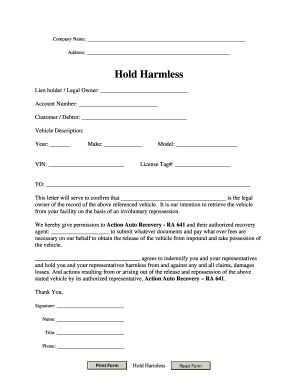
Repo order form
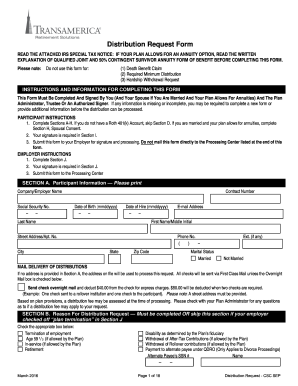
Transamerica 401k withdrawal form
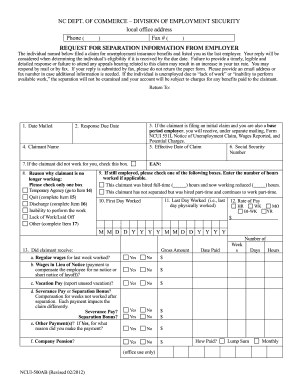
Nc clm 500ab

Screen printing order form template
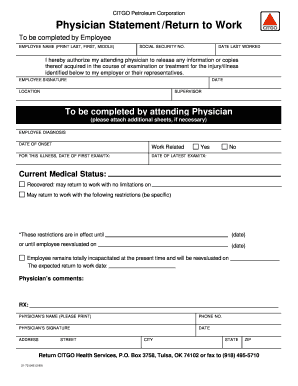
Printable return to work form pdf
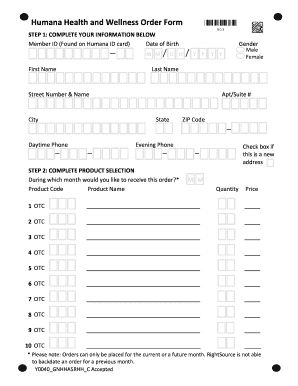
Humana otc

Dollar tree job application online pdf

Work form alberta

Workers permit missouri
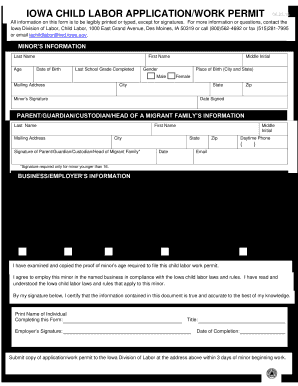
Iowa work permit form
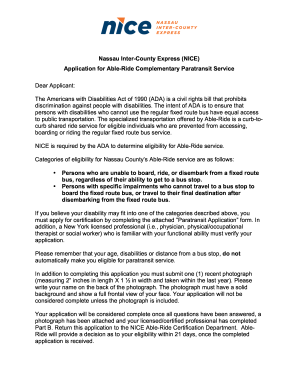
Able ride

New zealand new employment
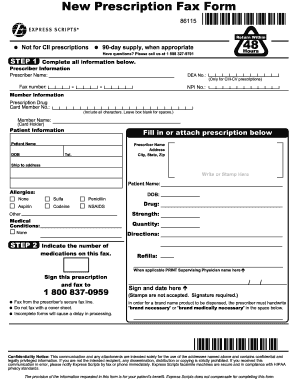
Order forms for express scripts
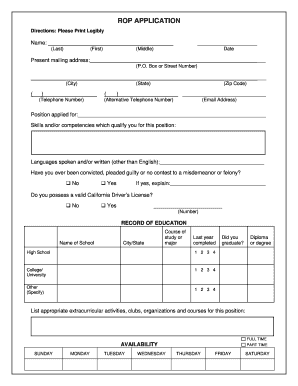
Job application availability

Work permit california
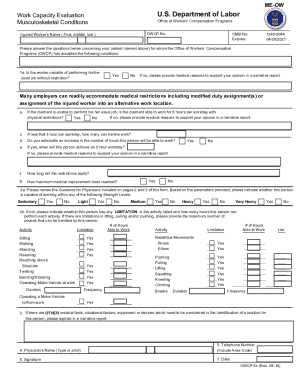
Owcp 5c
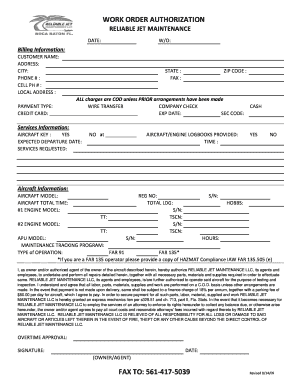
Work order authorization
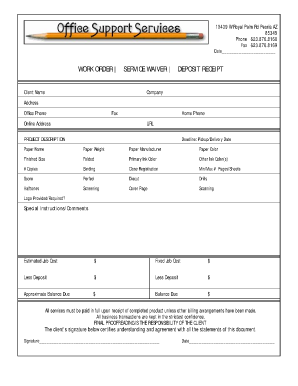
Job order receipt
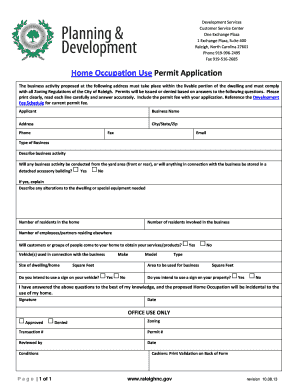
Print work permit application

Repairs form
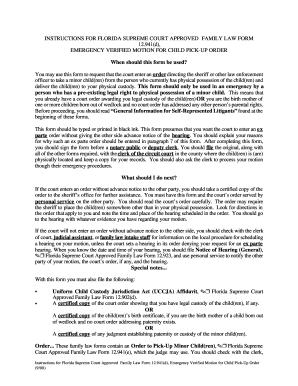
Emergency Verified Motion for Child Pick-Up Order - Forms - divorceline
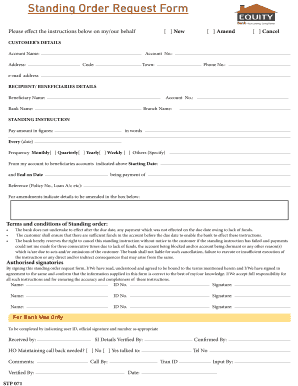
Equity bank standing order
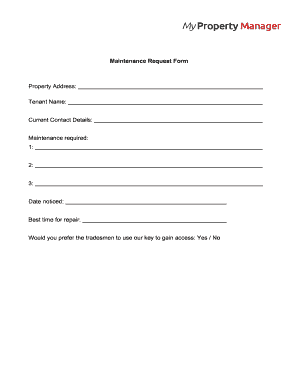
Download Maintenance Request Form PDF
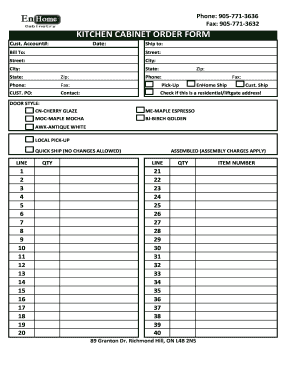
Kitchen cabinet order form
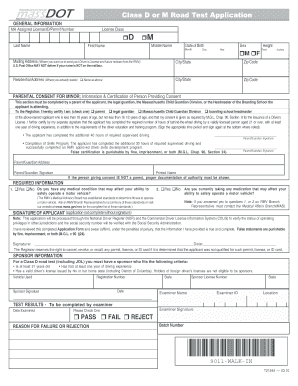
Class D or M Road Test Application - mhdautoschool
CHANGE ORDER - Roof Monitor

Money order research request form
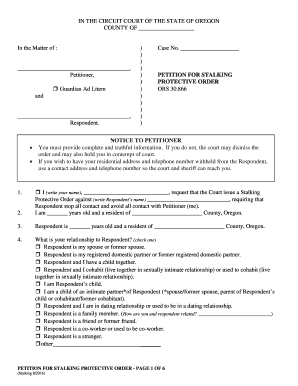
Oregon petition protective
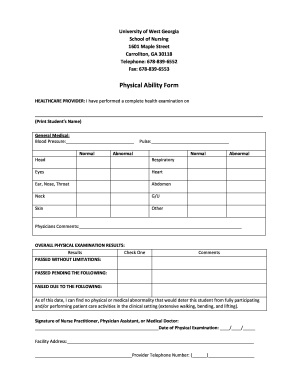
Ability form

Workability form
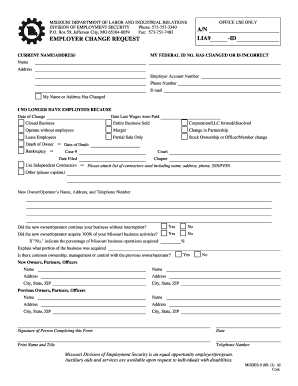
Employer change request missouri
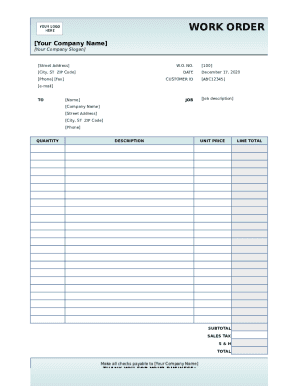
Work order template form
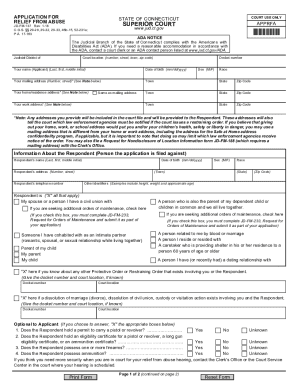
Restraining order forms ct
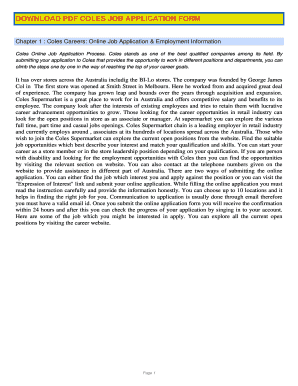
Coles job application form pdf
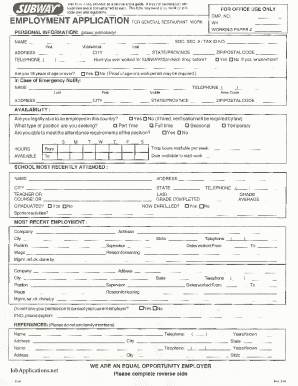
Subway Job Application Form
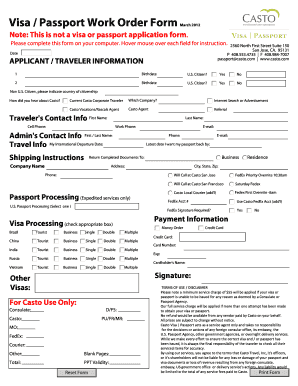
Visa Passport Work Order Form - Casto Travel
-
1
- 2
Transform your form management with Able work Order Forms
Your workflows always benefit when you can easily obtain all of the forms and files you require on hand. DocHub supplies a a large collection templates to ease your day-to-day pains. Get a hold of Able work Order Forms category and quickly browse for your form.
Start working with Able work Order Forms in several clicks:
- Open Able work Order Forms and get the document you need.
- Click on Get Form to open it in the editor.
- Start adjusting your file: add fillable fields, highlight paragraphs, or blackout sensitive details.
- The app saves your changes automatically, and once you are all set, you are able to download or share your form with other contributors.
Enjoy smooth form managing with DocHub. Explore our Able work Order Forms online library and discover your form today!
Video Guide on Able work Order Forms management

Commonly Asked Questions about Able work Order Forms
What are included in the work order form?
A work order is a document that provides all the information about a maintenance task and outlines a process for completing that task. Work orders can include details on who authorized the job, the scope, who its assigned to, and what is expected.
How to write work order format?
You should include the following information in your work order letter: Company name. Start with your company name, typically in one of the upper corners. Company address. Below the company name, include your address. Work order number. Work order title. Work order description. Priority level. Work location. Workers name. How to Write a Work Order Letter - UpKeep UpKeep learning write-a-work-order-letter UpKeep learning write-a-work-order-letter
How do you plan a work order?
What to include in a work order Clear, step-by-step instructions. Equipment diagrams and manuals. A priority level for the task. Location details. A list of any tools or equipment the maintenance technician will need. A list of any special skills required. Details on the authorizing party. What Is a Work Order? Tips Best Practices - Limble CMMS Limble CMMS blog work-order Limble CMMS blog work-order
How is a work order created?
These phases can be broken down into six steps, including task identification, requesting a work order, scheduling the work order, assigning and completing the work order, documenting and closing the work order, and analyzing the work order to help improve the process for next time. What is a work order? Six steps for the perfect work order - Fiix Fiix blog work-order Fiix blog work-order
What is a work order example?
For example, a manager of an apartment complex may receive work requests from their tenants for maintenance work to be done. They issue work orders based on those requests and assign them to their crew. What is a Work Order? | UpKeep UpKeep learning work-order UpKeep learning work-order
How to create a work order format in Word?
How to create a work order template in Word Step 1: Open Microsoft Word. Open Microsoft Word on your computer. Step 2: Set Page Layout. Step 3: Create the Header. Step 4: Title and Work Order Information. Step 5: Task Details. Step 6: Assignment Section. Step 7: Communication Section. Step 8: Approval and Completion.
How to make a work order form?
A standard work order template includes: Work order number: A unique identifier for the service ticket. Contact name: The name of the person requesting the work. Contact information: The requestors contact information. Description of work: A description of the work that needs to be done.
How do I create a work order program?
Eight Steps to Creating a Work Order Management Process Understand and Implement the Right Maintenance Plan. Evaluate Paper vs. Implement CMMS Software. Create Work Orders for All Tasks. Use SOP Templates. Prioritize Work Orders. Automate Work Orders for Recurring PMs. Develop a Work Order Review Process.
Related Templates

District Of Columbia Employer Application And Joinder
The document is the U.S. Fish and Wildlife Service's Federal Fish and Wildlife Permit Application Form (Form 3-200-20) f ...

Guelph-Humber Education Declaration
The document is an Education Declaration form for applicants to the University of Guelph-Humber. It requires individuals ...
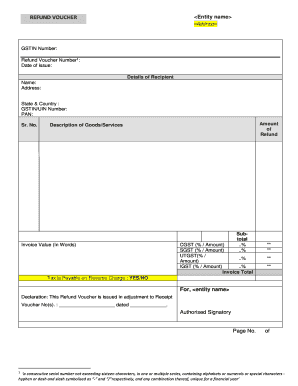
Refund voucher
The document is a Refund Voucher issued by an entity, detailing the recipient's information, GSTIN number, and refund am ...
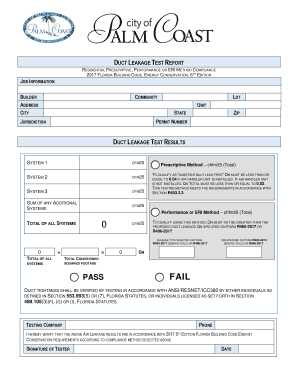
Duct leakage test report
The document is a Duct Leakage Test Report that assesses compliance with the 2017 Florida Building Code for energy conse ...

Ofs 4av ofs 18c for your snap case
The document is a Verification Request Form from the Louisiana Department of Children and Family Services, outlining the ...

Medication Prior Authorization Request Form - Tufts Health Plan
The document introduces the Standardized Prior Authorization Request Form developed by the Massachusetts Health Care Adm ...

Montana Child Care Service Plan
The document outlines the instructions for completing the Child Care Service Plan as part of the Best Beginnings Child C ...

New Patient Forms Packet - Newport Plastic Surgery
The document is a comprehensive set of forms from Newport Plastic Surgery, Inc., detailing the patient intake process fo ...