
Work Balance Sheet Templates
Collaborate and modify Work Balance Sheet Templates in real-time. Get a free DocHub and organize your business documents with precision, stay ahead your competition, and safeguard your data.

Create a new Work Balance Sheet Template

Personal financial statement template
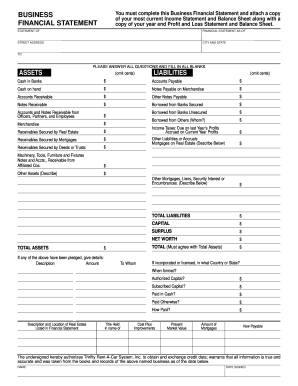
Business financial statement template
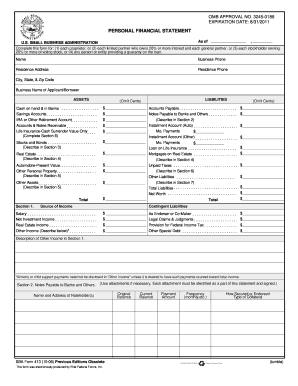
Personal financial statement template 2008 form

Cash count sheet
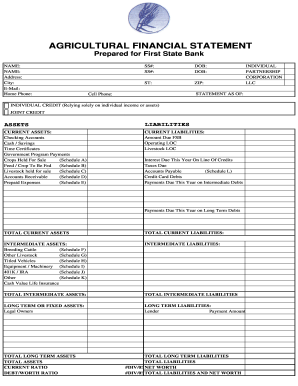
Agriculture financial statement excel

Hvac air balance report template excel
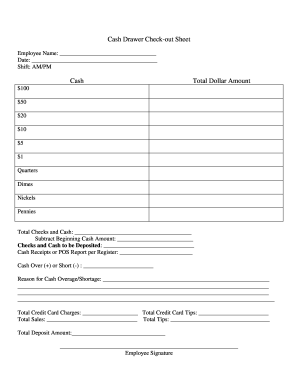
Cash drawer reconciliation template
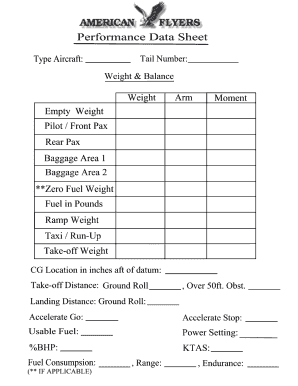
Weight and balance sheet
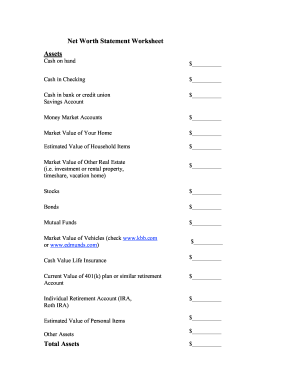
Net worth statement
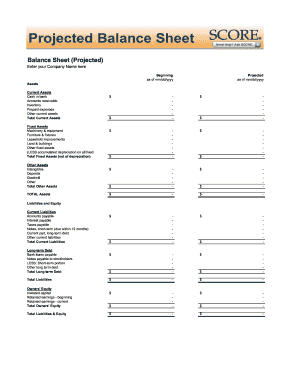
Balance sheet fill in the blank
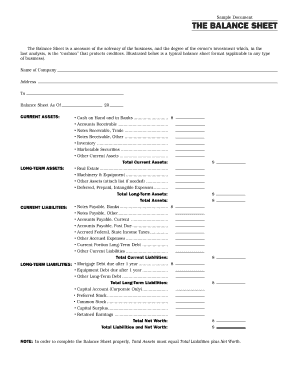
Interim ytd balance sheet pdf

Personal balance sheet pdf
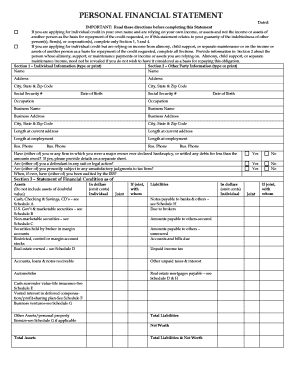
Personal financial statement form
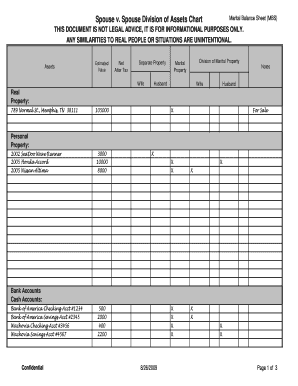
Marital balance sheet
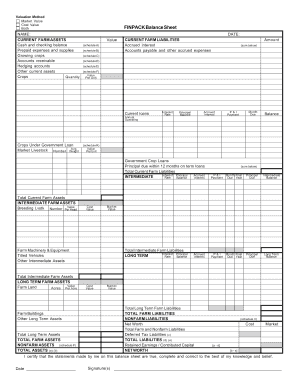
Finpack balance sheet
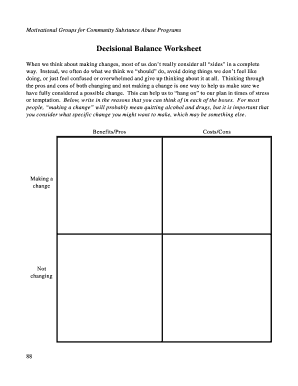
Decisional balance worksheet
Printable financial forms
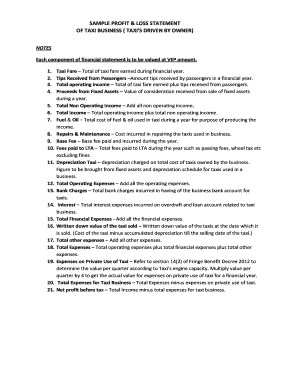
Profit and loss statement for uber driver
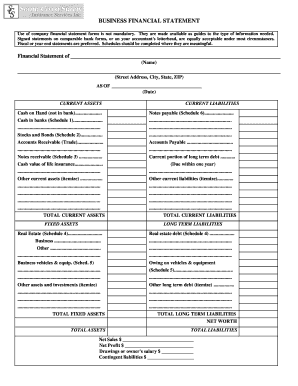
Business financial statement form
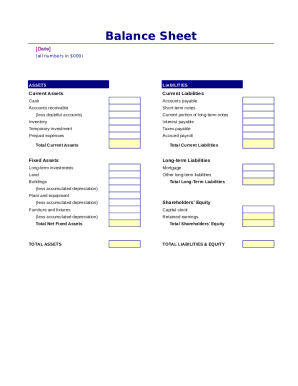
Simple balance sheet
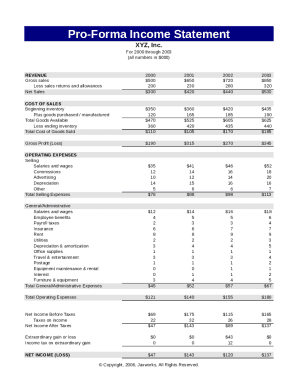
Pro forma income statement

Fillable personal financial statement form
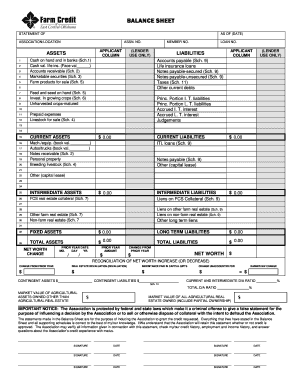
Download Financial Statement Form - Farm Credit
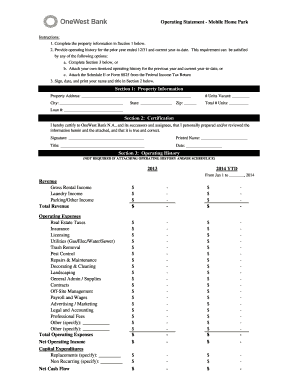
Project operating statement

Financial report template
Modulo ds 160
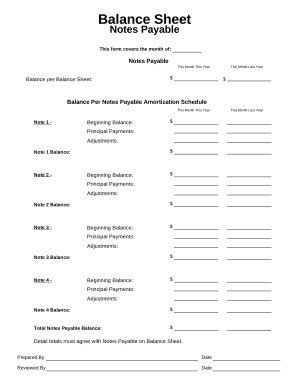
Balance sheet form
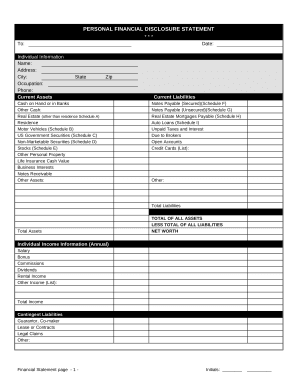
Financial statement form
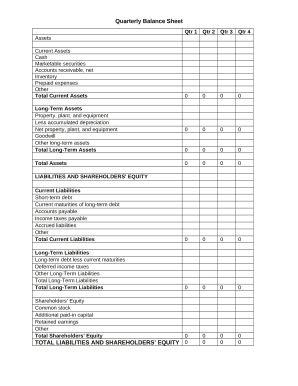
Quarterly Balance Sheet

Family Financial Statement

Sba form 413
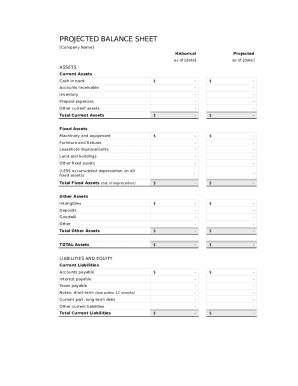
Balance sheet template fillable
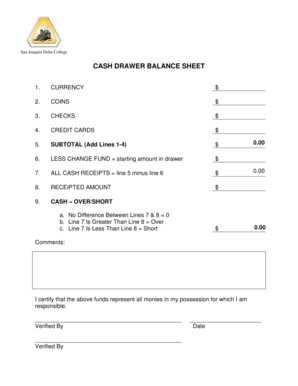
Cash drawer balance sheet

CODE REVISER USE ONLY PROPOSED RULE MAKING - dshs wa
Get and manage Work Balance Sheet Templates online
Boost your form operations with the Work Balance Sheet Templates library with ready-made form templates that suit your requirements. Access the form template, change it, fill it, and share it with your contributors without breaking a sweat. Start working more efficiently together with your documents.
The best way to use our Work Balance Sheet Templates:
- Open our Work Balance Sheet Templates and search for the form you require.
- Preview your document to ensure it’s what you want, and click on Get Form to begin working on it.
- Edit, include new text, or point out important information with DocHub features.
- Fill out your form and preserve the adjustments.
- Download or share your document template with other people.
Discover all of the opportunities for your online document management using our Work Balance Sheet Templates. Get a totally free DocHub profile today!
Video Guide on Work Balance Sheet Templates management

Commonly Asked Questions about Work Balance Sheet Templates
What is the simple format of a balance sheet?
What is the basic format of a balance sheet? The basic format of a balance sheet includes three main sections: assets, liabilities, and equity. Assets list resources owned, liabilities outline obligations, and equity shows net worth or ownership.
Can I create my own balance sheet?
You can create a personal balance sheet by completing the following steps, including getting all relevant documents, listing your assets and liabilities, and calculating your net worth.
Does QuickBooks have a balance sheet template?
The QuickBooks Online balance sheet template makes it easy The difference between assets and liabilities is displayed at the bottom as the equity or net worth of the business. Simply choose Reports Balance Sheet in QuickBooks Online and the pre-installed template is populated with your data in seconds.
Is there a balance sheet template in Excel?
The Balance Sheet Template for Excel is a pre-designed spreadsheet that allows users to enter their companys financial information, including assets, liabilities, and equity. This template is useful for businesses of all sizes, as it can be customized to fit each companys specific needs.
Does Excel have a financial statement template?
A: Yes. Excel has a range of financial templates, including income statements, cash flow statements, and balance sheets.
Does Excel have a bookkeeping template?
Those who havent used Excel before or arent familiar with its features can download Excel bookkeeping templates online. Once you create or download templates, you can use them as a basis for more advanced account-related tasks like basic financial statements, forms, receipts, reports, etc.
How to make a balance sheet in Excel template?
Preparing a balance sheet involves several steps: Gather Financial Information: Gather all your financial data, including assets, liabilities, and equity. Organize Assets: Here is the list of all assets, including current assets (cash, inventory) and non-current assets (property, equipment).
Does Excel have financial templates?
Creating a budgeting plan for your household can feel overwhelming and hard, but Excel can help you get organized and on track with a variety of free and premium budgeting templates.
Related Templates

Nebraska Department of Children and Family Services
The Arkansas Better Chance Foster Care Waiver Form is designed to request temporary approval for serving a foster child ...

Michigan plumbing permit
The document is a Plumbing Permit Application for the City of Detroit, detailing the necessary information required for ...
Emergency Response Plan Template for PWS less than 500 Population Emergency Response Plan Template f
Emergency Response Plan Template for PWS less than 500 Population Emergency Response Plan Template f
The document outlines an Emergency Response Plan for Public Water Systems (PWS) serving less than 500 people in Maine. I ...
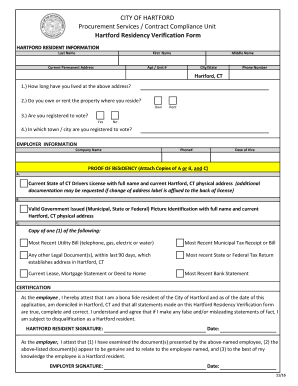
Hartford Residency Form
The document is a Hartford Residency Verification Form used by the City of Hartford's Procurement Services/Contract Comp ...
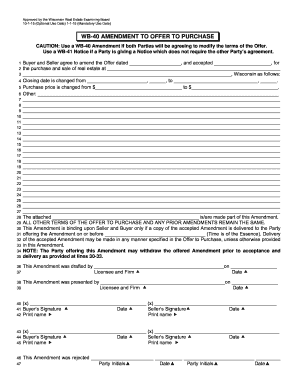
Purchase wi fishing license
The document is a WB-40 Amendment to Offer to Purchase, approved by the Wisconsin Real Estate Examining Board. It outlin ...
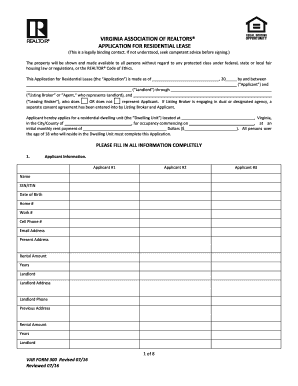
VAR Form 300 - Rental Application - Final
The document is an application form for a residential lease provided by the Virginia Association of Realtors. It outline ...
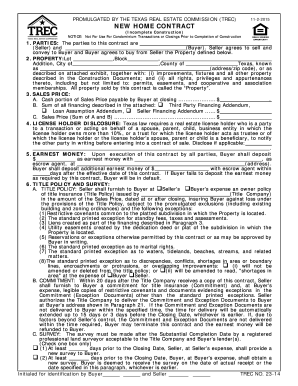
Tx trec form pdf
The document is a New Home Contract for the sale of property in Texas, specifically for incomplete construction. It outl ...
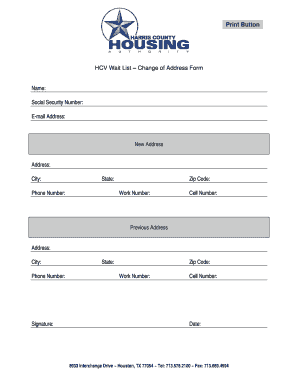
HCV Wait List Change of Address Form - HCHA - hchatexas
The document is a Change of Address Form for individuals on the HCV Wait List, requiring personal information such as na ...