
Consolidated Balance Sheet Templates
Choose Consolidated Balance Sheet Templates to ensure your financial workflows' transparency and accuracy. Easily fill out and safely send your documents with your team and other collaborators.

Create a new Consolidated Balance Sheet Template
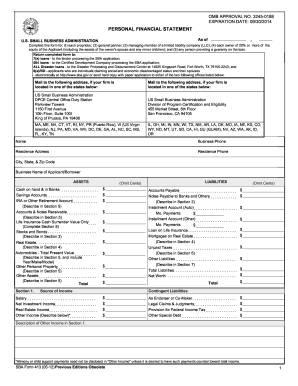
How to do a financial report 2012 form
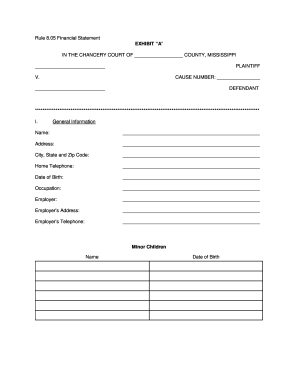
RULE 8.05 FINANCIAL DISCLOSURE - 2nd Chancery Court - 2ndchancerycourtdistrictms
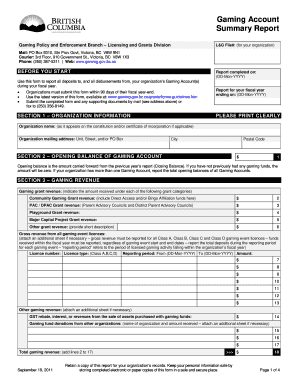
Gaming account summary report 2011 form
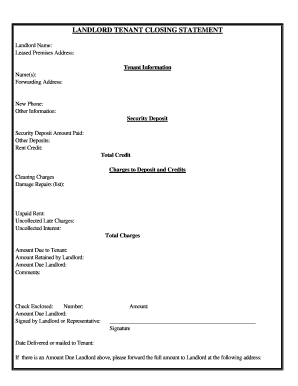
Arizona Landlord Tenant Closing Statement to Reconcile Security Deposit
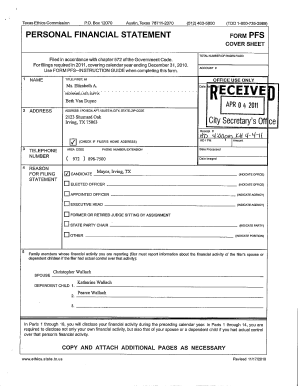
Suntrust bank statements
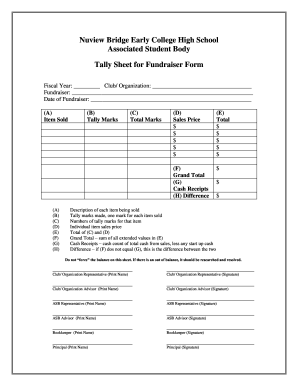
Tally sheet template
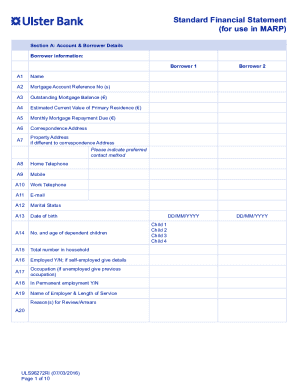
Ireland bank financial statement

Pardot grading worksheet
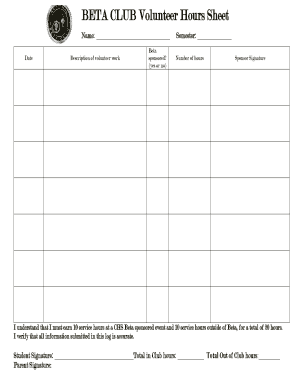
Beta club hours sheet
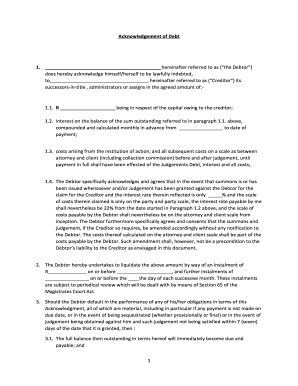
Acknowledgement of Debt-AD-29DEC2016.docx
Songtrust split sheet
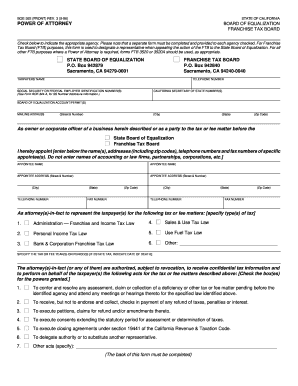
Boe 392 instructions 1996 form
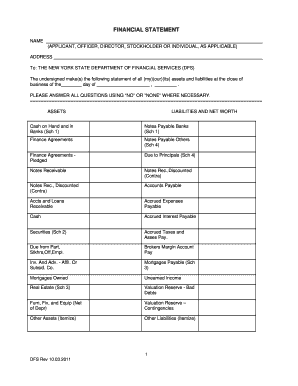
New york financial statement form
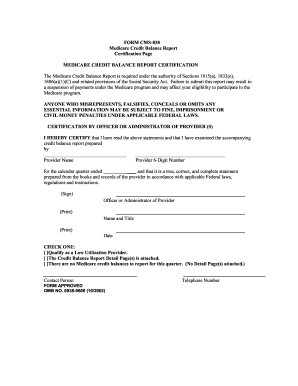
Cgs credit balance report 2002 form

E-1 Track Club TRACK AND FIELD 2010 REGISTRATION FORM
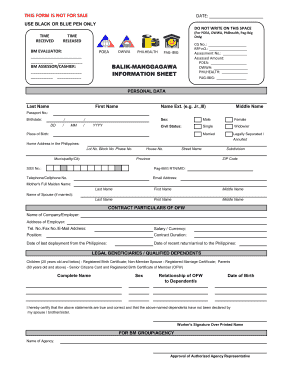
Poea info sheet
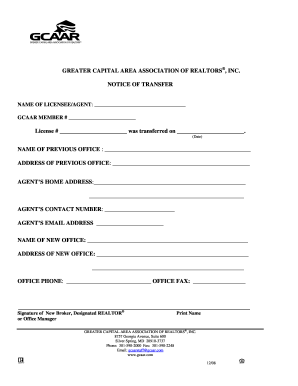
Financial information sheet 2005 the great capital area associatoin of realtors
Financial projections

2013 Financial Disclosure Form - Office of The New Mexico ...
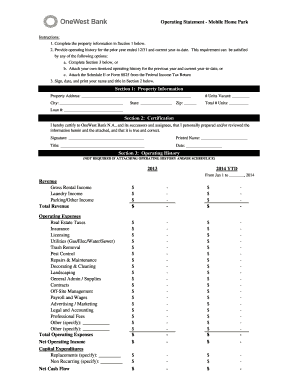
Project operating statement
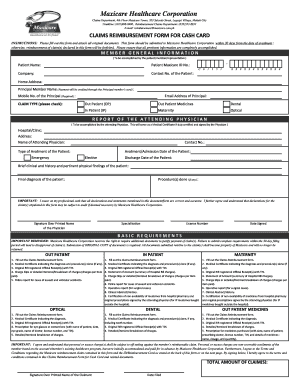
Maxicare dependent enrollment form
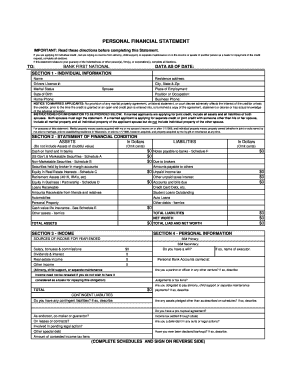
Personal Financial Statement (PDF) - Bank First National

Financial report template
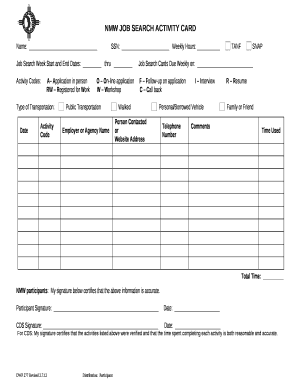
Job card template

B709a form
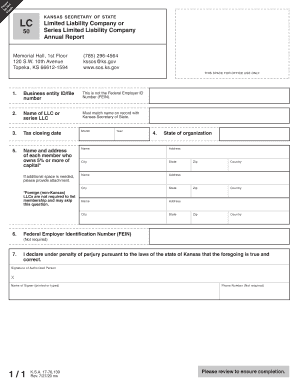
Kansas annual report

Kansas annual report

Sfs form
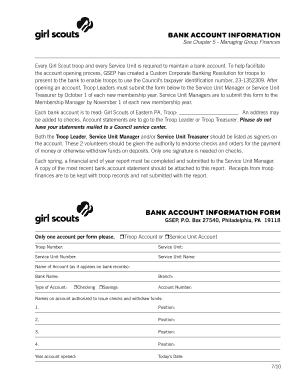
Bank account InformatIon Bank account InformatIon form - gsep

Facility annual report
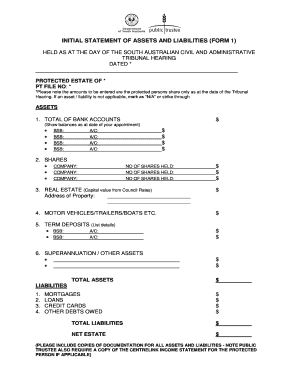
Initial statement assets
Get and handle Consolidated Balance Sheet Templates online
Boost your file management with our Consolidated Balance Sheet Templates collection with ready-made document templates that suit your requirements. Get your form, edit it, complete it, and share it with your contributors without breaking a sweat. Start working more effectively together with your documents.
The best way to manage our Consolidated Balance Sheet Templates:
- Open our Consolidated Balance Sheet Templates and find the form you need.
- Preview your document to ensure it’s what you want, and click Get Form to start working on it.
- Alter, include new text, or point out important information with DocHub features.
- Fill out your form and save the adjustments.
- Download or share your document template with other recipients.
Discover all of the opportunities for your online file administration with our Consolidated Balance Sheet Templates. Get your free free DocHub profile right now!
Video Guide on Consolidated Balance Sheet Templates management

Commonly Asked Questions about Consolidated Balance Sheet Templates
Is there a balance sheet template in Excel?
The Balance Sheet Template for Excel is a pre-designed spreadsheet that allows users to enter their companys financial information, including assets, liabilities, and equity. This template is useful for businesses of all sizes, as it can be customized to fit each companys specific needs.
How do I manage a balance sheet in Excel?
Open a new Excel spreadsheet and label the columns and rows. In the first column, label the rows with Assets, Liabilities, and Equity. This creates the main sections of the balance sheet. Arrange the assets above liabilities and equity to maintain a standard format.
How to consolidate a balance sheet?
How to make a consolidated balance sheet Check all of your reference information. Adjust for any cross-sales between related companies. Create a worksheet. Eliminate any duplicate assets and liabilities. List the consolidated trial balance on your worksheet. Create the actual consolidated balance sheet.
How to create a consolidated balance sheet?
Consolidated balance sheet example Step 1: Identify entities to consolidate. Step 2: Combine balance sheets. Step 3: Eliminate intercompany transactions. Step 4: Allocate parent company investments. Step 5: Adjust non-controlling interests.
How to consolidate data in Excel step by step?
Select your data. Next, in the Reference box, click the Collapse button to shrink the panel and select the data in the worksheet. Click the worksheet that contains the data you want to consolidate, select the data, and then click the Expand Dialog button on the right to return to the Consolidate dialog.
What is the difference between a balance sheet and a consolidated balance sheet?
A balance sheet provides information on a companys assets, liabilities, and equity. A consolidated balance sheet includes the financial information of all the entities under the control of a parent company, while a standalone balance sheet only includes the financial information of a single entity.
How to merge two balance sheets in Excel?
Go to Data Consolidate. In the Function box, select the function that you want Excel to use to consolidate the data. In each source sheet, select your data. The file path is entered in All references.
How to consolidate a balance sheet in Excel?
How to consolidate data in Excel Open all files (workbooks) that contain the data you want to consolidate. Ensure the data is organized in the same way (see example below). On the Data ribbons, select Data Tools and then Consolidate. Select the method of consolidation (in our example, its Sum).
Related Templates

Asbestos waste shipment record form
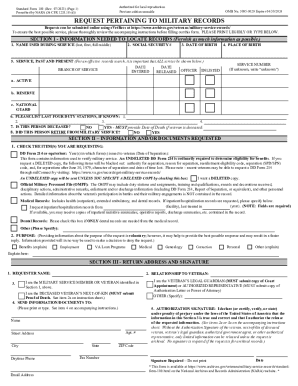
Standard Form 180 - Request Pertaining to Military Records
The document provides instructions for completing the Standard Form 180 (SF 180), which is used to request military reco ...

2-26 Figure 2-8 Incidence Rate Worksheet for Company (Optional - osha
The document is an Incidence Rate Worksheet designed for a company to calculate its injury and illness rates based on da ...
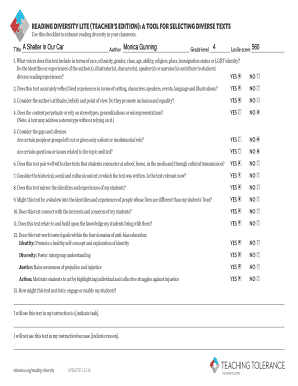
READING DIVERSITY LITE (TEACHER S EDITION): A TOOL FOR SELECTING DIVERSE TEXTS
The document is a checklist designed for teachers to enhance reading diversity in their classrooms by evaluating diverse ...
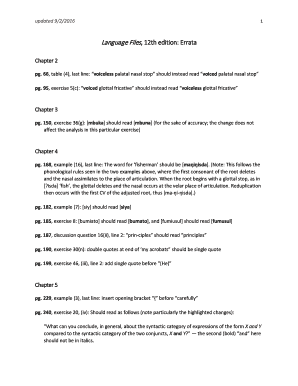
Language files 12th edition pdf
The document is an errata for the 12th edition of 'Language Files', detailing corrections and clarifications across vari ...
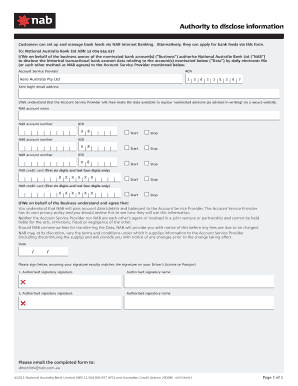
Nab authority to disclose information
The document is an authorization form for customers of National Australia Bank (NAB) to allow the bank to disclose histo ...

Montgomery County Food Truck Permit - Fill Online
The document is an application form for a Temporary Food Service Permit issued by Montgomery County Environmental Health ...

US Federal Construction Program Budget Form
The document outlines budget information for construction programs, detailing the classification of costs associated wit ...