
Automated Balance Sheet Templates
Get the best up-to-date Automated Balance Sheet Templates with DocHub online library. Personalize and cooperate on your financial statements with your team in real-time without losing crucial details.

Create a new Automated Balance Sheet Template
Printable tutoring contracts
Dealer payoff authorization form
Blank ach form pdf
Delta travelnet

Fulton bank form
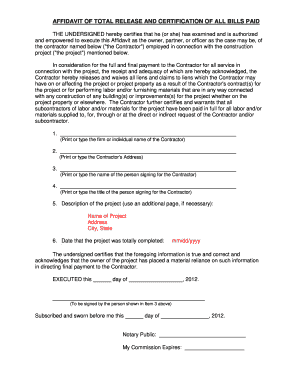
Certification bills paid
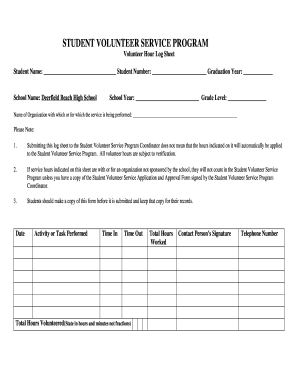
Volunteer sheet form
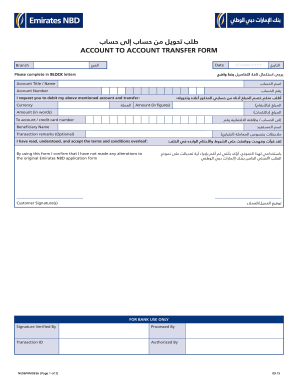
Emirates nbd forms

Vanguard bank transfer service form
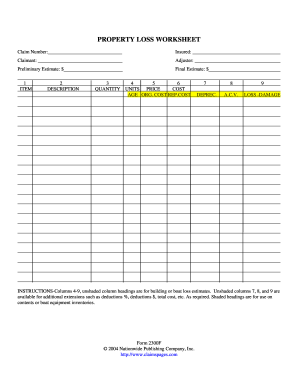
Adjusters worksheet
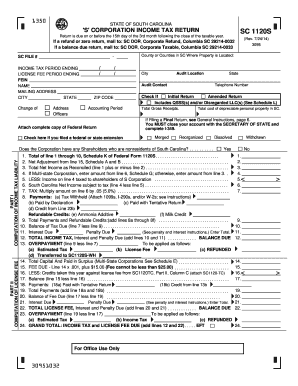
Sc corporation 1120s 2014 form
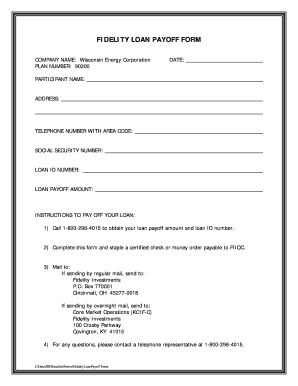
Vehicle payoff letter template
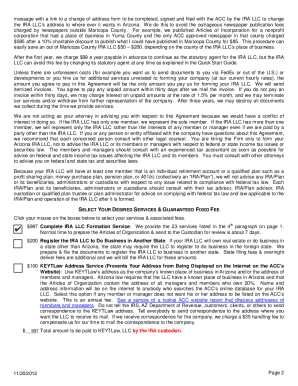
Ira llc operating agreement template
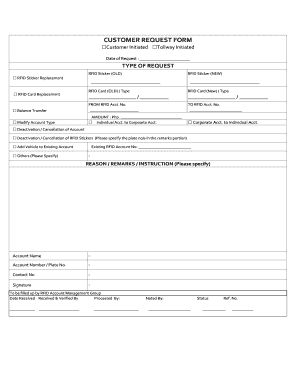
Rfid form

Silent Auction Bid Sheet - Mary Kay InTouch

Account opening purchase of certificate application form for individuals
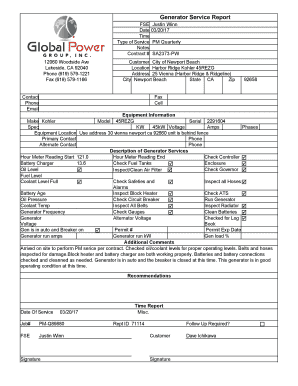
Generator service report format
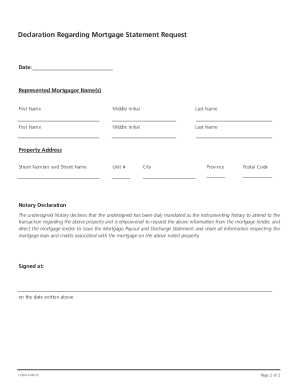
Scotiabank payout request
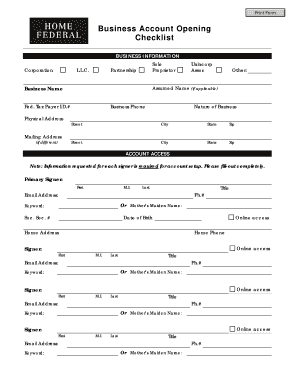
Account opening checklist form

Saln form 2022 pdf download

Autosweep auto debit
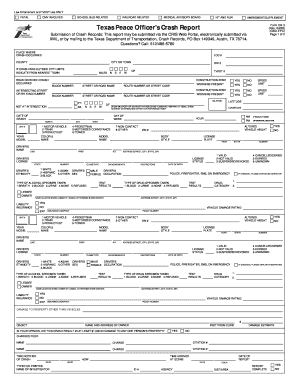
Texas peace officer's crash report instructions
Form 6 annual report
An automated Personal Financial Statement form. - National Bank ...
Reliance claim form
Deposit electronic sheet
Volunteer log sheet
Student ledger template

Account opening form
Bank reconciliation worksheet
Dane county child support
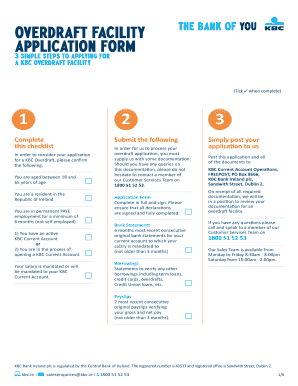
Overdraft application form
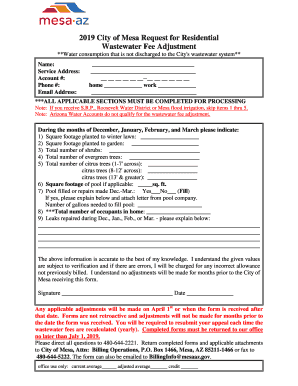
2019 City of Mesa Request for Residential
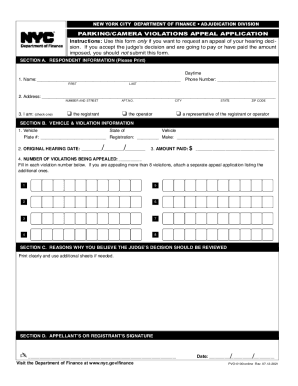
Nyc parking ticket appeal
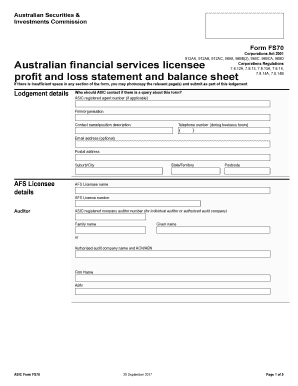
Fs 70 form

About Schedule J (Form 1040), Income ... - IRS tax formsFederal 1040 (Schedule J) (Income Averaging for FarmersIncome Averaging for OMB No. 1545-0074 (Form 1040) FarmersFederal 1040 (Schedule J) (Income Averaging for Farmers
-
1
- 2
Get and handle Automated Balance Sheet Templates online
Boost your file administration using our Automated Balance Sheet Templates collection with ready-made templates that suit your needs. Access the document template, edit it, fill it, and share it with your contributors without breaking a sweat. Start working more efficiently with your forms.
The best way to manage our Automated Balance Sheet Templates:
- Open our Automated Balance Sheet Templates and search for the form you want.
- Preview your document to ensure it’s what you want, and click on Get Form to start working on it.
- Edit, include new text, or point out important information with DocHub tools.
- Prepare your form and save the changes.
- Download or share your form template with other recipients.
Examine all of the opportunities for your online document administration using our Automated Balance Sheet Templates. Get your free free DocHub profile right now!
Video Guide on Automated Balance Sheet Templates management

Commonly Asked Questions about Automated Balance Sheet Templates
What is formula builder in Excel?
Formula BuilderFormula Builder is a tool used to aid in quickly building templates, and creating or updating formulas in a Spreadsheet Server spreadsheet. Formulas are based on the users licensed features and selected ledger.
What is the balance sheet builder tool in Excel?
Balance Sheet Builder. This software will make your Balance Sheet in minutes. Prepare financial statements for Indian entities as per Companies Schedule III format and Non Corporate format. From Tally import to PDF export, this Excel tool automates each step of making your financial statements.
Can AI create a balance sheet?
Generating Balance Sheets from Financial Statements using AI One AIs ability to extract balance sheet details from financial statements provides users with a convenient and accessible way to analyze their financials.
What is a balance sheet tool?
The balance sheet is an essential tool used by executives, investors, analysts, and regulators to understand the current financial health of a business. It is generally used alongside the two other types of financial statements: the income statement and the cash flow statement.
How to create a balance sheet with Excel?
Tips for creating a balance sheet in Excel Use a template. Use the Borders button to create guiding lines in your balance sheet. Use Excels tools to manage your data. Create a trial balance sheet to initially display information and add in an error check sheet.
How do I create a balance sheet in sheets?
Creating a balance sheet on a spreadsheet involves: Setting up three main sections: Assets, Liabilities, and Shareholders Equity. Under each section, list the respective items and their values. Ensure that the equation Assets = Liabilities + Shareholders Equity holds true.
Does QuickBooks have a balance sheet template?
The QuickBooks Online balance sheet template makes it easy The difference between assets and liabilities is displayed at the bottom as the equity or net worth of the business. Simply choose Reports Balance Sheet in QuickBooks Online and the pre-installed template is populated with your data in seconds.
Is there a balance sheet template in Excel?
The Balance Sheet Template for Excel is a pre-designed spreadsheet that allows users to enter their companys financial information, including assets, liabilities, and equity. This template is useful for businesses of all sizes, as it can be customized to fit each companys specific needs.
Related Templates

PASSPORT PARENTAL CONSENT FORM
The document is a Passport Parental Consent Form that allows parents to give consent for the issuance of a Japanese pass ...
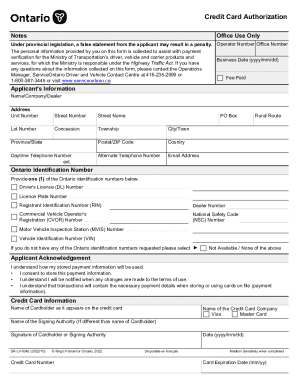
Ontario Credit Card Authorization Form
The document is a Credit Card Authorization form used for payment verification by the Ministry of Transportation in Onta ...
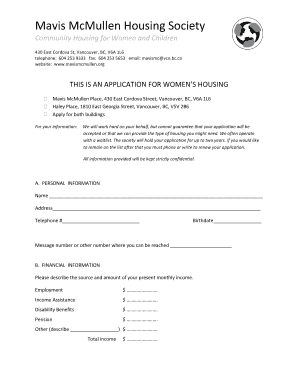
Mavis McMullen Housing Society
The document is an application form for the Mavis McMullen Housing Society, which provides community housing specificall ...
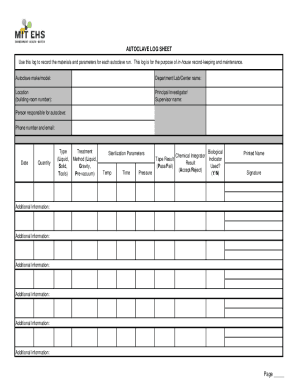
Autoclave Log Sheet Word Doc Template + Tracking Guide
The document consists of two log sheets: an Autoclave Log Sheet and a Biological Waste Treatment Log Sheet. Both sheets ...
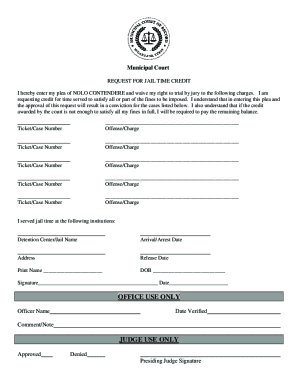
Fillable Online Amarillo Municipal Court Community Service
The document is a 'Request for Jail Time Credit' submitted to the Municipal Court, where the individual pleads 'Nolo Con ...
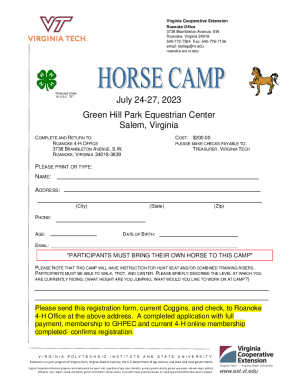
Roanoke Office
The document provides information about the 2023 Horse Camp organized by the Virginia Cooperative Extension at Green Hil ...

Trespass Warnings and Trespass Authorization Forms,
The document is a Trespass Notice informing an individual not to enter a specified property. It outlines the consequence ...

California 4-H Youth Development Program Annual Project Report - ucanr
The California 4-H Record Book Manual (2008) provides guidelines for 4-H members to document their activities, achieveme ...