
Profit and loss statement Balance Sheet Templates
Enhance your productivity and financial record precision with DocHub's Profit and loss statement Balance Sheet Templates. Stay compliant and fill out your balance sheets online.

Create a new Profit and loss statement Balance Sheet Template
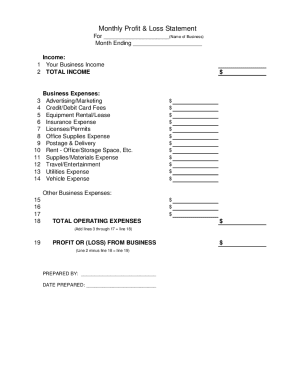
Profit and loss statement template
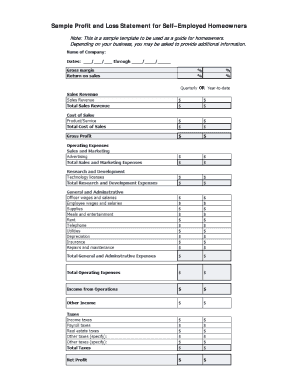
Fillable profit and loss statement for self employed

Personal financial statement template
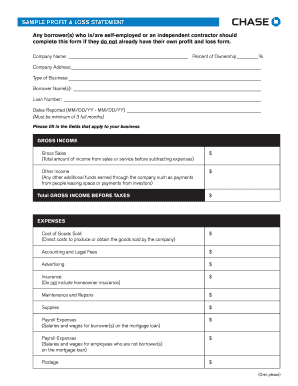
Sample loss and profit statement

Profit and loss statement blank
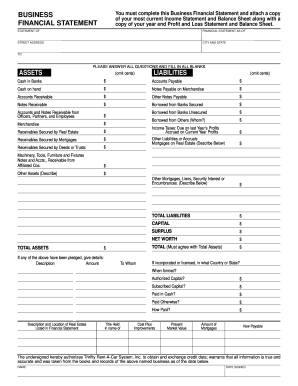
Business financial statement template
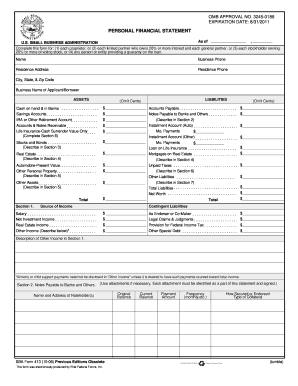
Personal financial statement template 2008 form

Profit and loss statement centrelink
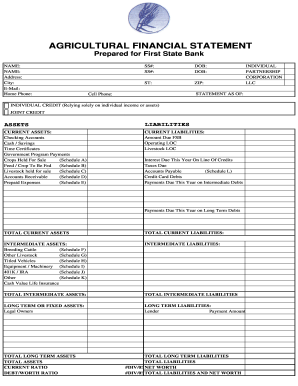
Agriculture financial statement excel

Profit and loss statement for self employed hairdresser
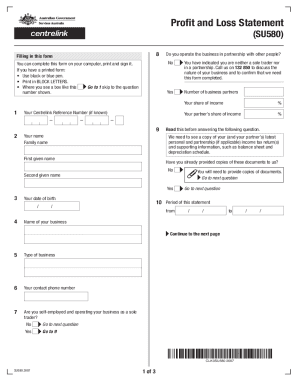
Profit and loss statement centrelink
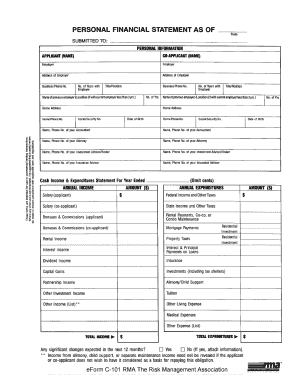
Rma personal financial statement pdf
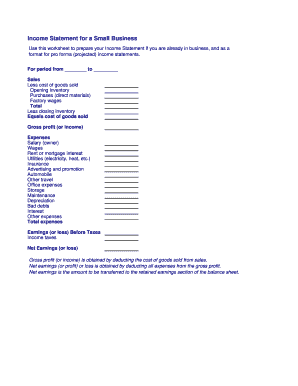
Business income statement
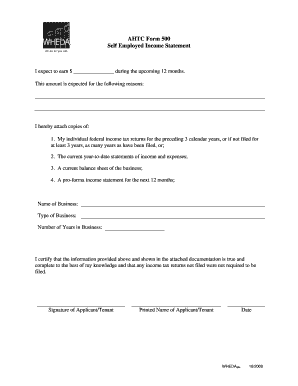
Employed income statement

Rental property statement
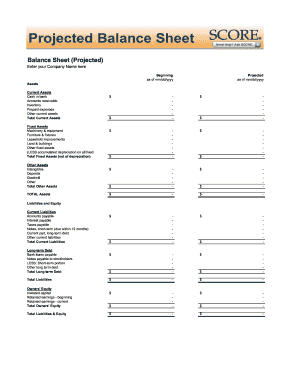
Balance sheet fill in the blank
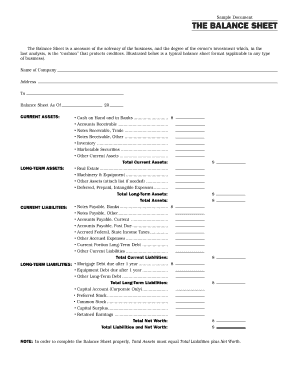
Interim ytd balance sheet pdf
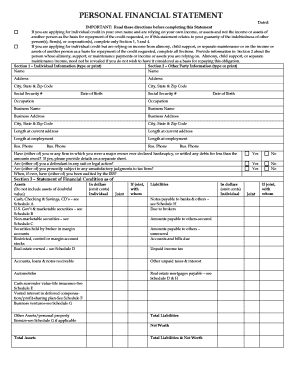
Personal financial statement form
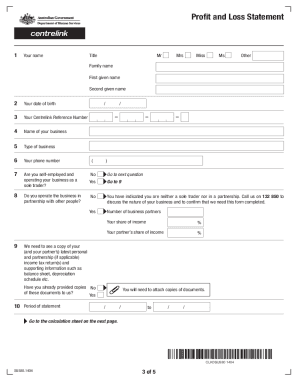
Profit and loss statement centrelink
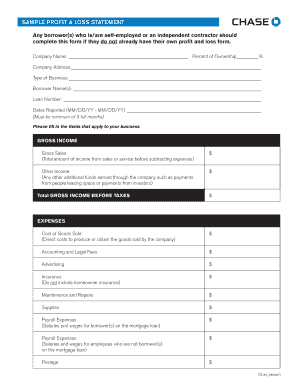
Sample Profit and Loss Statement PDF - Chase
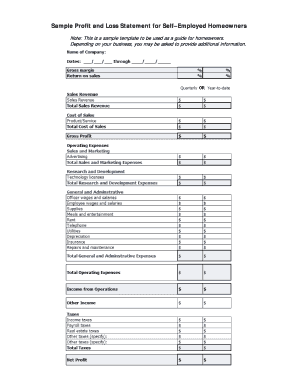
Sample Profit and Loss Statement for SelfEmployed Borrowers
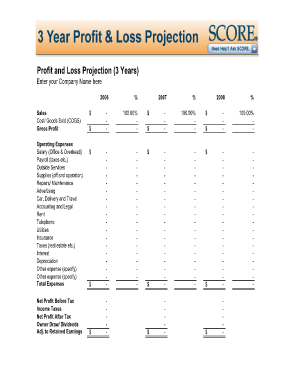
12 month profit and loss projection pdf
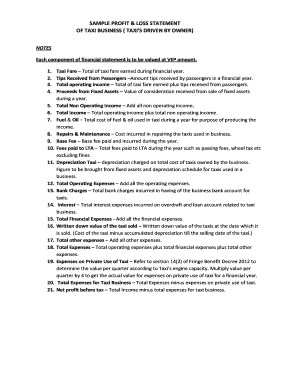
Profit and loss statement for uber driver
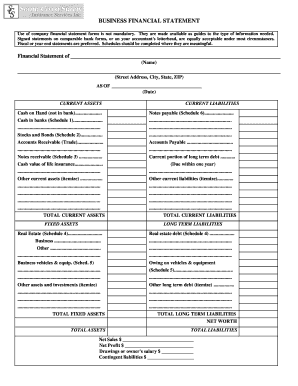
Business financial statement form
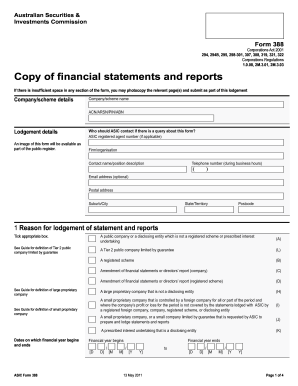
Form 388 - Australian Securities and Investments Commission - asic gov
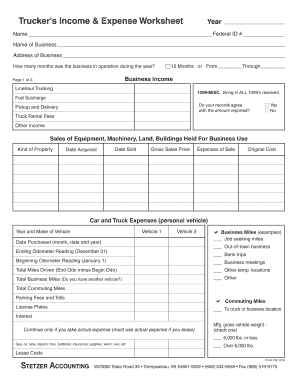
Profit and loss statement for trucking company pdf
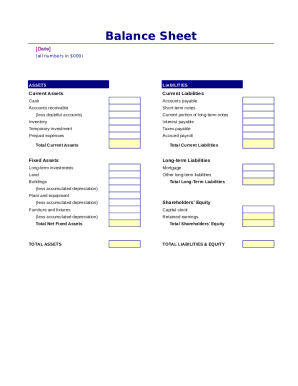
Simple balance sheet
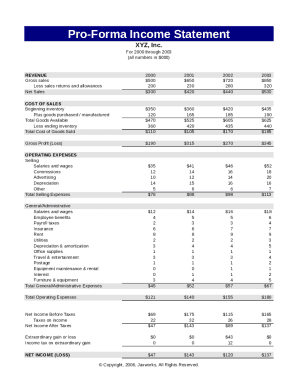
Pro forma income statement

Fillable personal financial statement form
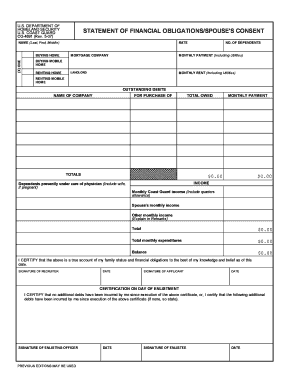
Statement of financial form

Iowa state extension profit and loss statement form
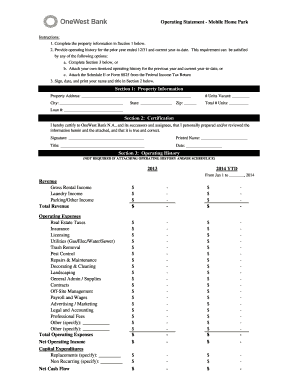
Project operating statement

Financial report template
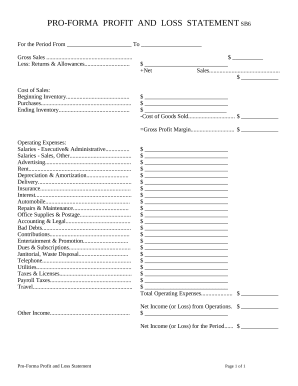
Profit and Loss Statement
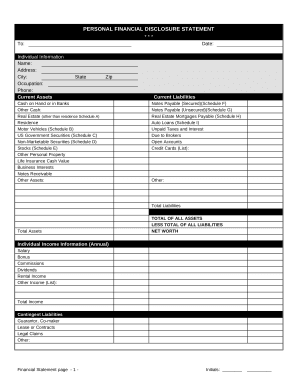
Financial statement form
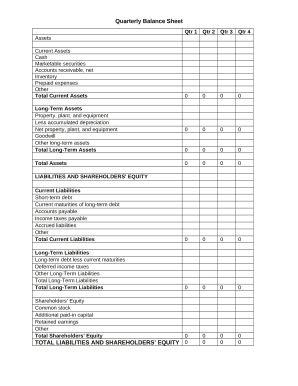
Quarterly Balance Sheet
-
1
- 2
Get and manage Profit and loss statement Balance Sheet Templates online
Boost your file administration using our Profit and loss statement Balance Sheet Templates category with ready-made document templates that meet your requirements. Get your form, alter it, fill it, and share it with your contributors without breaking a sweat. Begin working more effectively with the documents.
The best way to manage our Profit and loss statement Balance Sheet Templates:
- Open our Profit and loss statement Balance Sheet Templates and search for the form you require.
- Preview your document to ensure it’s what you want, and click Get Form to begin working on it.
- Edit, include new text, or highlight important information with DocHub tools.
- Fill out your form and preserve the modifications.
- Download or share your document with other recipients.
Examine all the possibilities for your online document management using our Profit and loss statement Balance Sheet Templates. Get your free free DocHub profile today!
Video Guide on Profit and loss statement Balance Sheet Templates management

Commonly Asked Questions about Profit and loss statement Balance Sheet Templates
Does Word have a profit and loss template?
There are many statement templates in Word that will help you create the best statement for the organization you work for. You can either make spreadsheets or make a word document statement. Enter the values, subtract expenses from the revenue that you get. This way you can make the right statement you need to be made.
Does Excel have a profit and loss template?
Yes, there is a profit and loss template in Excel that you can use to create your own statement. The template includes formulas to calculate revenue, expenses, and net income. You can enter your own data to get started.
How do you make a PL account and balance sheet?
How To Create a Profit and Loss Statement Choose a reporting period. Gather financial statements and information. Add up revenue. List your COGS. Record your expenses. Figure your EBITDA. Calculate interest, taxes, depreciation, and amortization. Determine net income.
How to make a balance sheet in Excel step by step?
How to create a balance sheet in Excel Format your worksheet. You can create a balance sheet in Excel by first creating a title section and labels for your worksheet. Enter dollar amounts. Leave a column of space between your asset labels and the location in which you want to enter the dollar amounts. Add totals.
Can I make my own profit and loss statement?
The following are easy steps in creating a comprehensive Profit and Loss Statement for your business: Track Operating Revenue. Record Cost of Sales. Calculate Gross Profit. Determine Overhead. Add Up Operating Income. Consider Other Income and Expenses. Finally Arrive at Your Net Profit.
How do you make a profit and loss statement on a balance sheet?
How to Prepare a Basic Balance Sheet Determine the Reporting Date and Period. Identify Your Assets. Identify Your Liabilities. Calculate Shareholders Equity. Add Total Liabilities to Total Shareholders Equity and Compare to Assets.
How to do a profit and loss formula in Excel?
Sum up all the revenues using the SUM function. Similarly, add all expenses like advertisements and employee expenses and compute their total using the SUM formula. Calculate the profit or loss under the summary section using the formula: Net Profit/Loss = Net Revenue - Total Expenditures.
How to prepare PL and balance sheet in Excel?
How to Create a Profit and Loss Statement in Excel Download, Open, and Save the Excel Template. Input Your Company and Statement Dates. Calculate Gross Profit. Input Sales Revenue to Calculate Gross Revenue. Input the Cost of Goods Sold (COGS) Calculate the Net Income. Input Your Business Expenses.
How do I create a profit and loss statement template?
Here are the steps you need to follow to create a Google Sheets profit and loss template: Open Google Sheets. Setup PL layout. Enter data. Calculate subtotal. Format your PL statement. Review and update. Add additional information (optional) Save and share.
Related Templates

941 vi
The document is Form 941 V.I., a quarterly tax return for employers in the U.S. Virgin Islands, detailing requirements f ...

Comprehensive Women's Health Services
The document outlines a proposal to establish a comprehensive women's health program, including obstetrics services, at ...
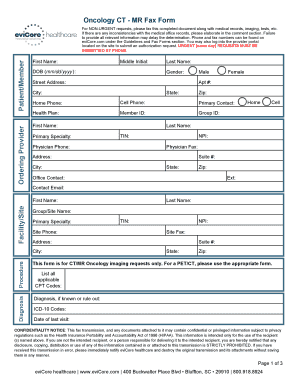
Fax Medical Records from Home Without A Fax Machine - FaxCompare
The document is an Oncology CT - MR Fax Form used for non-urgent requests for imaging related to oncology. It requires d ...
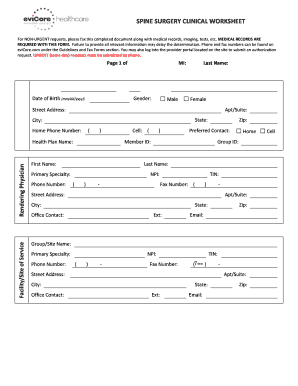
Evicore spine surgery
The document is a clinical worksheet for spine surgery authorization requests, outlining the necessary demographic and c ...
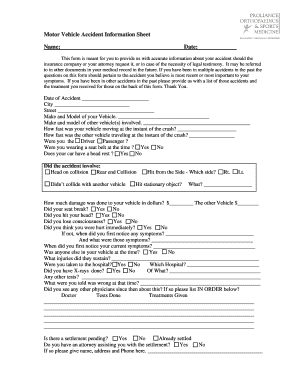
Motor Vehicle Accident Information Sheet
The document is a Motor Vehicle Accident Information Sheet designed for patients to provide detailed information about t ...
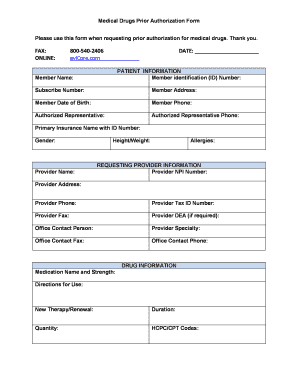
Evicore prior authorization form
The document is a Medical Drugs Prior Authorization Form used to request prior authorization for medical drugs. It inclu ...
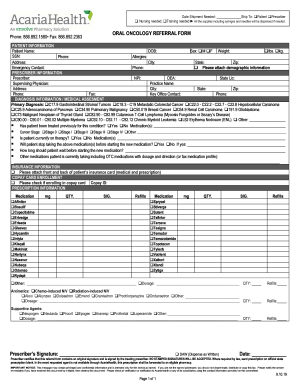
Acaria Health - Oral Oncology Referral Form Oral Oncology Referral Form
The document is an Oral Oncology Referral Form that collects essential patient and prescriber information, including dia ...
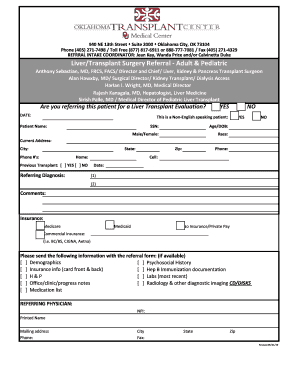
Simon Simon Real Estate - Oklahoma City, OK - Yelp
The document is a referral intake form for liver and transplant surgery evaluations for both adult and pediatric patient ...