
Get any PDF form from the DocHub library of ready-made templates - Page 2205

Form 14 visa

Antigua and Barbuda Nonimmigrant Visa Application
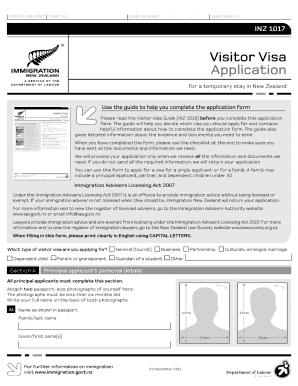
1096 form for new zealand 2011

Visa application form
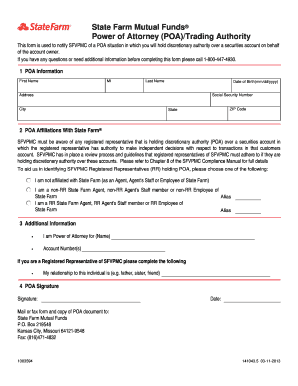
State farm power of attorney form
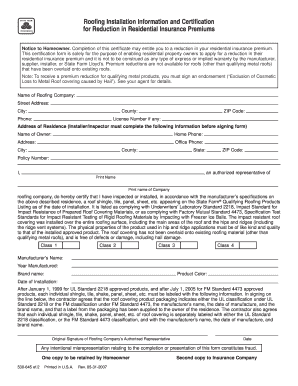
Roofing installation information certification reduction
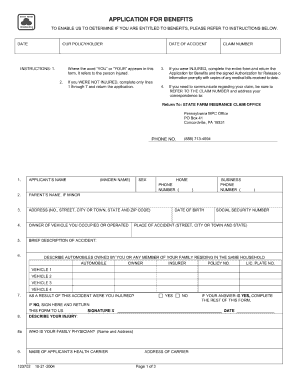
Downwinders claim form
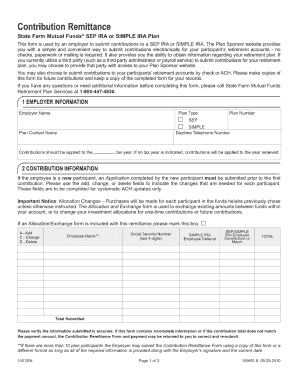
State farm contribution remittance form
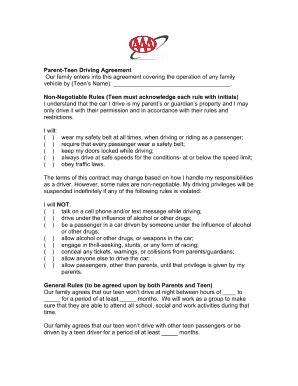
Teen driving agreement form
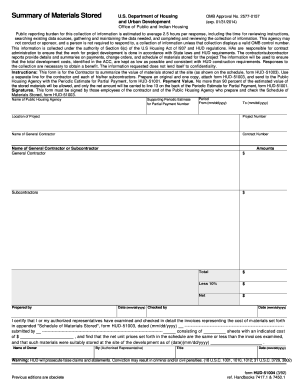
Hud 51004

Ps form 2574 2009
Crpf battalion list pdf 2000 form
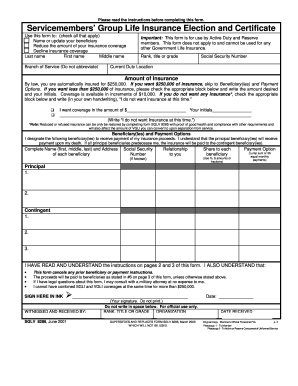
Army sglv 2001 form
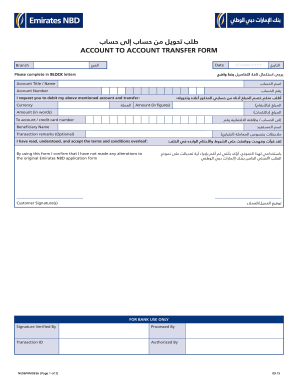
Emirates nbd forms
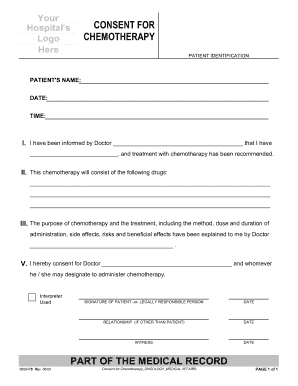
Chemotherapy consent form pdf
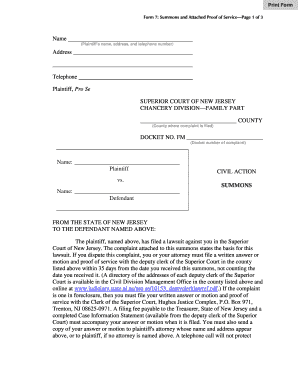
Print Form Form 7: Summons and Attached Proof of ServicePage 1 of 3 Name (Plaintiffs name, address, and telephone number) Address Telephone Plaintiff, Pro Se SUPERIOR COURT OF NEW JERSEY CHANCERY DIVISIONFAMILY PART COUNTY (County where
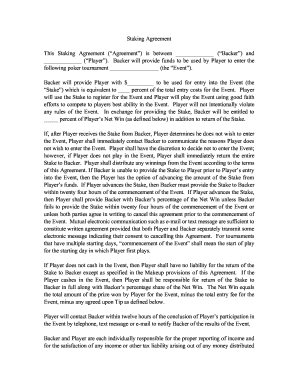
Poker staking contract
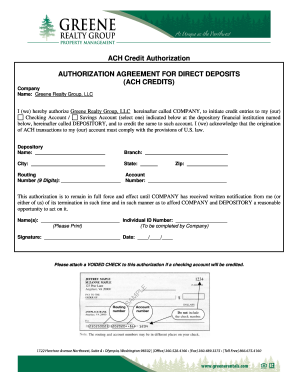
Ach form
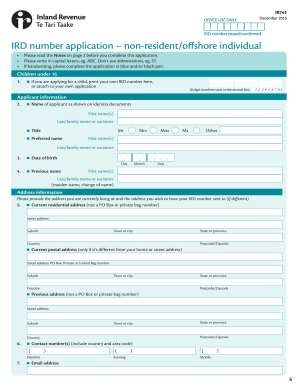
Ir742
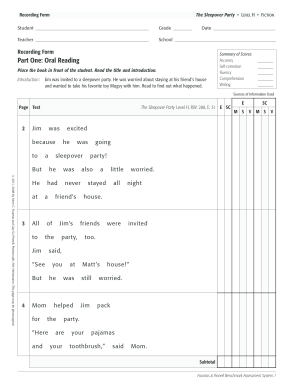
The sleepover party running record
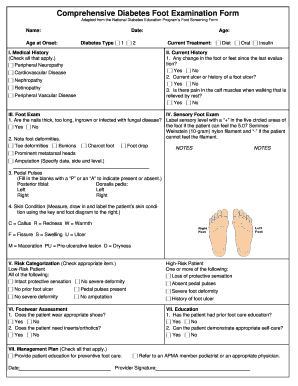
Diabetes foot examamination form
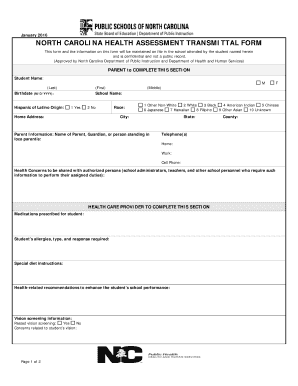
Nc health assessment form pdf

Ontario license sticker renewal online

Session rating scale template
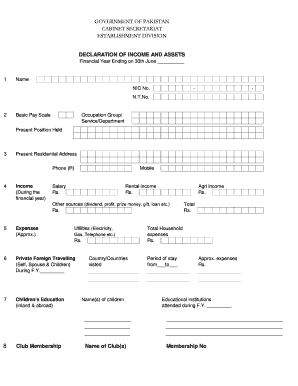
Declaration of income and assets
Rish my passport
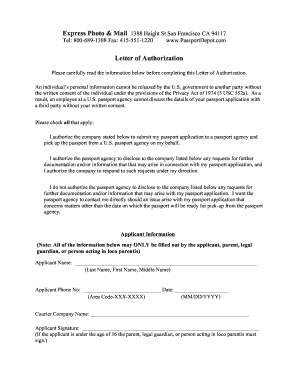
My passport letter
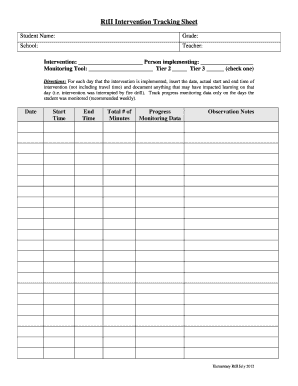
Intervention data tracking sheet
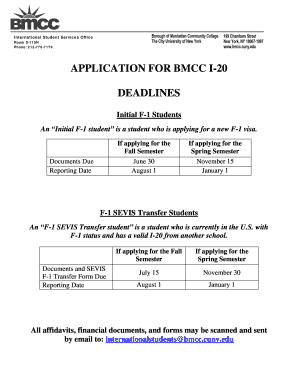
Application bmcc online

Economics ia cover page
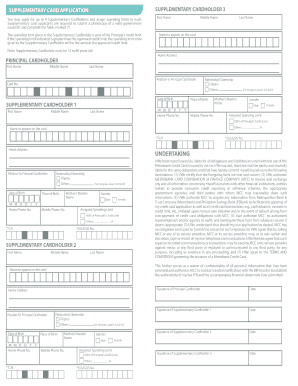
Metrobank application form
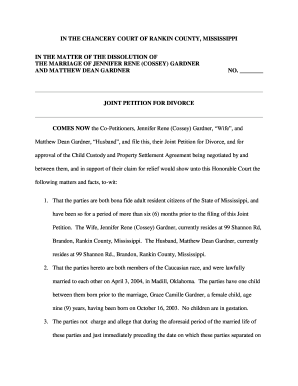
Rankin county mississippi criminal court records
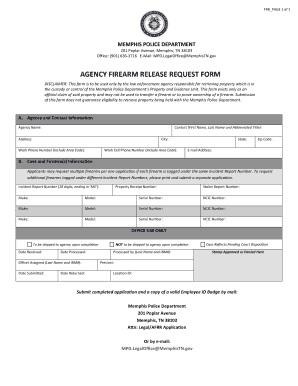
Firearm release form
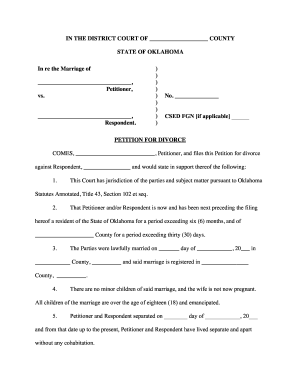
Oklahoma divorce forms pdf
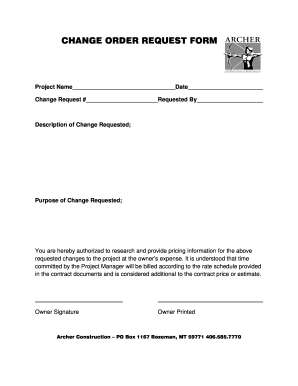
Contractors chage order log
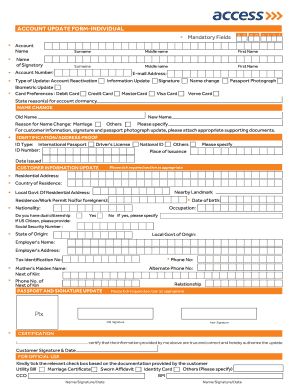
How to open access bank account online

Prn policy template

Pathfinder character sheet
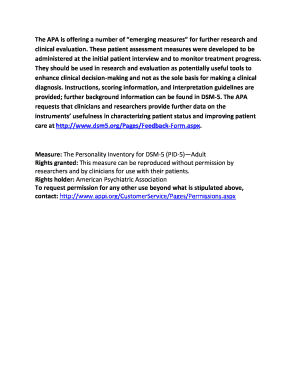
Pid 5 scoring excel

Broadoaks housing co operative
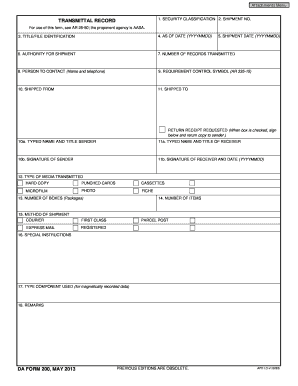
Da 200

Bupa cancellation form

Identogo forms

Invisalign prescription form

Riverside landing housing co operative
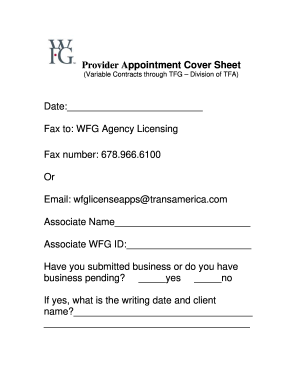
Wfglicenseapps transamerica com
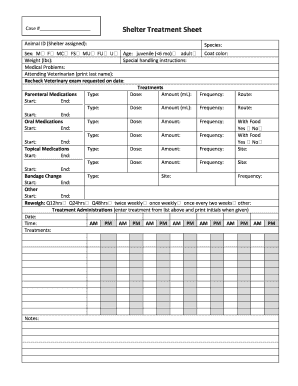
Treatment sheet template

Child observation form
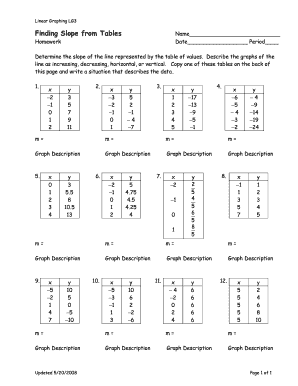
Finding slope from tables worksheet
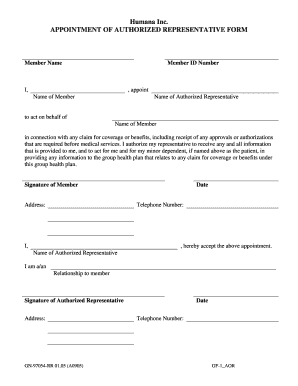
Appointment authorized representative form

Form 118
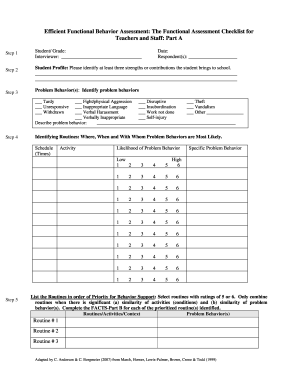
Functional behavior blank
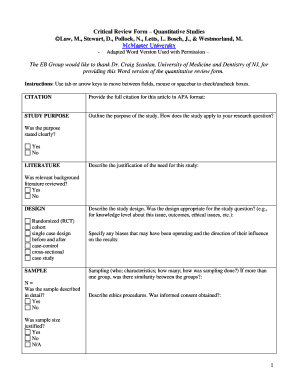
Mcmaster critical appraisal tool
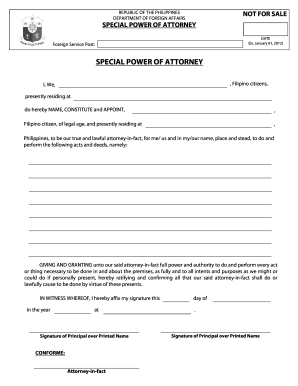
Special power of attorney from u s a to philippines sample
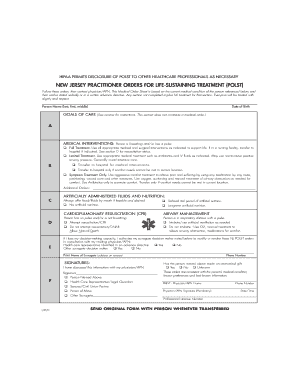
New jersey polst blank
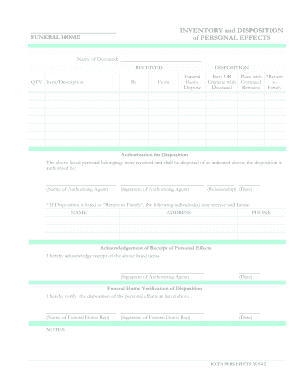
Funeral checklist pdf
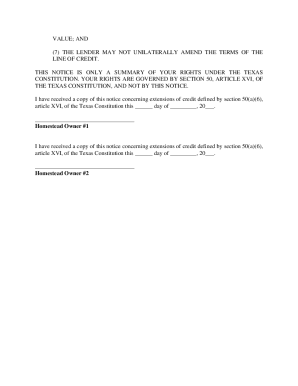
Texas 50 a 6 12 day notice form
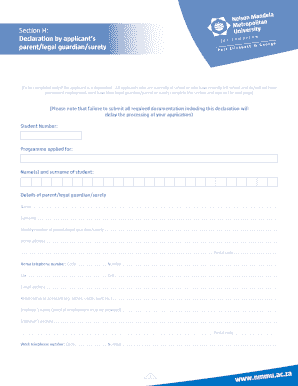
Nmu declaration form
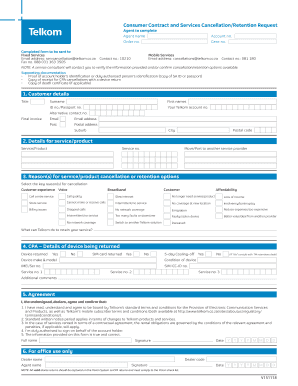
Telkom cancellation form

Hot Holding Food Temperature Log
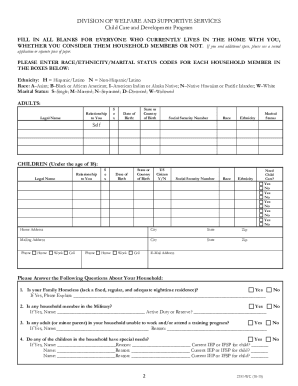
Urban league application

EMPLOYMENT APPLICATION - Golds Gym
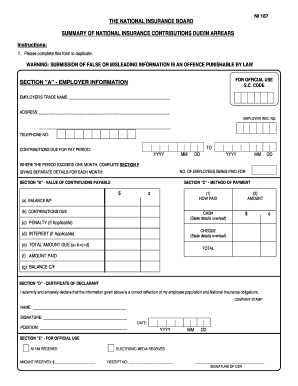
Ni 187
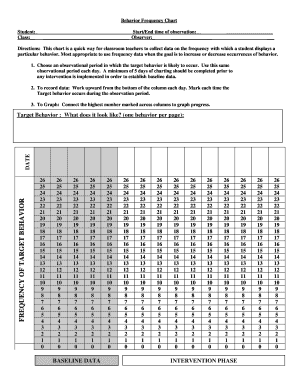
Behavior frequency chart
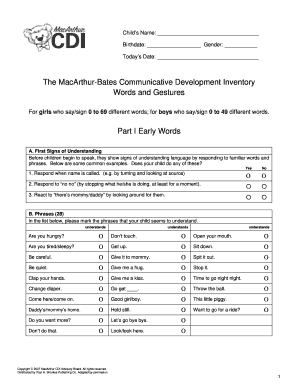
Macarthur bates cdi words and sentences pdf
Manitoba letterhead
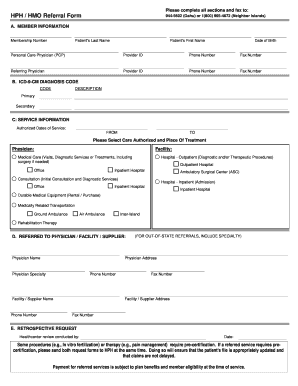
Hmsa hmo referral form
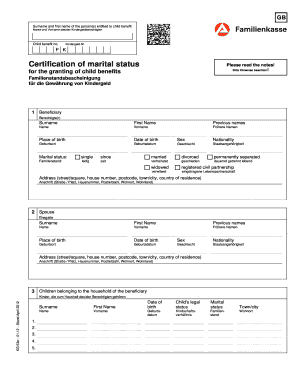
Familienstandsbescheinigung für die gewährung von kindergeld
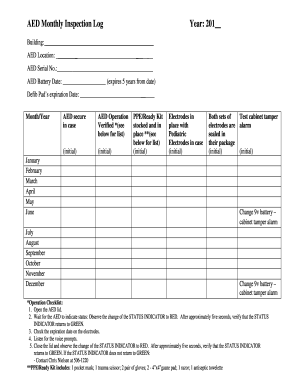
Aed inspection
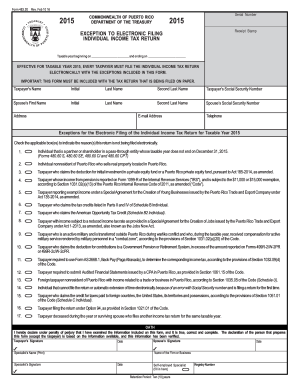
Puerto rico tax forms in english 482 2016
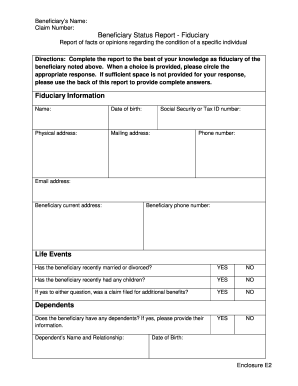
Beneficiary fiduciary
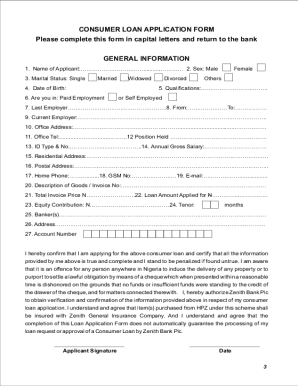
How to borrow money from zenith bank app
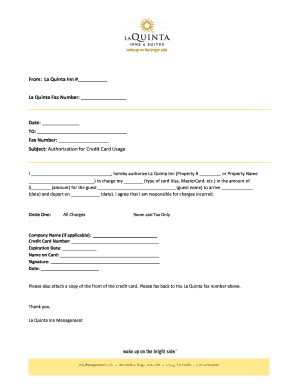
La quinta credit card authorization form

Dr 5002

Principles worker
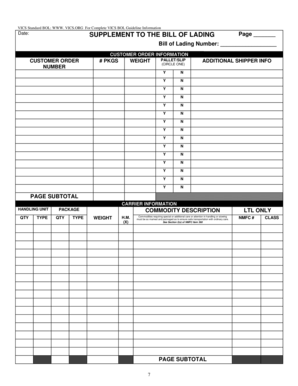
Vics bol bill standard form
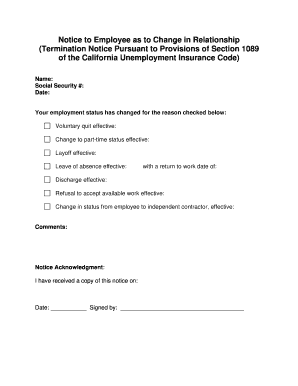
Notice change relationship form notice
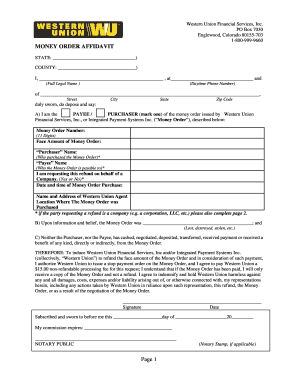
Western union money order affidavit
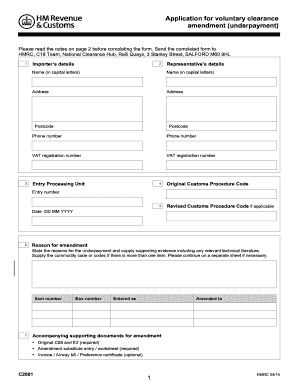
C2001
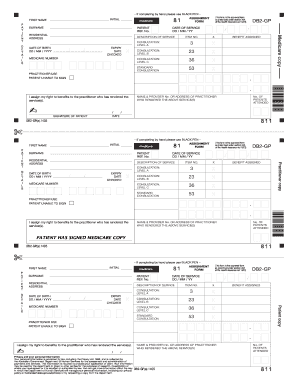
Db2 gp
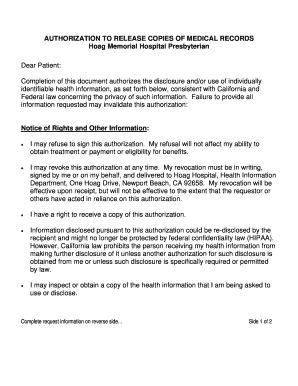
Hoag medical records form

California form in state verification
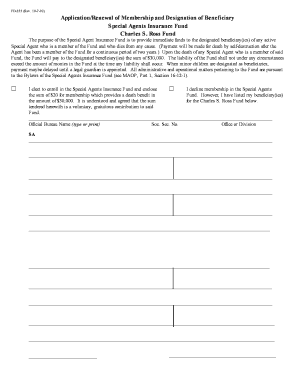
Fd253
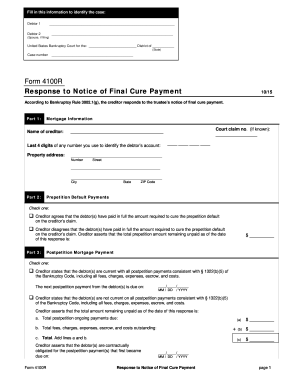
4100r form

Ica form 14b

Taxi rental agreement sample
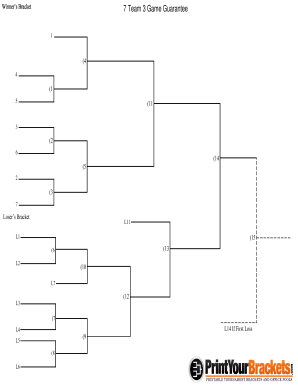
7 team double elimination bracket
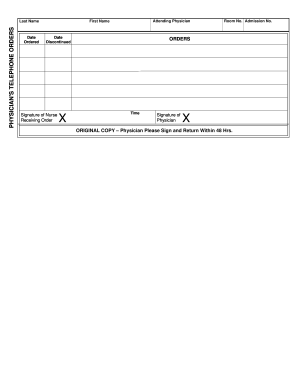
Physician telephone order form

Topographic map reading worksheet answer key pdf
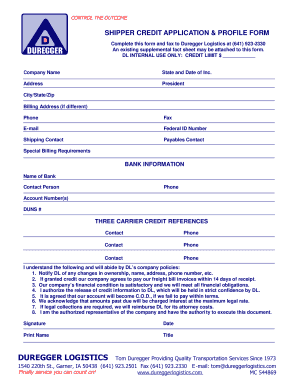
Shipper profile example
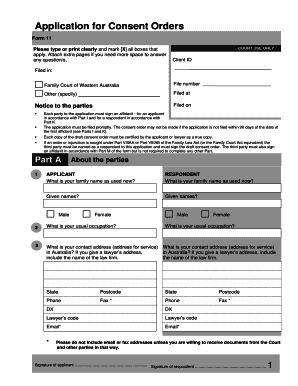
Application consent orders

Cf2r 01

Arizona department of health reportable event
Vtr 271 rev 08 17

Where can i get a catch record card
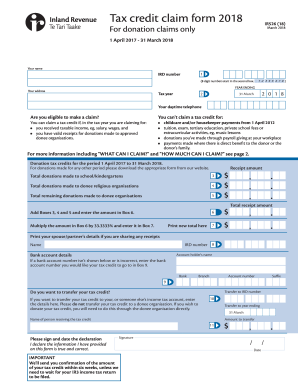
Ir526
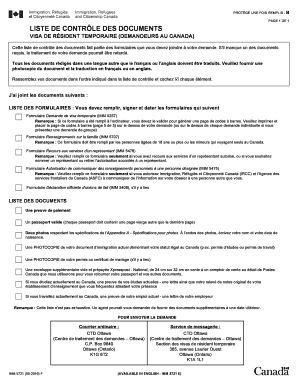
Formulaire imm 5257 en francais pdf
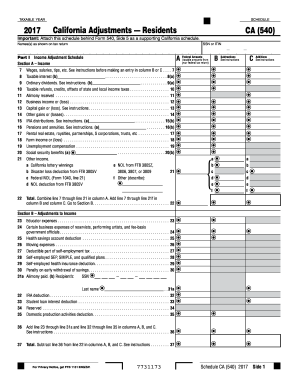
California 540 2017 form
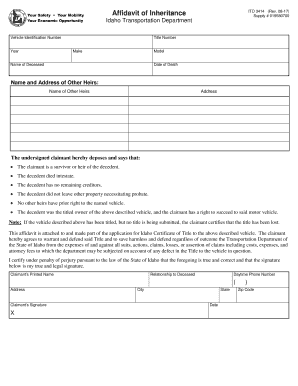
Idaho department affidavit
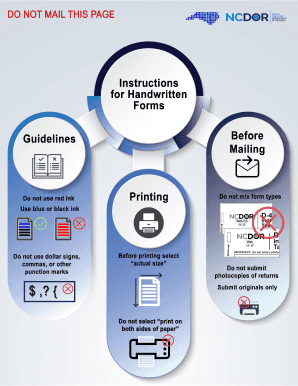
Nc 3 form
Benefit from the DocHub online library of fillable PDF forms
Searching the PDF forms doesn't have to be a tedious and time-consuming process. With the DocHub online library, it has become easier to find the fillable PDF forms and modify them in your browser. The service allows you to adjust the document to your needs using powerful editing tools.
You can use online document editing features to modify almost any type of document with ease. You just need to find the template of your choice, open it in the editor, and use the toolbar to make the necessary corrections.
Follow this guide to get your document done with DocHub:
- Find the PDF template you need.
- Click the Get Form button to open the file in the editor.
- Use the toolbar to fill out and edit the document.
- Easily add and highlight text, insert images, checkmarks, and symbols.
- Drop new fillable fields, and rearrange or delete pages from your file.
- Save changes and download your record.
DocHub empowers everyone to streamline document editing, signing, and distribution, and form completion. Create an account and benefit from our well-organized PDF Forms library and comprehensive editor.