
Get any PDF form from the DocHub library of ready-made templates - Page 2177

Marriage declaration form
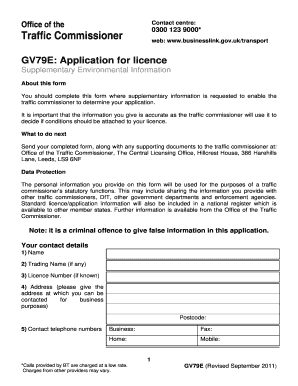
Operators licence gv79 application form
Personal net statement

Form sr form
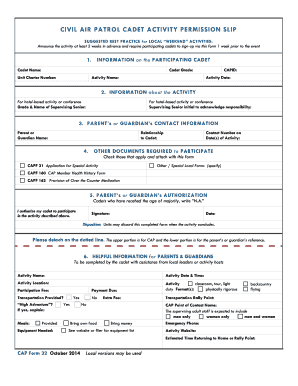
Capf 32

Domestic recruitment

Fpip sticker online application 2021

DIRECT DEPOSIT SWITCH FORM - New York Community Bank
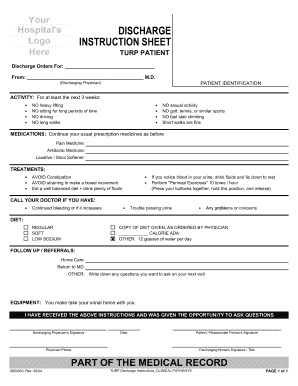
Pdf stroke hospital discharge papers
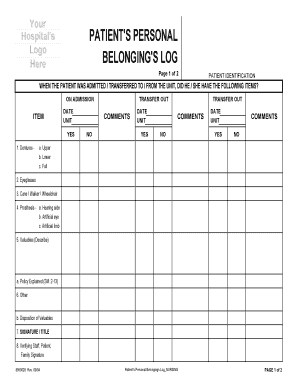
Patient belongings checklist
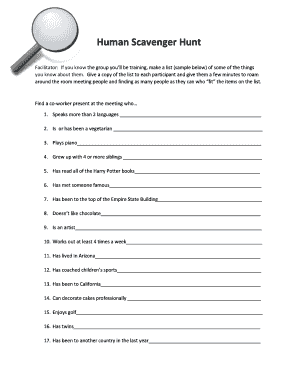
Human scavenger hunt for adults pdf
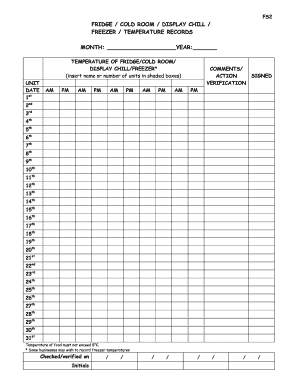
Sc2 fridge zer chill display temperature records
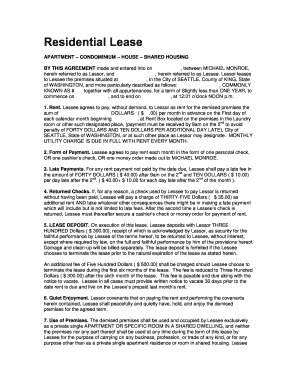
Residential lease apartment condominium house

BILL OF LADING No MEDITERRANEAN SHIPPING COMPANY SA NON

Discovery Material Authorization Form - fdorg - waw fd

Missouri 4h book
Supplemental health care timesheet
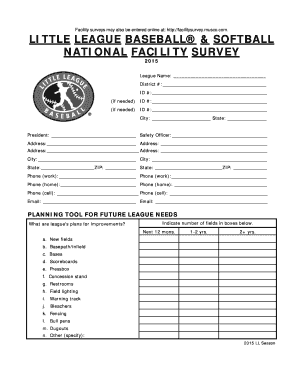
Little league facility survey

Monthly inspection frx
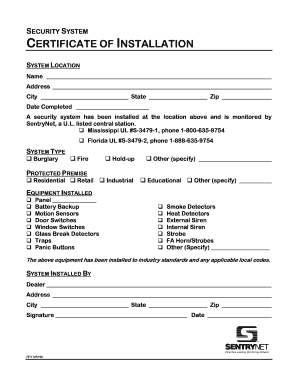
Cctv installation certificate format

N 400 addendum

Document general form 4
Chapter 10 dihybrid cross worksheet answer key
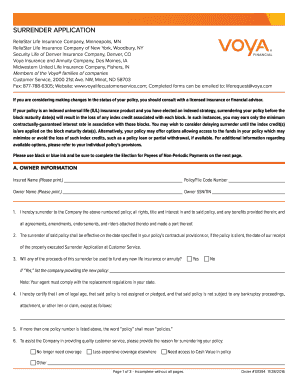
Voya surrender form

Polst form hawaii
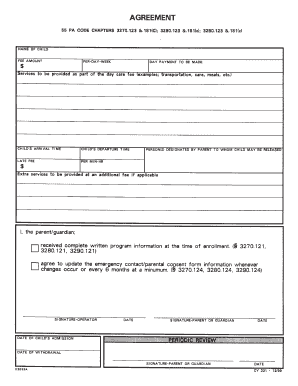
Daycare agreement form
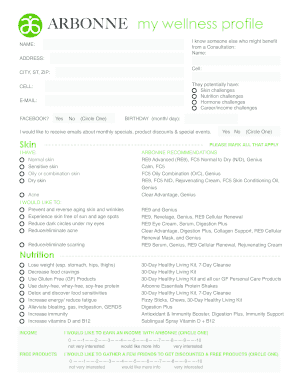
Arbonne client profile sheet
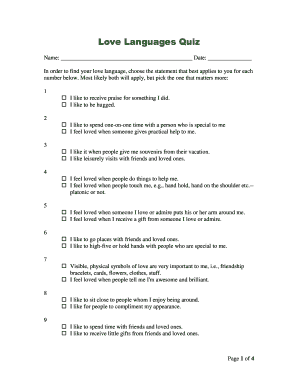
Love language test printable
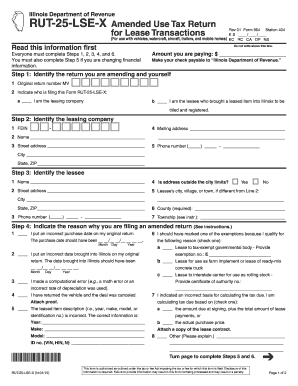
Rut 25 x form
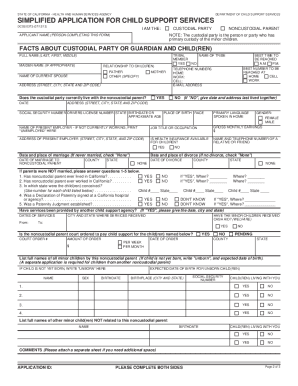
Dcss 0373 fillable
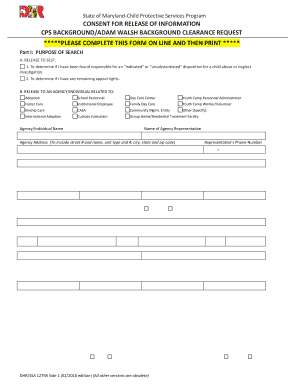
Dhr ssa 1279a 2016 form
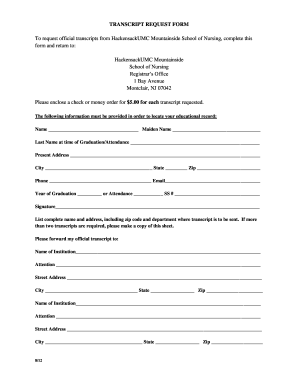
Mountainside hospital school of nursing
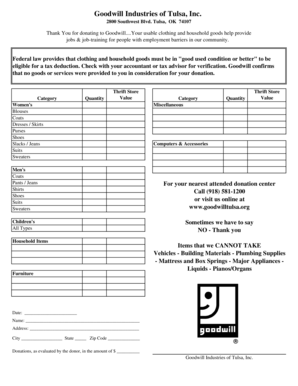
Printable goodwill receipt

Samwu membership
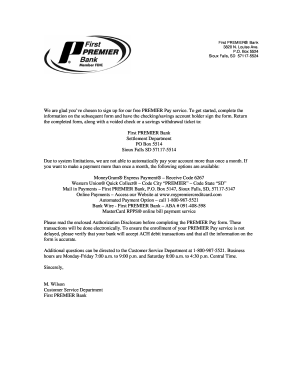
Po box 5524 sioux falls sd
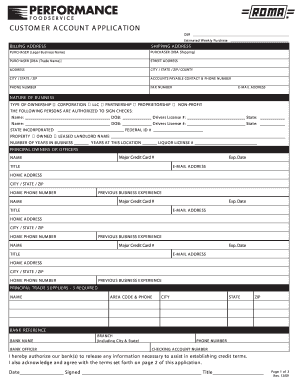
CUSTOMER ACCOUNT APPLICATION - Performance Foodservice
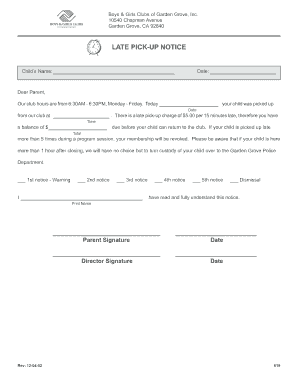
Warning letter for late pick up
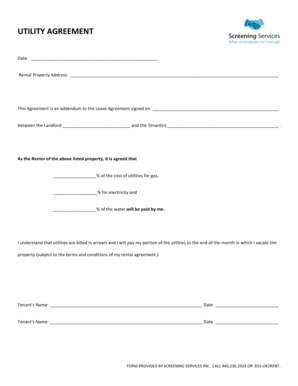
Utility agreement form
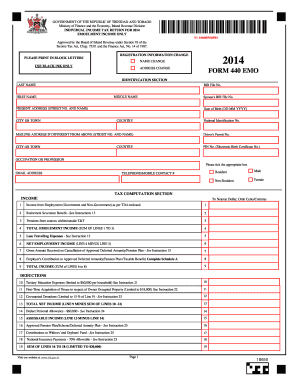
Income tax return forms

EDUCATIONAL PSYCHOLOGY SERVICE STAGE 3 REFERRAL FORM - WELB

Dental new patient phone call form

Curfew permit letter
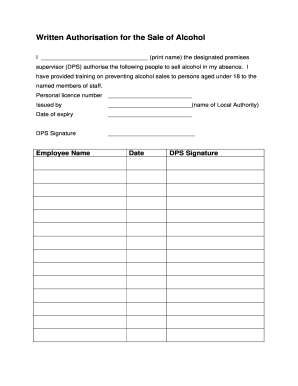
Authorisation alcohol
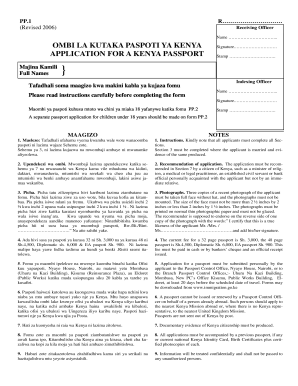
Paspoti
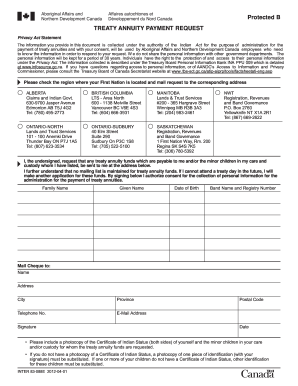
2020 treaty annuity payment schedule
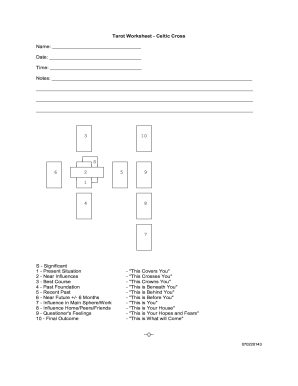
Tarot worksheets pdf
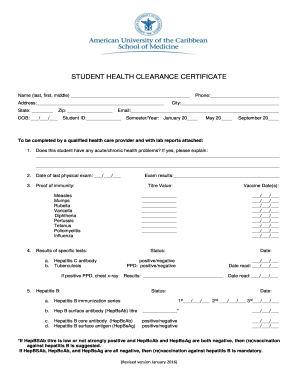
Health clearance form
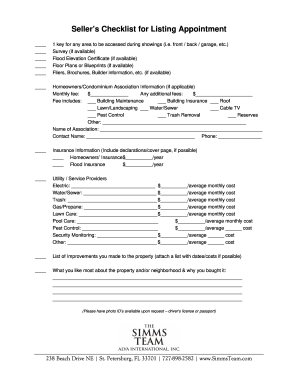
Listing appointment checklist pdf
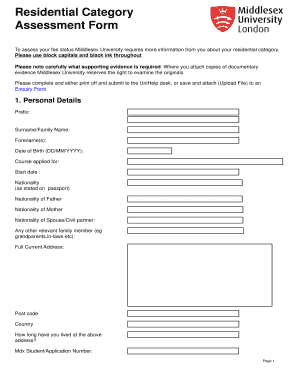
Residential category
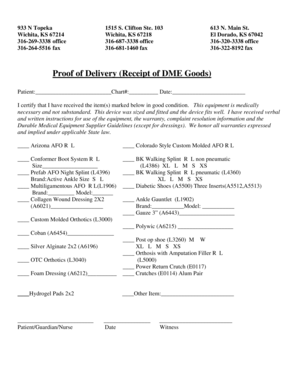
Dme proof of delivery form template

Copart transfer form
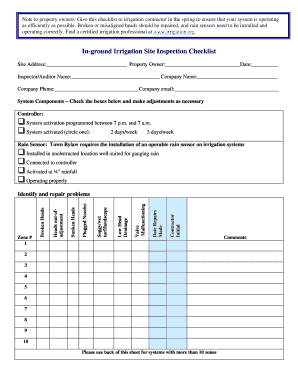
Irrigation checklist template
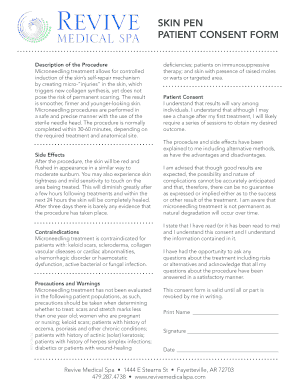
Pen consent form
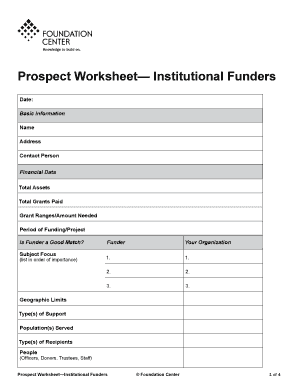
Prospect Worksheet Institutional Funders - foundationcenter
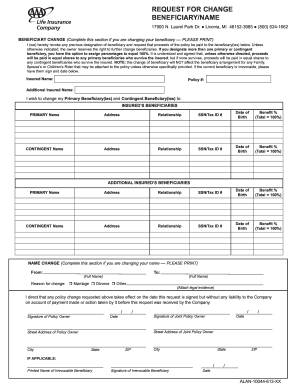
Aaa beneficiary form
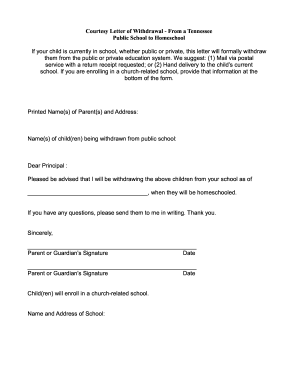
Sample letter to withdraw child from school
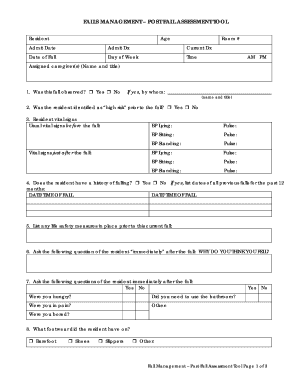
Falls fall assessment
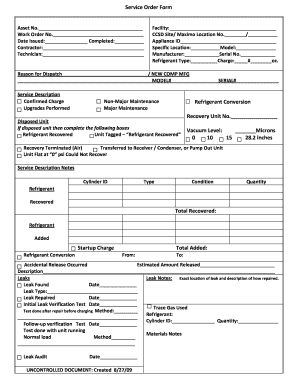
Ccsd order form
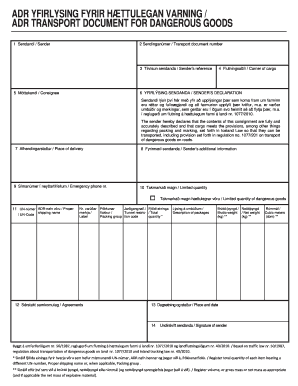
Adr transport document template
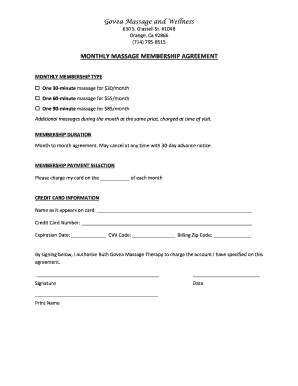
MONTHLY MASSAGE MEMBERSHIP AGREEMENT
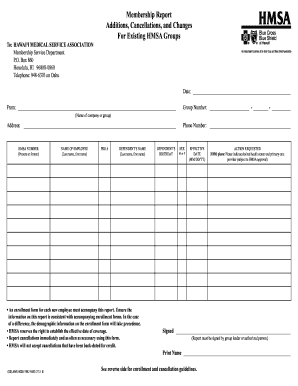
Hmsa cancellation form
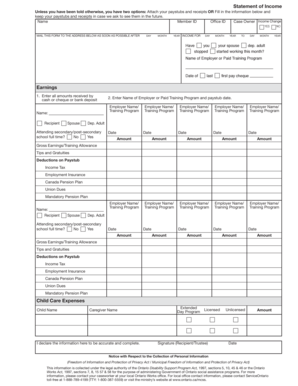
Ontario works income statement
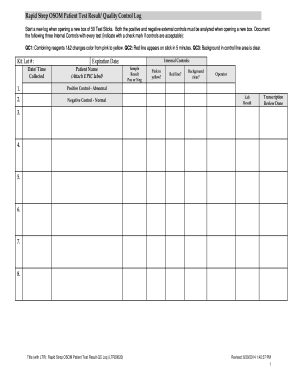
Printable controls for strep testing
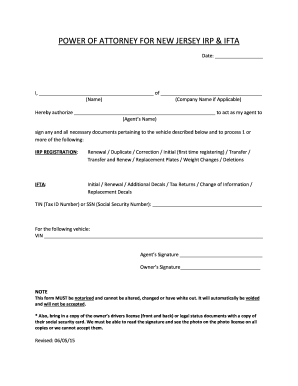
Blank power of attorney legal forms nj
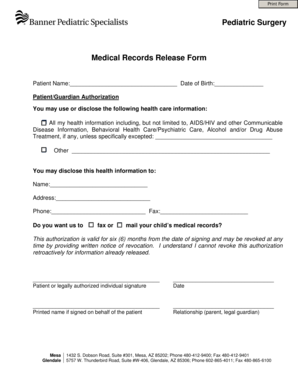
Banner records release form
Medtronic plc MDT - Product Pipeline Analysis 2015 Update Market Research Report
Opening sheet for civil appeals
Pasco county notice of commencement
Birds fax template
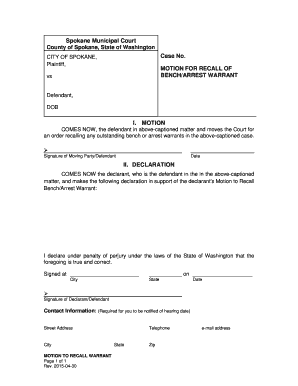
Motion to recall warrant sample

Printable tree removal contract template
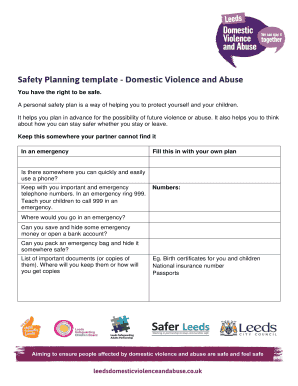
United kingdom domestic abuse
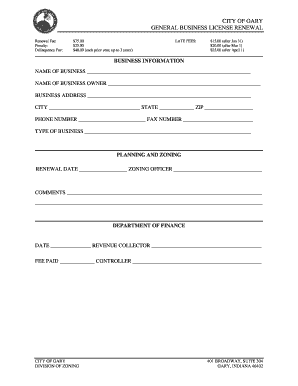
Gary business license
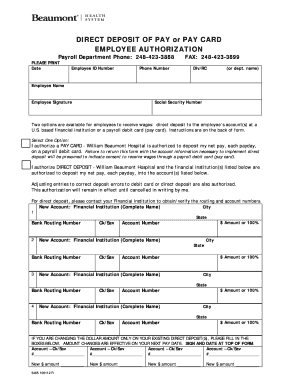
Beaumont direct deposit
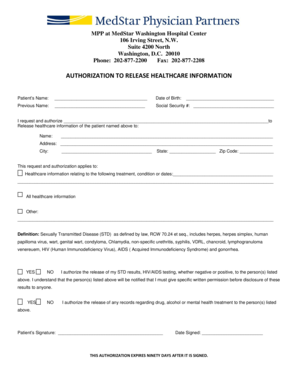
Medstar doctors note
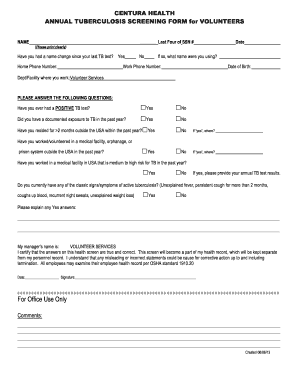
Centura i phase ii

Colorado 300 01a form

Bankruptcy petition filing online

Oru petition
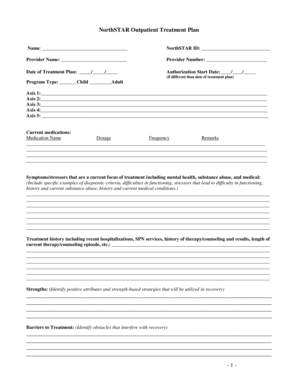
NorthSTAR Outpatient Treatment Plan - ValueOptions

Saif form 2016-2019
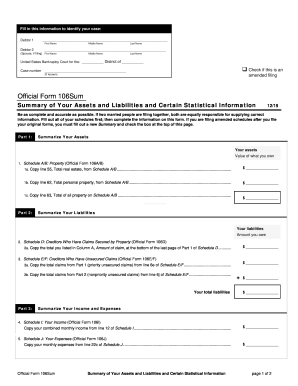
Form assets liabilities form
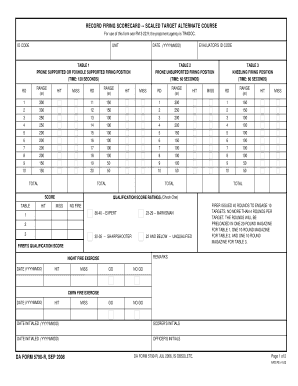
FM3-22.9 Chapter 7 Advanced Rifle Marksmanship (Phase IV of ...
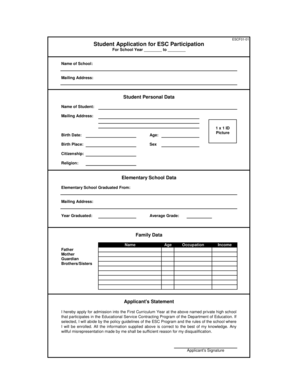
Esc application form 2020 for grade 7
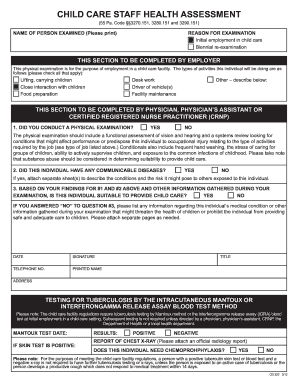
Child care health assessment
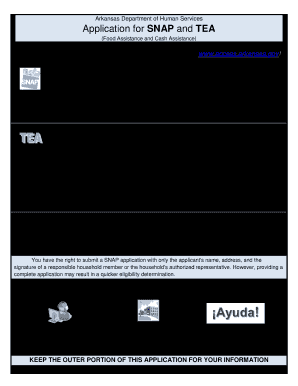
Arkansas dco application snap
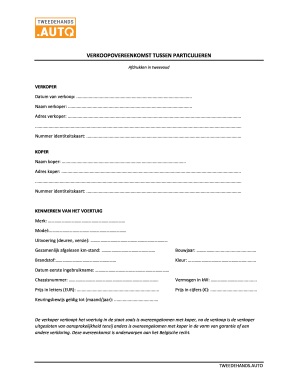
Verkoopovereenkomst auto
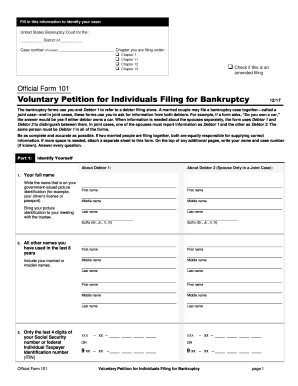
Form 101 bankruptcy

Cg 3788b
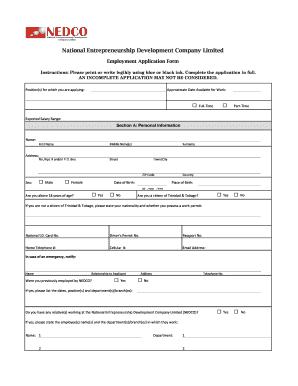
Nedco application form
Vtr 66
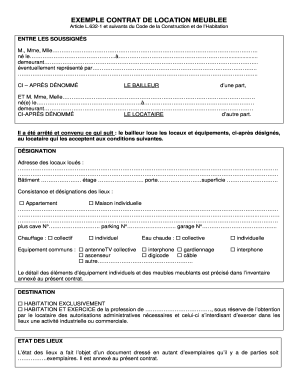
Contrat de location meubl
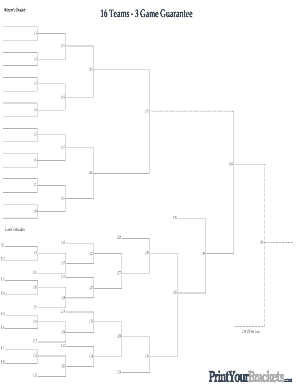
16 team double elimination bracket
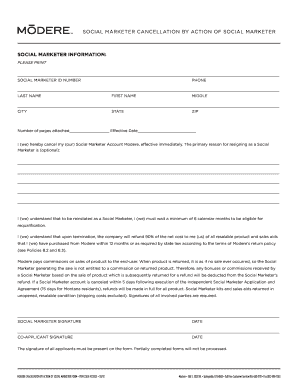
How to cancel modere membership
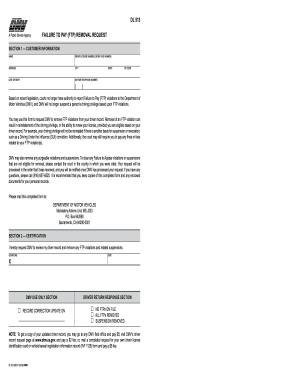
California dl 513
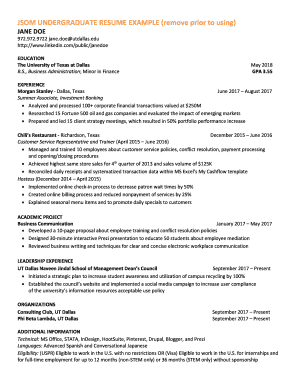
Jsom resume template
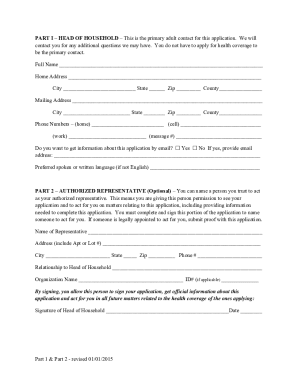
Ms application medicaid form

Fema appeal letter pdf

Probe calibration sheet

Sa456
Benefit from the DocHub online library of fillable PDF forms
Searching the PDF forms doesn't have to be a tedious and time-consuming process. With the DocHub online library, it has become easier to find the fillable PDF forms and modify them in your browser. The service allows you to adjust the document to your needs using powerful editing tools.
You can use online document editing features to modify almost any type of document with ease. You just need to find the template of your choice, open it in the editor, and use the toolbar to make the necessary corrections.
Follow this guide to get your document done with DocHub:
- Find the PDF template you need.
- Click the Get Form button to open the file in the editor.
- Use the toolbar to fill out and edit the document.
- Easily add and highlight text, insert images, checkmarks, and symbols.
- Drop new fillable fields, and rearrange or delete pages from your file.
- Save changes and download your record.
DocHub empowers everyone to streamline document editing, signing, and distribution, and form completion. Create an account and benefit from our well-organized PDF Forms library and comprehensive editor.