
Get any PDF form from the DocHub library of ready-made templates - Page 1945
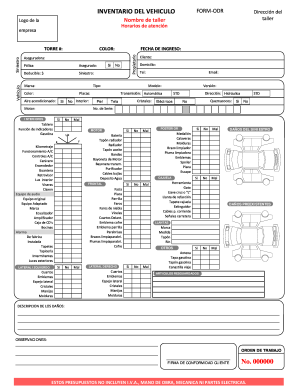
Hoja de servicio automotriz
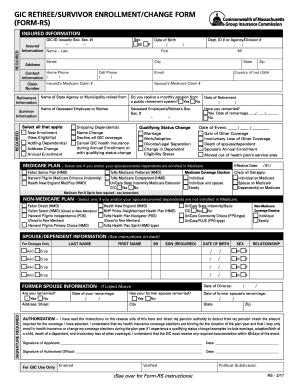
Gic retiree/survivor enrollment/change form (form-rs) - mass
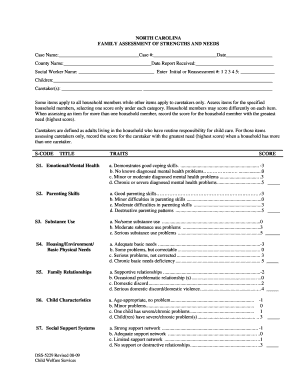
Dss 5229
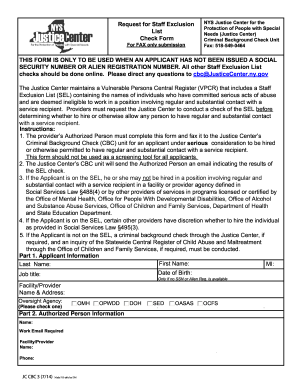
Request staff exclusion list
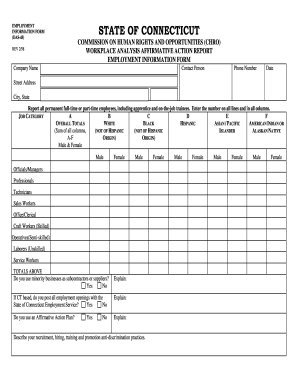
Ct das chro employment information
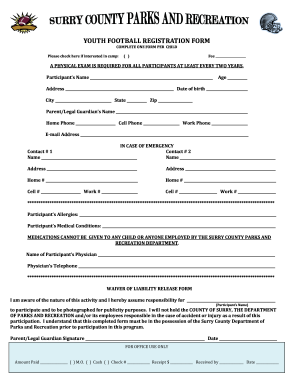
Football registration form pdf
MMR1015 - Colorado.gov - colorado
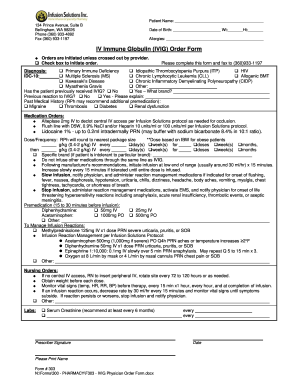
Infusion form iv form
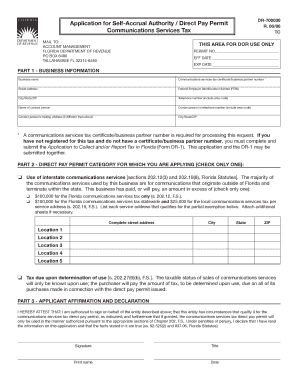
Fl dept of revenue
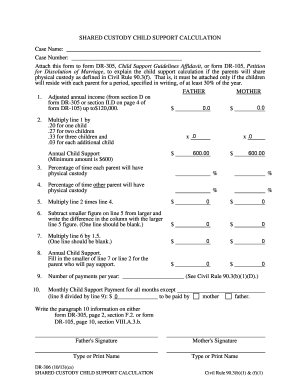
Alaska dr 306 form

Ldss 4992
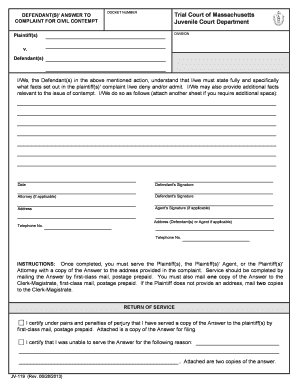
Massachusetts answer to complaint form
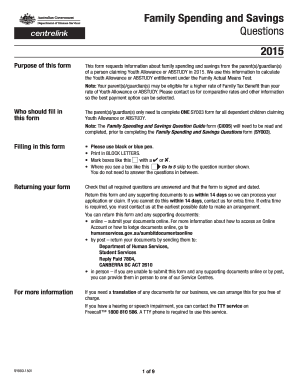
Form family spending template

Surat persetujuan penolakan pakatan amanah raya pdf
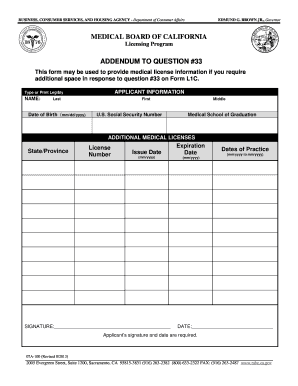
Fill training letter layout 2013 form
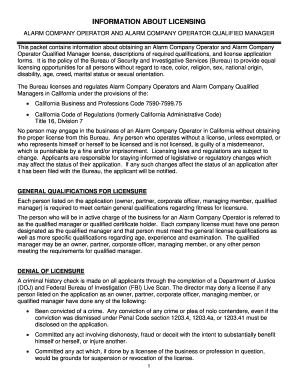
Bureau of Security and Investigative Services - Alarm Company Operator - Application for License. Bureau of Security and Investigative Services - Alarm Company Operator - Application for License - bsis ca
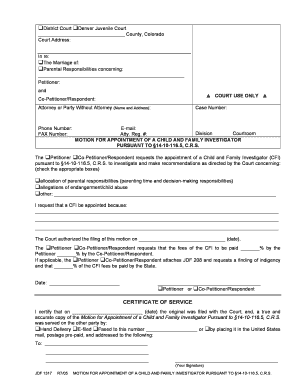
Jdf 1317 cost
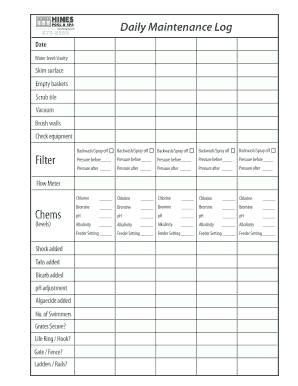
Hot tub maintenance record sheet
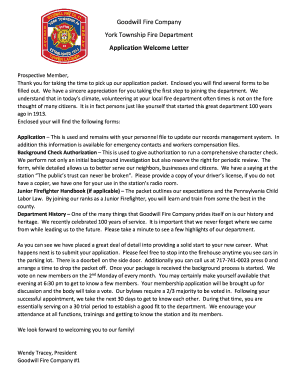
Application Welcome Letter - York Township Fire... - ytfd
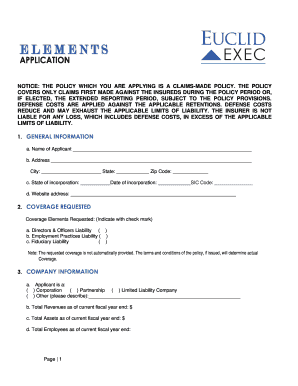
Euclid's elements

Youth baseball waiver form template

Pncc providers milwaukee

How long do probation discharge papers take

Cd 224
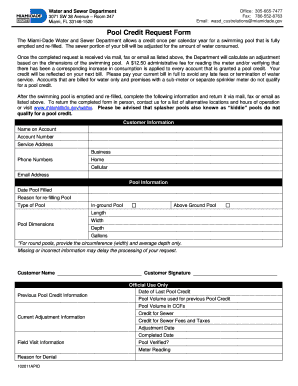
Miami dade water and sewer pool credit
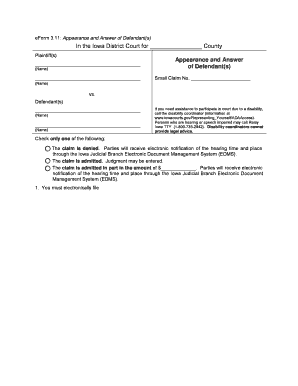
Eform appearance answer defendant

Ma madsmr masshealth
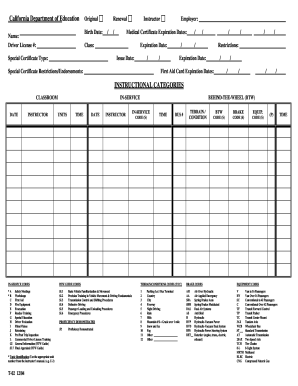
T 02 form

Maine dealers supplemental form
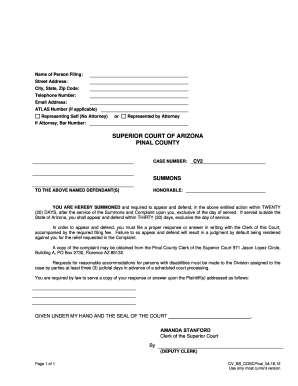
Blank Summons - Pinal County Clerk of the Superior Court

Ky notice
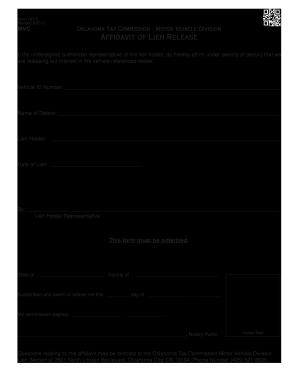
Oklahoma lien release form
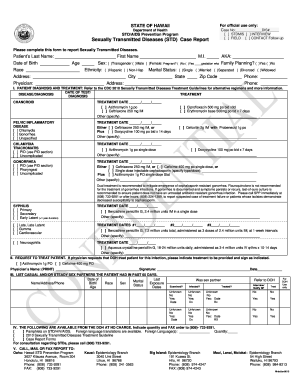
Hawaii sexually transmitted diseases form

Odometer disclosure statement oklahoma
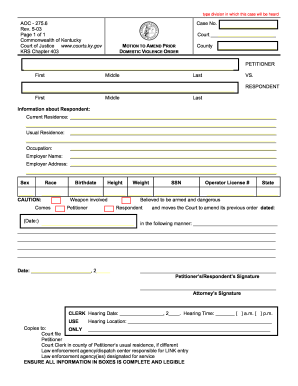
Motion to Amend Prior Domestic Violence Order - courts ky
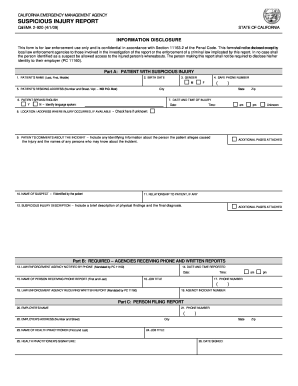
Ocjp 920 suspicious injury report form
Prc application cuyahoga county online application

I 515a
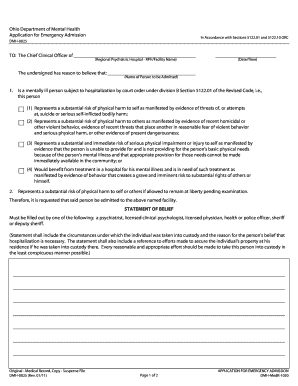
Ohio pink slip form
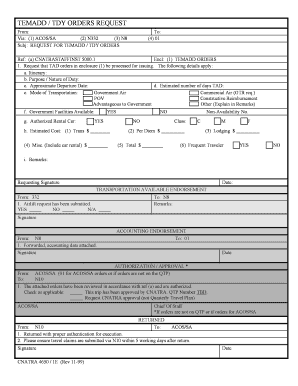
Tdy orders navy
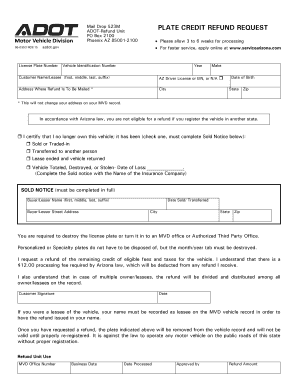
Az plate refund form
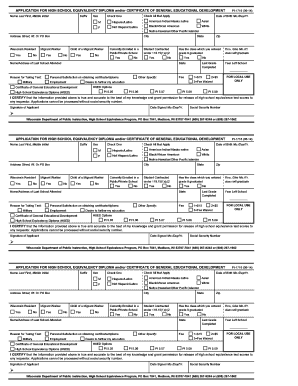
PI-1716 Application for High School Equivalency Diploma and/or ... - dpi wi
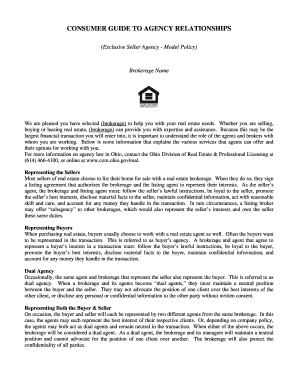
Ohio consumer guide agency relationships
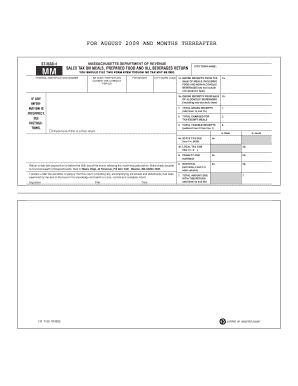
Mab 4
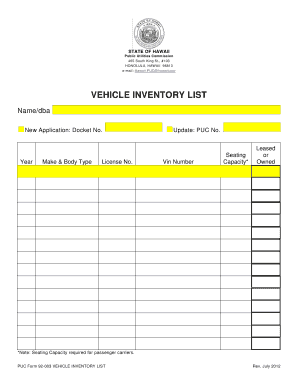
Vehicle inventory list

Idaho requestor court

Affidavit for Collection of Personal Property Pursuant to Small Estate ... - colorado

Certified Peer Counselor Training Application - adsa dshs wa
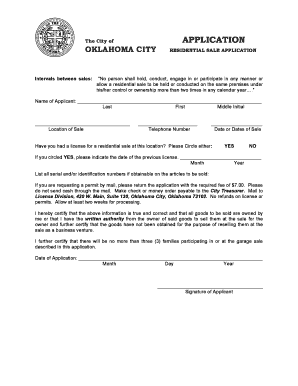
Garage sale permit okc
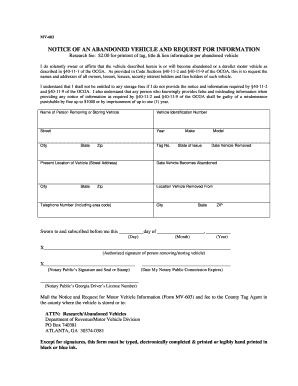
Mv603
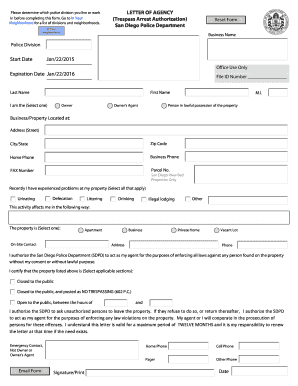
Letter agency form
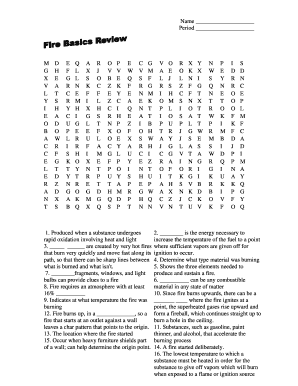
Fire basics review answer key
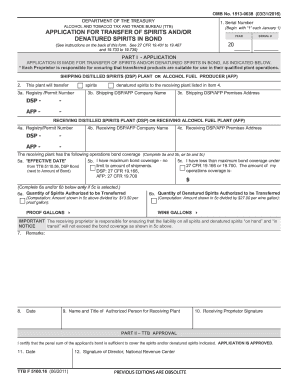
Application for transfer of spirits and/or denatured spirits in bond - ttb
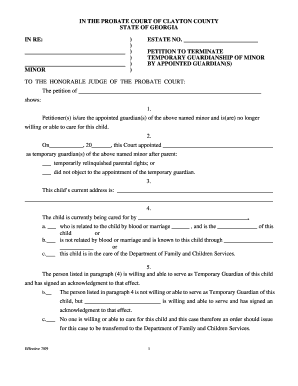
Termination of guardianship forms georgia
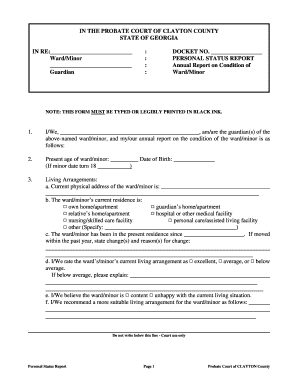
F: Departments Probate 2009 Personal Status Report for Adult or ... - claytoncountyga
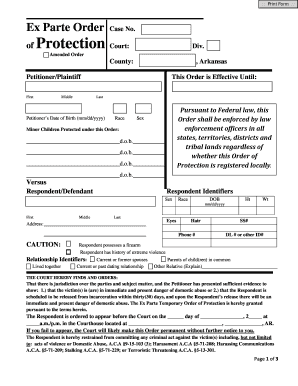
Ex parte order arkansas
Conservatorship
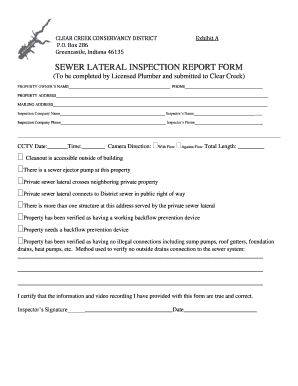
Sewer inspection report template

Rev 1176

Cfs 316 form arkansas
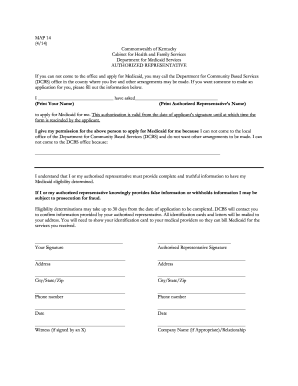
MAP 14 414 Commonwealth of Kentucky Cabinet for Health and - chfs ky
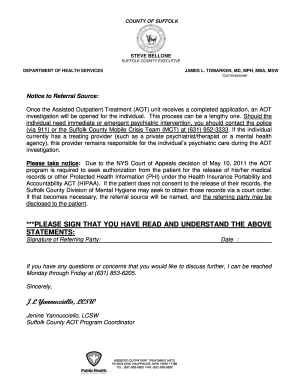
Ny assisted outpatient form
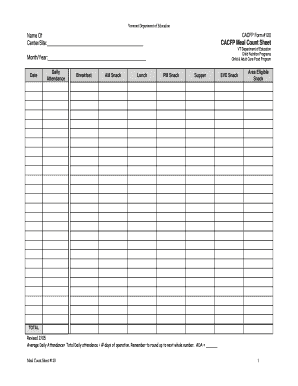
Meal count sheet

Va form 0233

Uf 28 nypd
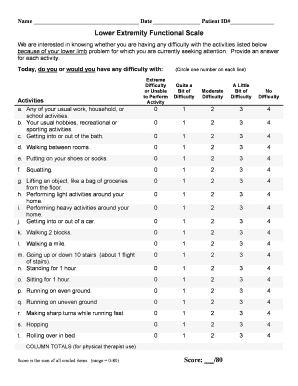
Lefs printable

Comar application
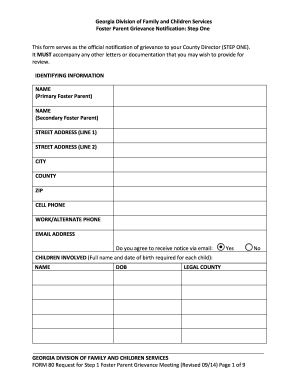
Georgia foster form

Licensed Sole Owner Applying for Corporate License

Cslb certification of work experience sample
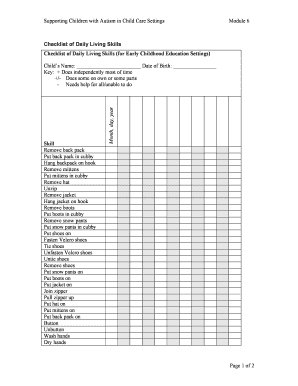
Printable adl checklist

Form pl740 form

Thinking report examples

ARRA-4X - Arizona Radiation Regulatory Agency - azrra
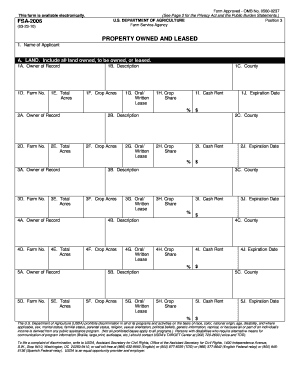
Fsa 2006
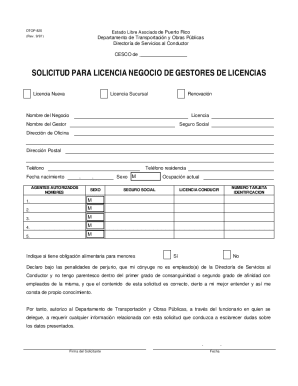
Dtop
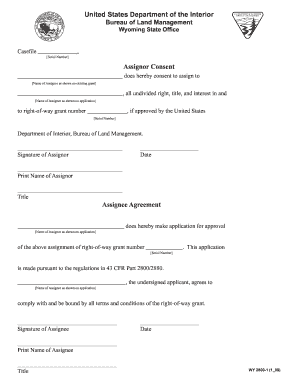
Assignor consent/assignee agreement form - blm
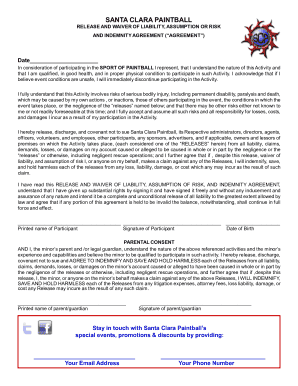
Santa clara paintball waiver

Boy scout volunteer hours form

Fixed food establishment

Ccc 860
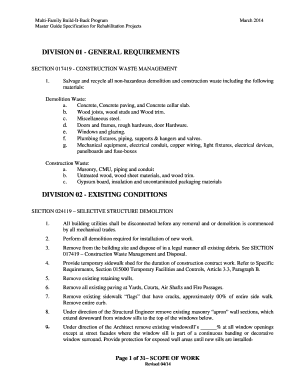
Standard Scope of Work
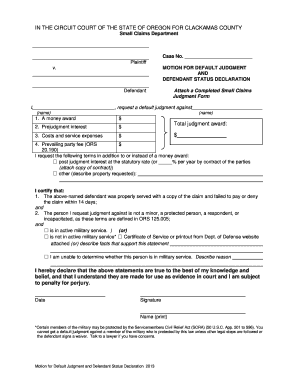
Legal forms for default judgement
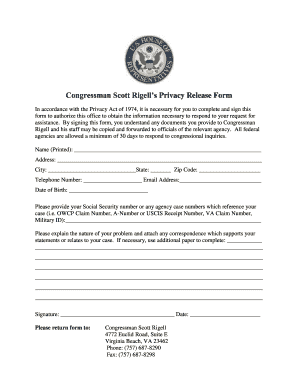
Rigell form
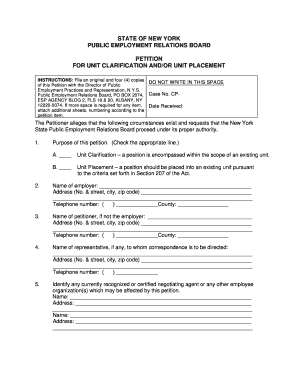
Nys perb petition for placement form
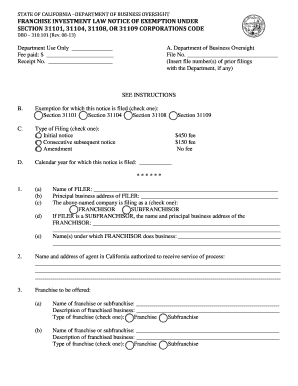
DBO-310.101 - California Department of Business Oversight
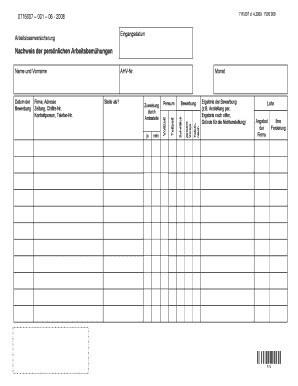
0716007 001 04 2012 beispiel
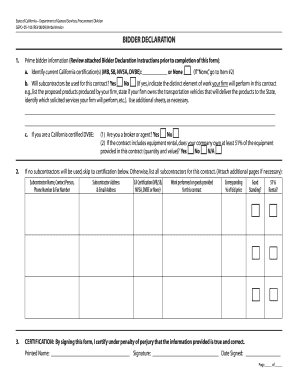
Declaration california dgs

Vs 9 3

Scissor lift practical evaluation form
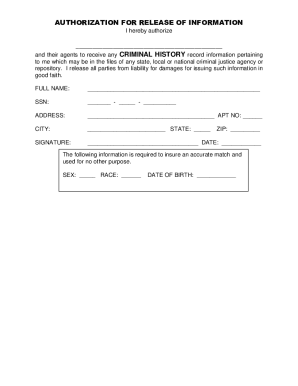
Ntn tenant virtual fill

DP-14 - New Hampshire Department of Revenue Administration - revenue nh
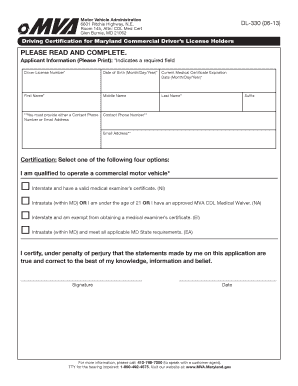
Driving Certification For Maryland Commercial Driver's License - mva maryland
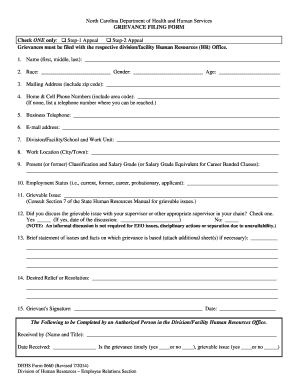
Grievance form template

Travel request form
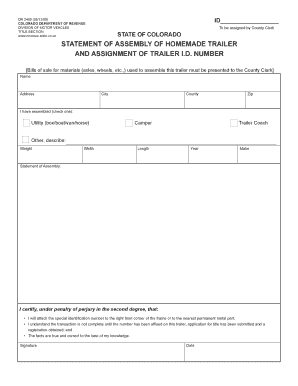
Dr 2409
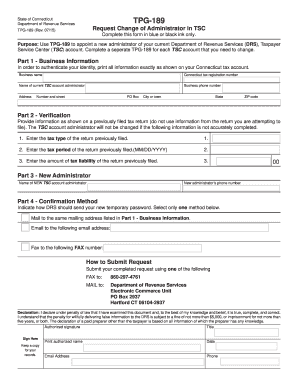
State of ct tpg189

Tceq 20467 2014 form
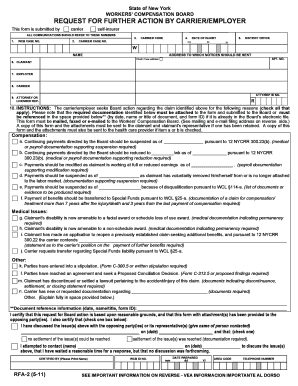
Workmans compensation rfa 2 form
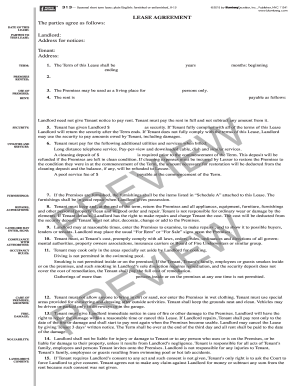
Commercial lease
Benefit from the DocHub online library of fillable PDF forms
Searching the PDF forms doesn't have to be a tedious and time-consuming process. With the DocHub online library, it has become easier to find the fillable PDF forms and modify them in your browser. The service allows you to adjust the document to your needs using powerful editing tools.
You can use online document editing features to modify almost any type of document with ease. You just need to find the template of your choice, open it in the editor, and use the toolbar to make the necessary corrections.
Follow this guide to get your document done with DocHub:
- Find the PDF template you need.
- Click the Get Form button to open the file in the editor.
- Use the toolbar to fill out and edit the document.
- Easily add and highlight text, insert images, checkmarks, and symbols.
- Drop new fillable fields, and rearrange or delete pages from your file.
- Save changes and download your record.
DocHub empowers everyone to streamline document editing, signing, and distribution, and form completion. Create an account and benefit from our well-organized PDF Forms library and comprehensive editor.