
Get any PDF form from the DocHub library of ready-made templates - Page 1944

Out of title work grievance

Application 5150 form pdf
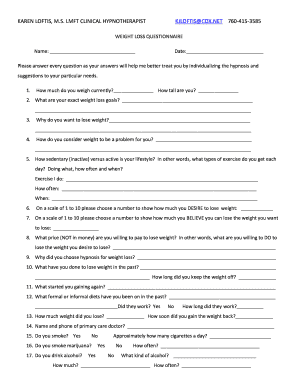
Daily weight chart pdf
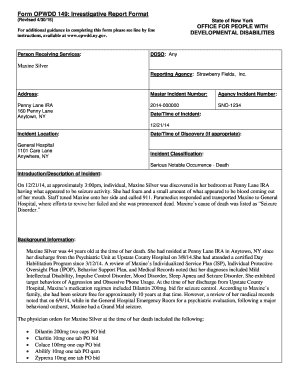
Opwdd 149
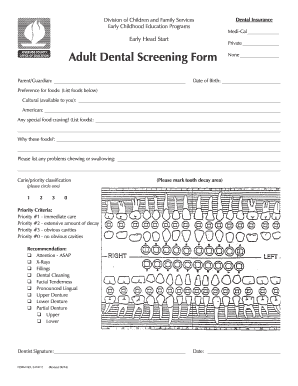
Dental check up form

Dps 32d
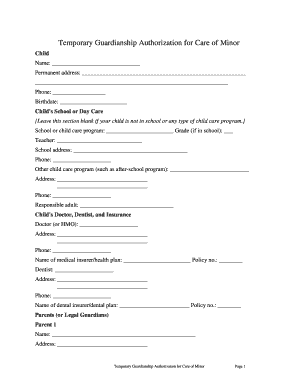
Letter of guardianship for school

Centennial construction

Pomona Valley Hospital Medical Center - Professional Legal ...

Discharge follow up phone call template

Reflective Address Sign Order Form - stonyhillfire

Scott Safety Patrol Application - naperville203

Instructions for Homeopathic Intake Form - SCNM - medcenter scnm

Town of mangonia park building department
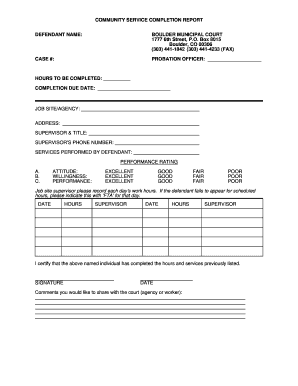
Job completion report
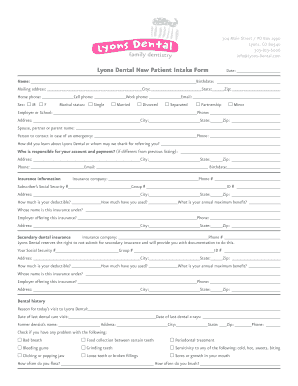
Patient intake form
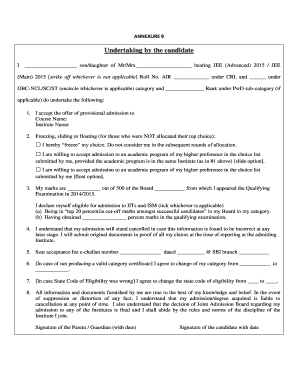
How to fill undertaking form
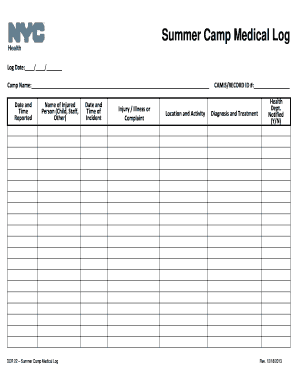
Dcr 22

Dive sheets
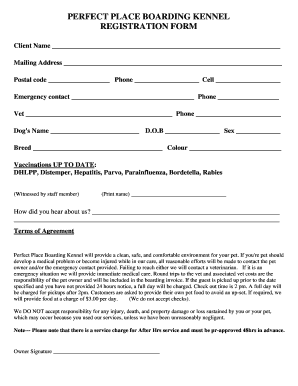
Boarding form
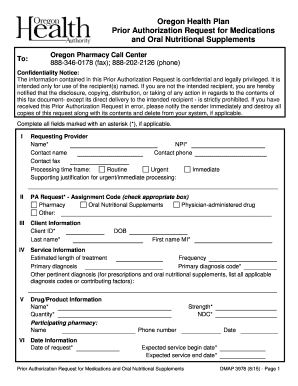
Dmap prior authorization form

STAAR Review Packet - jflaherty1@kleinisd.net

SCR 7.01-7A. Form 7A, Plaintiff s Claim - ontariocourtforms on
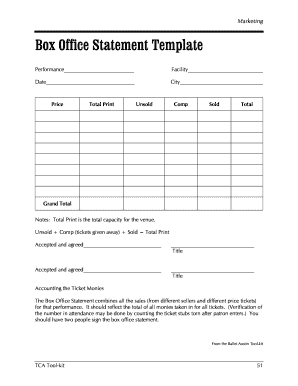
How to make a template

Harbins Elementary School Social Studies FAIR - harbins
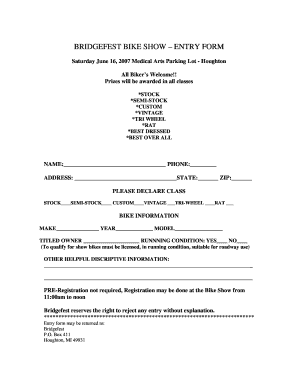
BRIDGEFEST BIKE SHOW ENTRY FORM
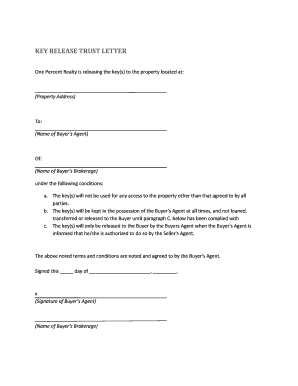
Key exchange form
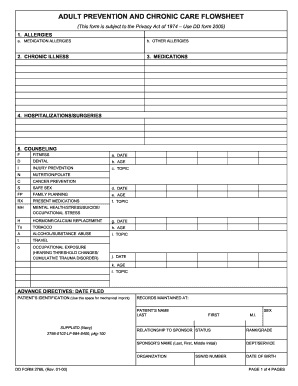
2766
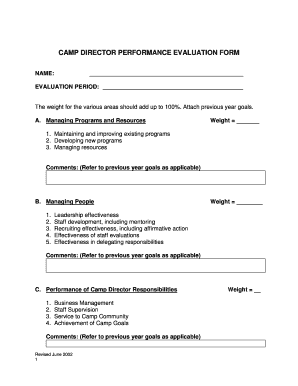
Camp director evaluation form
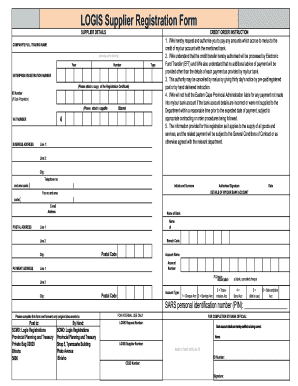
Logis registration online
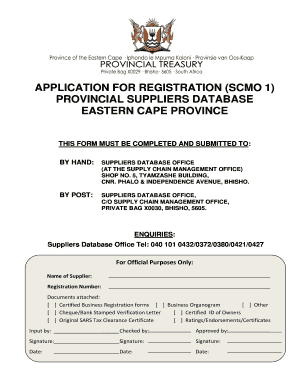
Scmo logis regristrations provincial planning and treasury
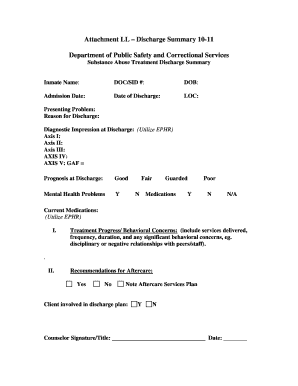
MD Attachment LL - Discharge Summary 10-11
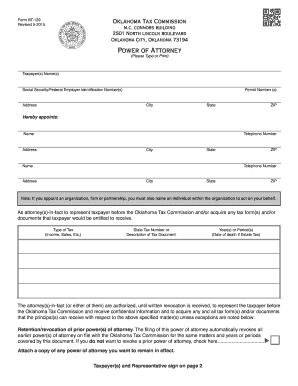
Oklahoma power attorney

Denver health prior authorization form

Bundesagentur für arbeit form
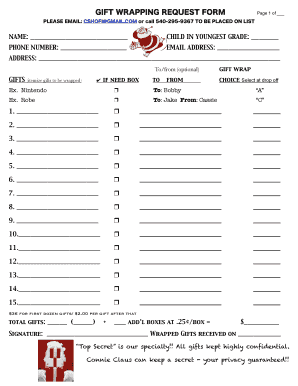
Gift wrapping request form 1. - Holy Cross Academy

Sjusd volunteer form
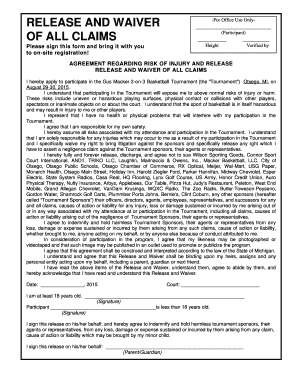
Waiver agreement

City of Lincoln Police Department Personal History Statement. City of Lincoln Police Department Personal History Statement - lincoln ne
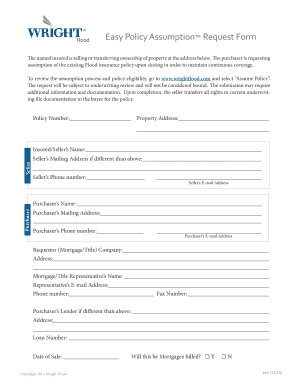
Fema flood policy assumption form
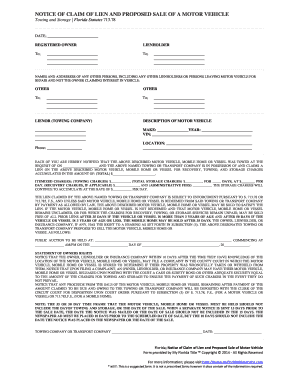
Florida storage lien laws

14 year old well child check template

Iowa satisfy form
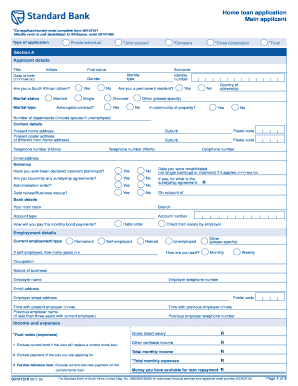
Standard bank forms download

Chapter 6 biology test
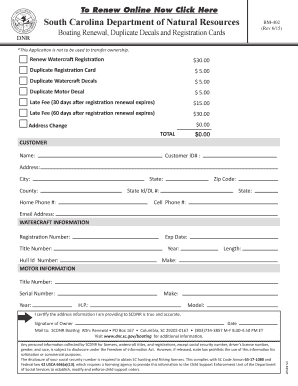
Bm402
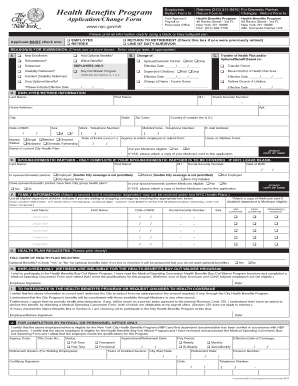
Health Benefits Application Health Benefits Program 40 Rector Street 3rd Floor New York, NY 10006 (212) 5130470 TTY/TDD: (212) 3067753 www
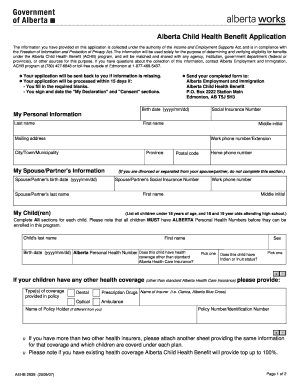
Child benefit canada
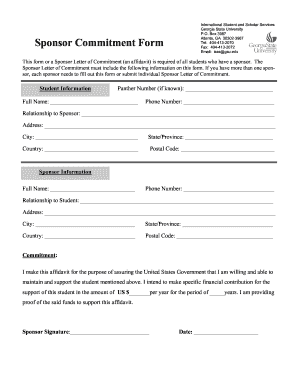
Sponsor Commitment Form - International Student & Scholar Services
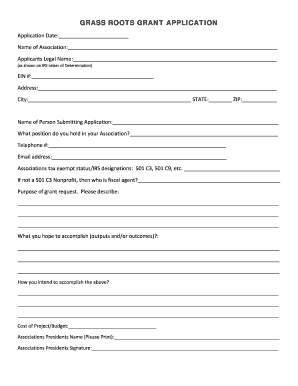
GRASS ROOTS GRANT APPLICATION - WAHA Hockey Interactive
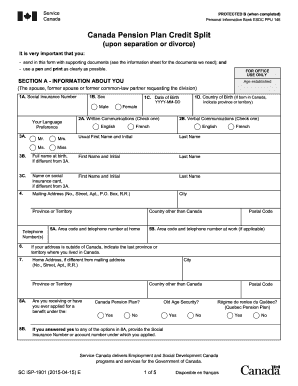
Canada Pension Plan Credit Split. SC ISP-1901 E - servicecanada gc

Flipout form
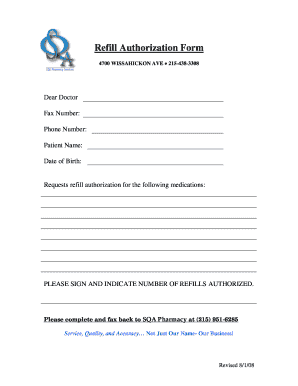
Refill Authorization Form - Sqa Pharmacy

Delta Care USA - Endo Group Houston

Layaway policy template
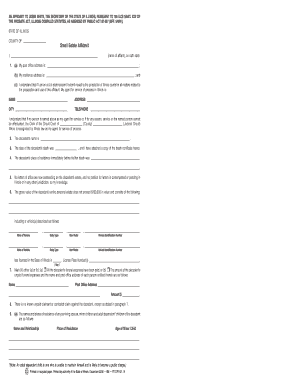
Resided rt heirs
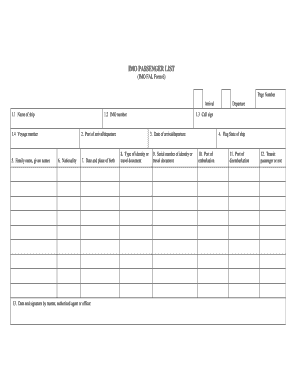
Imo passenger list
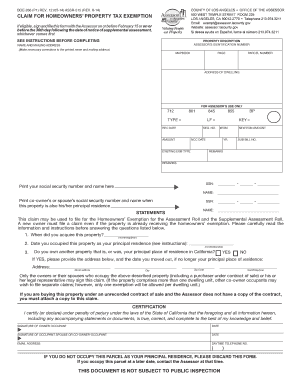
Boe 266 los angeles

CANADA CUSTOMS INVOICE FACTURE DES ... - Hercules

Readiness transfer
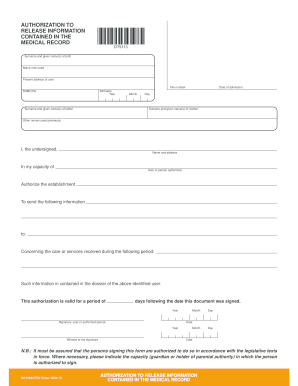
Release contained medical record
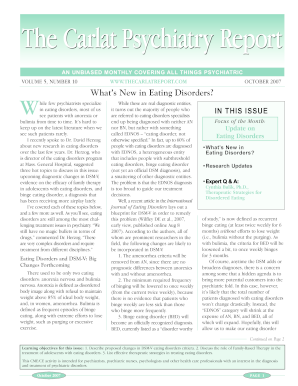
The what39s
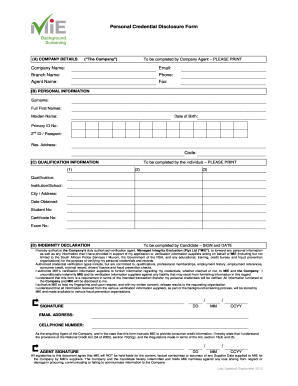
Personal credential

Scholarship form pdf

The Redwoods Group Incident Reporting Form for YMCAs

M 938 map form
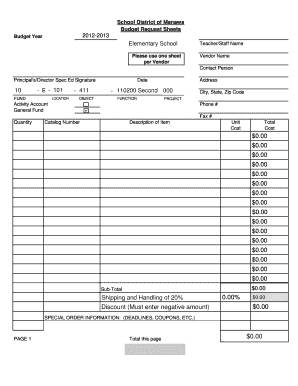
Fire department budget request form

Laptop request form
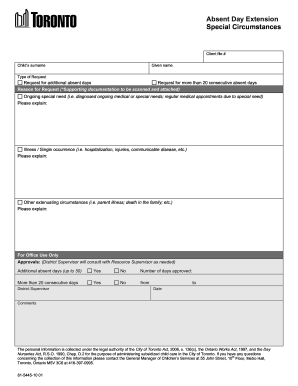
Absent days Extension form - City of Toronto
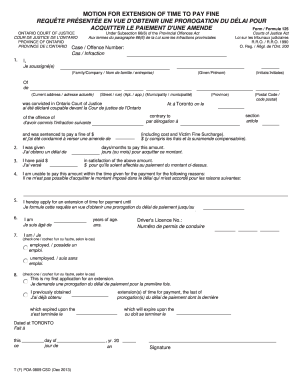
Motion for extension of time to pay fine ontario
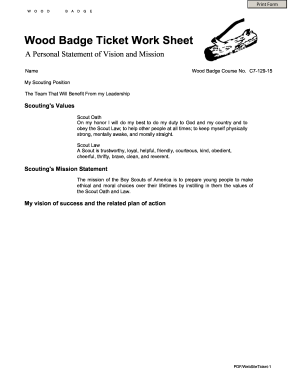
Badge ticket form blank

Book out sheet for used vehicles
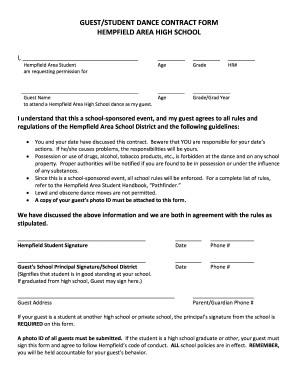
Hempfield guest form
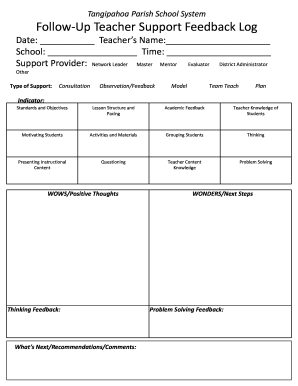
Teacher walk through form

Greenshield scholarship
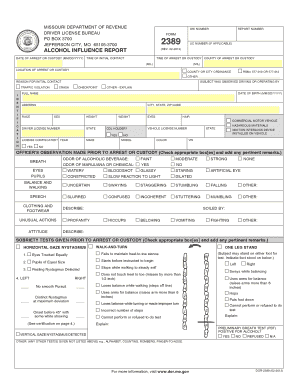
Missouri alcohol influence report

Nrci plb 01 e
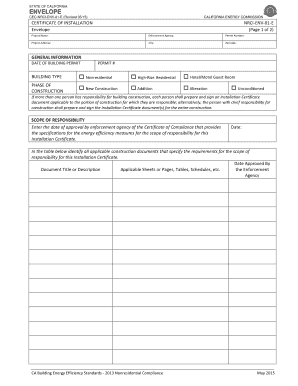
Nrci env 01 e
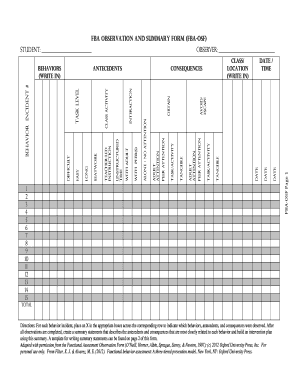
Fba observation student form
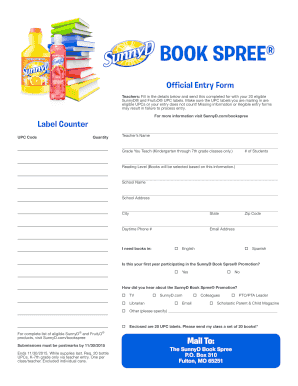
Sunny d book spree 2019

Motivated seller lead sheet
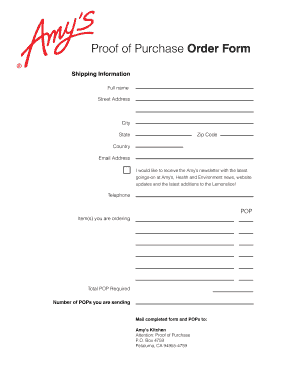
Certificate of purchase sample
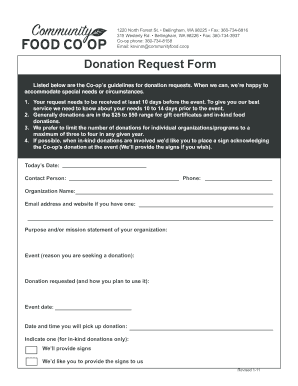
Sprouts donation application

Summons sample

Severe financial application form

Arbeidsovereenkomst pdf
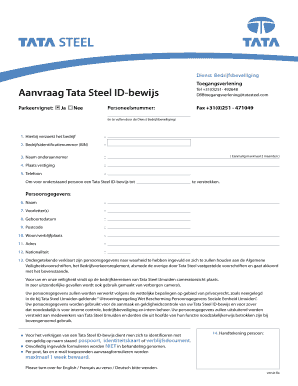
Tata steel pas verlengen

Barmenia leistungsauftrag formular
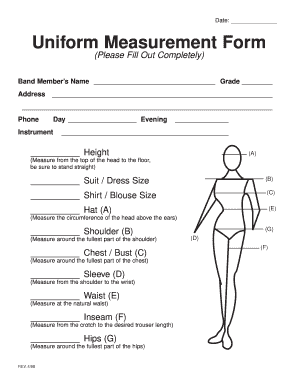
Measurement form
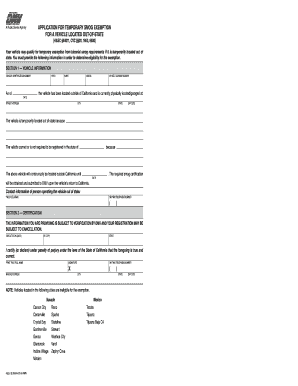
Reg 5103

Workers' Comp Return to Work Form - ok

Massachusetts school health form
New jersey application paad
Prayer journal workbook pdf

Tlc vehicle transfer
Print Hospitalized Applicant.tif (2 pages) - Clark County Nevada - clarkcountynv
4a texas department online
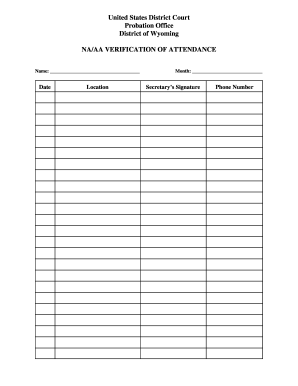
Aa forms

Weight loss form

Mv2300
Benefit from the DocHub online library of fillable PDF forms
Searching the PDF forms doesn't have to be a tedious and time-consuming process. With the DocHub online library, it has become easier to find the fillable PDF forms and modify them in your browser. The service allows you to adjust the document to your needs using powerful editing tools.
You can use online document editing features to modify almost any type of document with ease. You just need to find the template of your choice, open it in the editor, and use the toolbar to make the necessary corrections.
Follow this guide to get your document done with DocHub:
- Find the PDF template you need.
- Click the Get Form button to open the file in the editor.
- Use the toolbar to fill out and edit the document.
- Easily add and highlight text, insert images, checkmarks, and symbols.
- Drop new fillable fields, and rearrange or delete pages from your file.
- Save changes and download your record.
DocHub empowers everyone to streamline document editing, signing, and distribution, and form completion. Create an account and benefit from our well-organized PDF Forms library and comprehensive editor.