
Get any PDF form from the DocHub library of ready-made templates - Page 1943

Fatca declaration hdfc netbanking

Citizens Crime Report Page 2.pub (Read-Only) - City of Lompoc
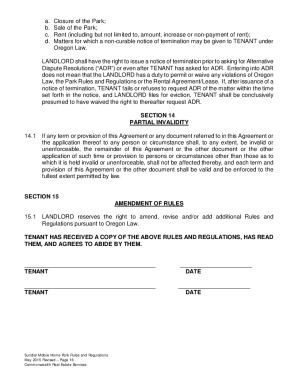
Sundial mobile home park
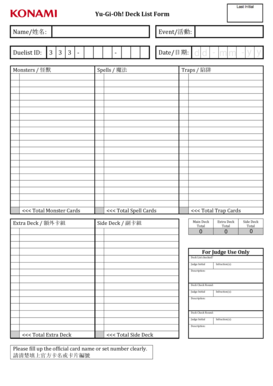
Printable yugioh cards pdf
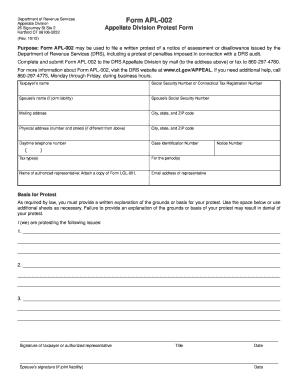
APL-002, Appellate Division Protest Form
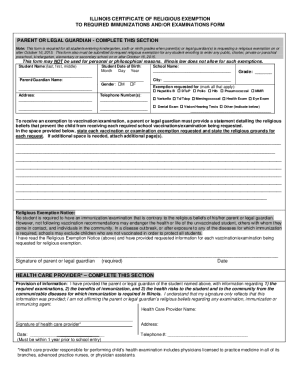
Sample religious exemption letter illinois
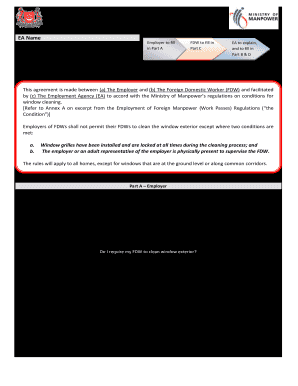
Safety agreement between fdw and employer

Occupational therapy session plan template

PC068 1004 Print ROOFING INSTALLATION INFORMATION AND CERTIFICATION FOR REDUCTION IN RESIDENTIAL INSURANCE PREMIUMS NOTICE TO HOMEOWNER - insurance tx
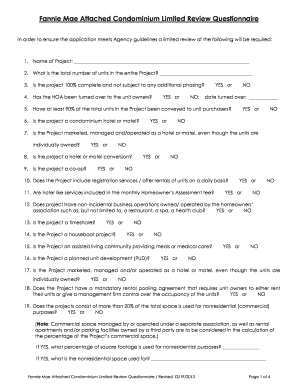
Fnma limited condo review form

Uba enrollment
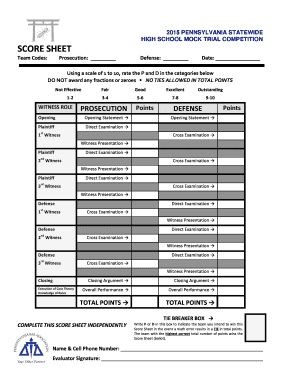
SCORE SHEET - Pennsylvania Bar Association - pabar
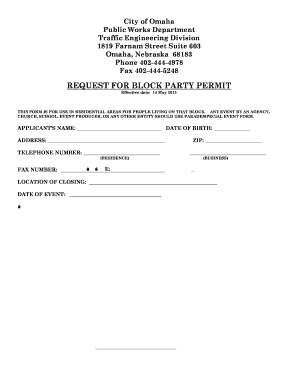
Block party permit

Civil rights training sign in sheet

Scaffolding green tag pdf
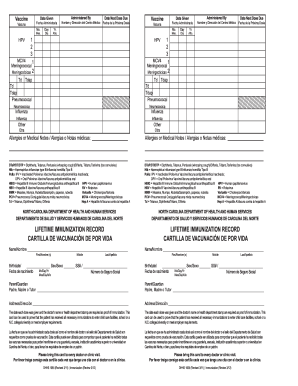
NC DHHS DHHS 1065 Lifetime Immunization Record - immunize nc
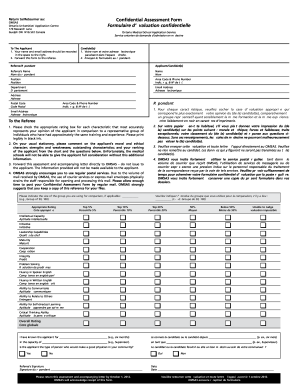
Confidential assessment form

Form 1065 city form

Metrobank downloadable forms
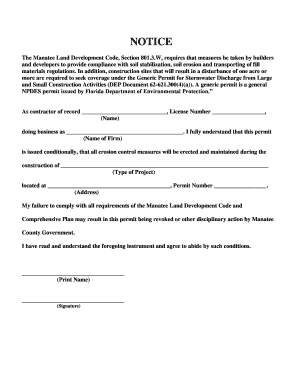
Manatee county florida erosion form

Philadelphia kids immunization registry

School affidavit
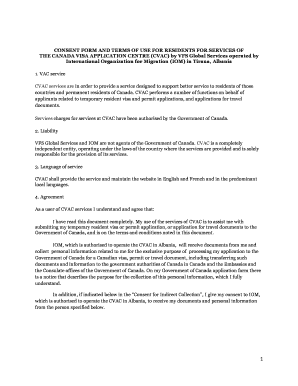
Vac tirana
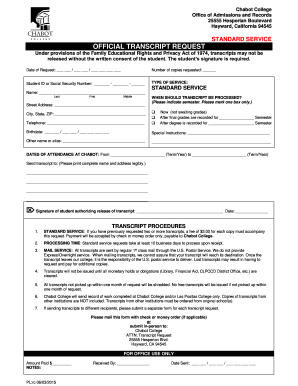
OFFICIAL TRANSCRIPT REQUEST - Chabot College - chabotcollege

Centegra medical records
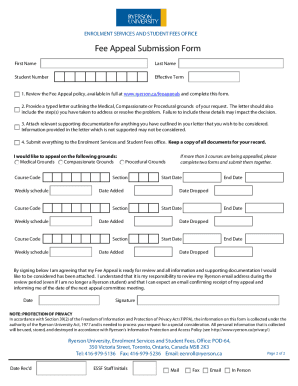
Ryerson fee appeal

Pos 010 fillable form
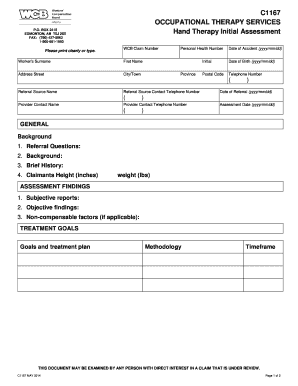
Montreal cognitive assessment pdf

Pa produce discovery
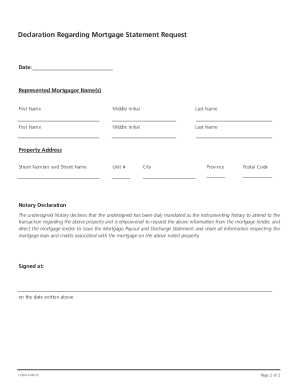
Scotiabank payout request
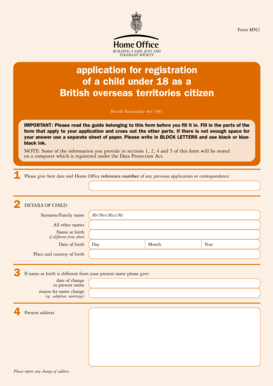
29639-5 A4 Form MN2
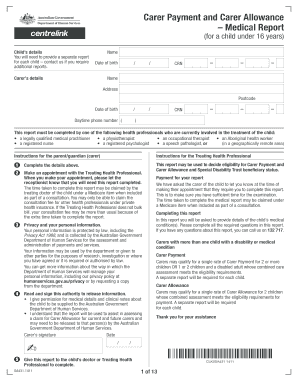
Carer Payment and Carer Allowance Medical Report (for a child under 16 years) - humanservices gov

SAP Appeal Progress Appeal Form - morehouse
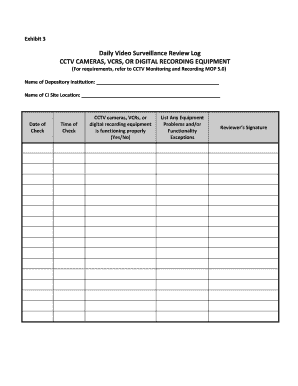
Cctv log book template
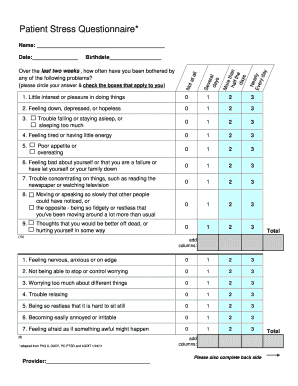
Mental Health Screener by UMass.doc - integration samhsa

Ga final disposition sentence form

Cpc apprentice removal letter example
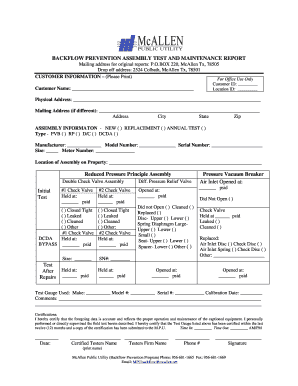
Tx mcallen backflow report
Irs hardship refund request form
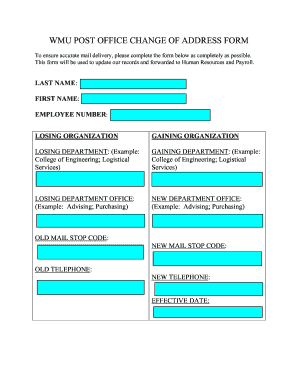
Printable change of address forms
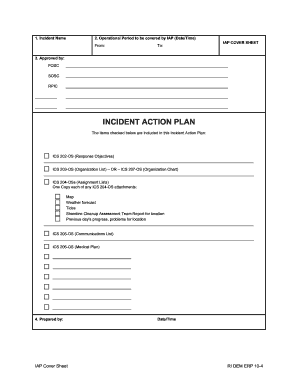
Ri incident action
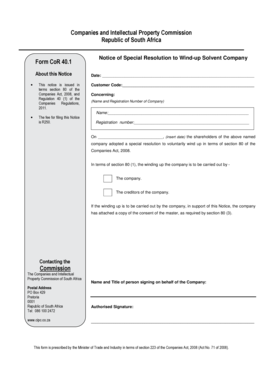
Cor40 1 form
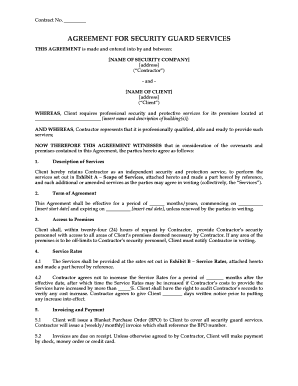
Guarding security contract template
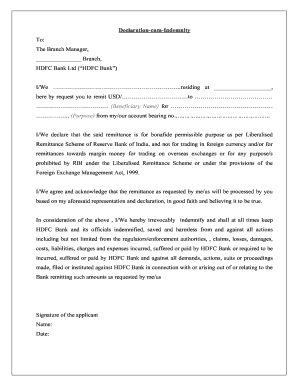
Hdfc declaration
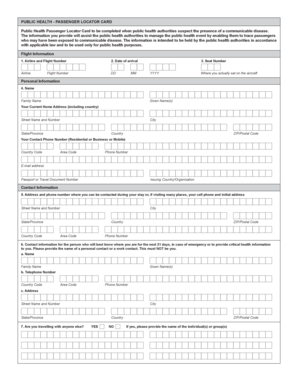
Passenger locator card pdf
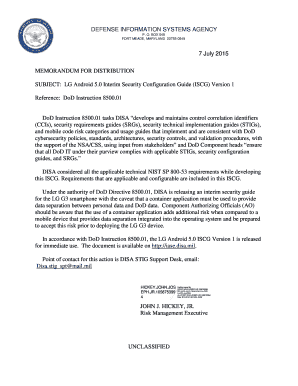
Dod iscg
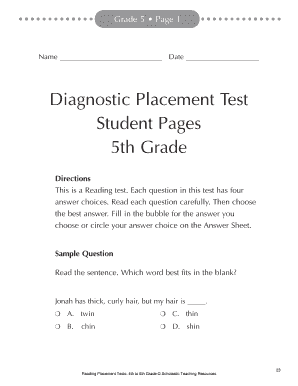
Scholastic diagnostic placement test grade 6 answer key

Repairs form
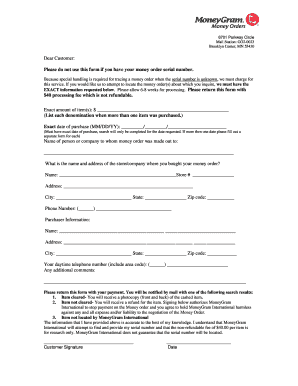
Moneygram orders form

Va sar form

Kaiser permanente authorization forms

Medical leave form
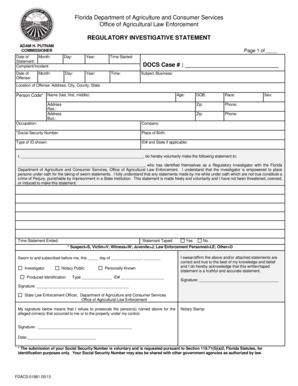
1113.0. Initial Police Reports
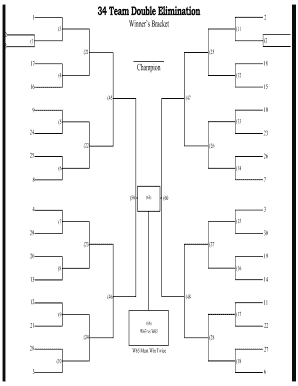
34 team double elimination bracket

Isp 2000
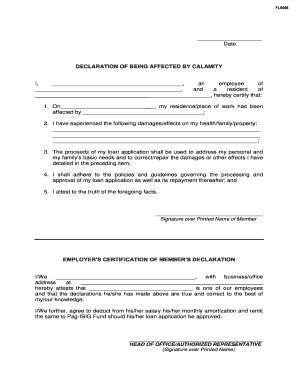
Accomplished declaration of being affected by calamity

Oci request form

Dca trust fund enrollment

Equipment Lease DOT & AUTHORITY Form (pdf file)
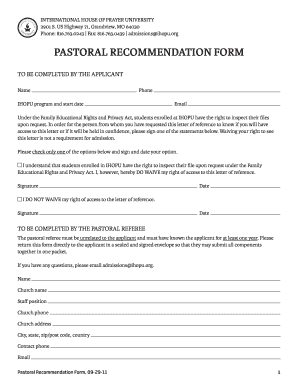
Pastoral recommendation form - International House of Prayer

FAP instrument Loan Form Sep 12 - keephatch wokingham sch

Stato di famiglia autocertificazione
Sce form 14 957
Personal affairs record book

Waiver & Health Info - Crossfit Hells Kitchen

Mc 020

Notice of intention to leave
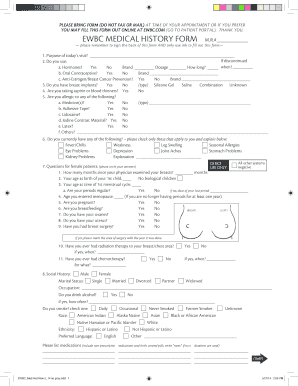
Ewbc portal

Hi22

SURGICAL HISTORY AND PHYSICAL FORM 12-10
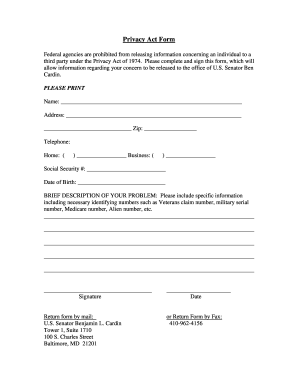
Nsa gov privacy act forms

Cnesst direct deposit form
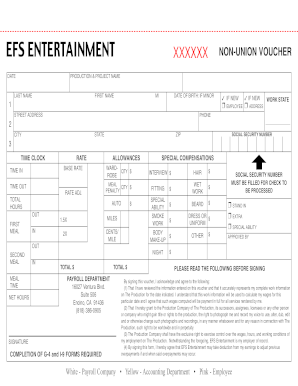
Xxxxxx voucher form
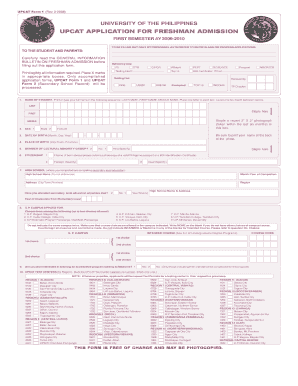
Form 1 personal data sheet

Clinic inspection checklist template

Oakland supplemental form
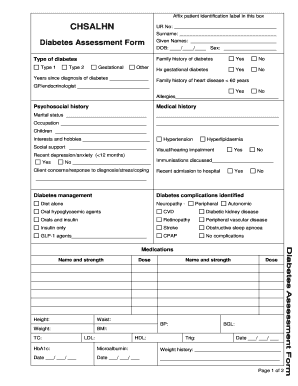
Diabetes assessment form
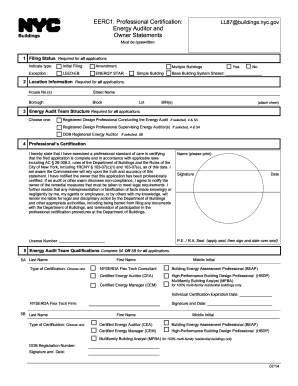
Ny certification energy

Ambulance call report
Advance Directives - Huntsville Hospital - huntsvillehospital
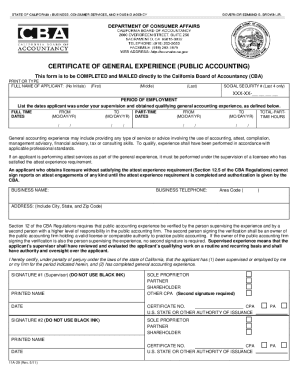
Certificate of General Experience - Public Accounting - California Board of Accountancy. Certificate of General Experience - Public Accounting - California Board of Accountancy - dca ca
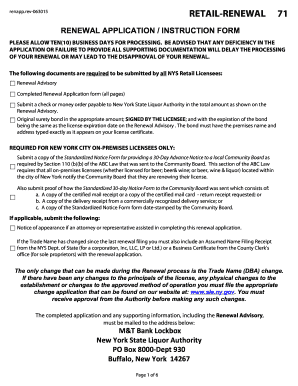
Renapp

DOC form 20-169, Work Release Visitor and Sponsor Application - doc wa
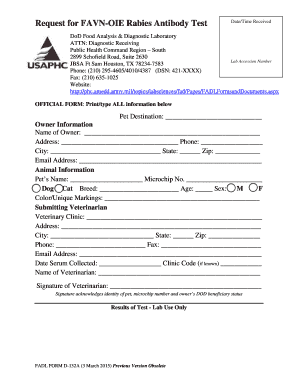
Favn oie

2000 dd 2365 form

Script breakdown sheet pdf

Throw a thon form

Arizona form w 9
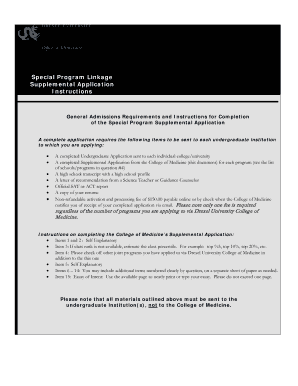
Special program supplemental application

Nutritional Consultation Questionnaire Form

ESCROW DEPOSIT LETTER Applicants Name : Property Address :
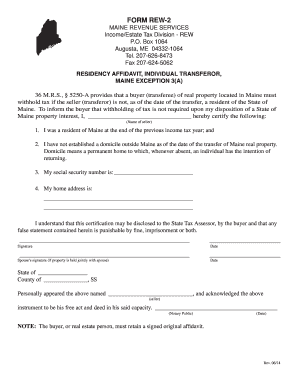
Rew 2
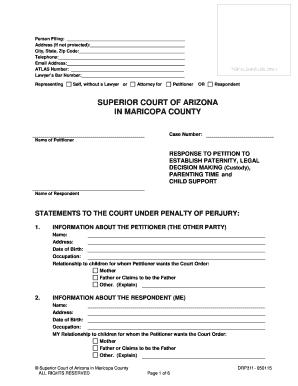
RESPONSE TO PETITION TO ESTABLISH PATERNITY, LEGAL DECISION MAKING (Custody), PARENTING TIME and CHILD SUPPORT ; DRP31f. RESPONSE TO PETITION TO ESTABLISH PATERNITY, LEGAL DECISION MAKING (Custody), PARENTING TIME and CHILD SUPPORT ; - - -
Adult questionnaire
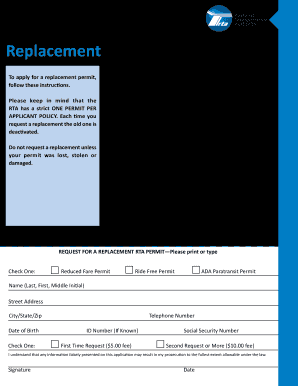
Rta replacement card
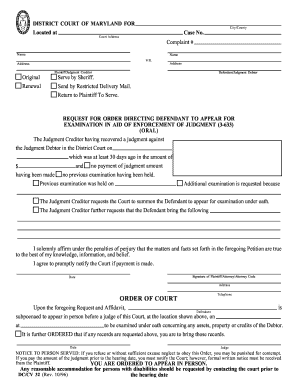
Maryland District Court Form. DC/CV 32 Request for Oral Exam

Static 99r coding form

Waiver test heartworm

Writ of fieri facias request rockdale county georgia

Conformity dd integral
Benefit from the DocHub online library of fillable PDF forms
Searching the PDF forms doesn't have to be a tedious and time-consuming process. With the DocHub online library, it has become easier to find the fillable PDF forms and modify them in your browser. The service allows you to adjust the document to your needs using powerful editing tools.
You can use online document editing features to modify almost any type of document with ease. You just need to find the template of your choice, open it in the editor, and use the toolbar to make the necessary corrections.
Follow this guide to get your document done with DocHub:
- Find the PDF template you need.
- Click the Get Form button to open the file in the editor.
- Use the toolbar to fill out and edit the document.
- Easily add and highlight text, insert images, checkmarks, and symbols.
- Drop new fillable fields, and rearrange or delete pages from your file.
- Save changes and download your record.
DocHub empowers everyone to streamline document editing, signing, and distribution, and form completion. Create an account and benefit from our well-organized PDF Forms library and comprehensive editor.