
Get any PDF form from the DocHub library of ready-made templates - Page 1946
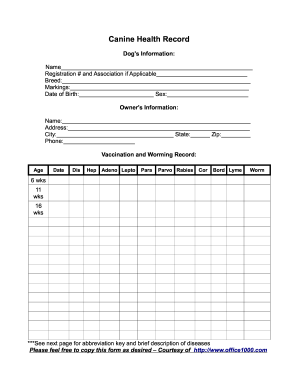
Canine Health Record - Two Colors Kennel

Settlement of Estate - Kentucky Court of Justice - courts ky

Application for construction contractor registration
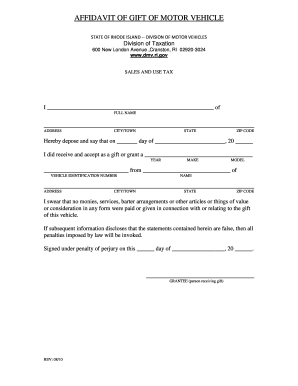
AFFIDAVIT OF GIFT OF MOTOR VEHICLE - dmv ri

Income-Driven Repayment Plan Request form - ifap ed
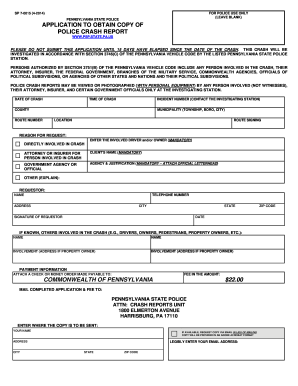
Sp 7 0015
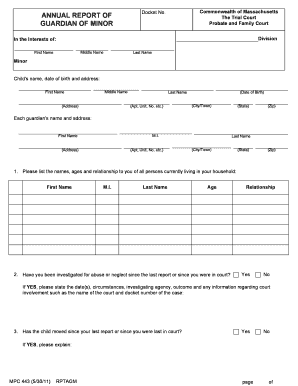
Pc 443 rptagm
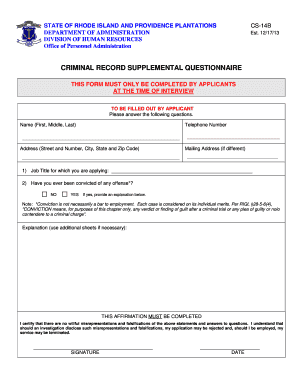
Cs 14b form
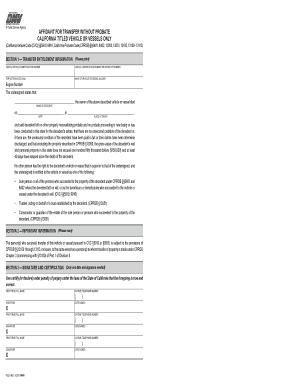
Reg 5

Hope in recovery worksheets
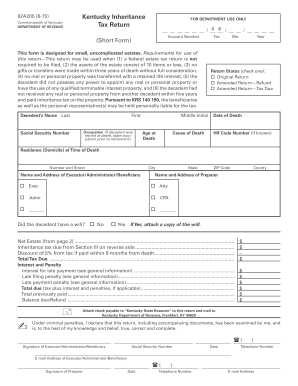
Ky inheritance tax 2015 form
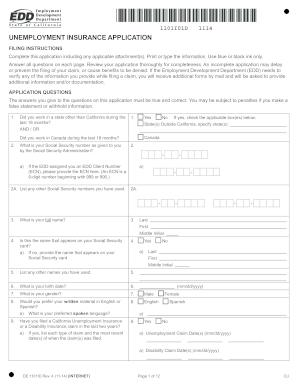
1101i01d 1114

Ne receipt

How to p incident report

Beneficiary maryland mva
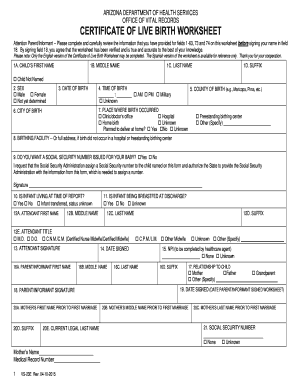
2003 standard home birth worksheet az printable 2015 form

Navajo nation travel policy

Hampton Roads Regional Special Inspection ... - City of Hampton - portsmouthva

Criminal Law: Batterer Intervention Program Progress Report in - courts ca

Job safety analysoo fornn
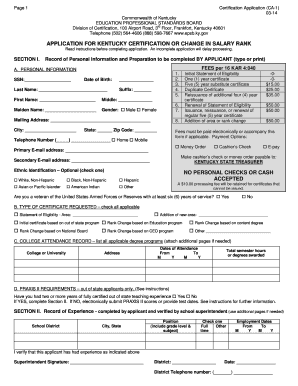
Ca 1 form epsb

Form mv 16 rev 07 2014
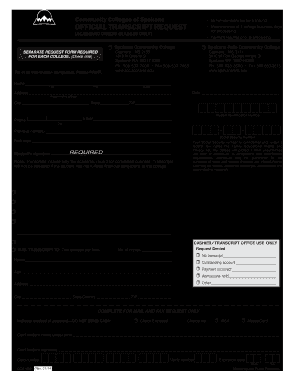
Community spokane transcript
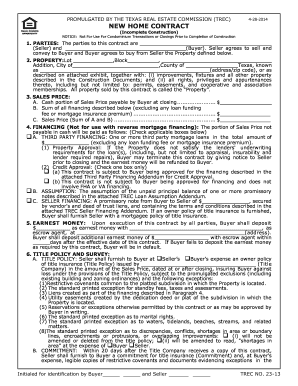
Trec new contract

Rpd 41317
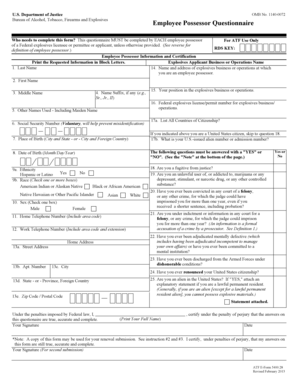
Atf form 5400 28

Form ST-3 Resale Certificate - State of New Jersey - nj

Justice court entry
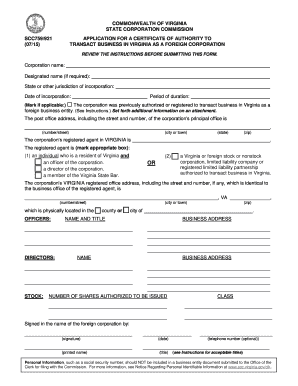
Form SCC 759/921 - Virginia State Corporation Commission - scc virginia

Standard form 3112a
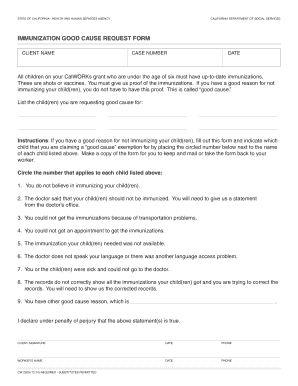
Cw2209

It 370 v
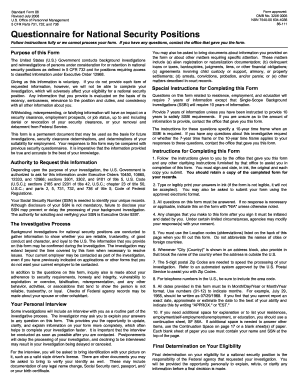
Standard Form 86, Questionnaire for National Security Positions - opm

Vendor monthly service form

Tx corporation limited liability form
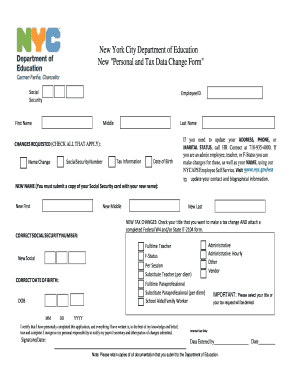
Personal and tax data change form
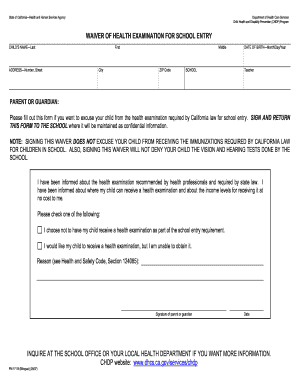
Pm 171 b

De 1snp form
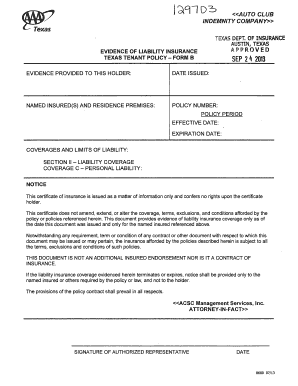
Aaa renters insurance texas
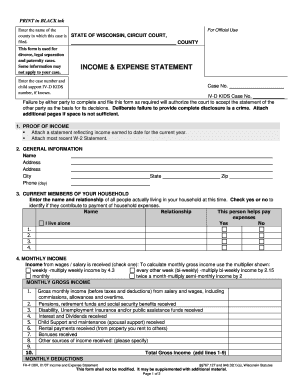
FA-4138: Income and Asset Statement - Wisconsin Court System - wicourts

South Carolina Medicaid Program Annual Review Form - www1 scdhhs
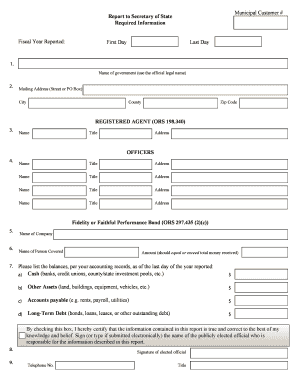
Oregon report in lieu of audit fillable form
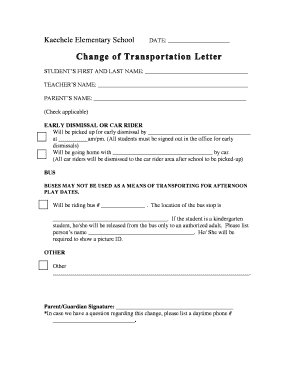
School transportation change letter
Buildings rf1
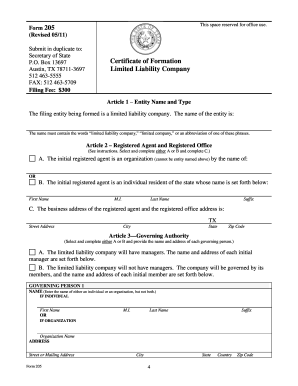
The attached form is designed to meet minimal statutory filing requirements pursuant to the relevant - sos texas
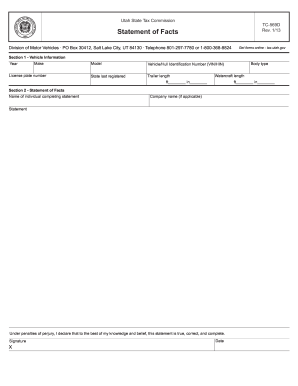
Statement of facts utah

Missouri lien release

Credit Card Payment (RE 909), Rev 10/15. Credit Card Payment (RE 909) - dre ca
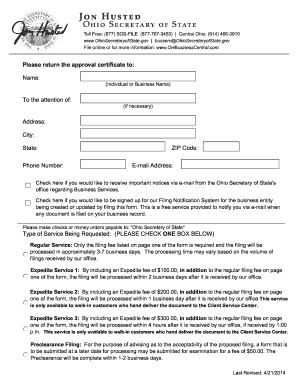
Form 522 - Ohio Secretary of State - ohiosecretaryofstate
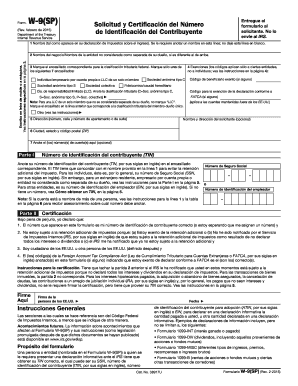
Form W-9 (SP) (Rev. February 2015). Request for Taxpayer Identification Number and Certificate (Spanish Version) - irs
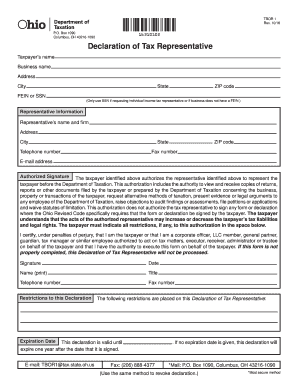
Tbor 1 2013 form
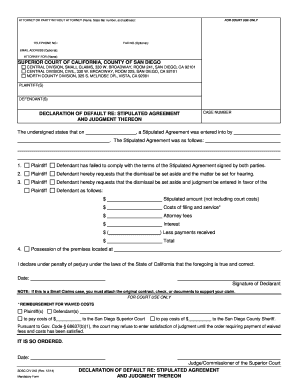
CIV-243 Declaration of Default Re: Stipulated Agreement and ... - sdcourt ca

Faa8710 certificate pdf
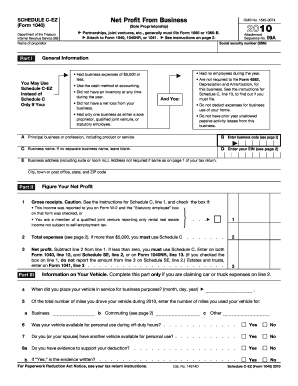
2010 schedule c ez form

53 111 a
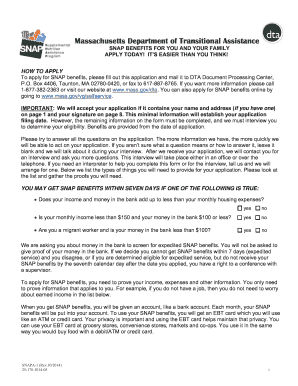
SNAP Benefits Application - Mass.Gov - mass
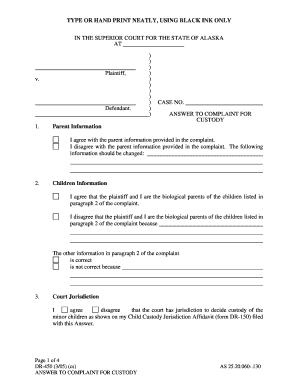
Alaska dr450
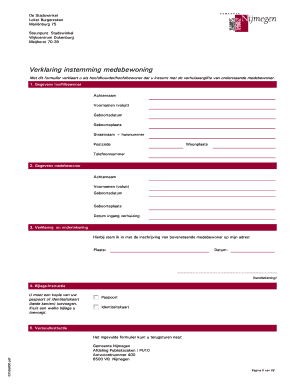
Instemming form
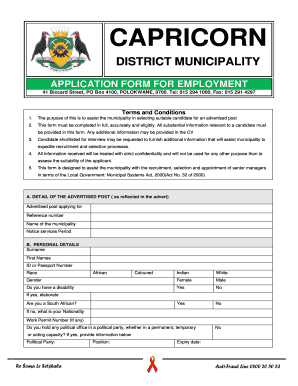
Capricorn tvet college polokwane online application 2021
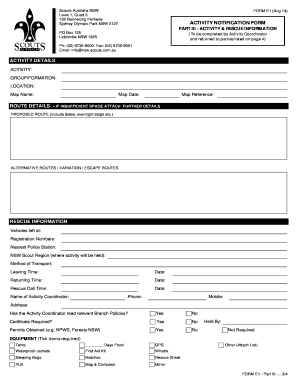
Scout forms
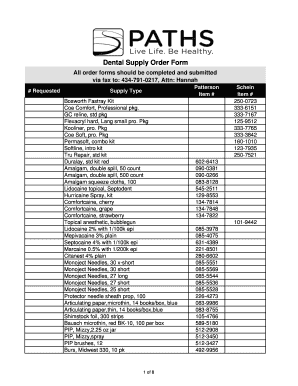
Dental inventory spreadsheet pdf

Canine release form
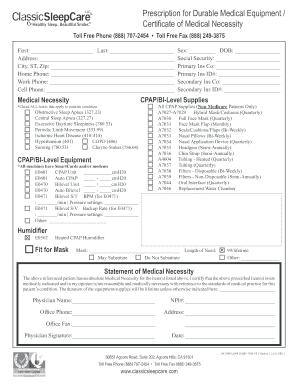
Classic sleep care

Wisconsin amended return
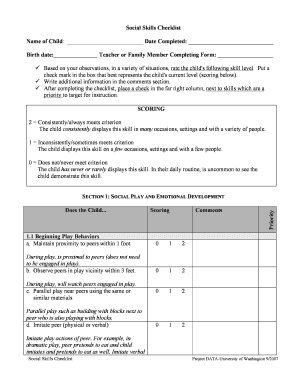
Checklist project data
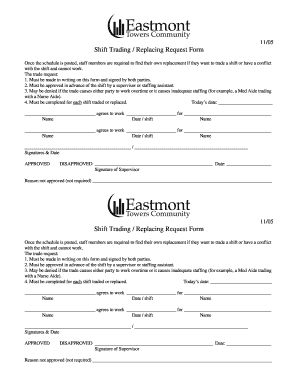
Shift form sample
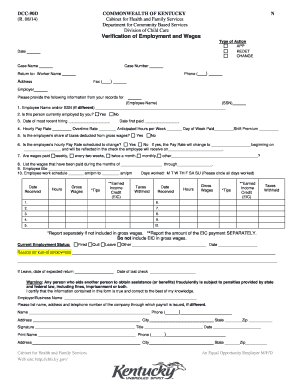
Pafs 700
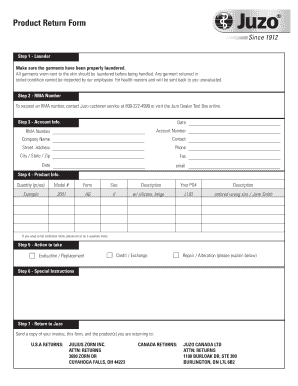
Juzo return form

Csa vacation
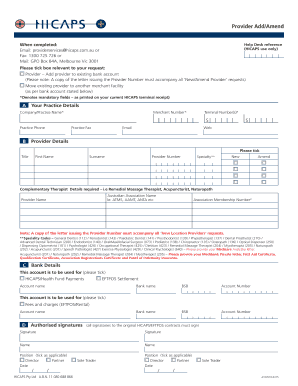
Hicaps add provider
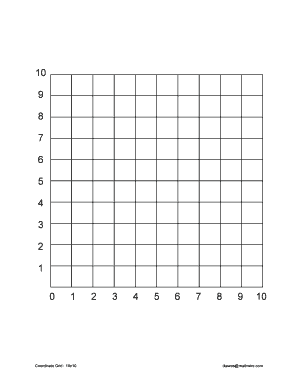
10x10 coordinate grid
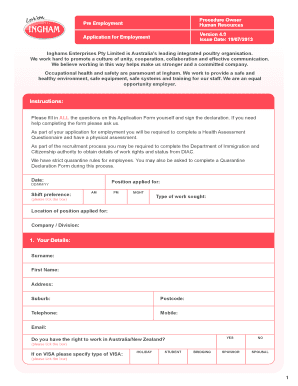
Inghams application form
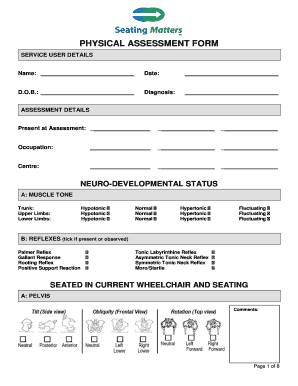
Matters physical assessment form
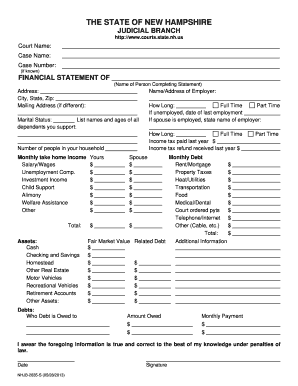
Nh statement
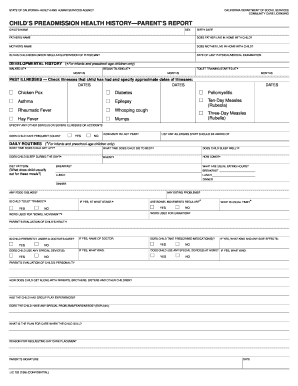
Lic 702 1999 form
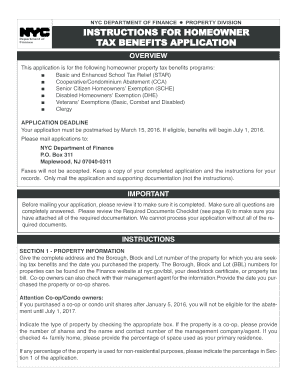
New york star application 2016 form
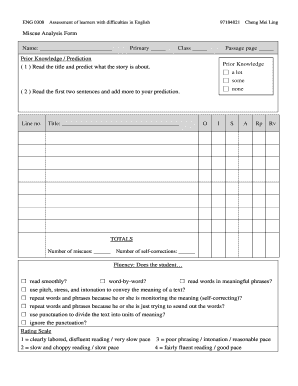
Miscue analysis form

City of St Ann OCCUPANCY PERMIT APPLICATION - stannmo

Lifting plan template excel

Afp national check
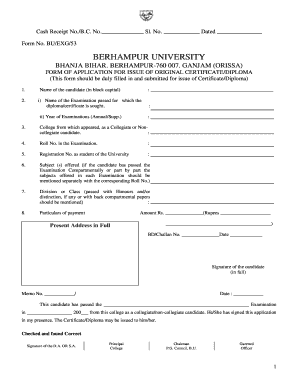
Berhampur university original certificate form
Trade reference template
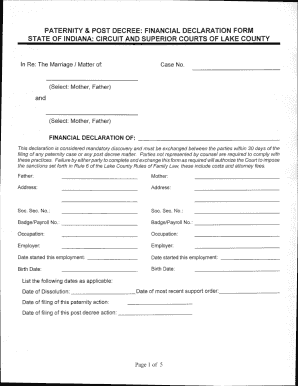
Indiana post decree form
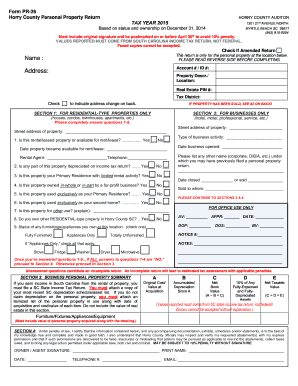
Form PR-26 Horry County Personal Property Return TAX - horrycounty
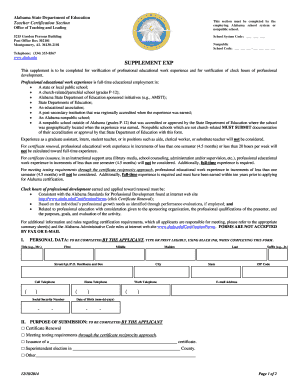
Supplement exp - Alabama Department of Education - alsde
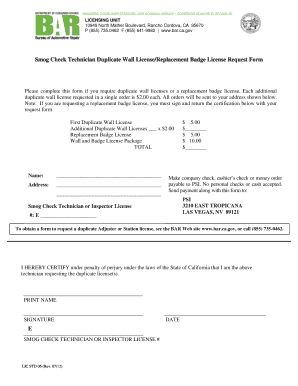
I lost my smog check paperwork
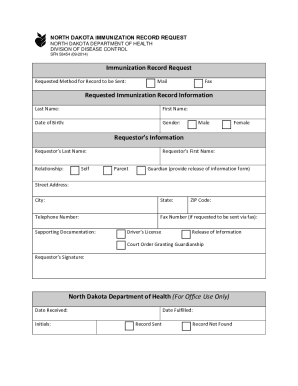
Nd immunization records
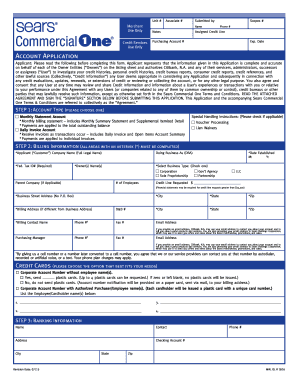
Sears commercial one
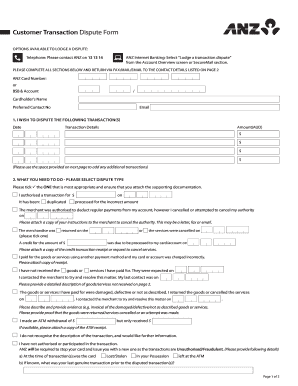
Customer transaction dispute form
Zicta application form

Potvrda o zivotu
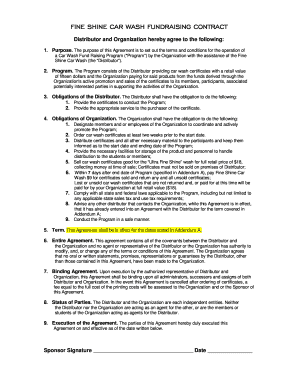
Car wash lease agreement
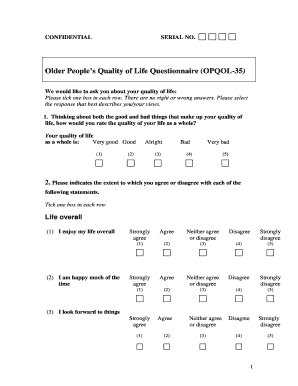
Geriatric quality of life questionnaire pdf

Orange county local area disclosures
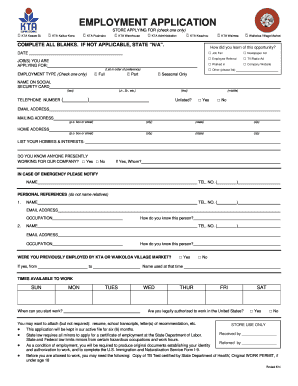
Kta application
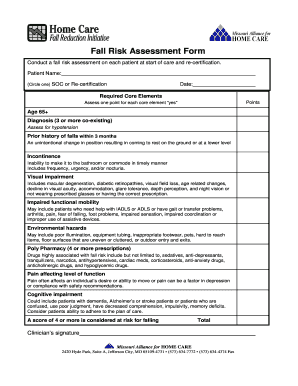
Missouri fall risk assessment
Trailer inspection sheet
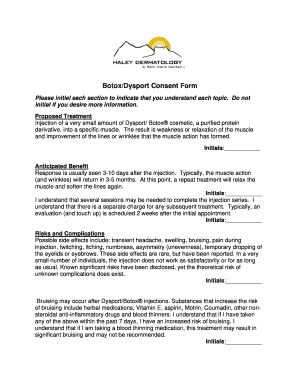
/ Consent Form

PHOTOGRAPHS AND FINGERPRINTS AS PER SECTION 32A OF

Risk management manual - Delta Sigma Theta Sorority. Inc. - deltasigmatheta
Benefit from the DocHub online library of fillable PDF forms
Searching the PDF forms doesn't have to be a tedious and time-consuming process. With the DocHub online library, it has become easier to find the fillable PDF forms and modify them in your browser. The service allows you to adjust the document to your needs using powerful editing tools.
You can use online document editing features to modify almost any type of document with ease. You just need to find the template of your choice, open it in the editor, and use the toolbar to make the necessary corrections.
Follow this guide to get your document done with DocHub:
- Find the PDF template you need.
- Click the Get Form button to open the file in the editor.
- Use the toolbar to fill out and edit the document.
- Easily add and highlight text, insert images, checkmarks, and symbols.
- Drop new fillable fields, and rearrange or delete pages from your file.
- Save changes and download your record.
DocHub empowers everyone to streamline document editing, signing, and distribution, and form completion. Create an account and benefit from our well-organized PDF Forms library and comprehensive editor.