
Get any PDF form from the DocHub library of ready-made templates - Page 1824

Federal Register/Vol. 71, No. 20/Tuesday, January 31 ... - NHTSA - nhtsa
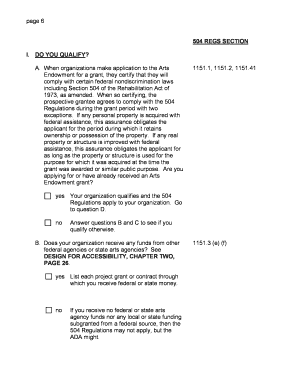
Section 504 self evaluation workbook form
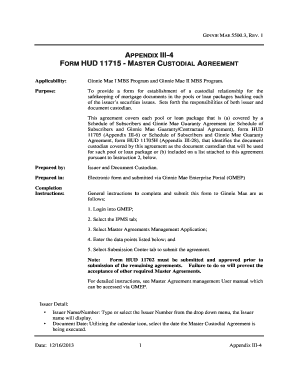
Hud 11715
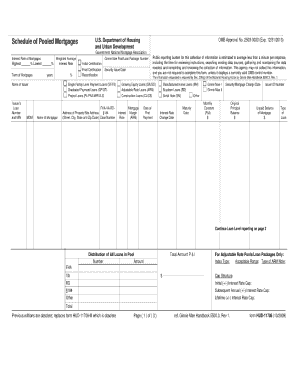
Hud 11706 form 2009

Florida hotel tax exempt form pdf
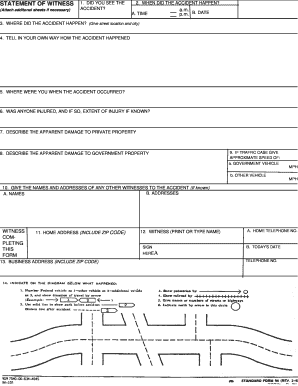
Standard form 94

Gsa form 527 fillable
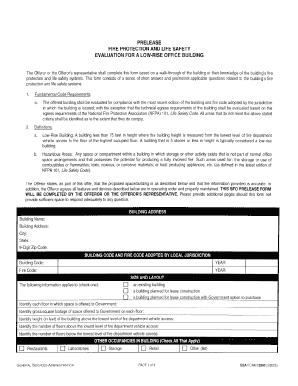
Gsa forms12000

Omb 0596 0080 expires 8 2007 form

Fws form 3 200 37 2010
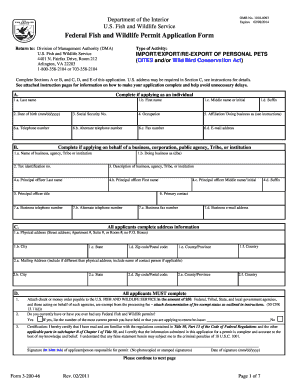
Wildlife application form
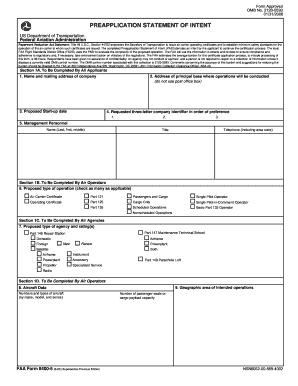
Faagov pasi preapplication statement of intent fillable 1995 form
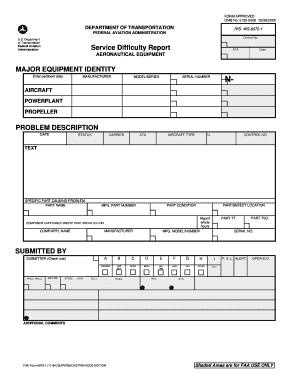
Faa form 8070 1
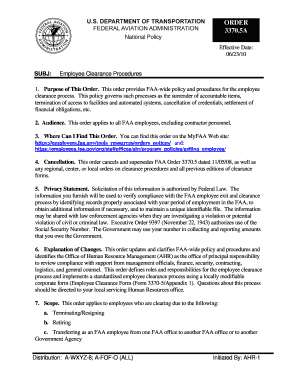
Faa basic med forms
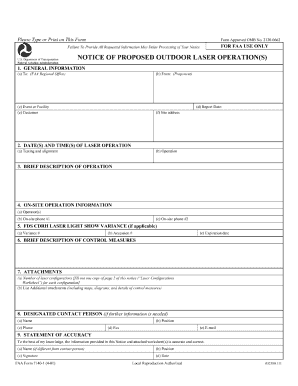
Form 7140
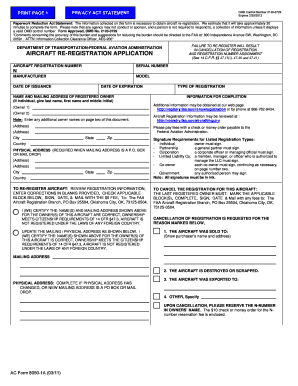
8050 1

Faa agricultural application form
Faa glaucoma form
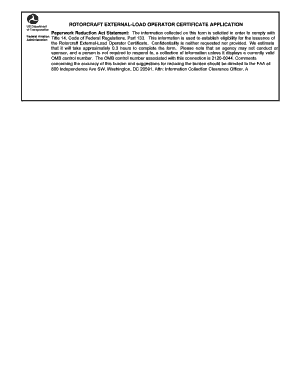
8710 form online
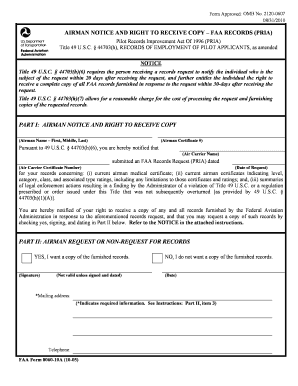
Fillable 8060 10a

8130 3
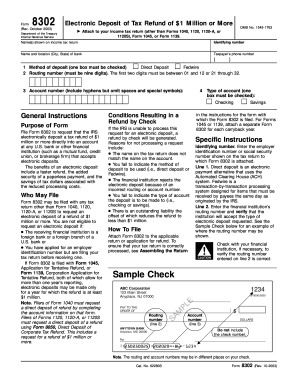
Electronic tax
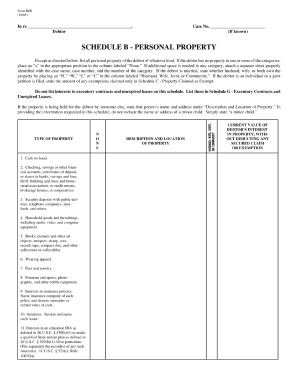
Form b6b 2005

Fill in the blanks about department of justice 2004 form
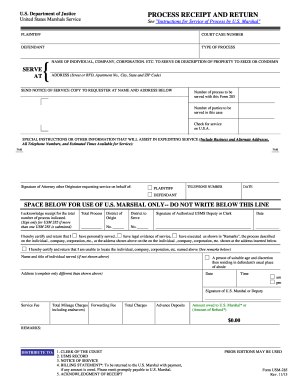
Us marshalls form 285 1980

B6 summary official form 6 summary 1207 2006

Form 8821 fillable 2008

Eta 671

Fillable quote

790 12 form spanish

Withdrawal hearing
How to fill reference check form

2002 macellaro and
Hud 504 form

52676 2010 form
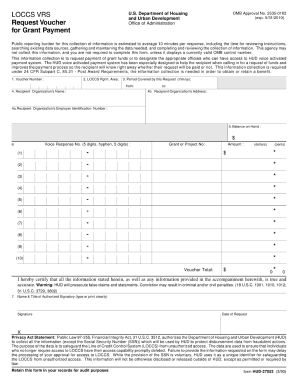
Picture of hud grant form
Hud 50066
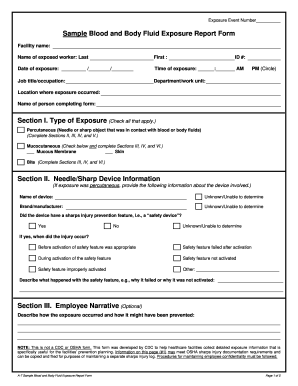
Exposure report form

Hvac longfrom form
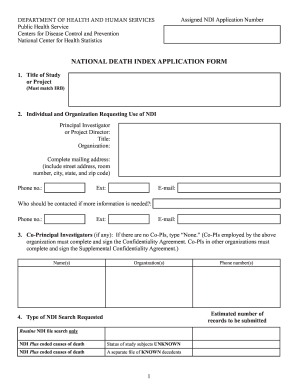
Death application form
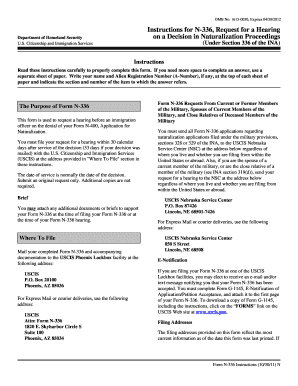
Uscis form n 336 instructions
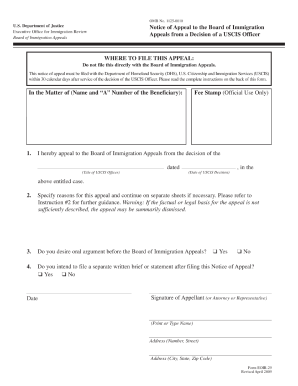
Security rounds checklist 2009 form
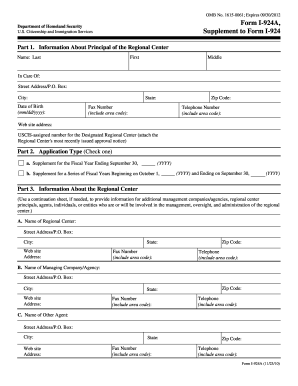
Uscis i 924a 2010 form

Sample of form i 864a 2011
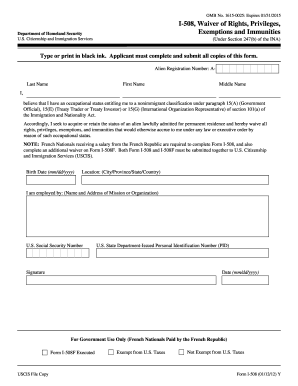
Form i 508 fillable 2012
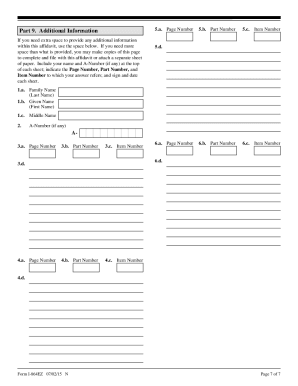
I864z

129f petition 2012 form
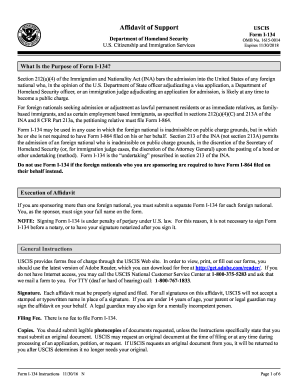
1 134 2011 form
M 476

Ao 120
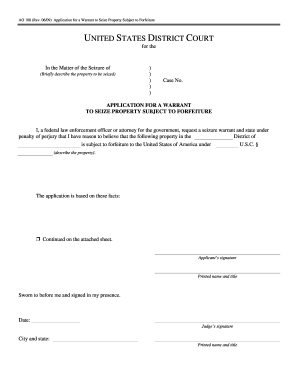
Application for a Warrant to Seize Property Subject to Forfeiture - uscourts
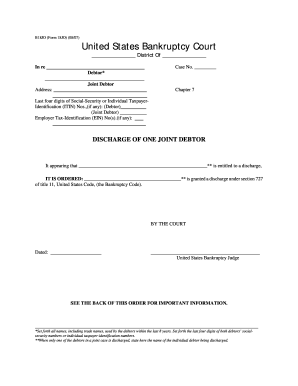
Printable medicaid application form
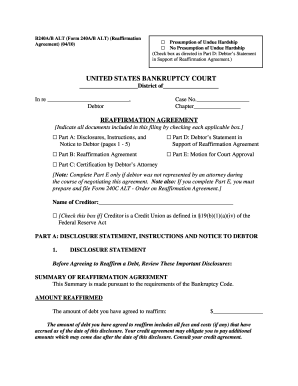
B240a united state 2010 form
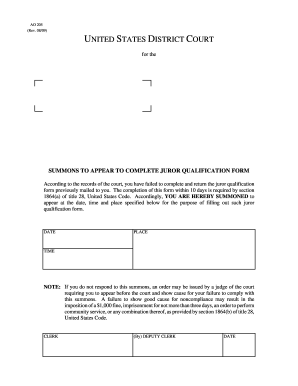
Juror qualification form nj
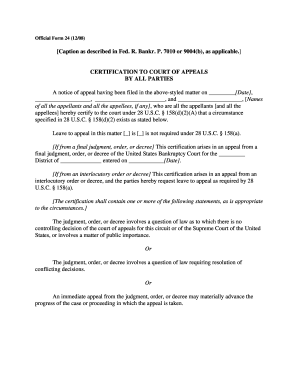
Kentucky rules of civil procedure form 24

Atf form 5 2004

Tracerequest download form
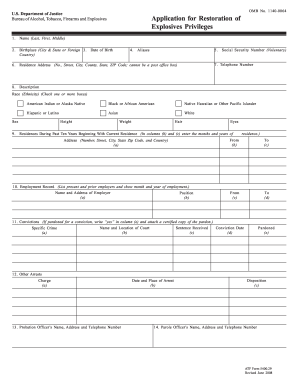
Application for restoration of explosives privileges 2008 form
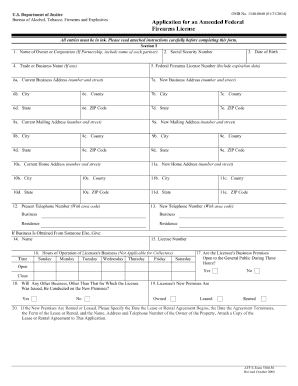
Download copy of ffl
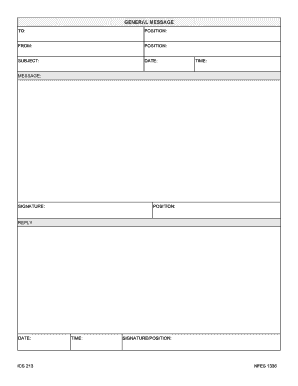
Nwcg general message
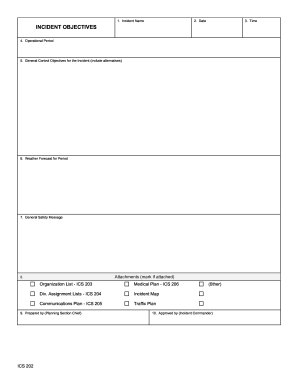
Ics 202 fillable form
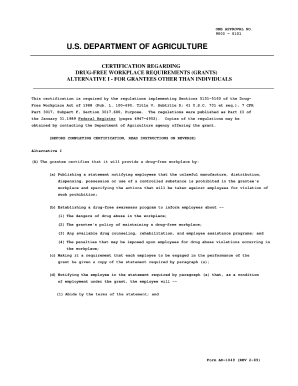
Form ad 1049 1989

Leaves passes form template

Fc form 2171

Mentoring questionnaire pdf
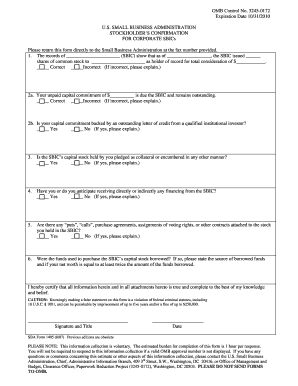
Sba form 3501
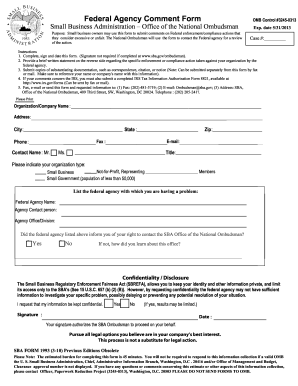
Form fax comments get

Sba form 148
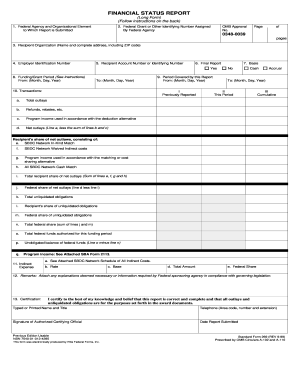
Sf 269
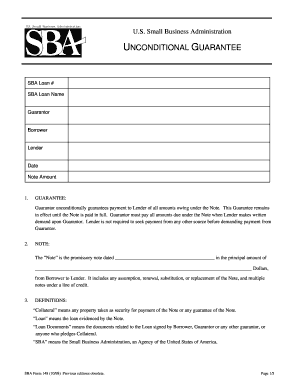
Sba form 148
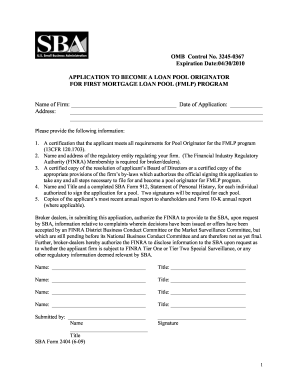
Sba committee omb form
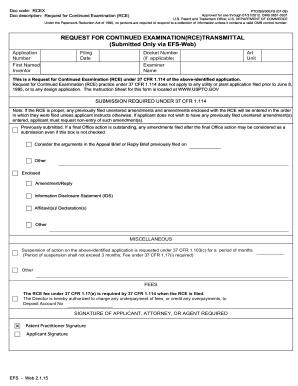
Continued examination form
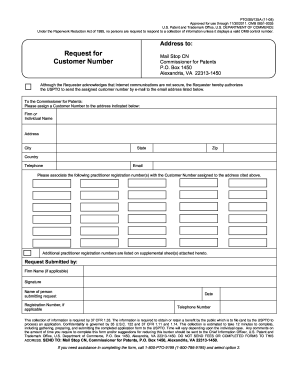
Uspto customer number lookup
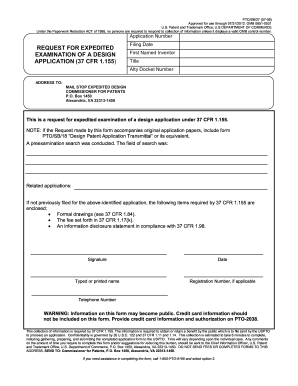
Omb 0651
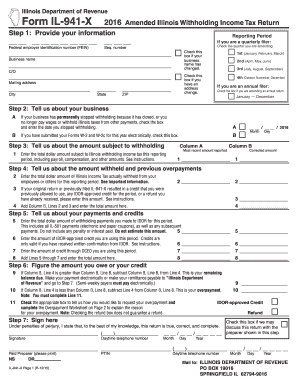
Form il 941 x 2016
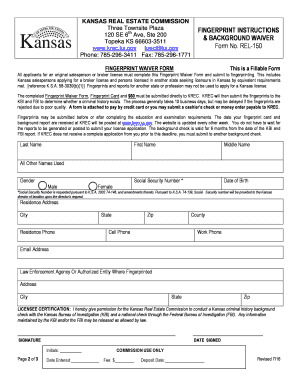
REL-150 Fingerprint Instructions & Background Waiver
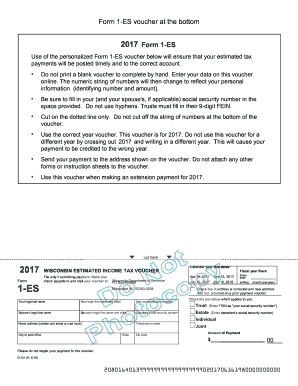
2017 wisconsin 1 es form
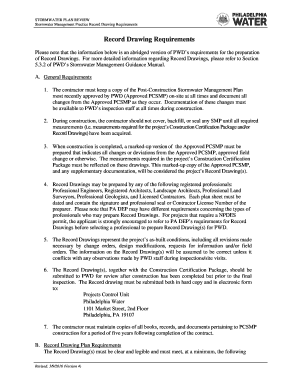
STORMWATER PLAN REVIEW
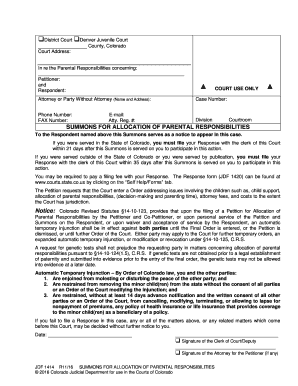
Jdf 1414
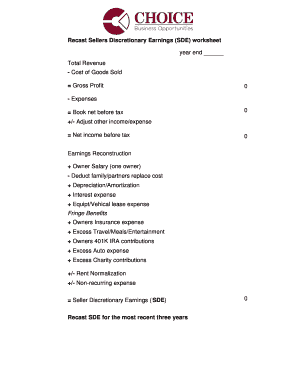
Seller's discretionary earnings worksheet
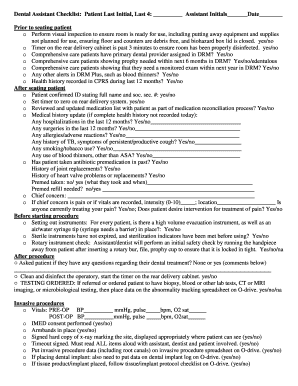
Dental assistant checklist

2016 Schedules M-1 and M-2 (Form 1120-F). Reconciliation of Income (Loss) and Analysis of Unappropriated Retained Earnings per Books
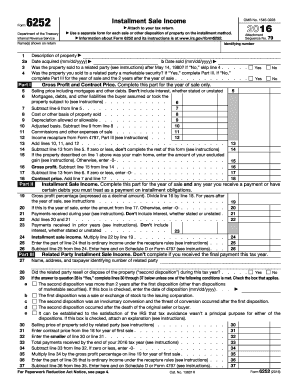
2016 irs form 6252
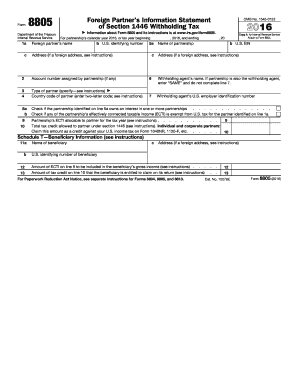
2016 form 8805

990 schedule dDocHubcom 2016 form
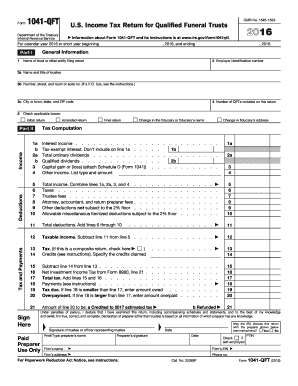
Form 1041 qft 2016
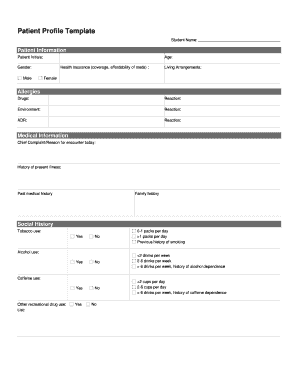
Patient profile template
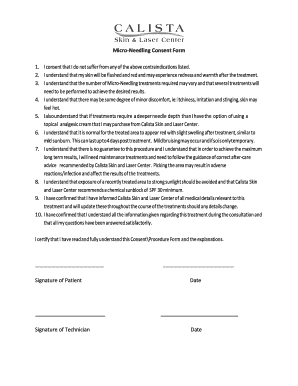
Microneedling consent form template
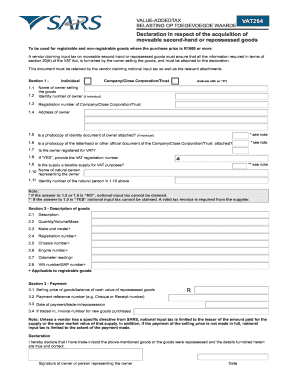
VAT264 Second Hand Goods - Melwescor - melwescor co

Drug Coverage / Assistance Form Expedited Review ...

Download - Tankless DHW Service Agreement - Foley Mechanical

State of Ohio Application for License to Carry a Concealed Handgun ... - ohioattorneygeneral
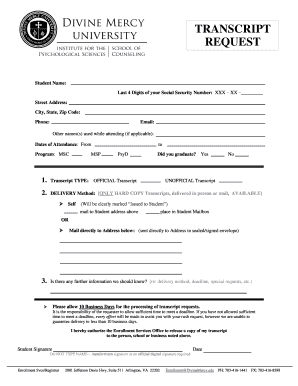
Download the Transcript Request Form. - Divine Mercy University - divinemercy
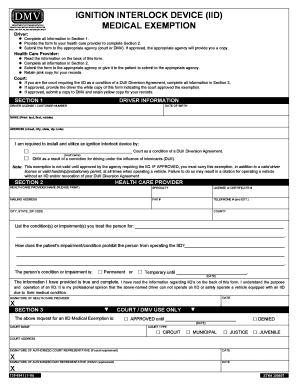
Medical exemption for ignition interlock device form

Ignition interlock form
EGR 103 Fundamentals of Engineering Design - Rowan College at ... - bcc
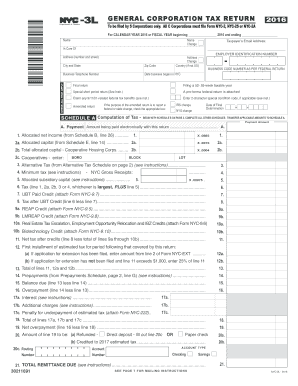
Nyc 3l 2016 form

New Patient Form - Braile Chiropractic in Marietta Georgia
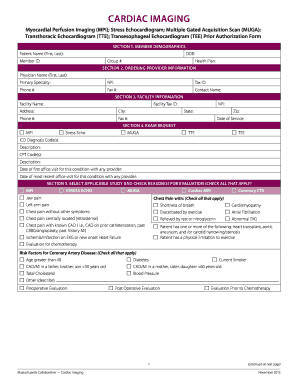
Centrally dob fibrillation
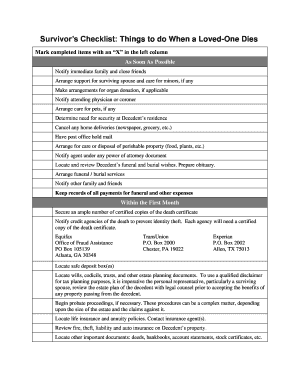
Printable checklist for when someone dies
Benefit from the DocHub online library of fillable PDF forms
Searching the PDF forms doesn't have to be a tedious and time-consuming process. With the DocHub online library, it has become easier to find the fillable PDF forms and modify them in your browser. The service allows you to adjust the document to your needs using powerful editing tools.
You can use online document editing features to modify almost any type of document with ease. You just need to find the template of your choice, open it in the editor, and use the toolbar to make the necessary corrections.
Follow this guide to get your document done with DocHub:
- Find the PDF template you need.
- Click the Get Form button to open the file in the editor.
- Use the toolbar to fill out and edit the document.
- Easily add and highlight text, insert images, checkmarks, and symbols.
- Drop new fillable fields, and rearrange or delete pages from your file.
- Save changes and download your record.
DocHub empowers everyone to streamline document editing, signing, and distribution, and form completion. Create an account and benefit from our well-organized PDF Forms library and comprehensive editor.