




01. Edit your form online
Type text, add images, blackout confidential details, add comments, highlights and more.

Type text, add images, blackout confidential details, add comments, highlights and more.

Draw your signature, type it, upload its image, or use your mobile device as a signature pad.

Send it via email, link, or fax. You can also download it, export it or print it out.

Start using our platform today to easily fill out and manage your b240a form online for free!
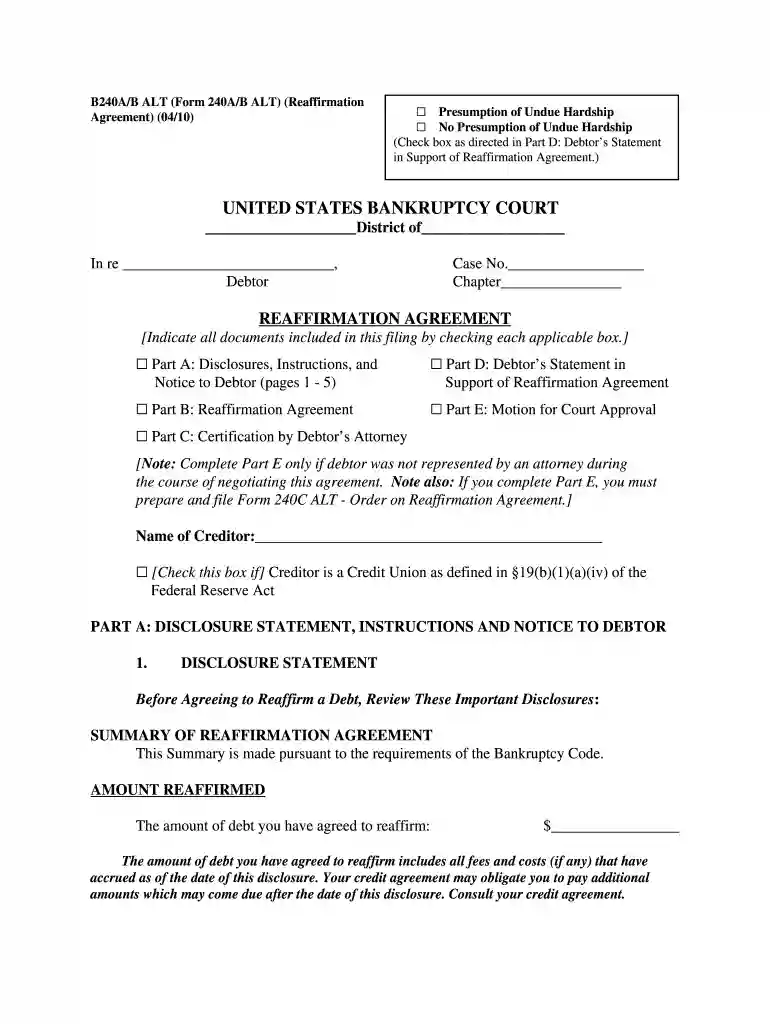
We've got more versions of the b240a united state 2010 form form. Select the right b240a united state 2010 form version from the list and start editing it straight away!
Yes, you’ll find numerous apps for this on the web. Nevertheless, if you need to eSign your b240a united state 2010 form without installing additional software, DocHub is the optimum choice you can make. This powerful editor works on mobile devices just as on desktops. Open our editor in your preferred internet browser, register or sign in to your account, and start managing your forms.
If you use Chrome, there are two straightforward ways to edit your b240a united state 2010 form online. First, visit the DocHub site, add your document, and edit it utilizing our toolbar. You may also set up our Chrome extension and edit any document by dragging and dropping it in your browser window.
At DocHub, your data security is our priority. We follow HIPAA, SOC2, GDPR, and other standards, so you can work on your documents with confidence.
An in-depth guide to filing under Chapter 7, including state-by-state and federal exemptions. KIPLINGERS PERSONAL FINANCE MAGAZINE. Wipe out debt.
Directors Form B240A remains optional, and it cannot be used with a separate, attached reaffirmation agreement.Read more


